How to Assign Admin role in Podup
By following this guide, you can easily assign an Admin role in PodUp, ensuring team members have the necessary permissions to manage tasks effectively.
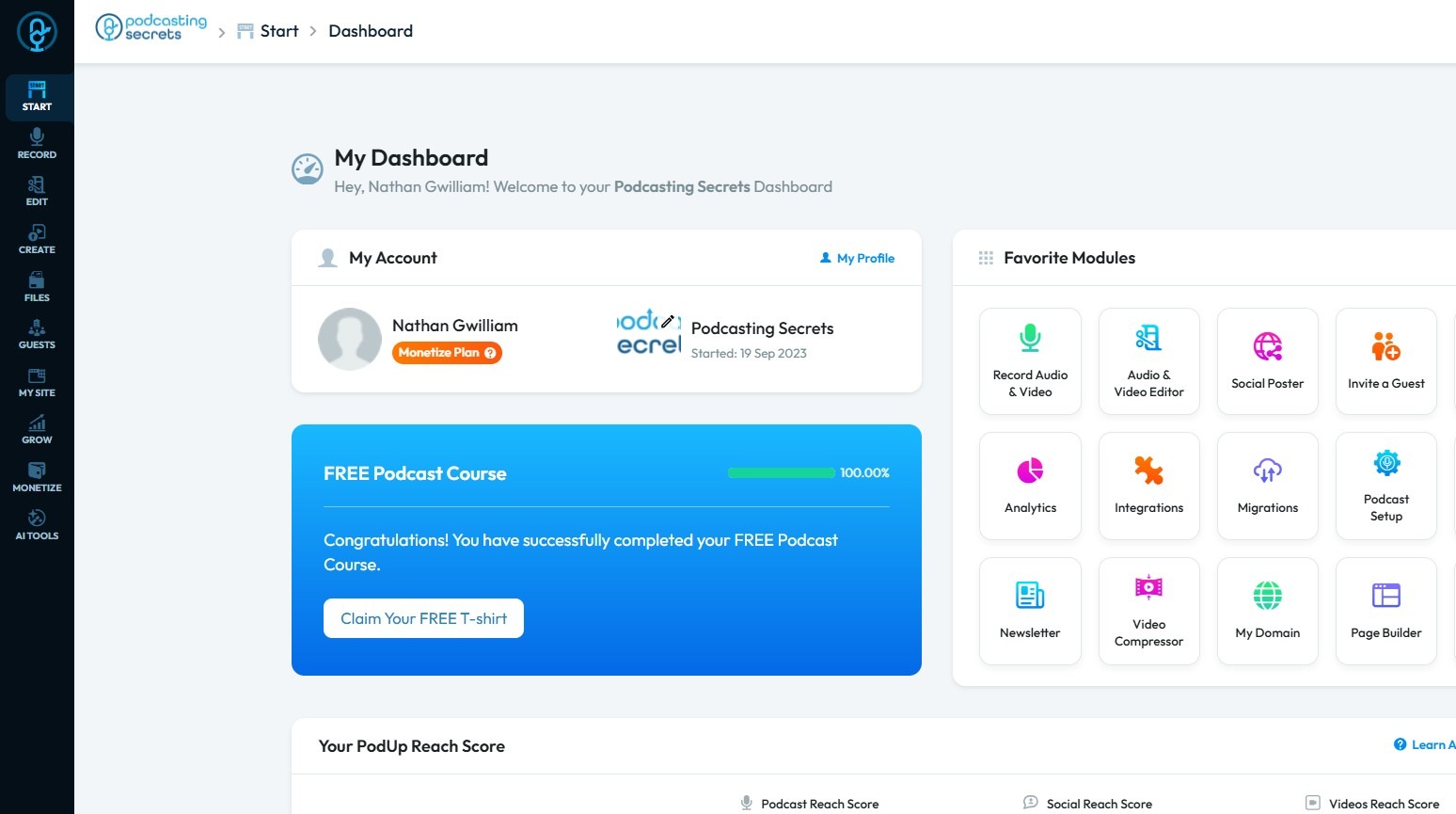
2. Click "Start"
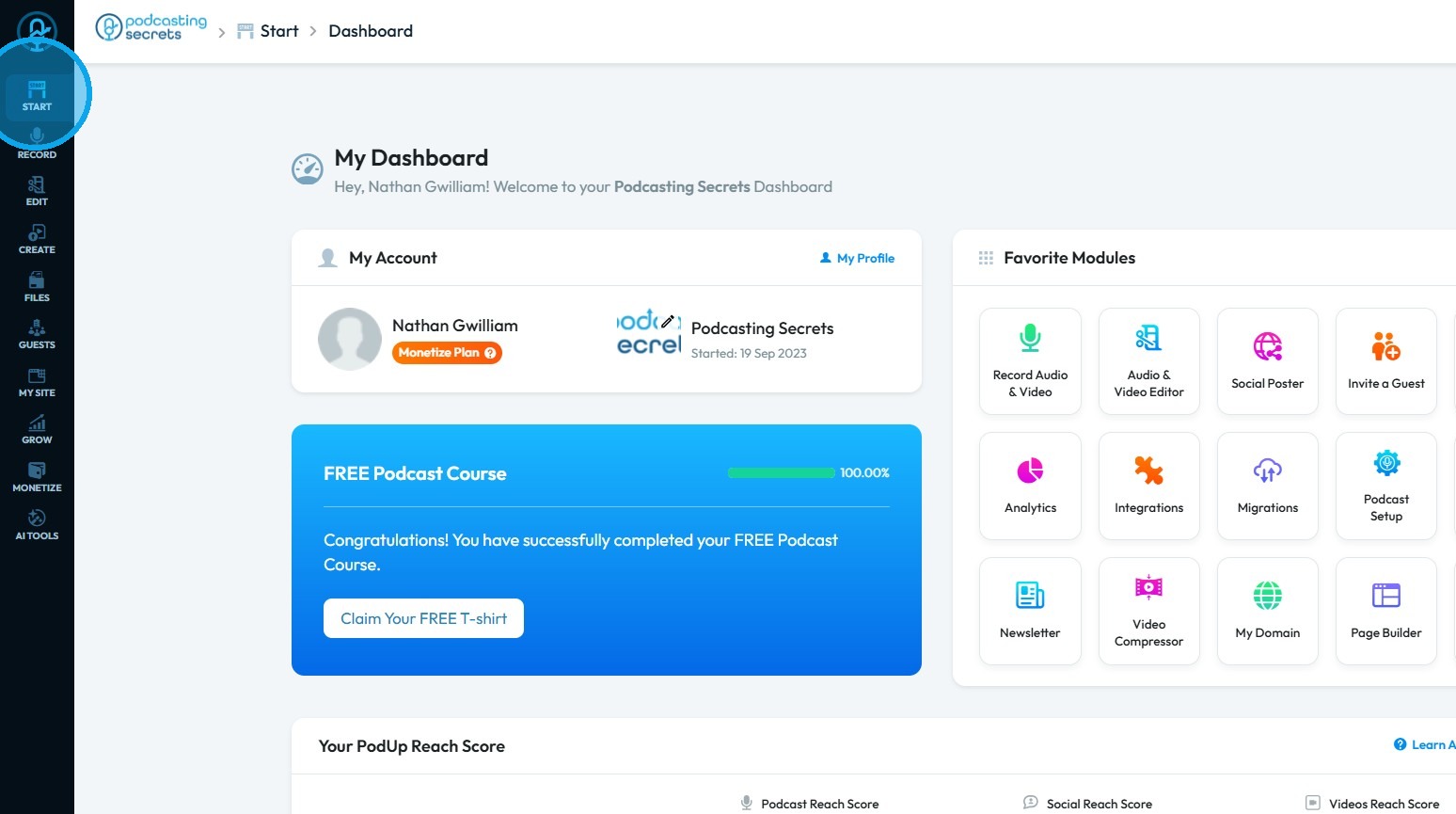
3. Select "My Team"
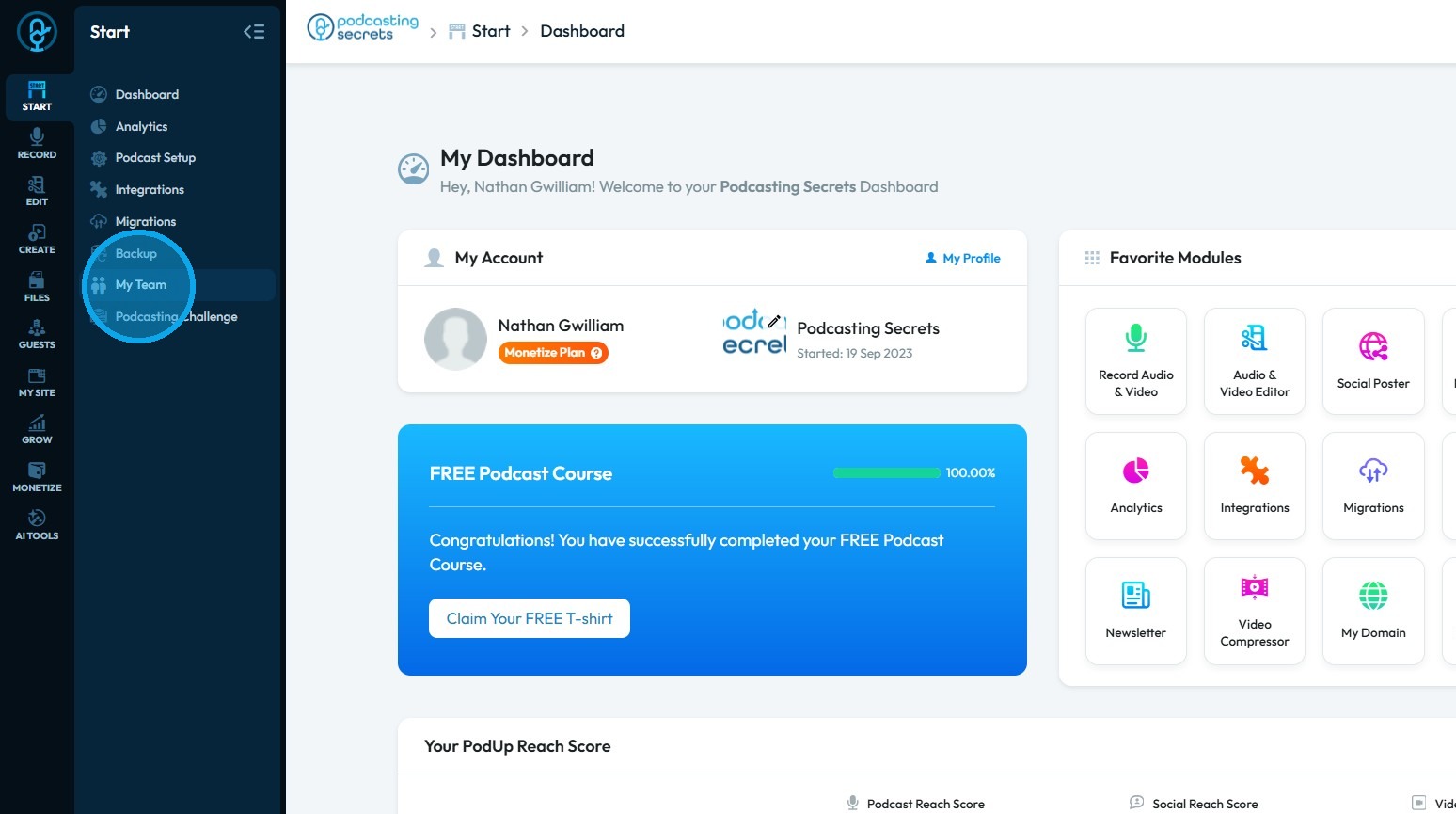
4. Click "Add team member"
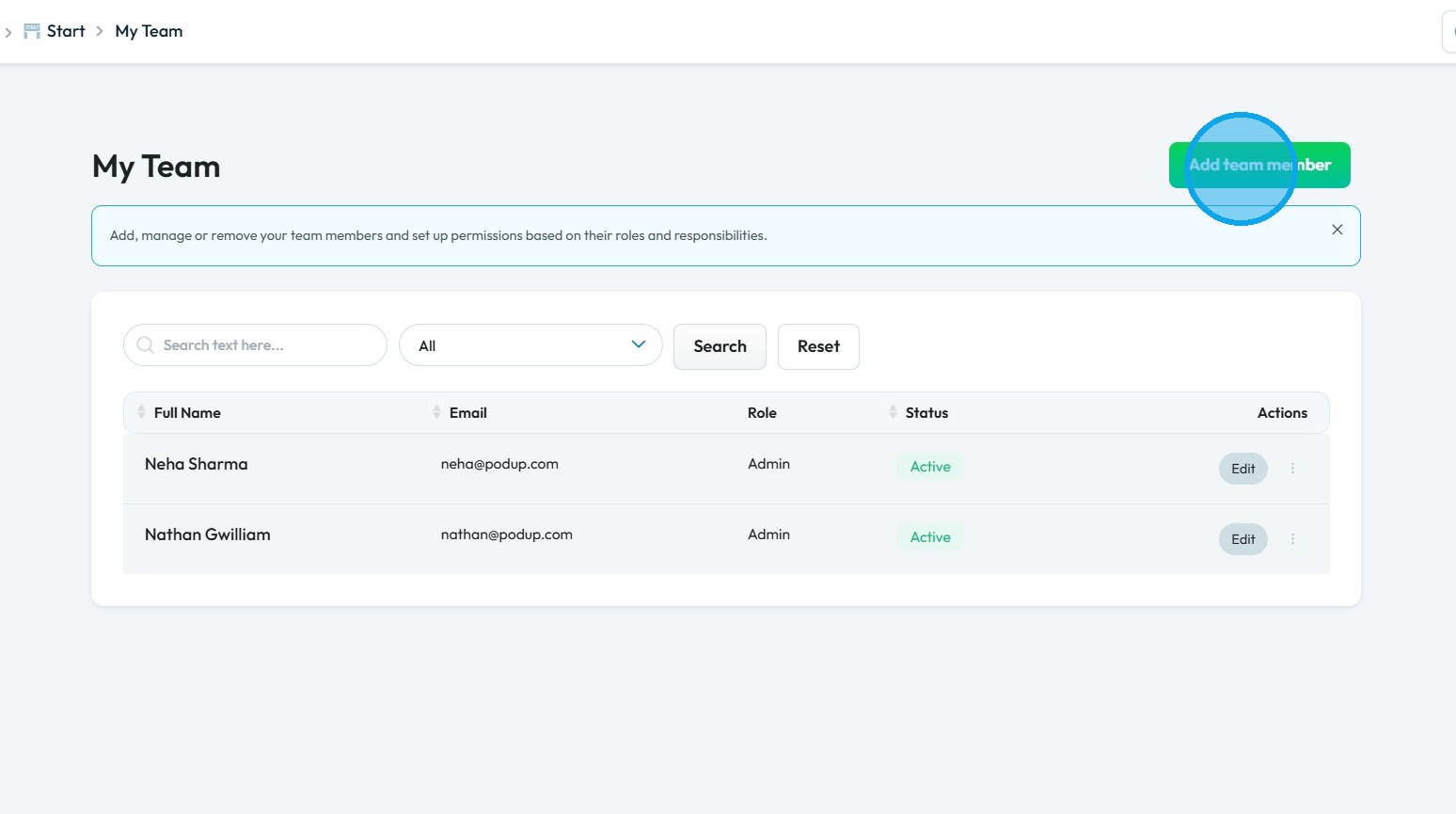
5. The Add Team Member page will open.
Enter the required details.
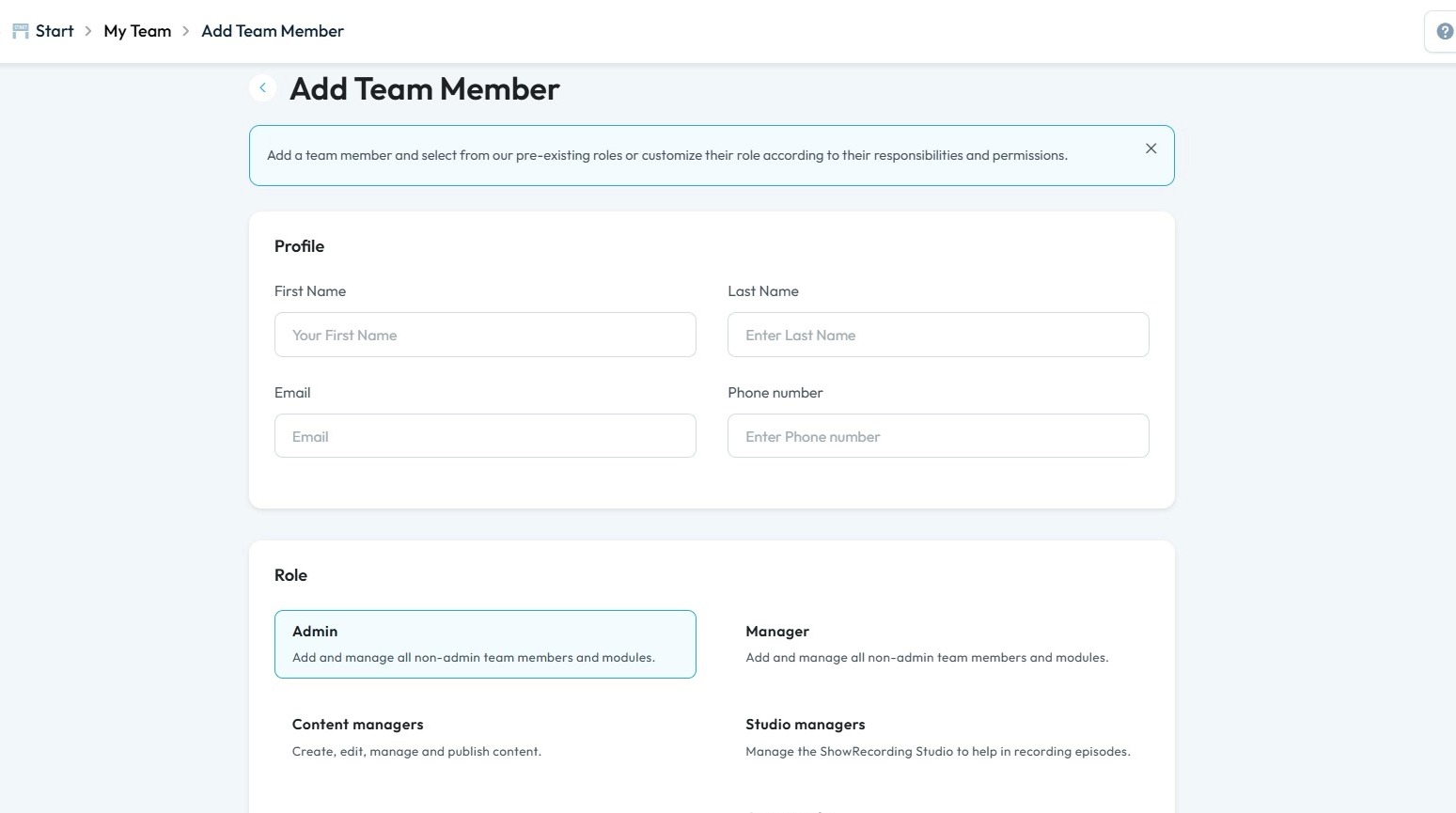
Tip: Tip!
Admin Role: The Admin acts as the central administrator for the entire team structure. Their primary function is to organize, delegate, and maintain the operational framework of the podcasting project. They ensure that everyone has the right tools and permissions to do their job, without granting unnecessary access that could compromise the project's security or integrity.
6. Click "Admin"
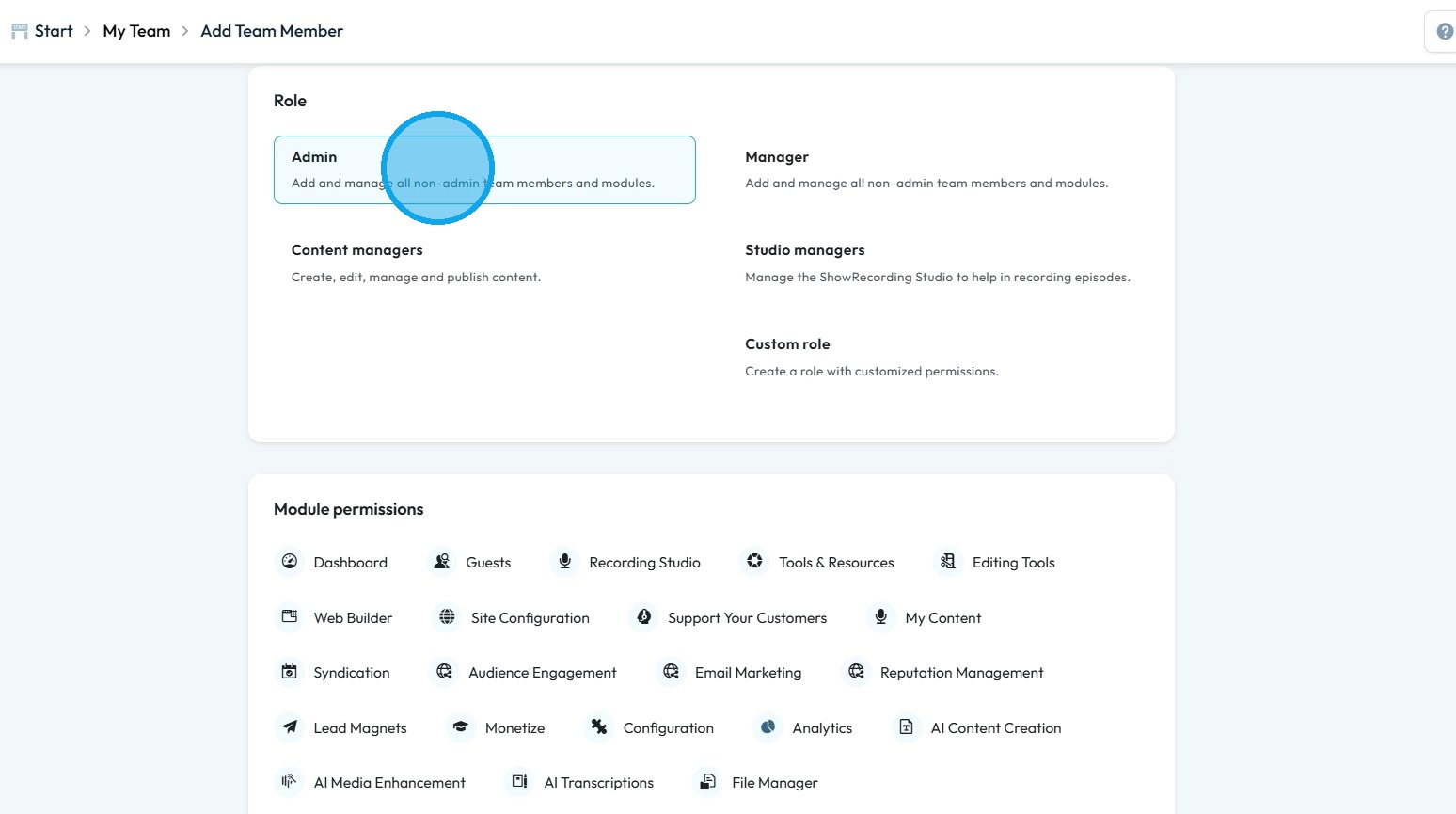
7. Under Admin role the user have full access to Dashboard, Guests, Recording Studio, Tools & Resources, Editing Tools, Web Builder, Site Configuration, Support Your Customers, My Content, Syndication, Audience Engagement, Email Marketing, Reputation Management, Lead Magnets, Monetize, Configuration, Analytics, AI Content Creation, AI Media Enhancement, AI Transcriptions and File Manager.
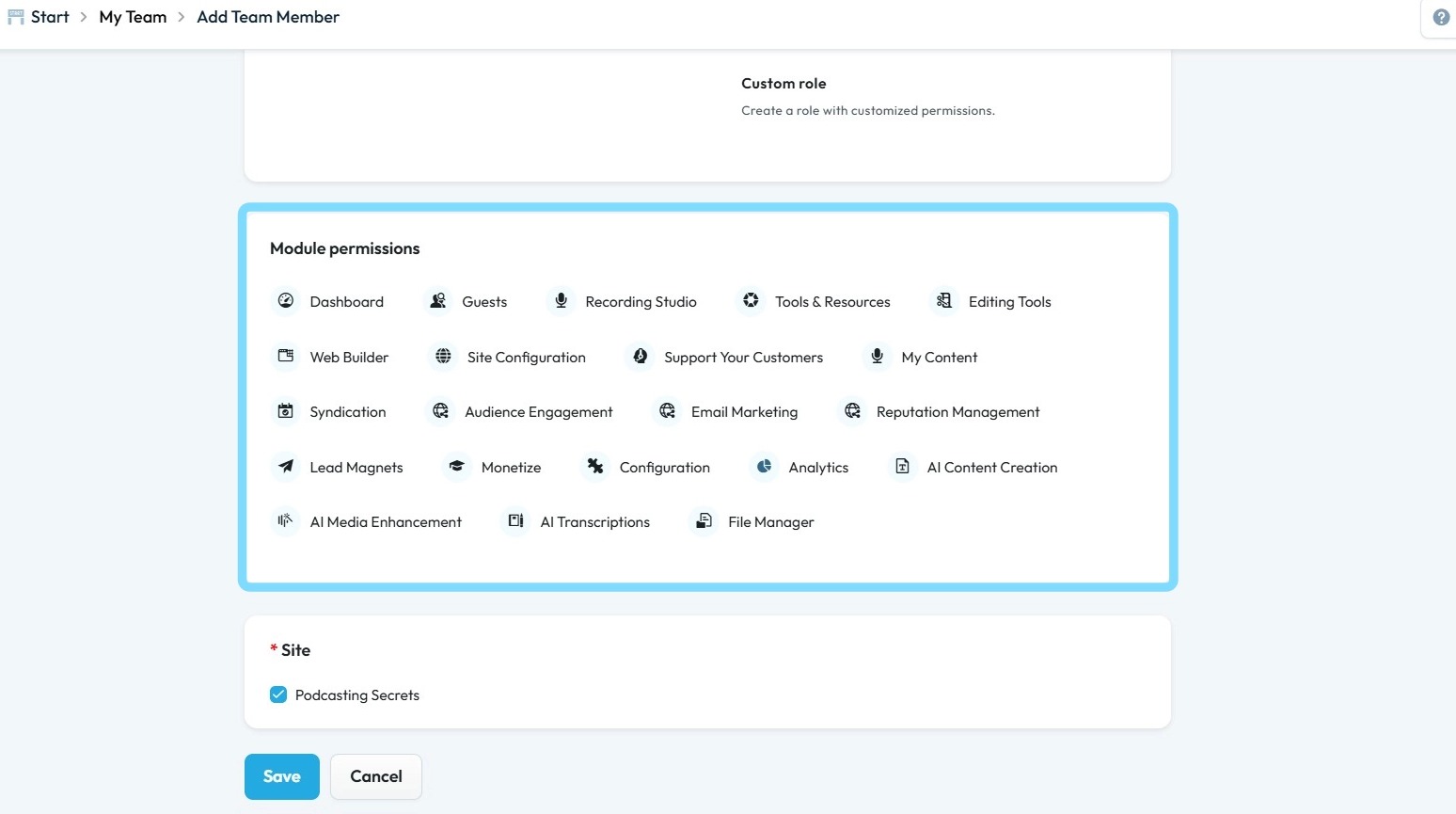
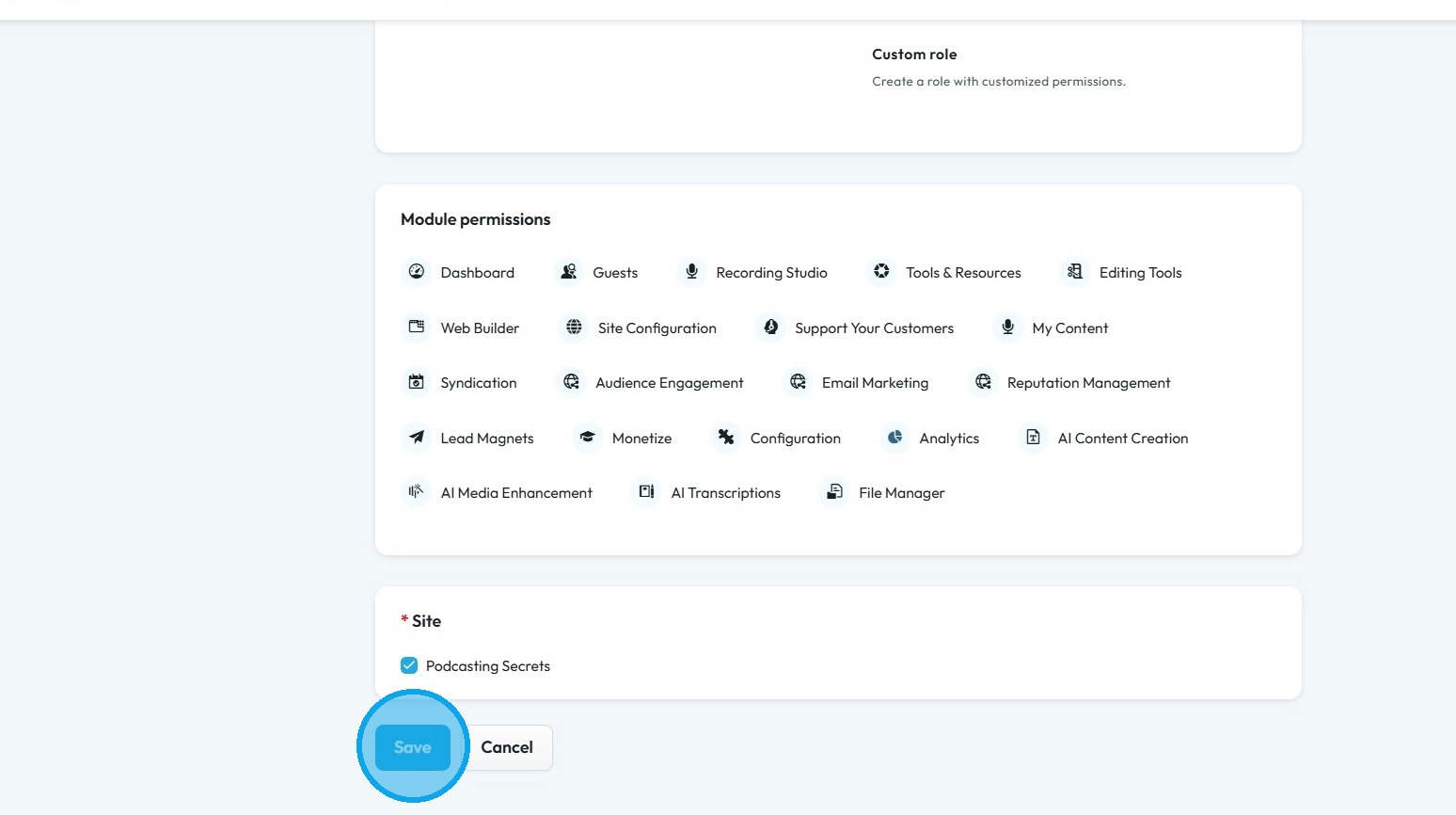
8. Click "Save"
Related Articles
How to Assign Custom role in Podup
By following this guide, you can create custom roles in PodUp to optimize team structure and assign appropriate permissions for effective task management. 1. Navigate to https://app.podup.com/home 2. Click "Start" 3. Click "My Team" 4. Click "Add ...How to Assign Manager role in Podup
By following this guide, you can assign a Manager role in PodUp to empower users to oversee team operations and manage access to essential tools. 1. Navigate to https://app.podup.com/home 2. Click "Start" 3. Select "My Team" 4. Click "Add team ...How to Assign Studio Manager role in PodUp
By following this guide, you can assign the Studio Manager role in PodUp to ensure a smooth recording workflow and maintain high-quality episode production. 1. Navigate to https://app.podup.com/home 2. Click "Start" 3. Click "My Team" 4. Click "Add ...How to Assign Content Manager role in Podup
By following this guide, you can assign the Content Manager role in PodUp to streamline content creation and ensure effective publication and distribution. 1. Navigate to https://app.podup.com/home 2. Click "Start" 3. Click "My Team" 4. Click "Add ...How to Manage Users under My Shop in PodUp Application
This guide provides a comprehensive overview of user management within the PodUp application, specifically under the "My Shop" section. It outlines how to access and manage different user types, including admins, sellers, and customers, as well as ...