How to Assign Custom role in Podup
By following this guide, you can create custom roles in PodUp to optimize team structure and assign appropriate permissions for effective task management.
1. Navigate to https://app.podup.com/home
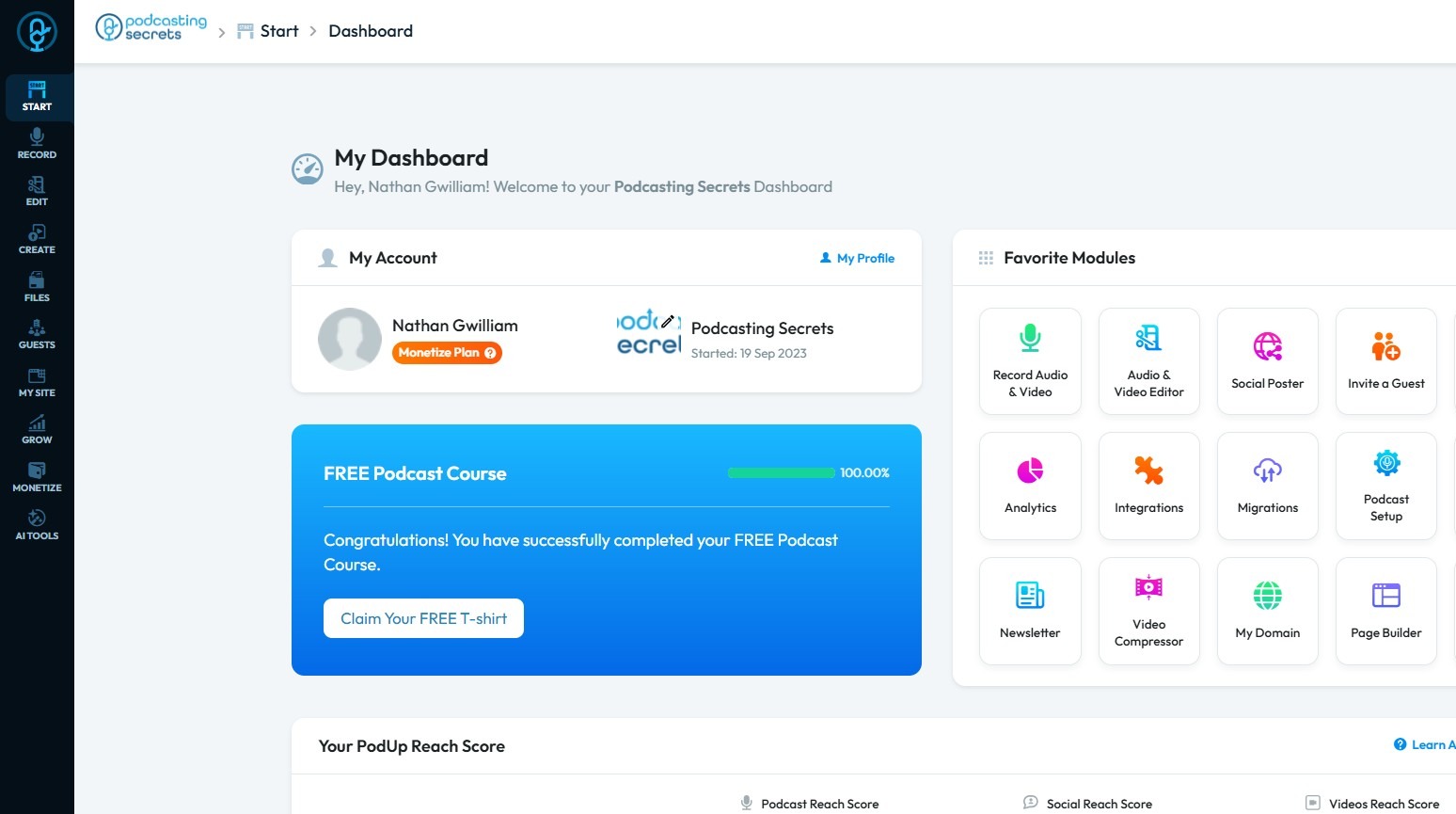
2. Click "Start"
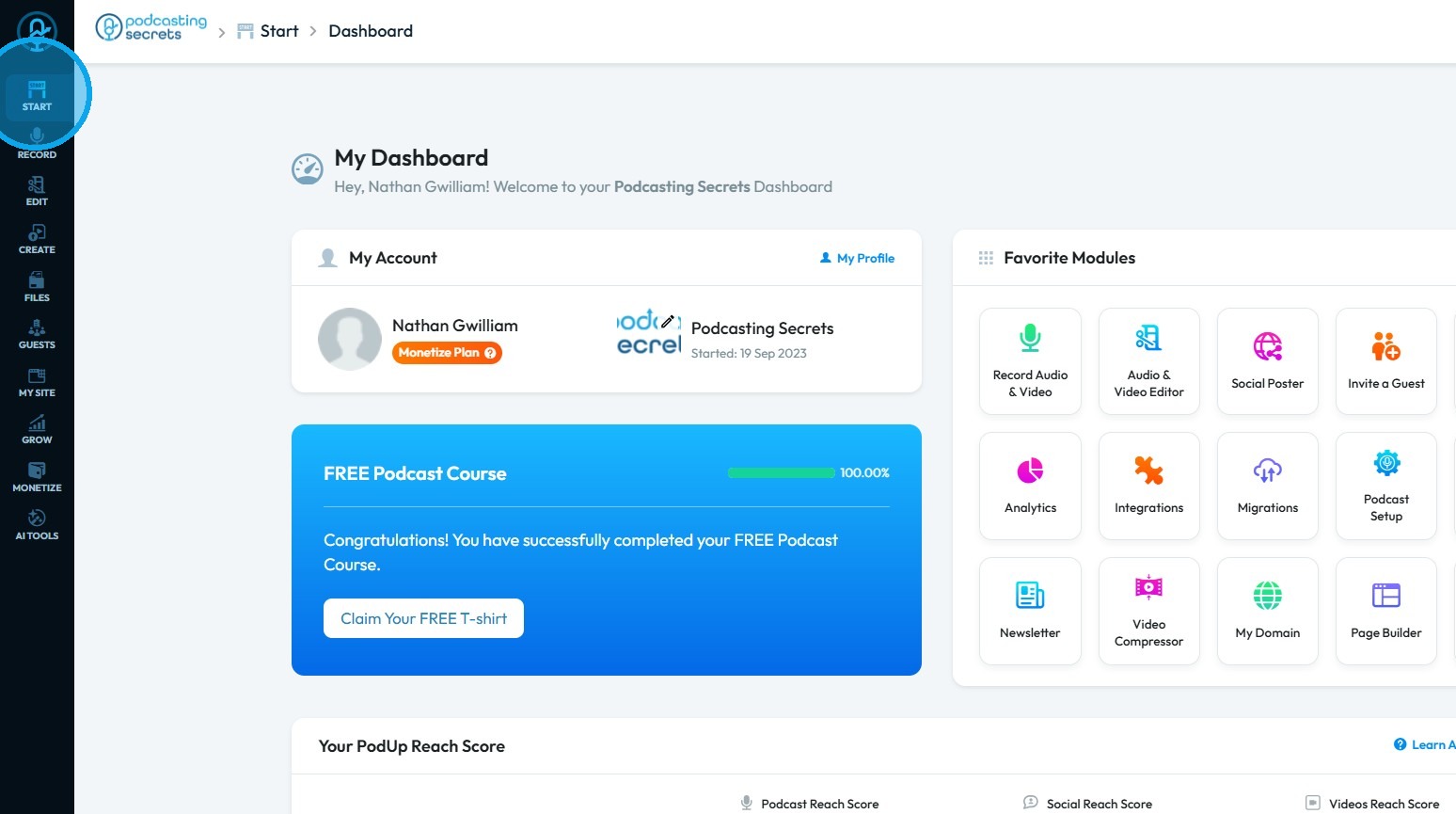
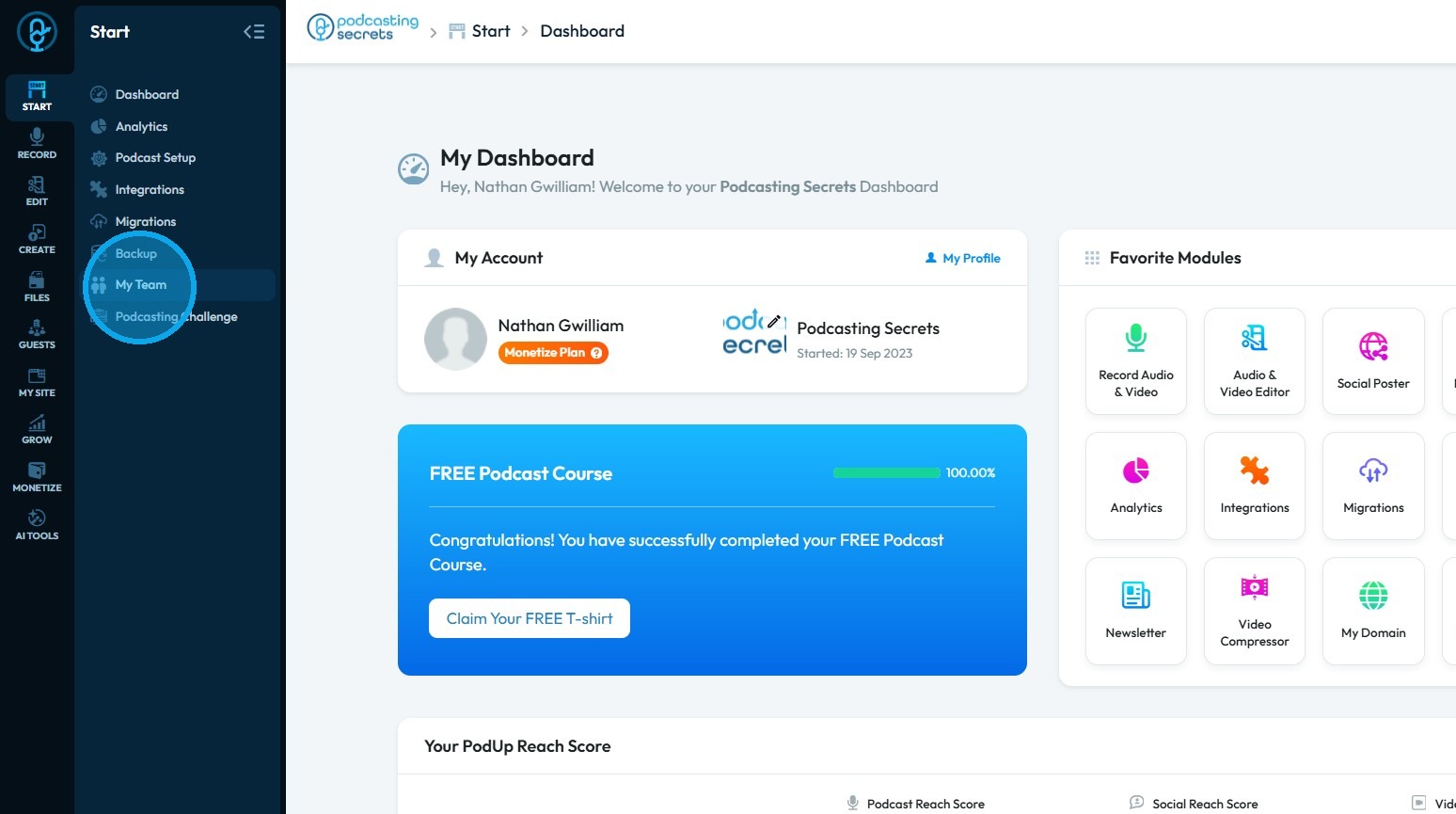
3. Click "My Team"
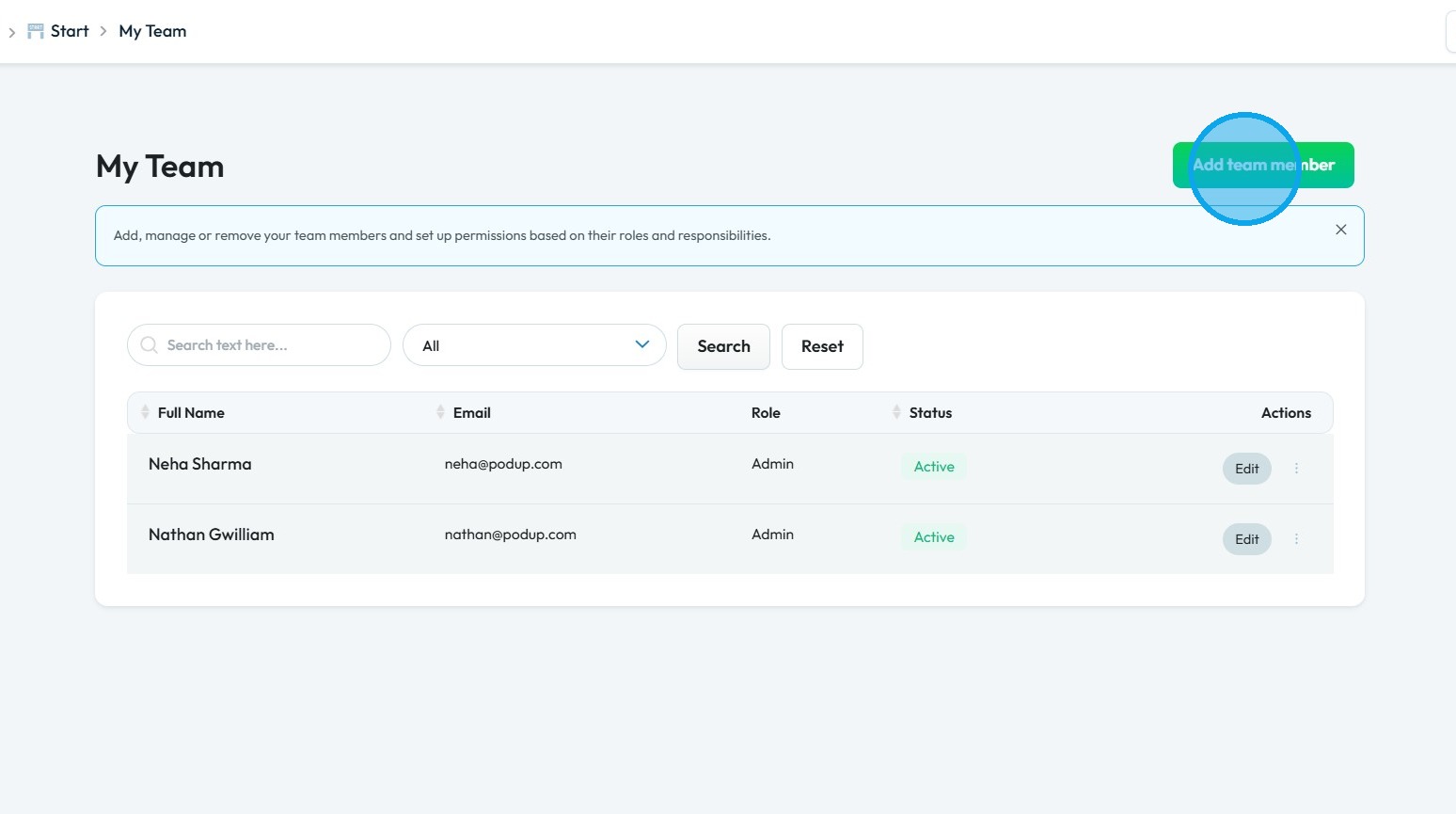
4. Click "Add team member"
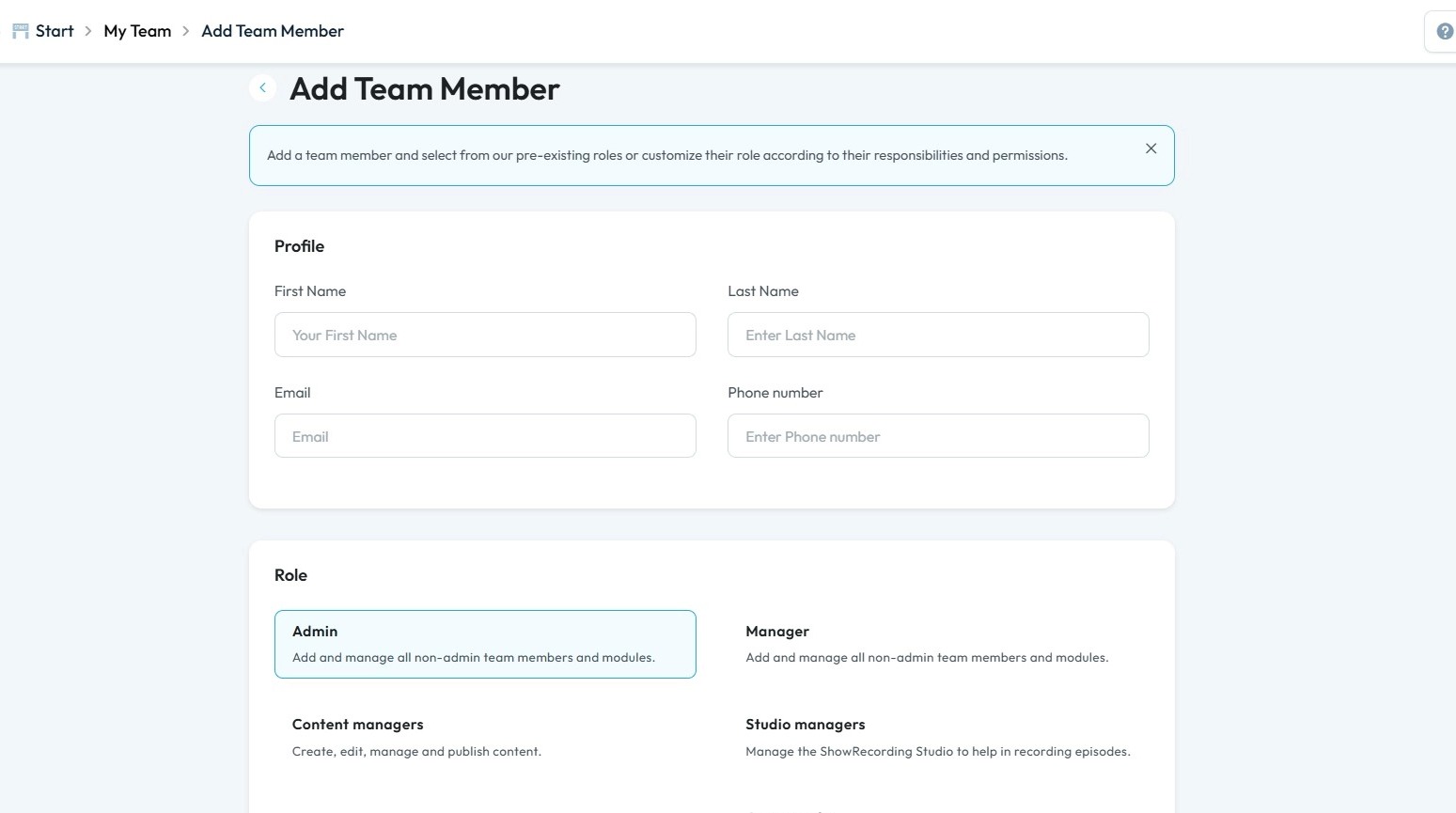
5. The Add Team Member page will open.
Enter the necessary details
Tip: Tip!
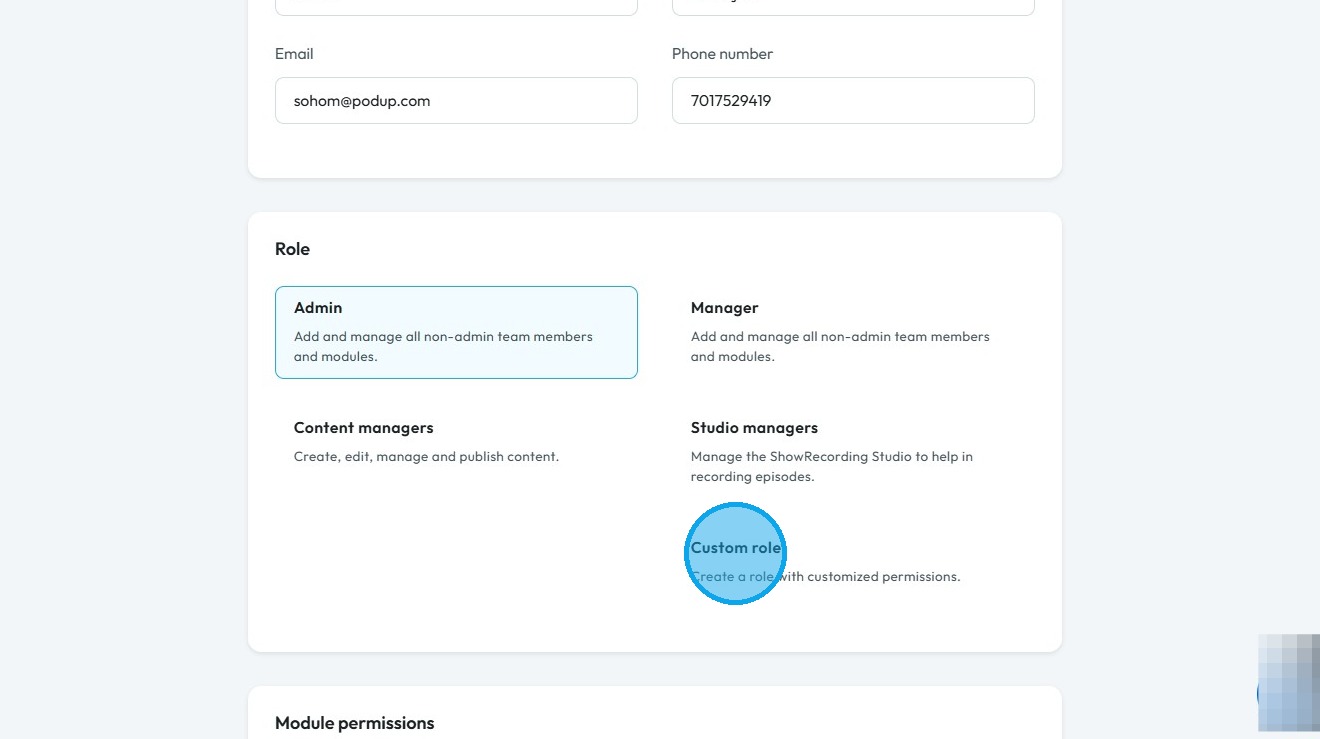
Custom role: A Custom role allows you to create a role with specific, customized permissions. This option gives you the flexibility to define a new role that isn't one of the pre-set options like Admin, Manager, Content manager, or Studio manager. Instead of being locked into a predefined set of responsibilities, you can tailor a new role to fit a specific need on your team.
6. Click "Custom role"
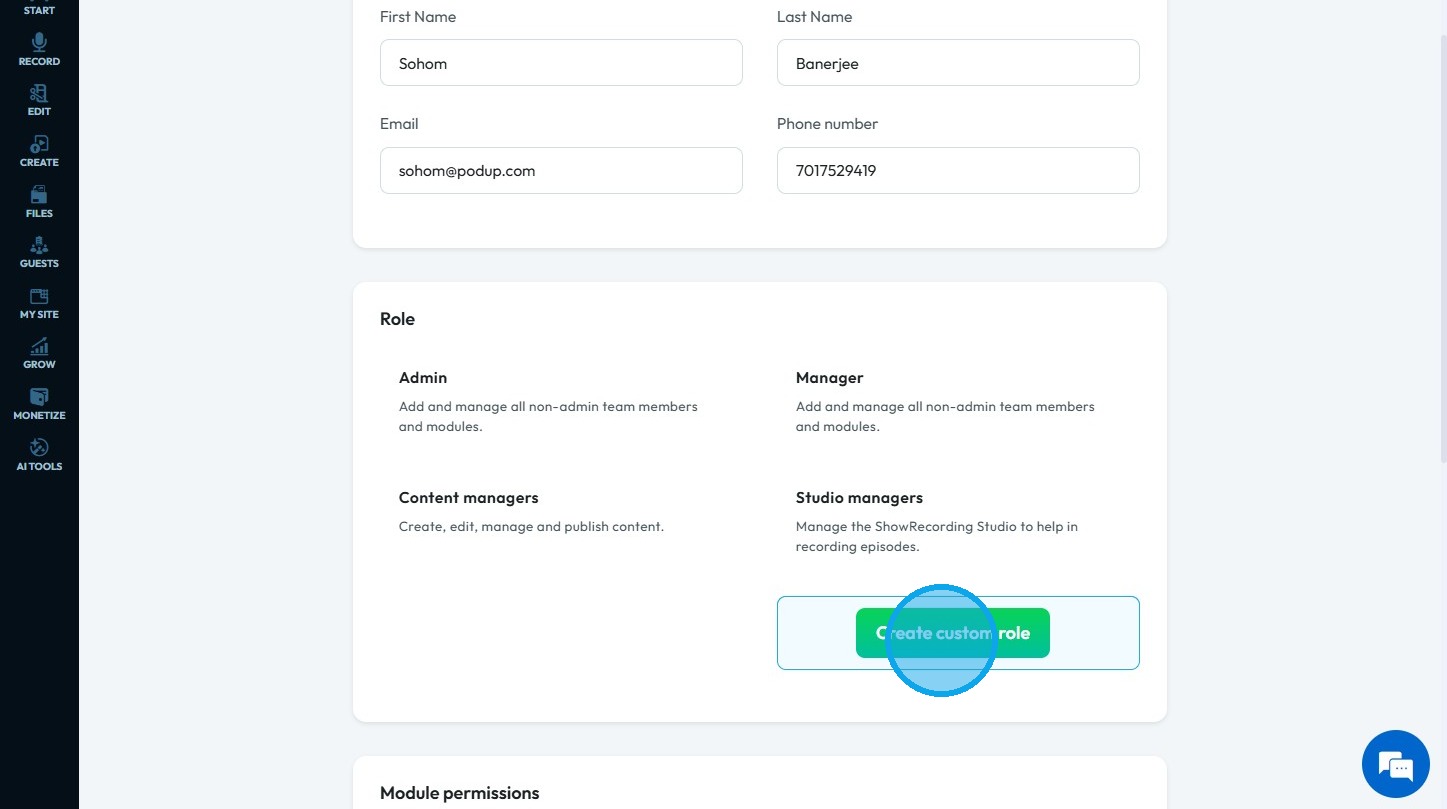
7. Click "Create custom role"
8. The Create Custom Roles page will open.
Enter the required details.
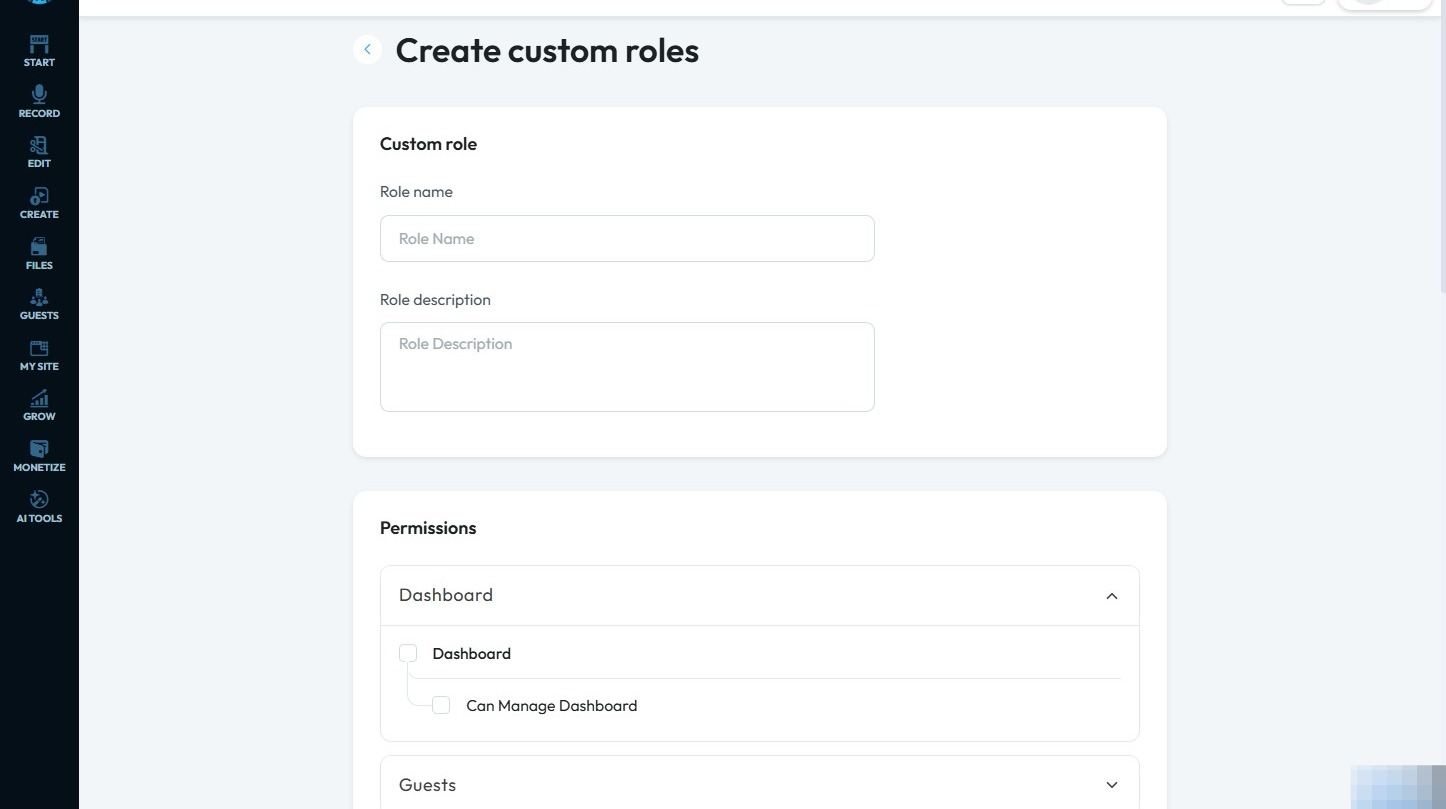
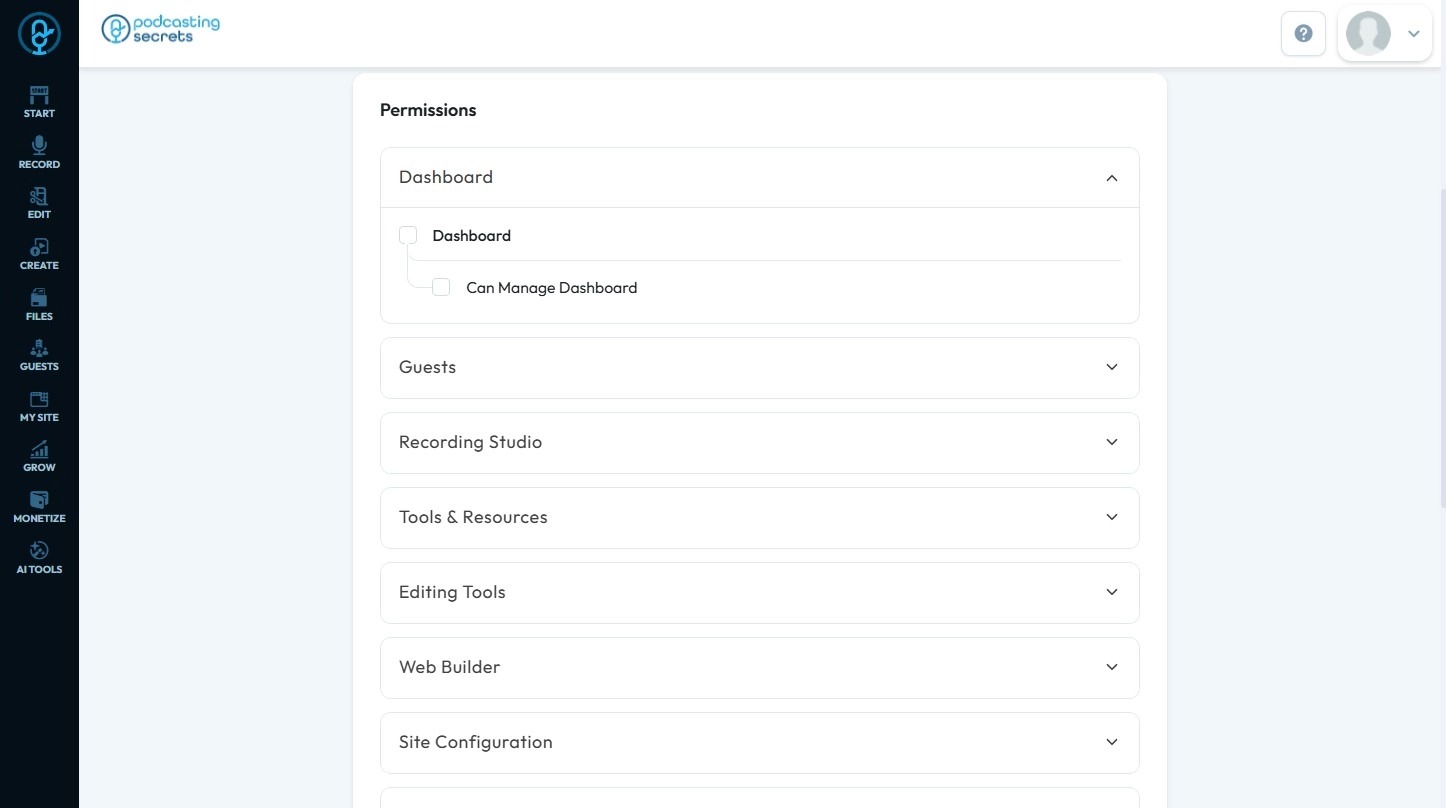
9. Select the permissions that align with your requirements
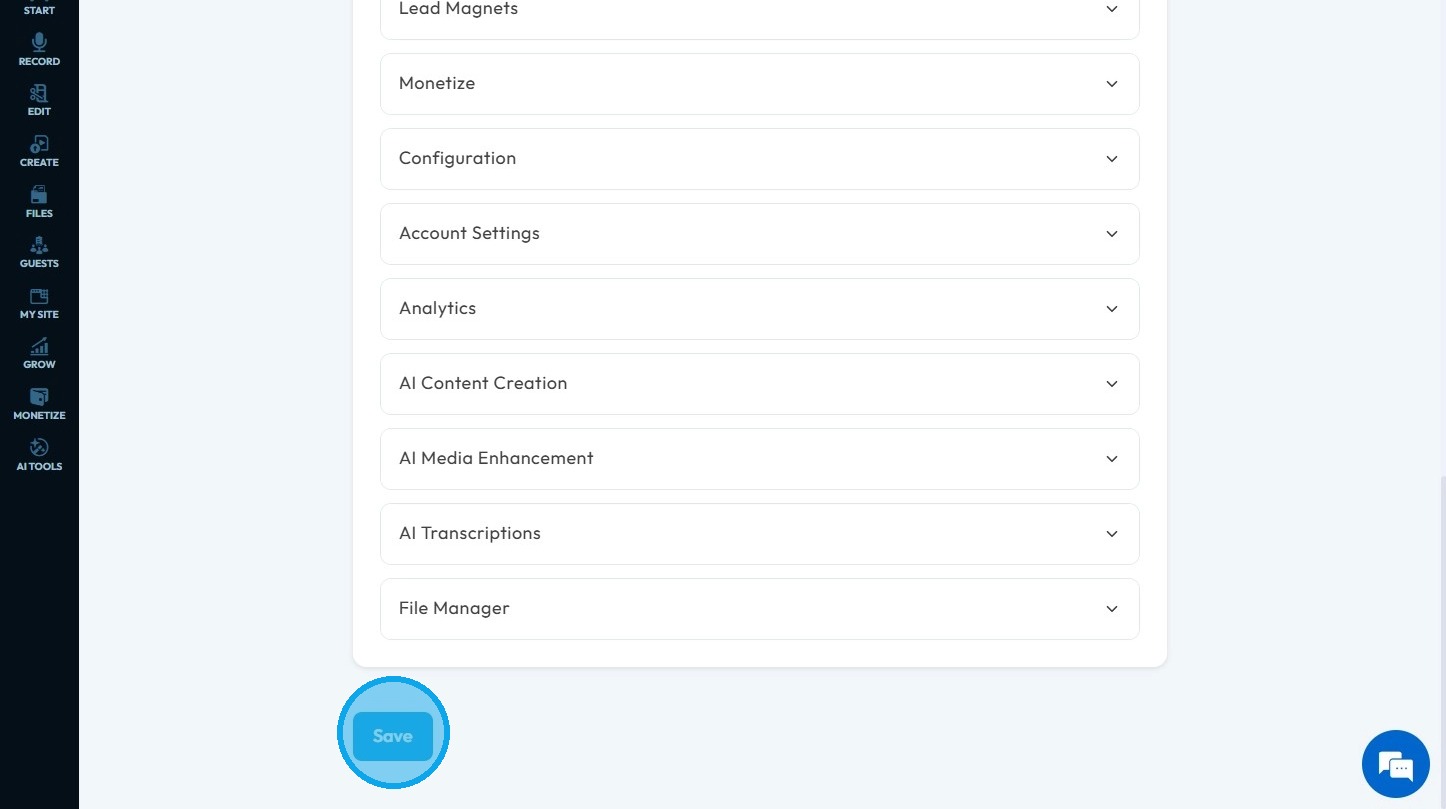
10. Click "Save"
Related Articles
How to Assign Manager role in Podup
By following this guide, you can assign a Manager role in PodUp to empower users to oversee team operations and manage access to essential tools. 1. Navigate to https://app.podup.com/home 2. Click "Start" 3. Select "My Team" 4. Click "Add team ...How to Assign Admin role in Podup
By following this guide, you can easily assign an Admin role in PodUp, ensuring team members have the necessary permissions to manage tasks effectively. 1. Navigate to https://app.podup.com/home 2. Click "Start" 3. Select "My Team" 4. Click "Add team ...How to Assign Studio Manager role in PodUp
By following this guide, you can assign the Studio Manager role in PodUp to ensure a smooth recording workflow and maintain high-quality episode production. 1. Navigate to https://app.podup.com/home 2. Click "Start" 3. Click "My Team" 4. Click "Add ...How to Assign Content Manager role in Podup
By following this guide, you can assign the Content Manager role in PodUp to streamline content creation and ensure effective publication and distribution. 1. Navigate to https://app.podup.com/home 2. Click "Start" 3. Click "My Team" 4. Click "Add ...Create a Custom Newsletter Template in Podup
By following this guide, you can easily create a custom newsletter template in PodUp that reflects your brand and enhances audience engagement. 1. Navigate to https://app.podup.com/home 2. Click "Grow" 3. Select "Email Marketing" 4. Click "Create ...