How to Assign Content Manager role in Podup
By following this guide, you can assign the Content Manager role in PodUp to streamline content creation and ensure effective publication and distribution.
1. Navigate to https://app.podup.com/home
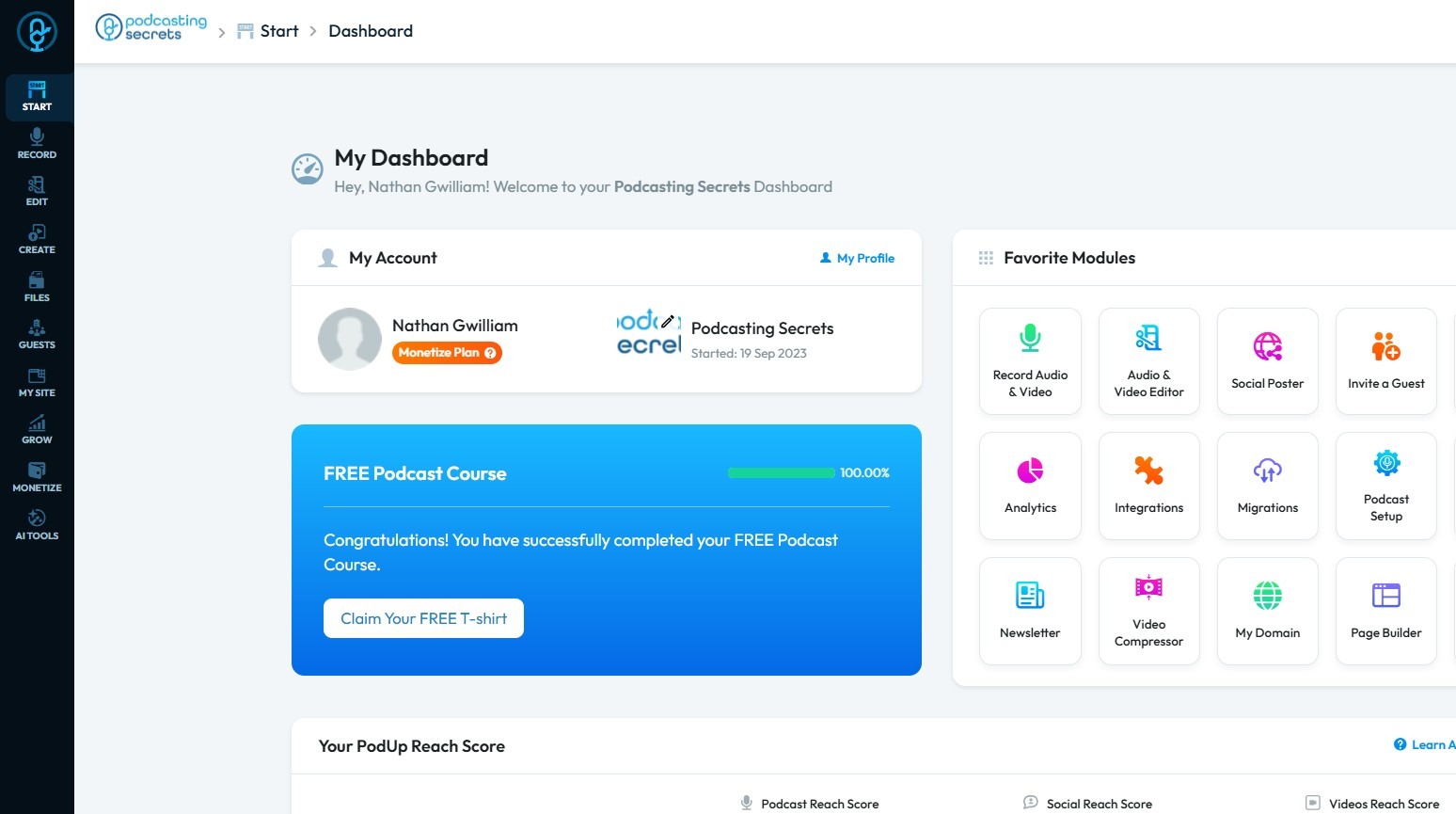
2. Click "Start"
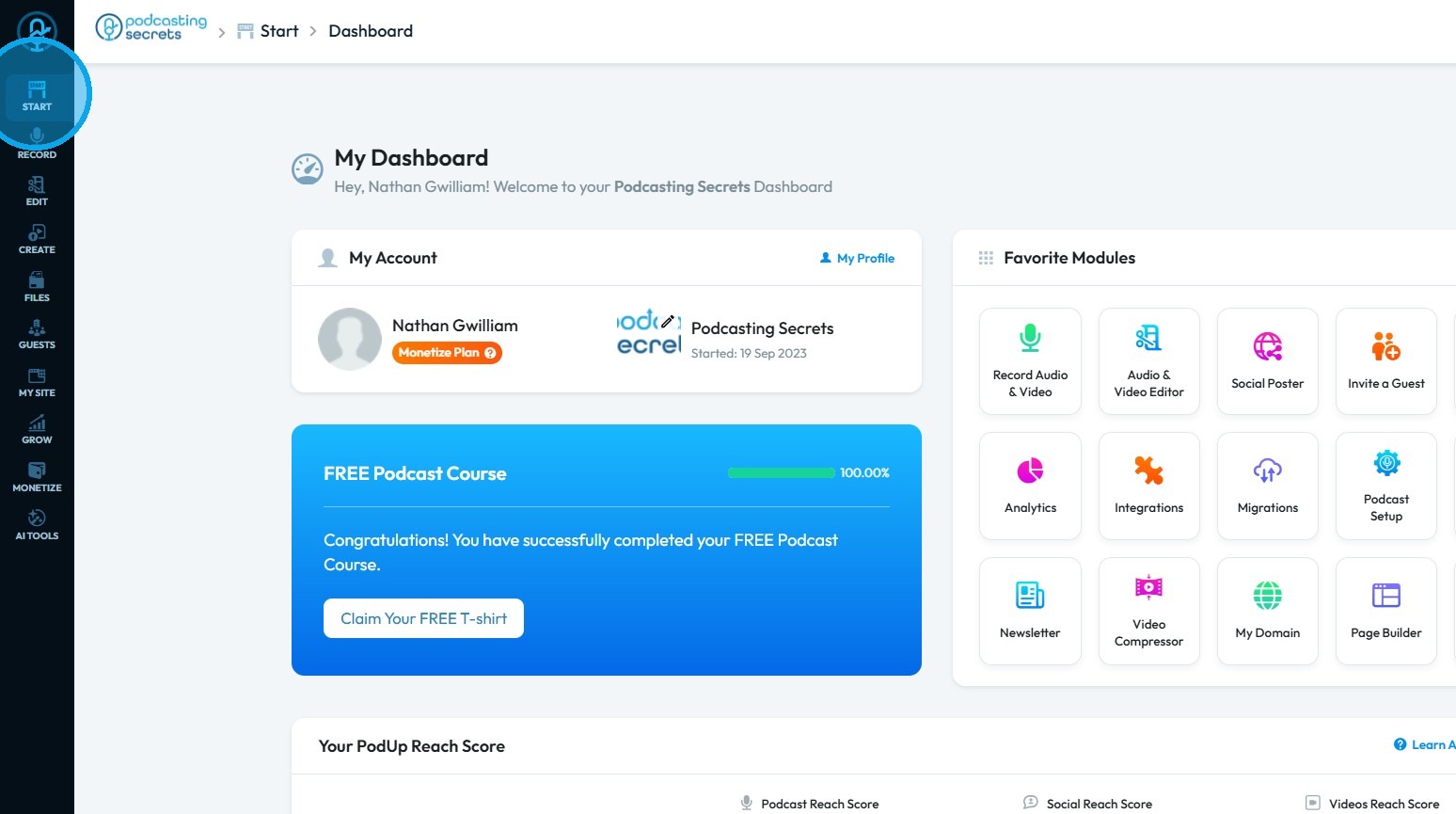
3. Click "My Team"
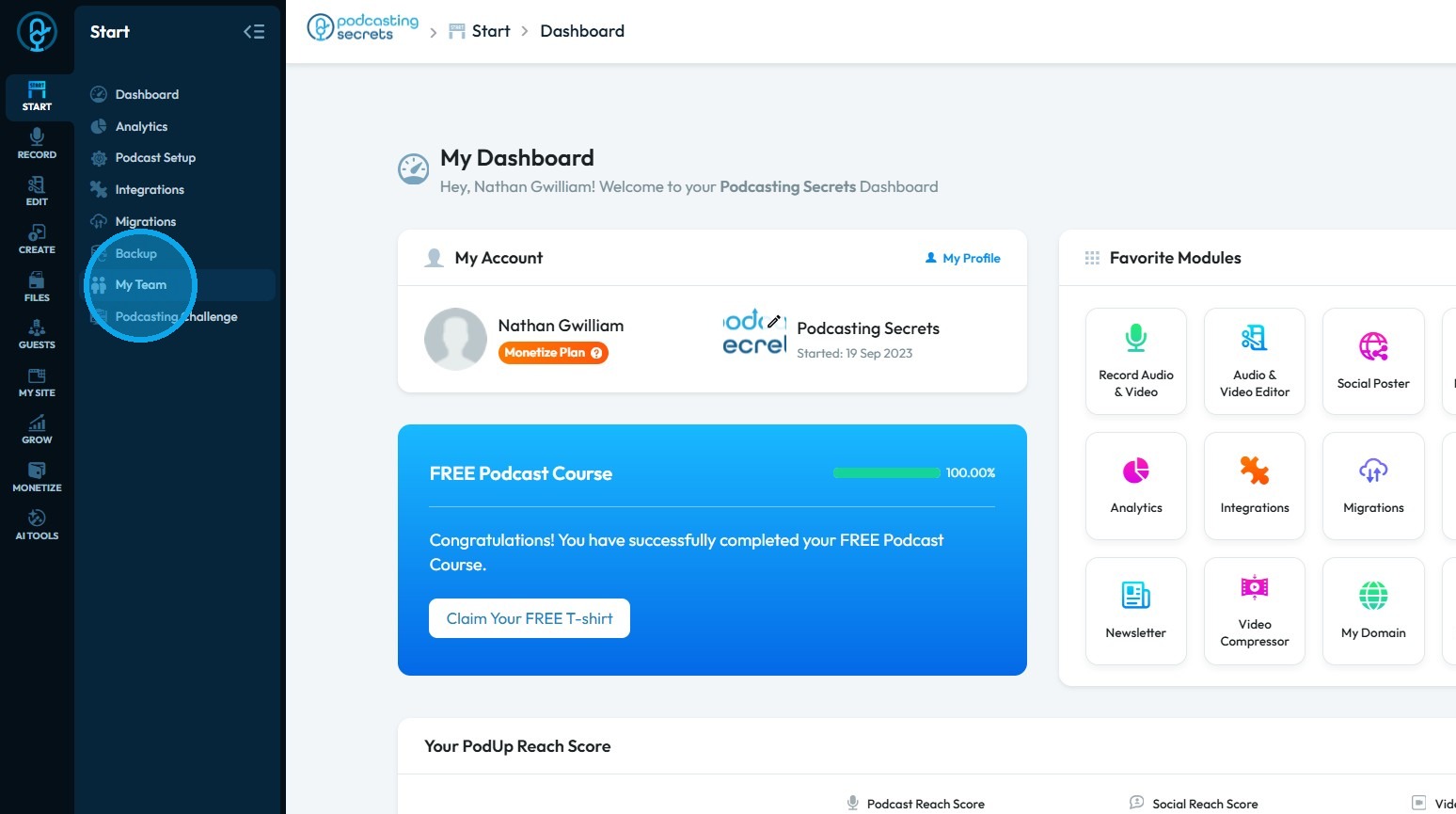
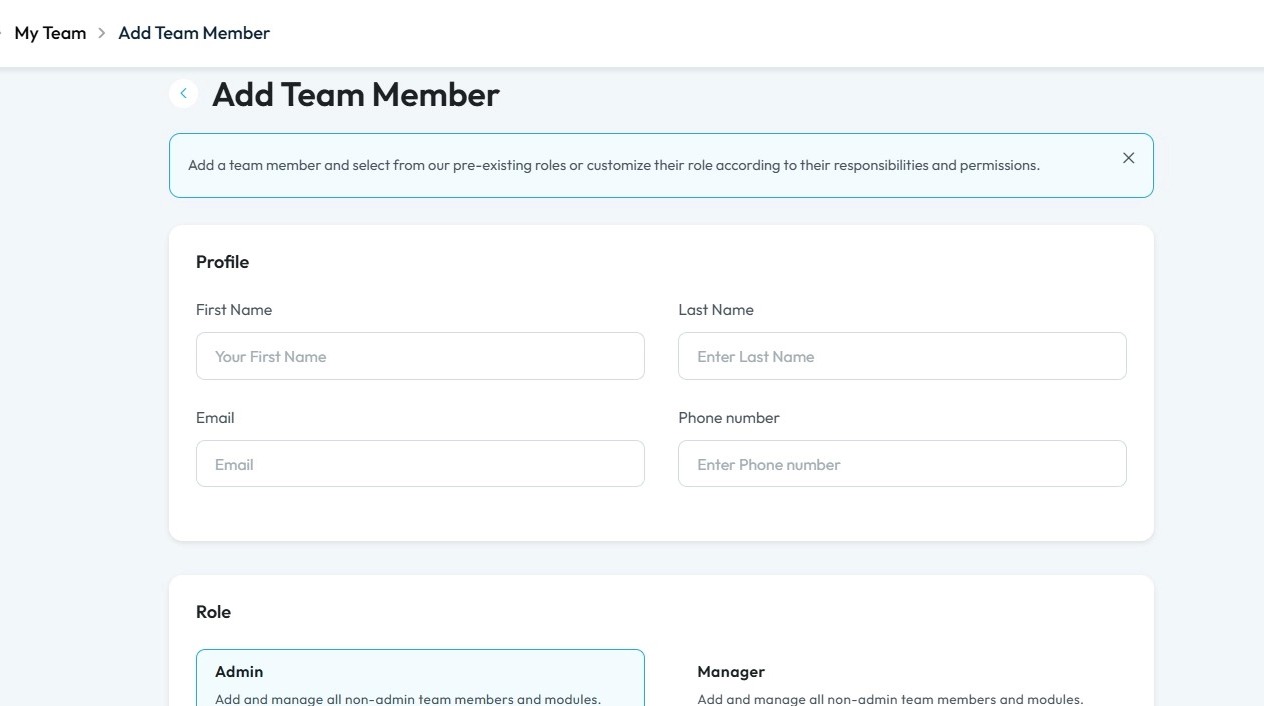
4. Click "Add team member"
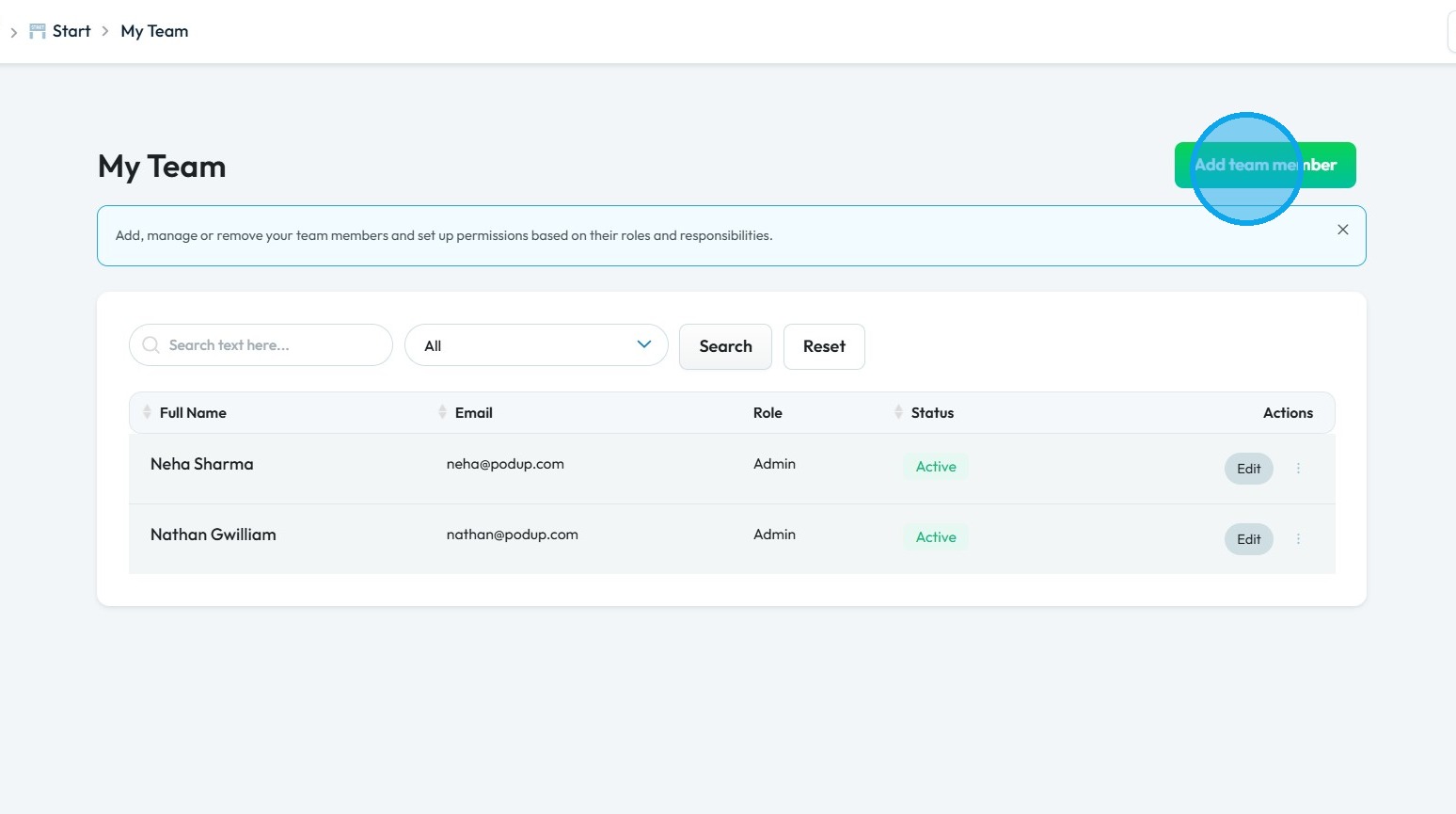
5. The Add Team Member page will open.
Fill in the required details
Tip: Tip!
Content Manager: the Content manager is the person who takes a raw recording and transforms it into a ready-to-consume, polished piece of content. Their duties span from post-production editing to publication and distribution, making them the central figure in the content delivery pipeline
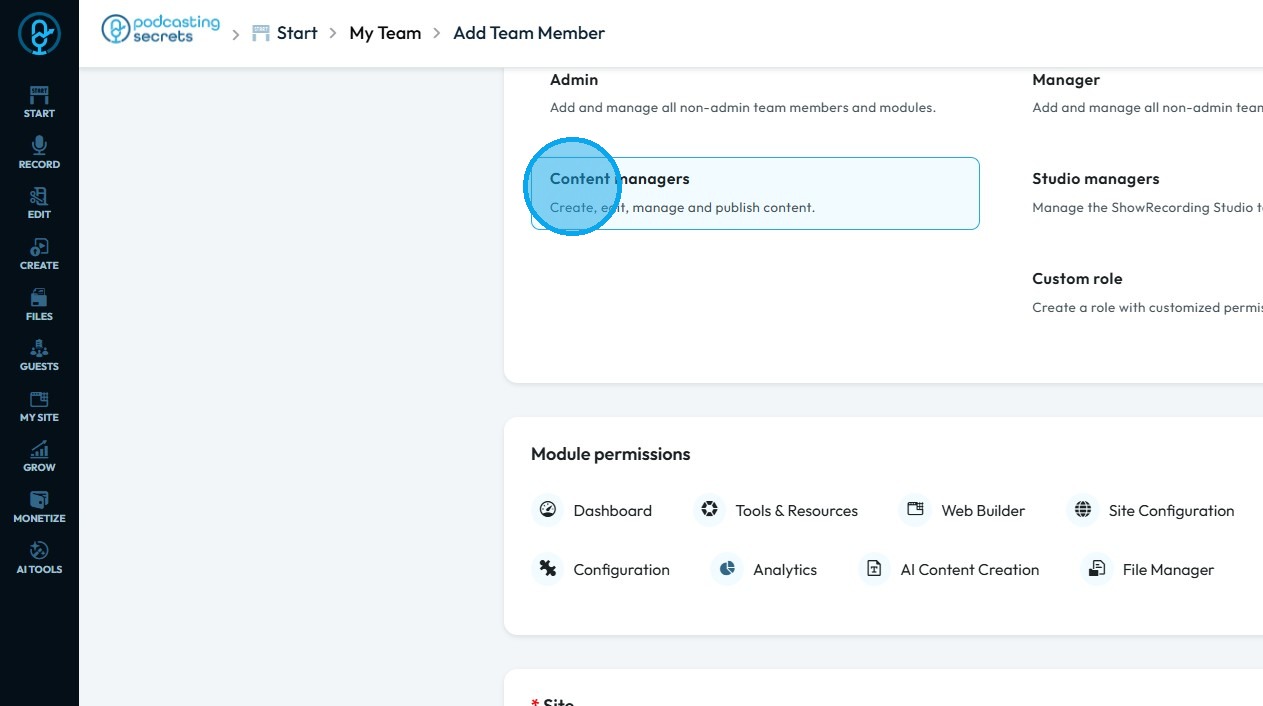
6. Click "Content Managers"
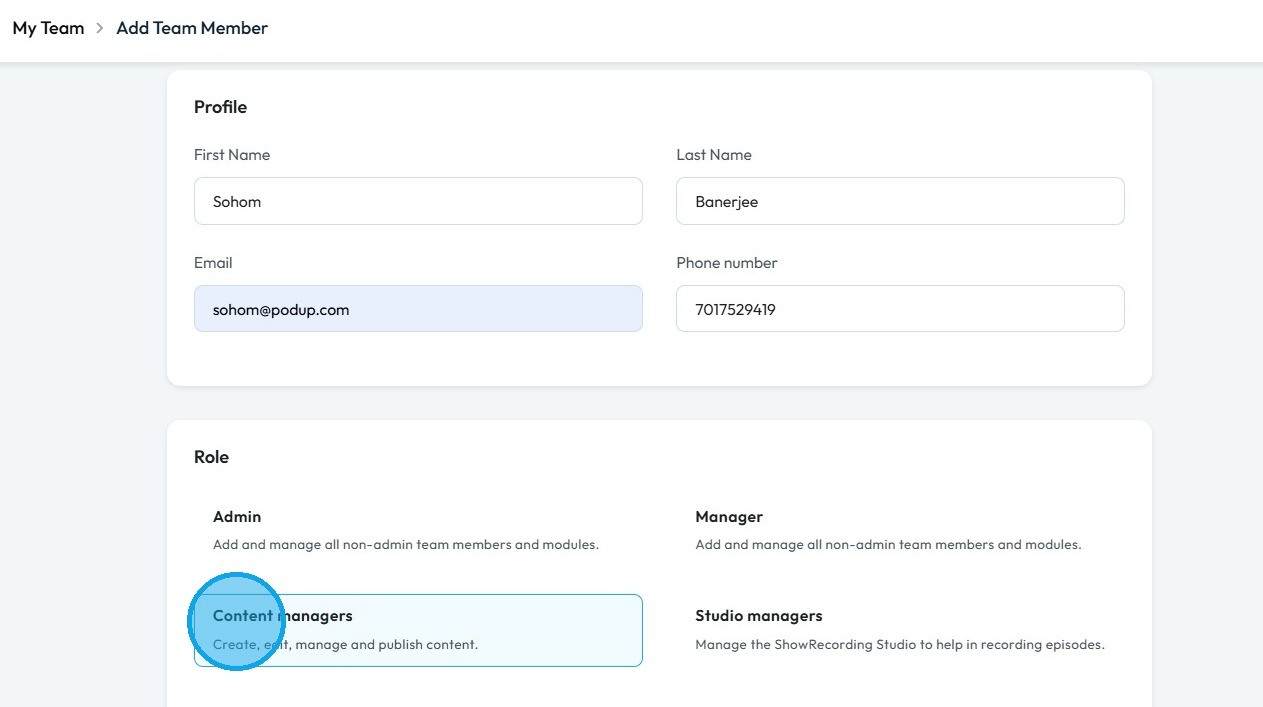
7. Under Content Managers role the user have access to Dashboard, Tools & Resources, Web Builder, Site Configuration, My Content, Configuration, AI Content Creation, File Manager and Analytics
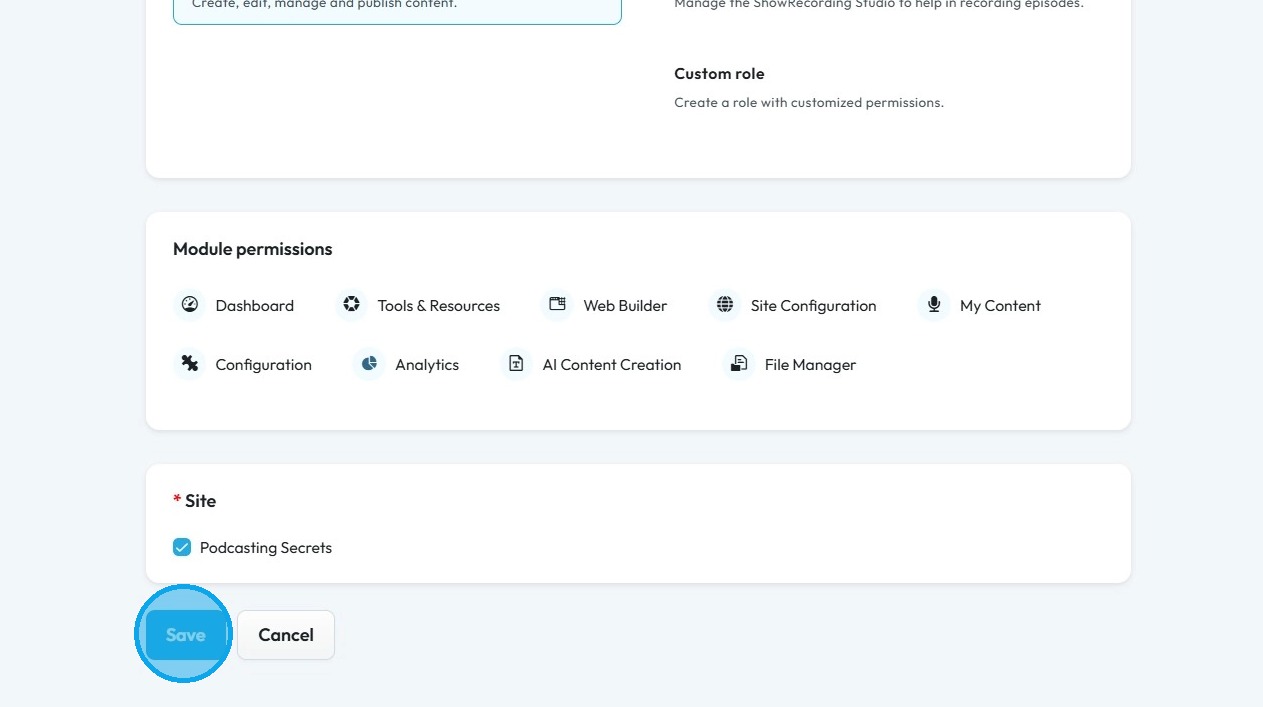
8. Click "Save"
Related Articles
How to Assign Manager role in Podup
By following this guide, you can assign a Manager role in PodUp to empower users to oversee team operations and manage access to essential tools. 1. Navigate to https://app.podup.com/home 2. Click "Start" 3. Select "My Team" 4. Click "Add team ...How to Assign Studio Manager role in PodUp
By following this guide, you can assign the Studio Manager role in PodUp to ensure a smooth recording workflow and maintain high-quality episode production. 1. Navigate to https://app.podup.com/home 2. Click "Start" 3. Click "My Team" 4. Click "Add ...How to Assign Custom role in Podup
By following this guide, you can create custom roles in PodUp to optimize team structure and assign appropriate permissions for effective task management. 1. Navigate to https://app.podup.com/home 2. Click "Start" 3. Click "My Team" 4. Click "Add ...How to Assign Admin role in Podup
By following this guide, you can easily assign an Admin role in PodUp, ensuring team members have the necessary permissions to manage tasks effectively. 1. Navigate to https://app.podup.com/home 2. Click "Start" 3. Select "My Team" 4. Click "Add team ...How to Navigate File Manager (Detailed)
This guide offers essential insights into effectively managing your podcast files within PodUp. It covers everything from accessing the File Manager to organizing, uploading, and sharing files, ensuring a streamlined workflow. With tips on sorting, ...