How do I customize my newsletter for every newsletter?
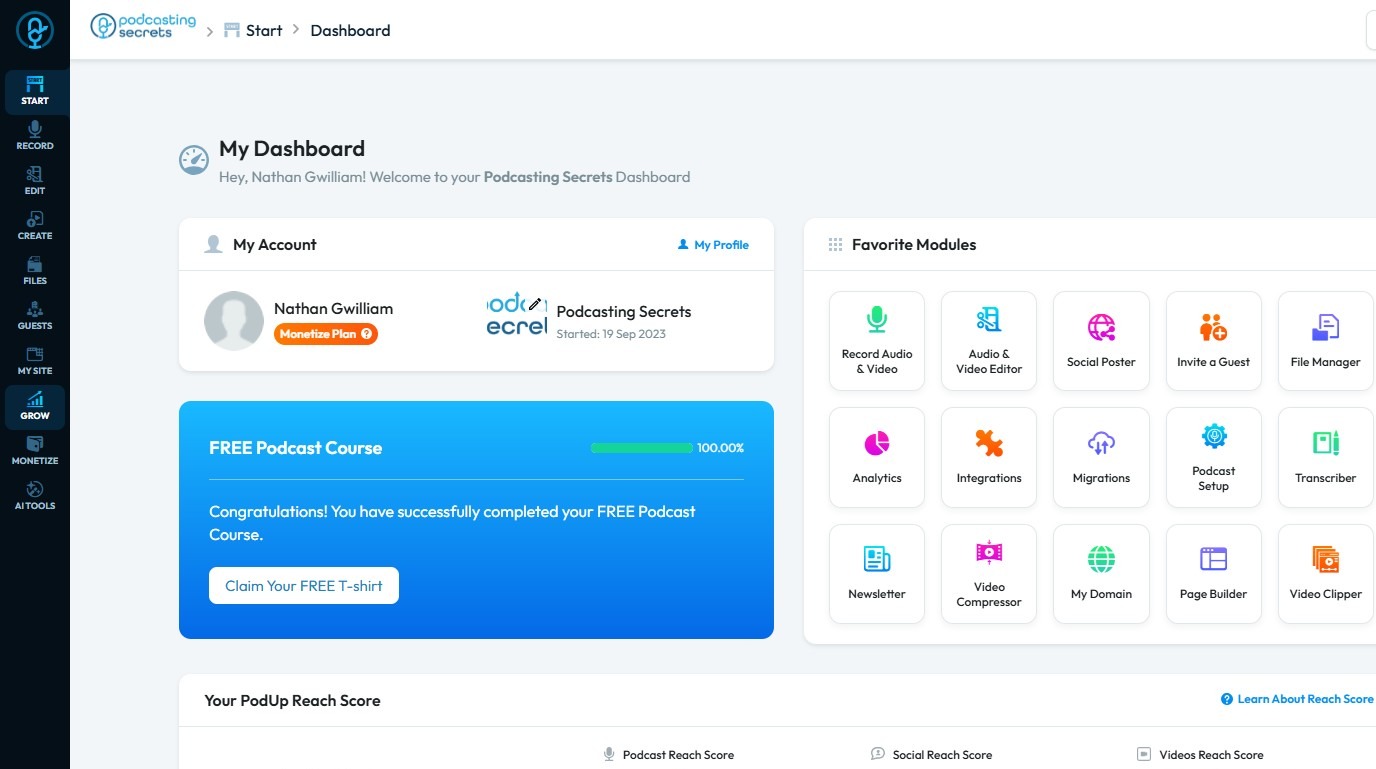
2. Click "Grow"
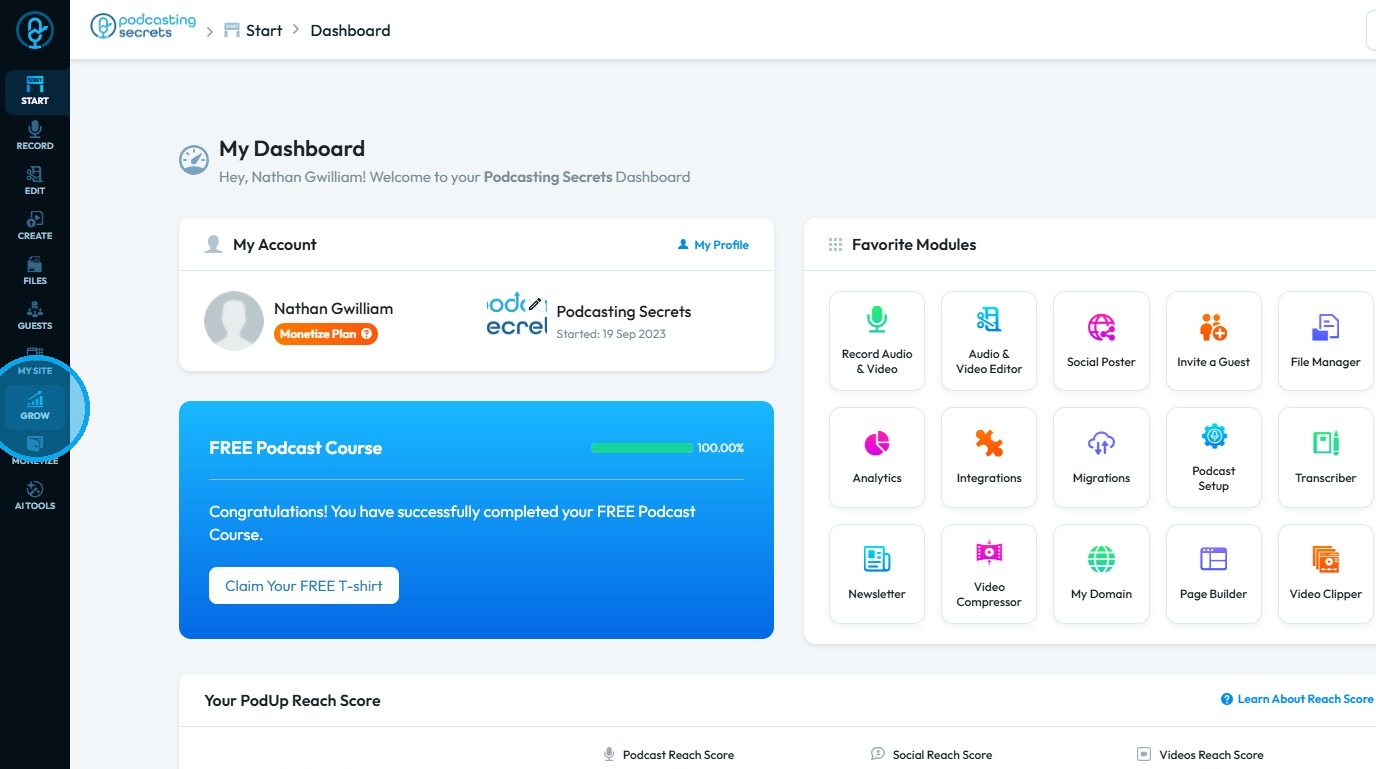
3. Select "Email Marketing"
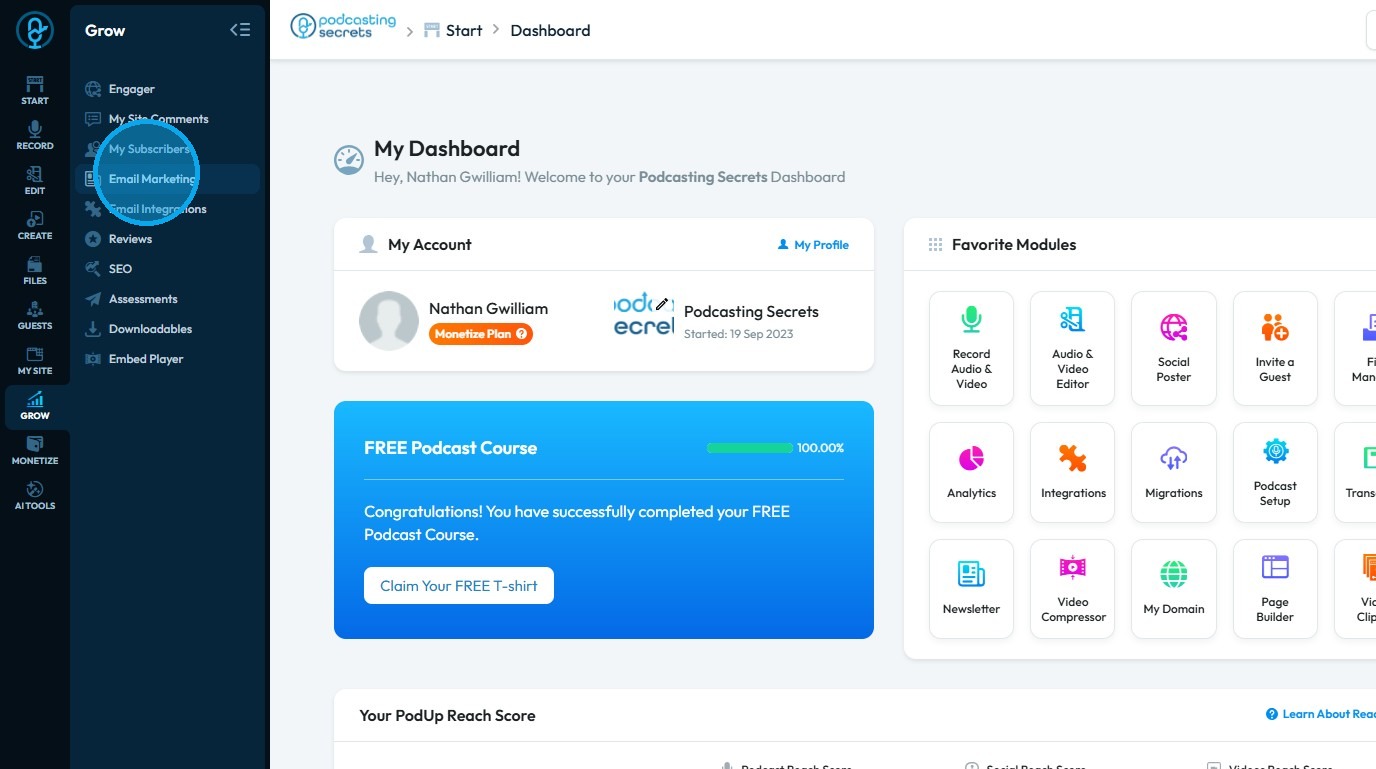
4. The “Newsletter” section will load
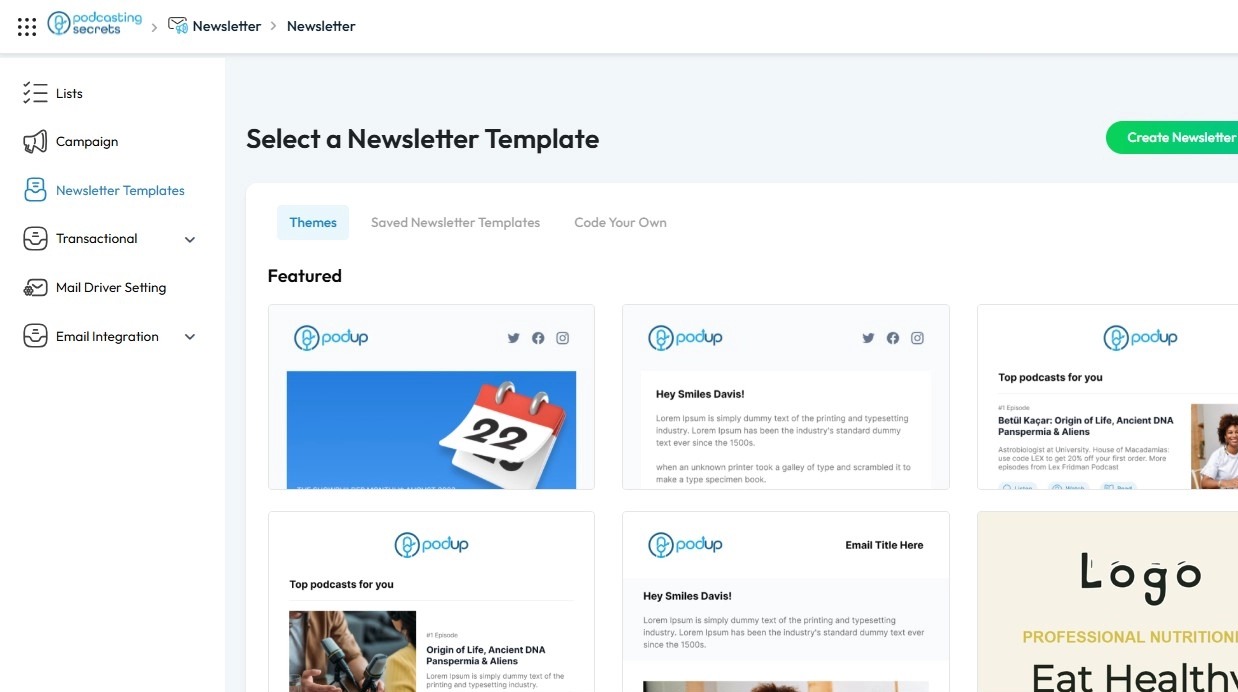
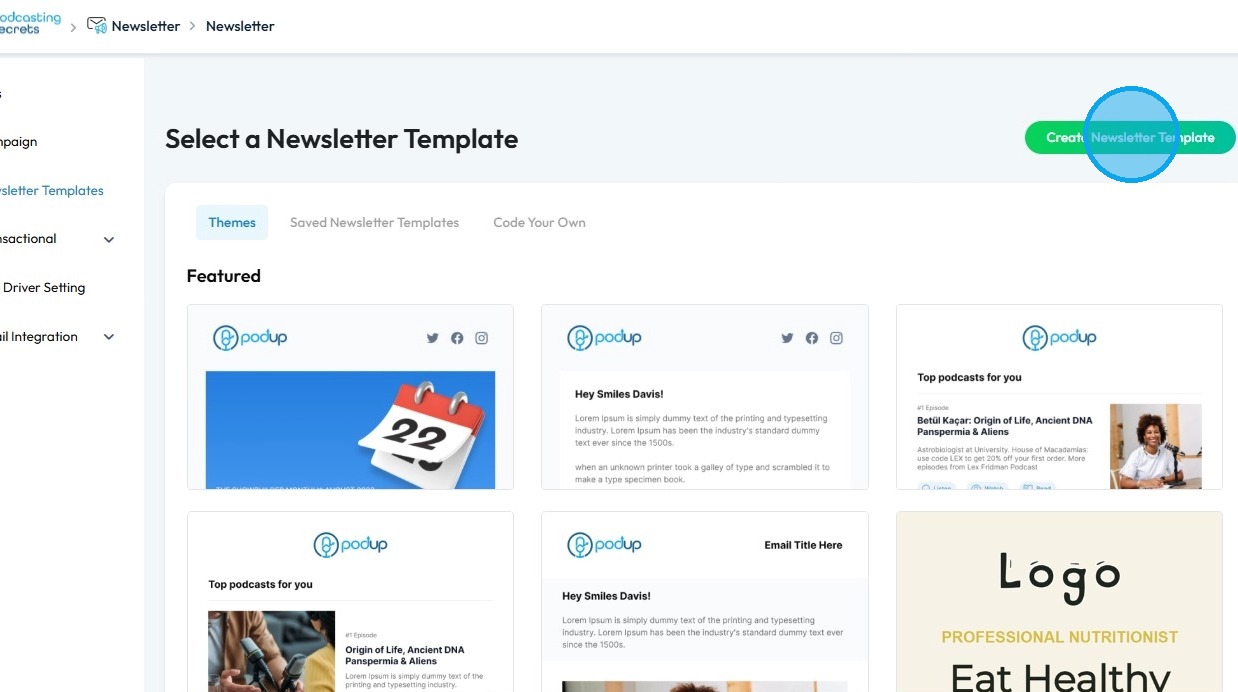
5. Click “Create Newsletter Template” to design a new newsletter layout
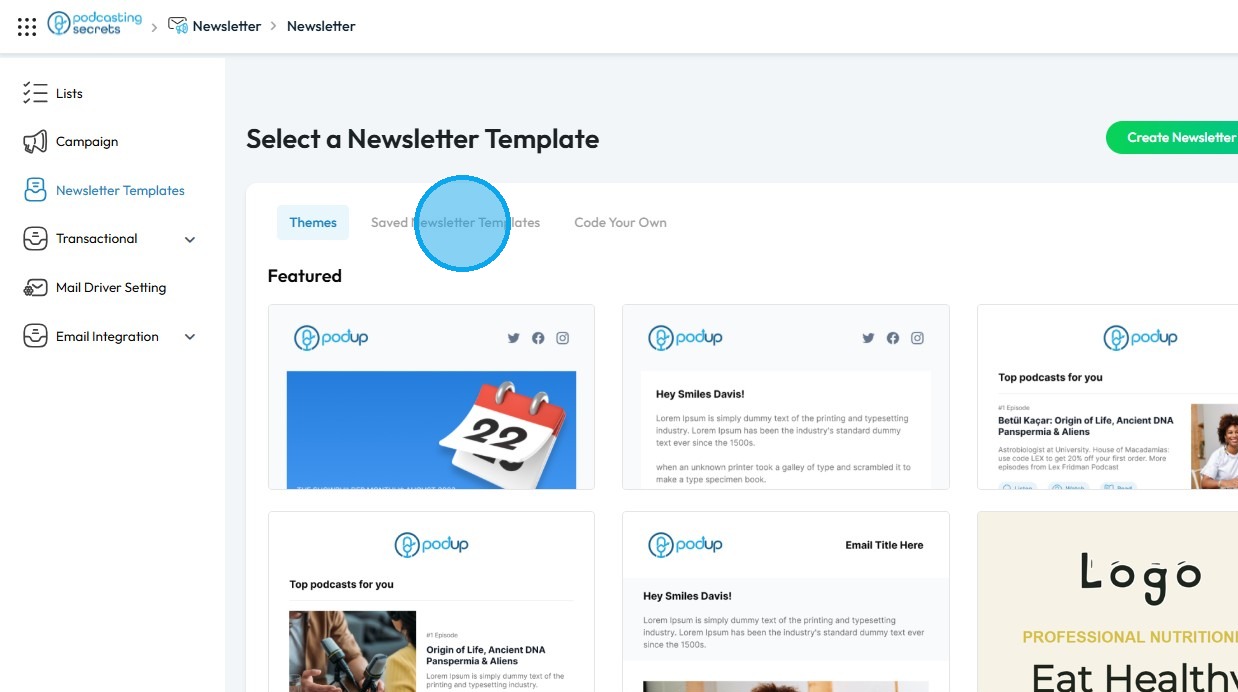
6. Click “Saved Newsletter Templates” to customize an existing newsletter layout
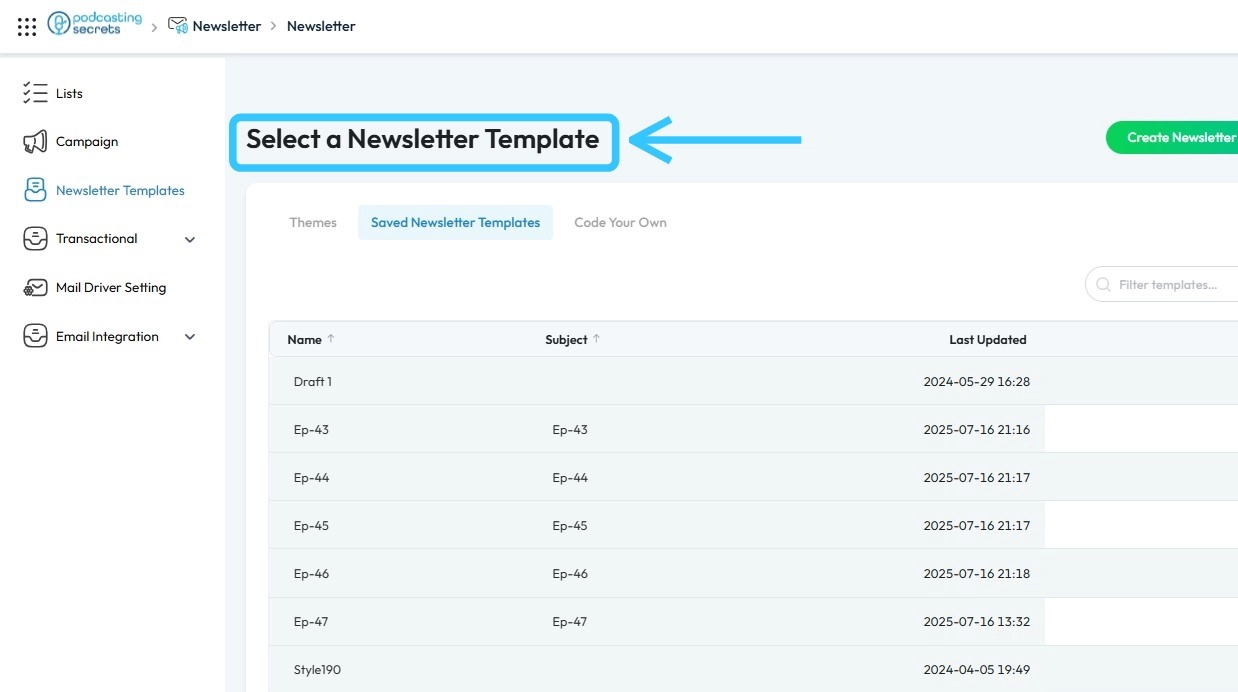
7. All saved templates can be found under Saved Newsletter Templates
8. Click the “Copy” icon on the latest newsletter template to create a duplicate
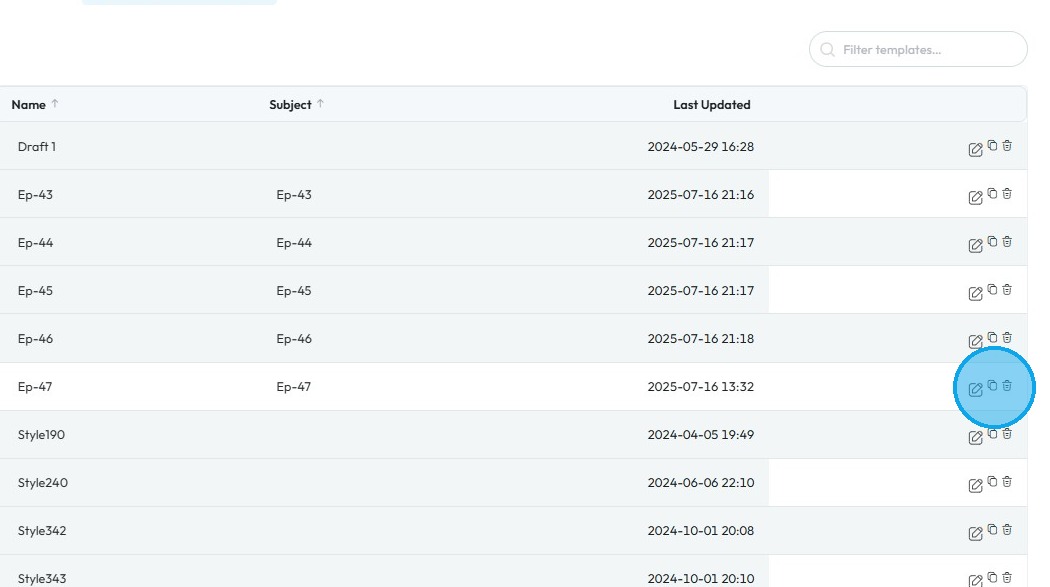
9. You will see the message “Template Ep-47 was duplicated” along with the duplicated newsletter template.
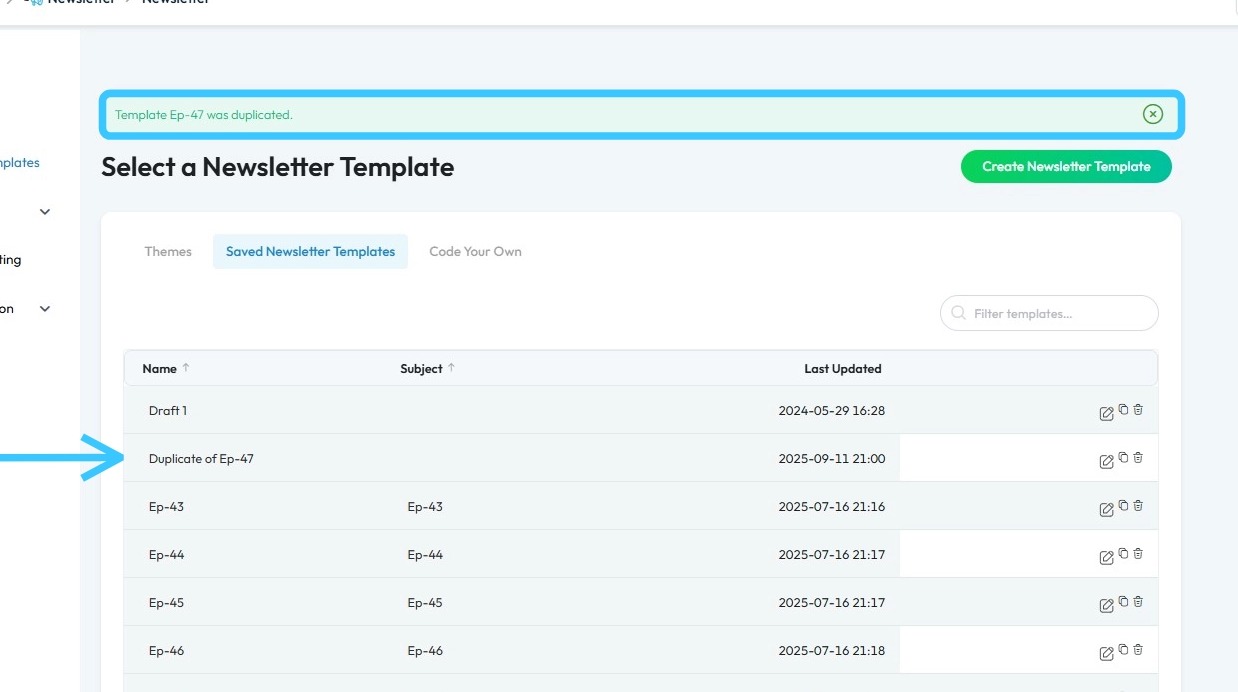
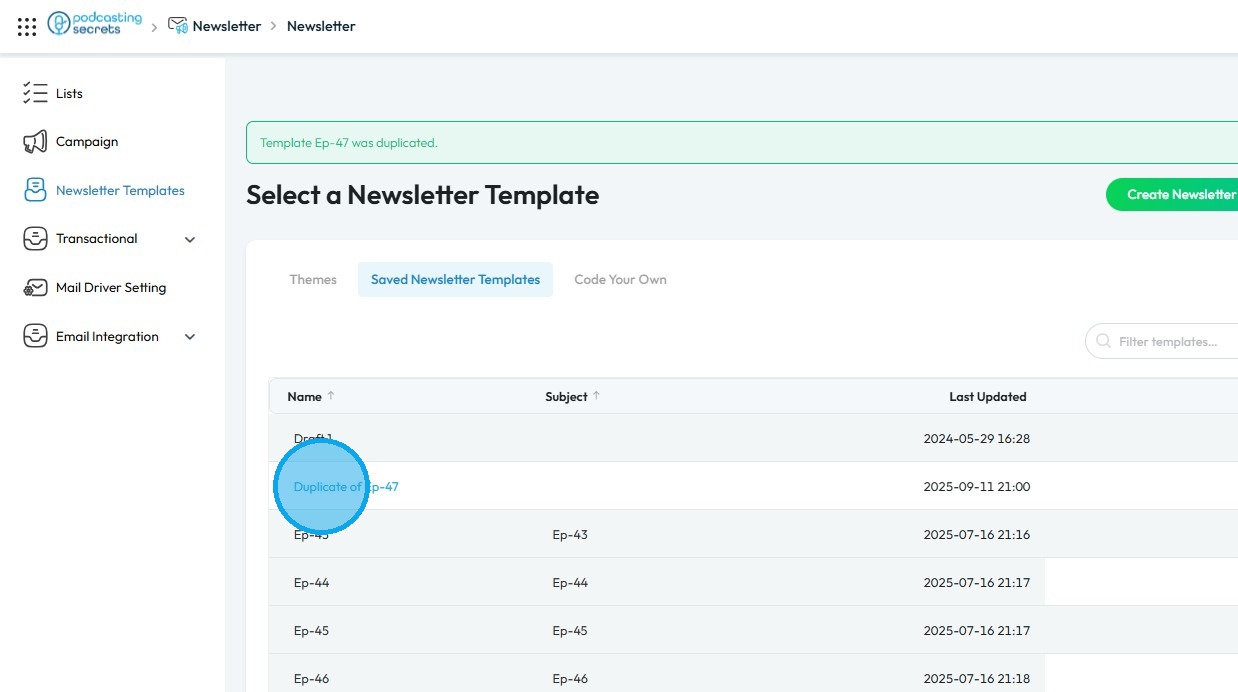
10. Click the duplicated newsletter template to begin customization
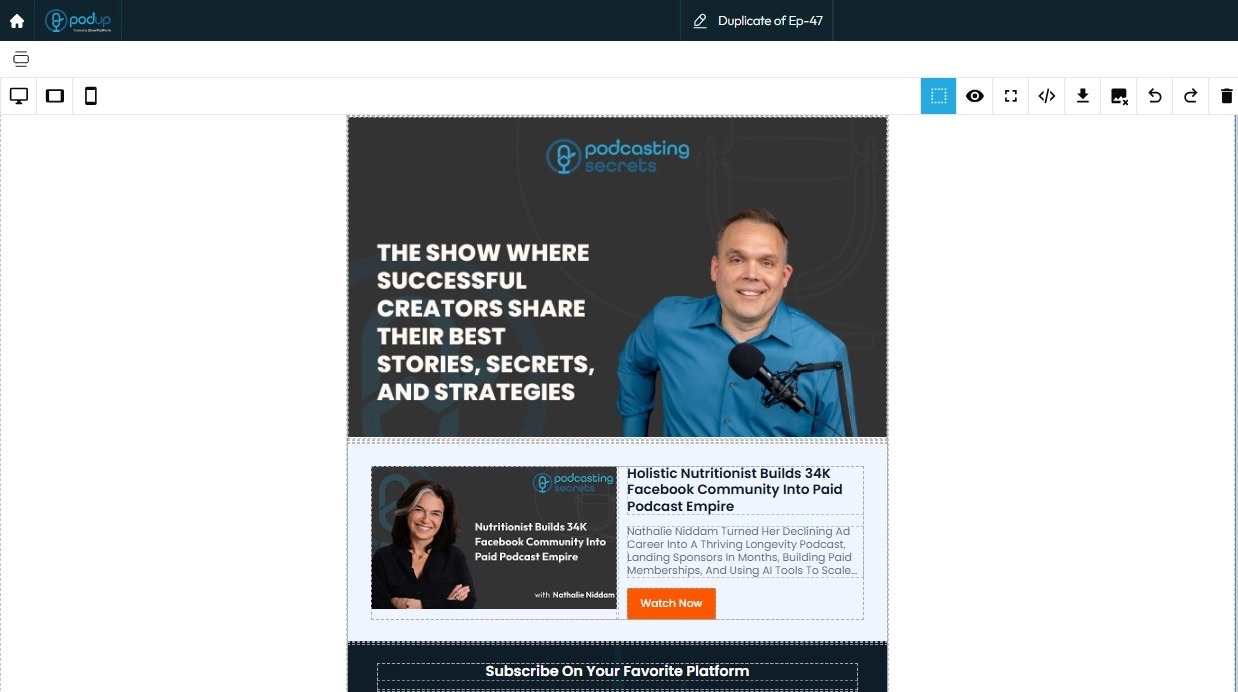
11. The newsletter template will load
12. Click the “Blocks” icon in the top-right corner to access different types of elements
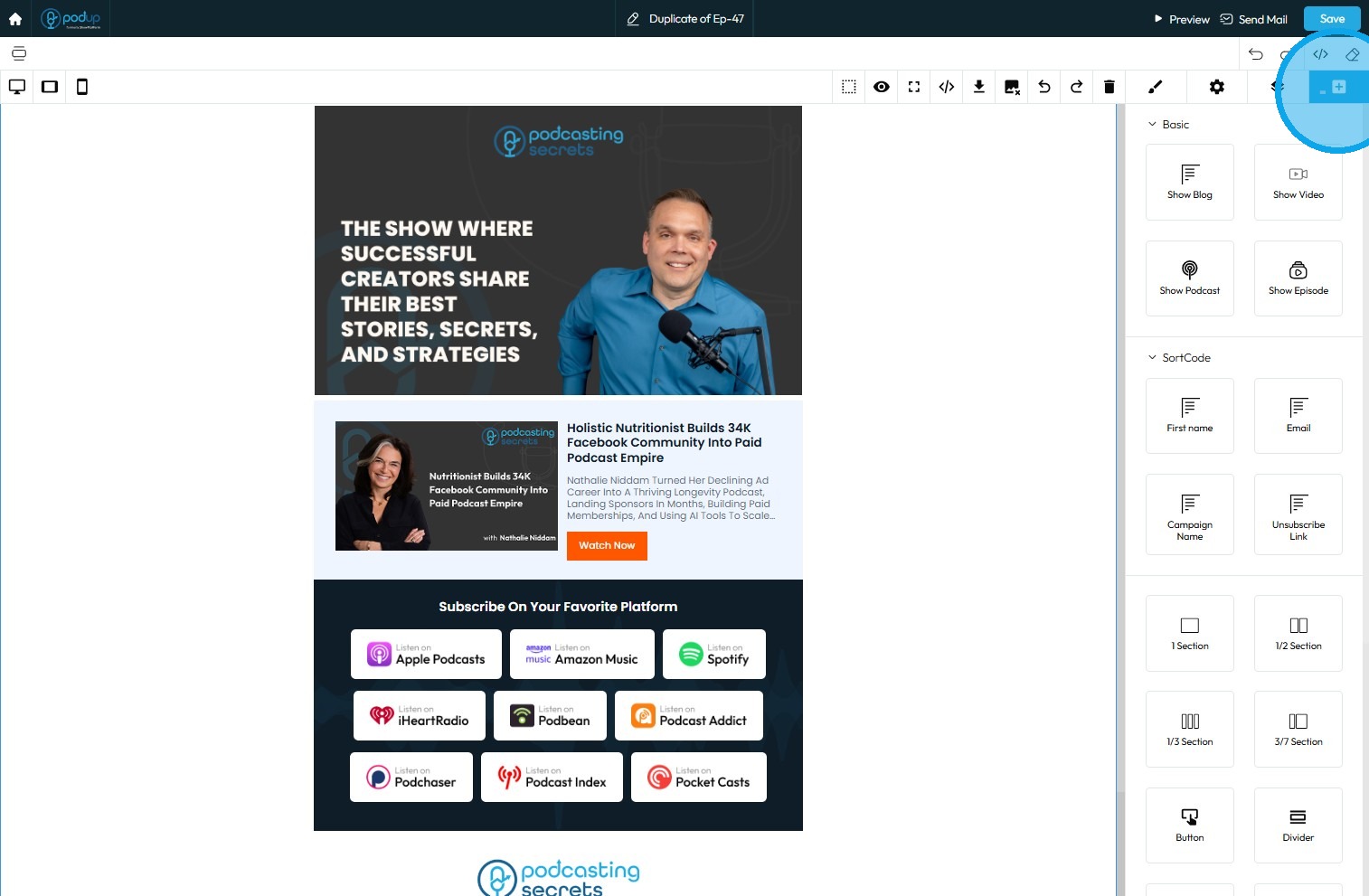
13. To add an element, drag and drop it into the newsletter
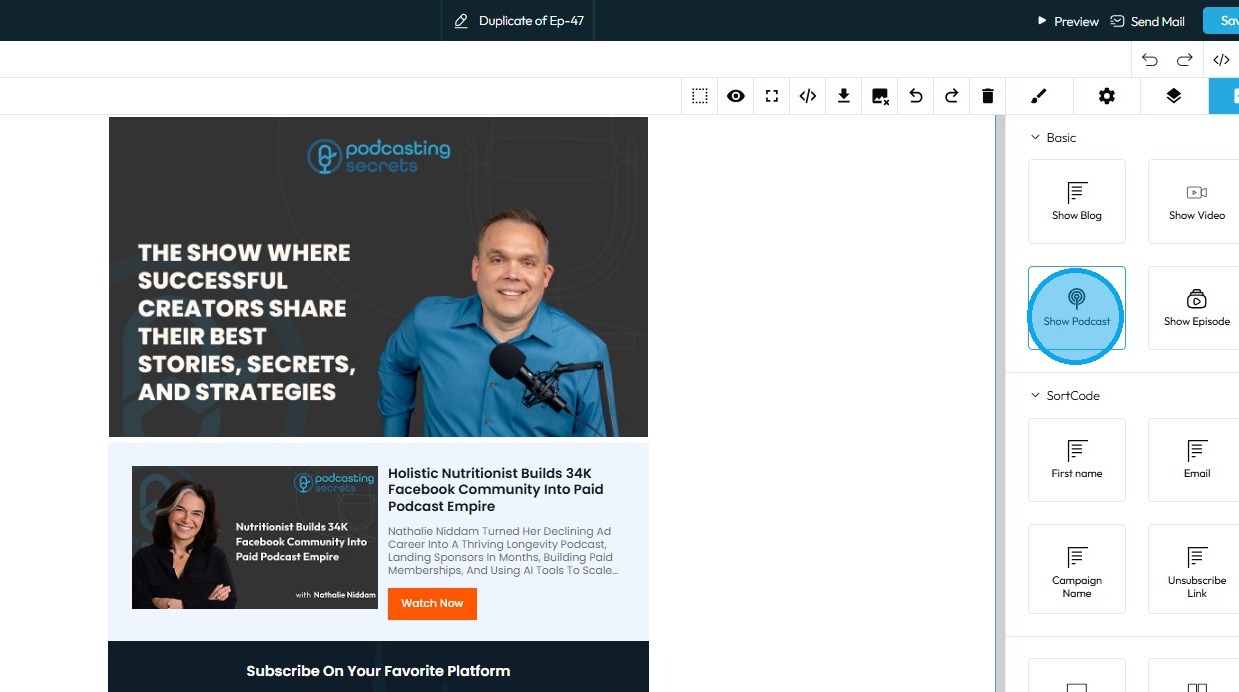
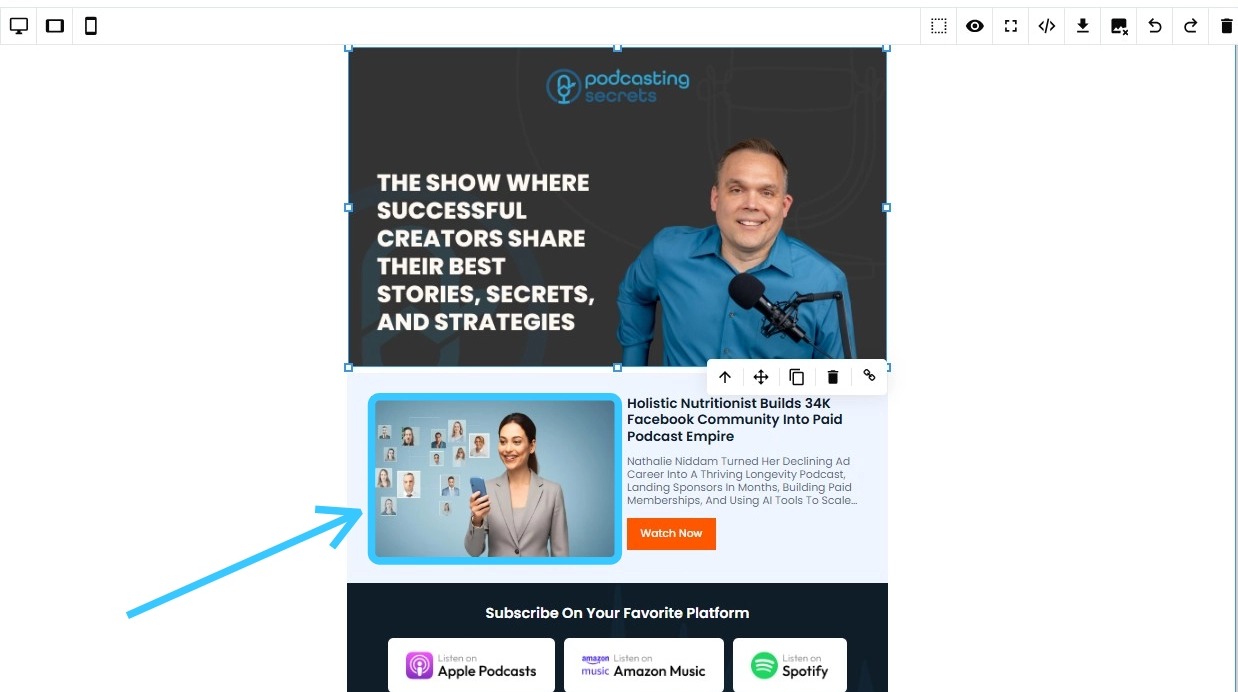
14. To replace an image in the newsletter template, double-click on it
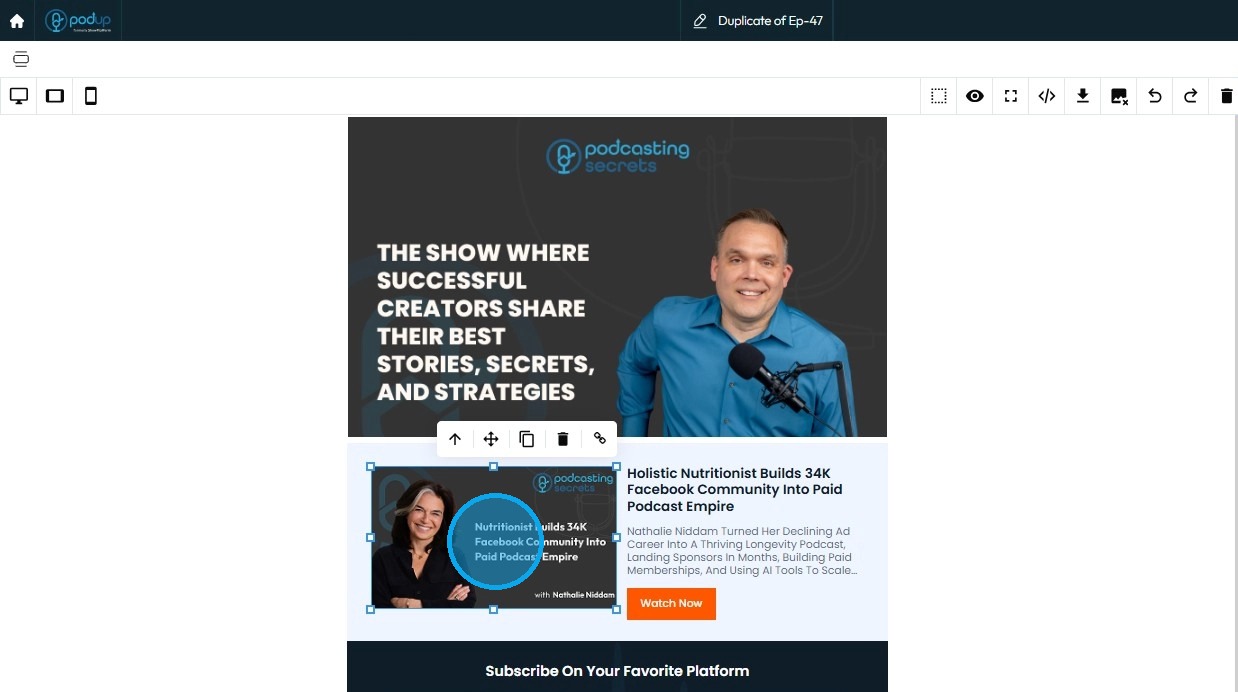
15. The PodUp File Manager will open. Select the image you want to add to the newsletter
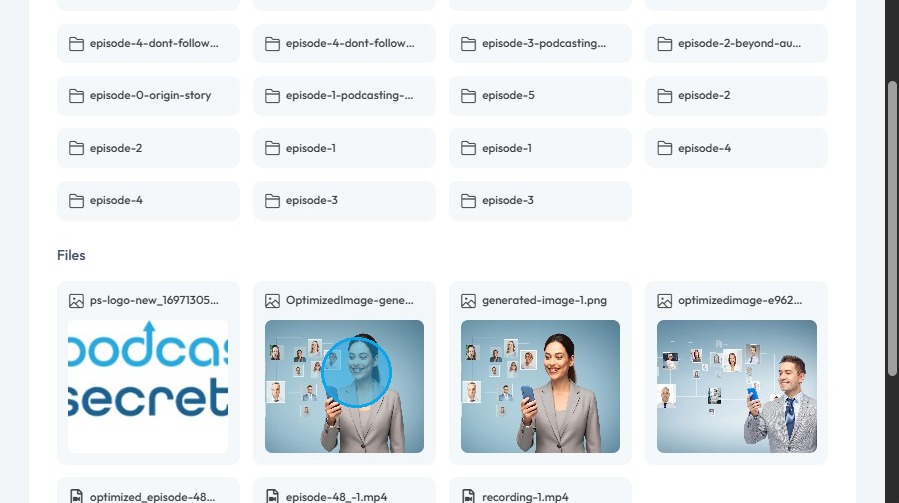
16. Click "Select" to add the image
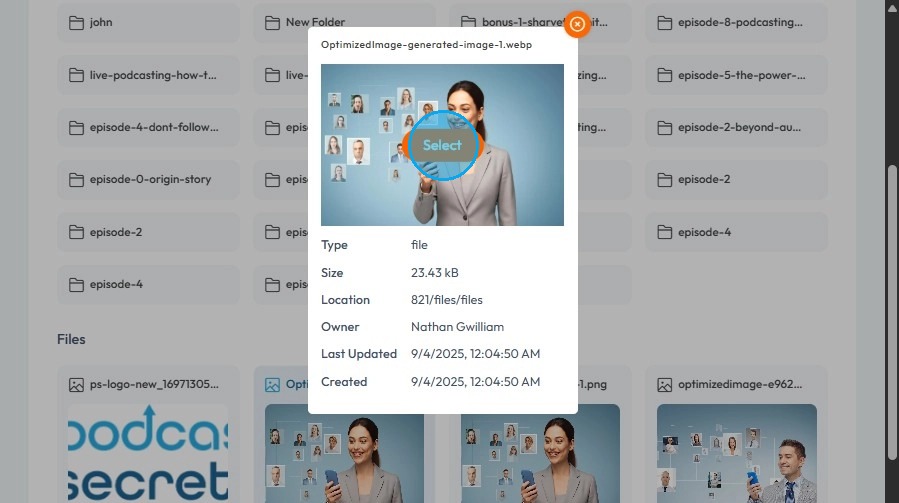
17. The image will be replaced in the newsletter
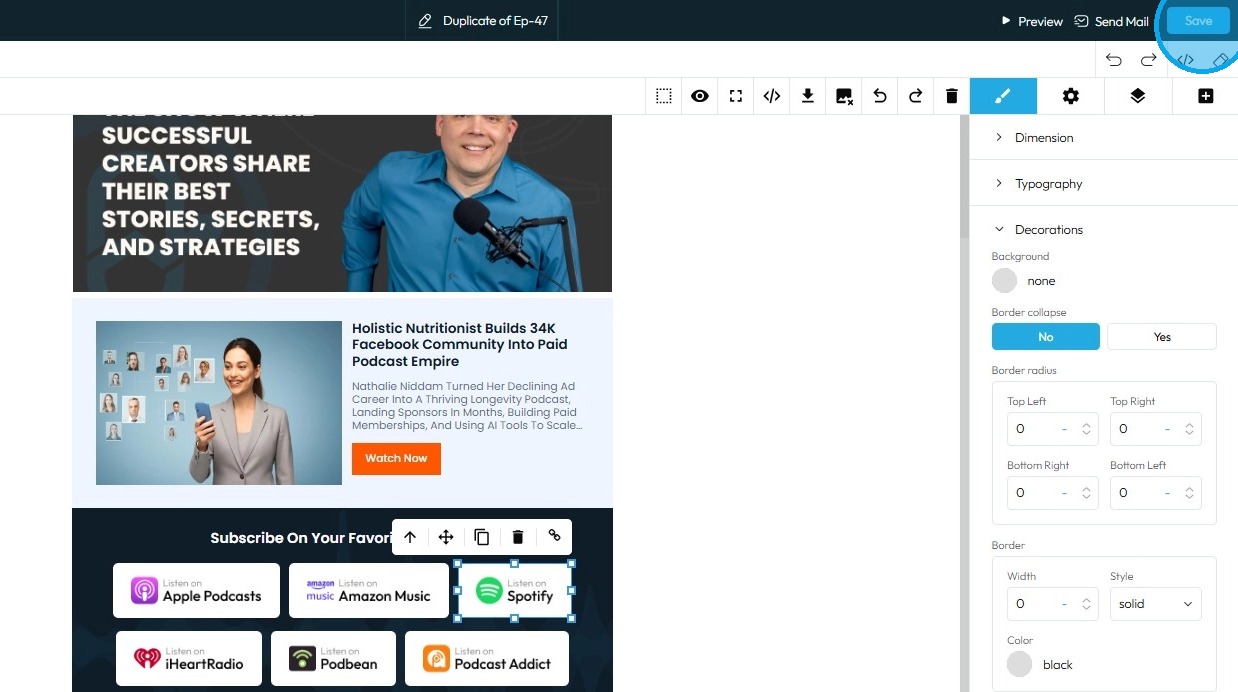
18. Click “Save” in the top-right corner to preserve your changes in the newsletter
Related Articles
How to Create a Newsletter List and Segment in PodUp
This guide shows you how to create and manage a newsletter list in PodUp. Learn how to customize lists, segment subscribers, and track results to improve targeting and boost engagement. 1. Navigate to https://app.podup.com/home 2. Click "Grow" 3. ...How To Navigate Newsletter Generator (Detailed)
This guide provides a comprehensive walkthrough on generating AI newsletters specifically tailored for podcast monetization. It simplifies the newsletter creation process, allowing users to effectively incorporate keywords, blogs, videos, and ...How Create a Newsletter in PodUp
This guide shows you how to create a professional newsletter in PodUp using 40+ templates and easy design tools. You'll learn how to customize layout, text, and components for a clean look on any device. It’s a simple way to create and share engaging ...Create a Custom Newsletter Template in Podup
By following this guide, you can easily create a custom newsletter template in PodUp that reflects your brand and enhances audience engagement. 1. Navigate to https://app.podup.com/home 2. Click "Grow" 3. Select "Email Marketing" 4. Click "Create ...How do I customize Web builder Quick Add (Detailed) - Tabs
By following this guide, you can easily customize the Quick Add Tabs feature in PodUp Web Builder to enhance your website’s functionality and design. 1. Navigate to https://app.podup.com/home 2. Click "Page Builder". 3. Click the "Build" button for ...