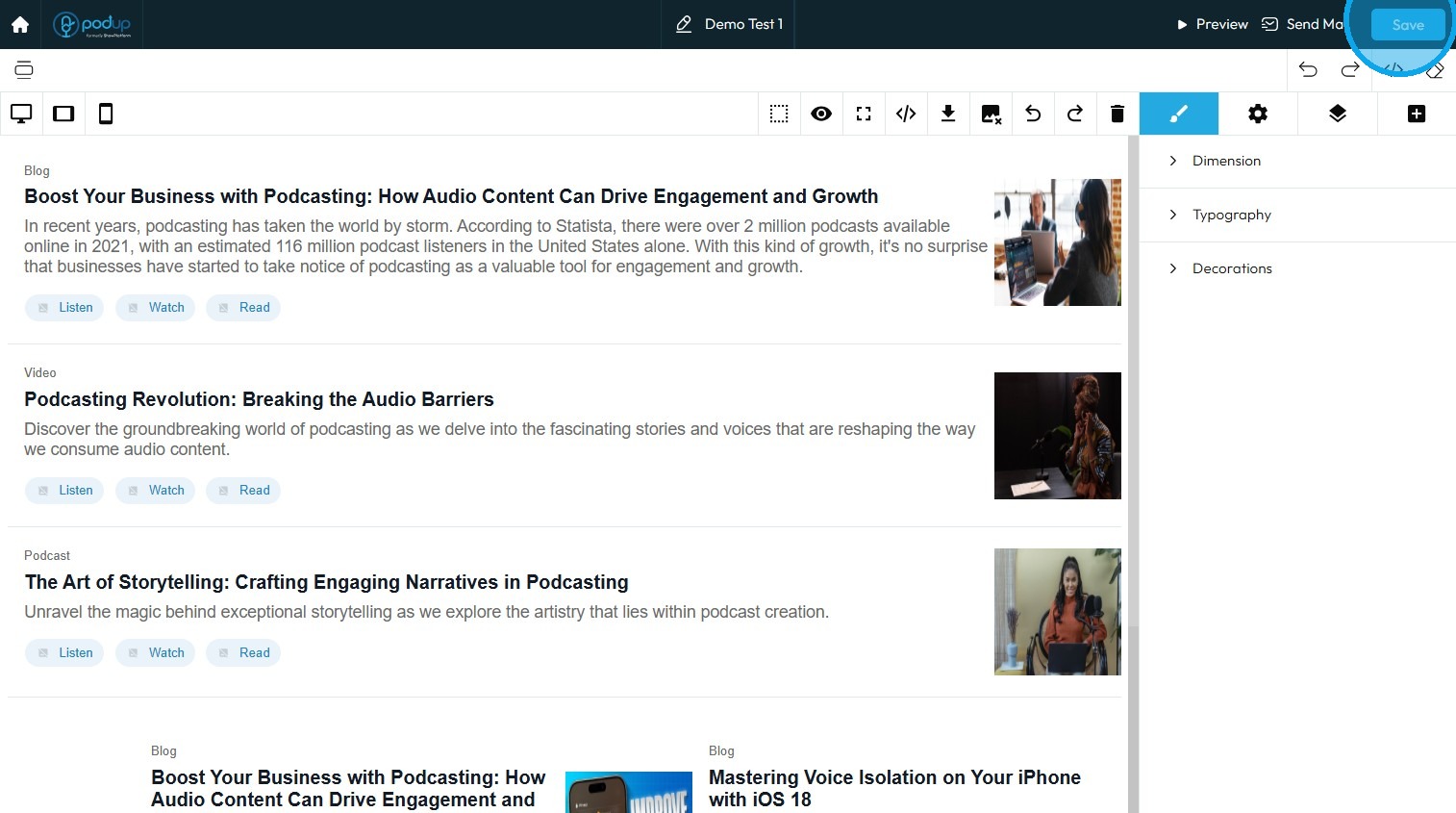
Create a Custom Newsletter Template in Podup
By following this guide, you can easily create a custom newsletter template in PodUp that reflects your brand and enhances audience engagement.
1. Navigate to https://app.podup.com/home
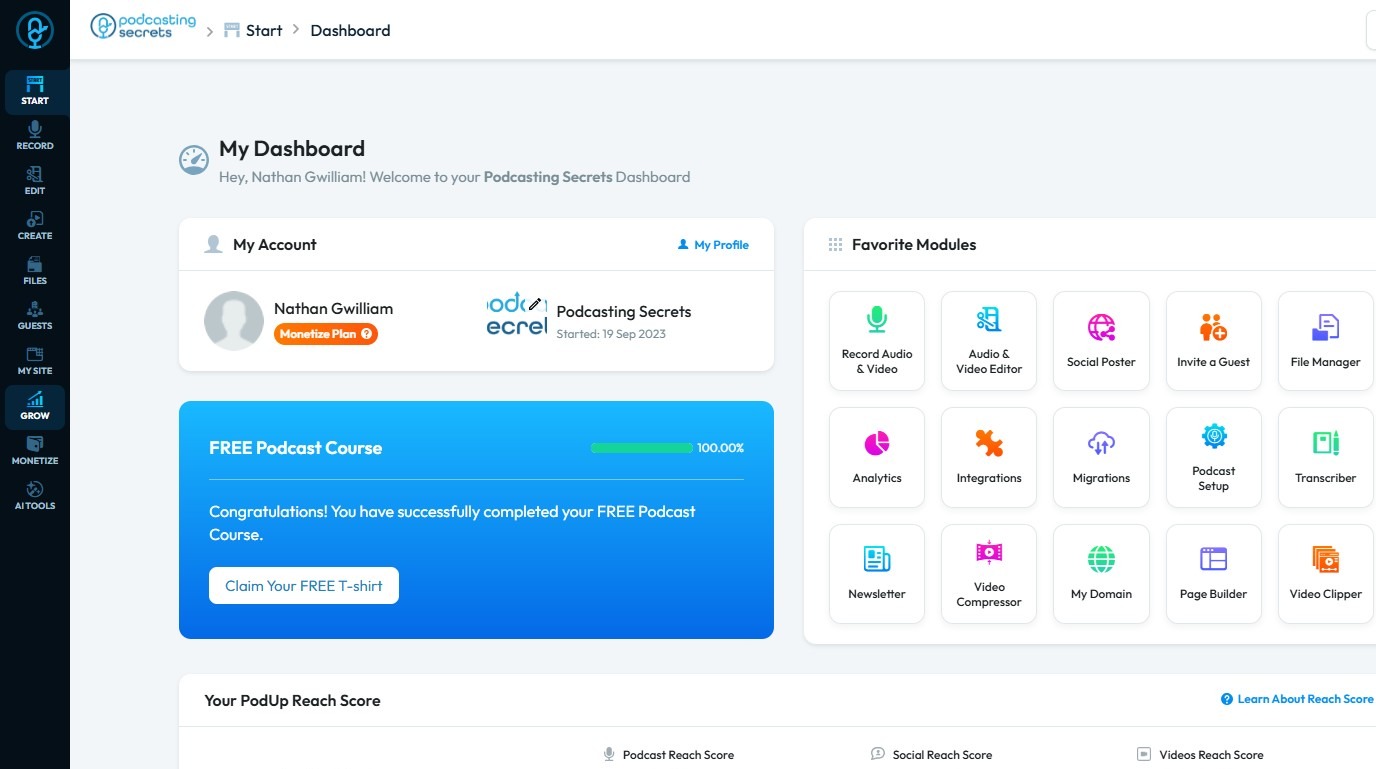
2. Click "Grow"
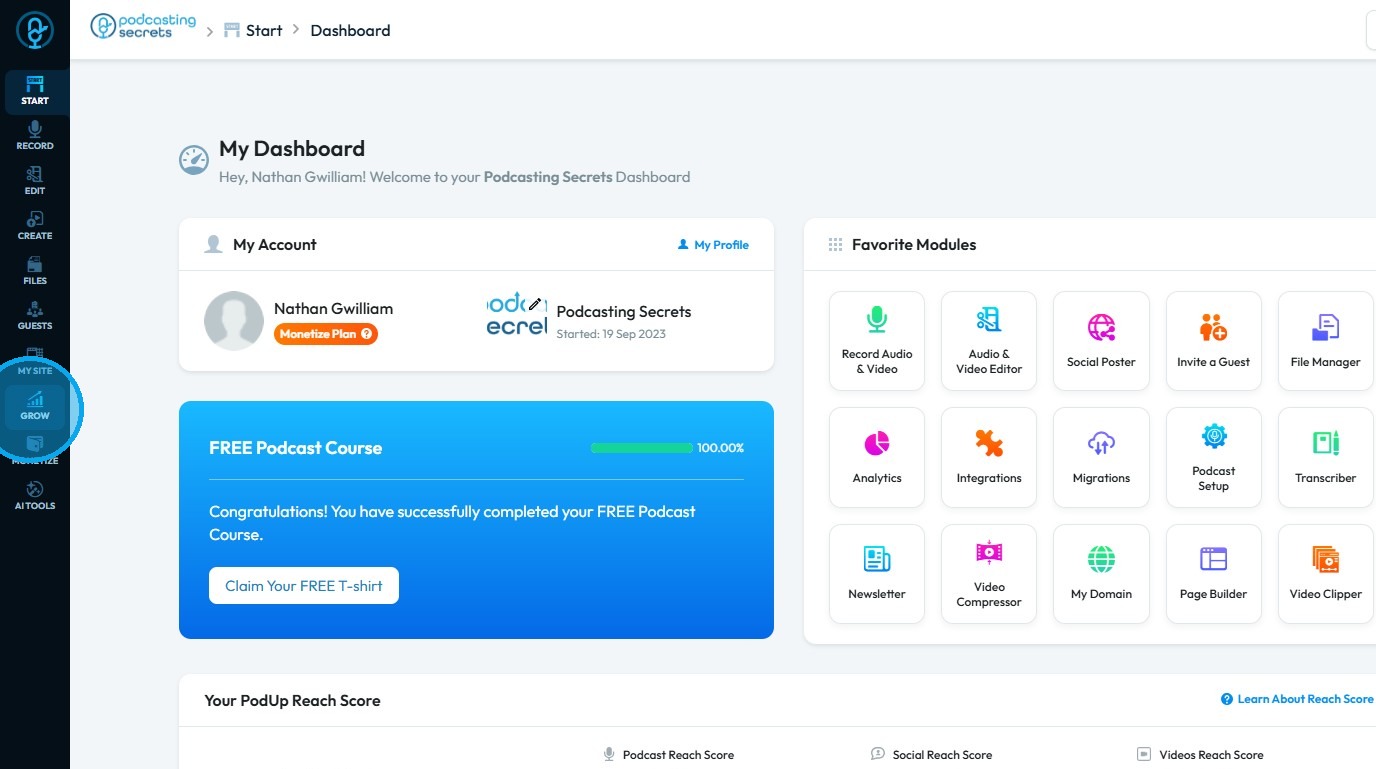
3. Select "Email Marketing"
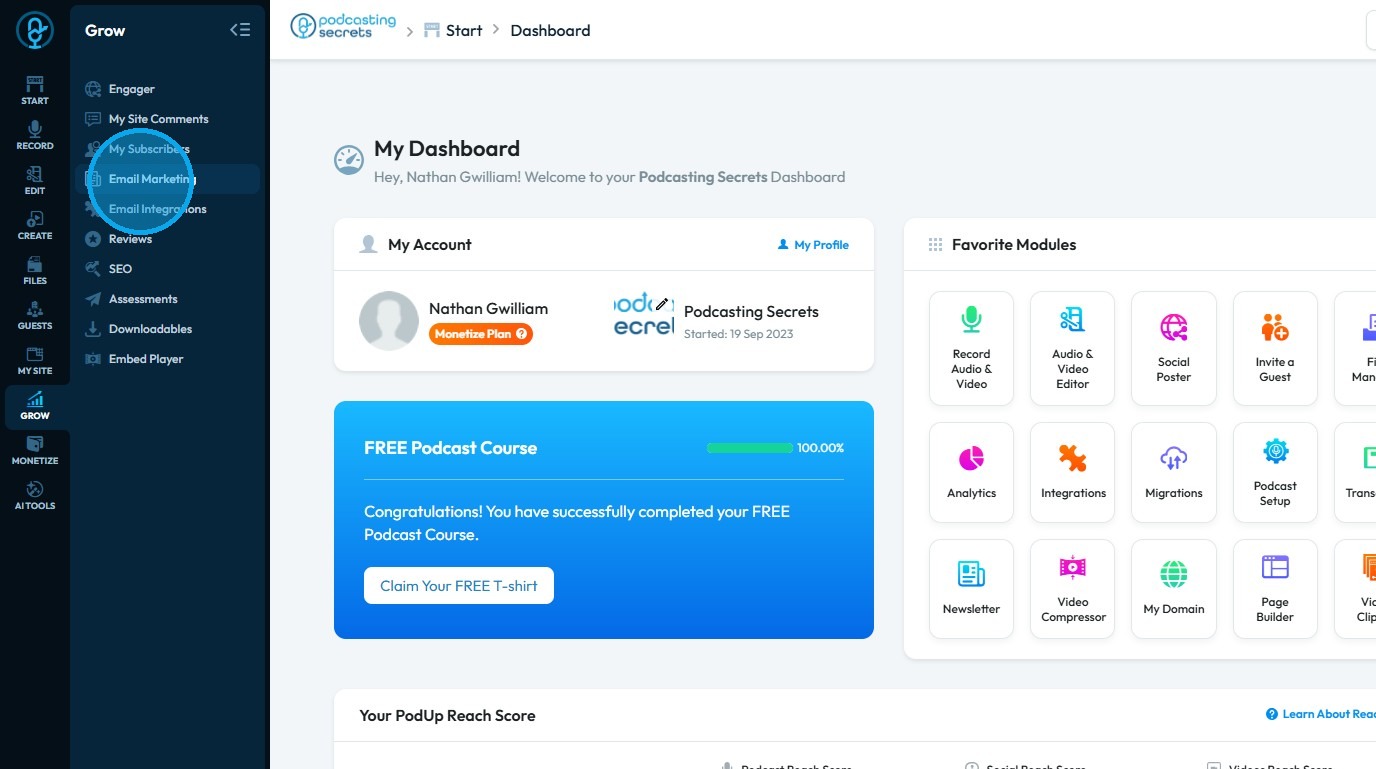
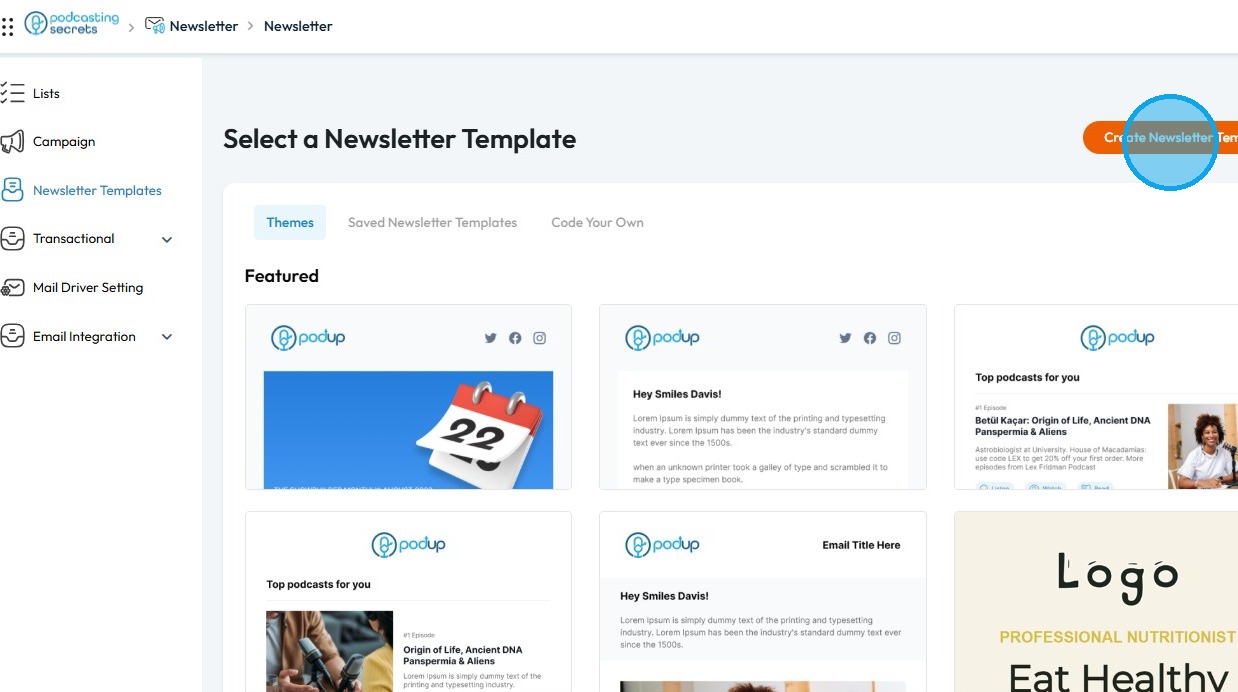
4. Click "Create Newsletter Template"
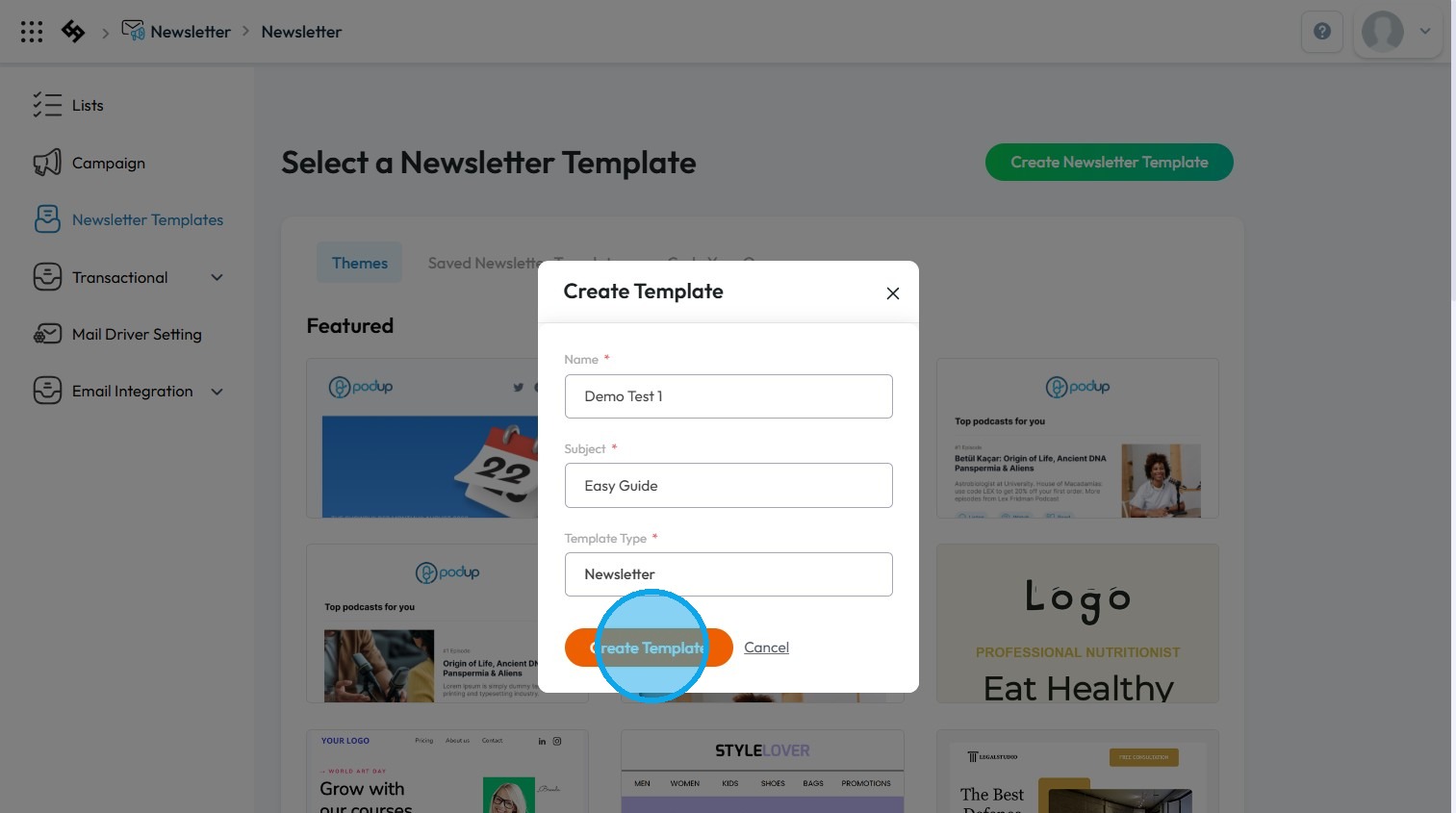
5. Fill in all the details and click "Create Template"
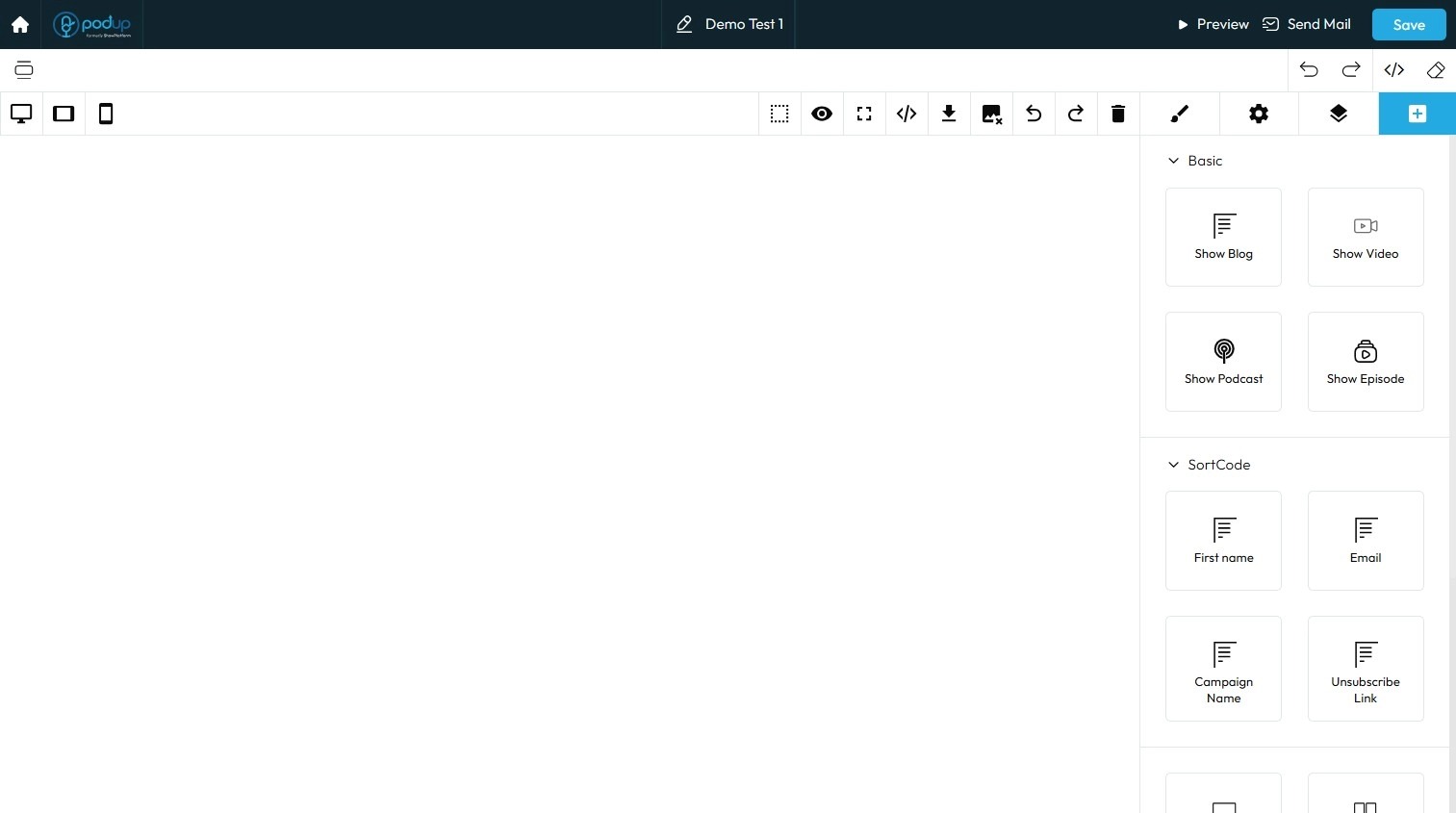
6. This will open the Newsletter Builder
7. On the right side, you will find all the elements available for building your newsletter
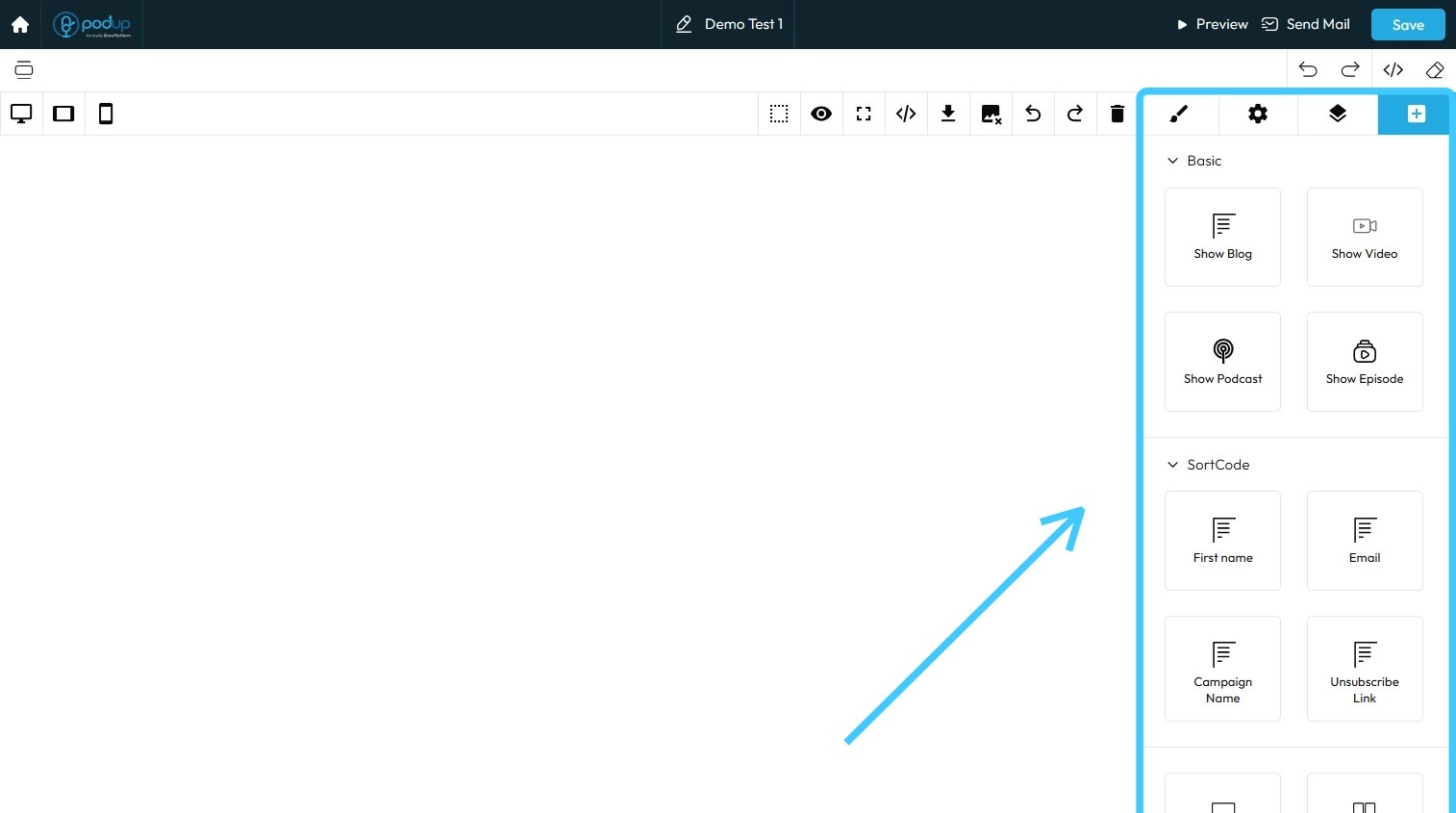
8. Import the elements and adjust them as needed
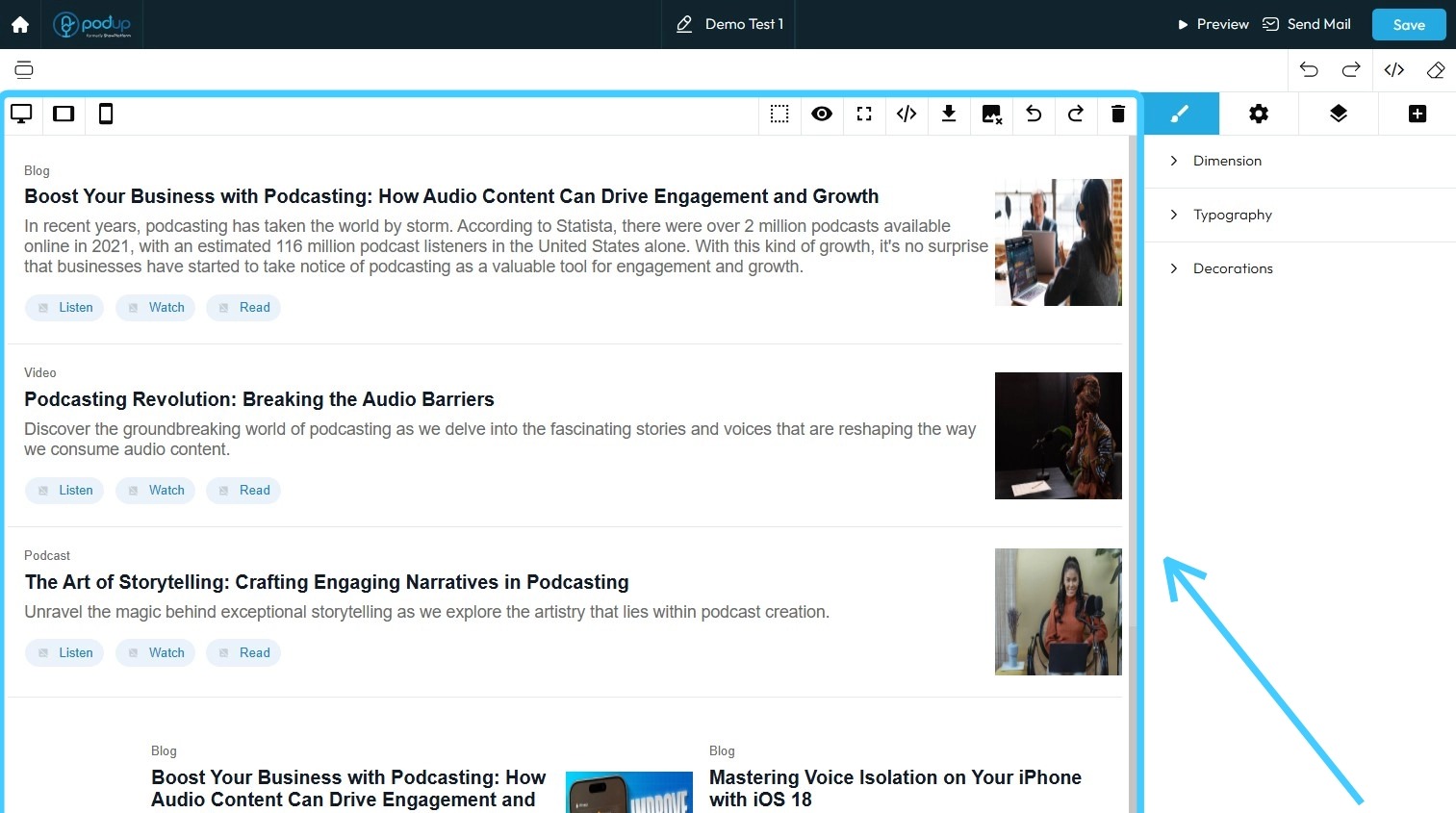
9. Once finished, click "Save" in the top-right corner to save your newsletter template