How can I compress favicon files?
By following this guide, you can compress and optimize your website’s favicon using PodUp to improve loading times and enhance overall site performance.
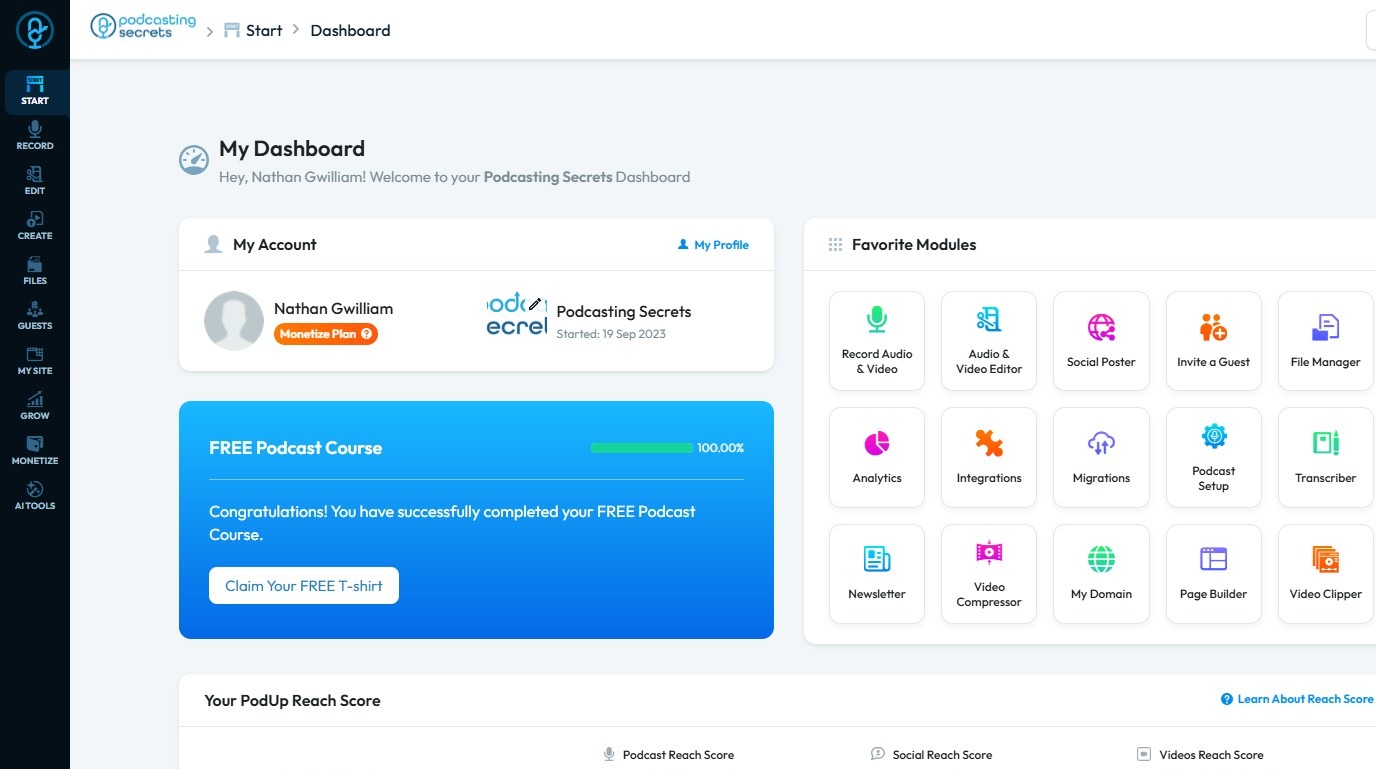
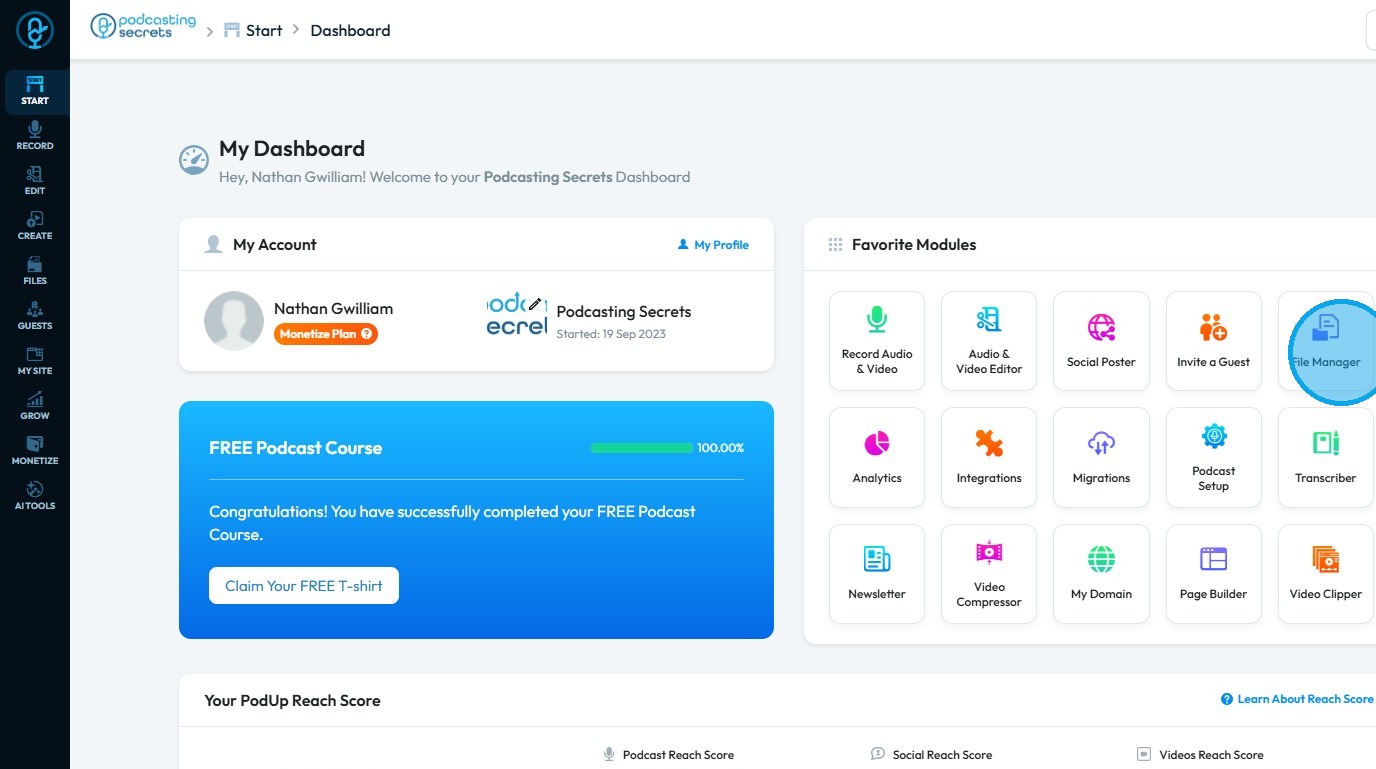
2. Click "File Manager"
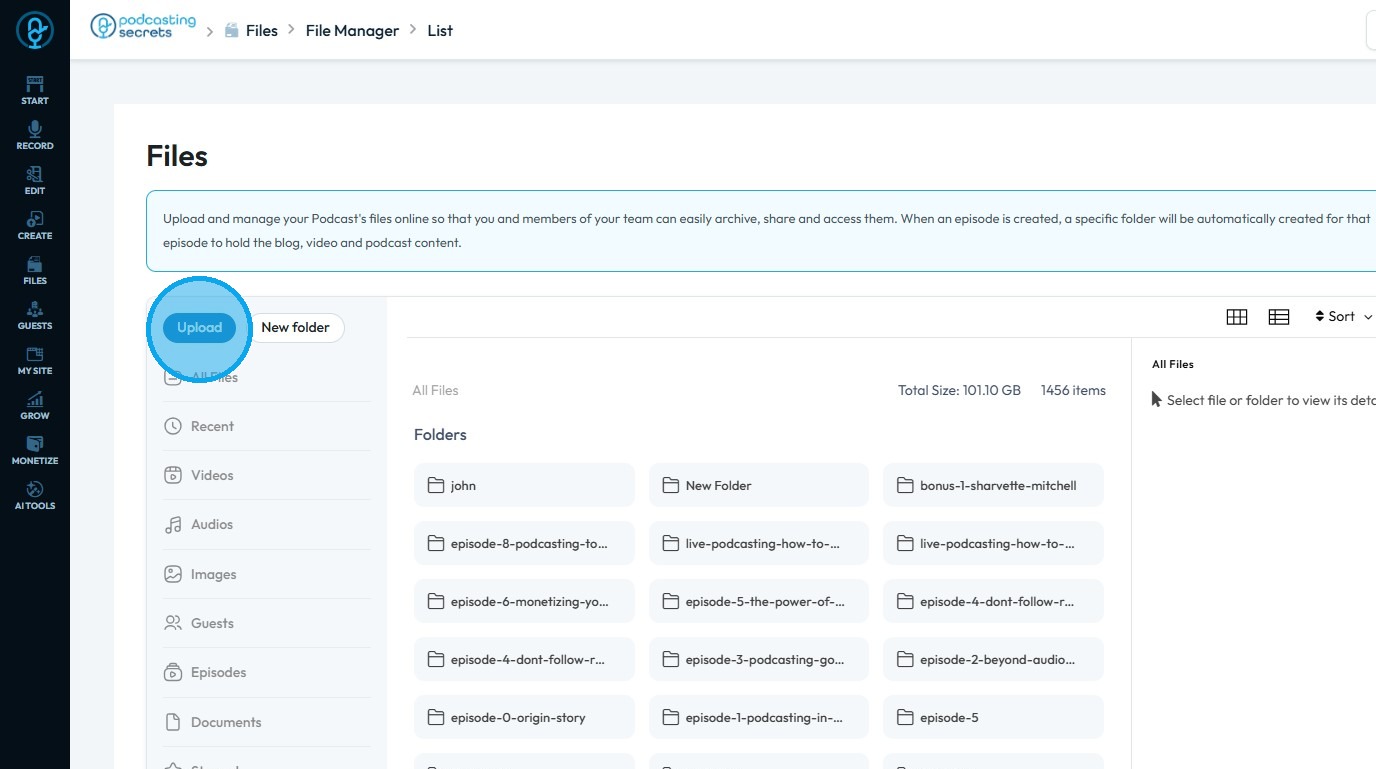
3. Click "Upload"
4. The file explorer window will open
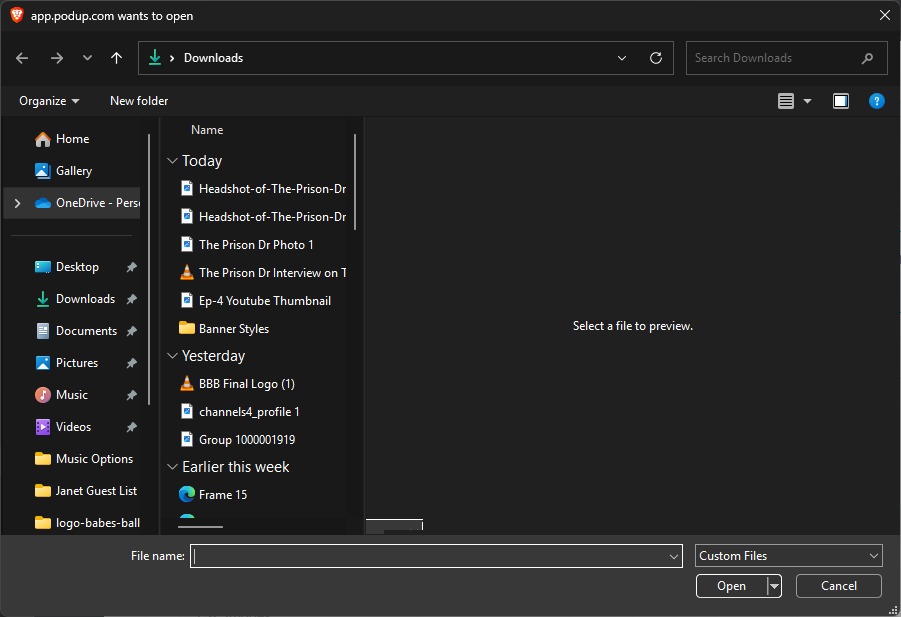
5. Choose the file you want to compress and use as "Favicon" then click "Open"
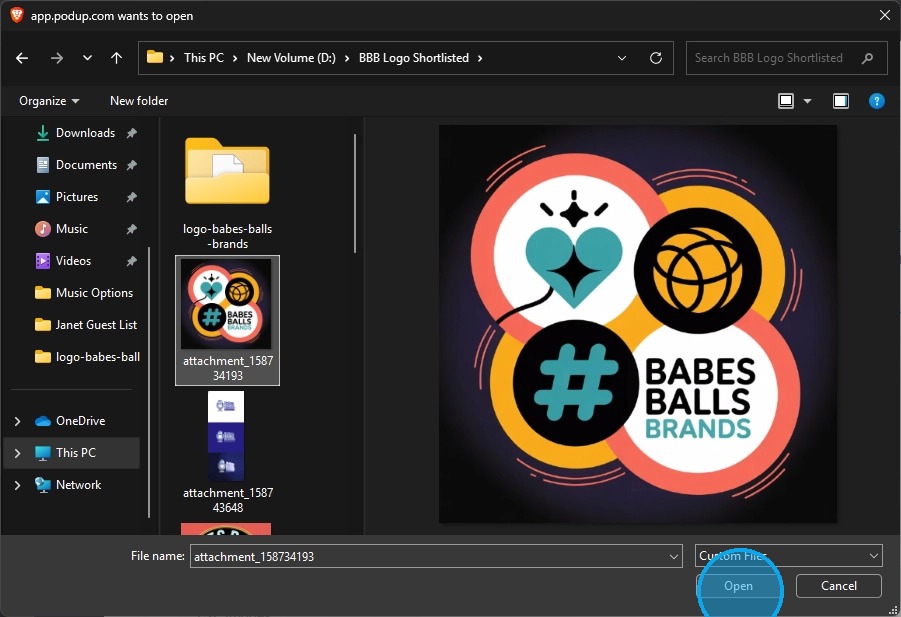
6. The file will begin uploading to the PodUp File Manager
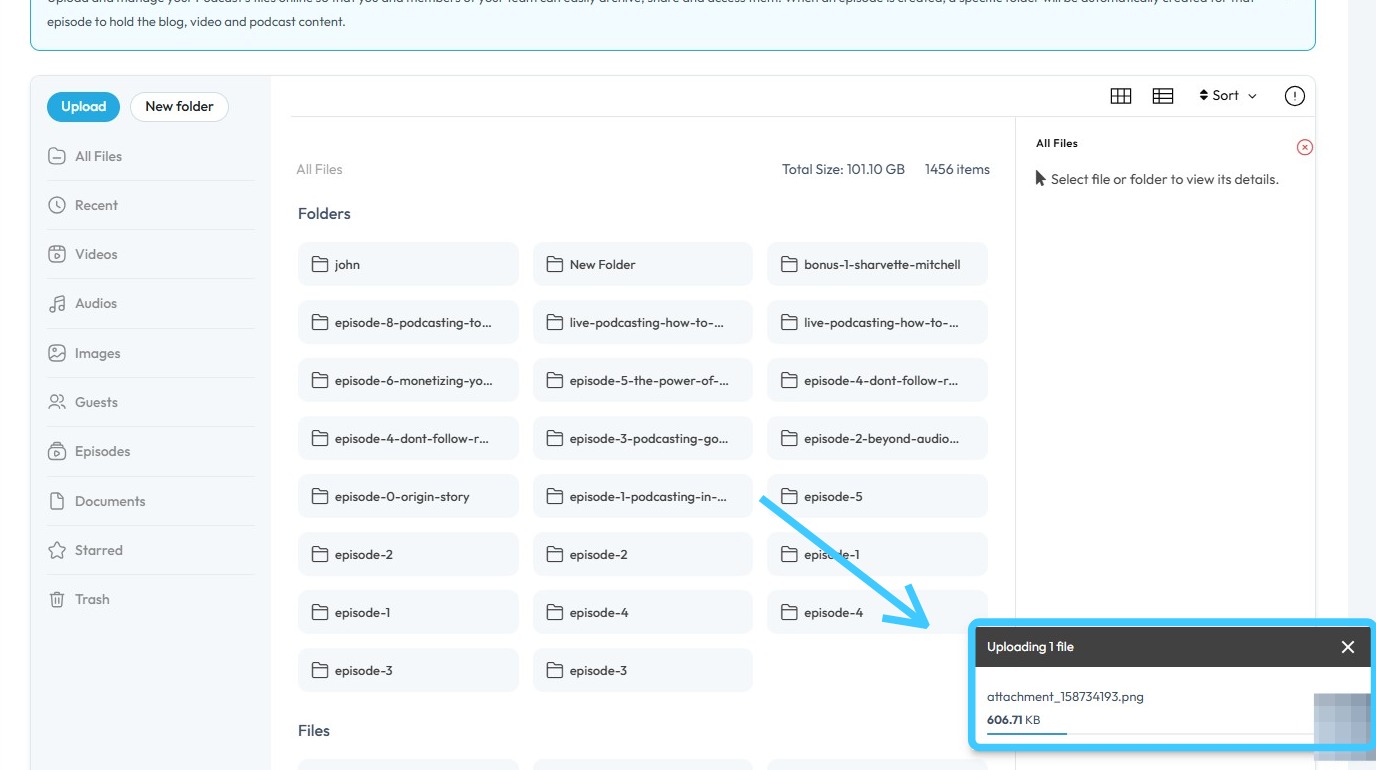
7. Once the file has been uploaded in the PodUp file manager, an "Optimized version" of the file will be also be generated.
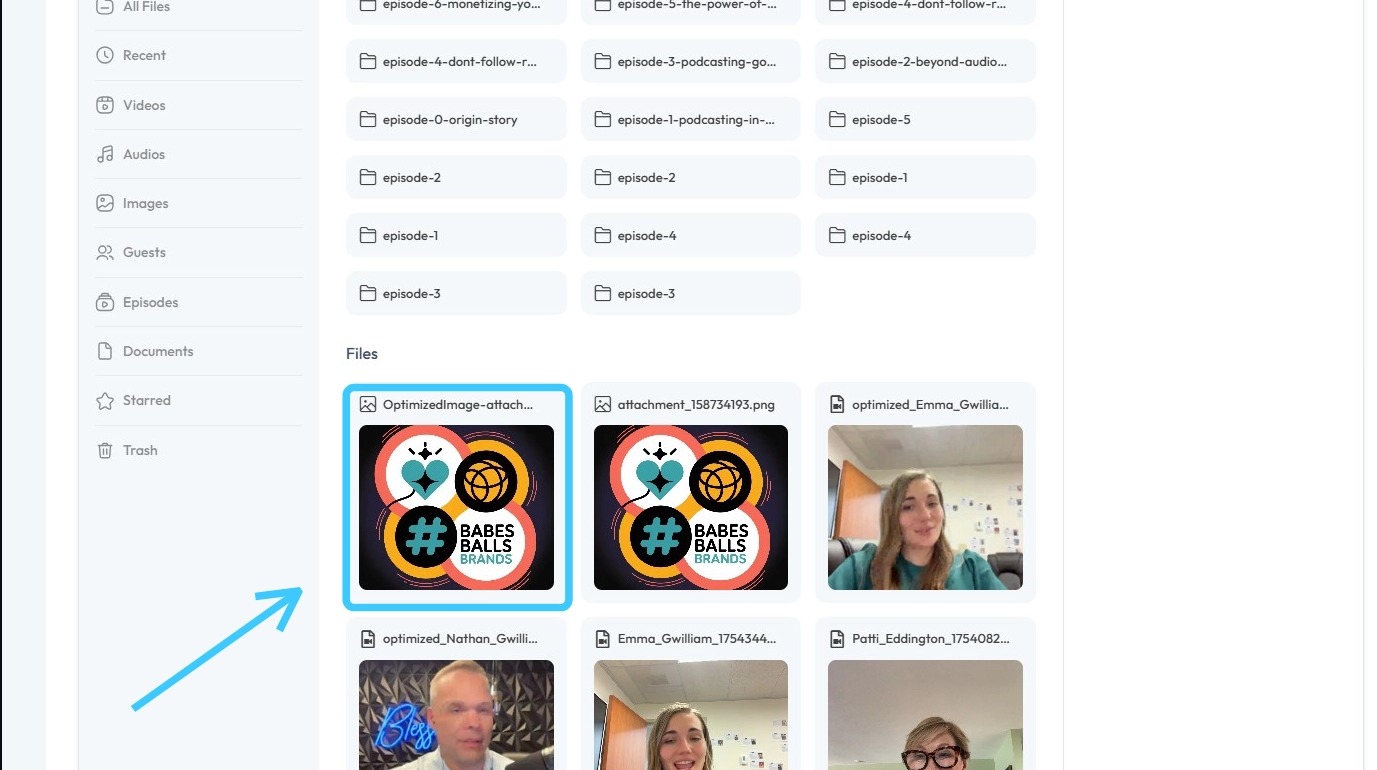
8. Original file's size will be more compared to the "Optimized File".
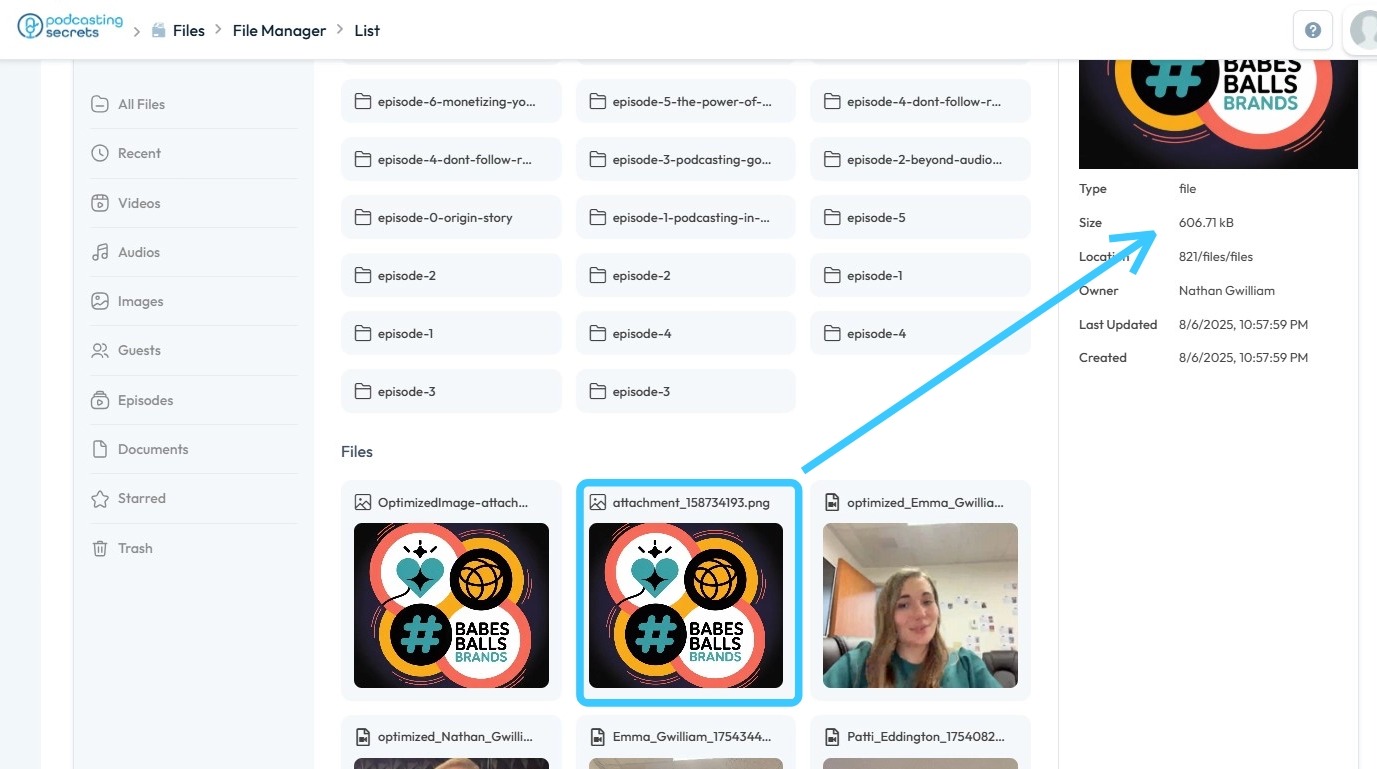
9. "Optimized Image" size will always be smaller compared to the original file.
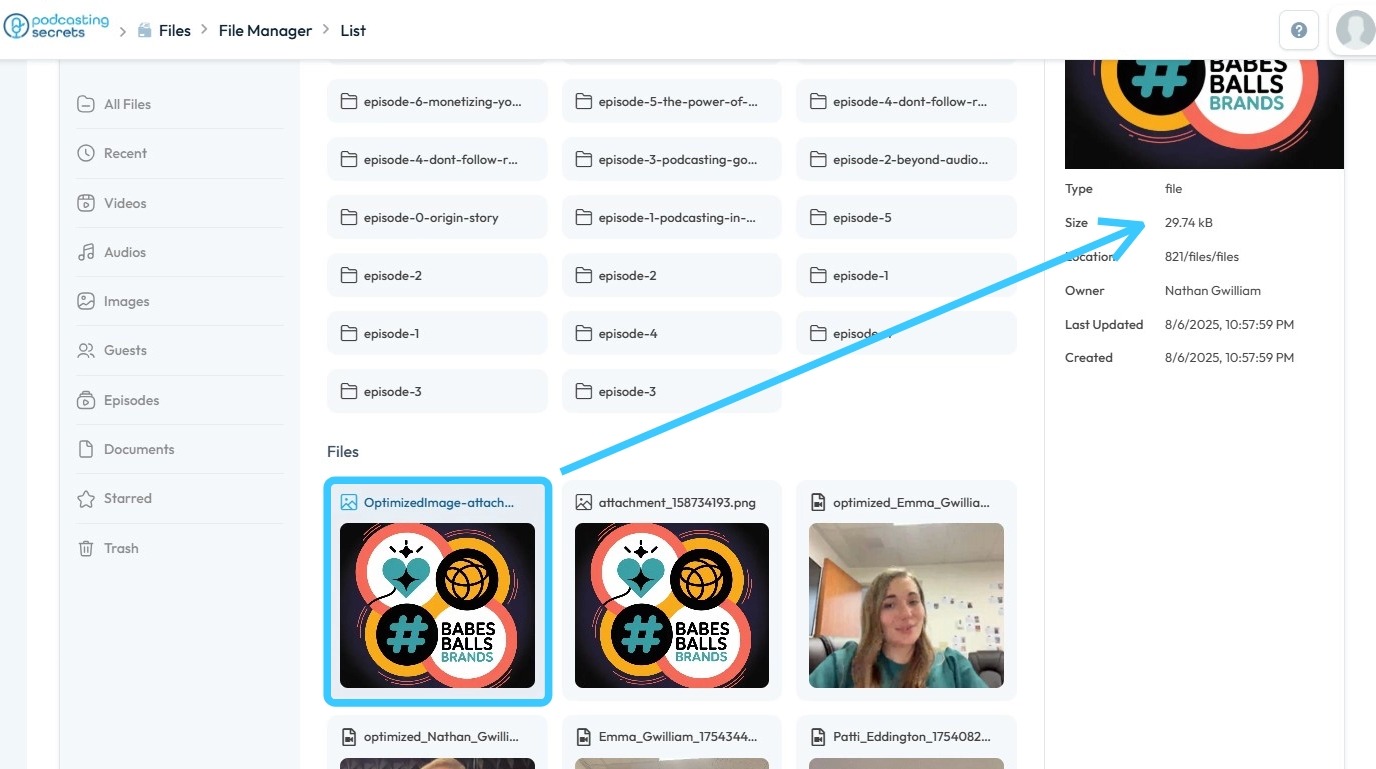
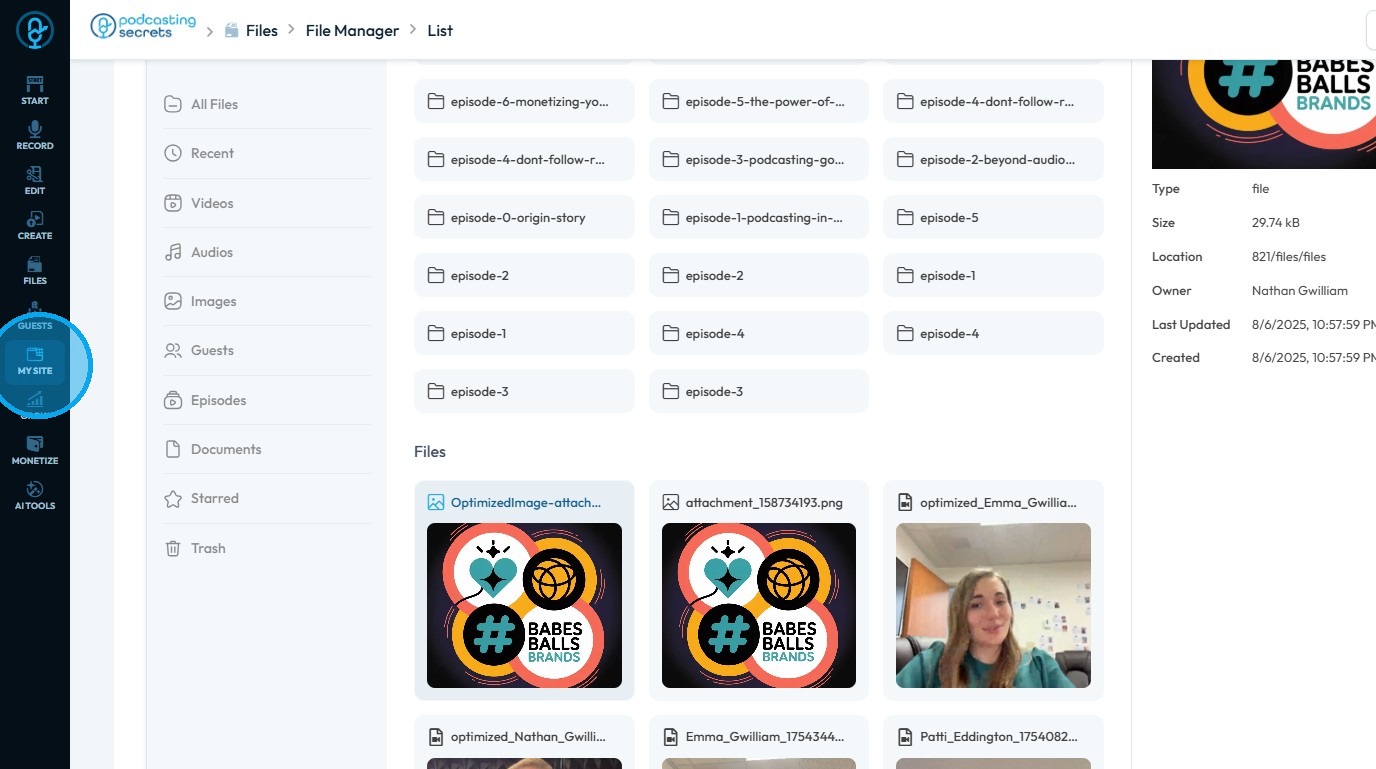
10. Once the "Optimized file" has been generated. Click on "My Site"
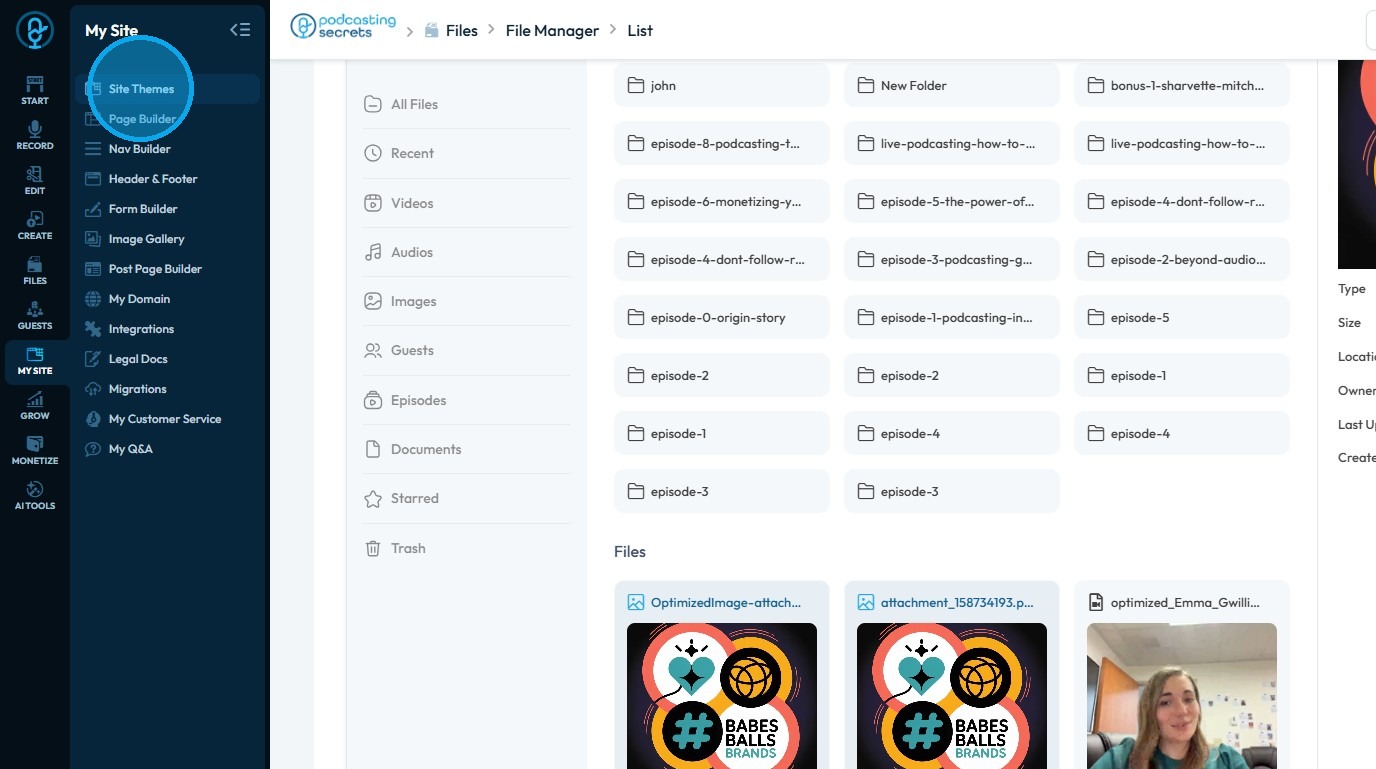
11. Click "Site Themes"
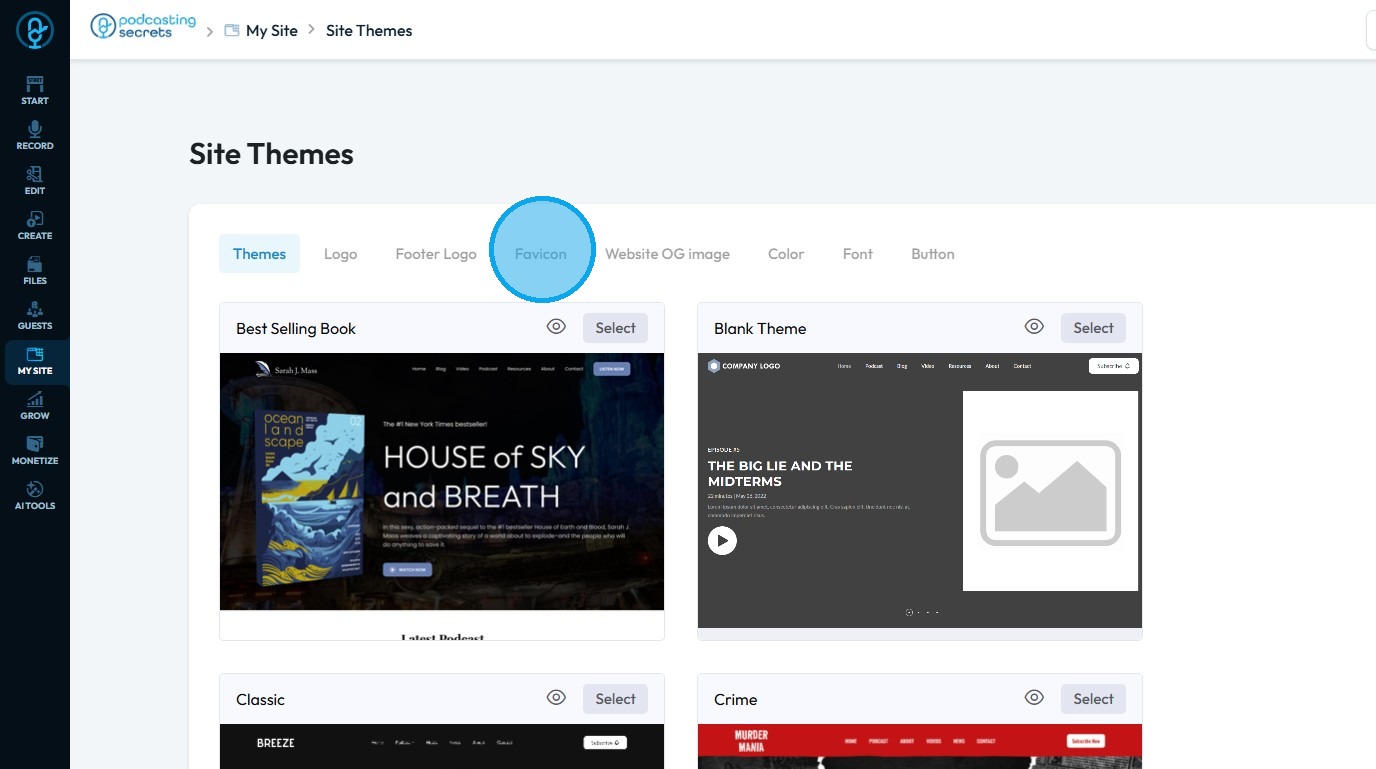
12. Navigate to “Favicon.”
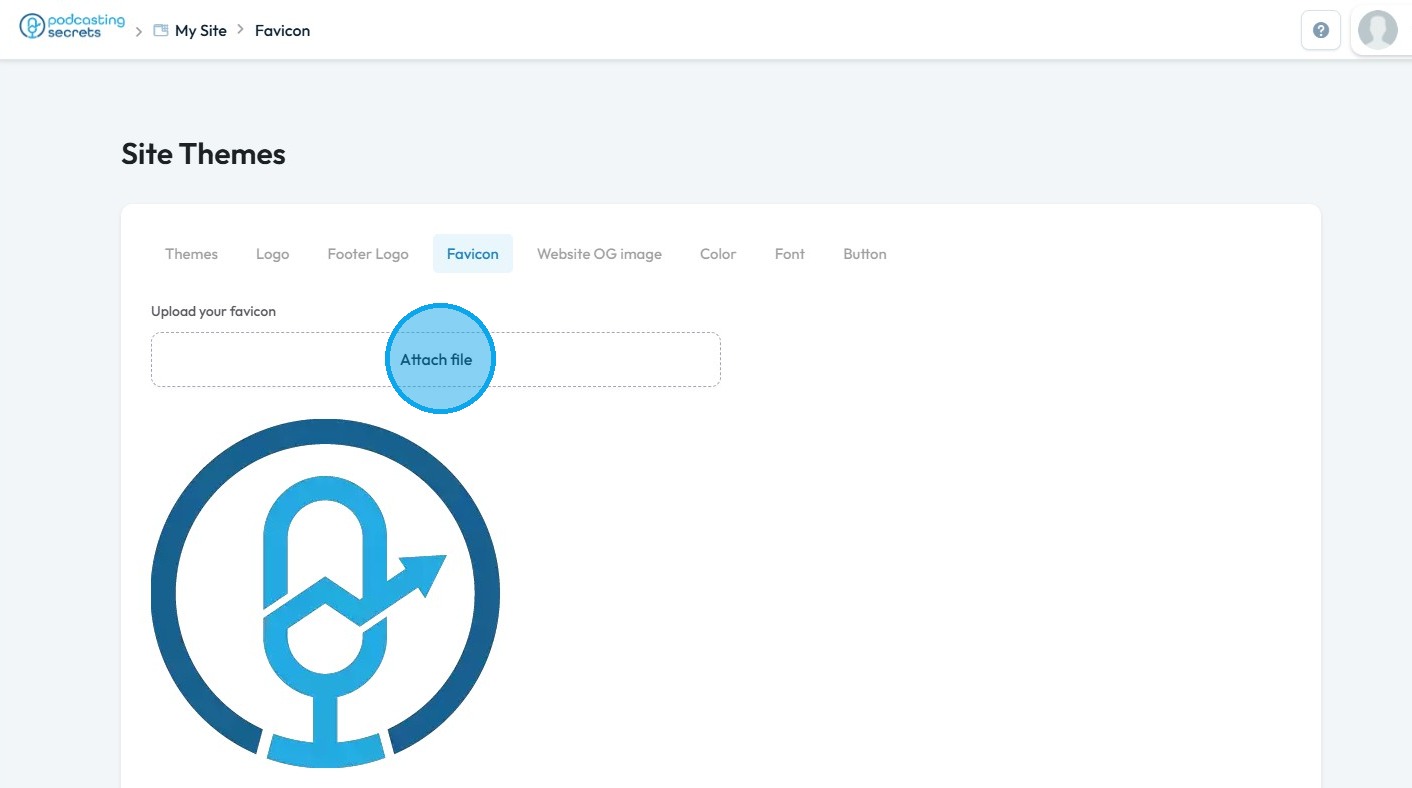
13. Click "Attach file"
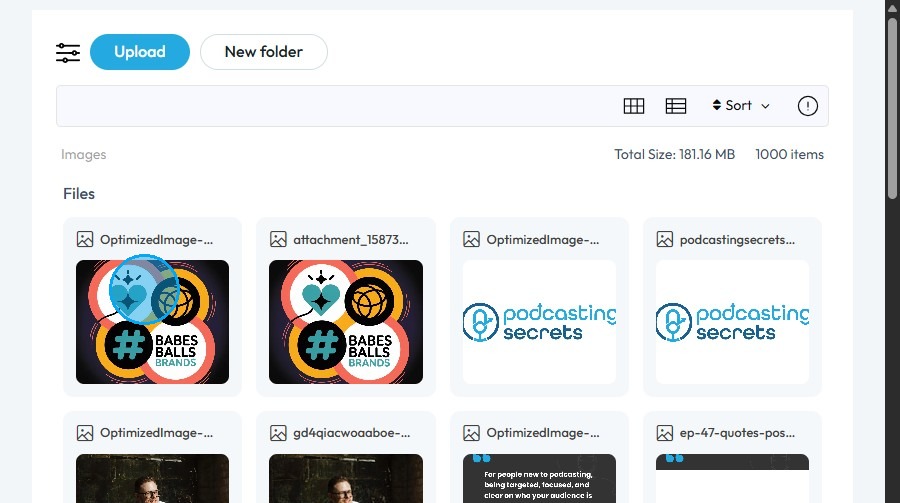
14. In the PodUp File Manager, select the image you want to use as your favicon
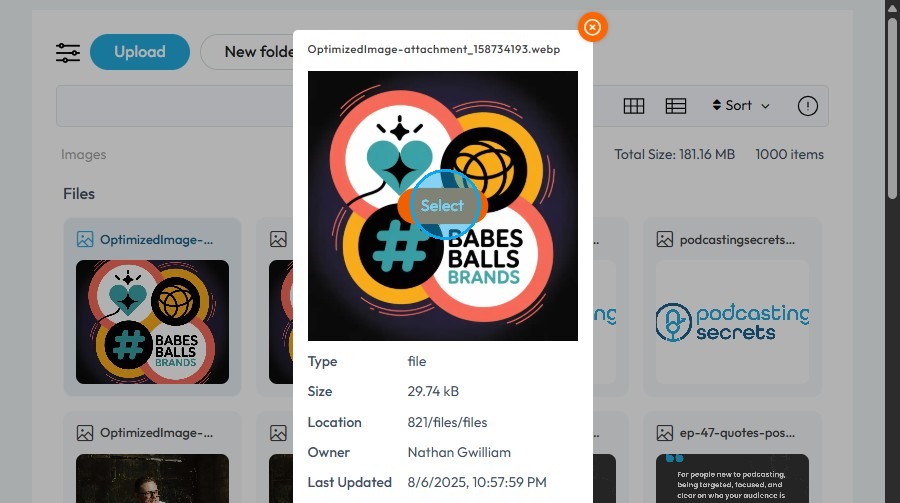
15. Click "Select"
16. Click "Save" to confirm the changes.

Related Articles
How can I Compress Favicon Files?
By following this guide, you can efficiently compress and optimize favicon files in PodUp to improve website performance. 1. Navigate to https://app.podup.com/home 2. Click "File Manager" 3. The File Manager will open 4. Select "Upload" 5. Select the ...What is A Favicon?
This how-to article explains what a favicon is, why it matters, where it shows up on your site, and the size limits you need to follow. Tip! Favicon: The small icon that appears in a browser tab next to the page title. It's also used in bookmarks and ...How To Rename Files
By following this guide, you can quickly rename files in the PodUp app to improve organization and accessibility. 1. Navigate to https://app.podup.com/home 2. Click "File Manager" on Dashboard. 3. Right-click on the file you wish to rename 4. Select ...How do I delete files
By following this guide, you can efficiently delete files in PodUp to manage your storage and keep your workspace organized. 1. Navigate to https://app.podup.com/home 2. Click "File Manager" 3. Right-click on the file you wish to delete 4. Click ...How Do I Find My Audio Files?
This guide shows the easy way to find your audio files on PodUp. 1. Navigate to https://app.podup.com/home 2. Click "Files". 3. Click "Audios" 4. You will see all your "Audio Files".