How To Rename Files
By following this guide, you can quickly rename files in the PodUp app to improve organization and accessibility.
1. Navigate to https://app.podup.com/home
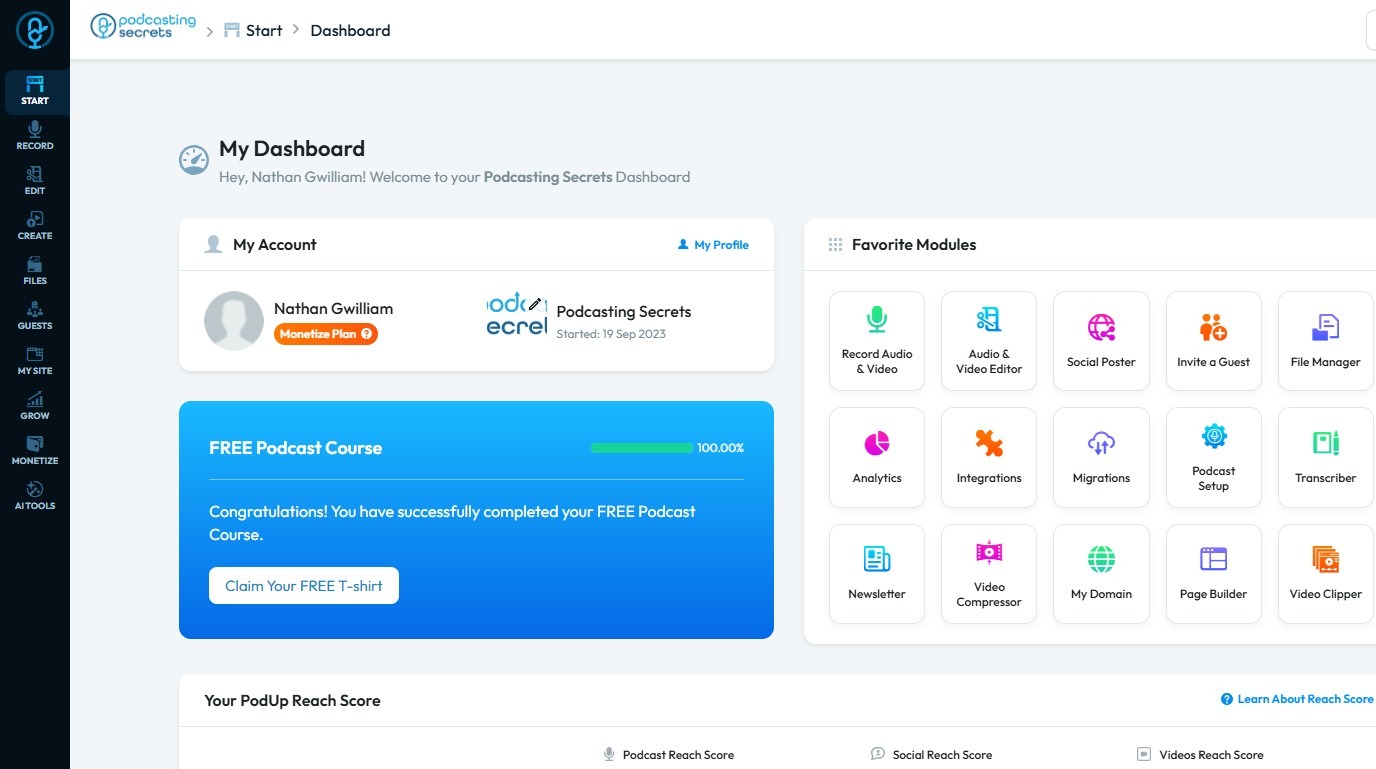
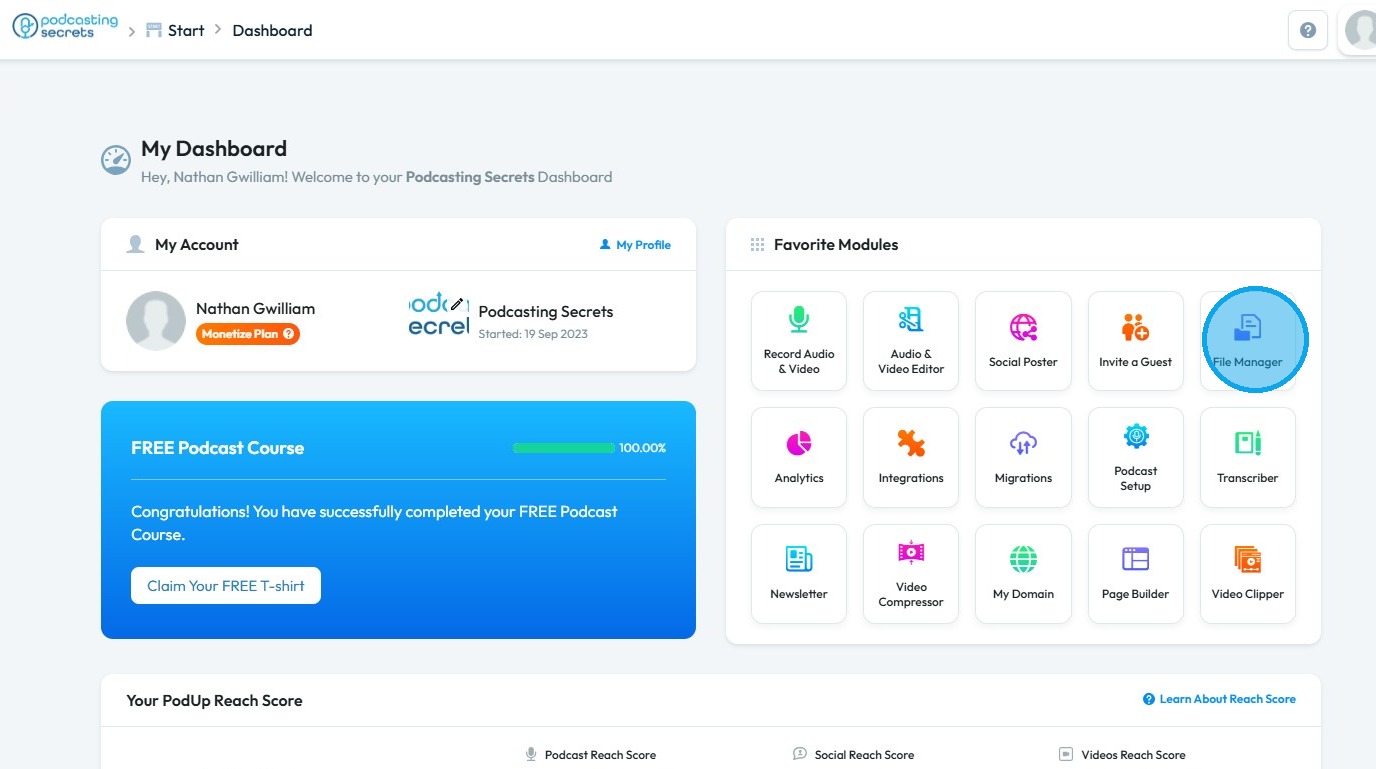
2. Click "File Manager" on Dashboard.
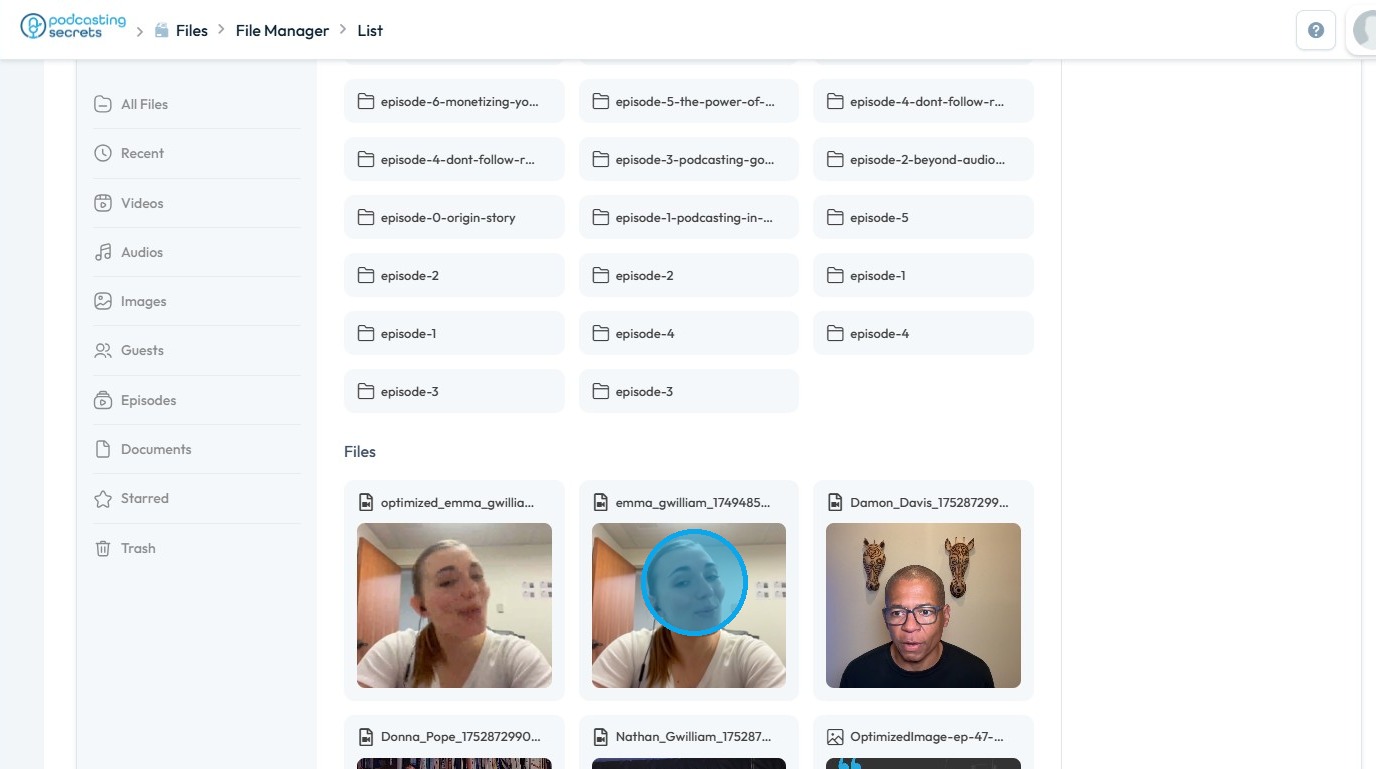
3. Right-click on the file you wish to rename
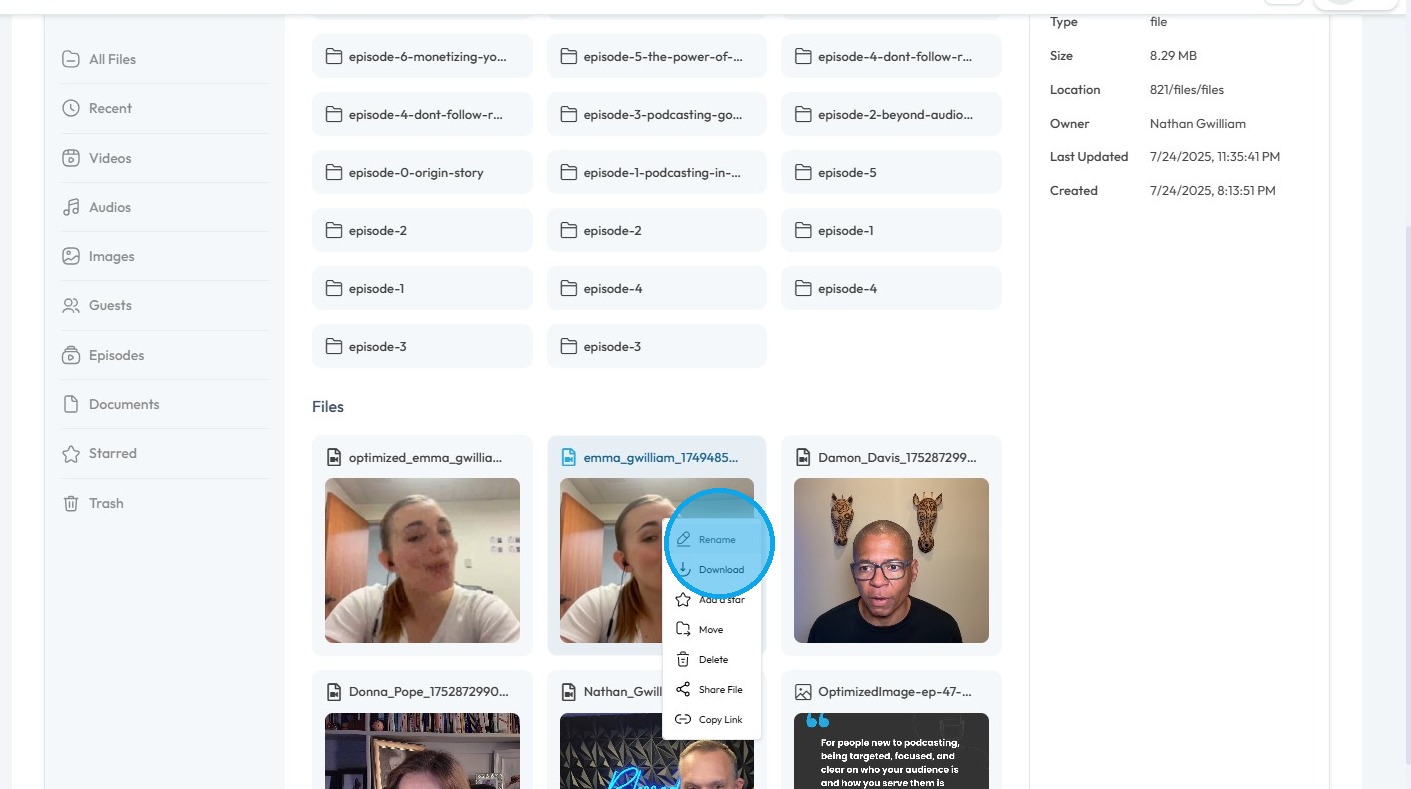
4. Select "Rename"
5. A "Rename to" pop-up will appear
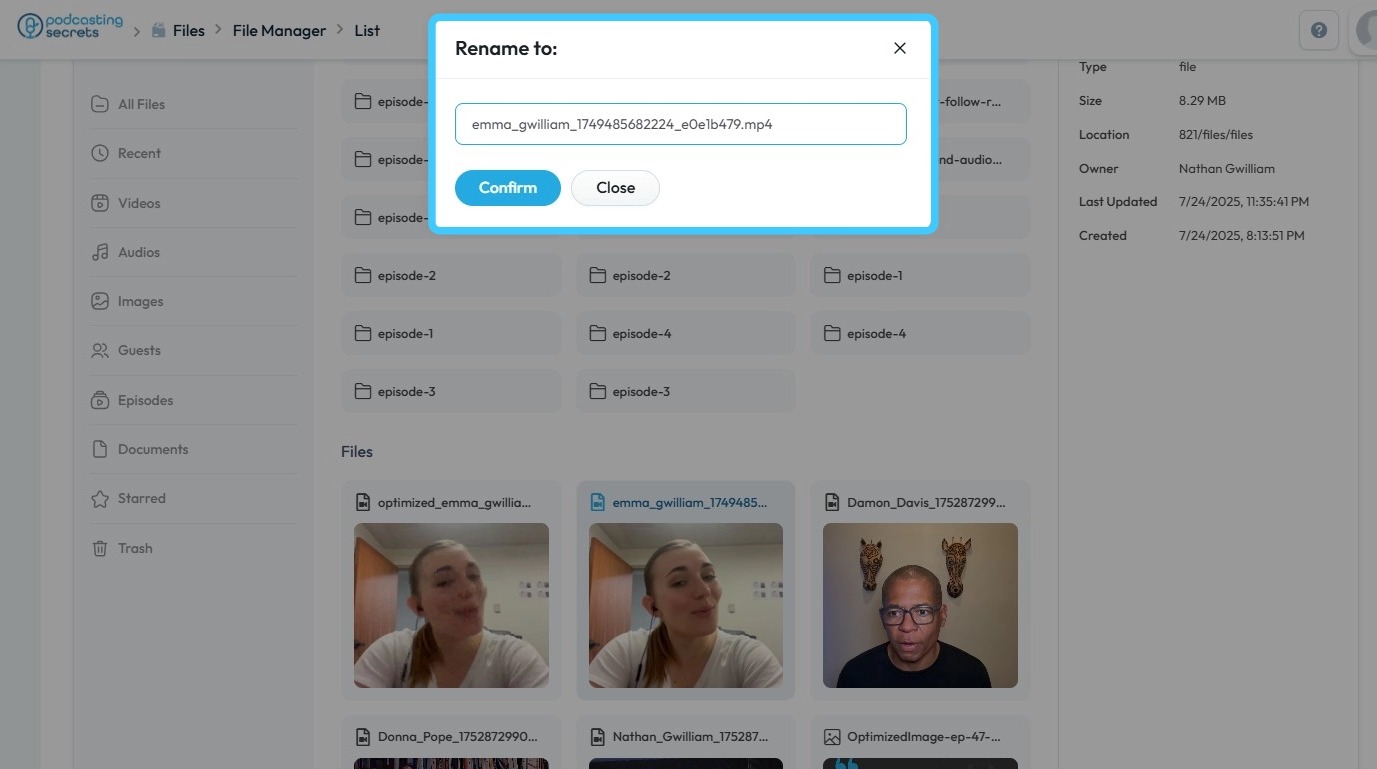
6. Click the text field and enter the new file name
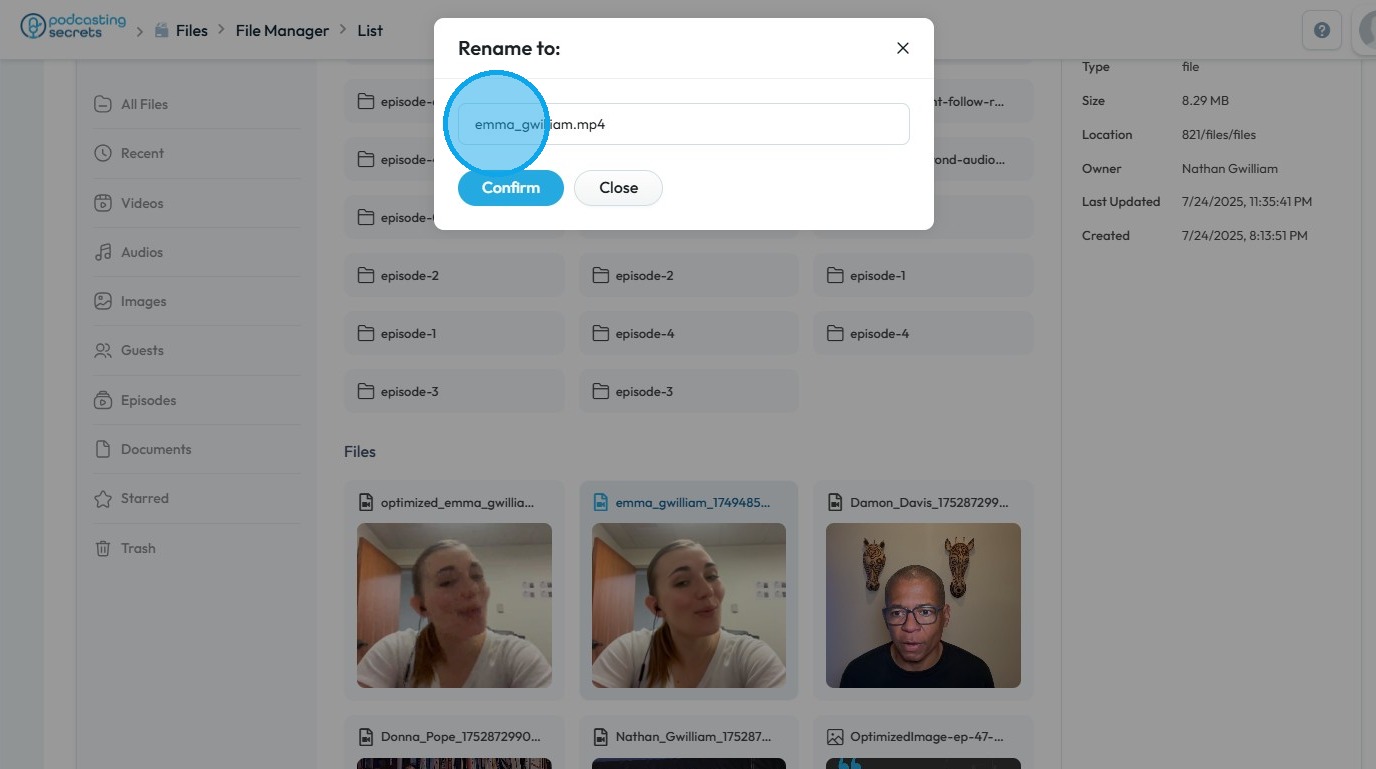
7. Click "Confirm" to save the changes
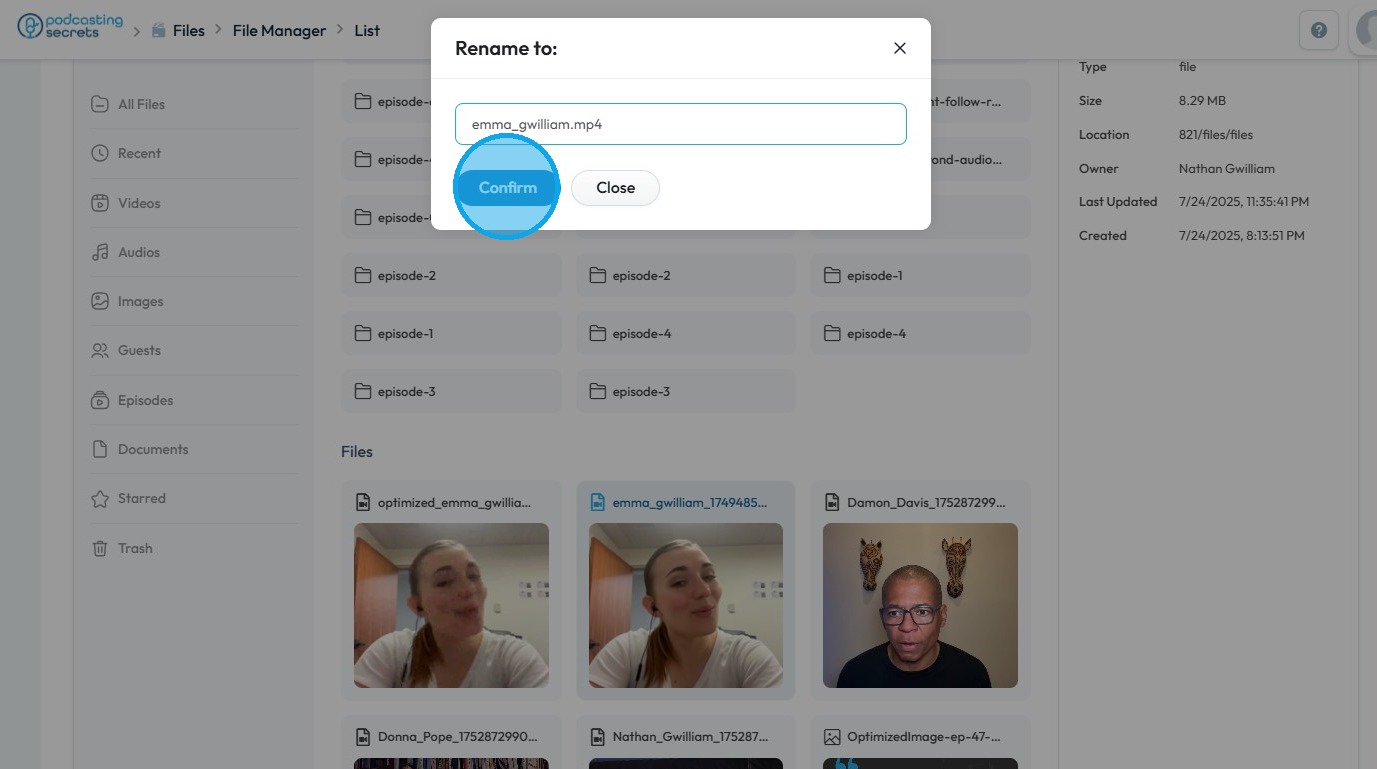
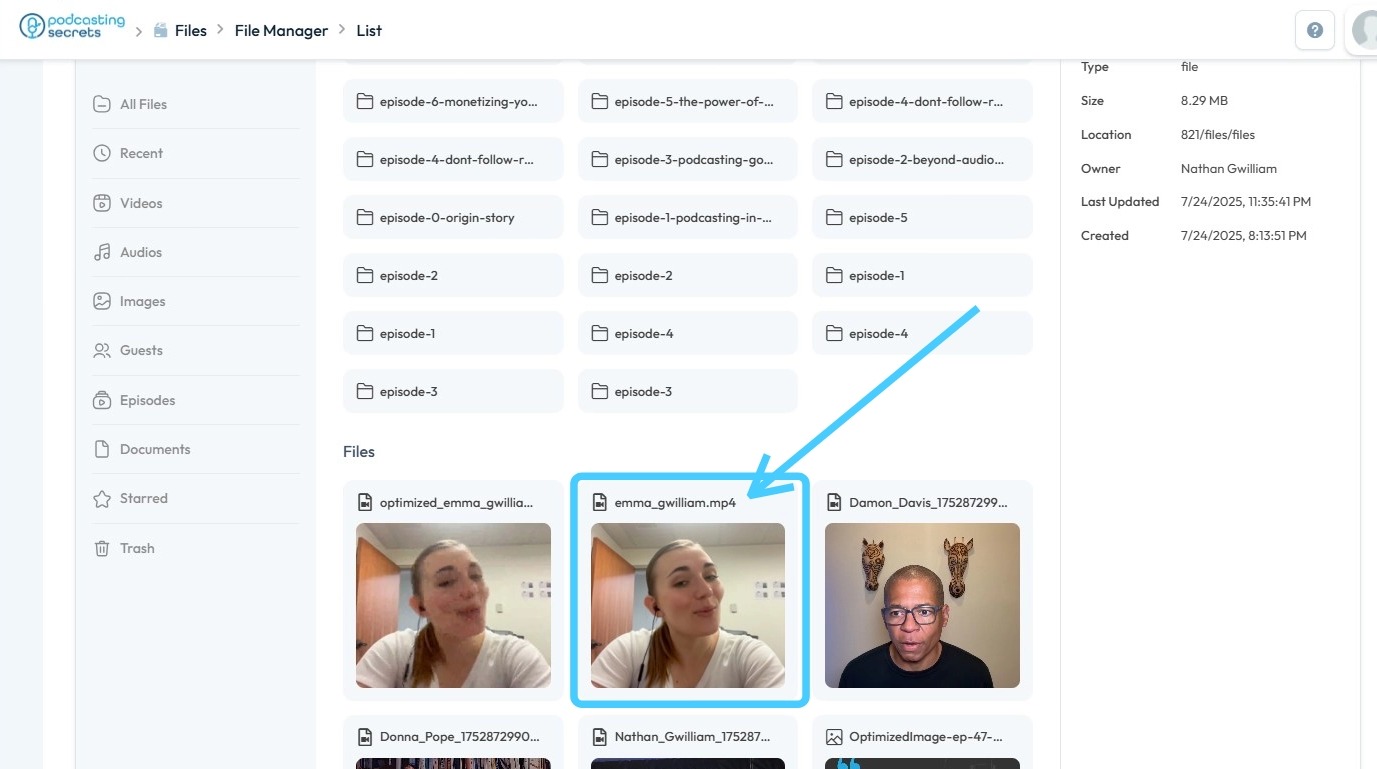
8. The file has been successfully renamed
Related Articles
How do I delete files
By following this guide, you can efficiently delete files in PodUp to manage your storage and keep your workspace organized. 1. Navigate to https://app.podup.com/home 2. Click "File Manager" 3. Right-click on the file you wish to delete 4. Click ...How Do I Find My Audio Files?
This guide shows the easy way to find your audio files on PodUp. 1. Navigate to https://app.podup.com/home 2. Click "Files". 3. Click "Audios" 4. You will see all your "Audio Files".How To Access Episode Files on Podup
By following this guide, you can easily access and manage your episode files on PodUp. 1. Navigate to https://app.podup.com/home 2. Click "Files". 3. Choose "Episodes" 4. Your Episode Files will be displayed hereHow do I find Starred Files
By following this guide, you can quickly locate and manage your starred files on PodUp. 1. Navigate to https://app.podup.com/home 2. Click "Files". 3. Select "Starred" 4. All your Starred Files will be displayed hereHow To Access Guest Files on Podup
This guide shows you how to quickly access and manage guest files in PodUp to make your workflow smoother 1. Navigate to https://app.podup.com/home 2. Click "Files" 3. Select "Guests" 4. You can now view all your Guest Files