Why does the File Manager manage 2 copies of my file?
This guide shows you how to manage files in PodUp’s File Manager, so you can keep high-quality originals while using optimized versions for faster performance.
Tip: PodUp File Manager stores two versions of each file: the original, uncompressed master, and an optimized, compressed copy designed for fast delivery. On websites and distribution channels, the optimized, compressed version is used to reduce page weight and speed up loading, while the original remains available for archiving and future reprocessing without any loss of quality.
1. Navigate to https://app.podup.com/filemanager/files
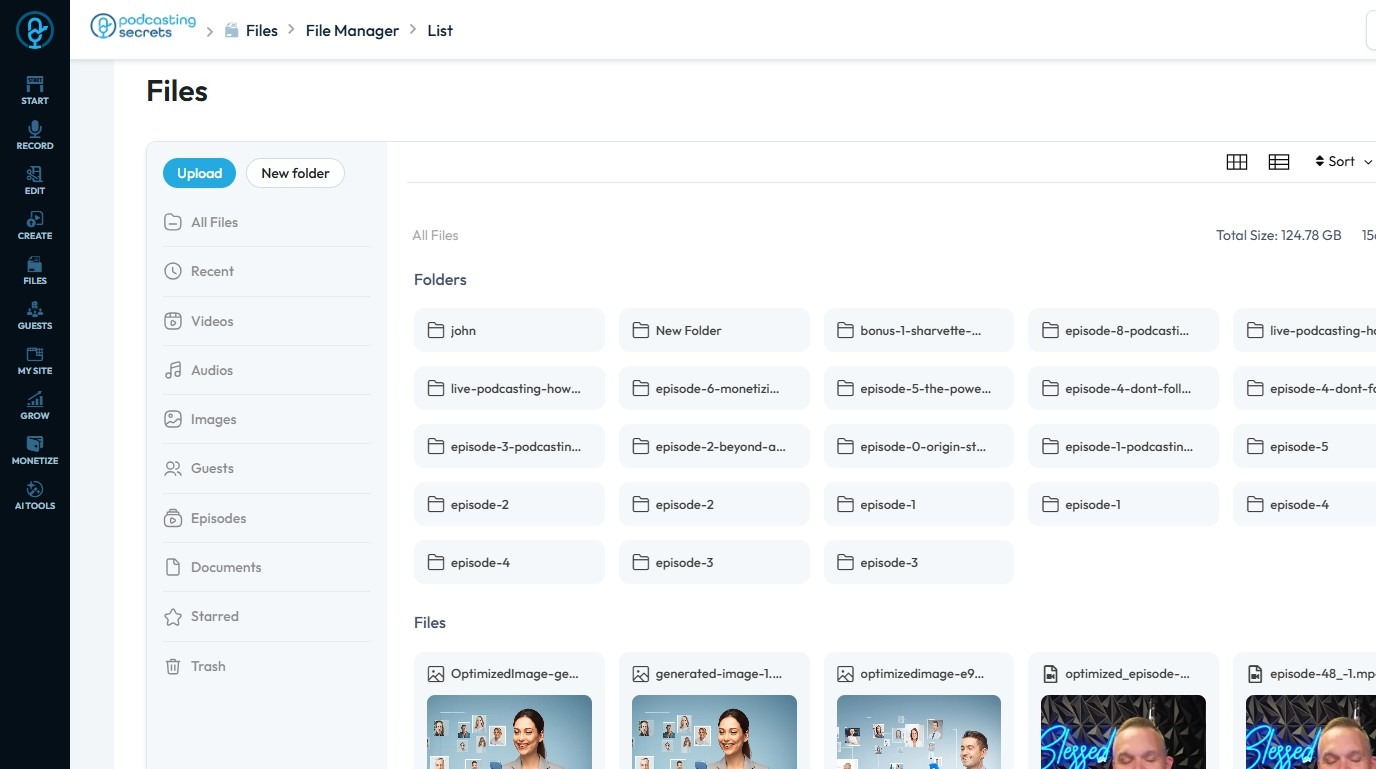
2. Click the “Original File”
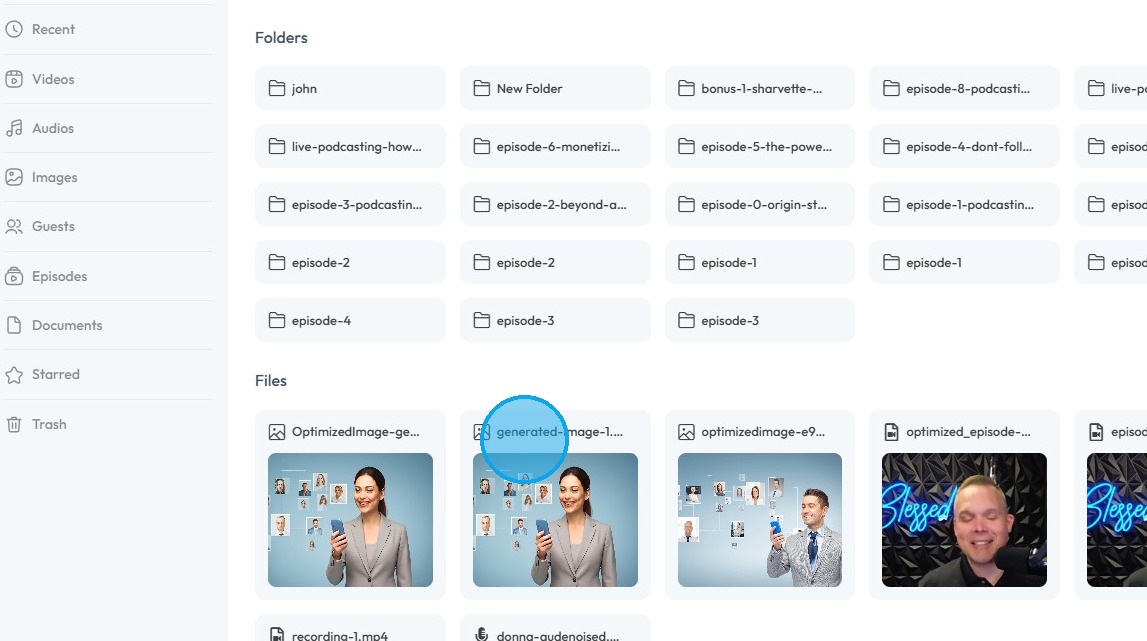
3. The “Original File” has a size of 1.83 MB
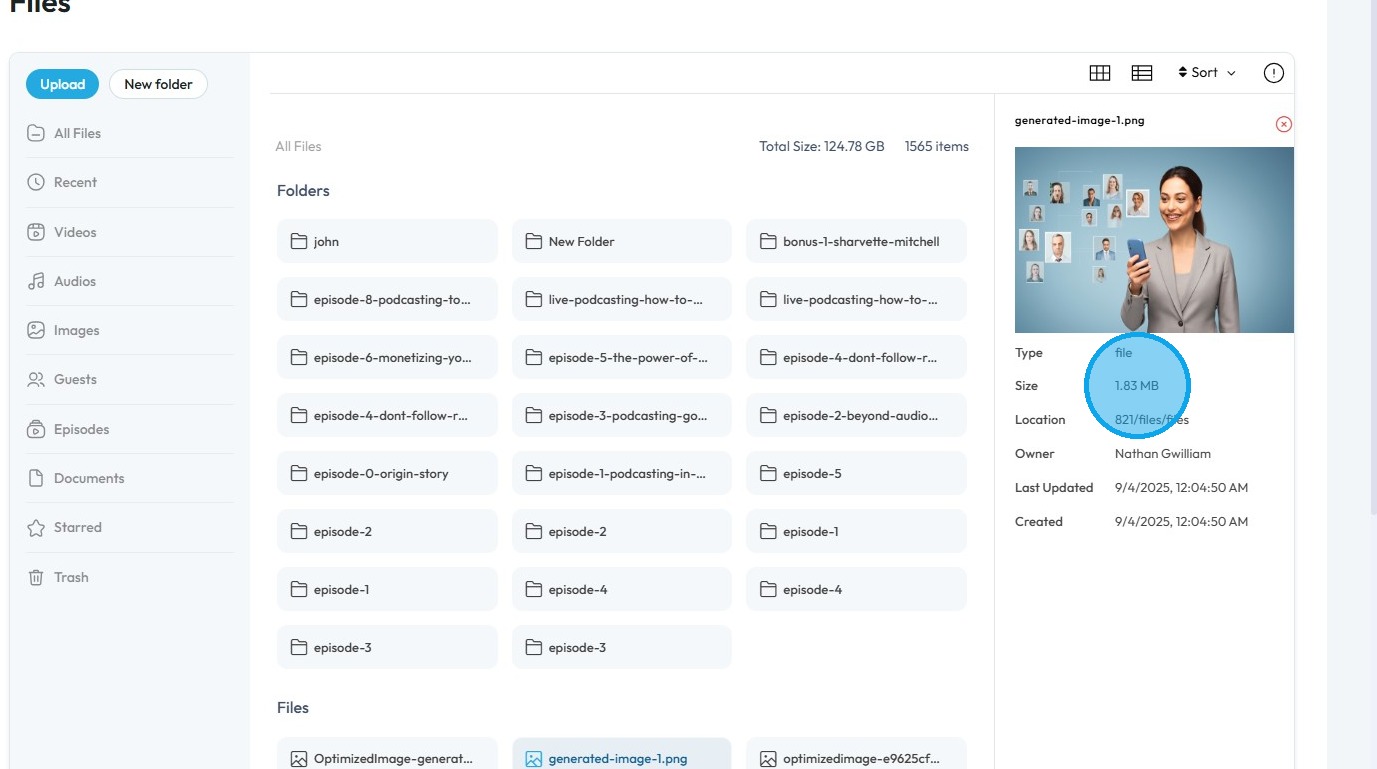
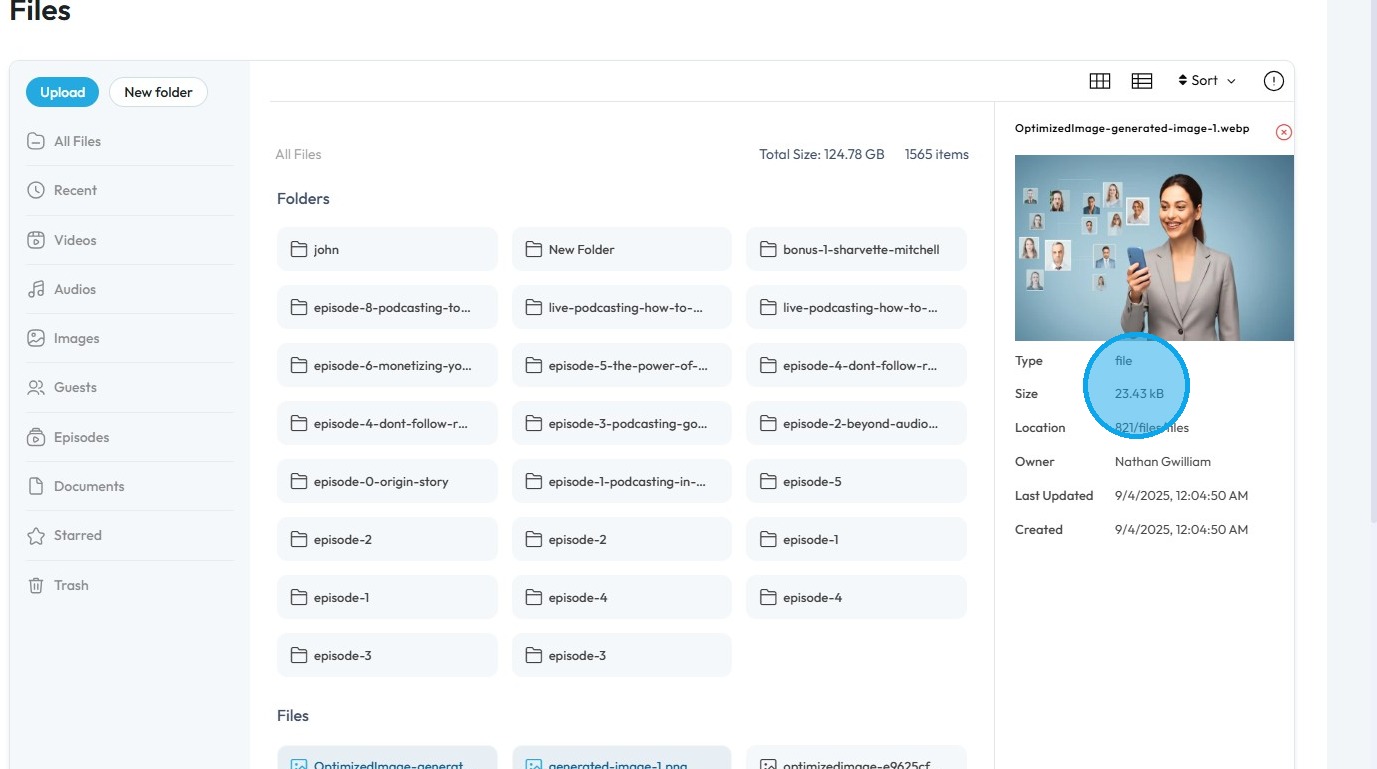
4. Click on the “Optimized File”
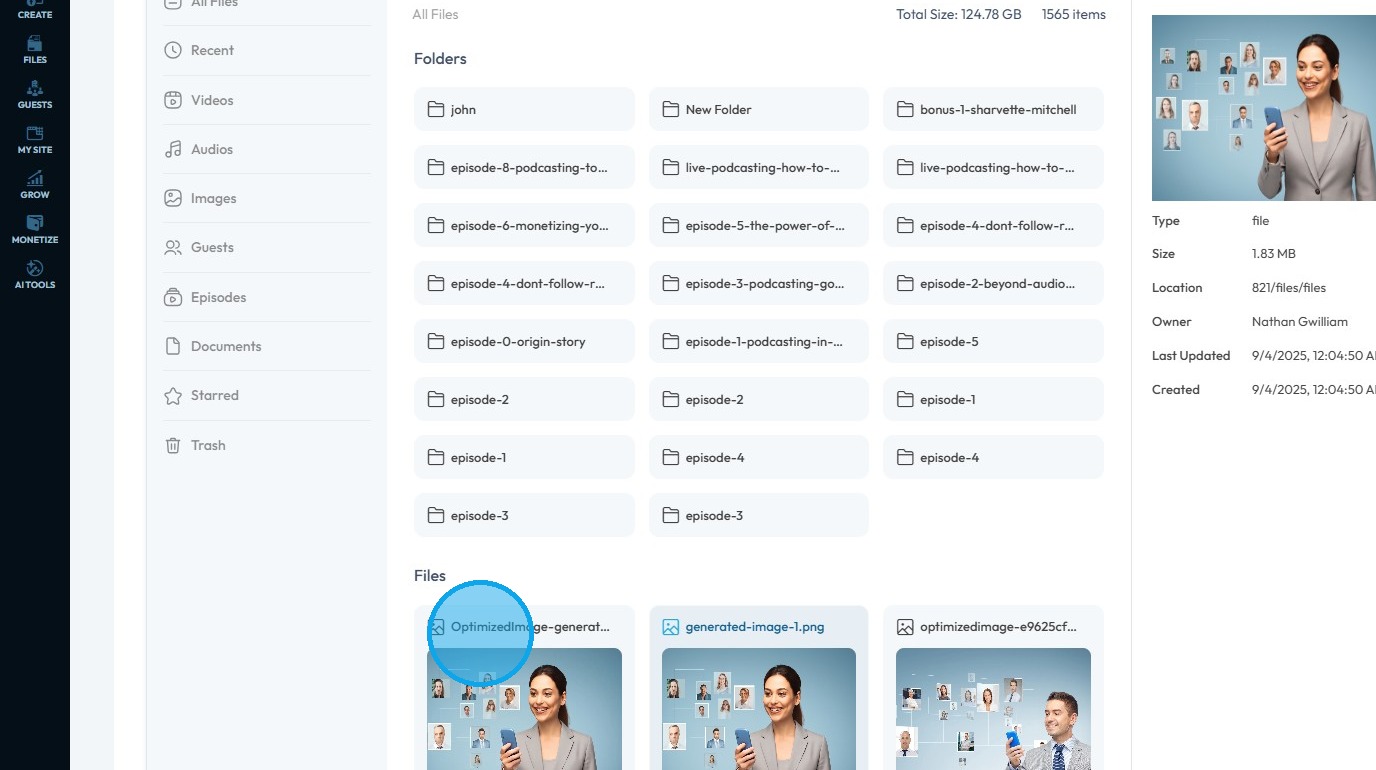
5. The optimized file has a size of 23.43 kB
Related Articles
How to Manage Files in File Manager in PodUp
This guide shows you how to manage files in PodUp’s File Manager. Learn how to view, sort, filter, and organize content like videos and documents, star important files, and recover deleted ones. 1. Click "Files" 2. Click "All Files" 3. File Manager ...How To Upload Files in File Manager
By following this guide, you can efficiently upload files using the PodUp File Manager. 1. Navigate to https://app.podup.com/home 2. Click "File Manager" 3. Select "Upload" 4. Select the file you wish to upload and click "Open" 5. The file will be ...How to Navigate File Manager (Detailed)
This guide offers essential insights into effectively managing your podcast files within PodUp. It covers everything from accessing the File Manager to organizing, uploading, and sharing files, ensuring a streamlined workflow. With tips on sorting, ...Where is my file
where is my file, can't locate my file, file location, find my recording, where are my exports This guide offers essential insights into effectively managing your podcast files within PodUp. It covers everything from accessing the File Manager to ...File Manager Demo Video