How To Upload Files in File Manager
By following this guide, you can efficiently upload files using the PodUp File Manager.
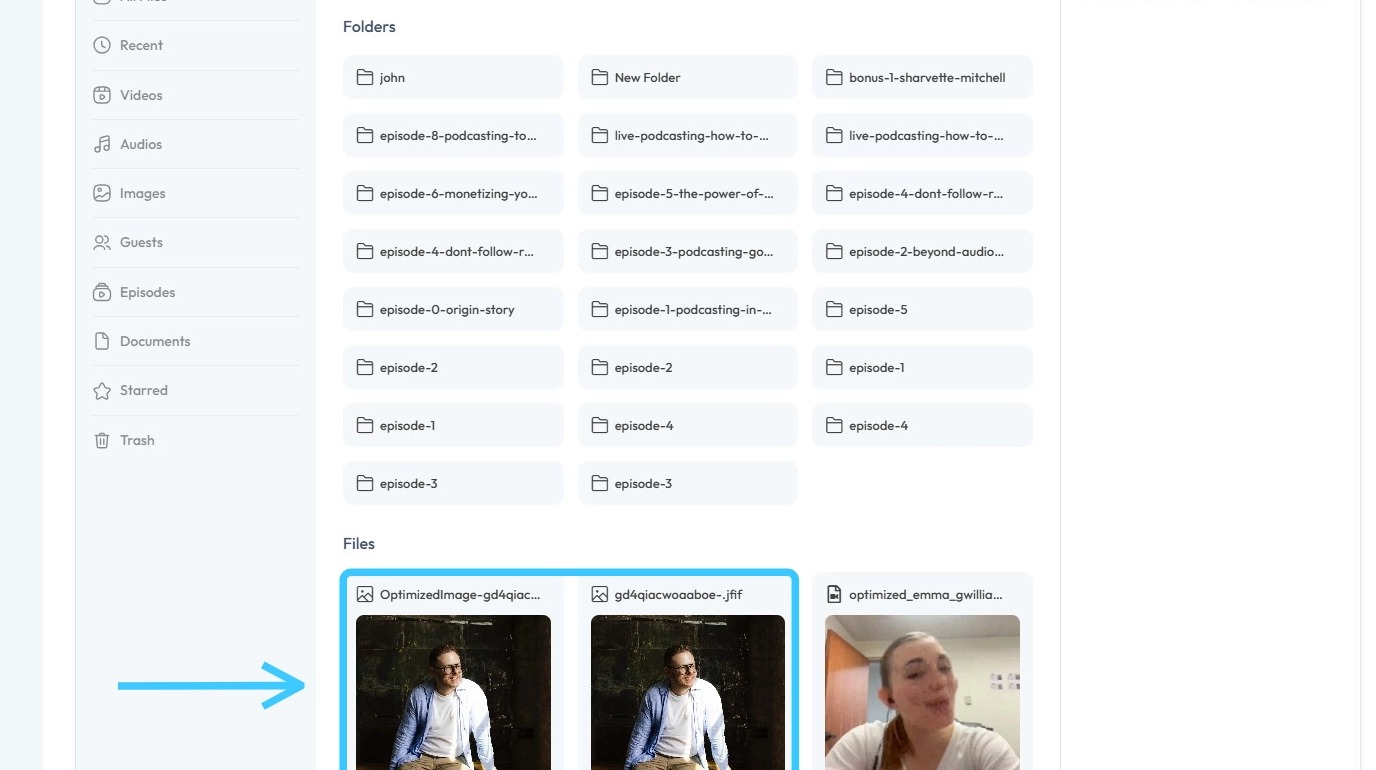
1. Navigate to https://app.podup.com/home
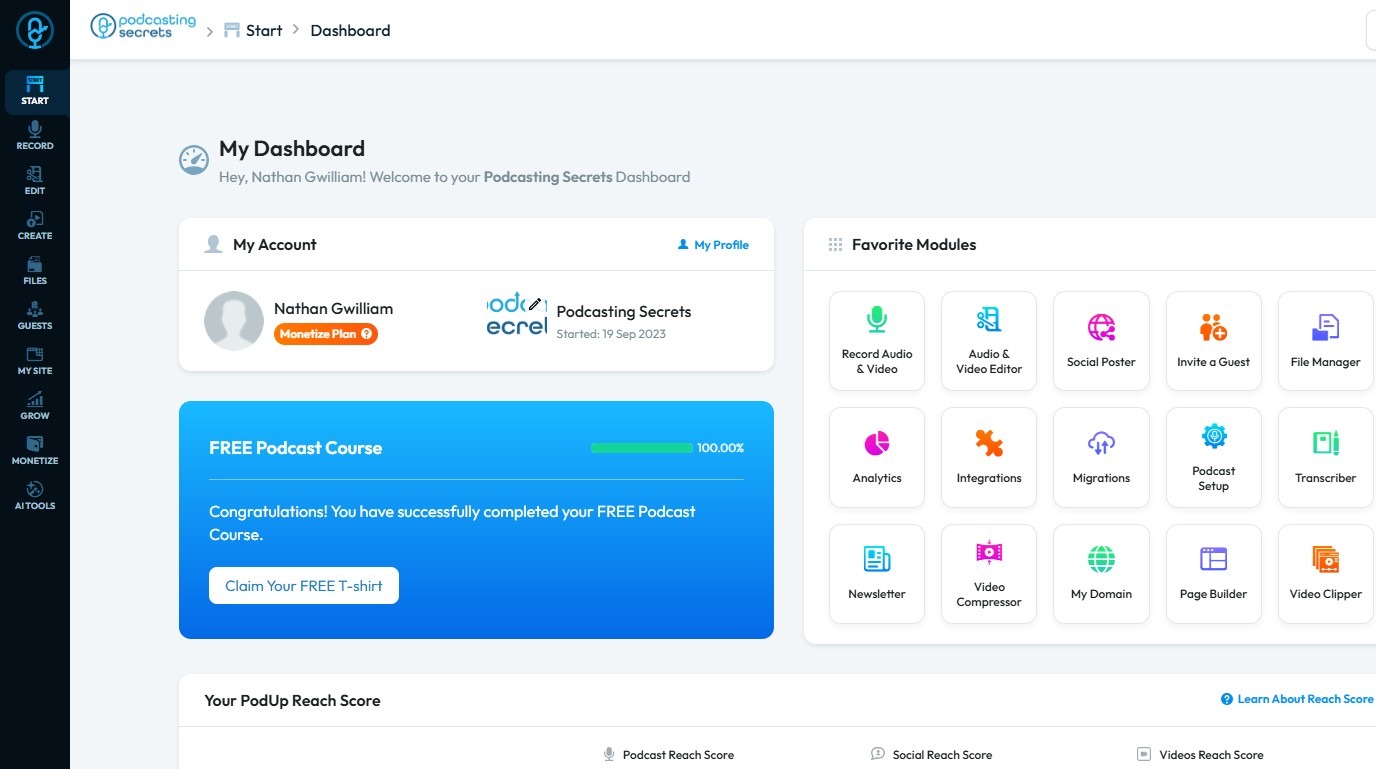
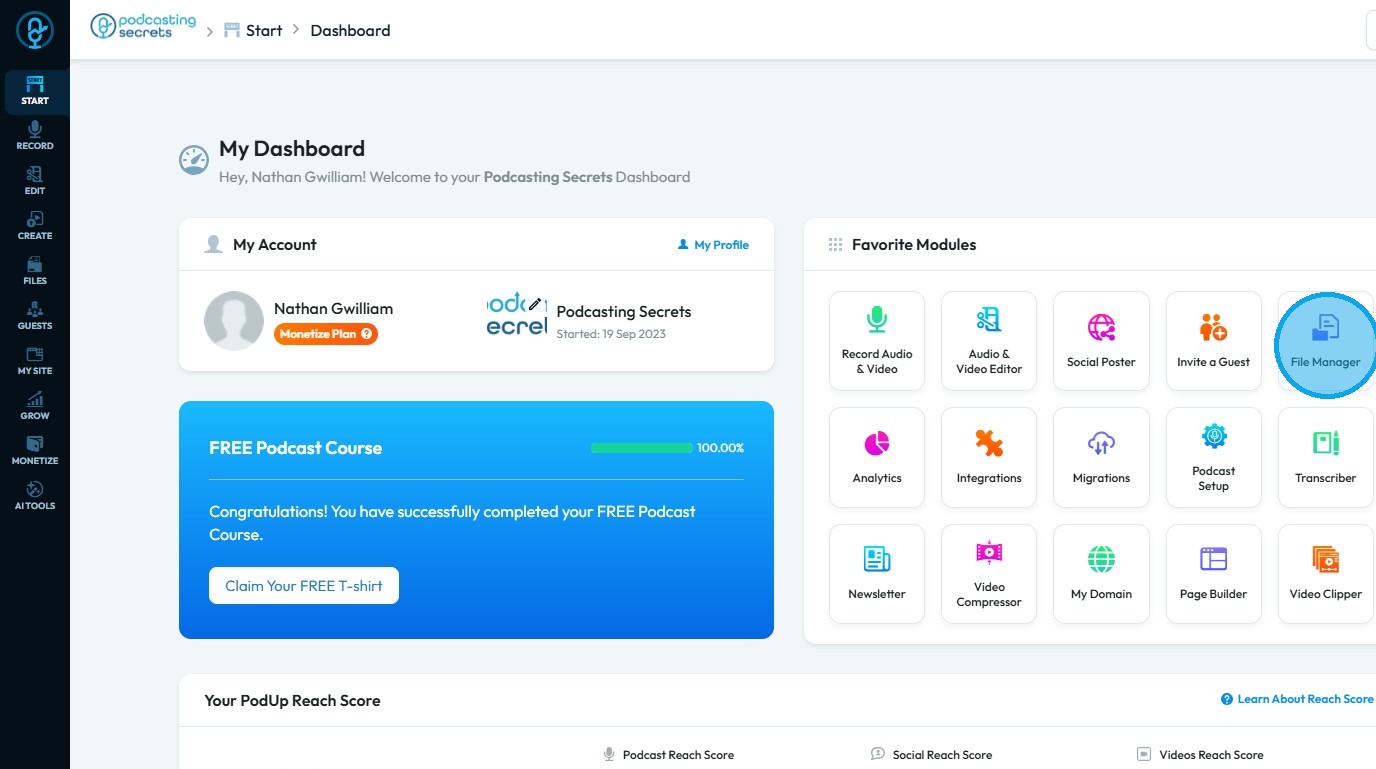
2. Click "File Manager"
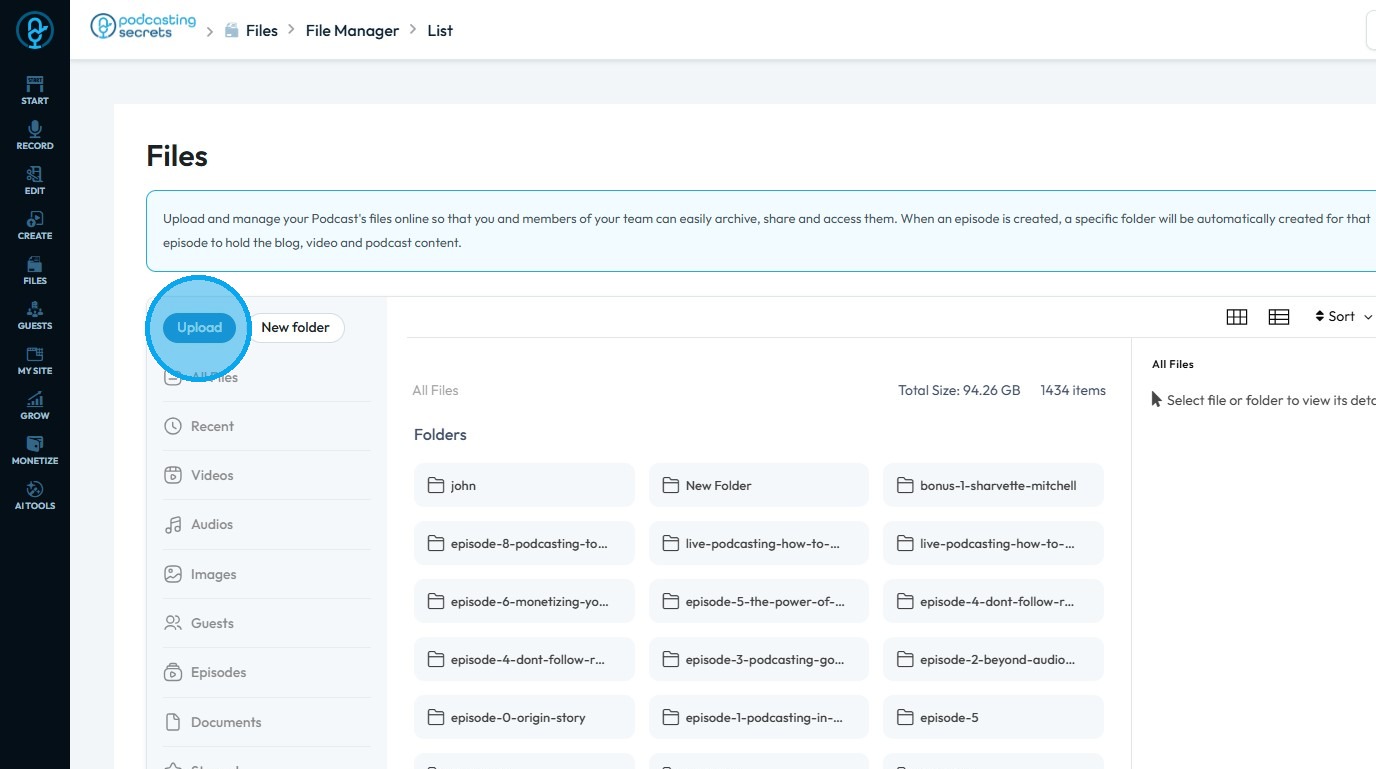
3. Select "Upload"
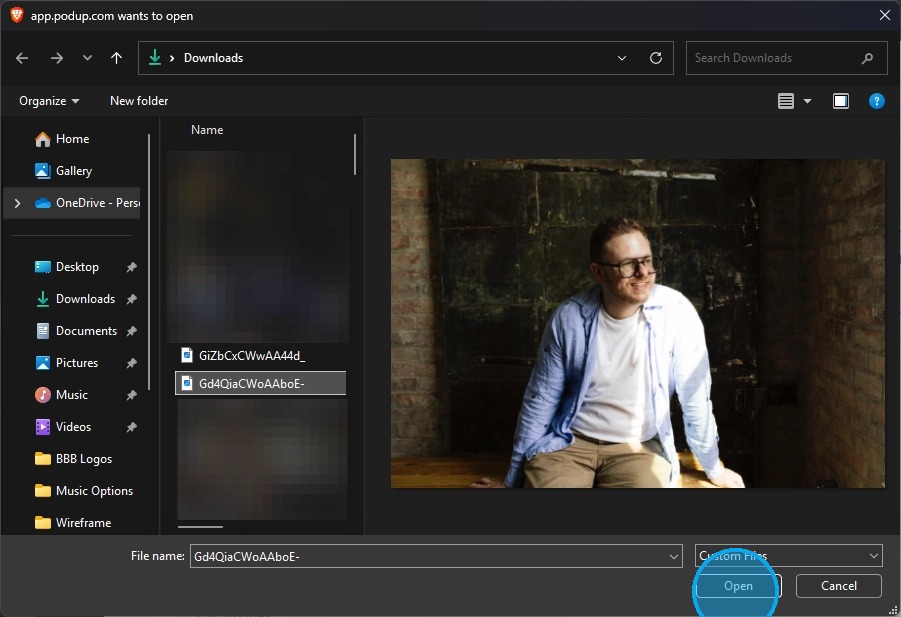
4. Select the file you wish to upload and click "Open"
5. The file will be uploaded to PodUp
Related Articles
How to Manage Files in File Manager in PodUp
This guide shows you how to manage files in PodUp’s File Manager. Learn how to view, sort, filter, and organize content like videos and documents, star important files, and recover deleted ones. 1. Click "Files" 2. Click "All Files" 3. File Manager ...How do I Upload Audio Files?
Follow this guide to easily navigate the software and upload your audio files. 1. Navigate to https://app.podup.com/home 2. Click "Files" 3. Select "Audios" 4. The Audio File Manager will open 5. Click "Upload" 6. Select the audio file you wish to ...How to Navigate File Manager (Detailed)
This guide offers essential insights into effectively managing your podcast files within PodUp. It covers everything from accessing the File Manager to organizing, uploading, and sharing files, ensuring a streamlined workflow. With tips on sorting, ...Where is my file
where is my file, can't locate my file, file location, find my recording, where are my exports This guide offers essential insights into effectively managing your podcast files within PodUp. It covers everything from accessing the File Manager to ...How can I Compress Favicon Files?
By following this guide, you can efficiently compress and optimize favicon files in PodUp to improve website performance. 1. Navigate to https://app.podup.com/home 2. Click "File Manager" 3. The File Manager will open 4. Select "Upload" 5. Select the ...