What happens if I cancel my account, then create a new account 3 months later?
This guide is essential for anyone considering canceling their PodUp account, as it outlines the risks of permanent content loss and the lack of data recovery options upon rejoining. It emphasizes the importance of exporting data before cancellation to avoid losing valuable materials. Additionally, it clarifies that creating a new account after a hiatus means starting from scratch, with no access to previous content. Understanding these points can help users make informed decisions about their accounts and content preservation.
1. If you cancel your PodUp account, all your associated content may be permanently deleted and might not be retrievable—even if you return later.
This includes podcasts, episodes, and data stored on the platform. If you create a new account after three months, you will start fresh, with none of your previous materials or information restored automatically.
PodUp reserves the right to permanently delete your content upon account cancellation or termination of service, and there are no guarantees of data recovery if you rejoin later
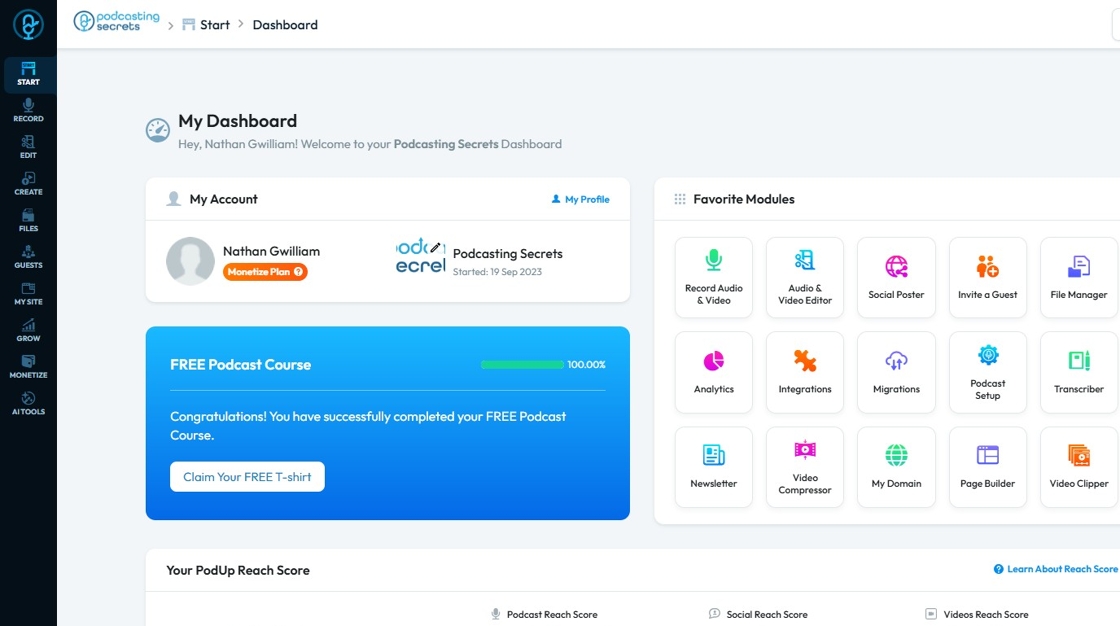
2. If you wish to preserve your content, PodUp advises exporting your data during your subscription term or within 15 days thereafter.
After this period, deletion is subject to PodUp’s internal schedules and cannot be reversed. When creating a new account, you will follow the same onboarding process as any other new user and will need to re-upload or migrate any content you still possess
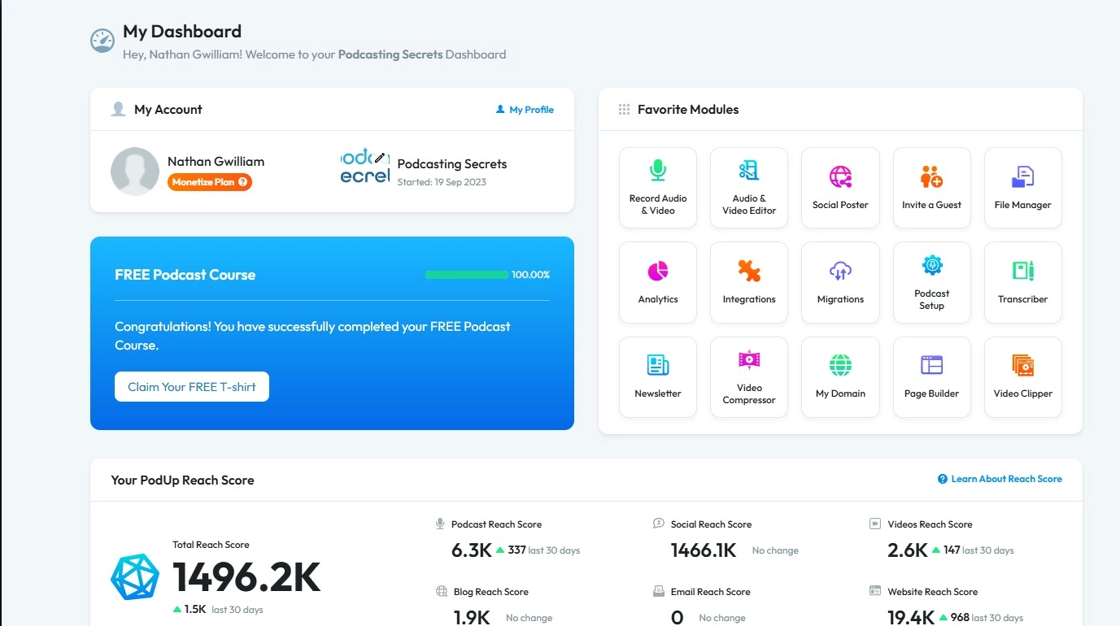
3. In summary:
Cancelling your account means your content can be deleted permanently.
Rejoining after 3 months results in a brand-new account; previous content will not automatically reappear.
Always export any data you wish to retain before canceling.
Related Articles
How can I schedule a social media post for later?
Use this guide to schedule social media posts for better timing and engagement. 1. Navigate to https://app.podup.com/home 2. Click "Create" 3. Select "Social Poster" 4. Click "Create new post" 5. You will be directed to the Publish Content page 6. ...How to Create a New Project in Podup Editor
By following this guide, you can easily create a new project in PodUp Editor and begin your video editing workflow smoothly and efficiently. 1. Navigate to https://editor.podup.com/ 2. Click "Projects". 3. Select "New project" 4. A new project will ...How to create a New Subcategory in Podup Shop?
This guide provides a straightforward process for creating a new subcategory in Podup, making it easy for users to enhance their product organization. By following the clear steps outlined, users can efficiently manage their inventory and improve the ...How Do I Create A New Header Option
This guide is essential for anyone looking to customize their website's appearance by creating a new header. It provides step-by-step instructions to easily add a header that can be set as the default for all pages or customized for individual ones. ...Create a New Blog Page on Podup Website
This guide provides a straightforward, step-by-step process for creating a new blog page on the PodUp website. By following these instructions, users can efficiently navigate the platform, customize their blog layout, and publish content that meets ...