How Do I Create A New Header Option
This guide is essential for anyone looking to customize their website's appearance by creating a new header. It provides step-by-step instructions to easily add a header that can be set as the default for all pages or customized for individual ones. By following these clear directions, users can enhance their site's design and functionality, ultimately improving user experience and engagement. Whether for personal or professional use, mastering header creation is key to effective website management.
1. Click "My Site"

2. Click "Header & Footer"

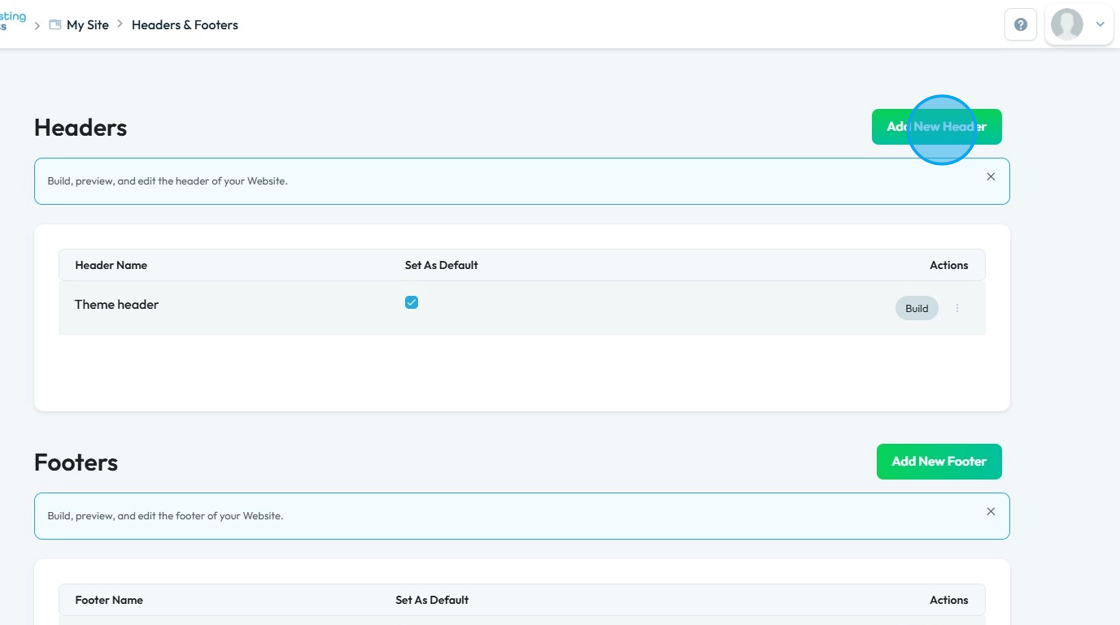
3. Click "Add New Header"
4. If you want this header to be your default header, meaning that it will be what appears on every page of your website unless you customize if for that page, make sure to check the "Default Header" checkbox
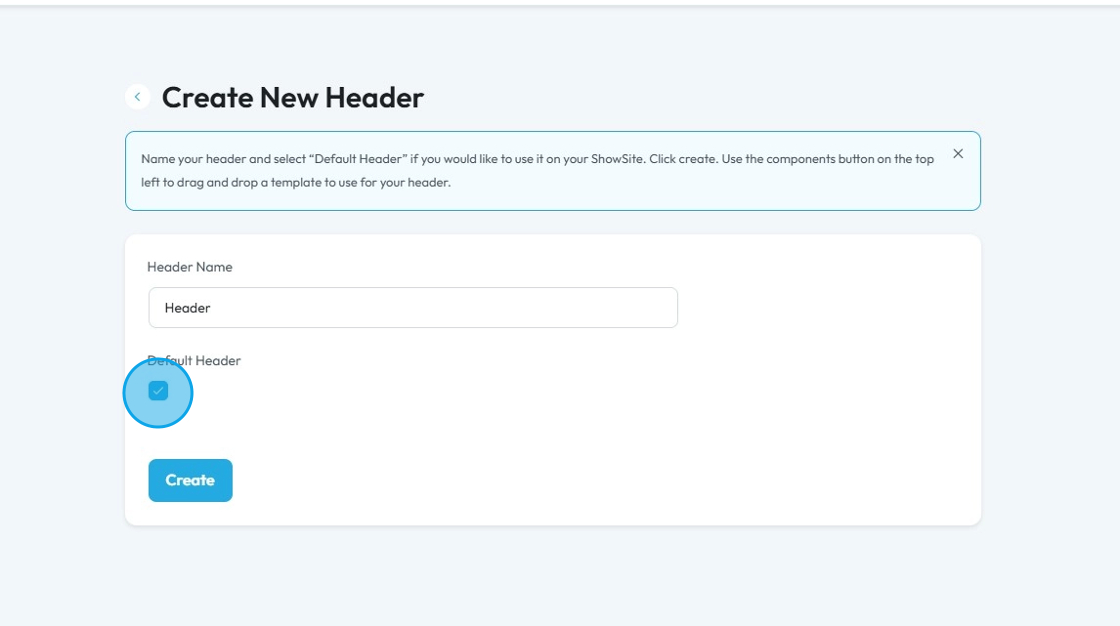
5. Click "Header Name" and enter the header name

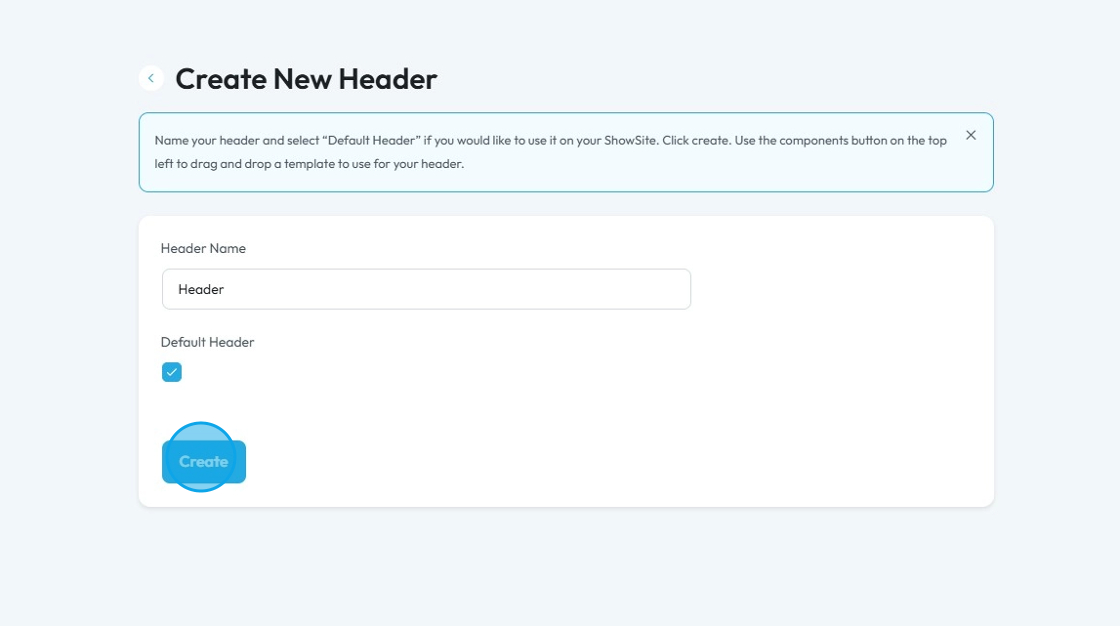
6. Click "Create" to add the header
7. The new header will appear under the list of headers
- Note: This header has NOT been built yet, so if you add this to a website, it will give you a default header
- When you are creating a new page, you can choose between these header options

Tip: See here to actually build this header on the website
Related Articles
How to Navigate Header & Footer - Header (Detailed)
This guide is an essential resource for anyone looking to enhance their PodUp website by effectively creating and customizing headers and footers. It provides step-by-step instructions on how to utilize key features like global design settings, ...Creating a New Page in PodUp's Page Builder
This guide offers a straightforward process for creating a new webpage using PodUp's Page Builder, making it accessible even for beginners. By following the simple steps, users can efficiently design and customize their pages to meet their specific ...What happens if I cancel my account, then create a new account 3 months later?
This guide is essential for anyone considering canceling their PodUp account, as it outlines the risks of permanent content loss and the lack of data recovery options upon rejoining. It emphasizes the importance of exporting data before cancellation ...How to Create a New Project in Podup Editor
By following this guide, you can easily create a new project in PodUp Editor and begin your video editing workflow smoothly and efficiently. 1. Navigate to https://editor.podup.com/ 2. Click "Projects". 3. Select "New project" 4. A new project will ...How to create a New Subcategory in Podup Shop?
This guide provides a straightforward process for creating a new subcategory in Podup, making it easy for users to enhance their product organization. By following the clear steps outlined, users can efficiently manage their inventory and improve the ...