How to Customize My Subtitles
Customize subtitles in your videos with ease using this guide. Learn how to edit text, fix errors, and choose fonts to boost accuracy, style, and accessibility.
1. Navigate to https://app.podup.com/home
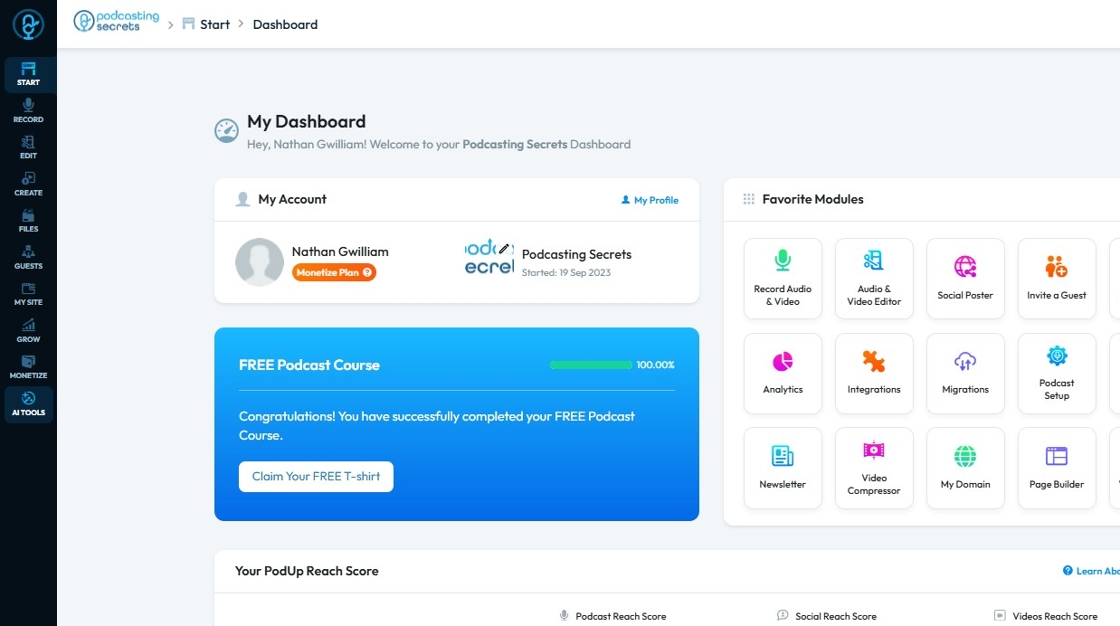
2. Click "AI Tools"
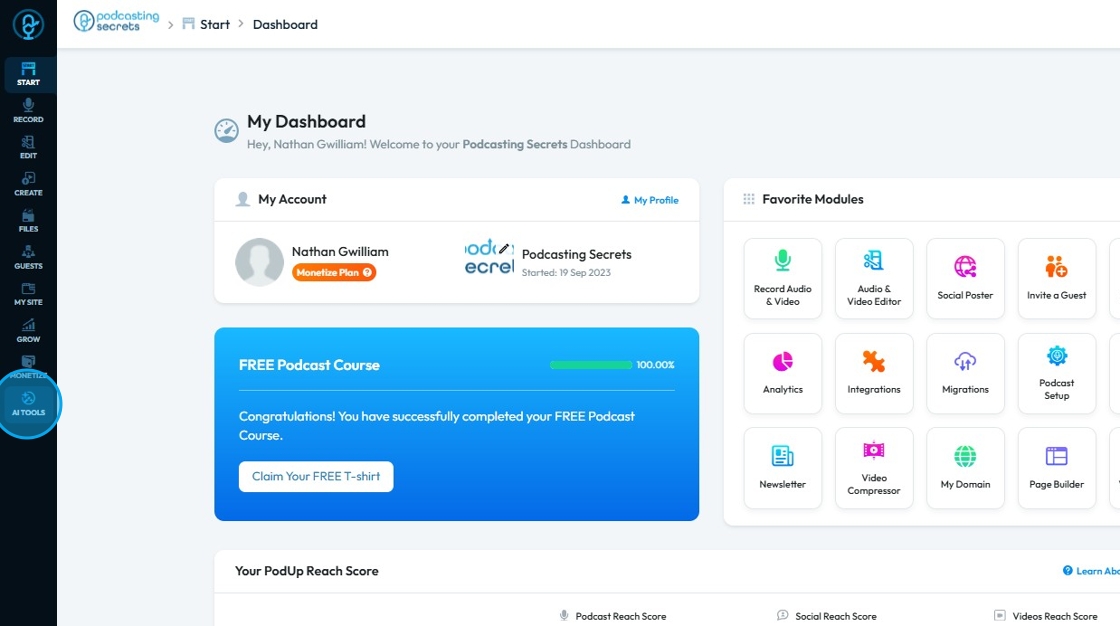
3. Click "Transcriber"
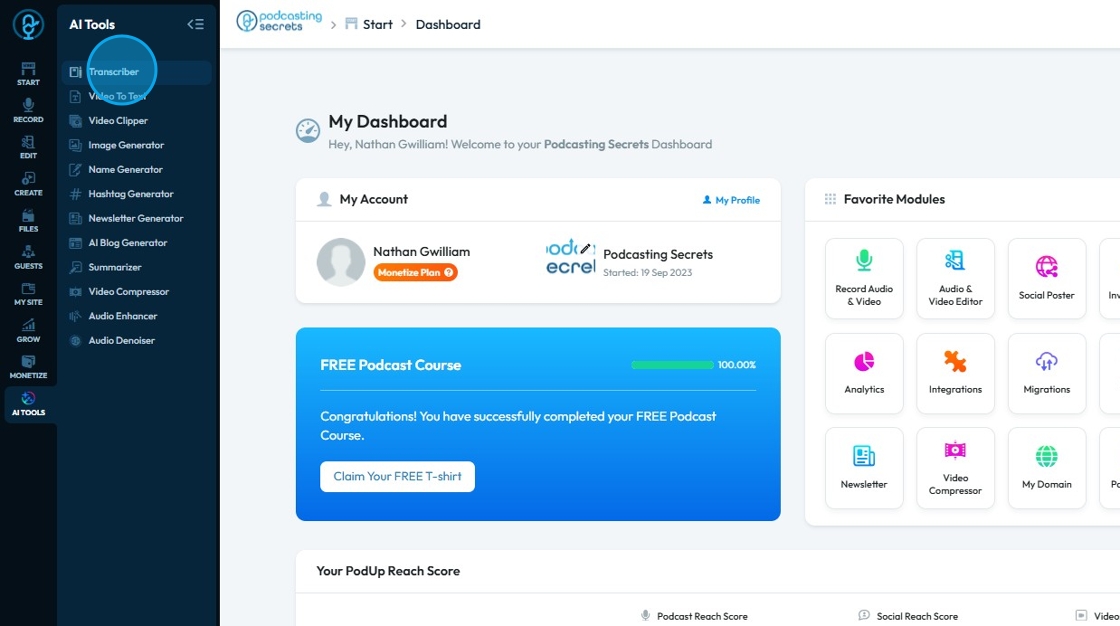
4. Select the project that you want to customize
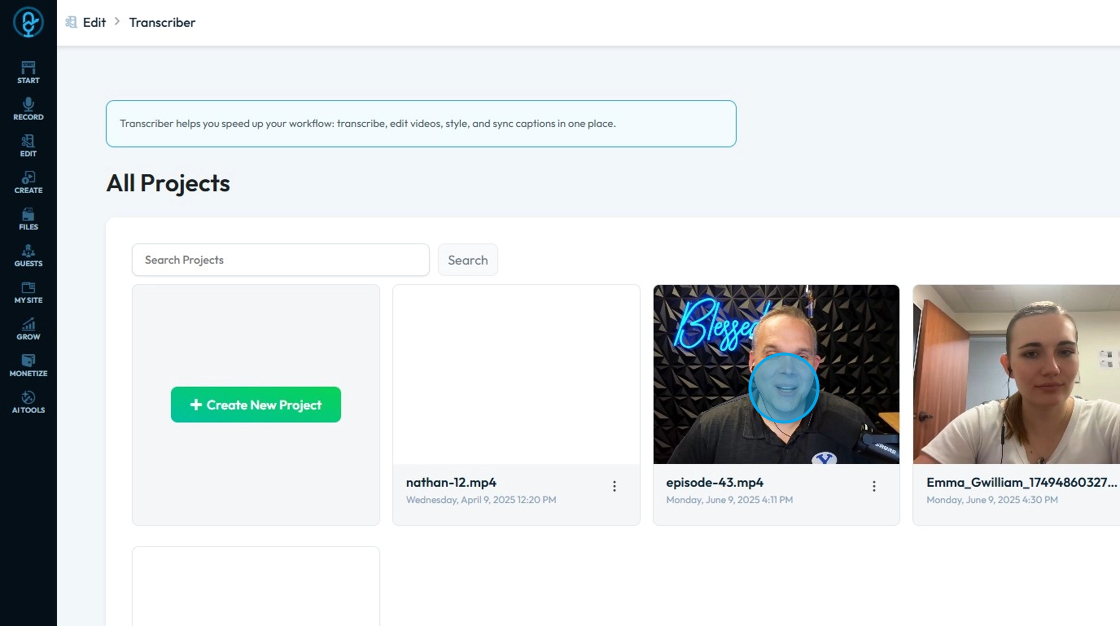
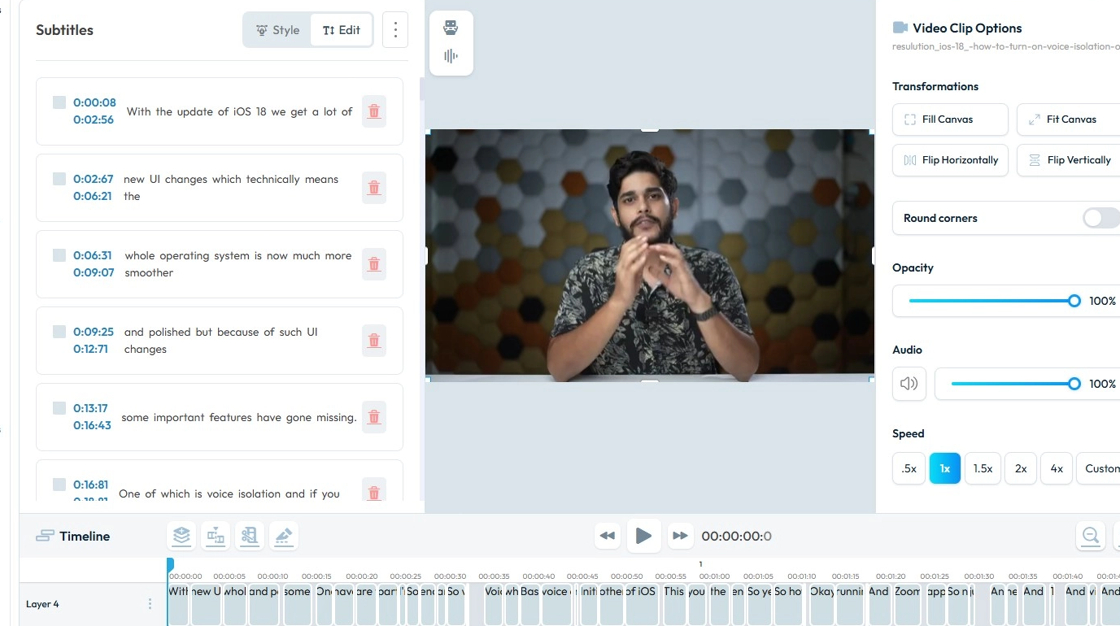
5. The transcripts will appear on the left hand side
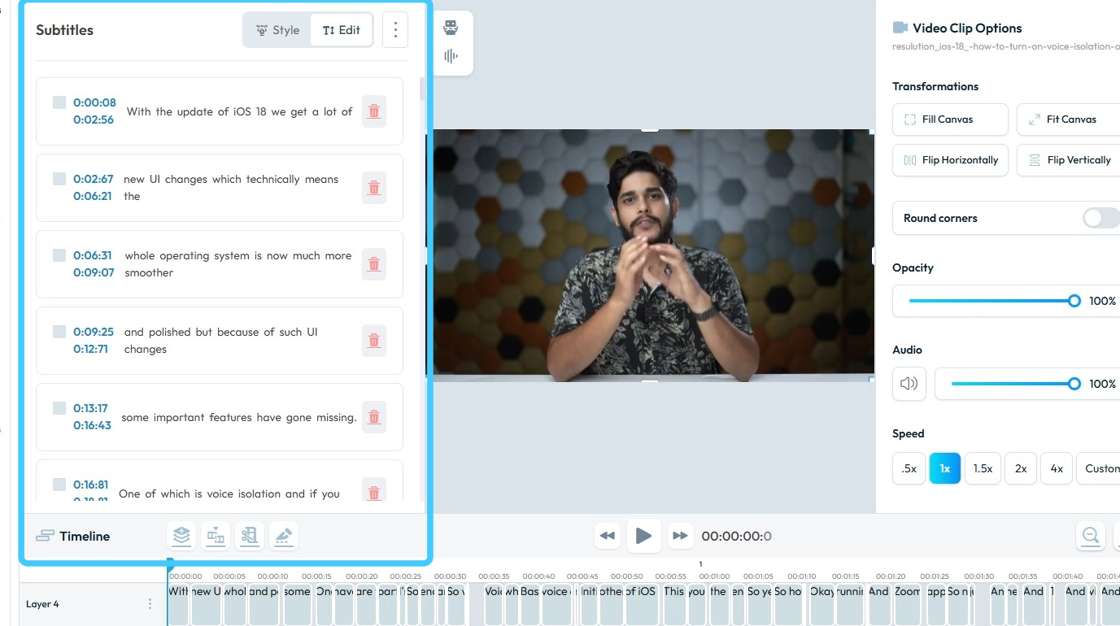
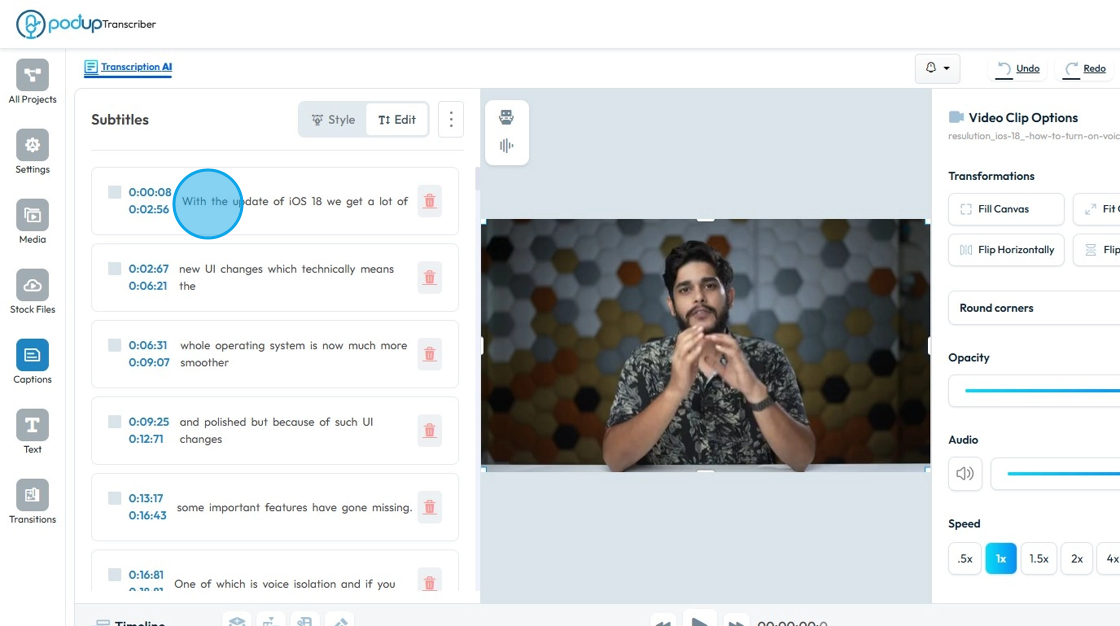
6. Click the text to edit a specific part
- This is helpful if there is something misspelled or there is a part you want to delete
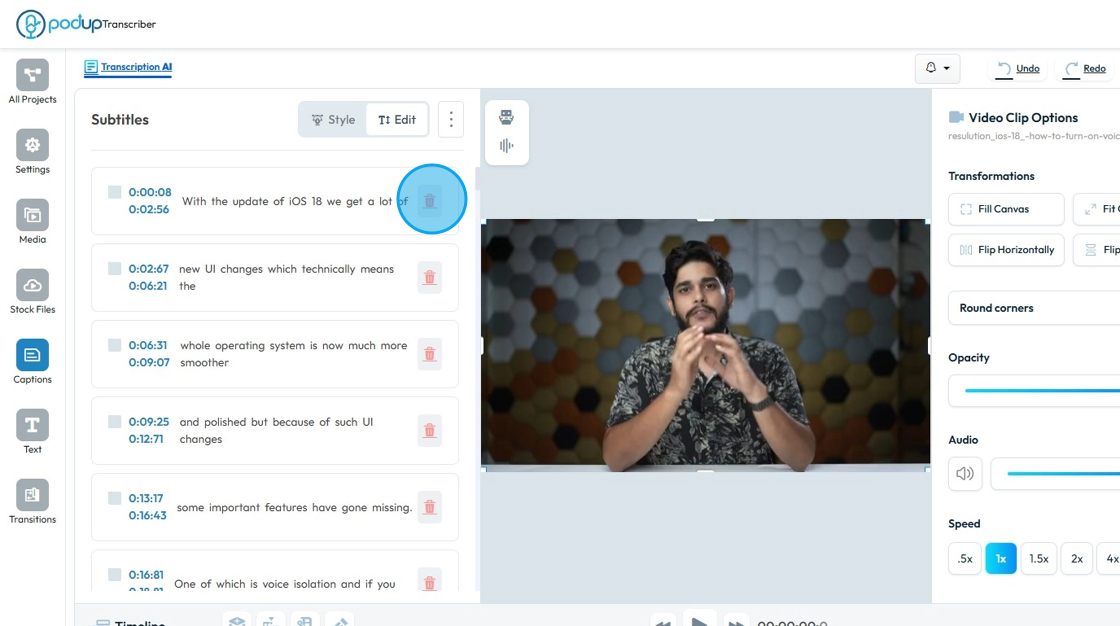
7. To "Delete" a line, click "Trash" button of that line.
8. To change the "Subtitle Style", click "Style"
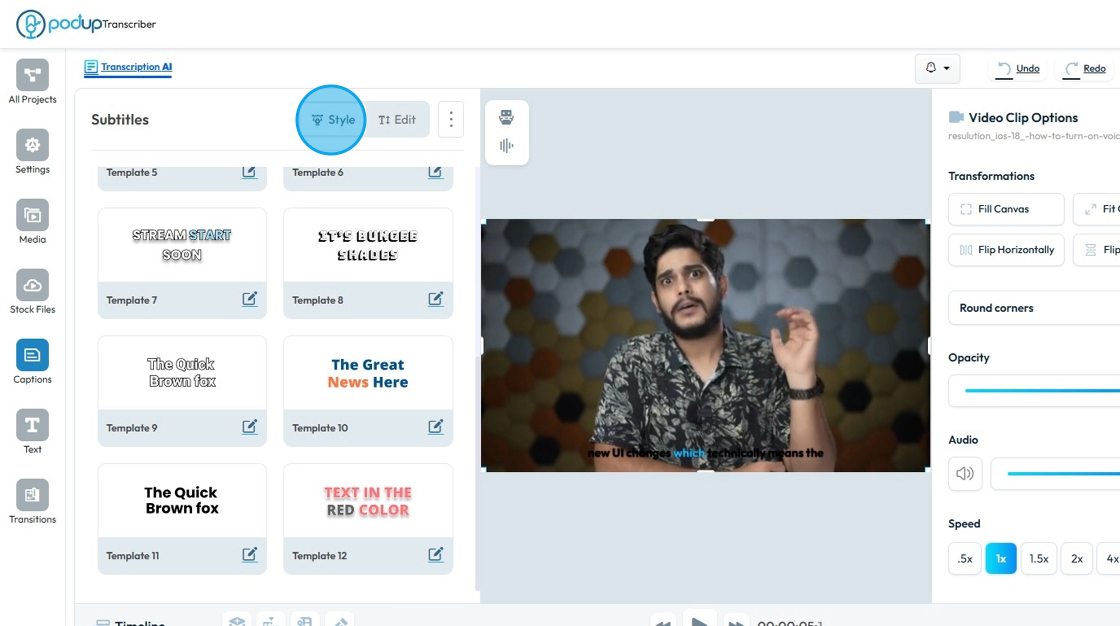
9. Choose the "Style" you want use to change the font
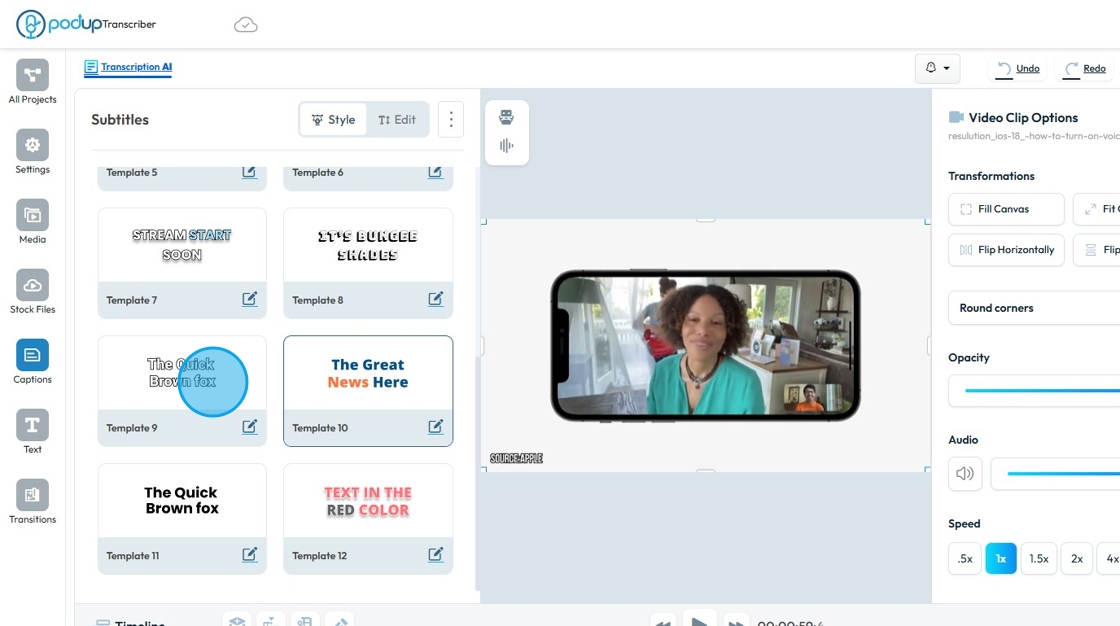
10. The "Subtitles" would be added to your Video.
Related Articles
Can I customize my subtitles?
This guide provides essential steps for customizing subtitles in PodUp, enhancing your video’s accessibility and viewer engagement. It covers everything from editing transcript lines to selecting your preferred subtitle style, ensuring a personalized ...How To Add Subtitles to My Video in PodUp
Learn how to create video transcriptions in PodUp with this easy guide. Upload, transcribe, and style subtitles to boost accessibility and engagement. 1. Navigate to https://app.podup.com/home 2. Click "AI Tools" 3. Click "Transcriber" 4. Click ...How to customize embed player
Use this guide to customize your PodUp embed player—choose audio or video, set modes, and personalize its look. 1. Navigate to https://app.podup.com/home 2. Click "Grow" 3. Select "Embed Player" 4. You will be directed to the “My Embed Players” page ...How to customize a section?
Customize your website with PodUp’s page builder to improve design, functionality, and visitor experience 1. Navigate to https://app.podup.com/home 2. Click "My Site" 3. Select "Page Builder" 4. The “Pages” section will open, displaying a list of all ...How do I customize my newsletter for every newsletter?
Follow this guide to customize your newsletter with your own content and images easily. 1. Navigate to https://app.podup.com/home 2. Click "Grow" 3. Select "Email Marketing" 4. The “Newsletter” section will load 5. Click “Create Newsletter Template” ...