How to change the category of my video episode?
Easily change video episode categories in PodUp to improve organization, visibility, and engagement
1. Navigate to https://app.podup.com/home
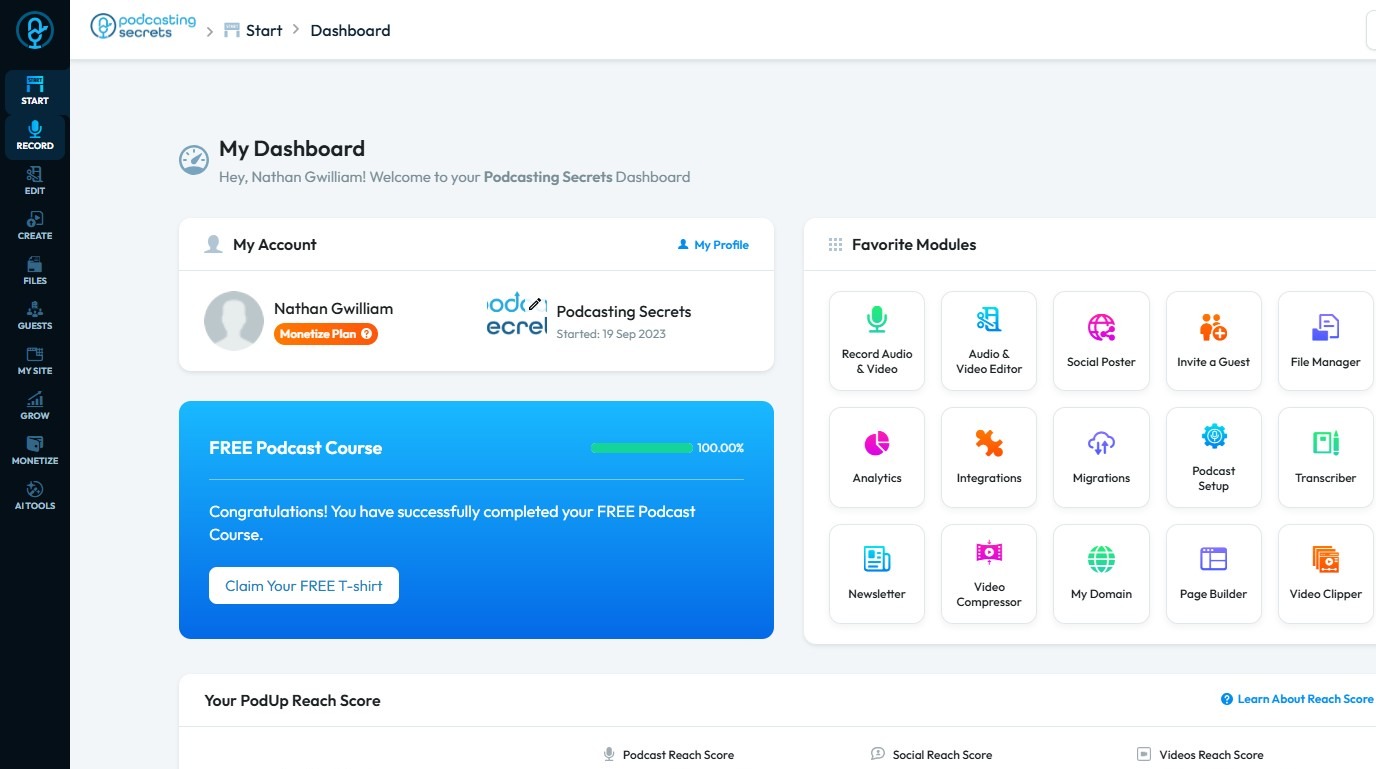
2. Click "Create"
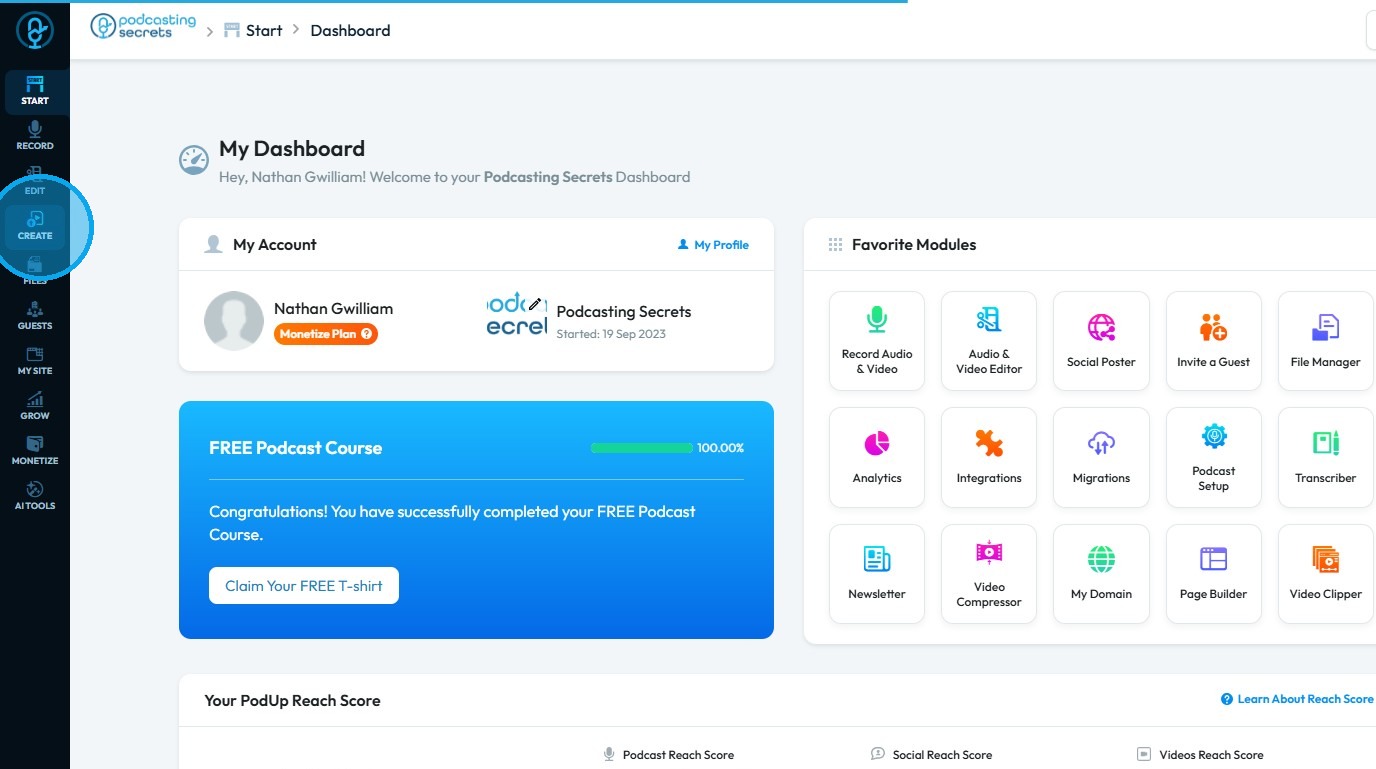
3. Select "Videos"
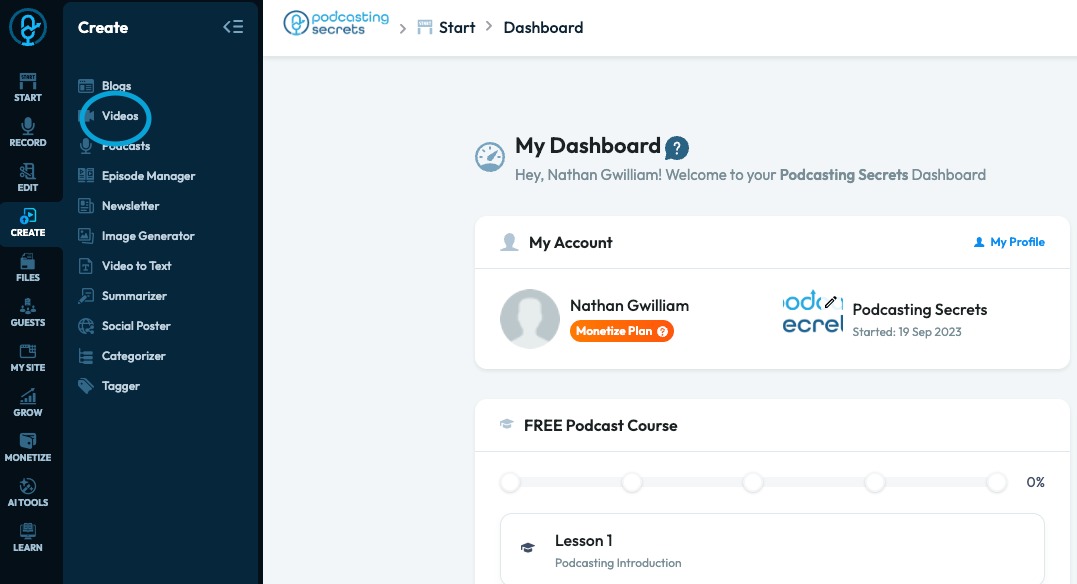
4. The "Videos" page will load, displaying all published videos
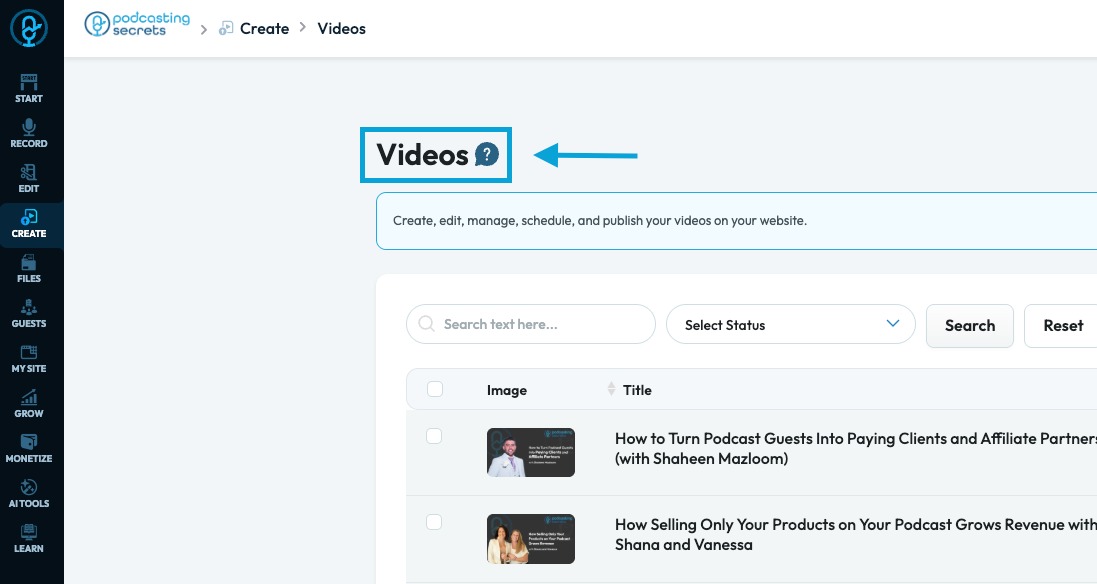
5. Click “Edit” to modify the category of the video episode
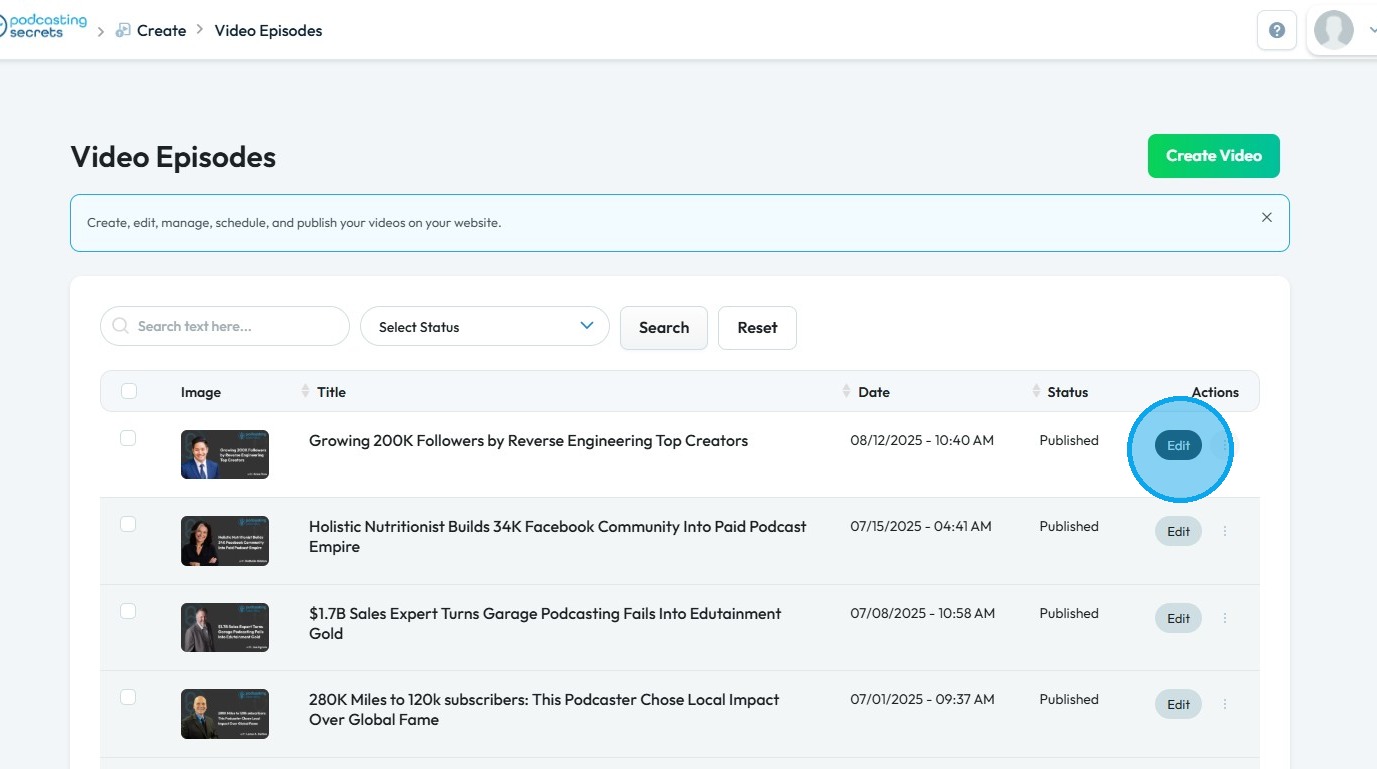
6. The Video Episode page will display all previously published entries
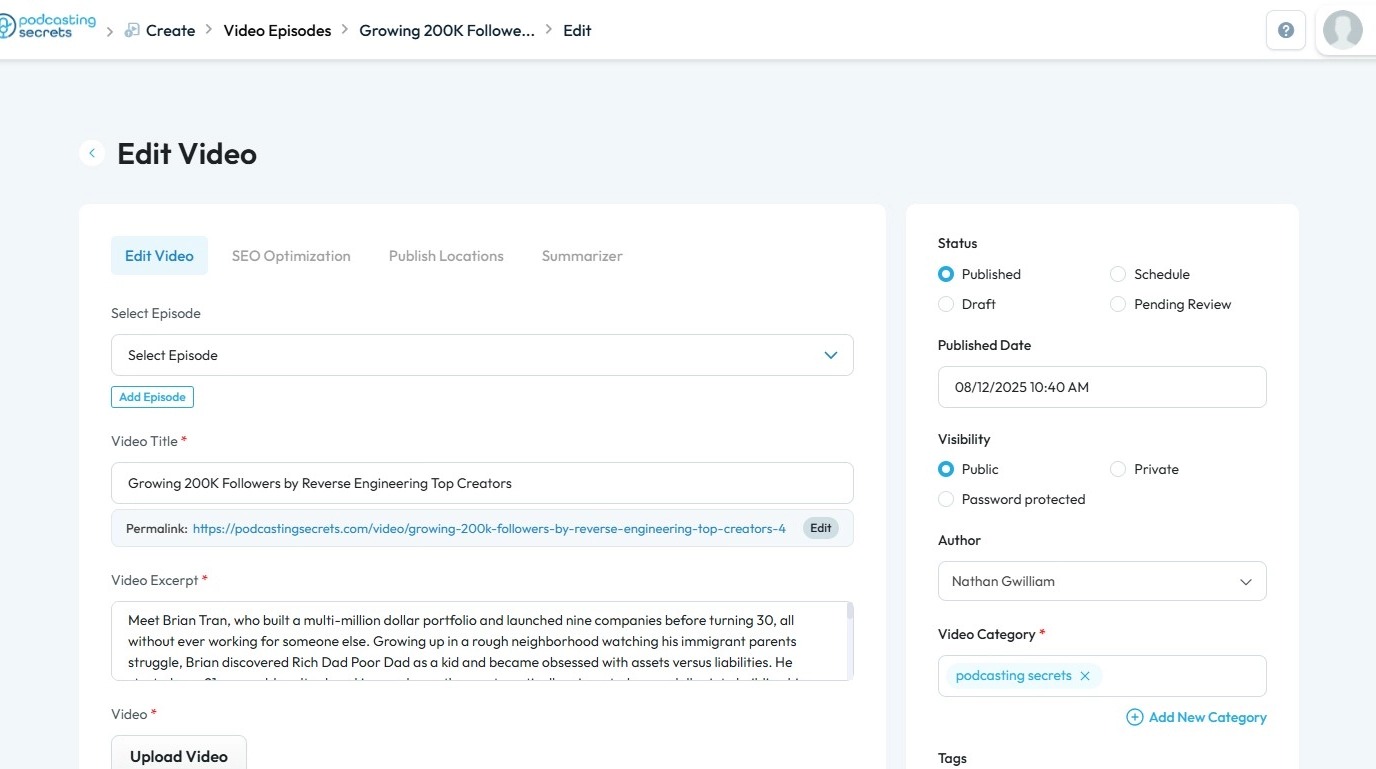
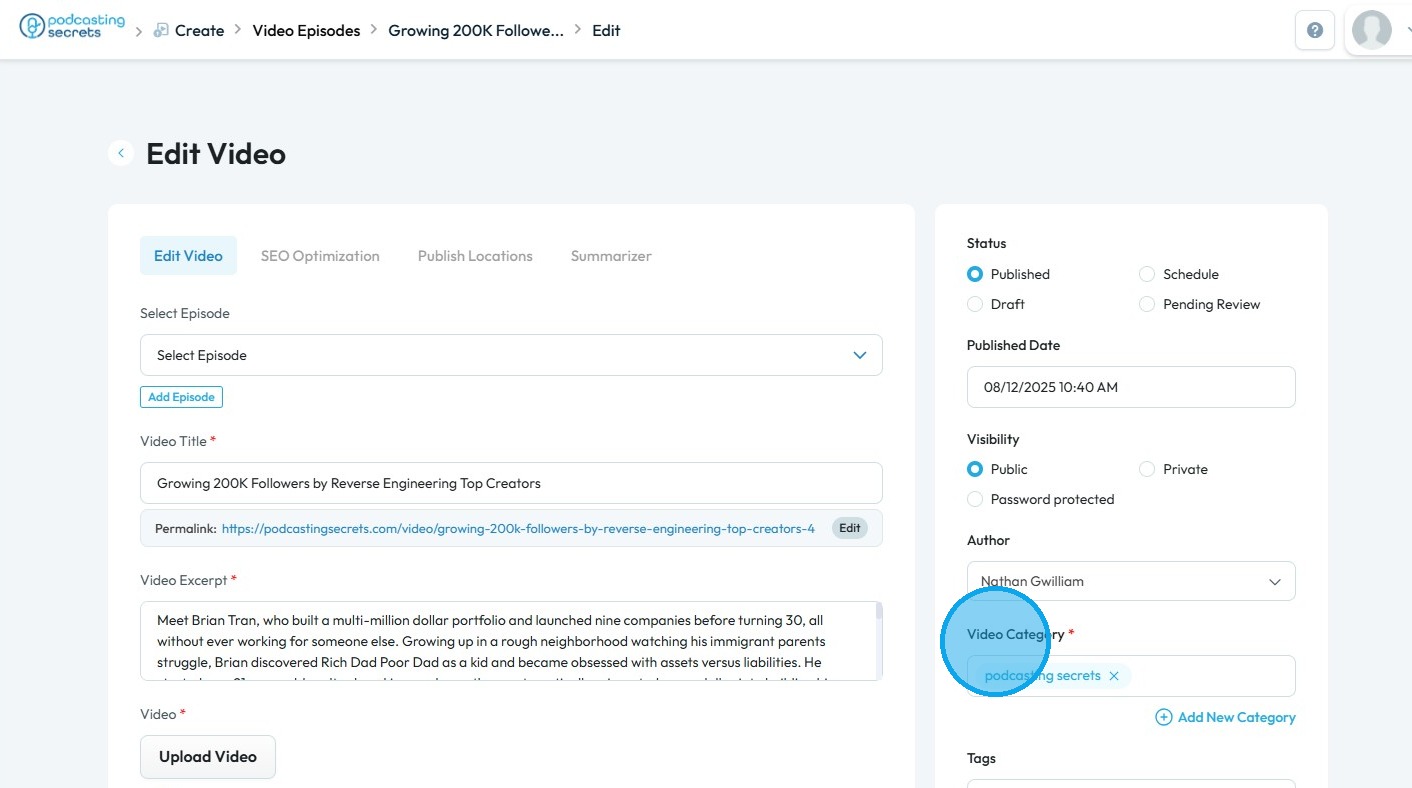
7. Click the 'Video Category' field to view and select other categories
8. Select the category you wish to add
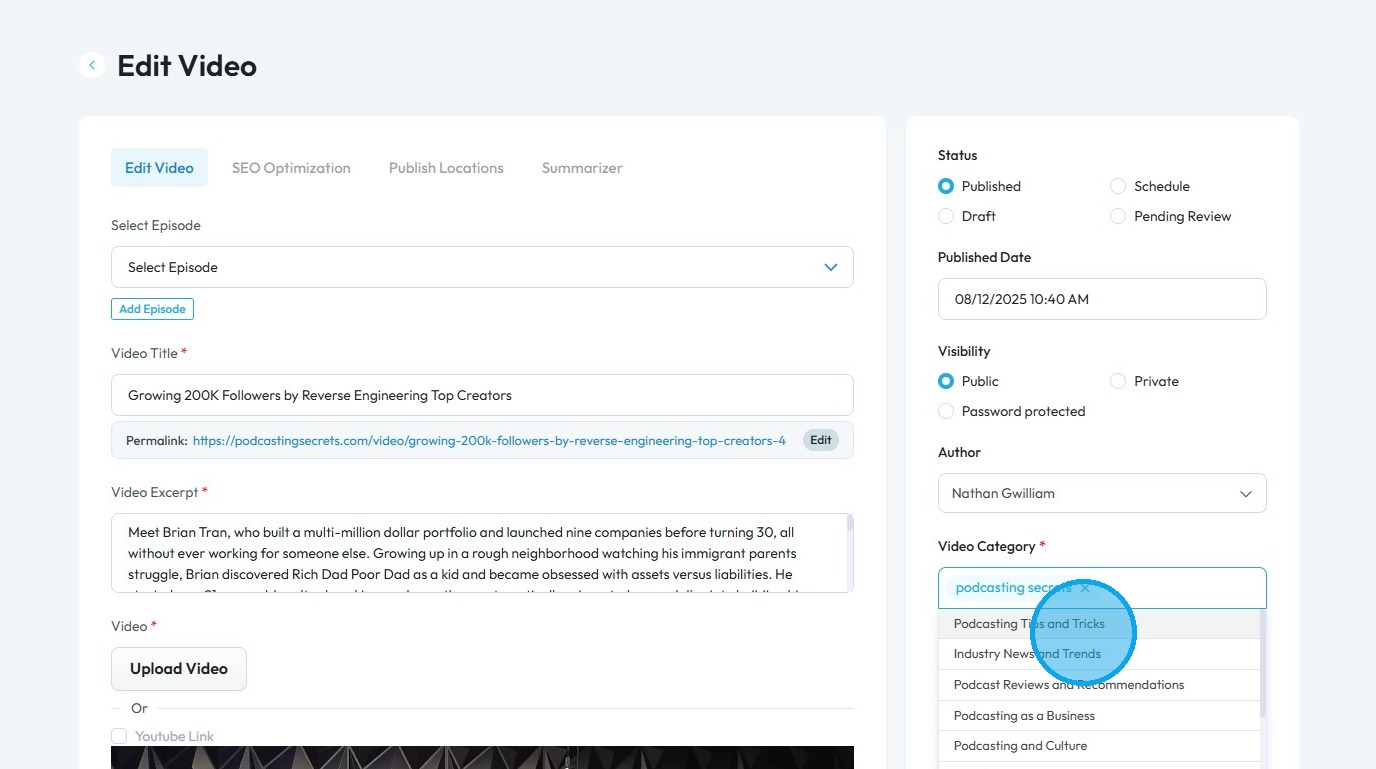
9. Remove the existing category if needed
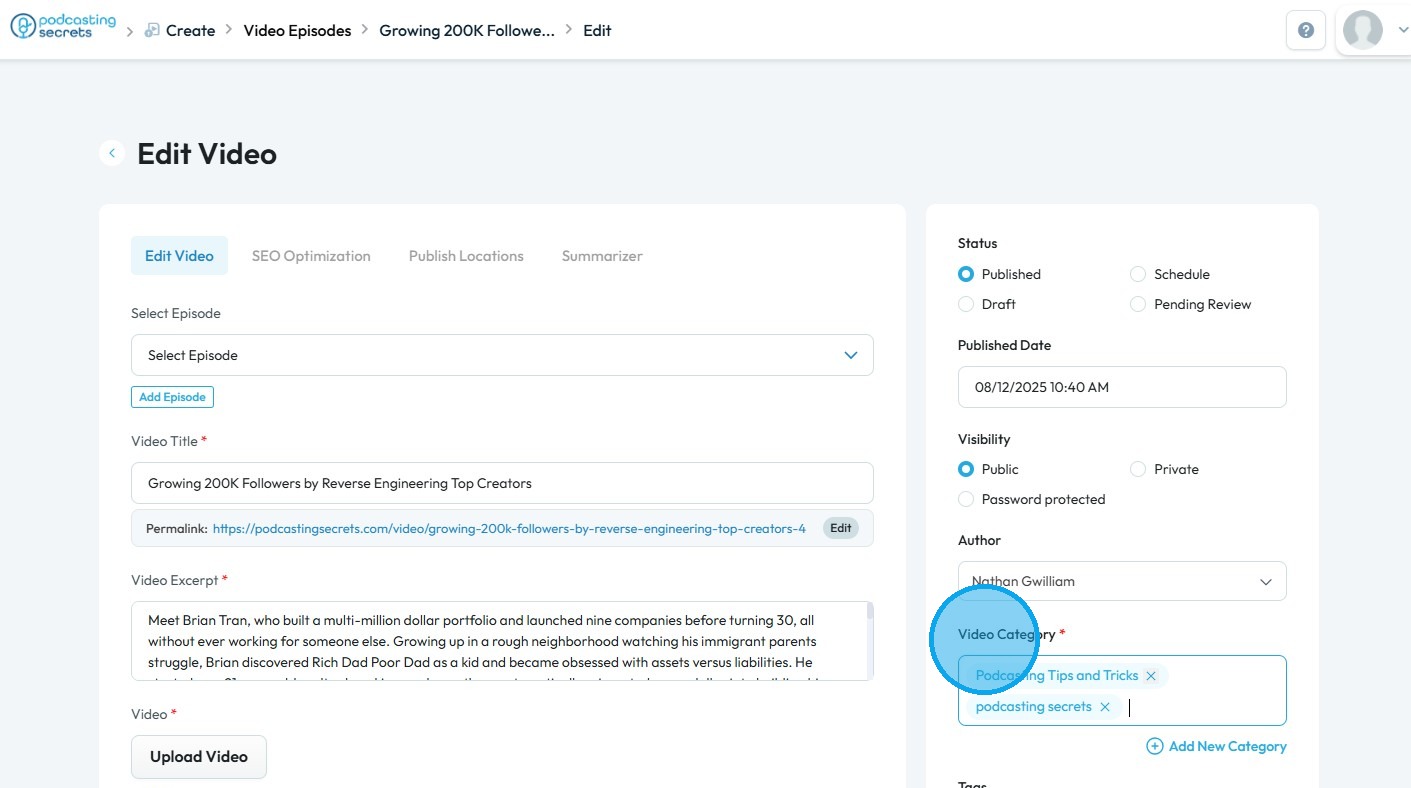
10. To create a new category, click 'Add New Category'
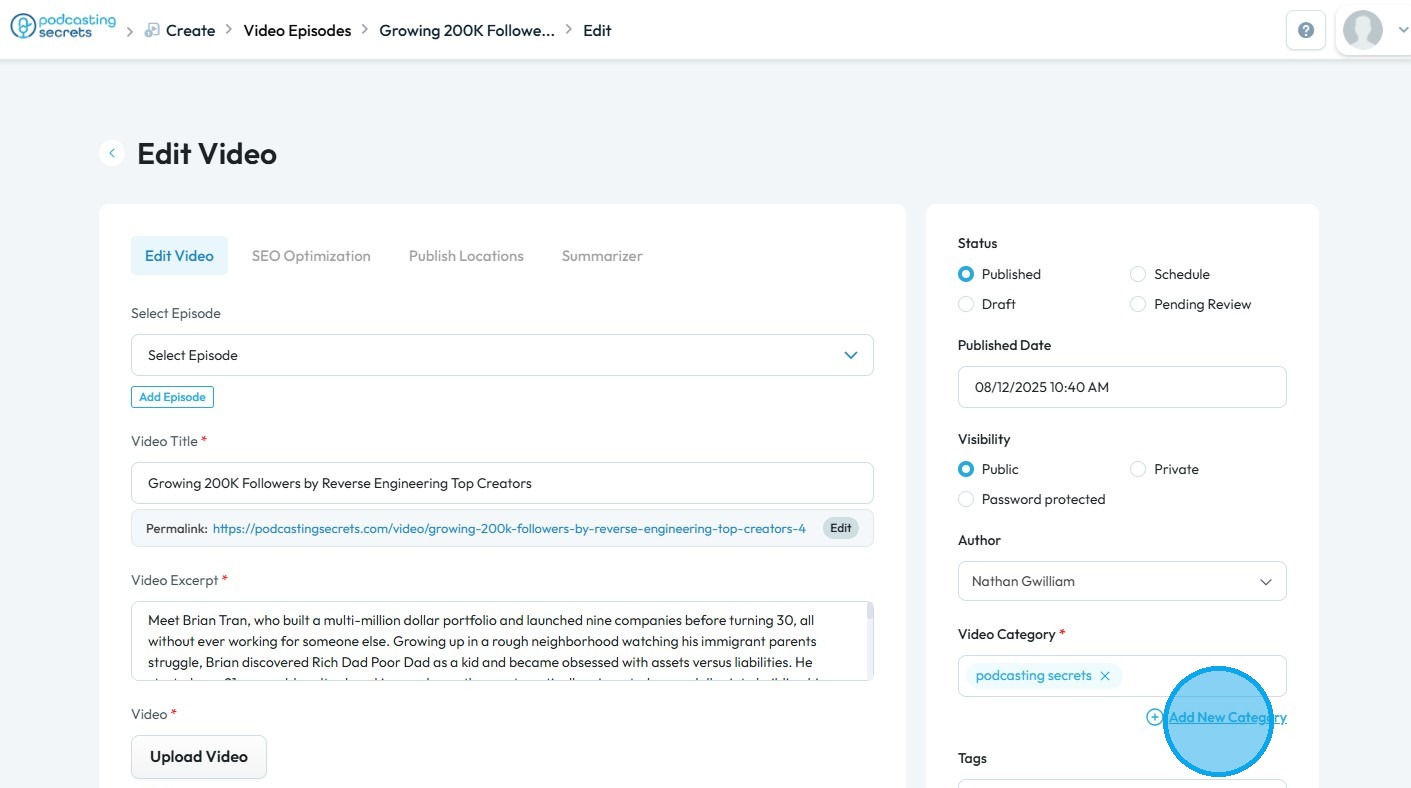
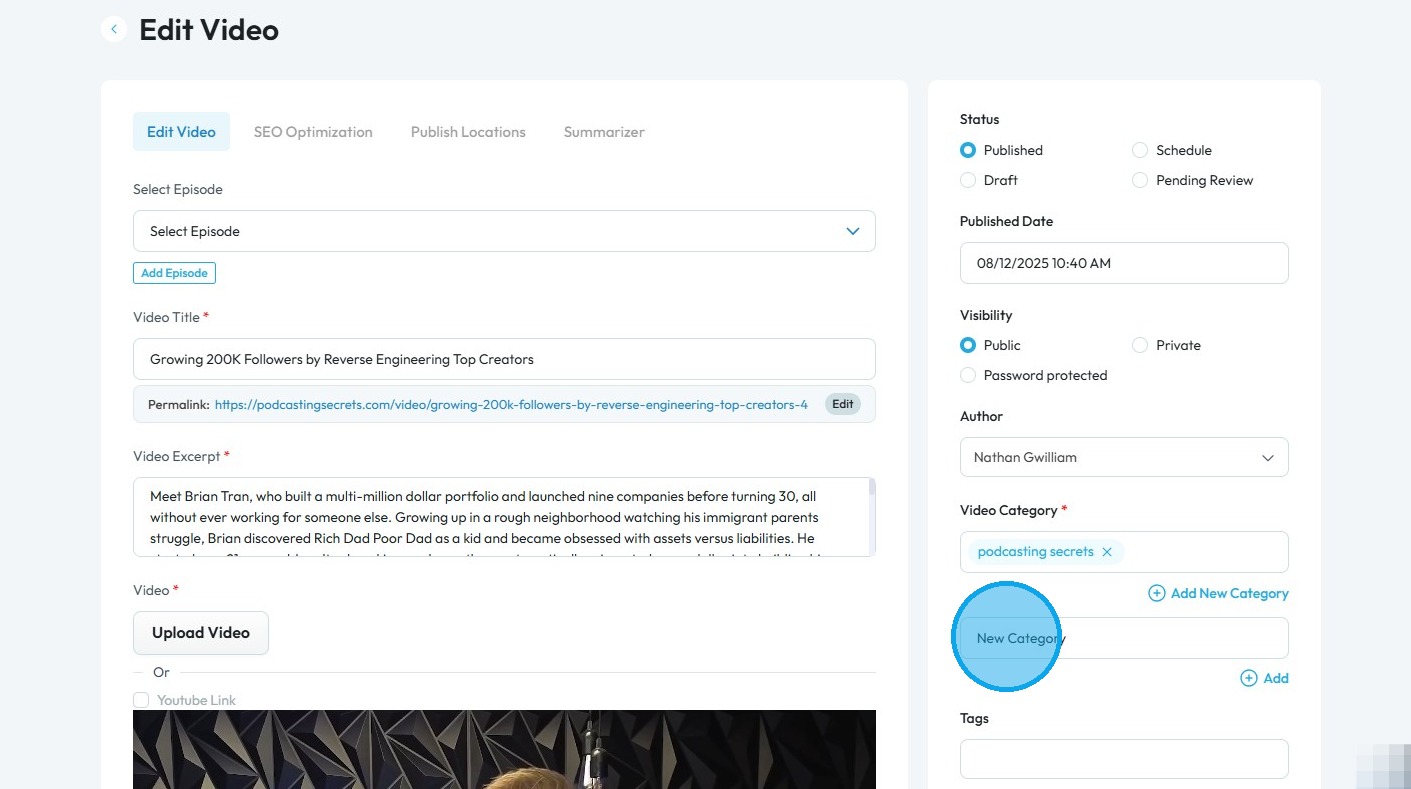
11. Enter the name for the new category
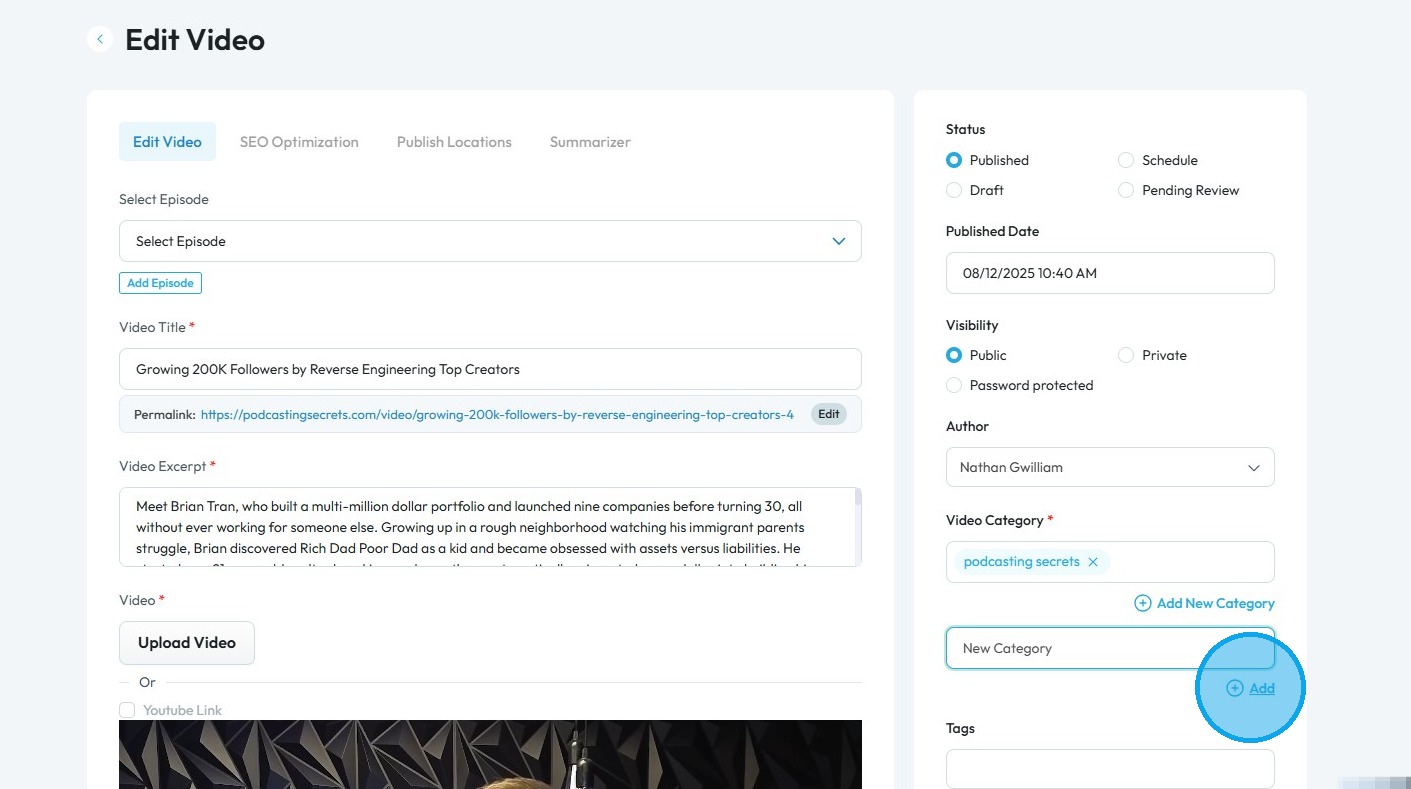
12. Select "Add"
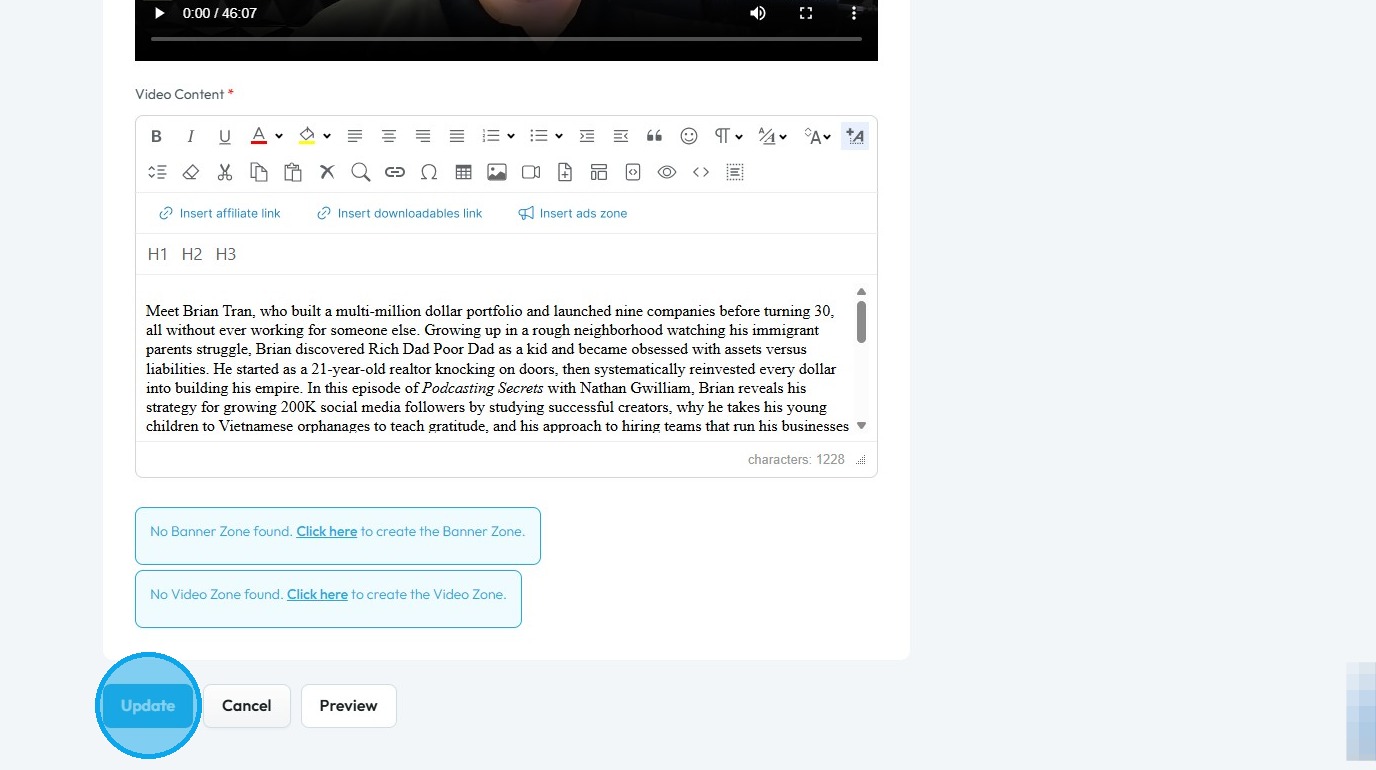
13. Scroll down and click 'Update' to save your changes
Related Articles
How to Change Video Episode Category on PodUp
This guide offers a comprehensive overview of changing the category of video episodes on PodUp, ensuring accurate classification for greater audience reach. 1. Navigate to https://app.podup.com/ 2. Click "Create" 3. Click "Videos" 4. The “Video” page ...How To Navigate Episode Manager (Detailed)
This guide provides a step-by-step process for adding an episode in PodUp, making it an invaluable resource for podcasters looking to streamline their workflow. It covers everything from entering episode details to uploading images and sharing links, ...How To Navigate Podcast Episode (Detailed)
This guide offers a step-by-step approach to creating and publishing a podcast episode on Podup, making it accessible even for beginners. It emphasizes the importance of SEO and categorization to enhance discoverability and engagement. By following ...How to Navigate Video Episodes (Detailed)
This guide shows you how to easily create and share amazing video posts on PodUp. You'll get simple, step-by-step instructions to get your videos online, make them easy to find (that's the "SEO" part!), and share them on different places, all while ...How to Change the Category of my Podcast Episode
This guide provides a step-by-step process for changing the category of your podcast episode on PodUp to improve discoverability and relevance for your audience. 1. Navigate to https://app.podup.com/home 2. Click "Create" 3. Select “Podcast ...