How does my audio podcast get uploaded to my website
This guide makes it easy to upload and share your audio podcast on your website so your audience can enjoy it.
1. Navigate to https://app.podup.com/home
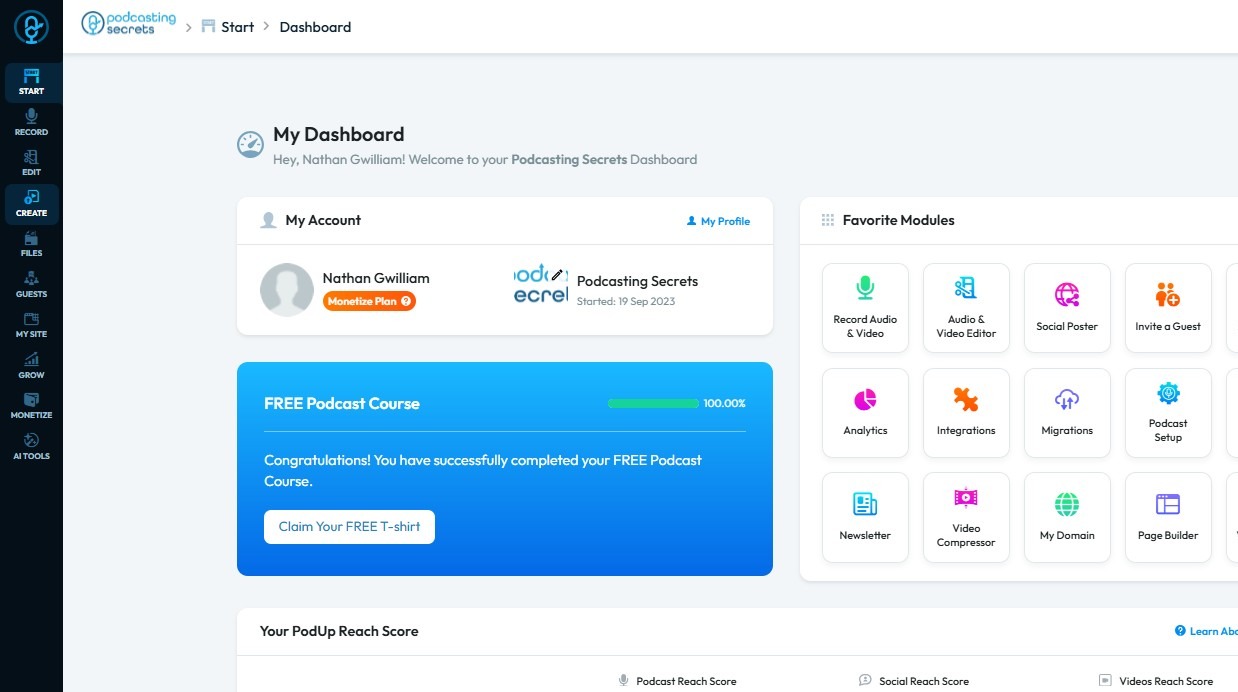
2. Click "Create" to proceed
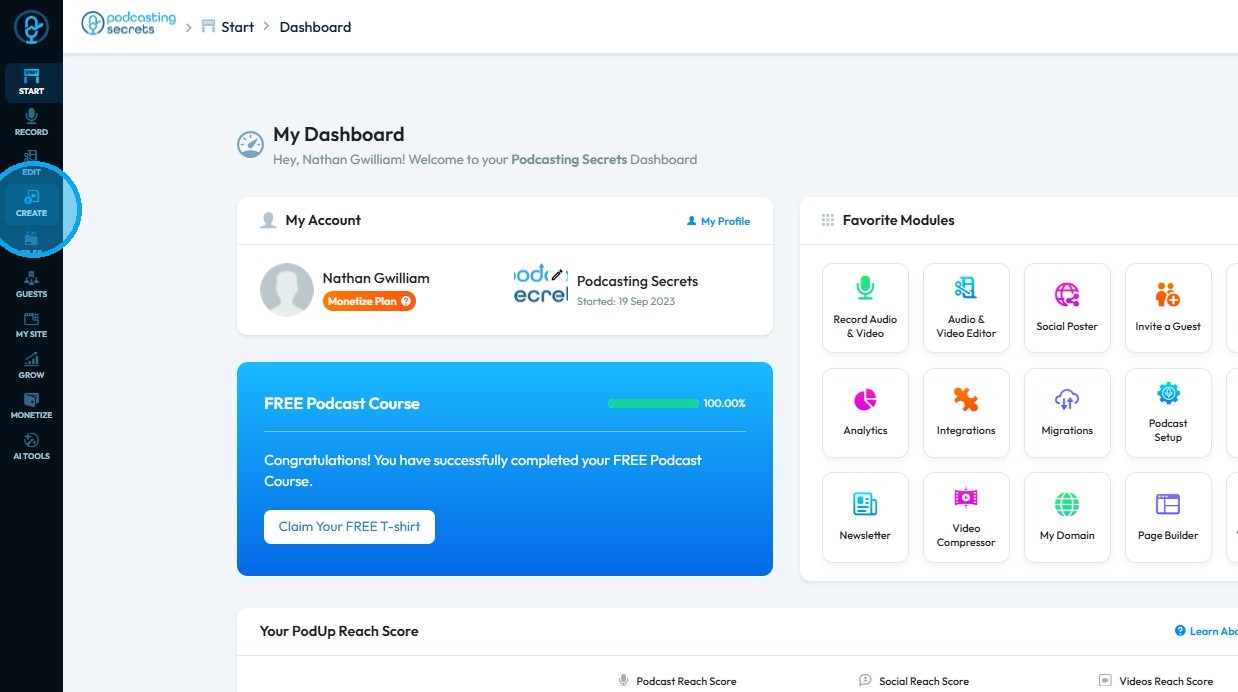
3. Select "Podcasts"
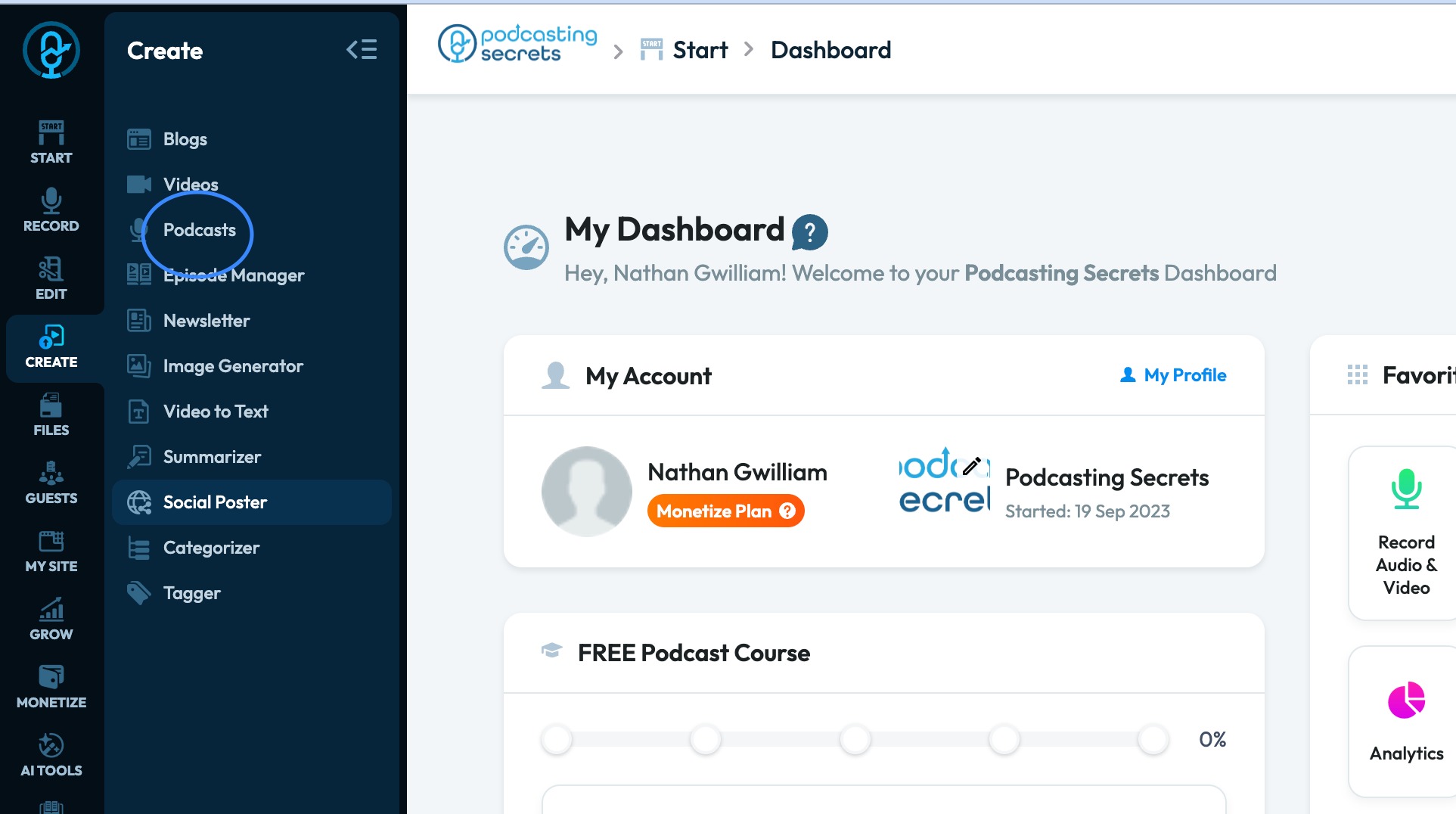
4. Click "Create Podcast"
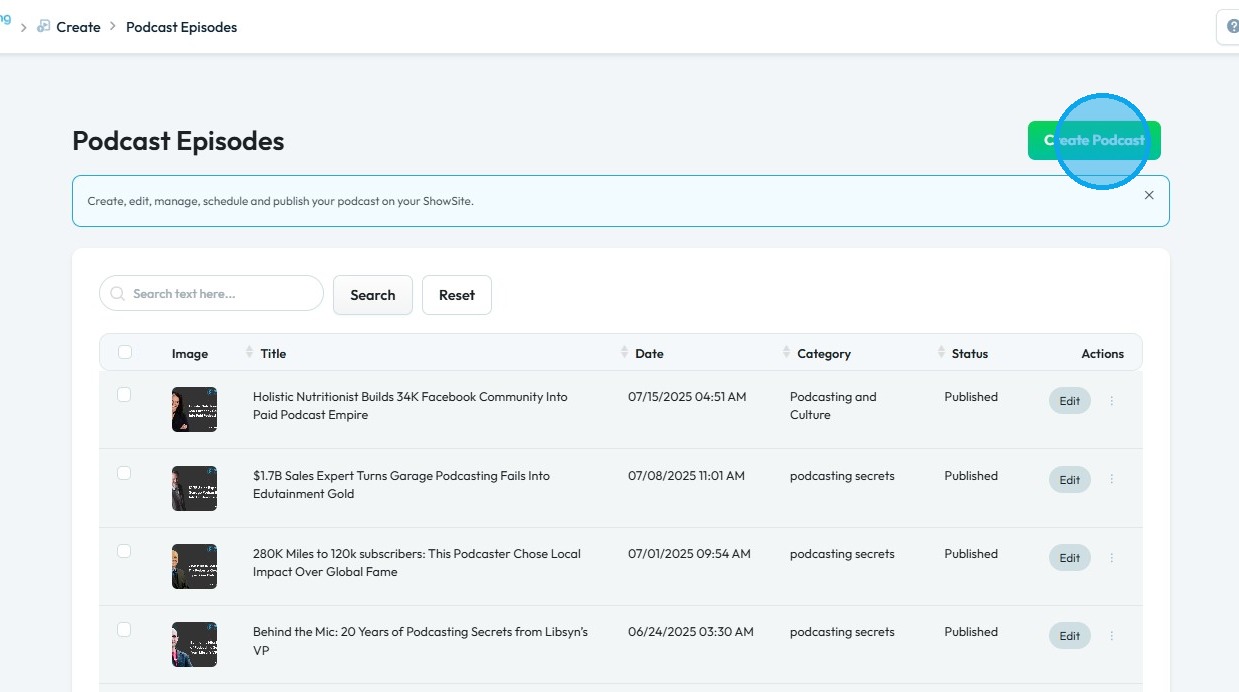
5. This will open your "Create Podcast" page
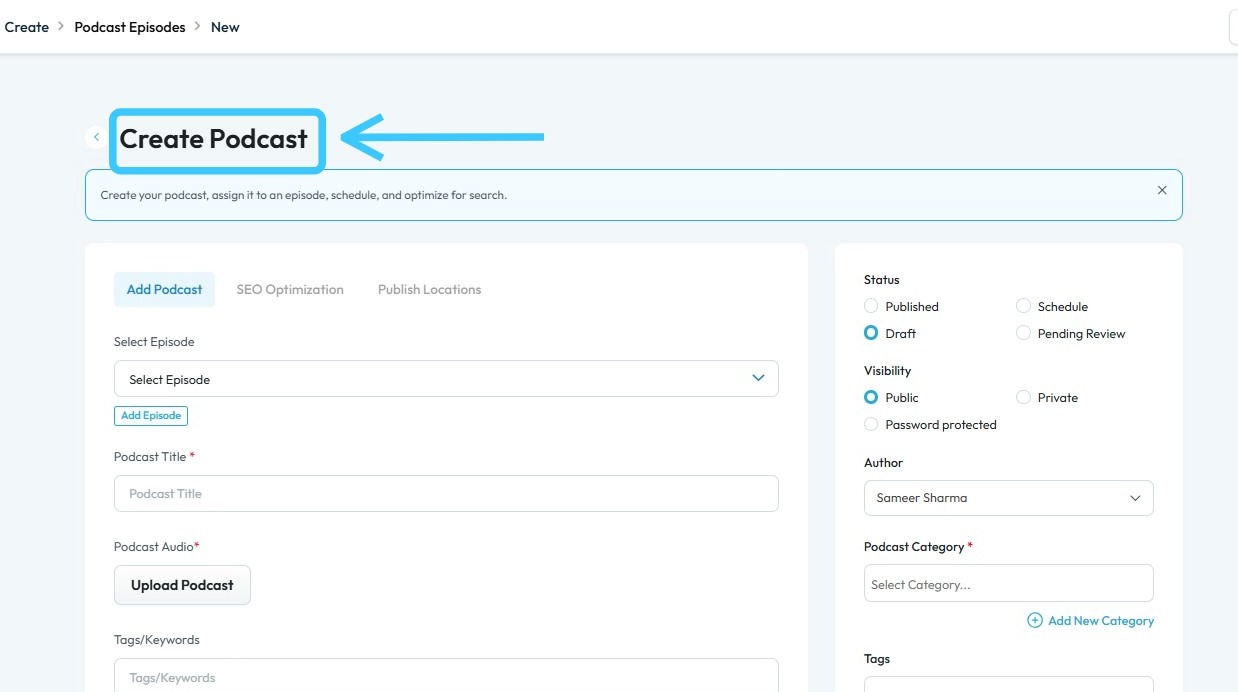
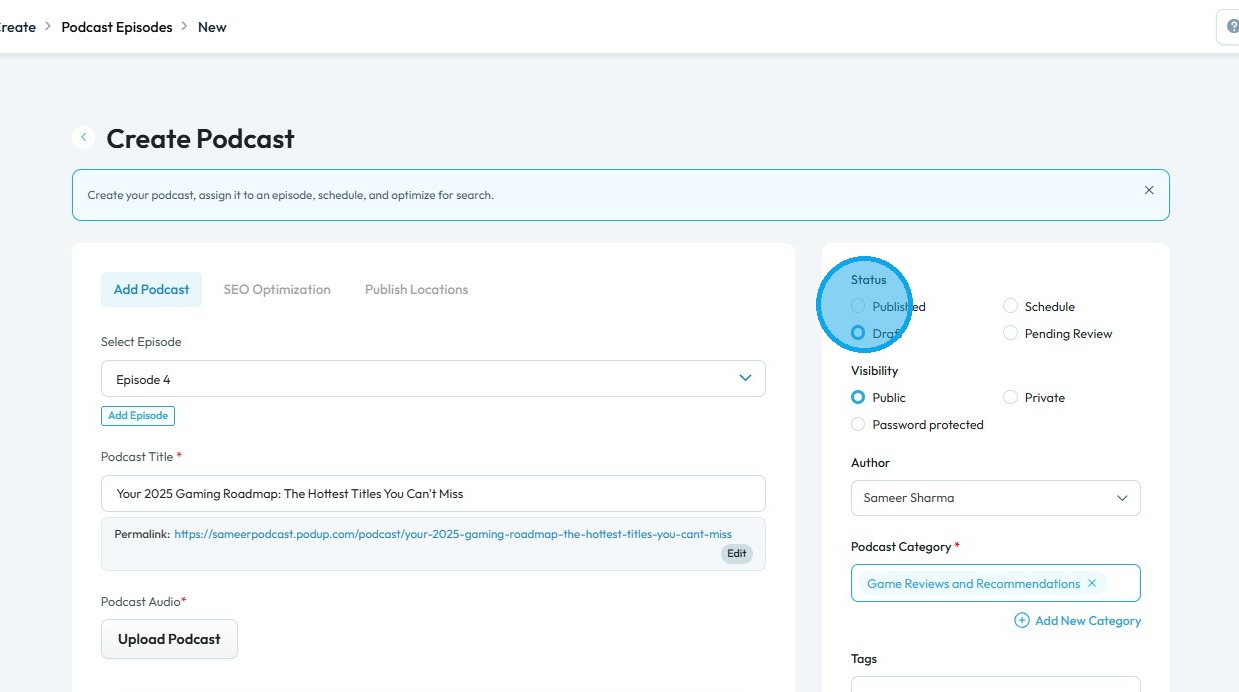
6. Complete all required details, then select "Published" in the Status section
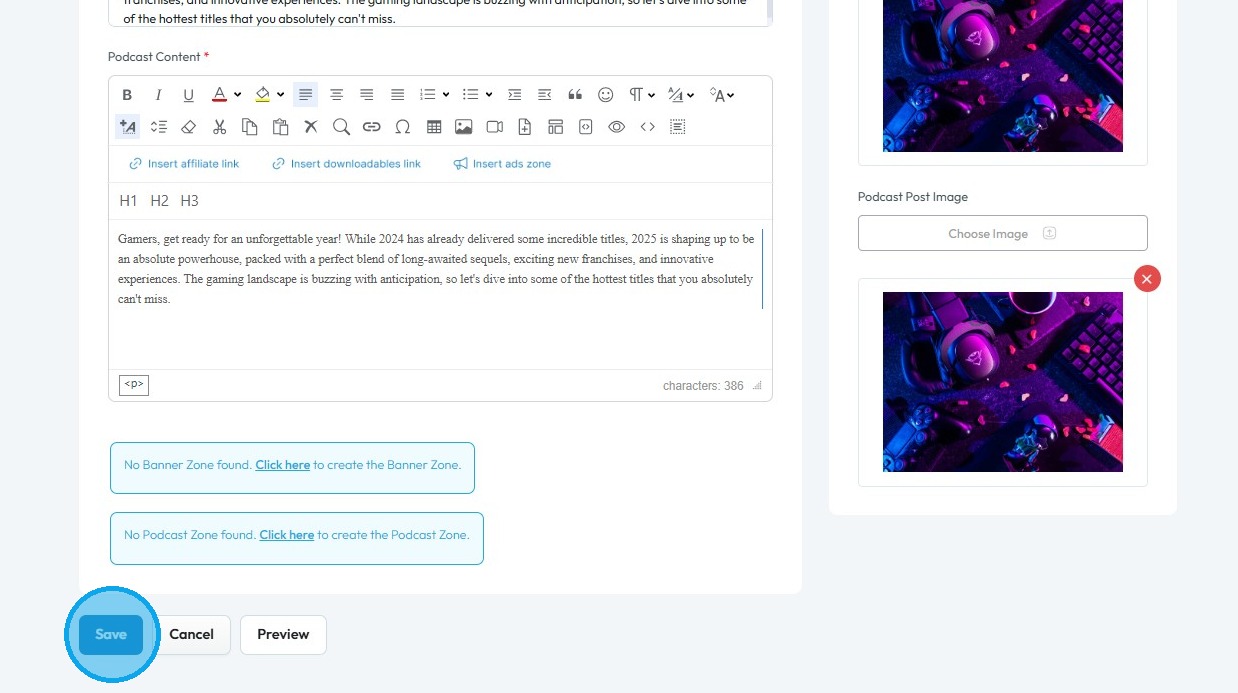
7. Scroll down and click "Save" to apply your changes
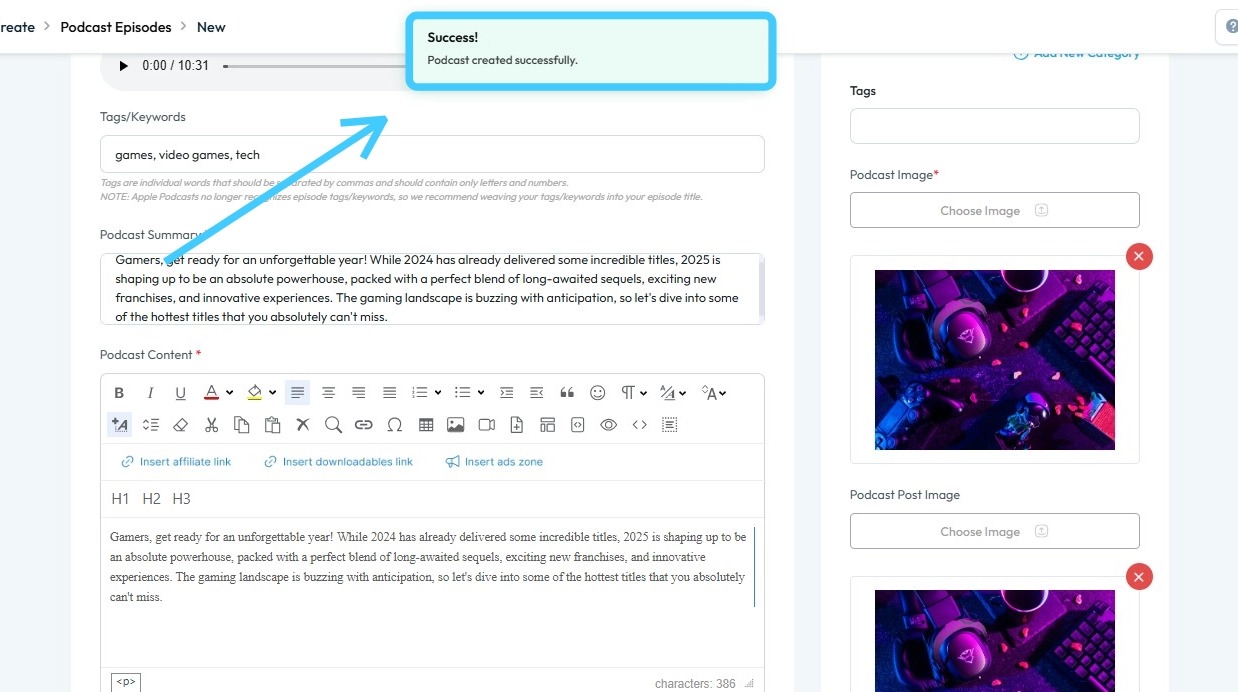
8. A "Success!" message will appear, confirming that your audio podcast has been successfully published on your website
Related Articles
How do my blogs get uploaded to my website
This guide shows you how to upload blogs to your website step by step 1. Navigate to https://app.podup.com/home 2. Click "Create" 3. Select "Blogs" 4. Click "Create Post" 5. The page will be displayed as shown 6. Complete all required details and ...How to Publish an Audio Podcast
Easily publish your audio podcast—covering episode creation, SEO, and social media distribution. 1. Navigate to https://app.podup.com/home 2. Click "Create" 3. Select "Podcast Episodes" 4. The "Podcast Episodes" page will open 5. Click "Create ...How do I Upload Audio Files?
Follow this guide to easily navigate the software and upload your audio files. 1. Navigate to https://app.podup.com/home 2. Click "Files" 3. Select "Audios" 4. The Audio File Manager will open 5. Click "Upload" 6. Select the audio file you wish to ...Podcast not on Spotify
not on spotify, podcast missing from spotify, spotify not showing episode, spotify publishing failed, submit to spotify This guide shows you how to connect your podcast to Spotify step by step. It’s simple, beginner-friendly, and ensures you don’t ...Website Templates Overview
By following this guide, you can explore and select the best theme for your genre with ease. Tip: Tip! [[PodUp offers a diverse selection of templates for every type of creator.]] 1. Navigate to https://app.podup.com/home 2. Click "My Site" 3. Select ...