How do my blogs get uploaded to my website
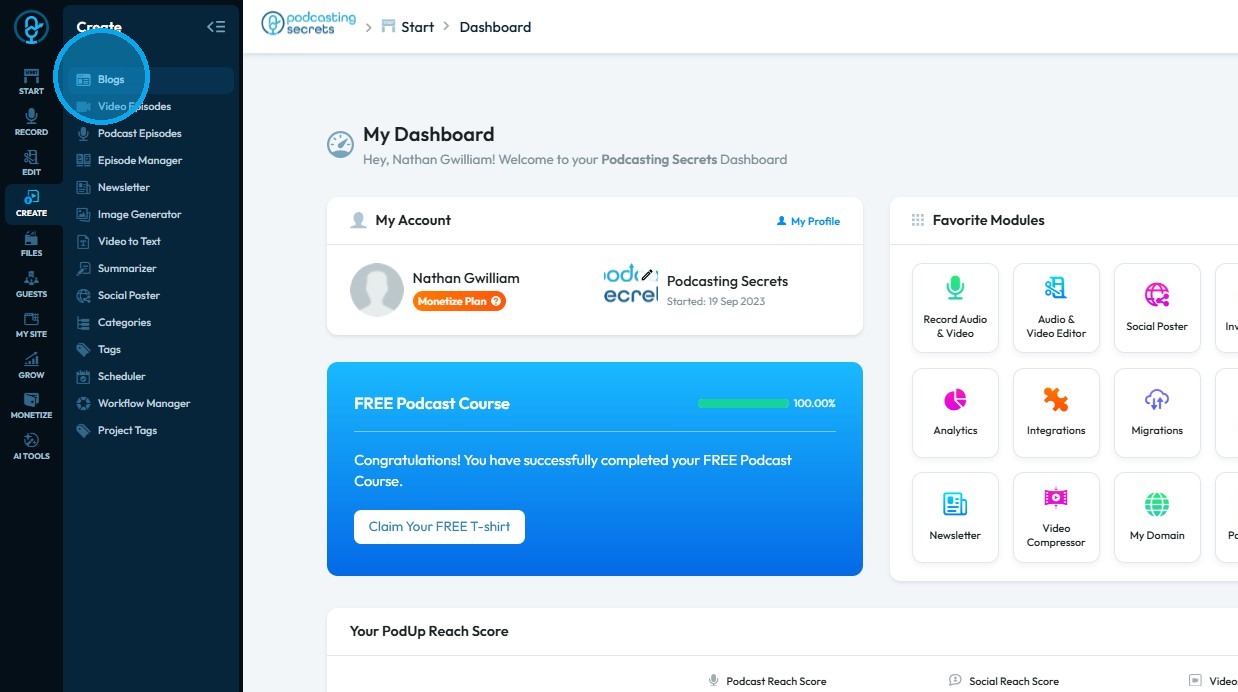
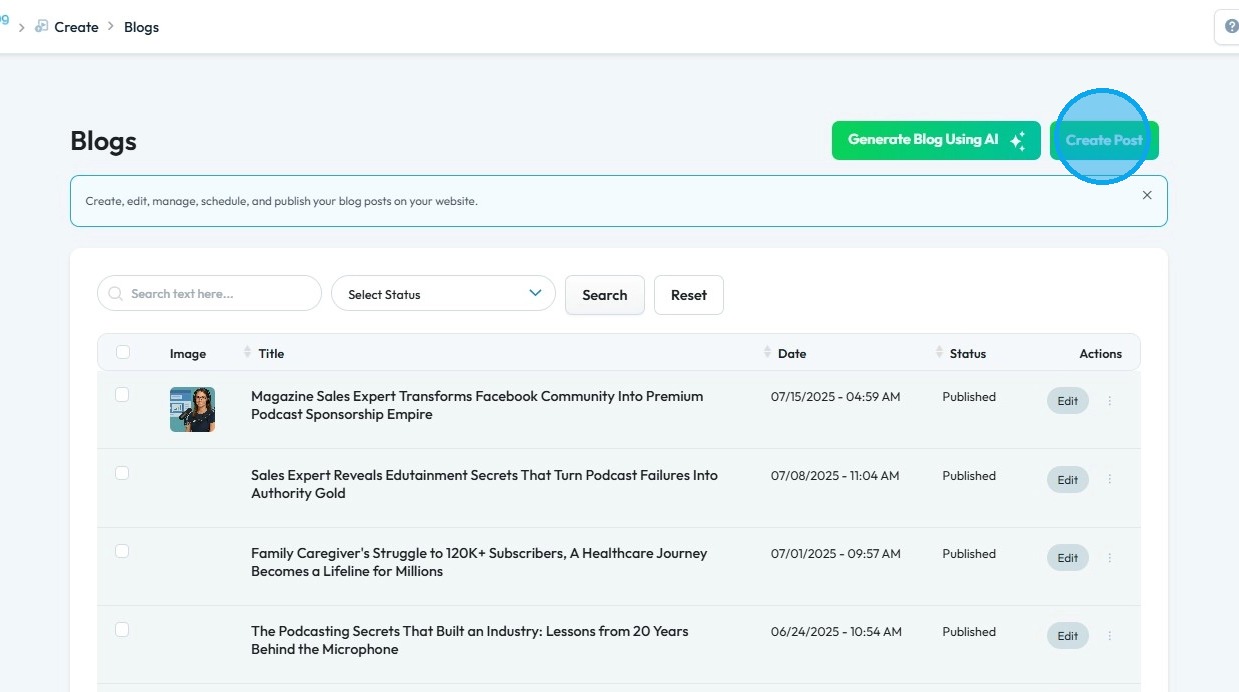
This guide shows you how to upload blogs to your website step by step


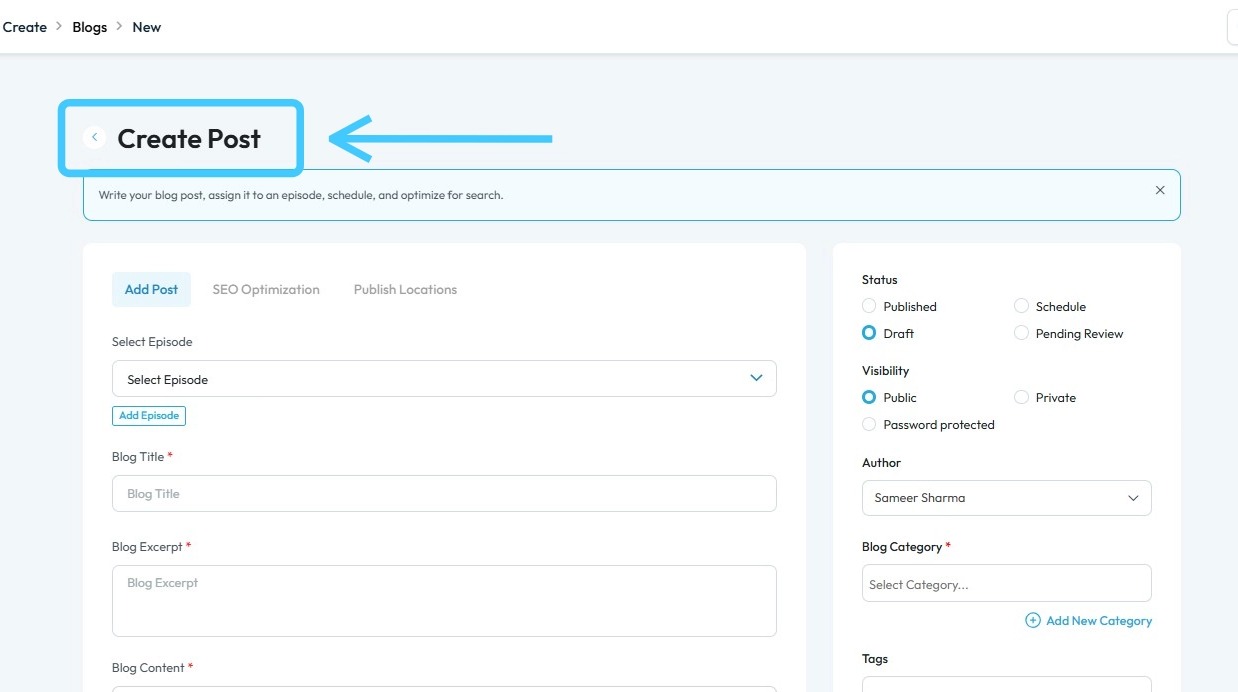
5. The page will be displayed as shown

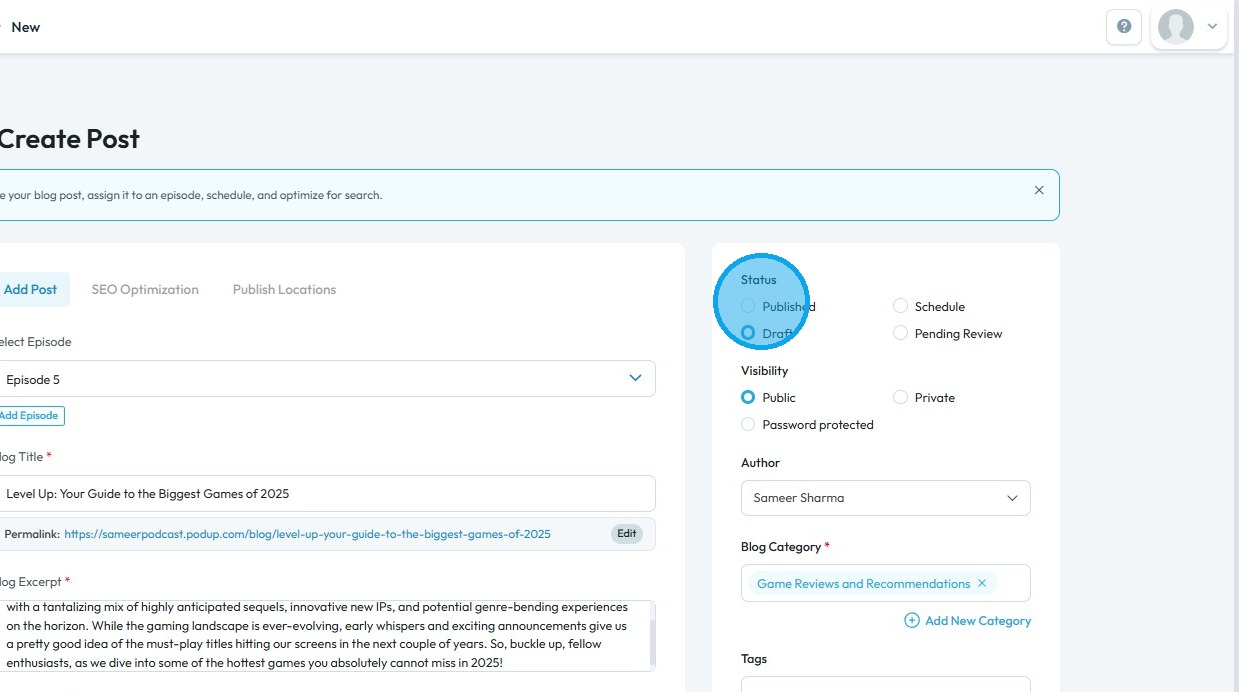
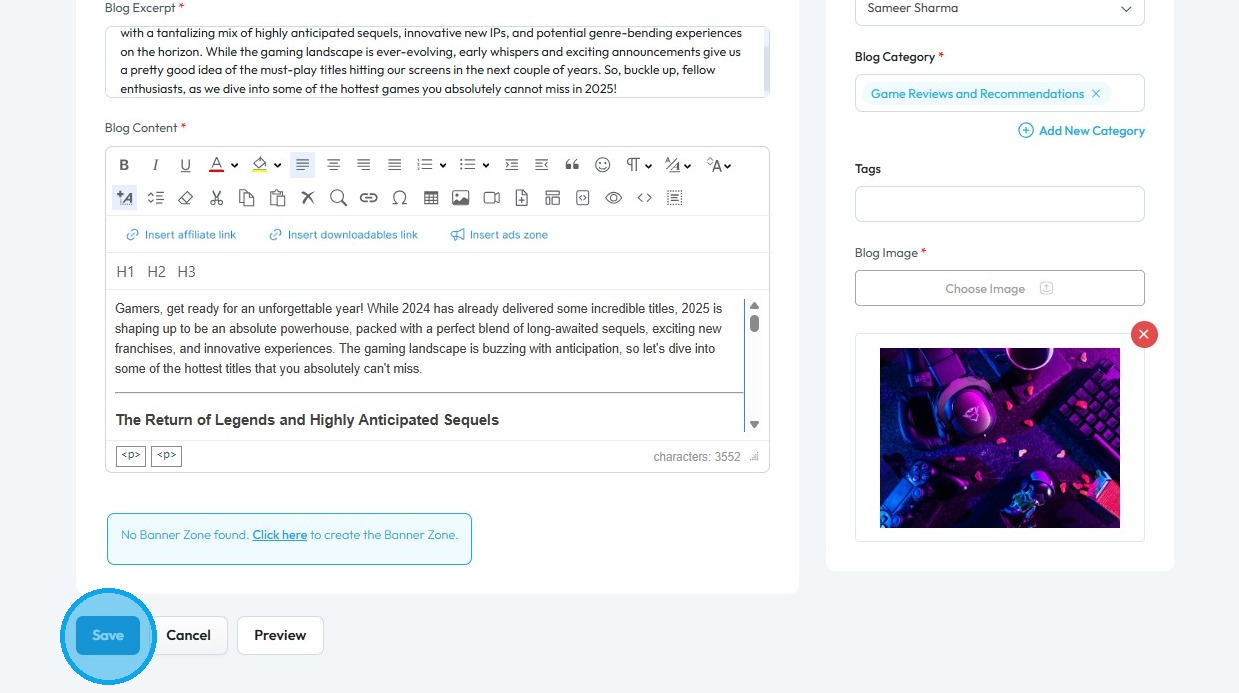
6. Complete all required details and select "Published" in the Status section. A filled circle will indicate your selection.

7. Scroll down and click "Save" to apply your changes

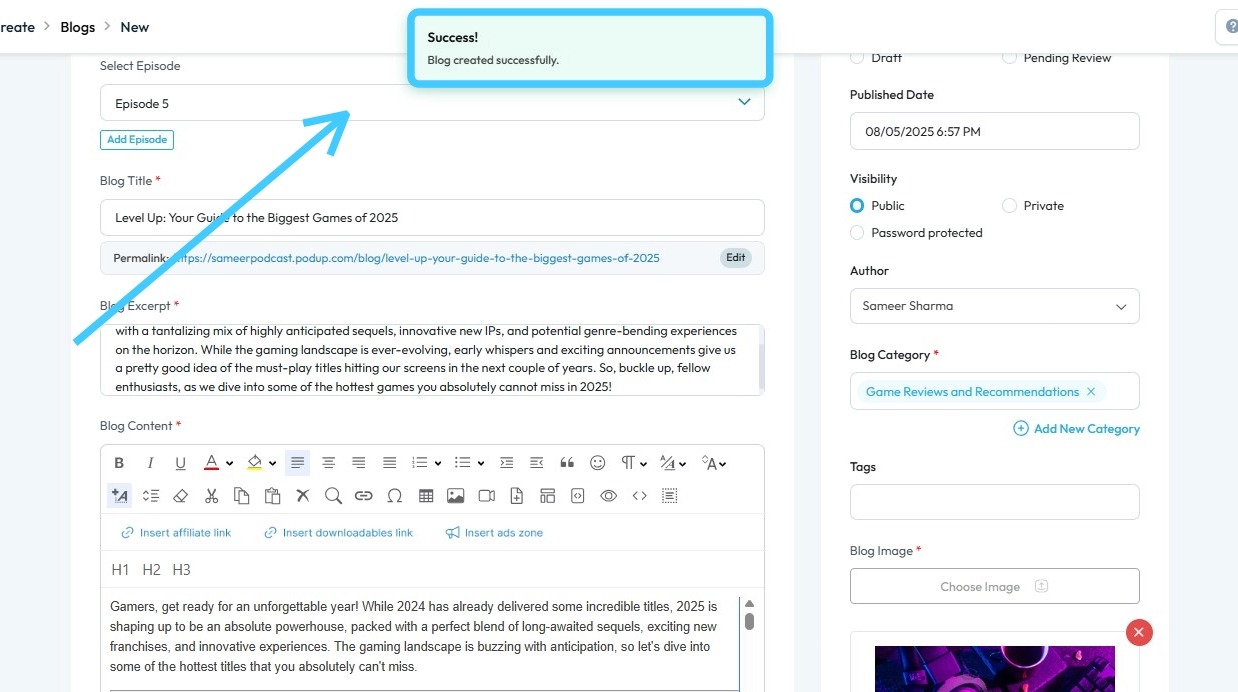
8. A "Success!" message will appear, confirming that your blog has been successfully published on your website

9. This is what the blog will look like on your website

Related Articles
How to Navigate Blogs (Detailed)
This guide provides a comprehensive overview to create blog posts on Podup, making it a valuable resource for anyone looking to enhance their blogging process. It outlines step-by-step instructions for both writing original content and generating ...
How does my audio podcast get uploaded to my website
This guide makes it easy to upload and share your audio podcast on your website so your audience can enjoy it. 1. Navigate to https://app.podup.com/home 2. Click "Create" to proceed 3. Select "Podcasts" 4. Click "Create Podcast" 5. This will open ...
How do I get support?
Use this guide to quickly access PodUp support and resolve issues 1. Navigate to https://app.podup.com/home 2. In the bottom-right corner of the “Dashboard,” click the chat bubble to access support 3. The chat box will appear 4. Enter your message ...
How to Build A Header for My Website
This guide shows you how to easily create a custom header using templates and styles, with global and default settings to keep your site consistent. Quick edits make it simple to get the look you want. 1. Click "My Site" 2. Click "Header & Footer" 3. ...
How to Edit Your Website Title
By following this guide, you can edit your website title on PodUp to strengthen your branding and visibility. 1. Navigate to https://app.podup.com/home 2. Click "Start" 3. Select "Podcast Setup" 4. The ‘Podcast Setup’ page will open 5. Click "Edit" ...