How to Publish an Audio Podcast
Easily publish your audio podcast—covering episode creation, SEO, and social media distribution.
1. Navigate to https://app.podup.com/home
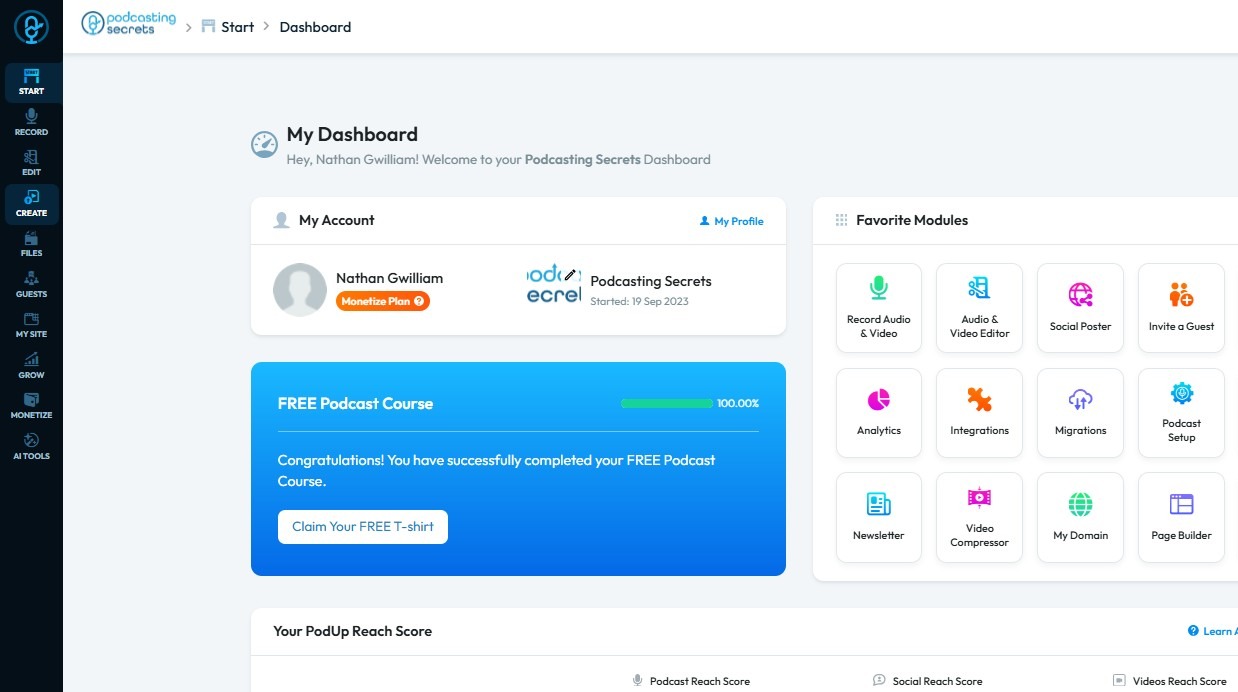
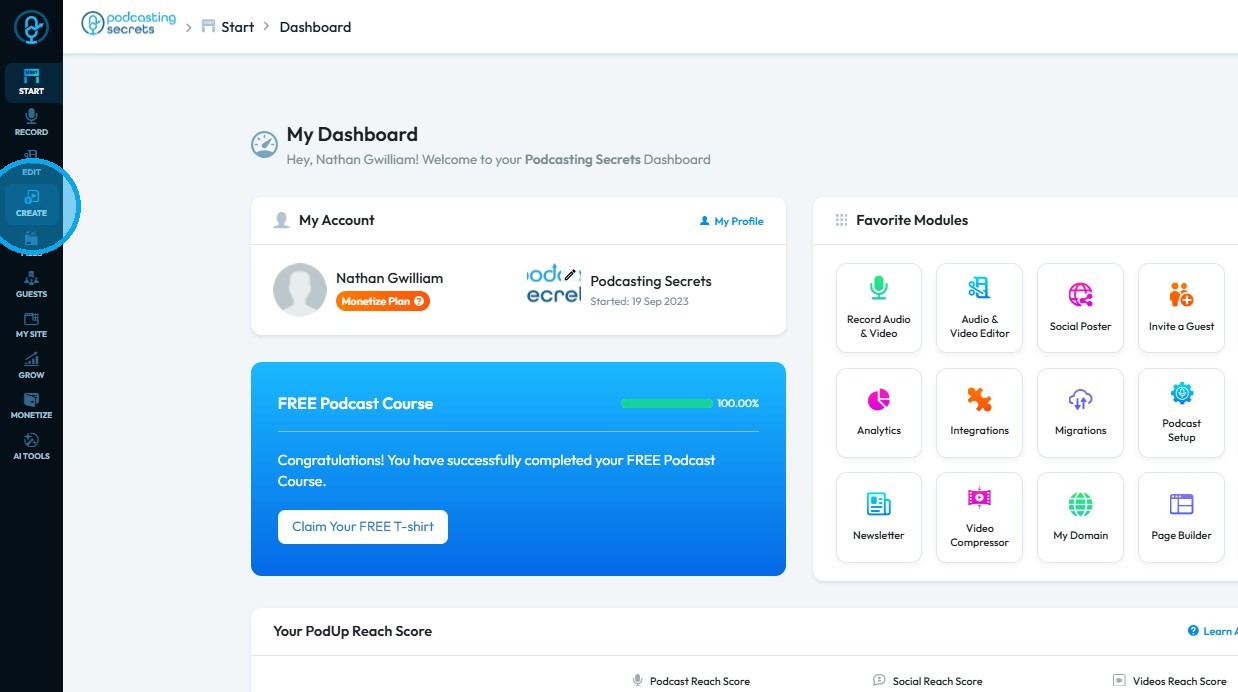
2. Click "Create"
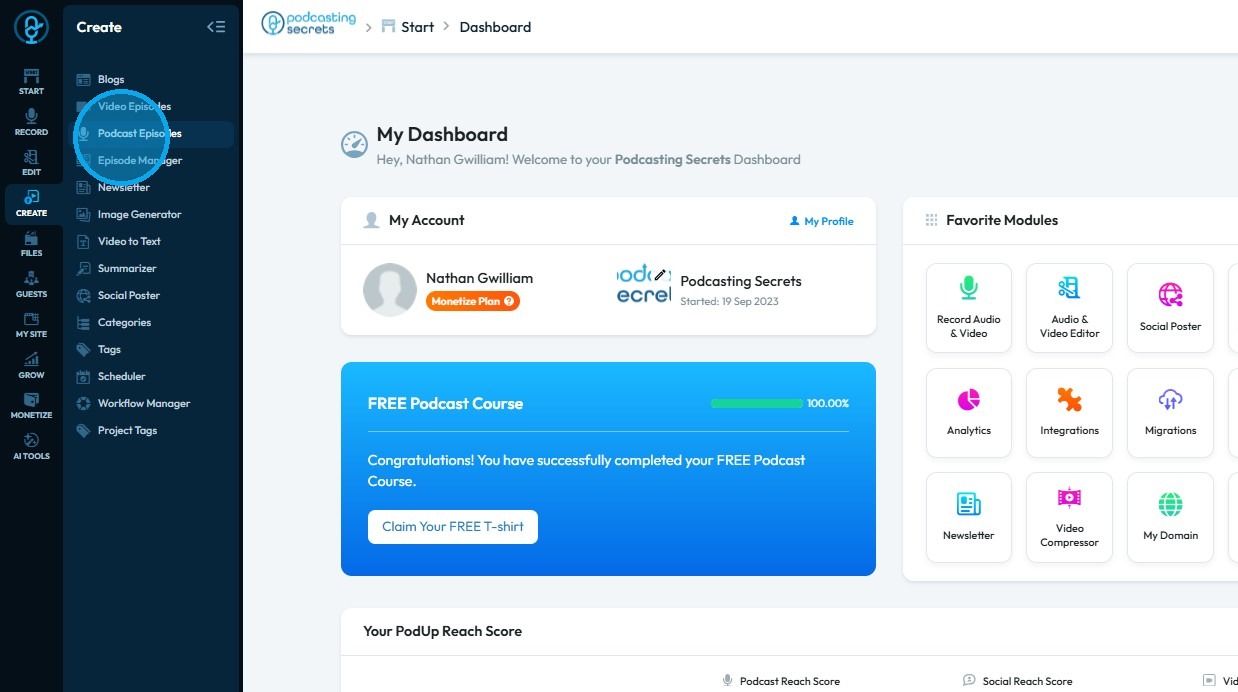
3. Select "Podcast Episodes"
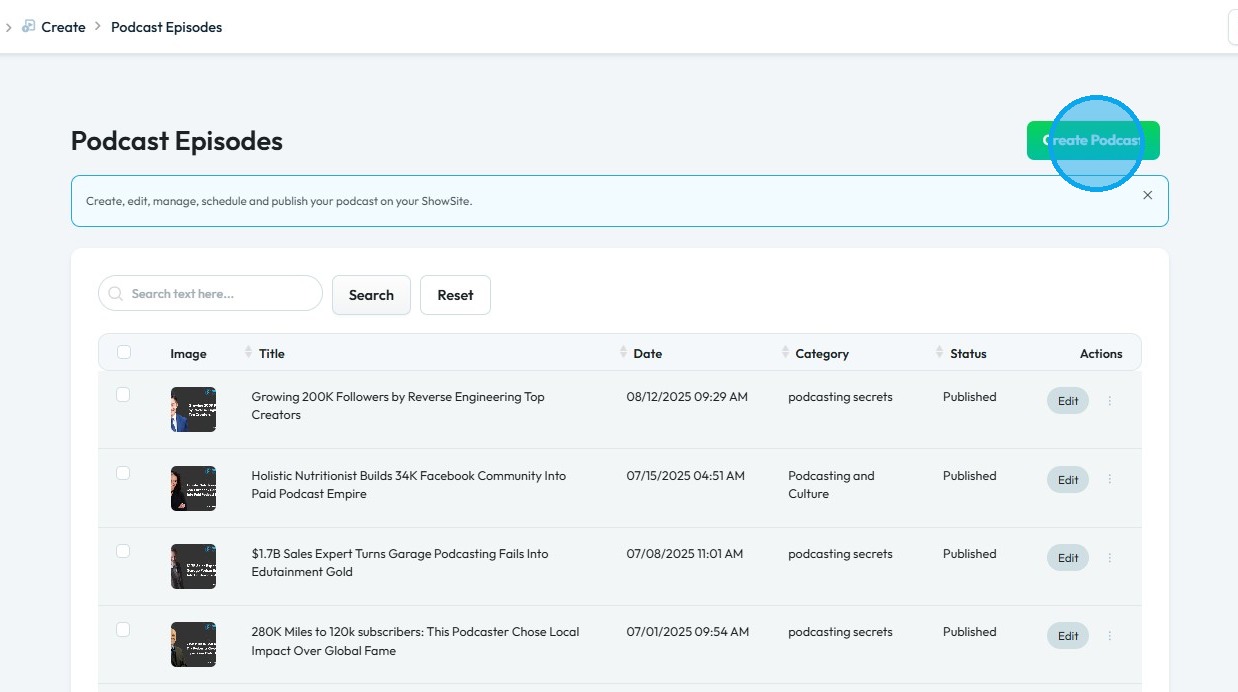
4. The "Podcast Episodes" page will open
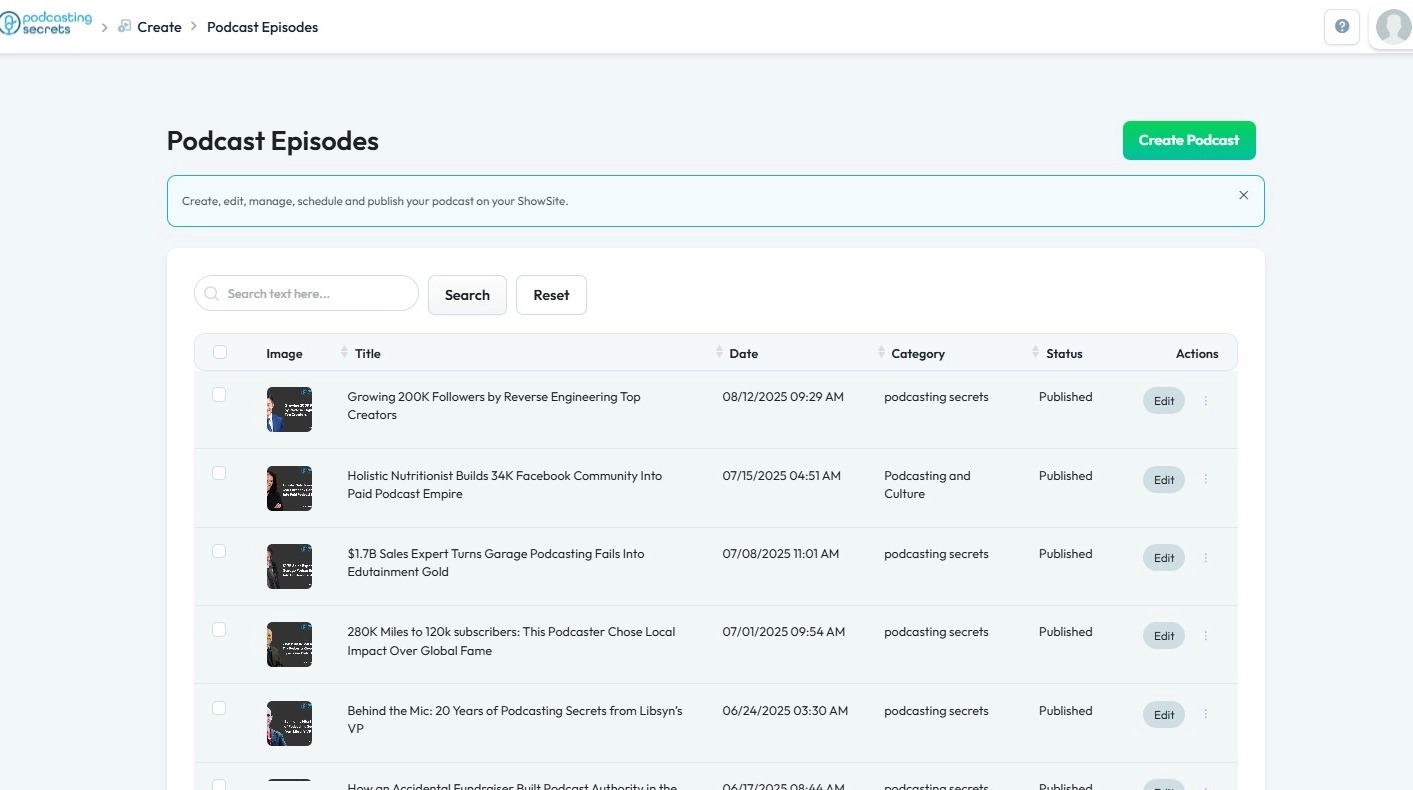
5. Click "Create Podcast"
6. The "Create Podcast" page will open
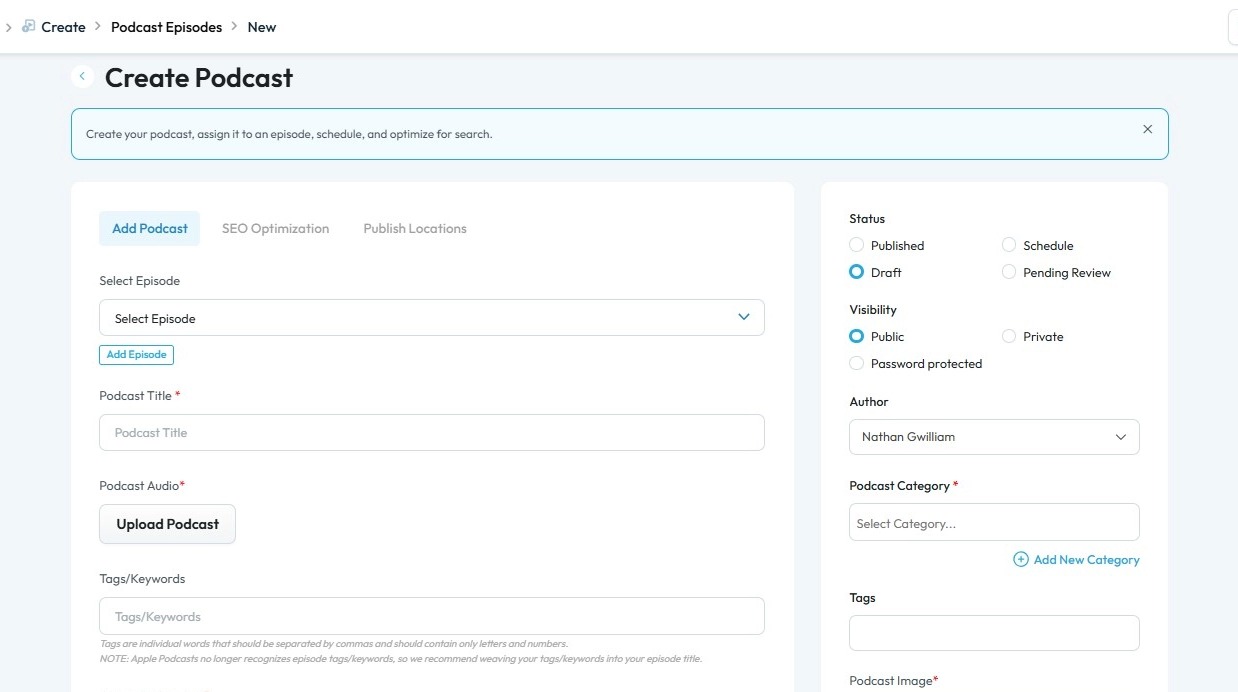
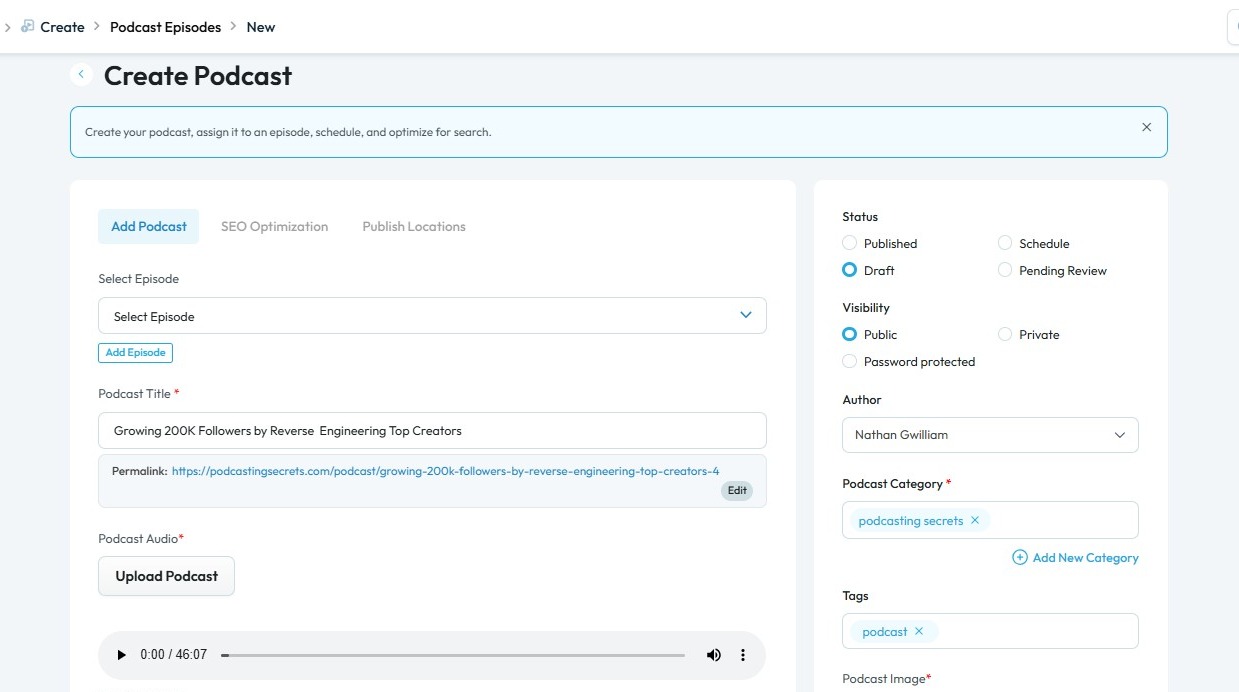
7. Enter the required information based on your audio episode details
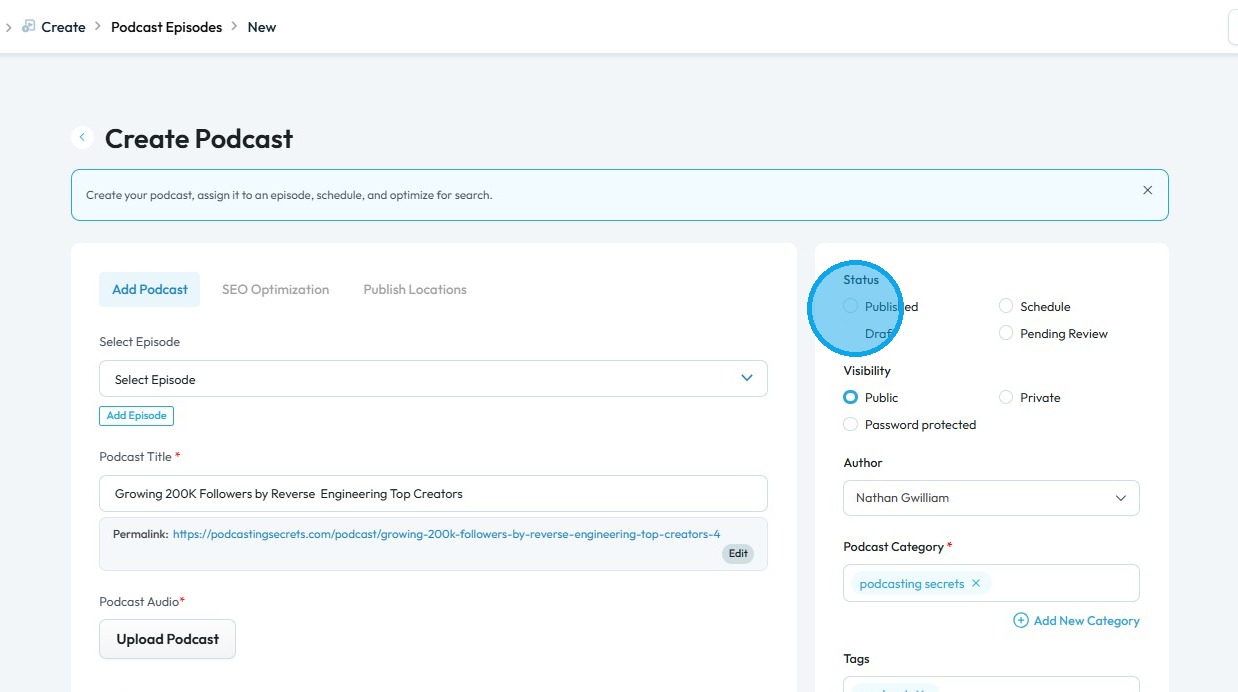
8. Click "Published" to make your podcast episode live
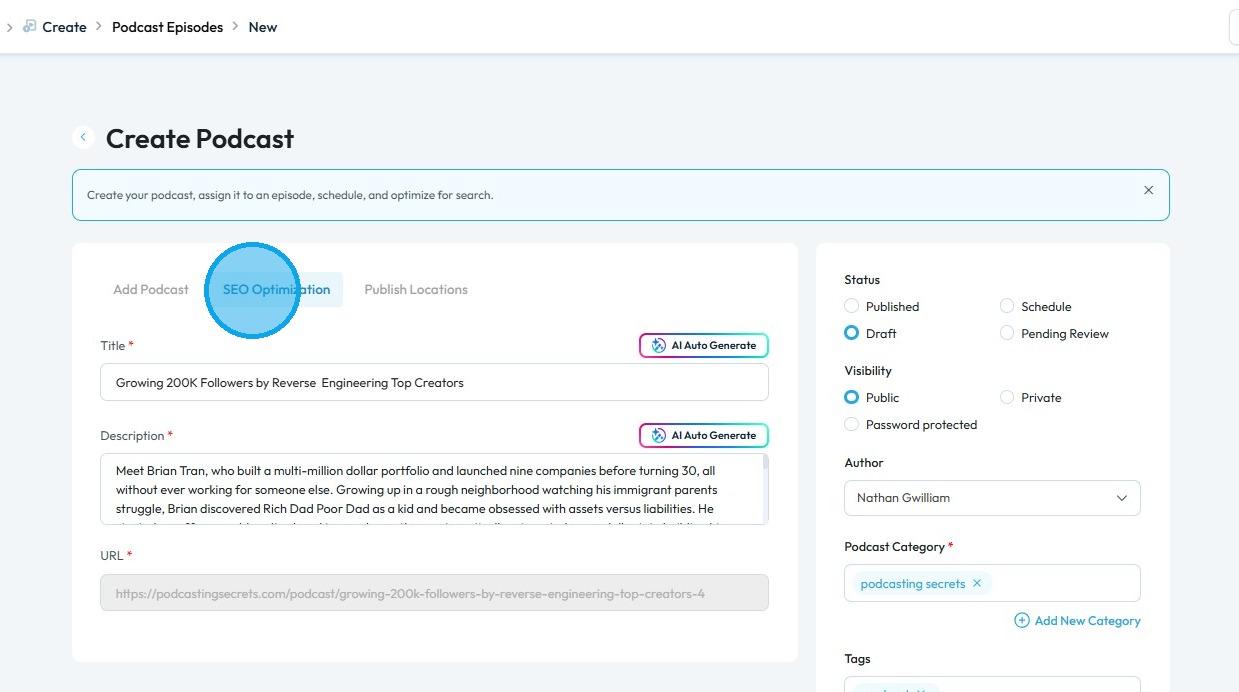
9. Click "SEO Optimization", then use the AI Auto-Generate feature to create optimized Titles and Descriptions for your episode
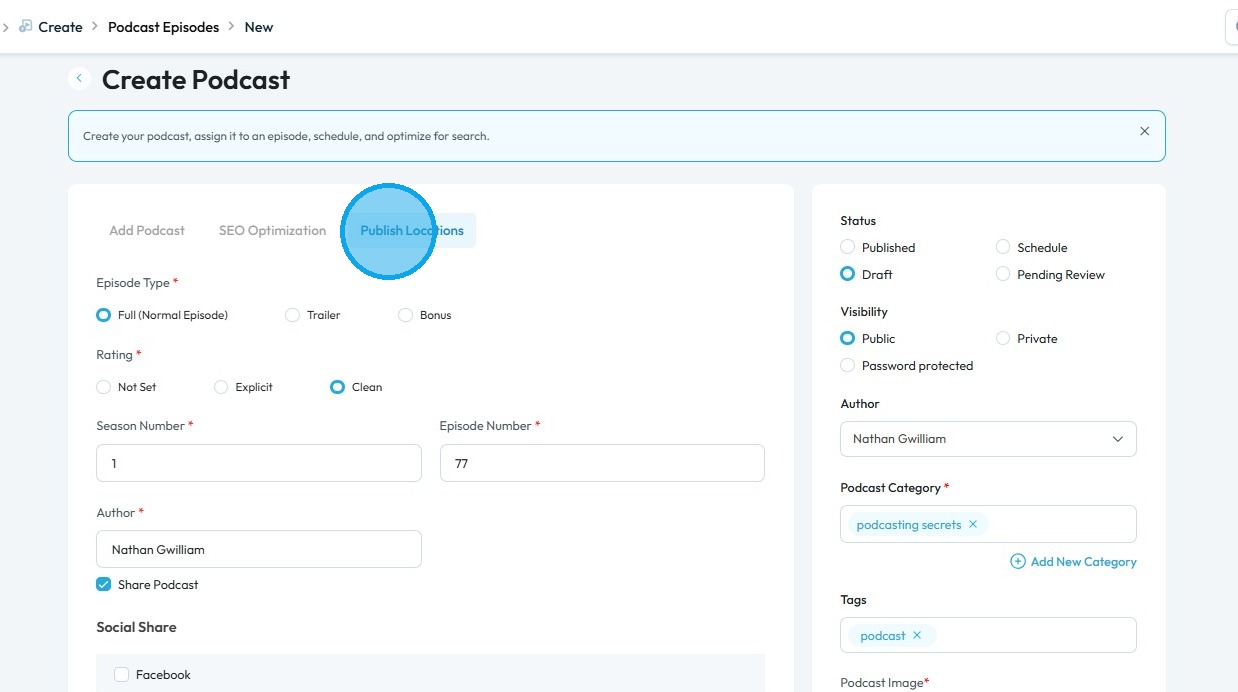
10. Click "Publish Locations" and choose the social media platforms where you want to publish your episode
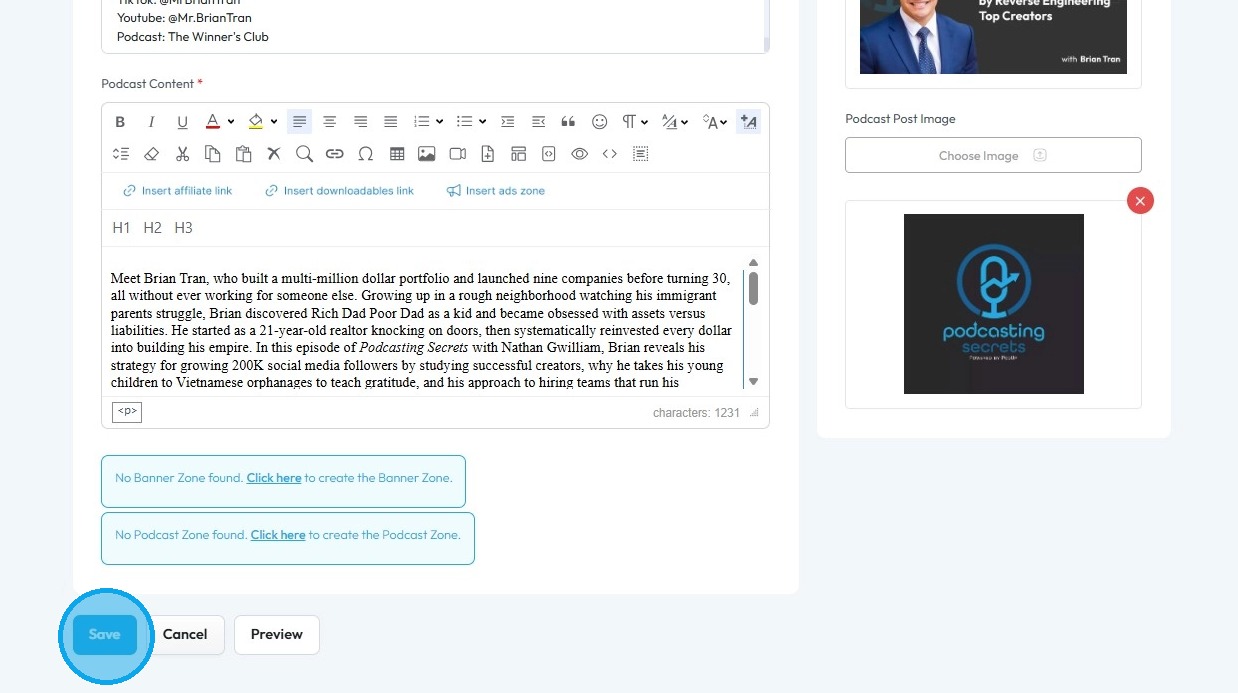
11. Scroll down and click "Save" to apply the changes and publish your episode
Related Articles
How To Set Up Podcast Details Using PodUp Integrations
This guide is essential for anyone looking to set up their podcast on Podup efficiently. It provides a step-by-step breakdown of the integration process, ensuring that users can easily enter their podcast details, select appropriate categories, and ...How To Set Up Podcast Details Using PodUp Integrations
This guide is essential for anyone looking to set up their podcast on Podup efficiently. It provides a step-by-step breakdown of the integration process, ensuring that users can easily enter their podcast details, select appropriate categories, and ...How to Publish a Video Podcast
Easily publish your video podcast with this guide—covering creation, SEO, and social media distribution 1. Navigate to https://app.podup.com/home 2. Click "Create" 3. Select "Video Episodes" 4. The "Video Episodes" page will open 5. Click "Create ...How does my audio podcast get uploaded to my website
This guide makes it easy to upload and share your audio podcast on your website so your audience can enjoy it. 1. Navigate to https://app.podup.com/home 2. Click "Create" to proceed 3. Select "Podcasts" 4. Click "Create Podcast" 5. This will open ...How To Navigate Audio Denoiser (Detailed)
This guide provides a step-by-step approach to using the Audio Denoiser feature on PodUp, ensuring that your audio quality is enhanced efficiently. It simplifies the process, making it accessible even to beginners who may be unfamiliar with audio ...