How do I Upload Audio Files?
Follow this guide to easily navigate the software and upload your audio files.
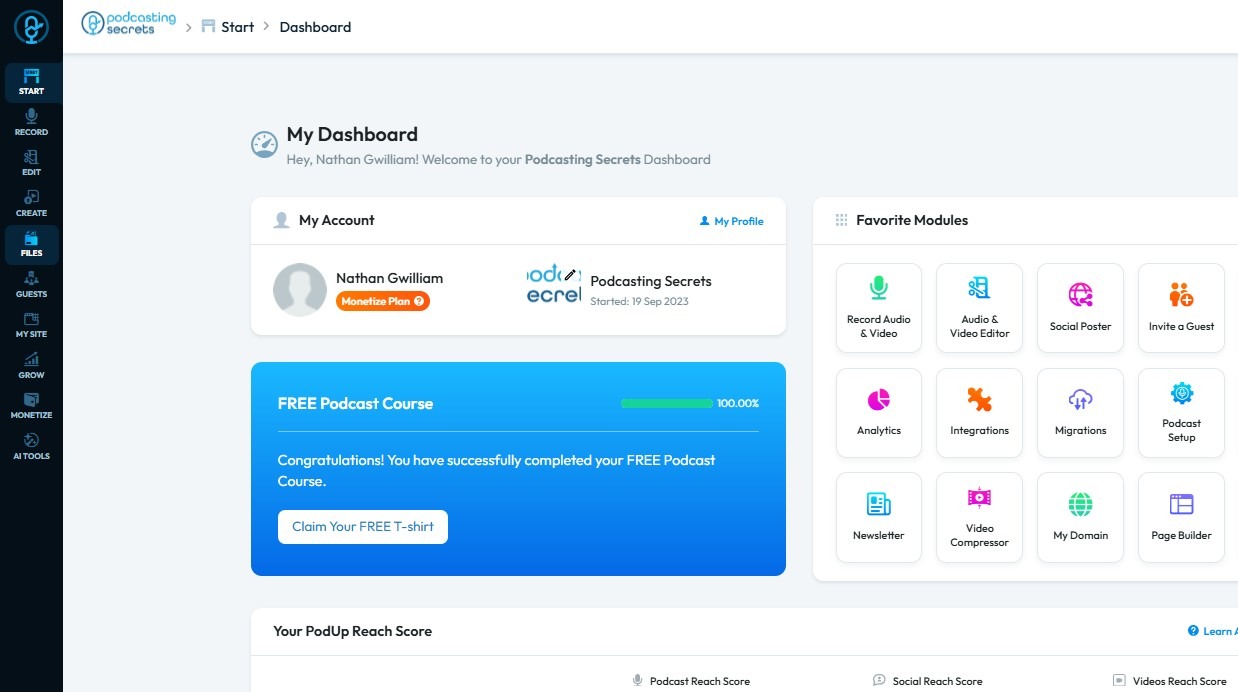
1. Navigate to https://app.podup.com/home
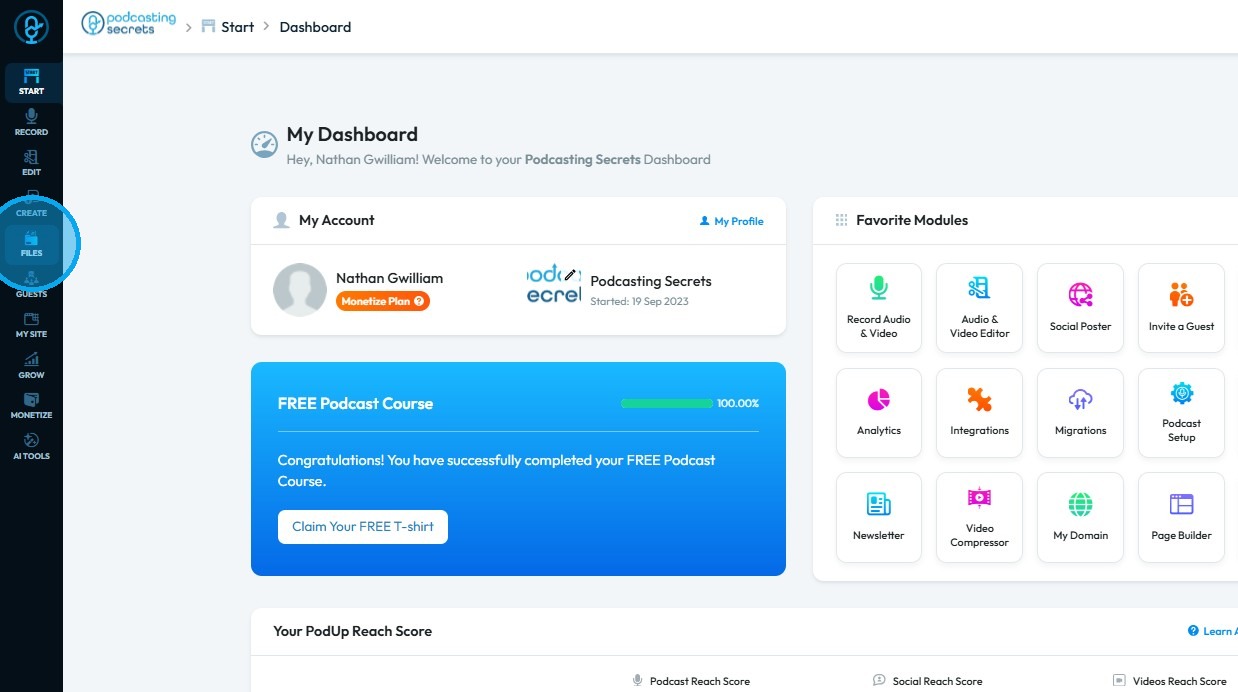
2. Click "Files"
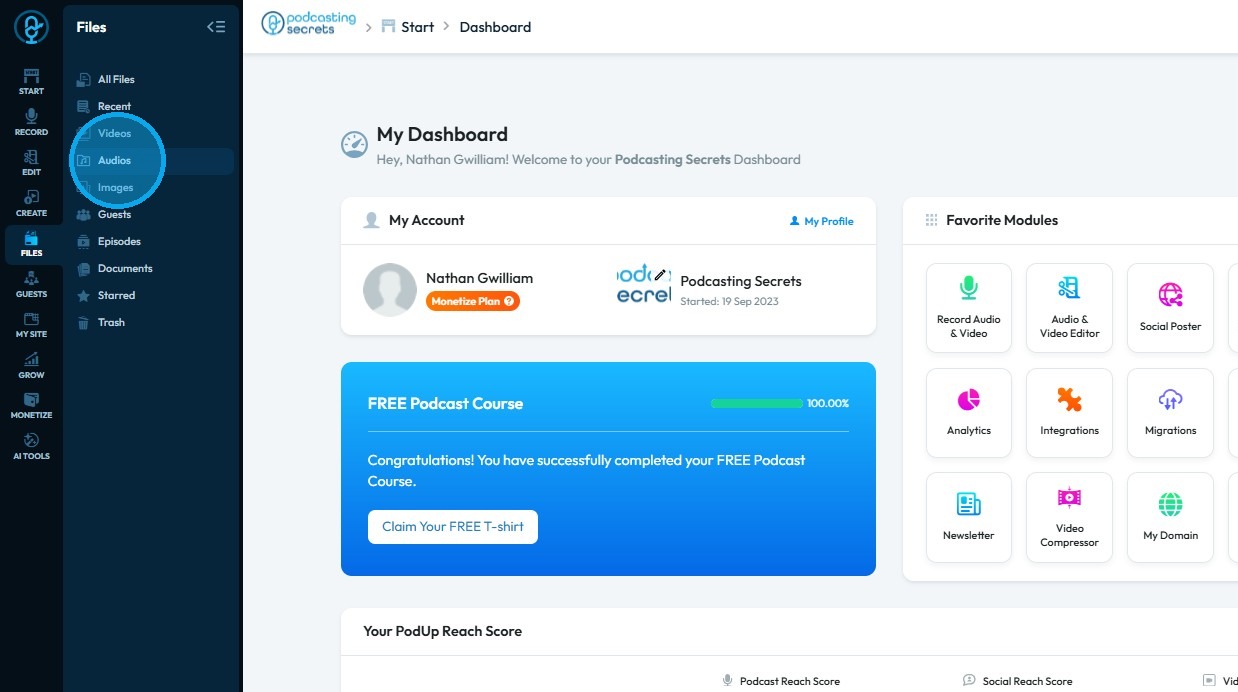
3. Select "Audios"
4. The Audio File Manager will open
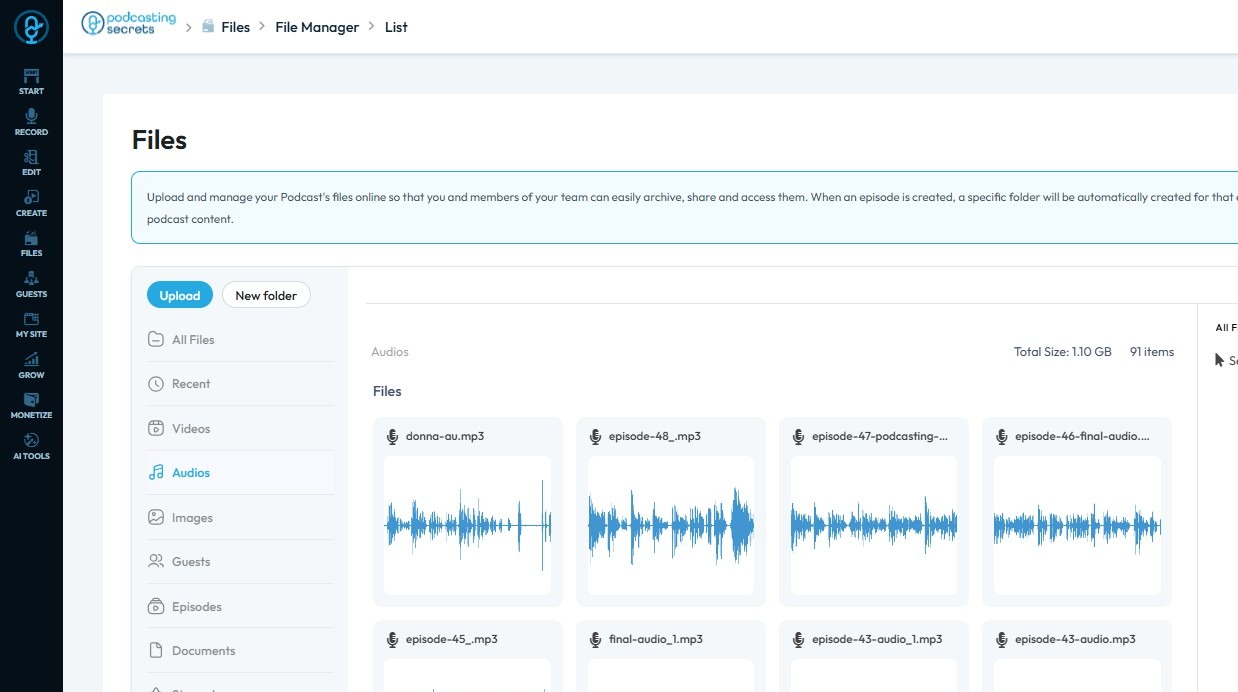
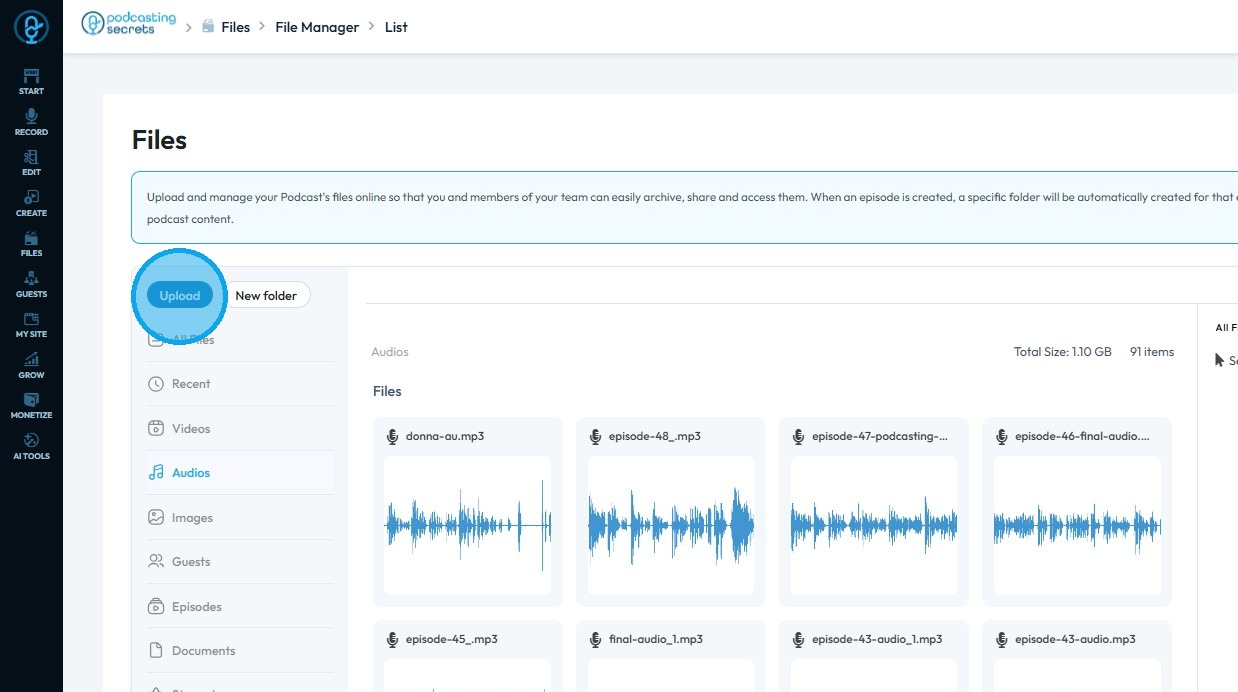
5. Click "Upload"
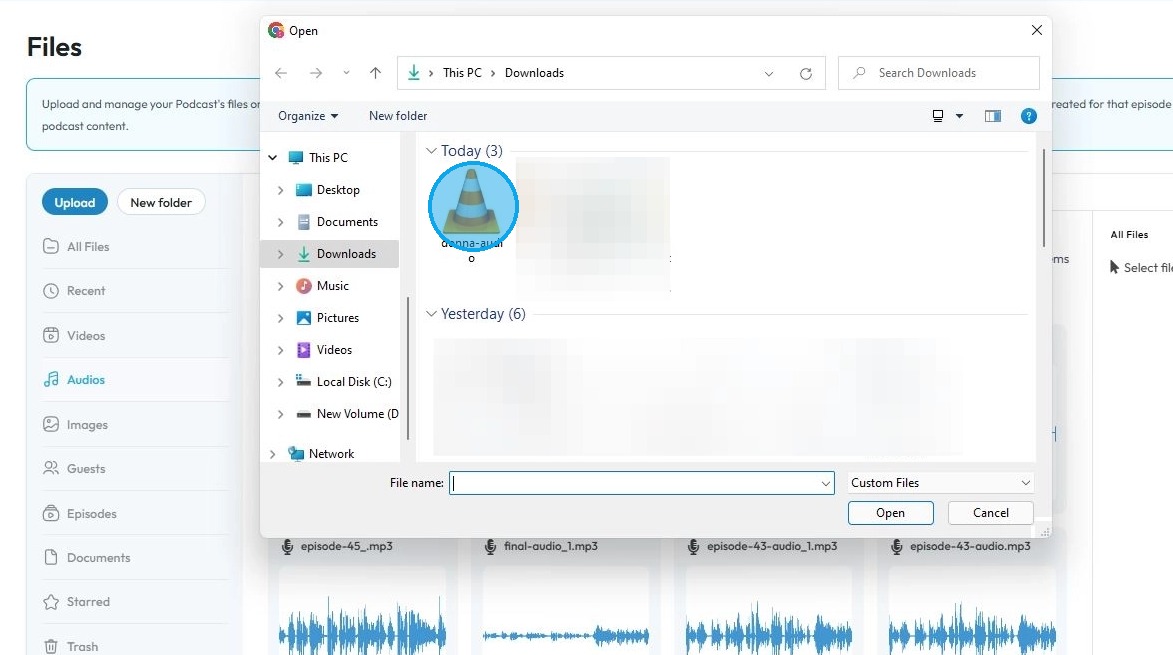
6. Select the audio file you wish to upload and click "Open"
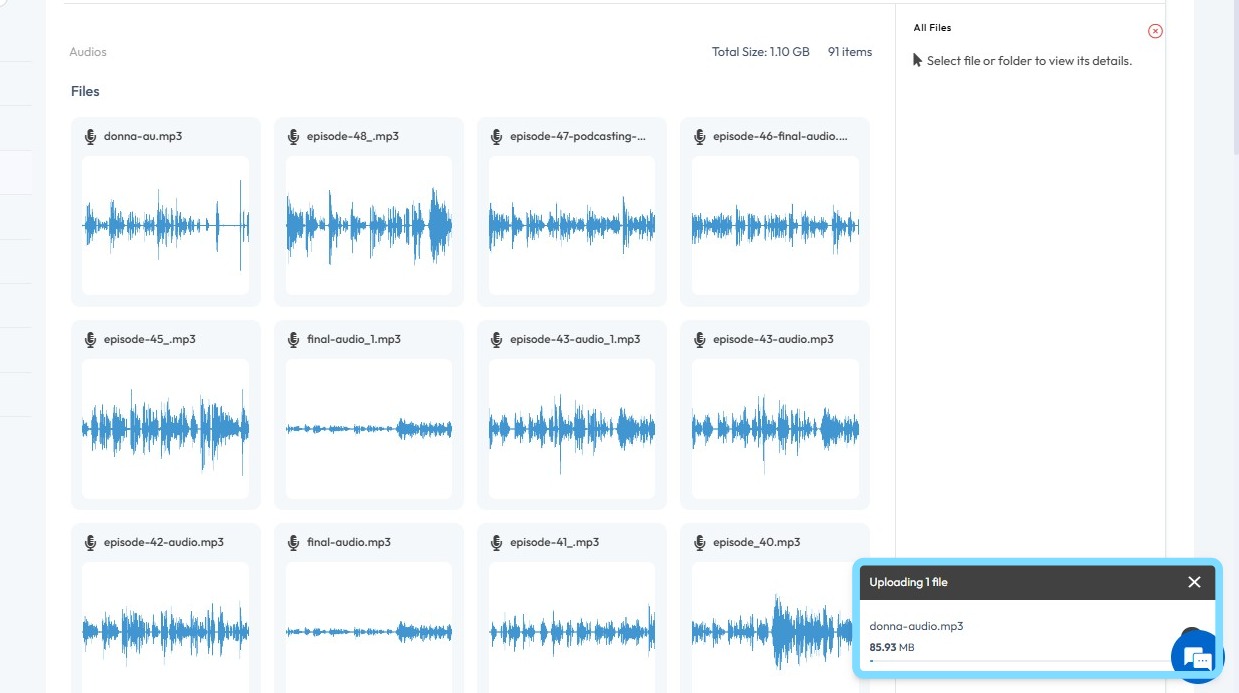
7. The file will begin uploading
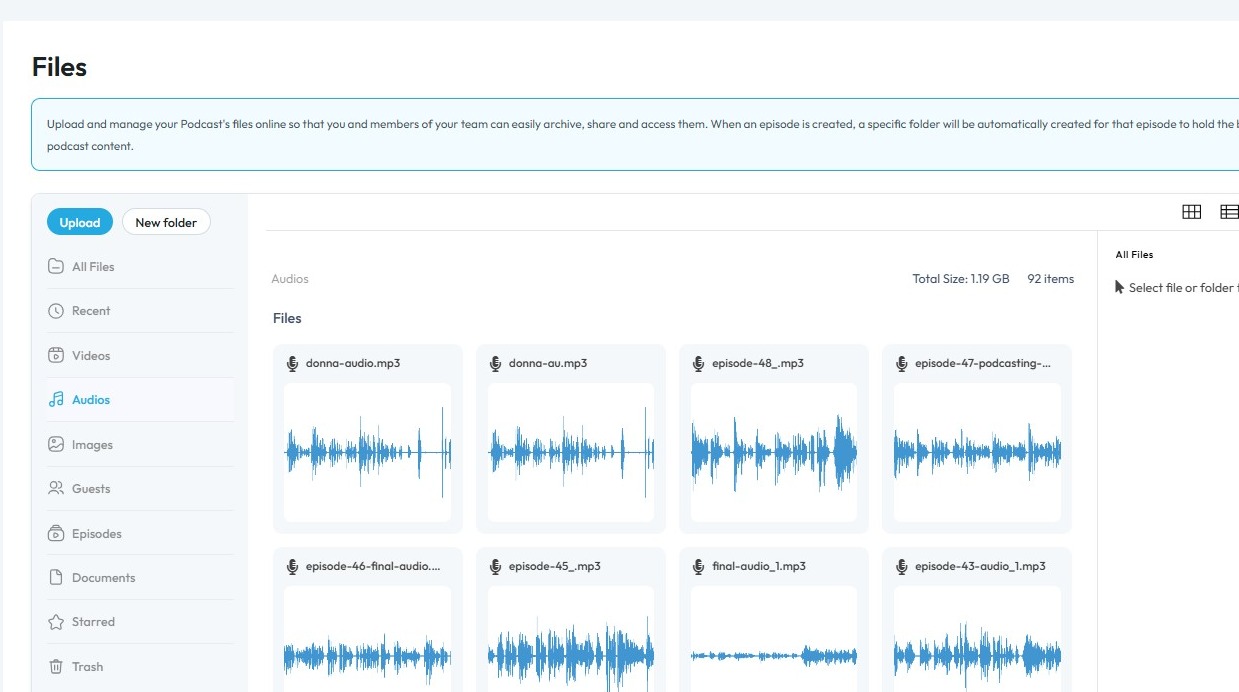
8. Once uploaded, the file will be available for use
Related Articles
How to Upload Audio to Podup
This guide provides a straightforward process for uploading audio to Podup, making it easy for users to enhance their video projects with sound. With step-by-step instructions and clear navigation tips, even beginners can successfully integrate audio ...Audio-video sync
audio video out of sync, lip sync issue, audio delay, video lag behind audio, sync problem Learn how to add music to your videos with PodUp’s Editor. This easy guide walks you through importing and adjusting audio to create more dynamic, polished ...How to Manage Files in File Manager in PodUp
This guide shows you how to manage files in PodUp’s File Manager. Learn how to view, sort, filter, and organize content like videos and documents, star important files, and recover deleted ones. 1. Click "Files" 2. Click "All Files" 3. File Manager ...How To Upload Files in File Manager
By following this guide, you can efficiently upload files using the PodUp File Manager. 1. Navigate to https://app.podup.com/home 2. Click "File Manager" 3. Select "Upload" 4. Select the file you wish to upload and click "Open" 5. The file will be ...How Do I Find My Audio Files?
This guide shows the easy way to find your audio files on PodUp. 1. Navigate to https://app.podup.com/home 2. Click "Files". 3. Click "Audios" 4. You will see all your "Audio Files".