Why isn't my podcast showing up in Spotify?
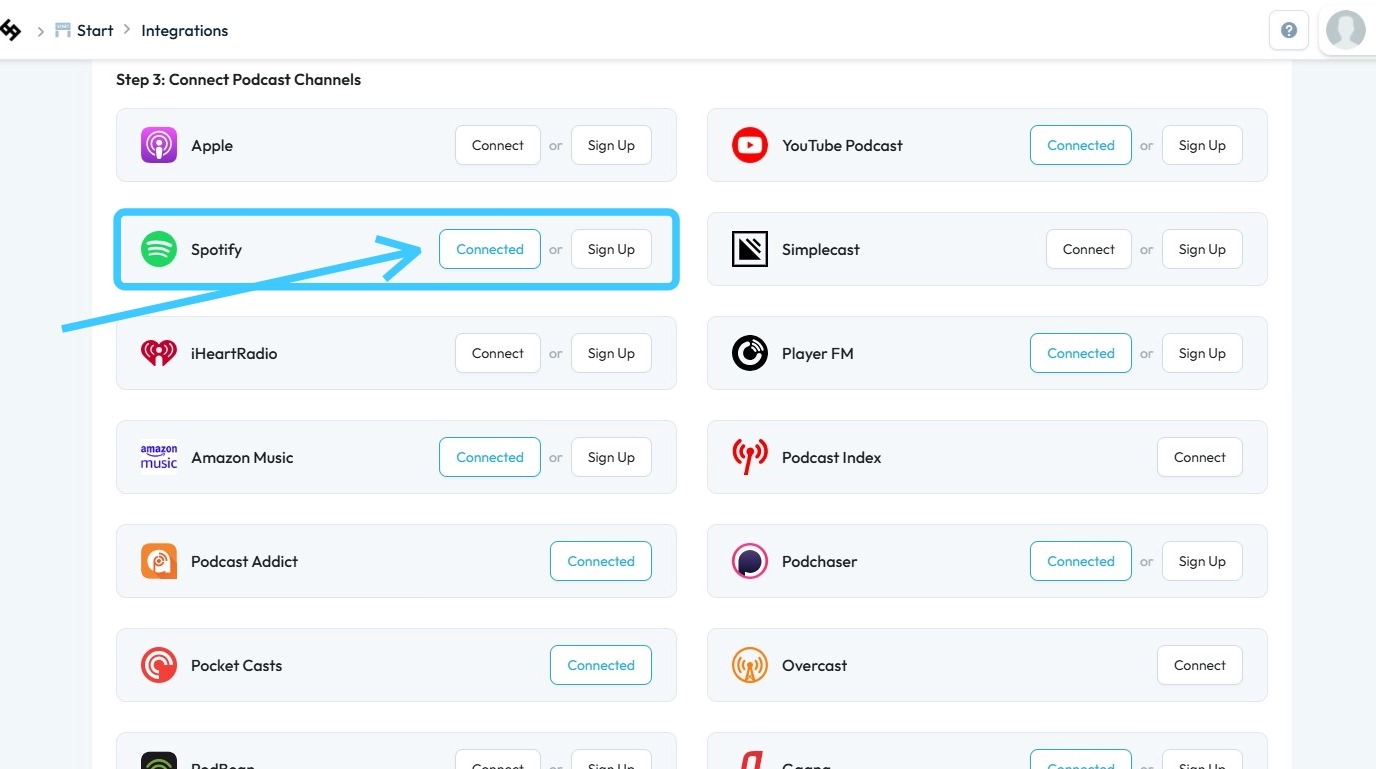
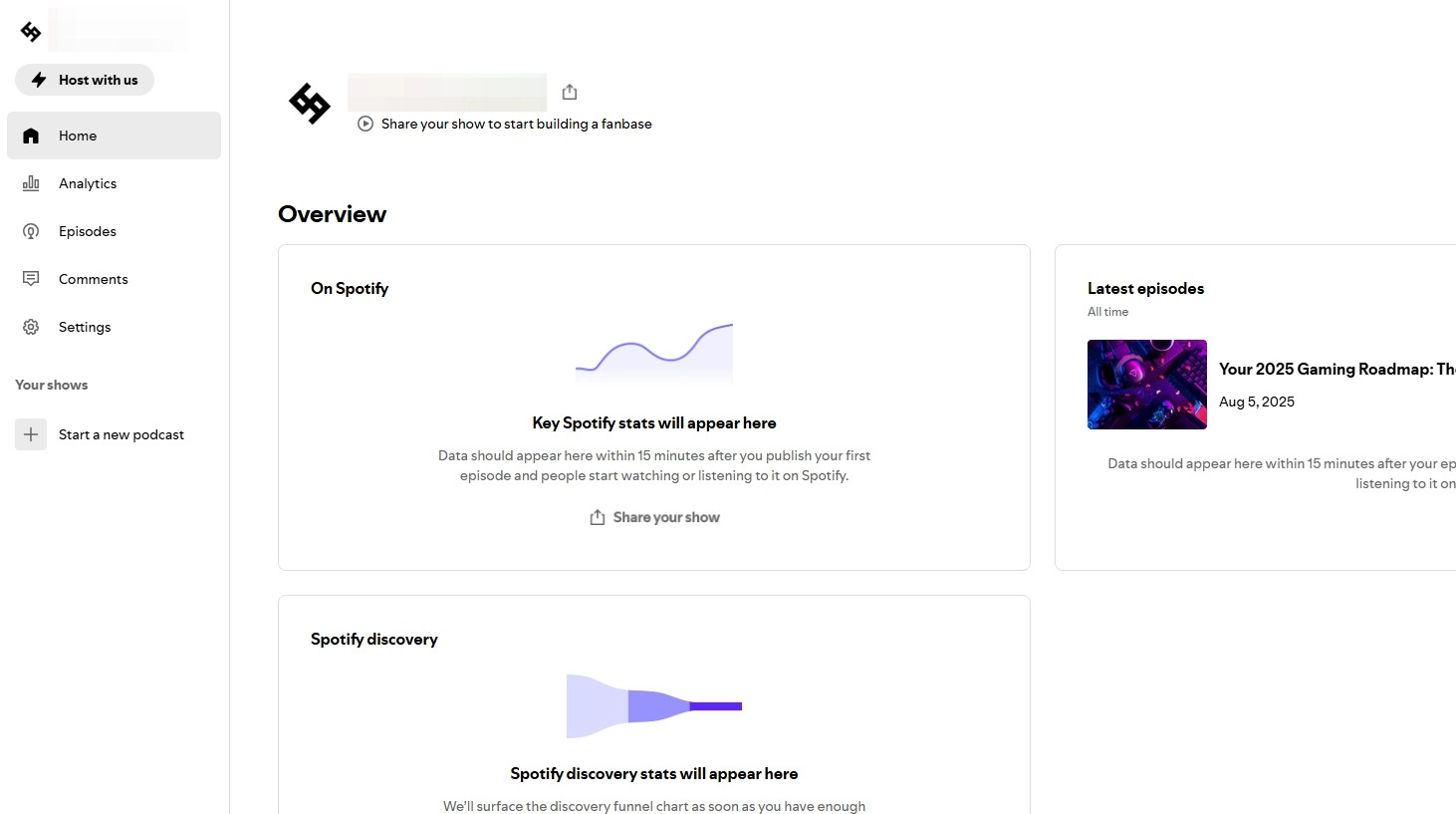
2. Distribution Not Activated: Ensure that Spotify integration is enabled in your PodUp account. Simply publishing your podcast on PodUp does not automatically distribute it to Spotify; you must activate the Spotify integration within PodUp.
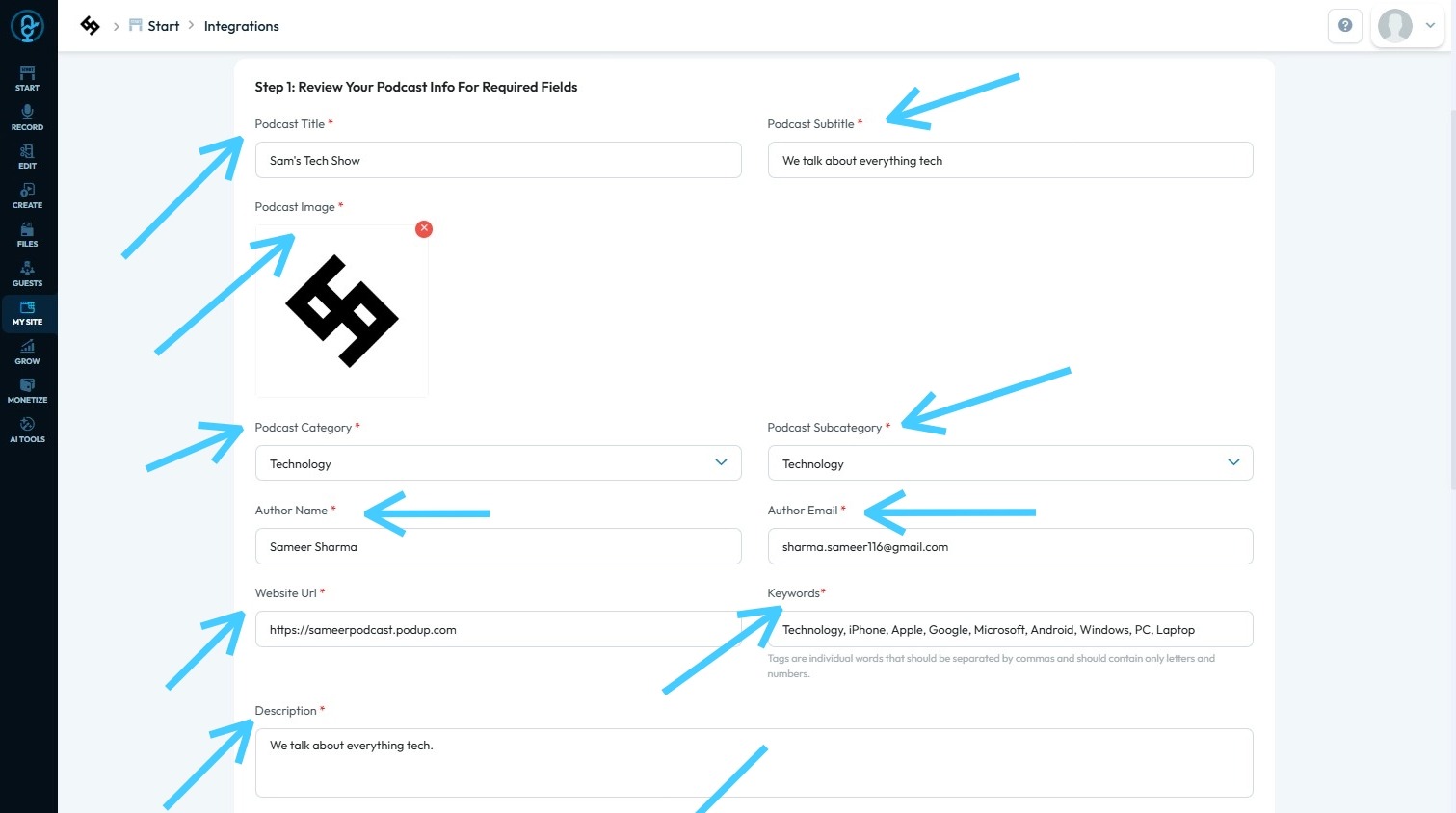
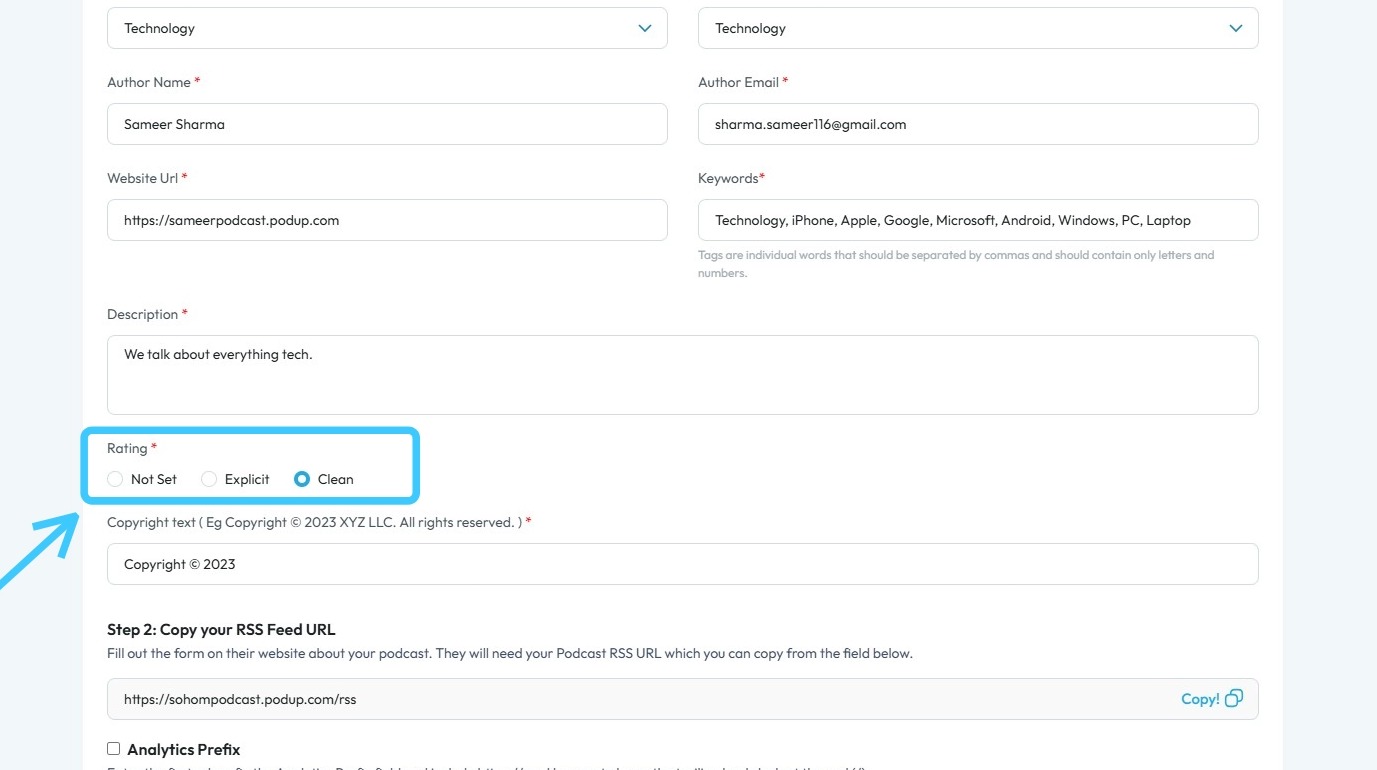
3. RSS Feed Issues: Missing mandatory details (such as cover art, description, episode titles, or language) or broken formatting in your RSS feed may prevent Spotify from listing your podcast
4. Content Guidelines: If your podcast contains prohibited or sensitive content or violates Spotify's policies, Spotify may block or delay publication without warning.
5. Processing Delay: If recently submitted, podcasts may take several hours—sometimes up to 24–48 hours to appear on Spotify while their system processes and indexes your content.
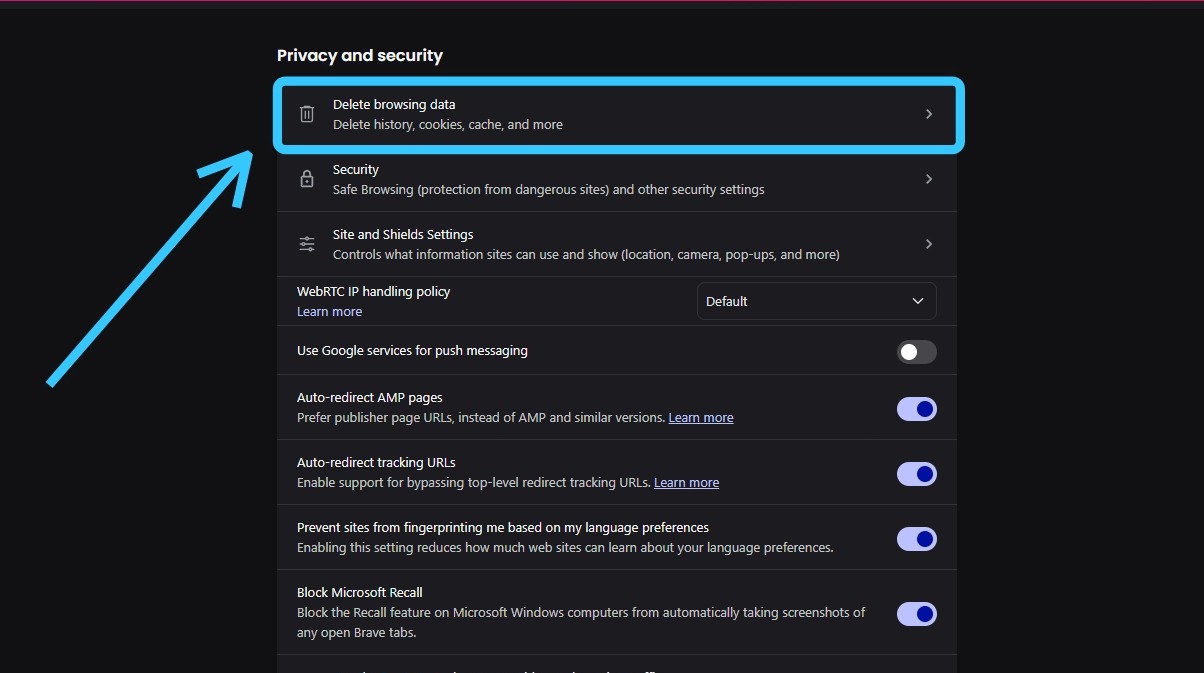
6. Technical Errors and Cache Problems: Occasionally, display issues are due to local cache problems or device-specific quirks. Clearing the "Cache" of the browser, or logging out, may help confirm if it’s a local issue.
Related Articles
Podcast not on Spotify
not on spotify, podcast missing from spotify, spotify not showing episode, spotify publishing failed, submit to spotify This guide shows you how to connect your podcast to Spotify step by step. It’s simple, beginner-friendly, and ensures you don’t ...How to Connect Your Podcast to Spotify Step-by-Step Guide
This guide shows you how to connect your podcast to Spotify step by step. It’s simple, beginner-friendly, and ensures you don’t miss any steps—helping you reach a wider audience with ease. 1. There are 3 ways to open "Integrations" page. 1st Method: ...How to Connect Your Podcast to Spotify Step-by-Step Guide
This guide shows you how to connect your podcast to Spotify step by step. It’s simple, beginner-friendly, and ensures you don’t miss any steps—helping you reach a wider audience with ease. 1. There are 3 ways to open "Integrations" page. 1st Method: ...Cover art not showing
cover art not showing, podcast image missing, artwork not displaying, thumbnail not updating Easily publish your blog with clear steps and tips for a smooth experience 1. Navigate to https://app.podup.com/home 2. Click "Create" 3. Select "Blogs" 4. ...Why isn't my podcast showing up on Apple?
By following this guide, you can troubleshoot and resolve issues preventing your podcast from being listed on Apple Podcasts. 1. A podcast may not show up in Apple Podcasts due to several common issues, including problems with the RSS feed, approval ...