Cover art not showing
cover art not showing, podcast image missing, artwork not displaying, thumbnail not updating
Easily publish your blog with clear steps and tips for a smooth experience
1. Navigate to https://app.podup.com/home
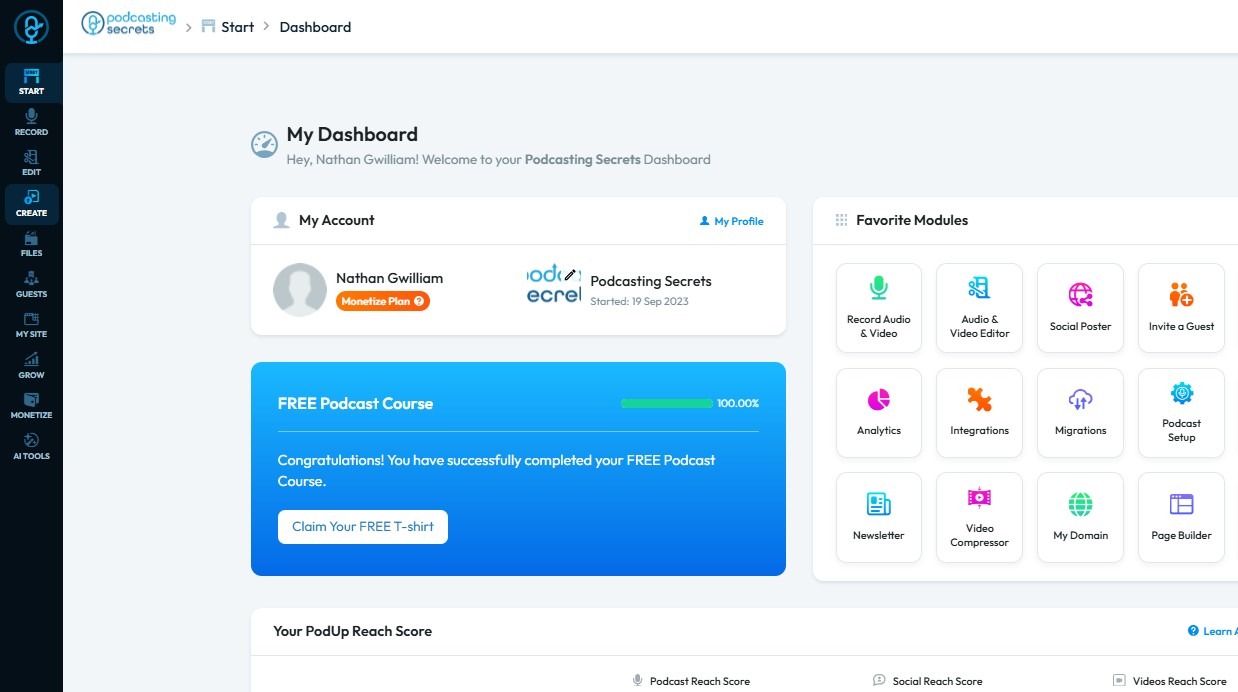
2. Click "Create"
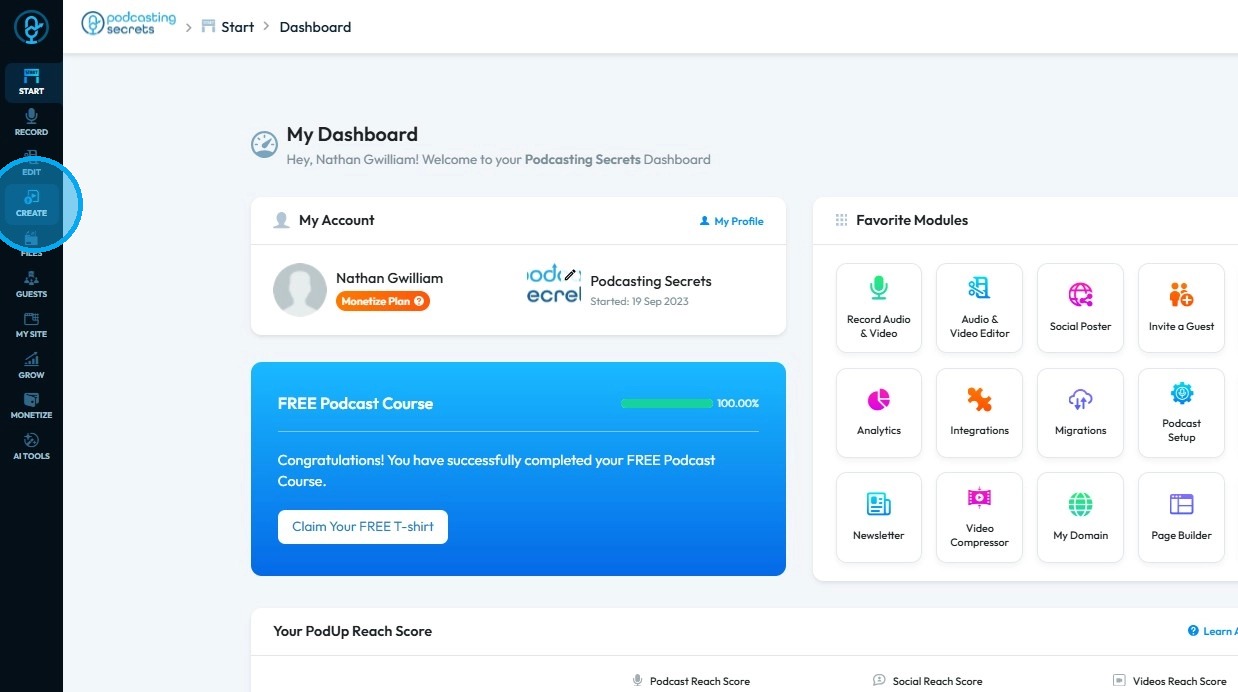
3. Select "Blogs"
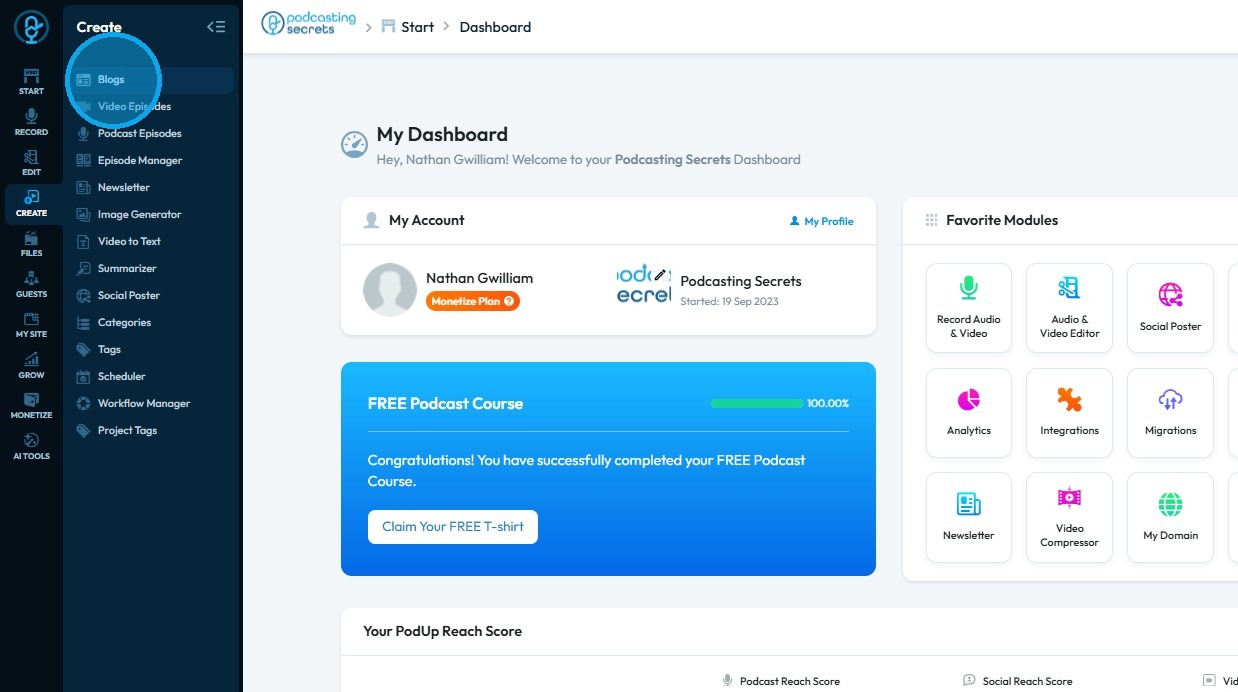
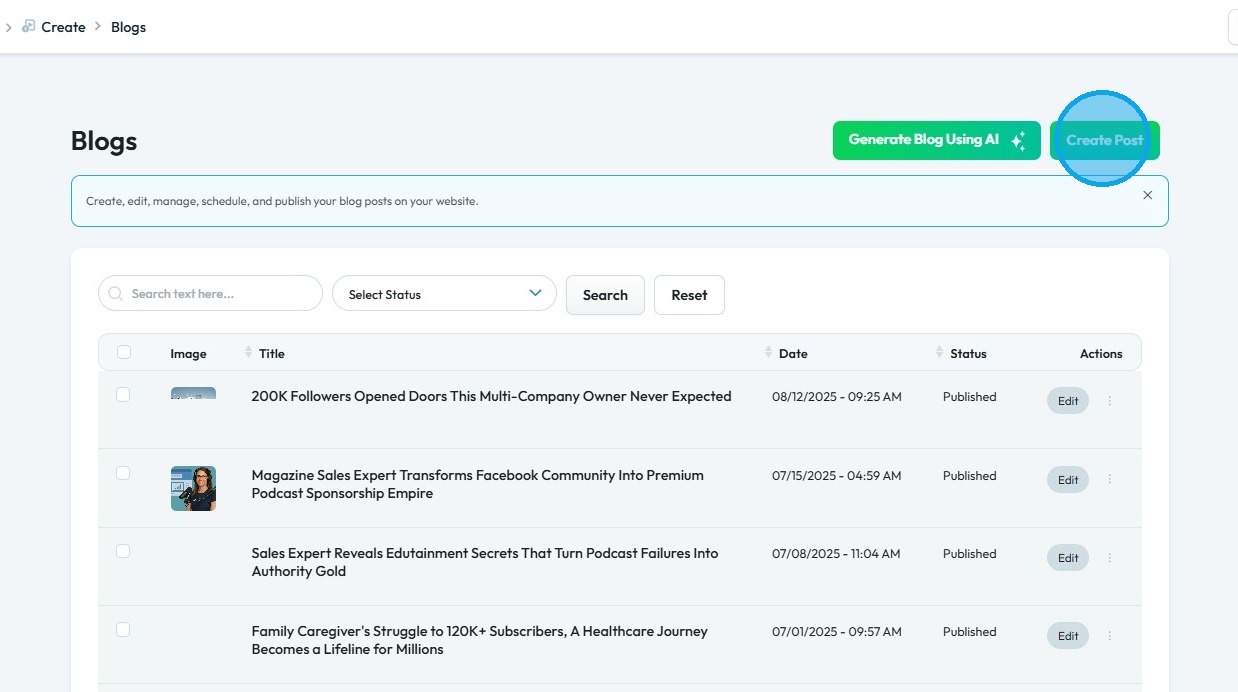
4. Click "Create Post"
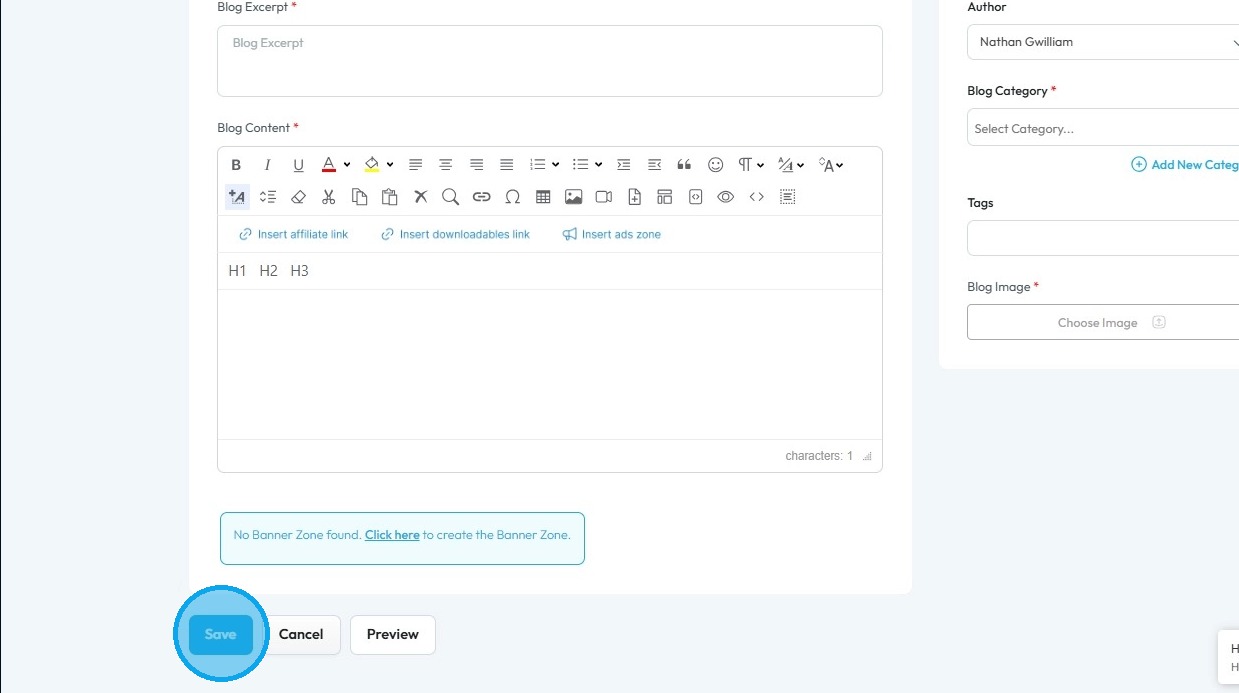
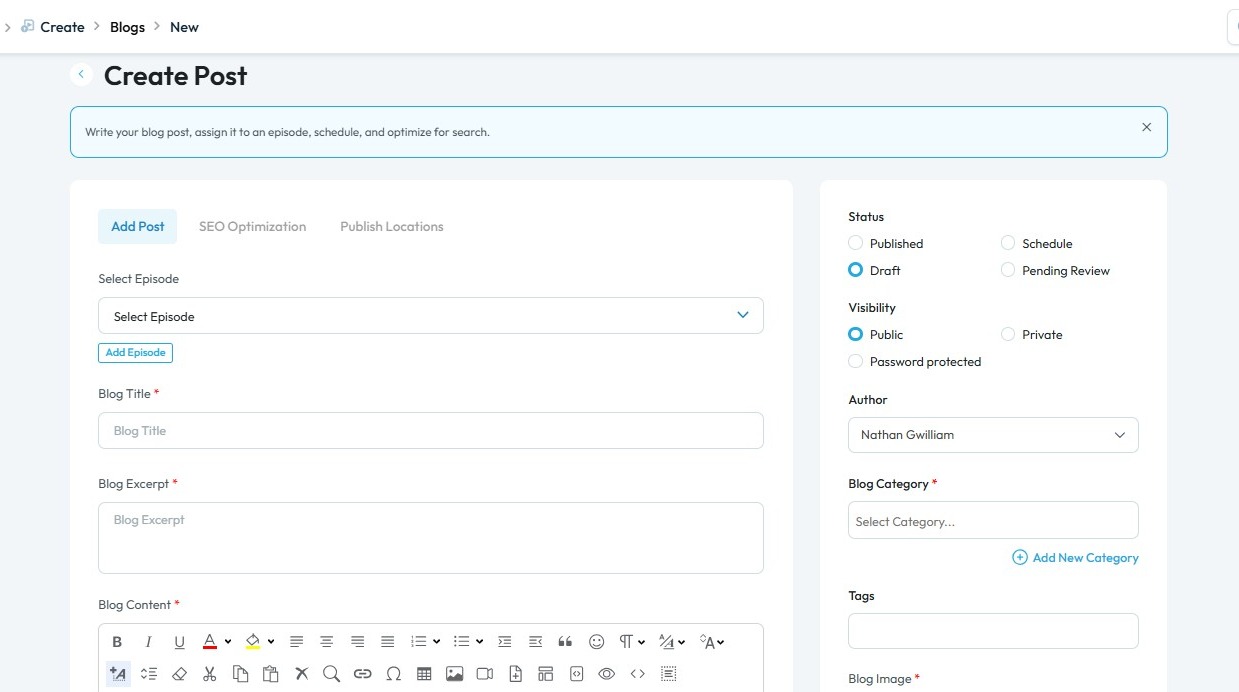
5. The "Create Post" page will open. Enter the required details for your post
6.Click on Add image.
Choose image
Tip: Tip! Ensure to fill all the starred fields.
7. Click "Published" to make your post live
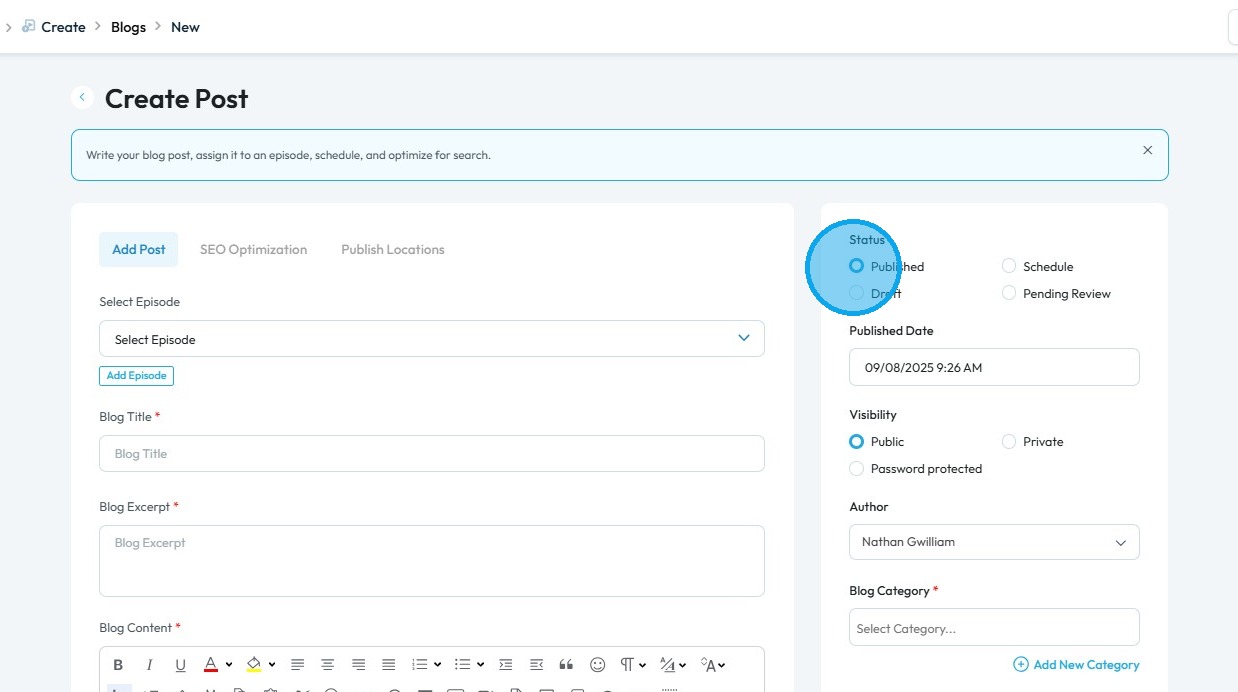
7. Scroll down and click "Save" to publish your blog post