How to Create Terms and Conditions for Your Podcast Website using PodUp Legal Docs
By following this guide, you can create customized Terms and Conditions for your podcast website to ensure legal compliance and build trust.
1. Click "My Site"
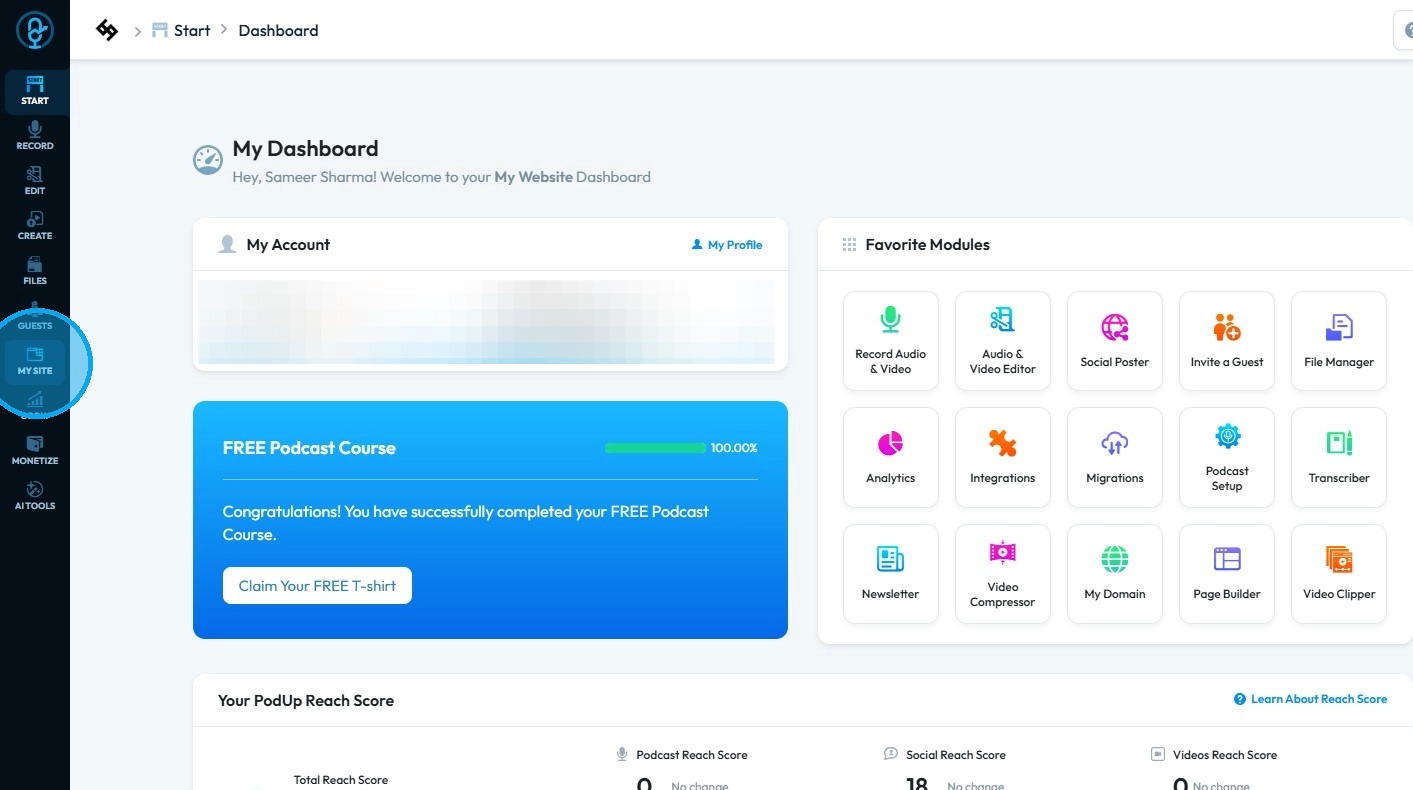
2. Select "Legal Docs"
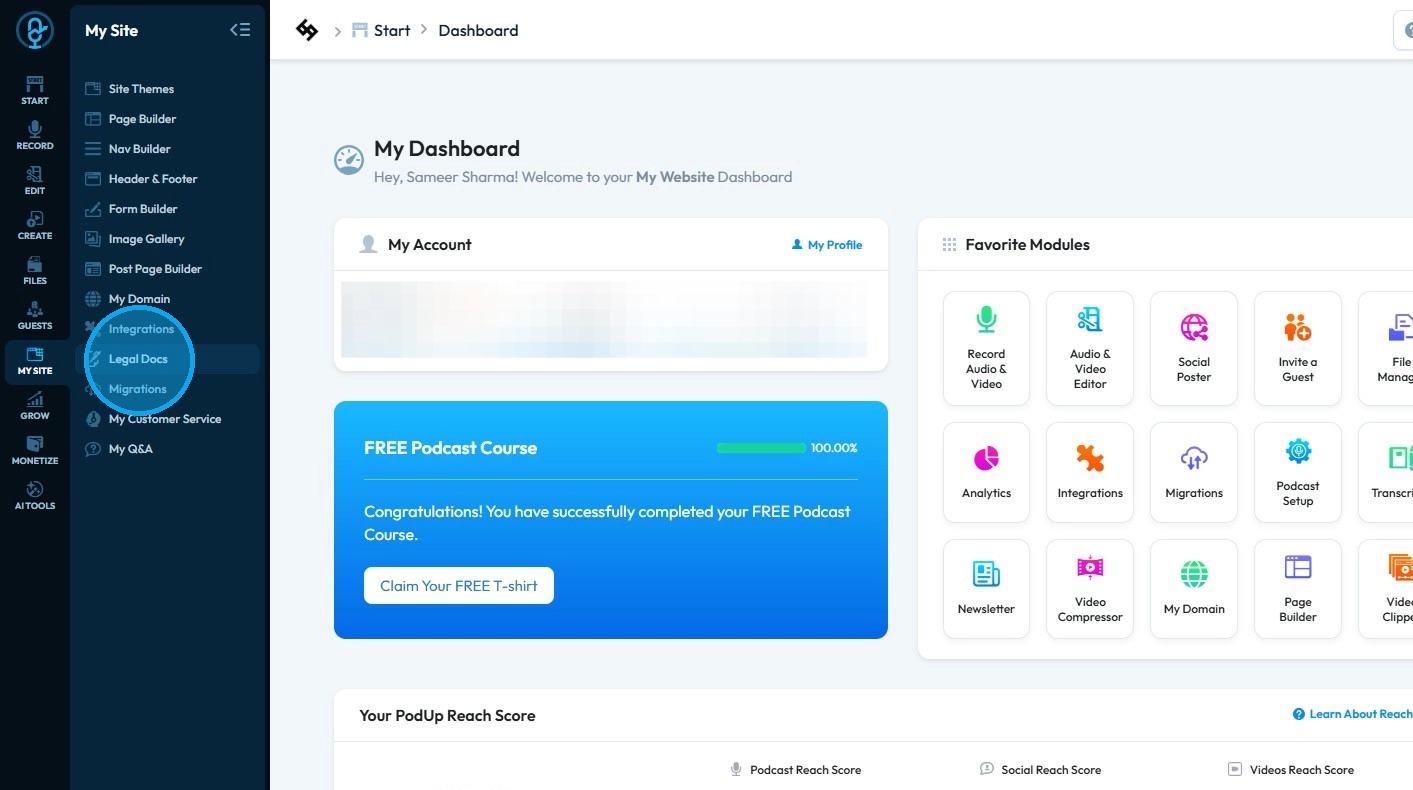
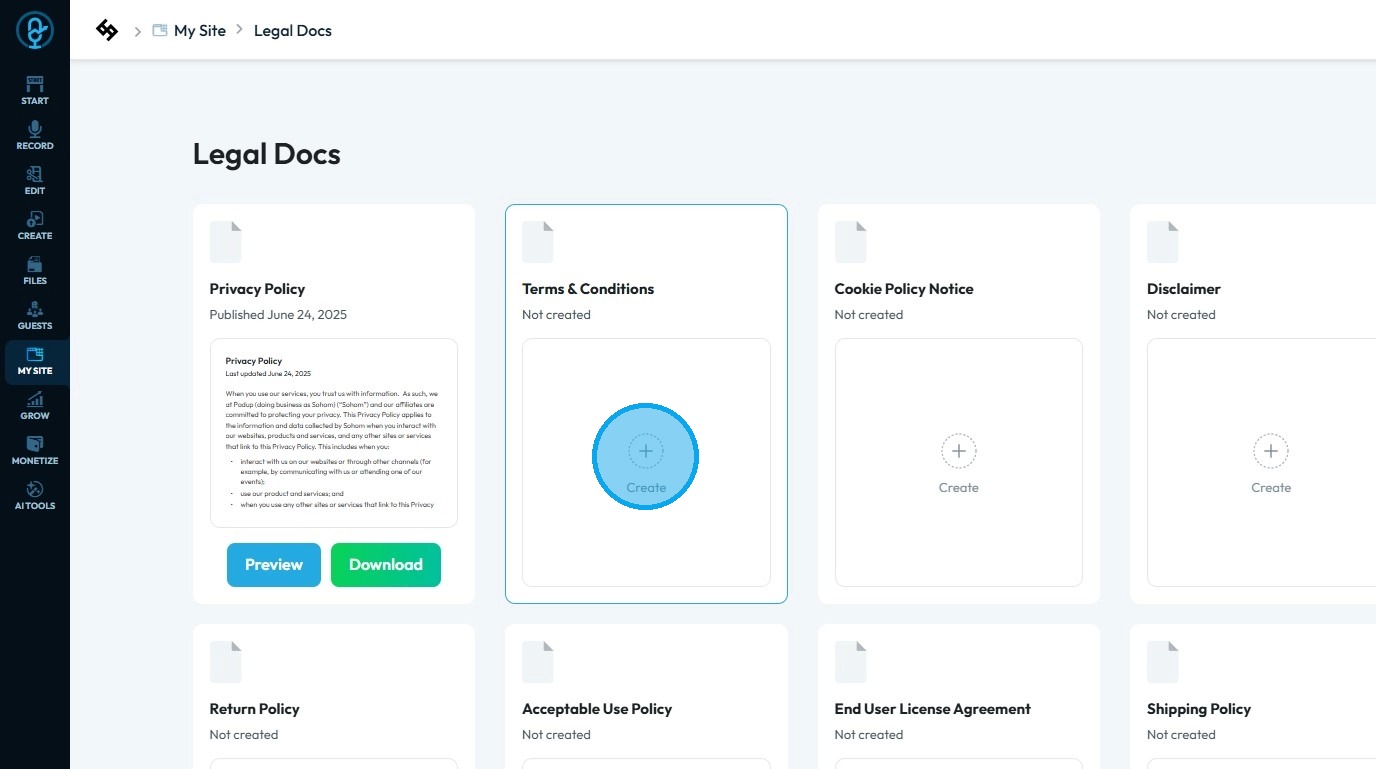
3. Click "Create" under Terms & Condition
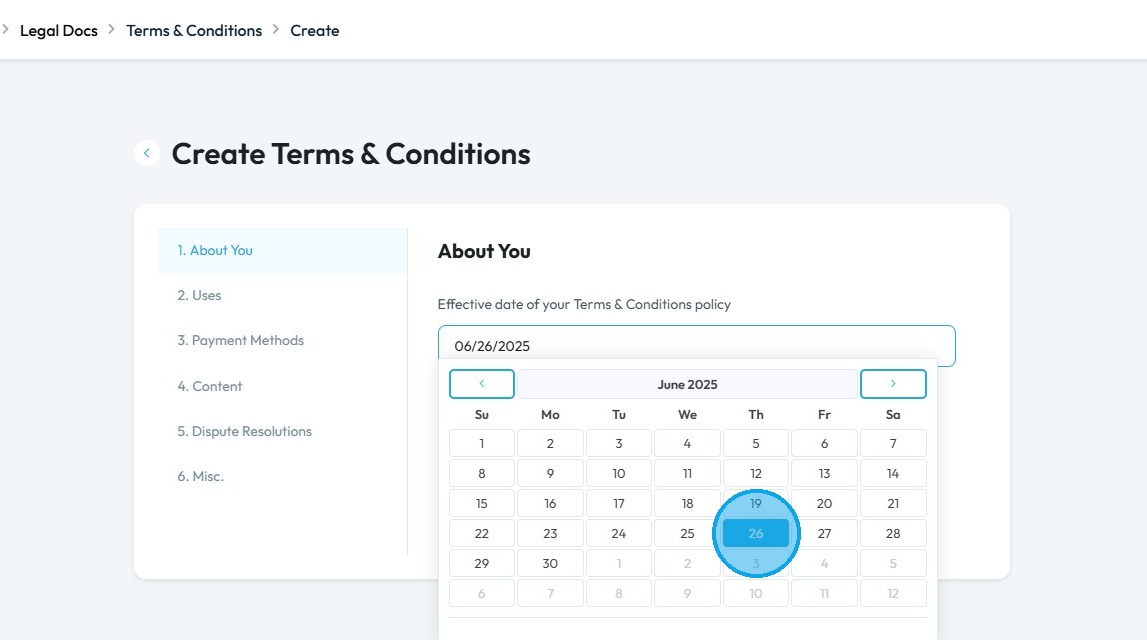
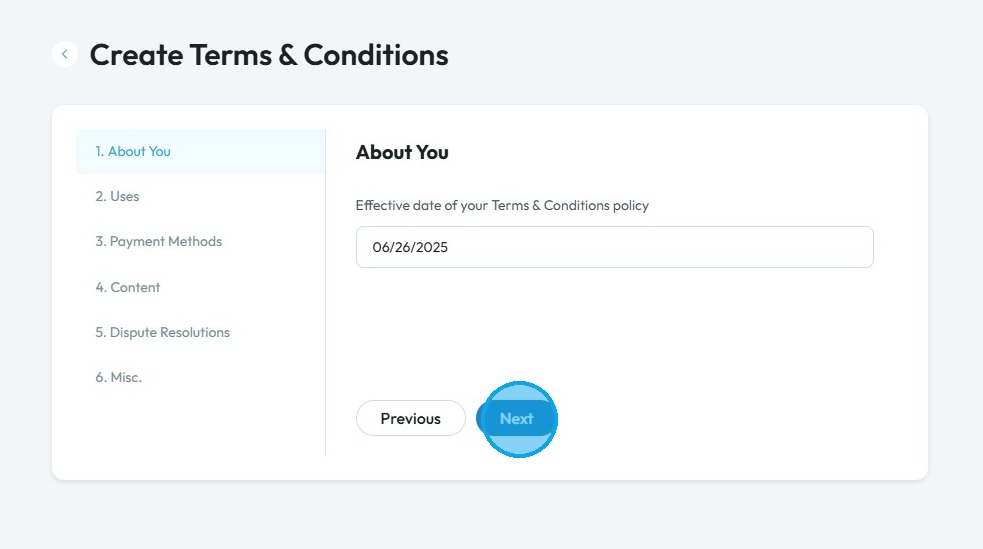
4. Select the “Effective date of your Terms & Conditions policy” field and choose the date from which your policy will take effect
5. Click “Next” to proceed to the following page, or “Previous” to go back to the page you were on
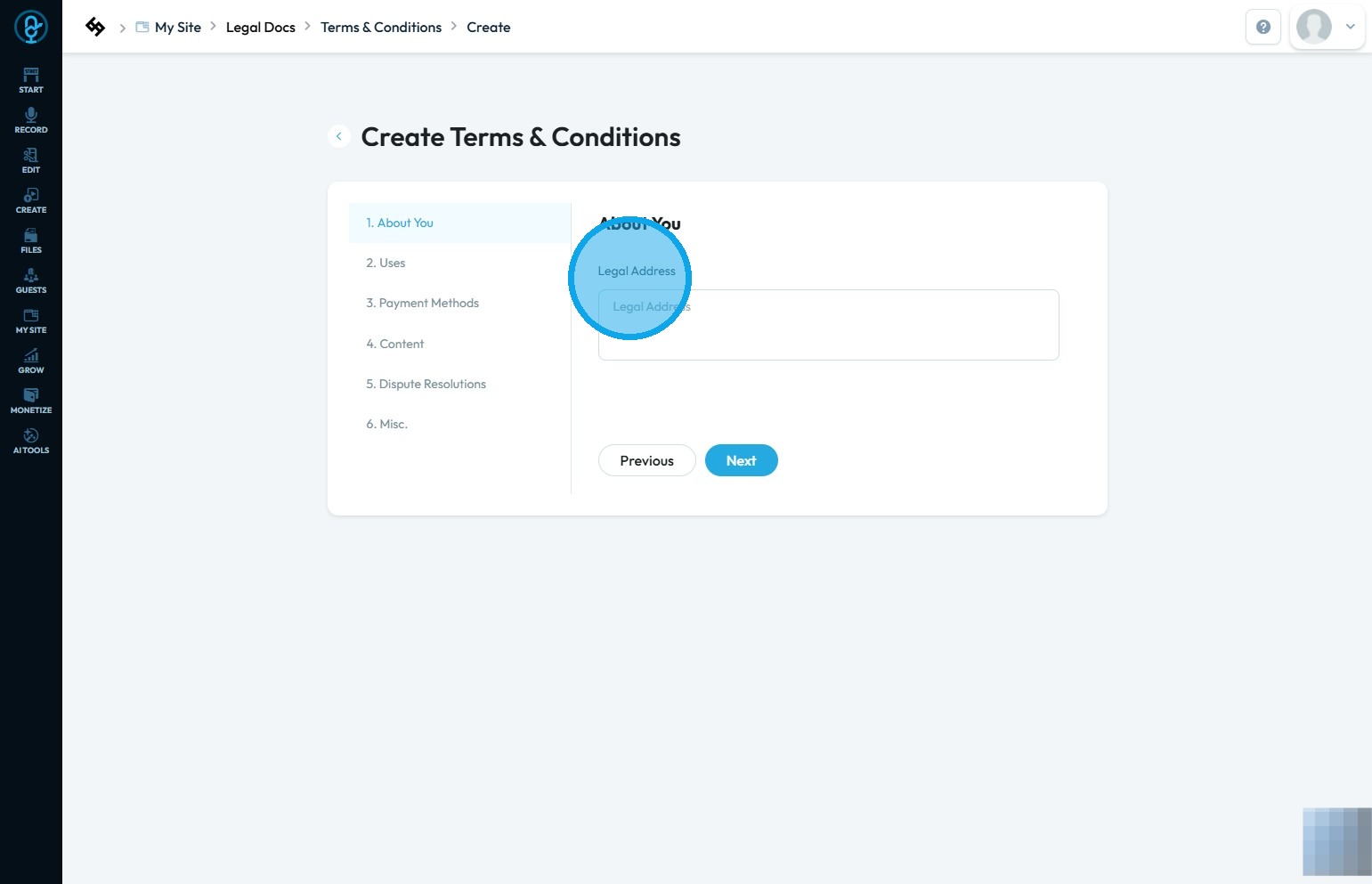
6. Click the “Legal Address” field and enter your legal address.
Use “Next” to proceed to the following page or “Previous” to go back to the previous page
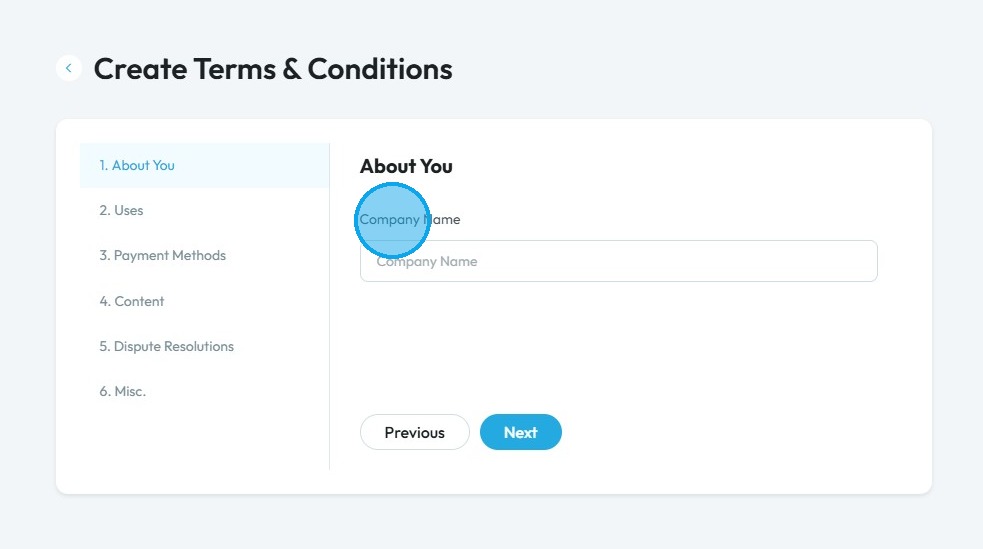
7. Click the “Company Name” field and enter your company name
Then click “Next” to proceed or “Previous” to go back to the previous page
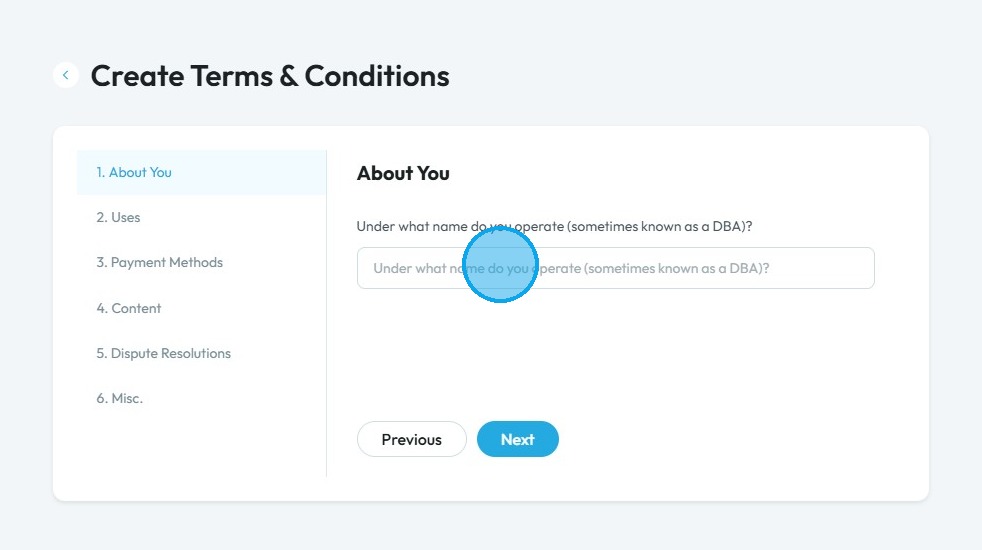
8. Click the "Under what name do you operate (sometimes known as a DBA)?" field and enter your DBA
DBA: "Doing Business As." It is a registered name that a business uses other than its legal name. Let a person or company operate under a different name without forming a new legal entity.
Click "Next" to continue to the next page. Click "Previous" to return to the last page you were on
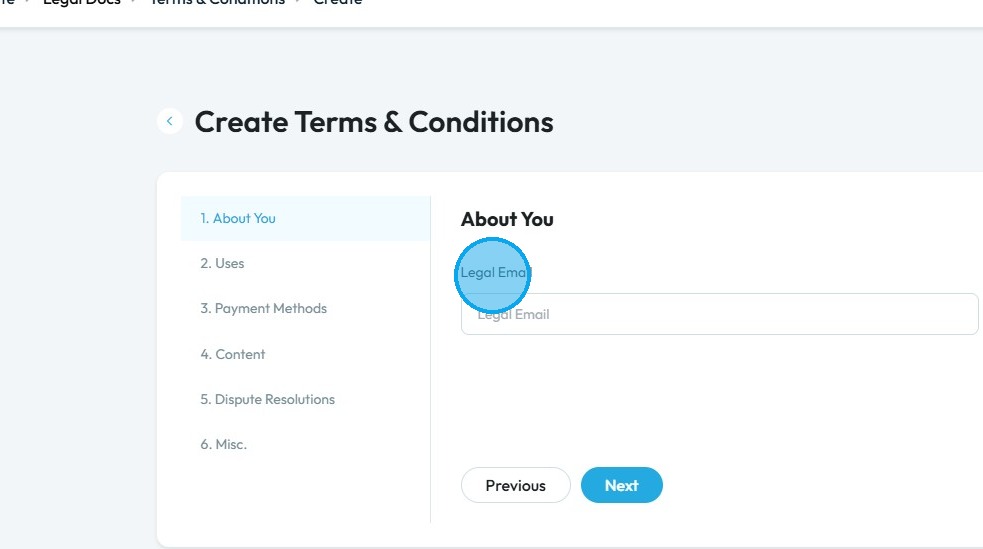
9. Click the "Legal Email" field and enter your legal email
Click "Next" to go to the next page. Click "Previous" to return to the previous page
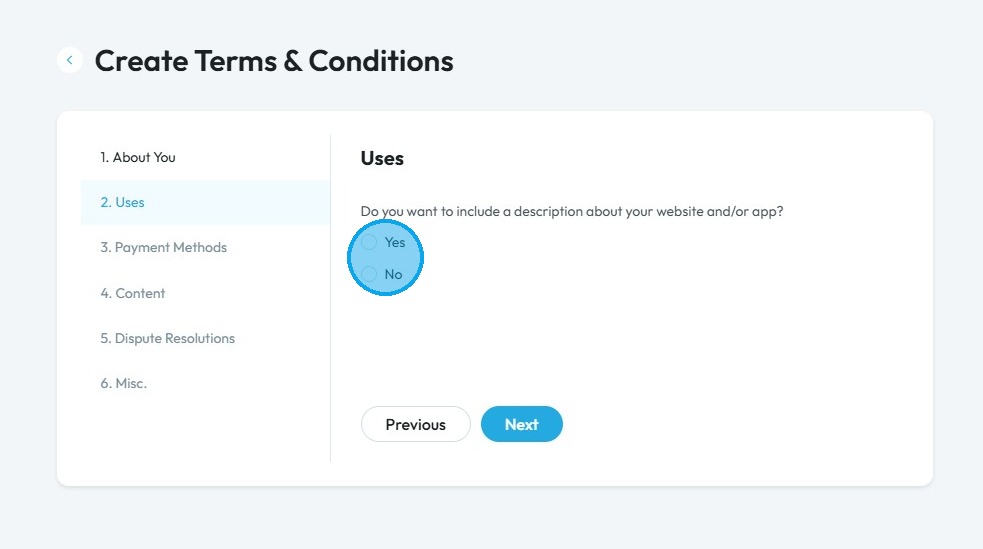
10. Click “Yes” or “No” depending on whether you want to include a description of your website and/or app
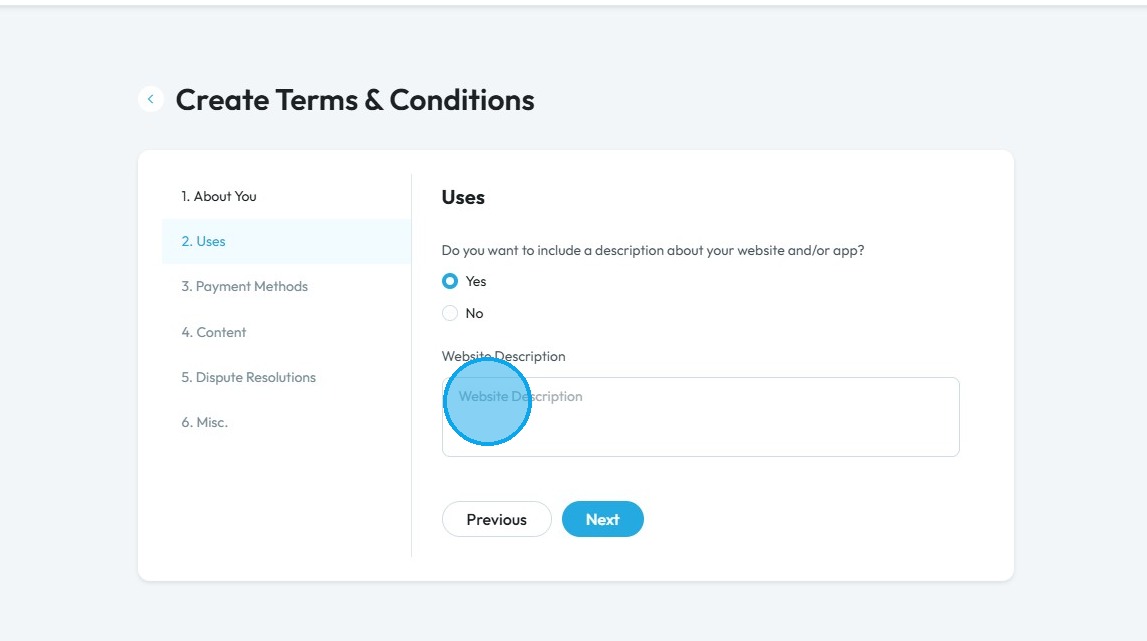
11. Click the "Website Description" field if you wish to include a description
Click "Next" to go to the next page. Click "Previous" to return to the previous page
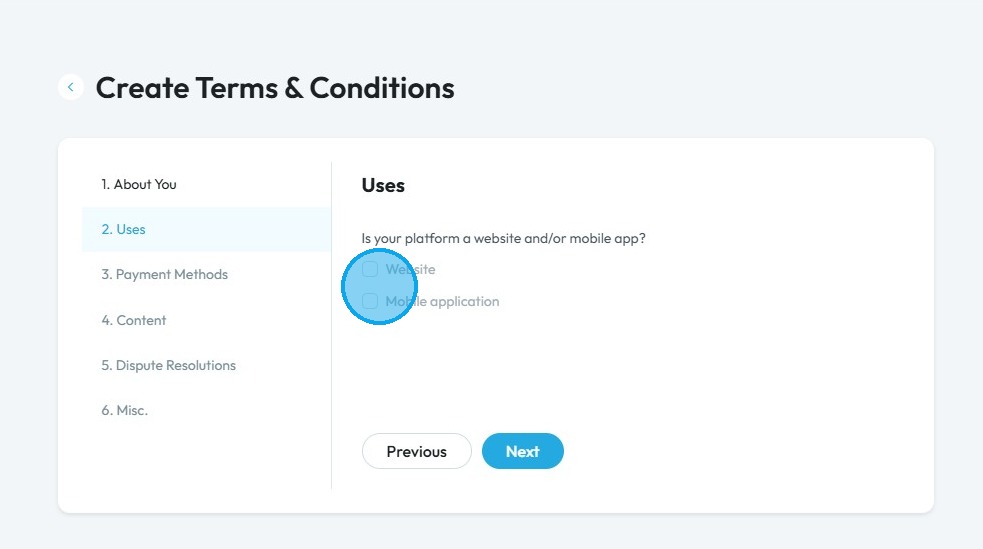
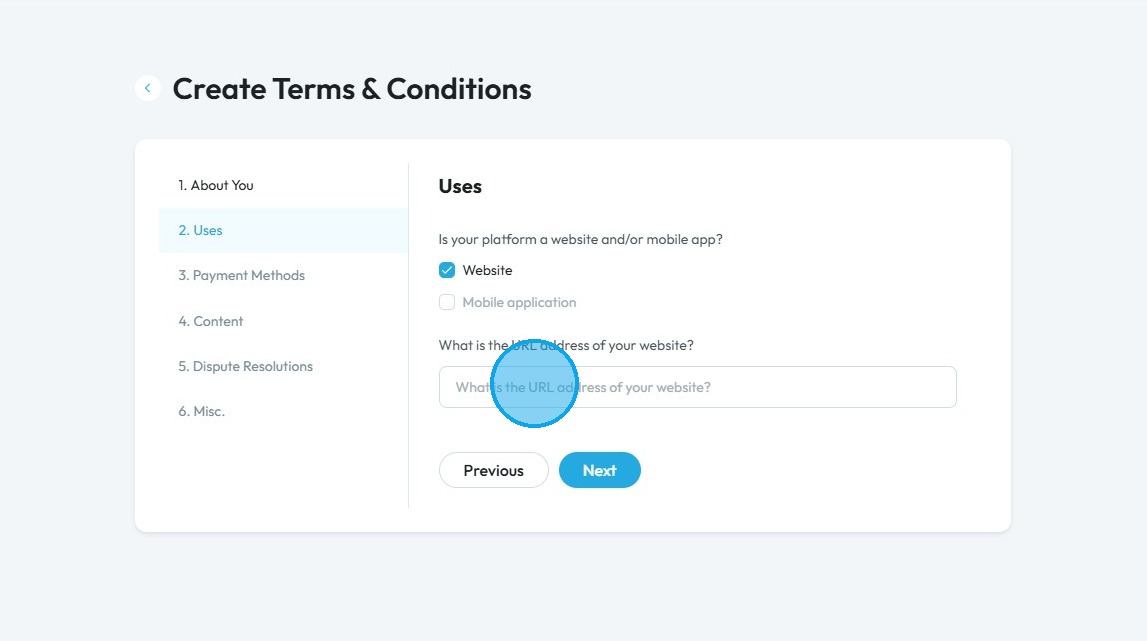
12. Select “Website” and/or “Mobile Application” based on your needs
13. Click the "What is the URL address of your website?" field and enter your website address
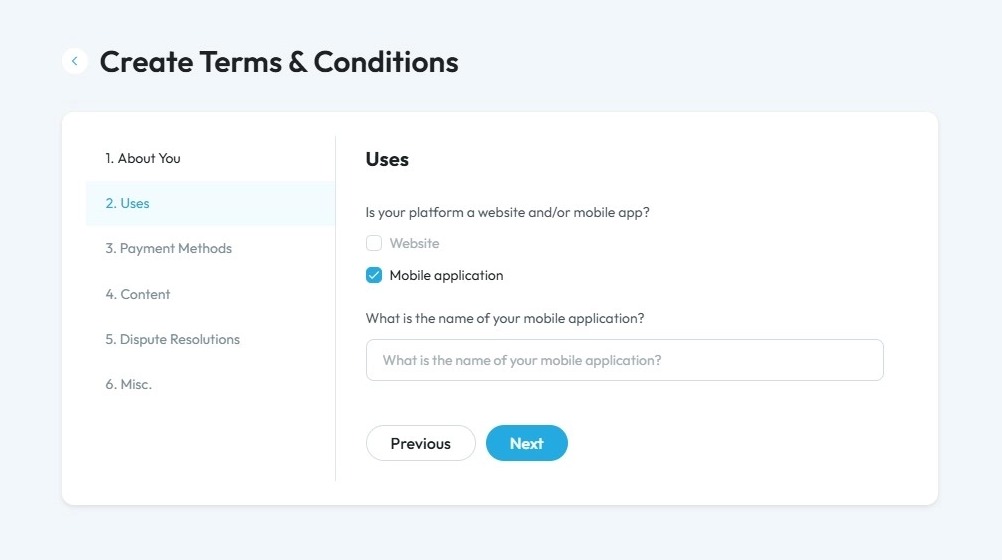
14. Click "Mobile Application" and enter the name of your mobile application
Click "Next" to go to the next page. Click "Previous" to return to the previous page
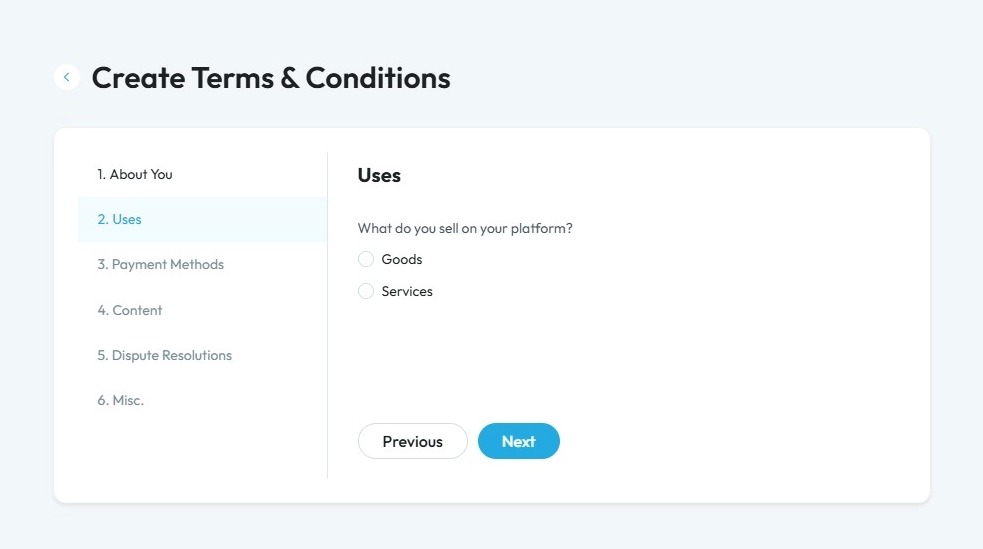
15. Click "Goods" or "Services" according to what you provide
- Goods: Physical items you can touch, keep, and use. Examples: food, clothes, phones, furniture.
- Services: Actions or activities done for you. They are not physical and can't be owned. Examples: haircuts, car repairs, teaching, cleaning.
Click "Next" to go to the next page. Click "Previous" to return to the previous page
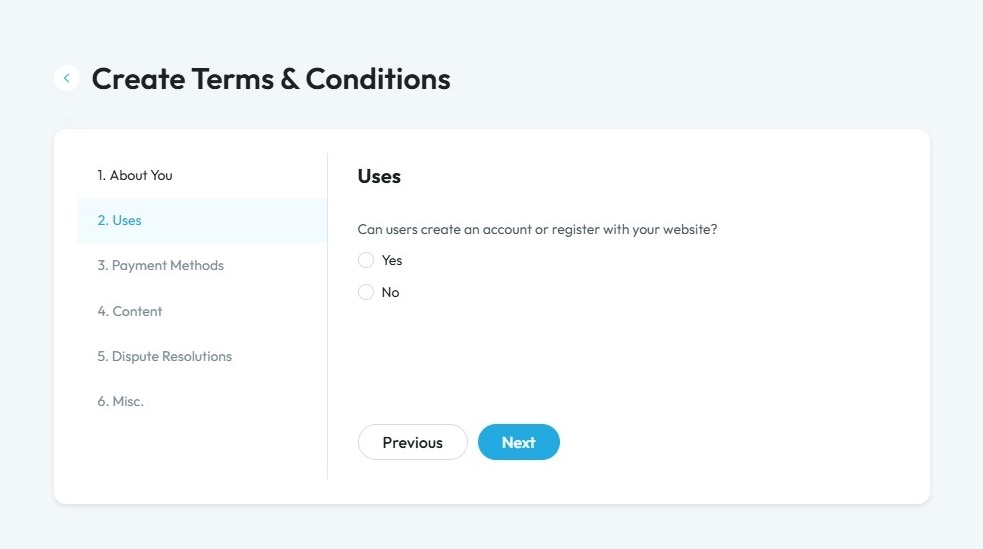
16. Click "Yes" or "No" depending on if your users can create or register with your website
- If you select "Yes", a second question will ask if users can register or login via a social media account
Click "Next" to go to the next page. Click "Previous" to return to the previous page
17. Select based on the use of your services/product:
- Internal Business: If your services/products are ment for business use
- Personal: If your services/products are ment for personal use
- Both: If your services/products are ment for both Internal business and personal use
Click "Next" to go to the next page. Click "Previous" to return to the previous page.
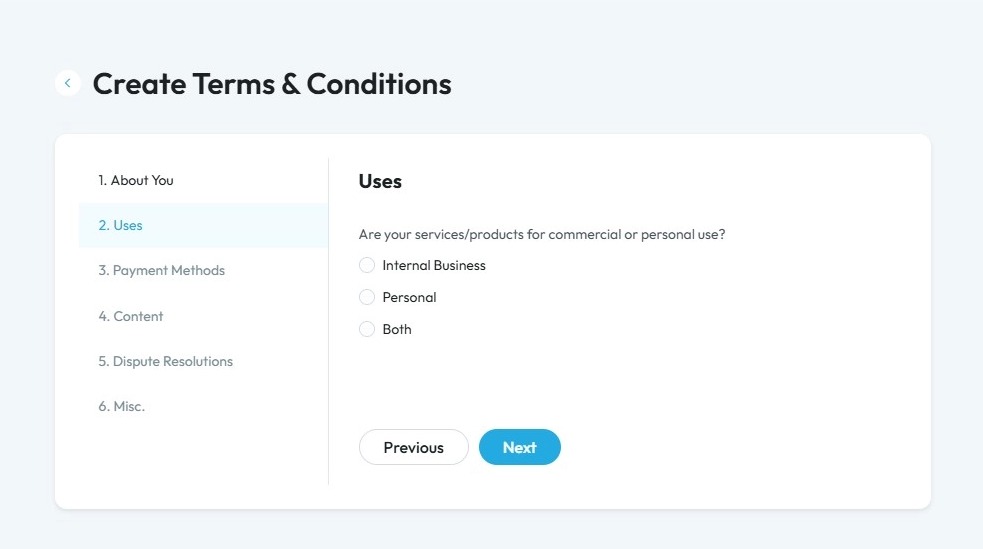
18. Click "Yes" or "No" based on your target audience
Knowing whether your website targets users under 18 is important because:
Special privacy laws may apply – Websites aimed at children or teens must comply with additional regulations, such as the Children’s Online Privacy Protection Act (COPPA) for users under 13.
Parental consent may be required – For younger users, you may need to obtain a parent’s permission before collecting any personal data.
Data collection and usage are affected – You may need to limit tracking, targeted advertising, or data sharing for underage users.
Helps you stay legally compliant – Adhering to the correct rules protects you from fines or legal issues.
Demonstrates a commitment to privacy – Taking extra precautions for young users builds trust with both parents and your audience.
Click "Next" to continue to the next page. Click "Previous" to return to the last page you were on
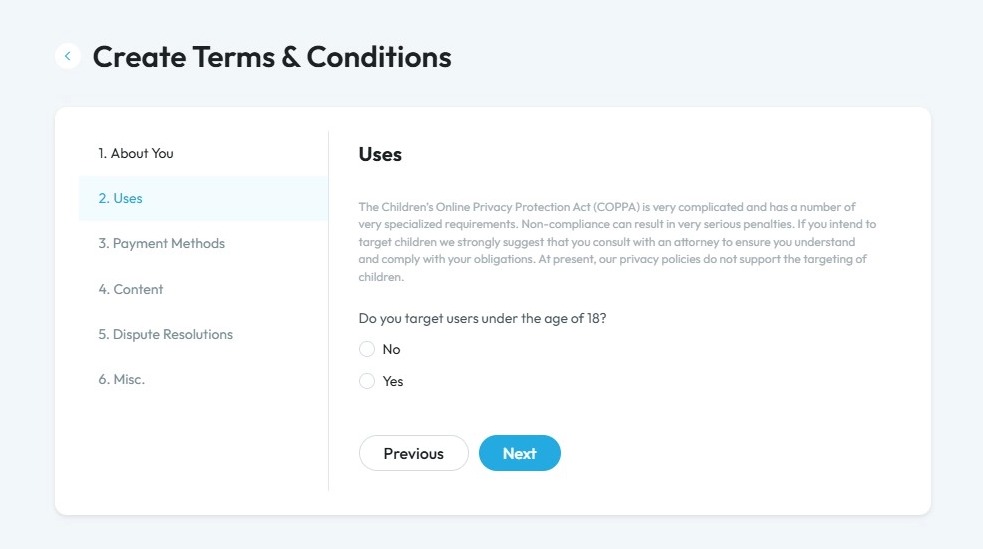
19. Click "Yes" or "No" based on if you are offering subscription services or recurring charges
Click "Next" to continue to the next page. Click "Previous" to return to the last page you were on
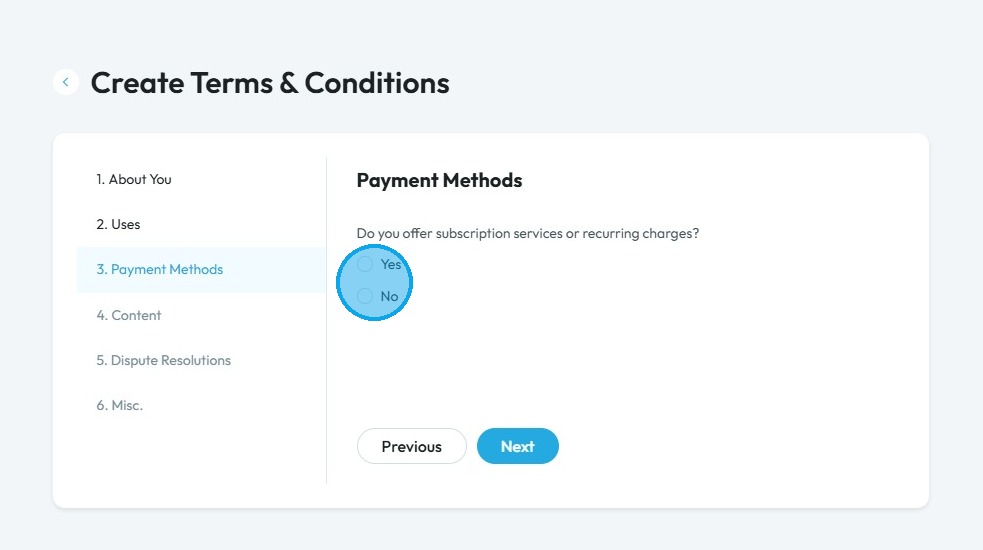
20. Click "Yes" or "No" based on if you accept returns
- If you select "Yes", a second question will appear
Click "Next" to continue to the next page. Click "Previous" to return to the last page you were on
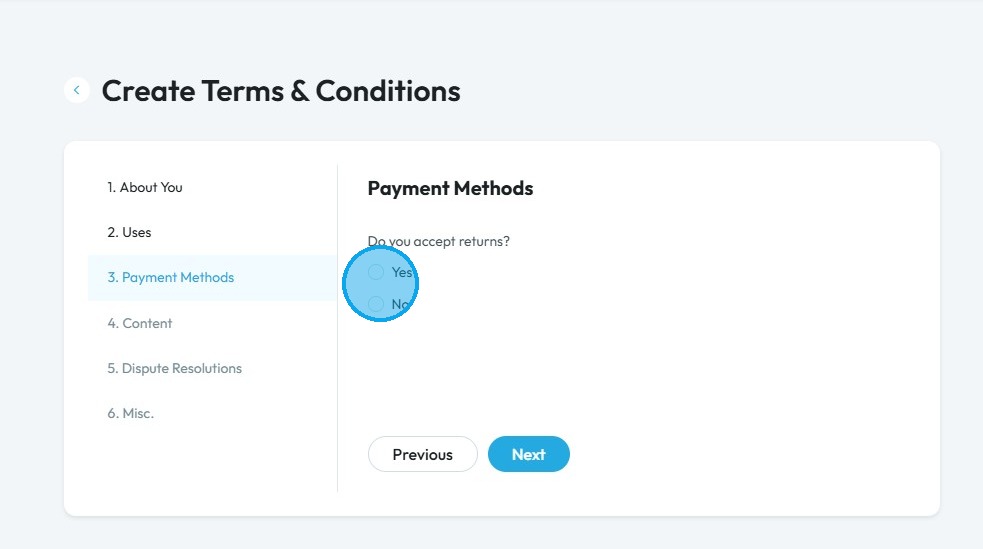
21. Click "Yes" or "No" based on if you have a return policy posted
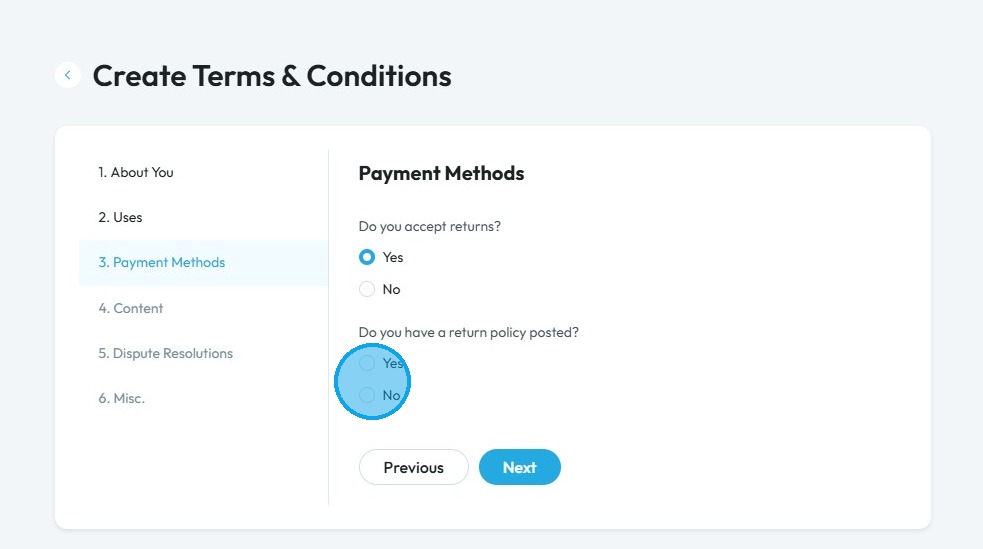
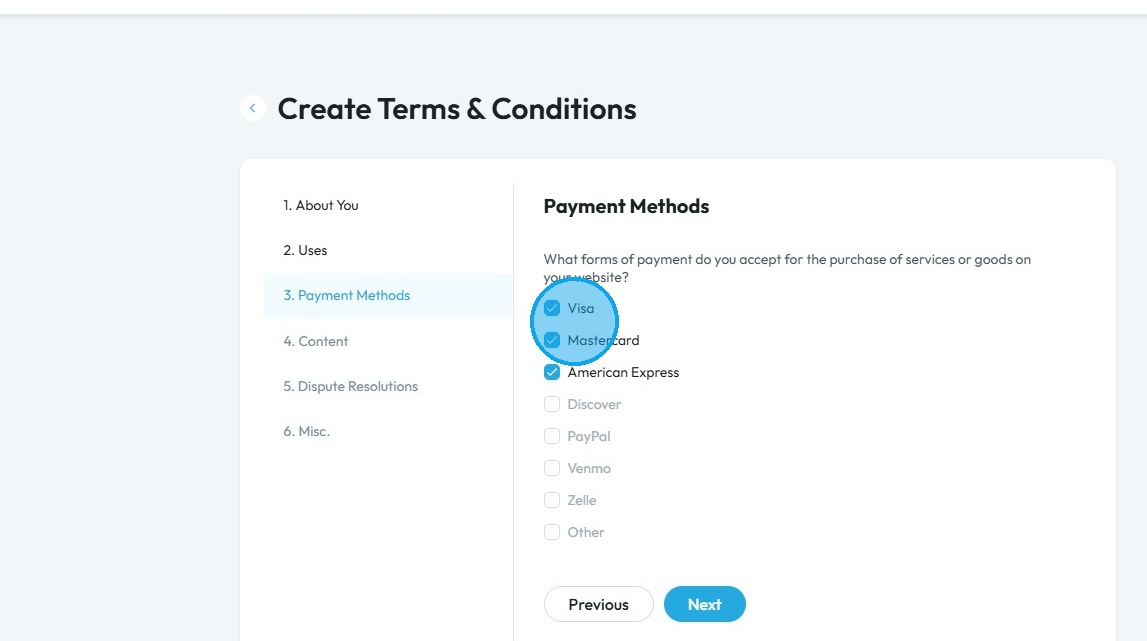
22. Select the forms of payment you are willing to accept for the purchase of services or goods on your website (You can select multiple methods of payments)
- Visa
- Mastercard
- American Express
- Discover
- PayPal
- Venmo
- Zelle
- Other
Click "Next" to continue to the next page. Click "Previous" to return to the last page you were on
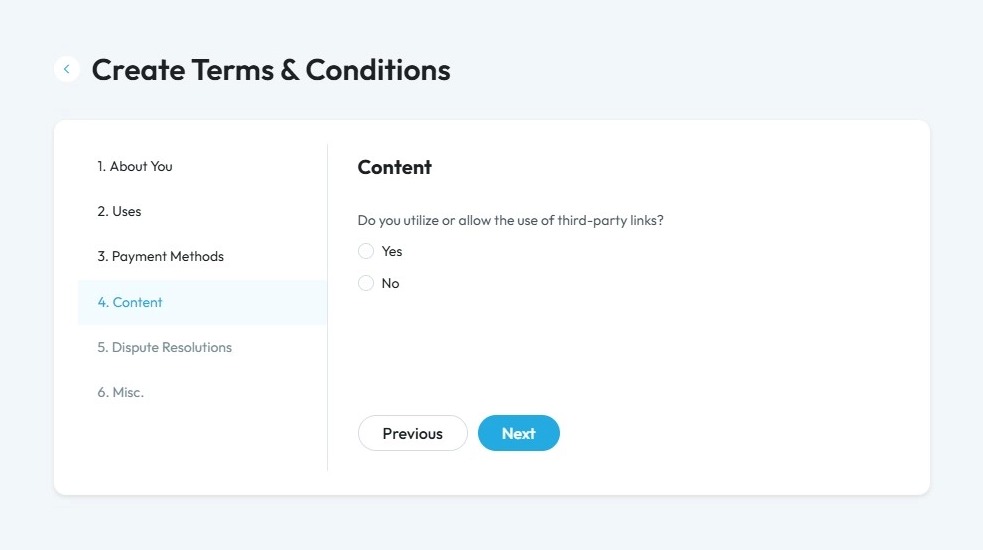
23. Click “Yes” or “No” depending on whether you use or allow third-party links on your website
Click "Next" to continue to the next page. Click "Previous" to return to the last page you were on
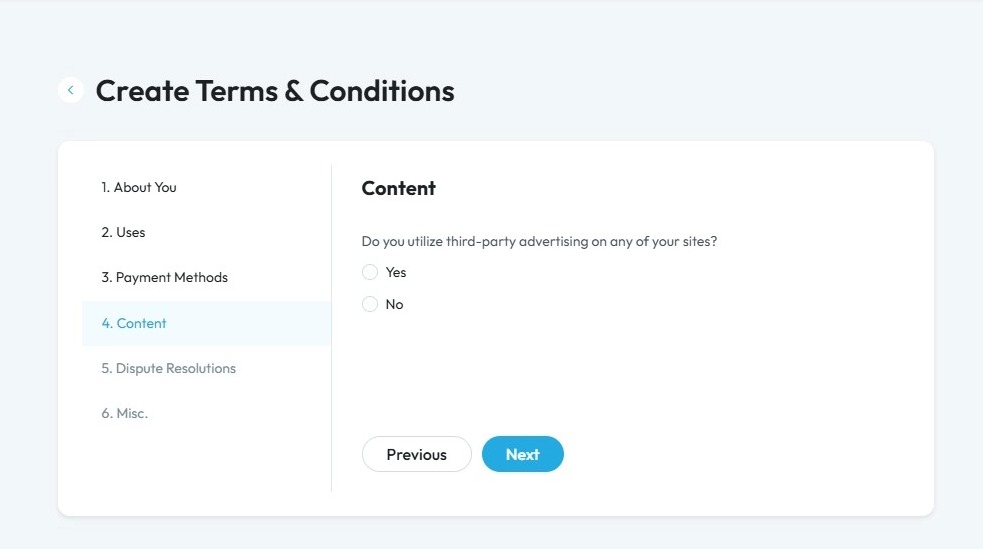
24. Click "Yes" or "No" based on if you utilize third-party advertising on any of your site
Click "Next" to continue to the next page. Click "Previous" to return to the last page you were on
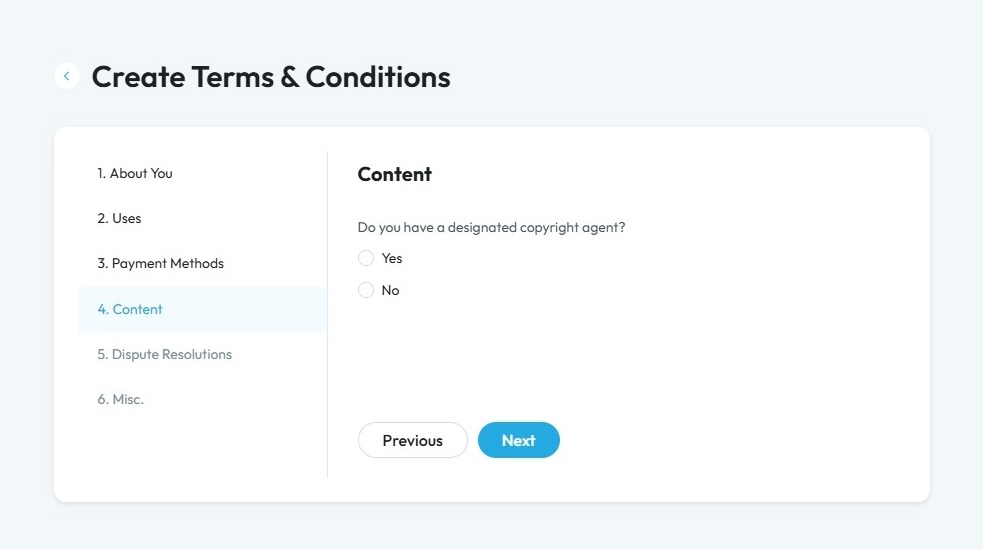
25. Click "Yes" or "No" based on if you have a designated copyright agent
Click "Next" to continue to the next page. Click "Previous" to return to the last page you were on
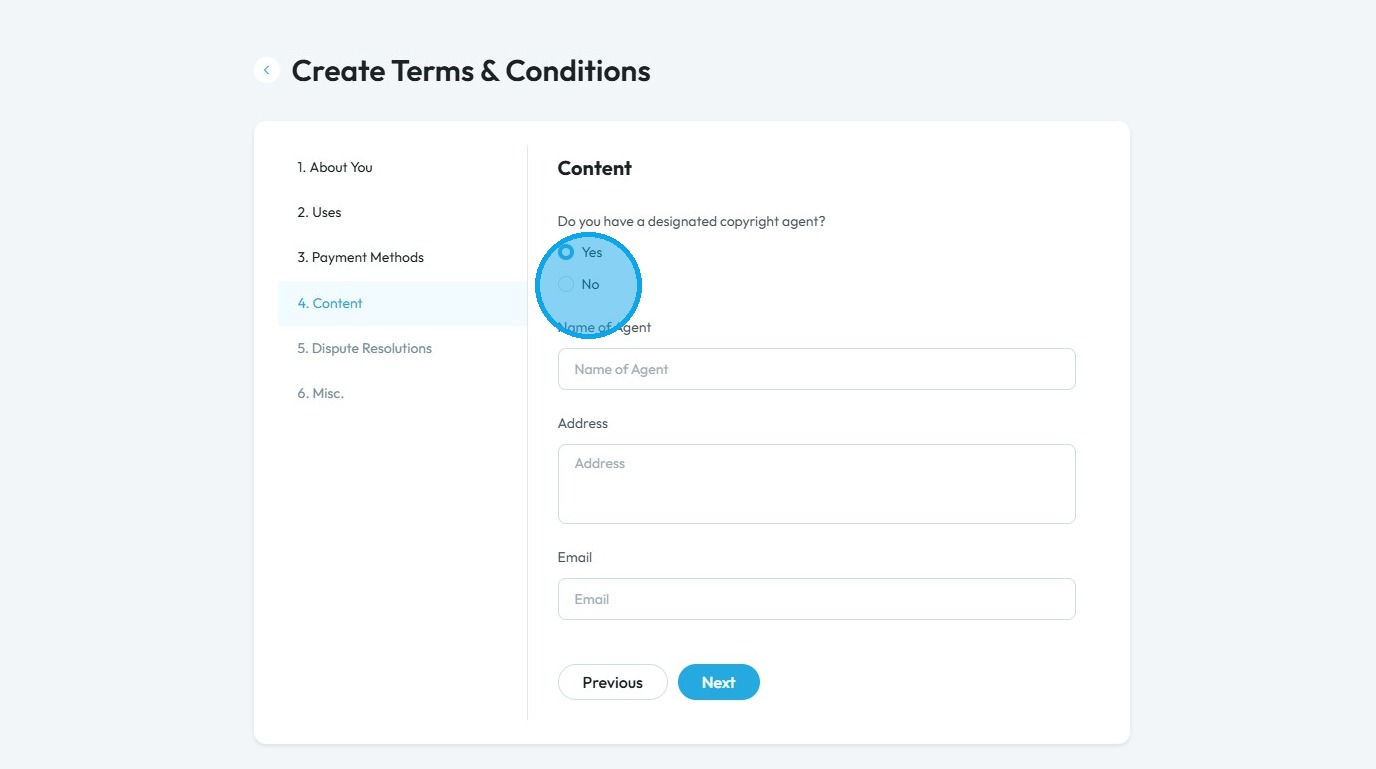
26. If you select "Yes" you will get additional details to be provided
- Name of the (copywright) agent
- Address: Physical Mailing Address
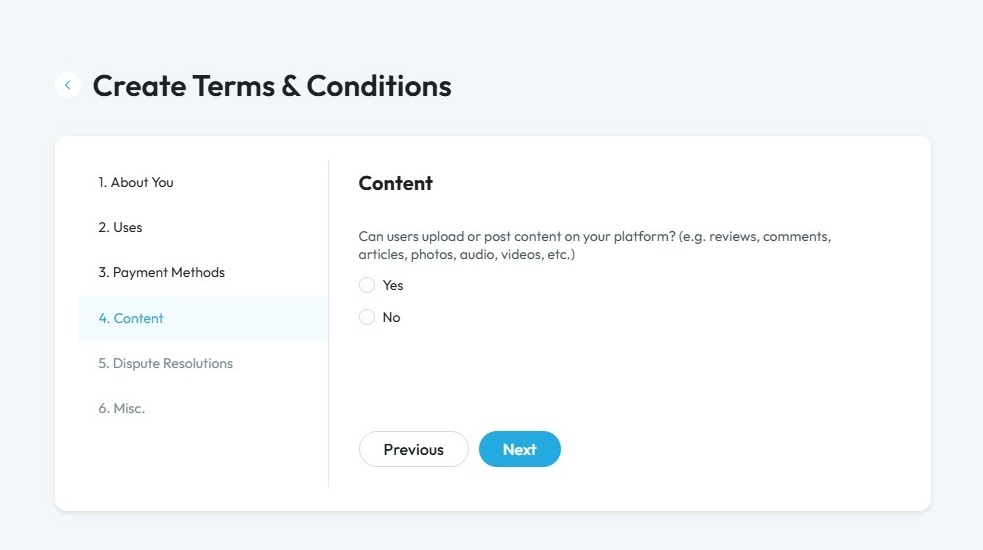
27. Click “Yes” or “No” depending on whether users can upload or post content on your platform
Click "Next" to continue to the next page. Click "Previous" to return to the last page you were on
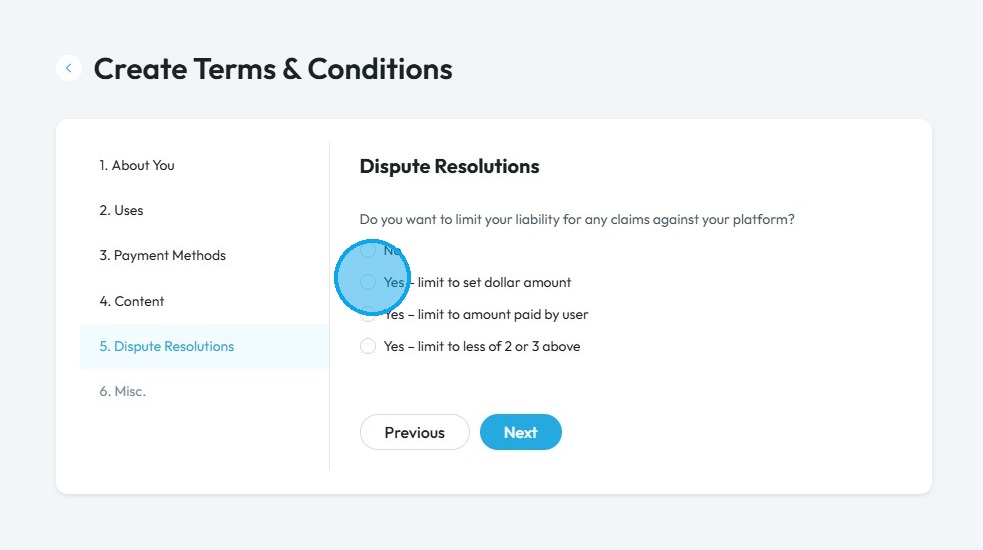
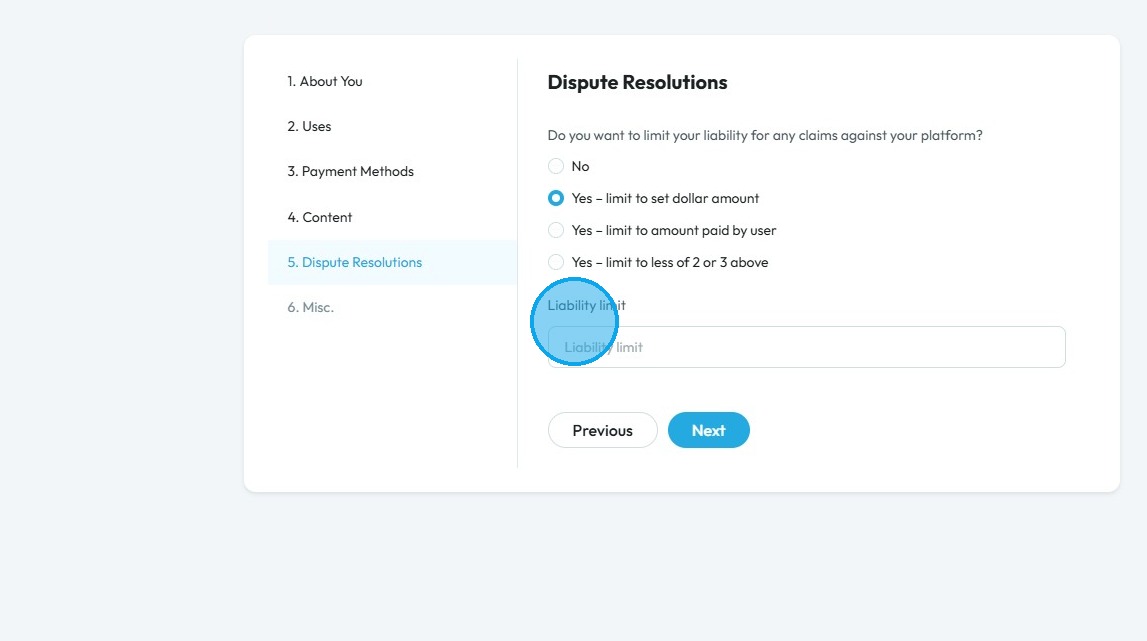
28. Select if you wish to limit your liability for any claims against your platform
- No: There is no limit to how much money can be claimed in a dispute.
- Yes – Limit to set dollar amount: There is a fixed dollar cap on how much can be claimed (e.g., claims can’t be more than $500).
- Yes – Limit to amount paid by user: The maximum amount the user can claim is what they actually paid.
- Yes – Limit to less of 2 or 3 above: The limit is whichever is smaller between the set dollar amount and the amount paid by the user.
29. Click the "Liability limit" field to enter your preferred amount
Click "Next" to continue to the next page. Click "Previous" to return to the last page you were on
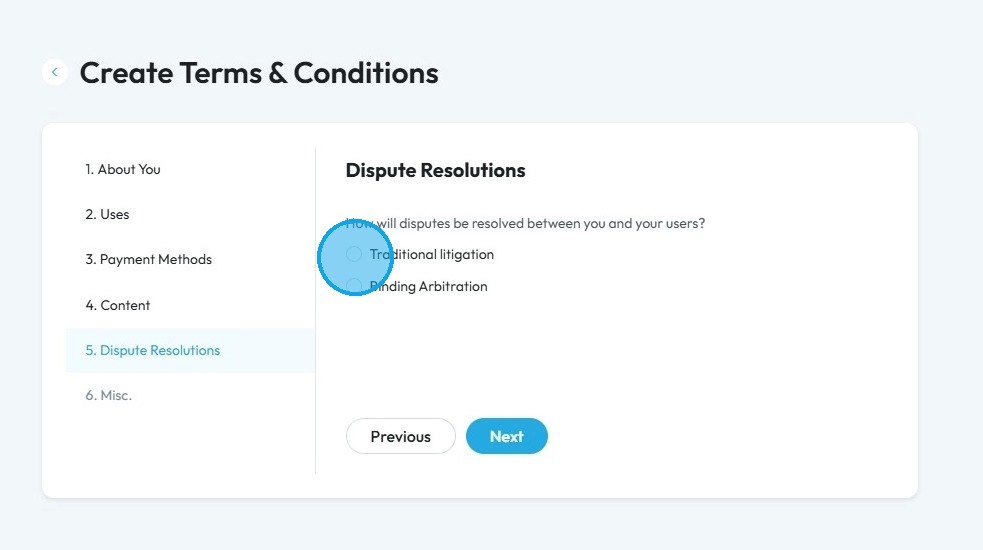
30. Click "Traditional litigation" or "Binding Arbitration" on how you and your user will resolve disputes
- Traditional litigation: This means resolving a dispute through the court system. It involves lawyers, judges, possibly a jury, and follows formal legal procedures. It can take a long time and be expensive, but it offers the right to appeal the decision.
- Binding arbitration: This means the dispute is handled outside of court by a neutral third party called an arbitrator. Both sides agree to accept the arbitrator’s final decision, and it usually cannot be appealed. It's typically faster, more private, and less formal than litigation.
Click "Next" to continue to the next page. Click "Previous" to return to the last page you were on
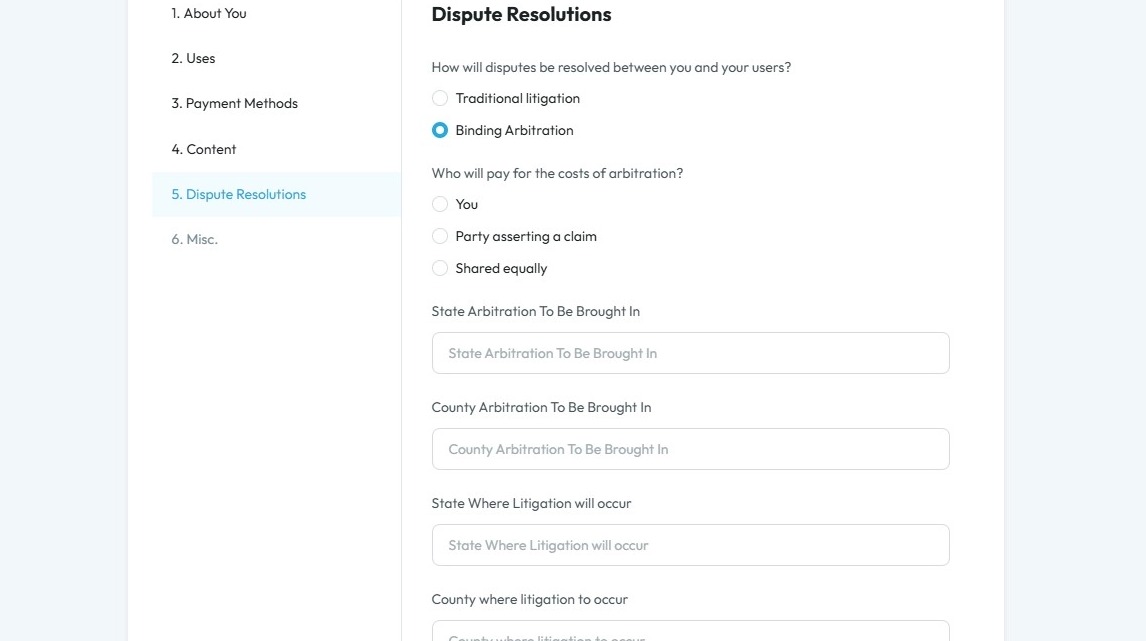
31. If you select "Binding Arbitration" two new fields will appear
- Add the name of the State, where litigation will occur
- And add the name of the country where litigation will occur
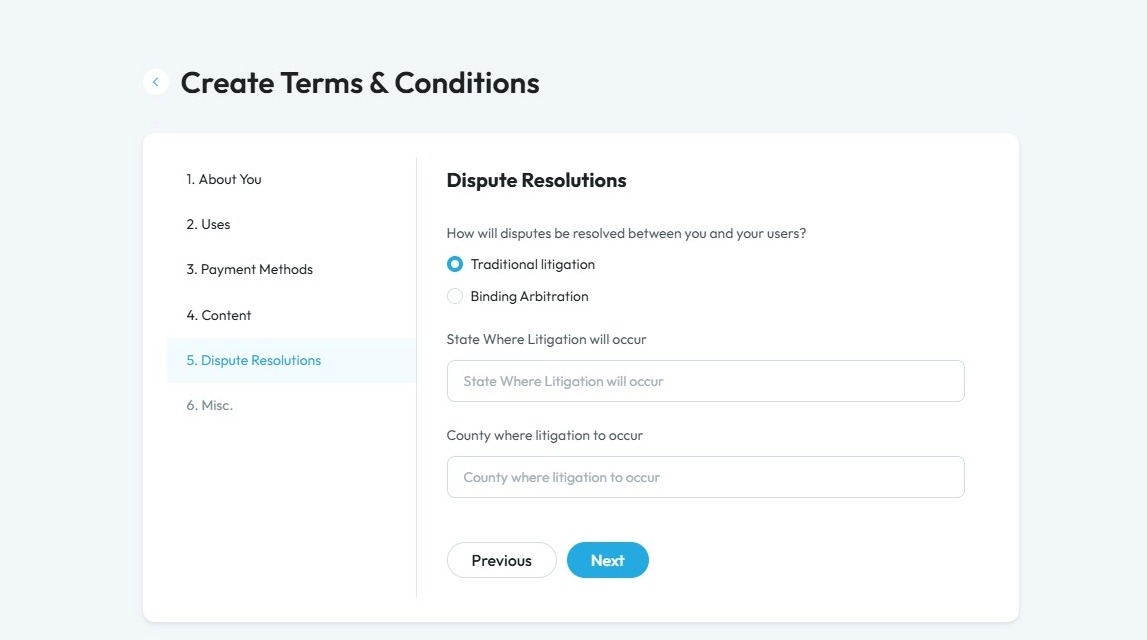
32. If you select "Traditional litigation" five new fields will appear
- Select who will pay for the arbitration
- Enter the name of state where the arbitration to be brought in
- Enter the name of the country where the arbitration to be brought in
- Enter the name of the state where litigation will occur
- Enter the name of the country where the litigation will appear
33. Click "Yes" or "No" based on if you will notify your users if there are changes in the policy
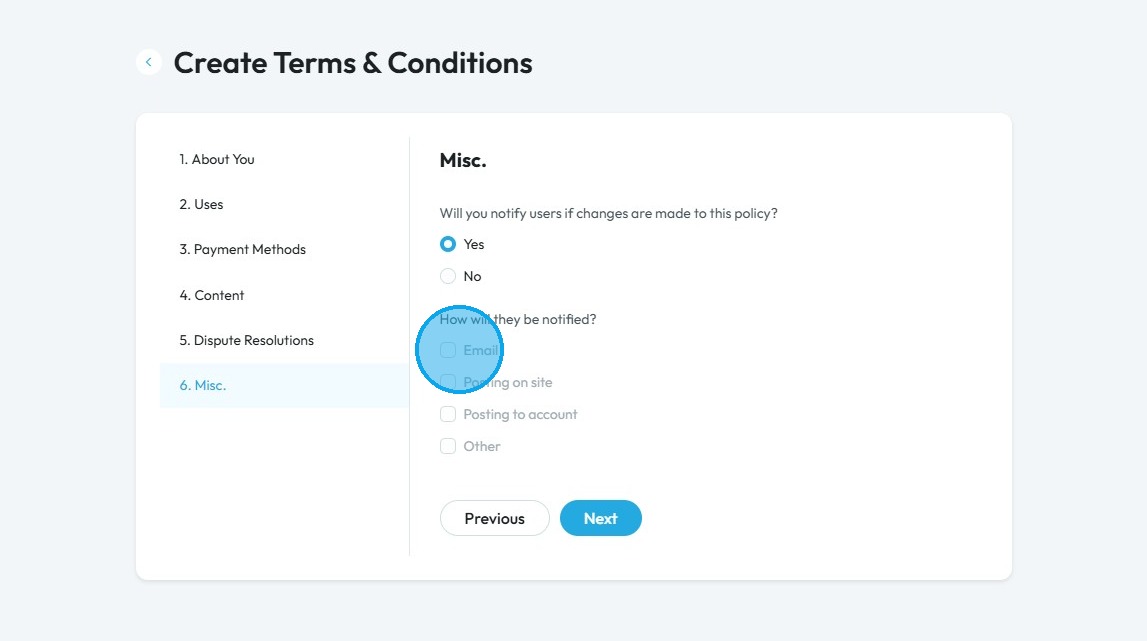
- If you select "Yes", a second question will appear
Click "Next" to continue to the next page. Click "Previous" to return to the last page you were on
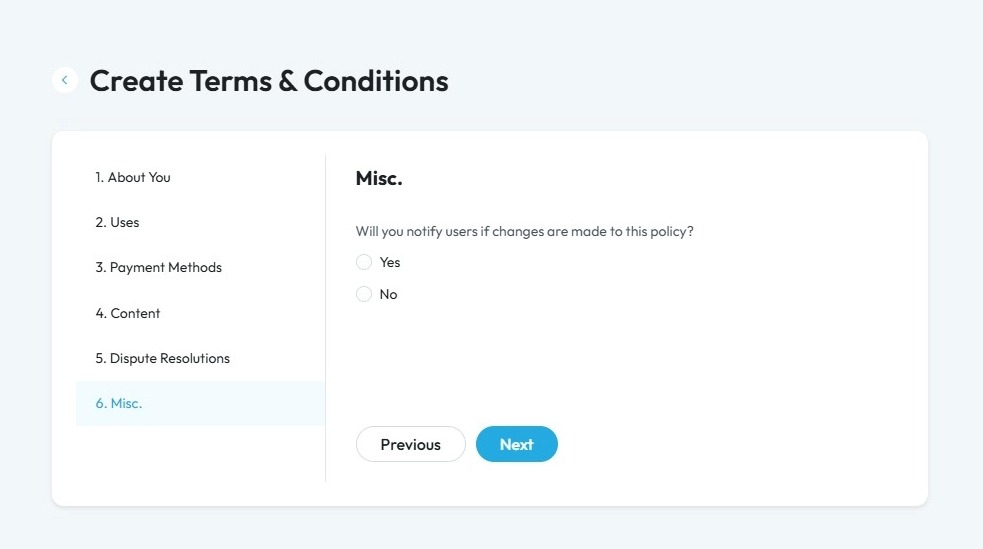
34. Select the medium by which you will notify the changes in the policy to your users
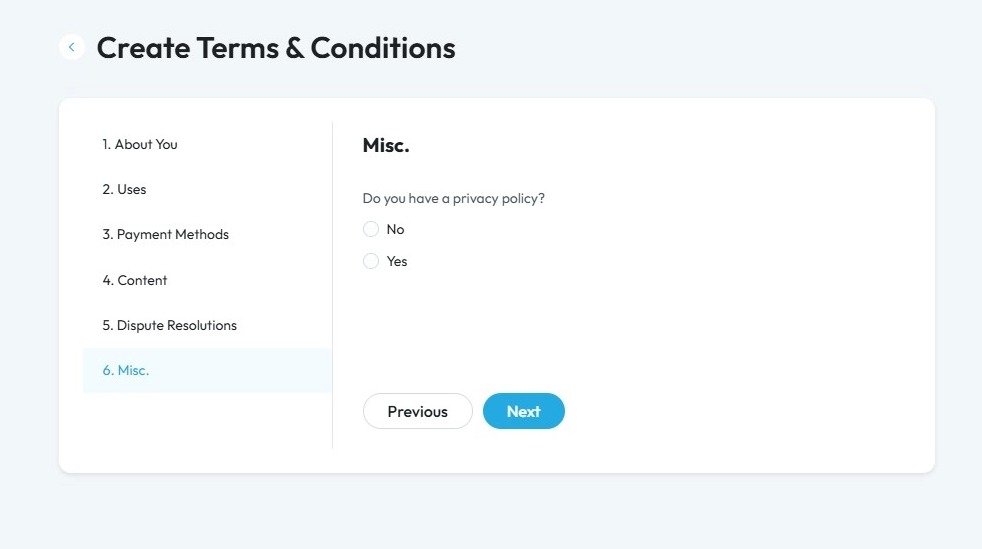
35. Click "Yes" or "No" based on if you have a privacy policy
Click "Next" to continue to the next page. Click "Previous" to return to the last page you were on
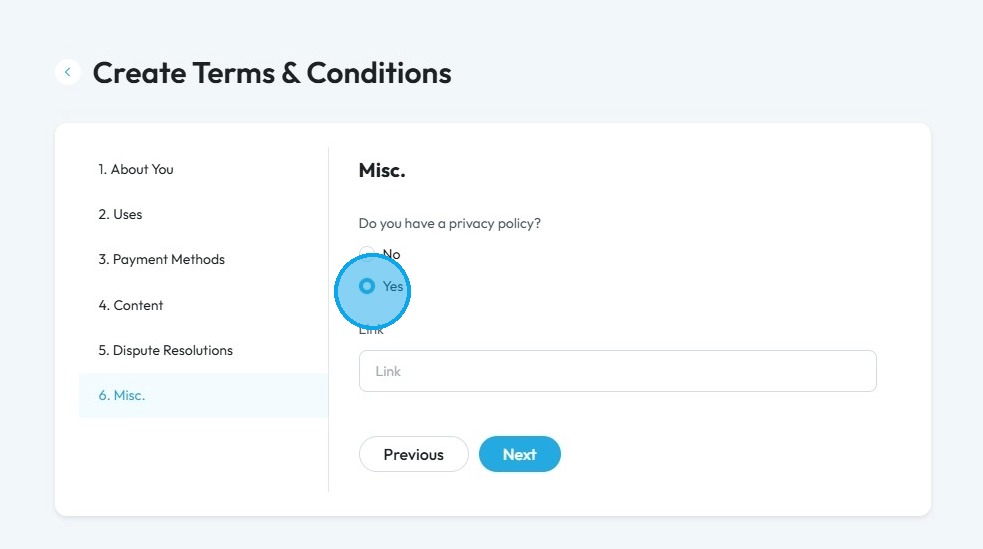
36. If you select "Yes" provide the link for your privacy policy
37. Click "Yes" or "No" depending on if you want to add any additional terms or clauses
Click "Next" to continue to the next page. Click "Previous" to return to the last page you were on
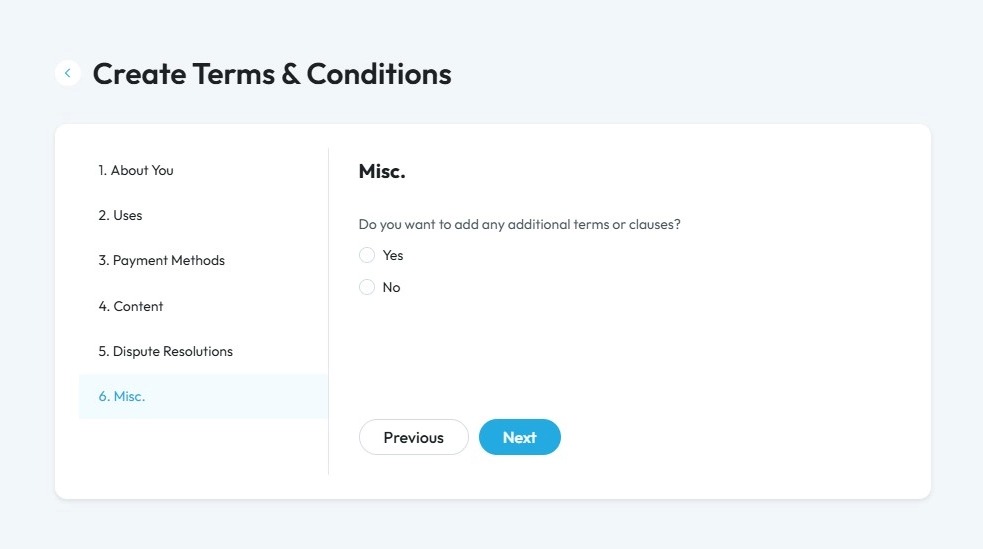
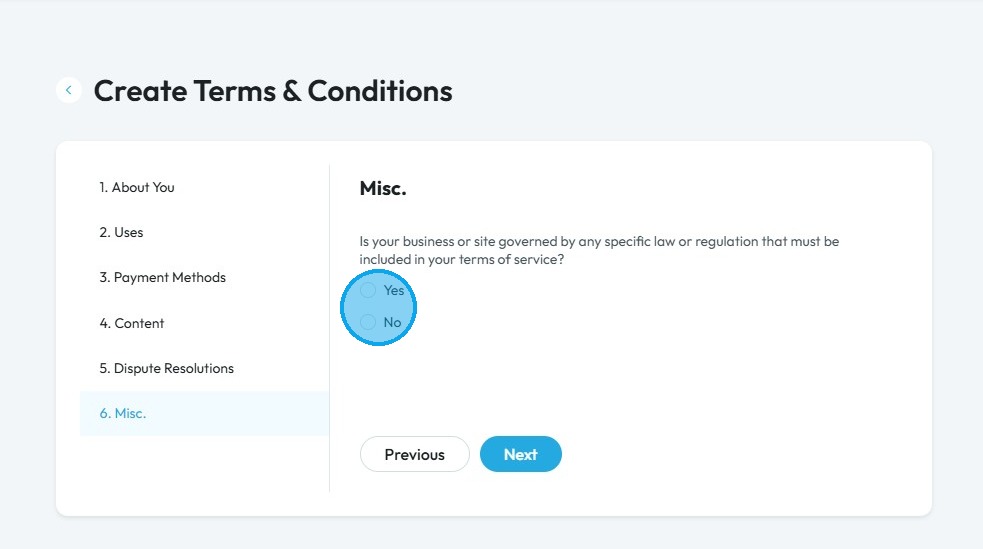
38. Click "Yes" or "No" based on if you business or site is governed by any specific law or regulation that must be included in your terms of service
Click "Next" to continue to the next page. Click "Previous" to return to the last page you were on
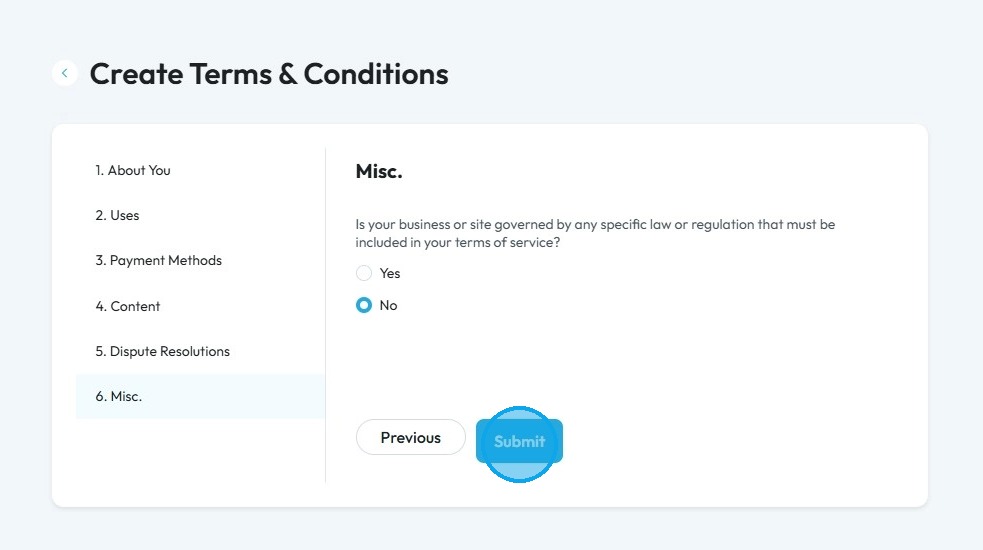
39. Click “Submit” to finalize, and your Terms and Conditions will be ready!
Alert: Alert! LLC is a show technology company that makes creating, producing and monetizing shows simpler and more affordable. Please note that LLC is not a lawyer referral service, accountant referral service, accounting firm, or law firm, does not provide legal or tax advice or representation, and is not intended as a substitute for an attorney, accountant, accounting firm, or law firm. LLC has placed the information on this website as a service to the general public. While some of the information on this site is about legal issues, it is not, and is not intended as legal or tax advice or as a substitute for the particularized advice of your own counsel. Anyone seeking specific legal, tax or professional advice or assistance should retain an attorney, accountant or other licensed professional as the case may be. This website could include inaccuracies or typographical errors. The materials on this website do not constitute legal advice, do not necessarily reflect the opinions of LLC or any of its employees, and are not guaranteed to be correct, complete, or up-to-date. The information on this website is provided “AS IS” without warranty of any kind, either express or implied, including but not limited to, the implied warranties of merchantability, fitness for a particular purpose, or non-infringement. Each individual document published on this website may contain other proprietary notices and copyright information relating to that specific document.
Related Articles
How to Navigate PodUp Legal Docs
This guide is essential for anyone looking to create legal documents efficiently using PodUp's templates. It provides clear instructions on accessing and utilizing a range of legal policies, from Privacy Policies to Contractor Agreements, which are ...How To Create Privacy Policy Using Podup Legal Docs
By following this guide, you can create a comprehensive privacy policy on PodUp to ensure legal compliance and build trust. Alert: Alert! LLC is a show technology company that makes creating, producing and monetizing shows simpler and more ...How To Submit A Media Release Using PodUp Legal Docs
Use this guide to submit a media release on PodUp and allow your content to be used Alert: Alert! LLC is a show-technology company that makes it simpler and more affordable to create, produce, and monetize shows. Please note that LLC is not a lawyer ...How To Create a Cookie Policy Notice on PodUp Legal Docs
Use this guide to create a Cookie Policy Notice on PodUp and build audience trust Alert: Alert! LLC is a show technology company that makes creating, producing, and monetizing shows simpler and more affordable. Please note that LLC is not a lawyer ...How To Set Up Podcast Details Using PodUp Integrations
This guide is essential for anyone looking to set up their podcast on Podup efficiently. It provides a step-by-step breakdown of the integration process, ensuring that users can easily enter their podcast details, select appropriate categories, and ...