How do I know if the edits I made to my video have been saved?
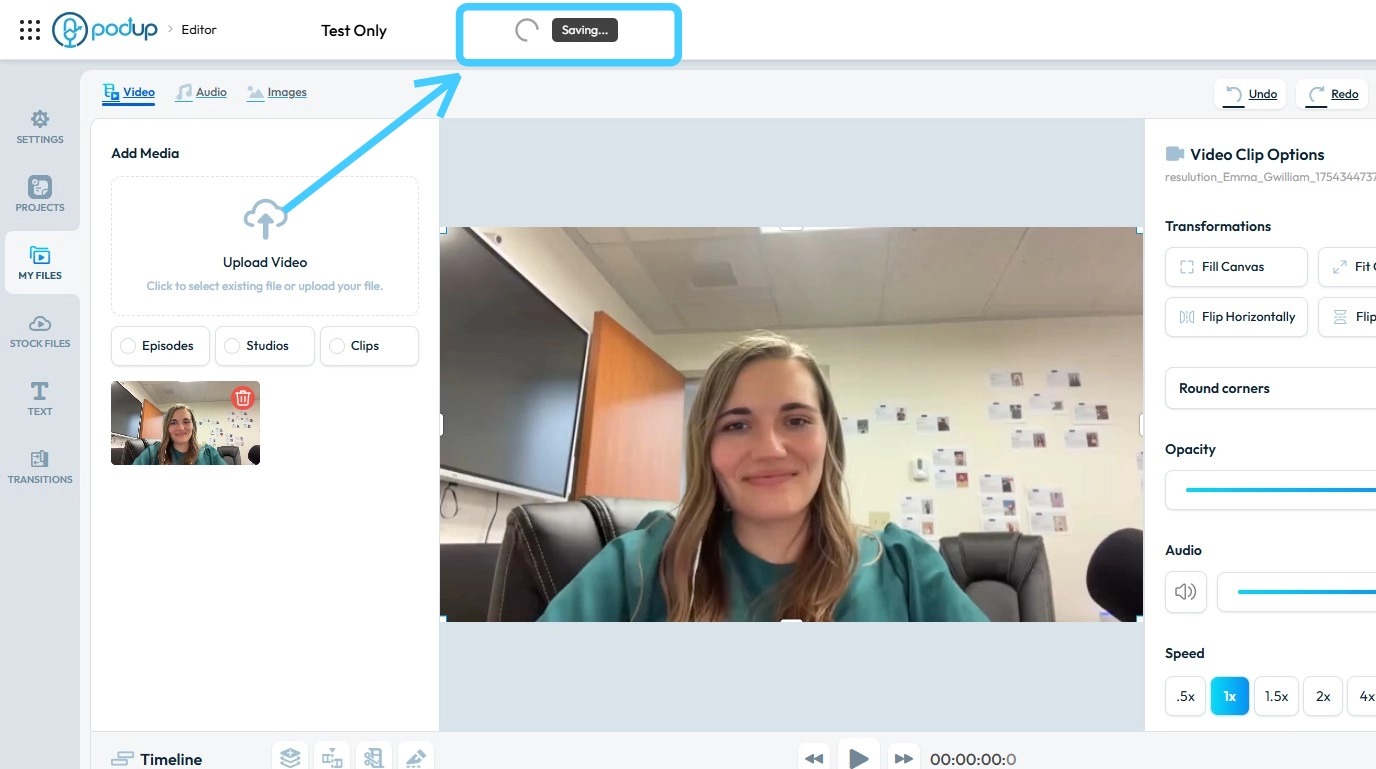
By following this guide, you can easily ensure your video edits are saved correctly by naming your project and checking the “Saving” indicator.
1. Navigate to https://editor.podup.com/
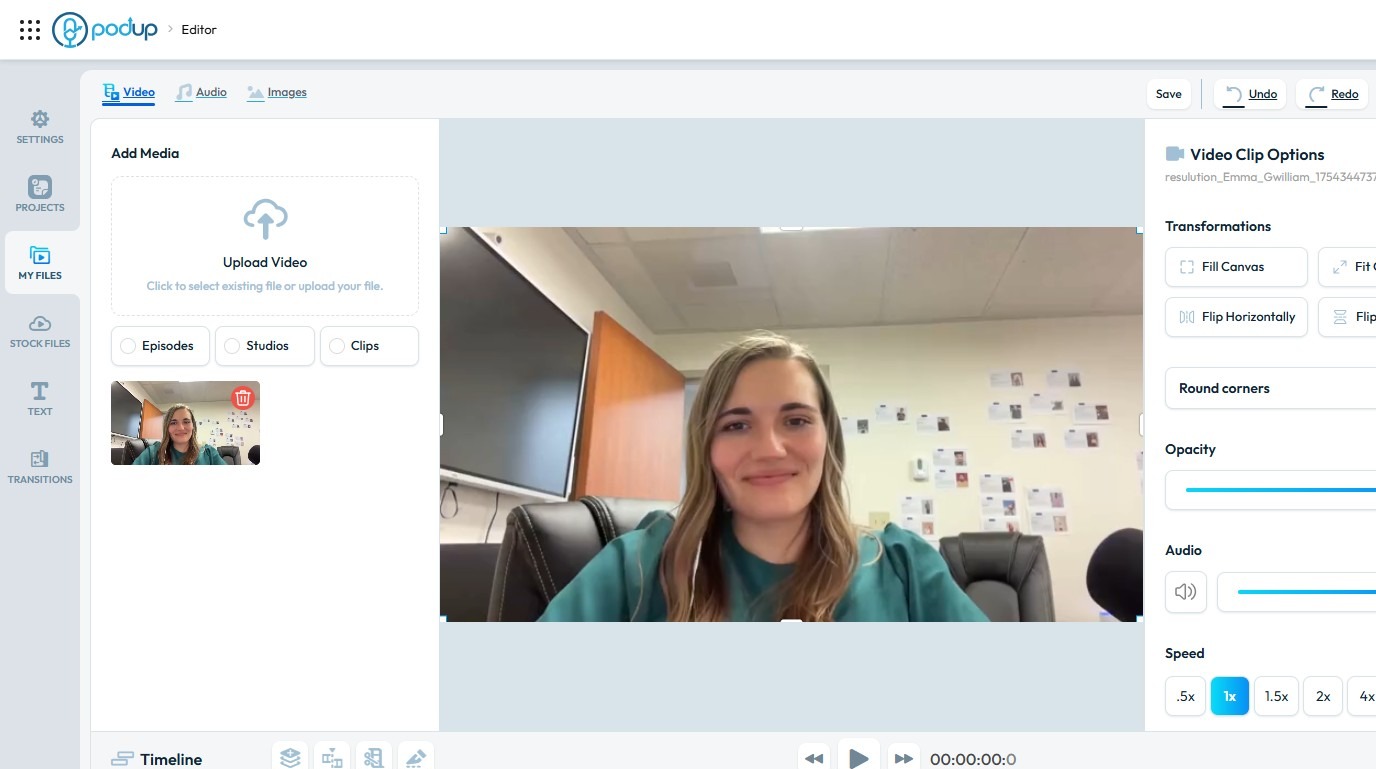
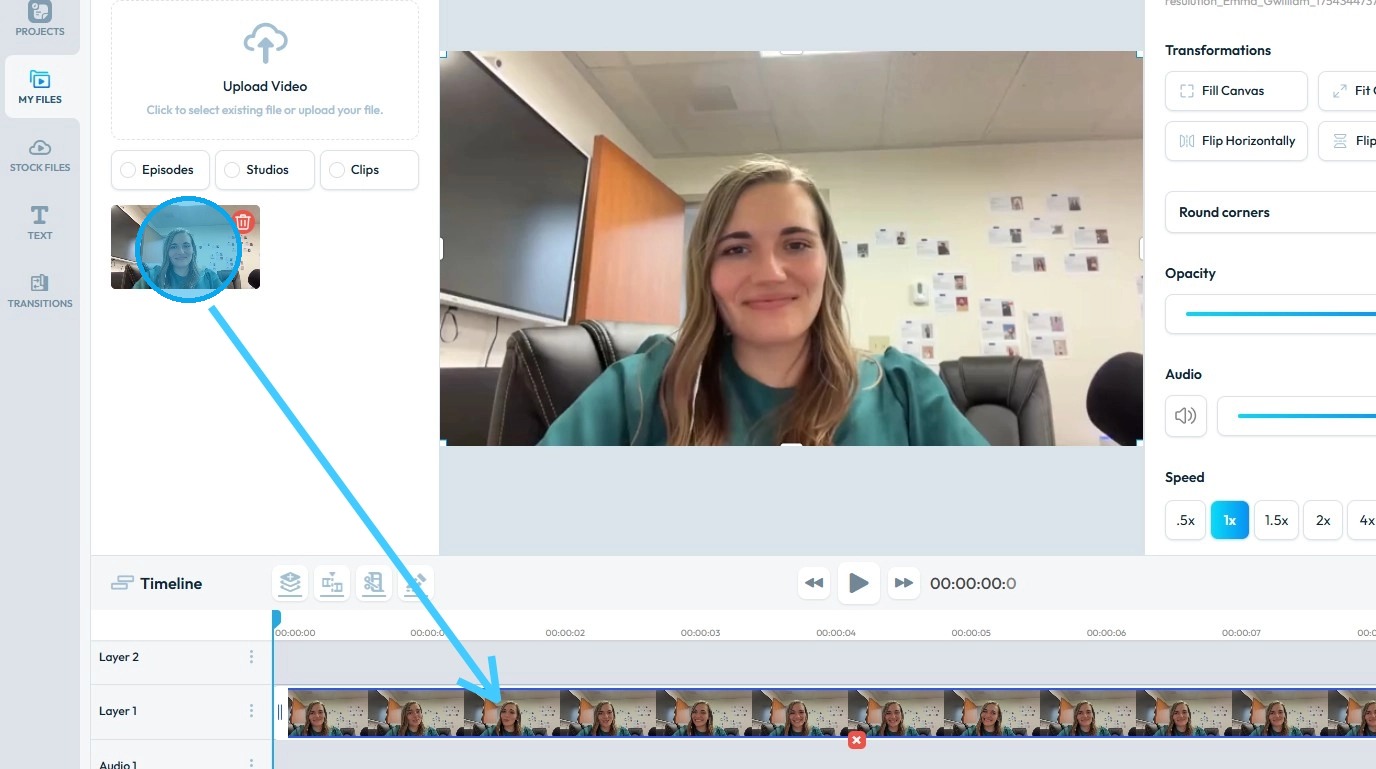
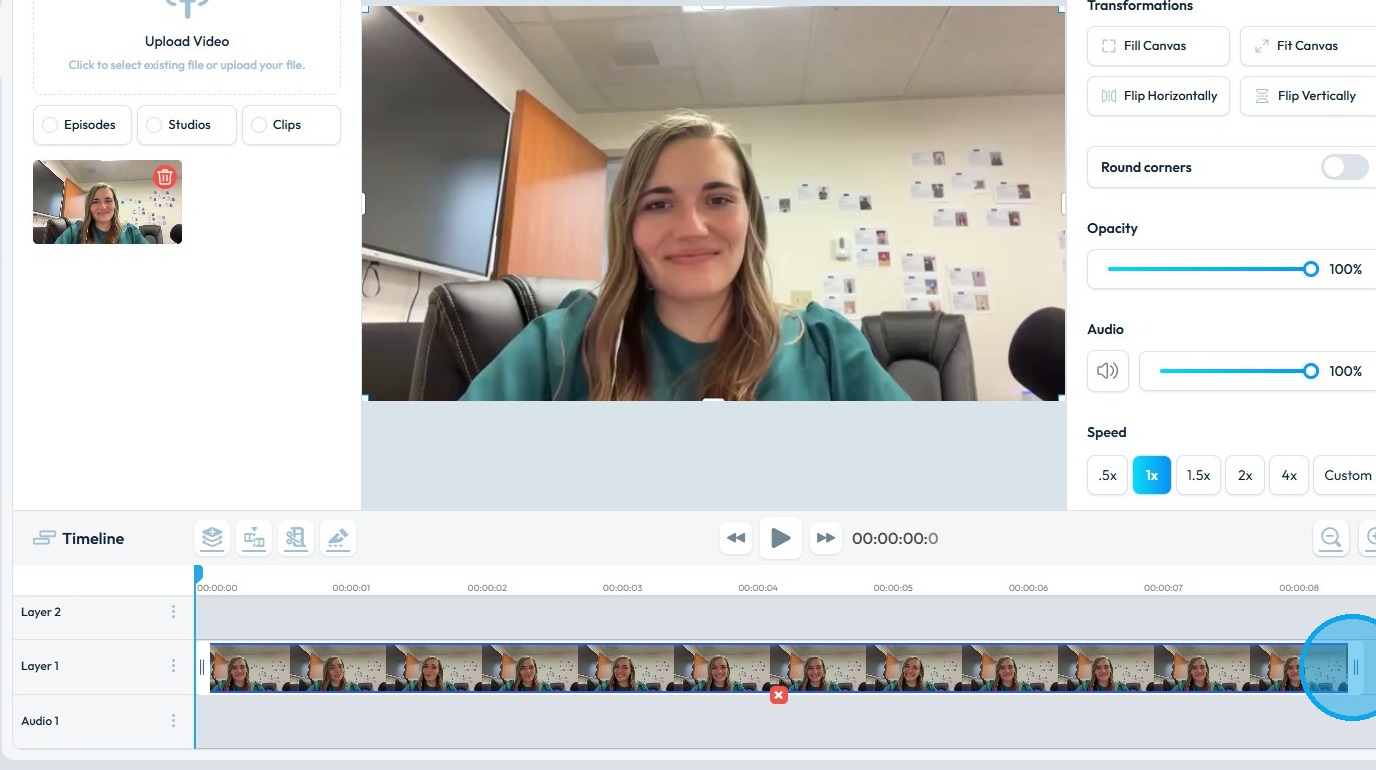
2. Ensure a video is loaded in the timeline.
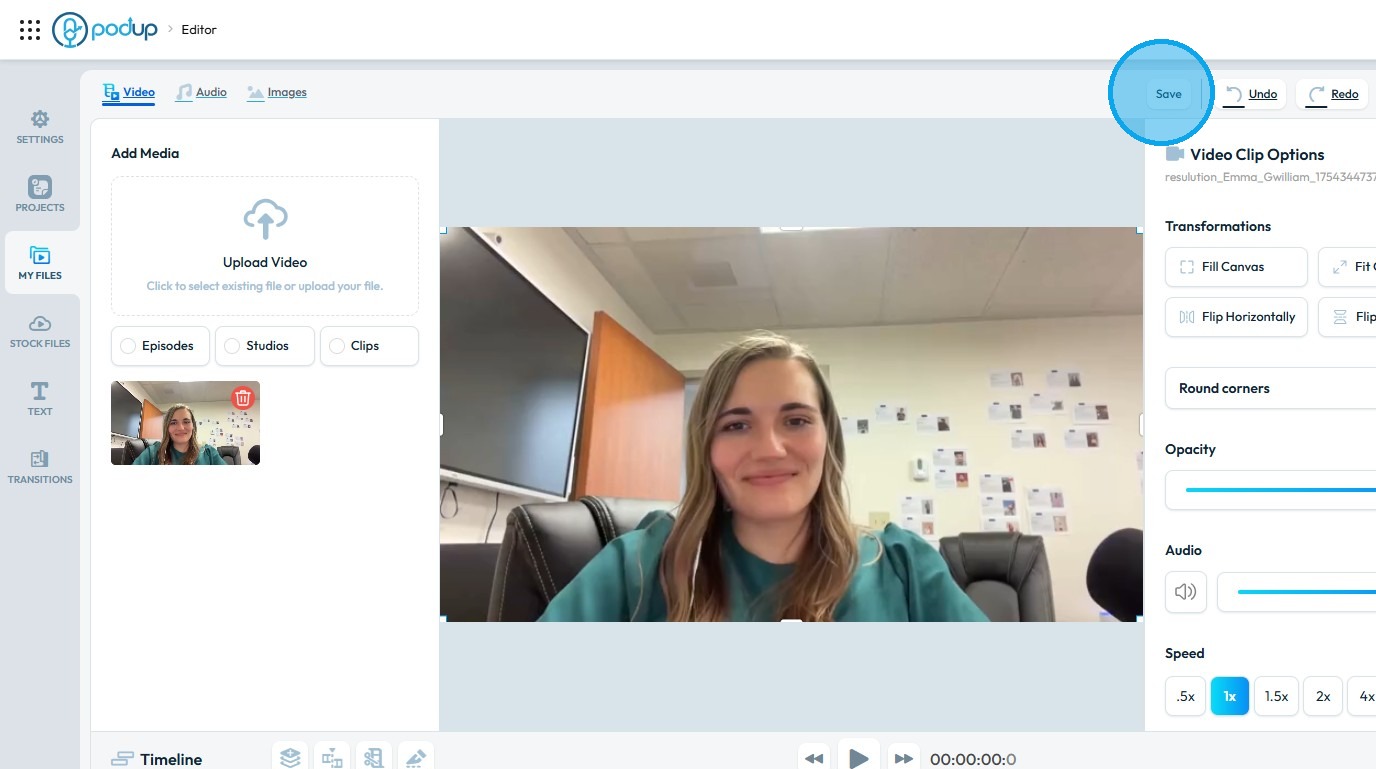
3. Click "Save"
4. Name the project.
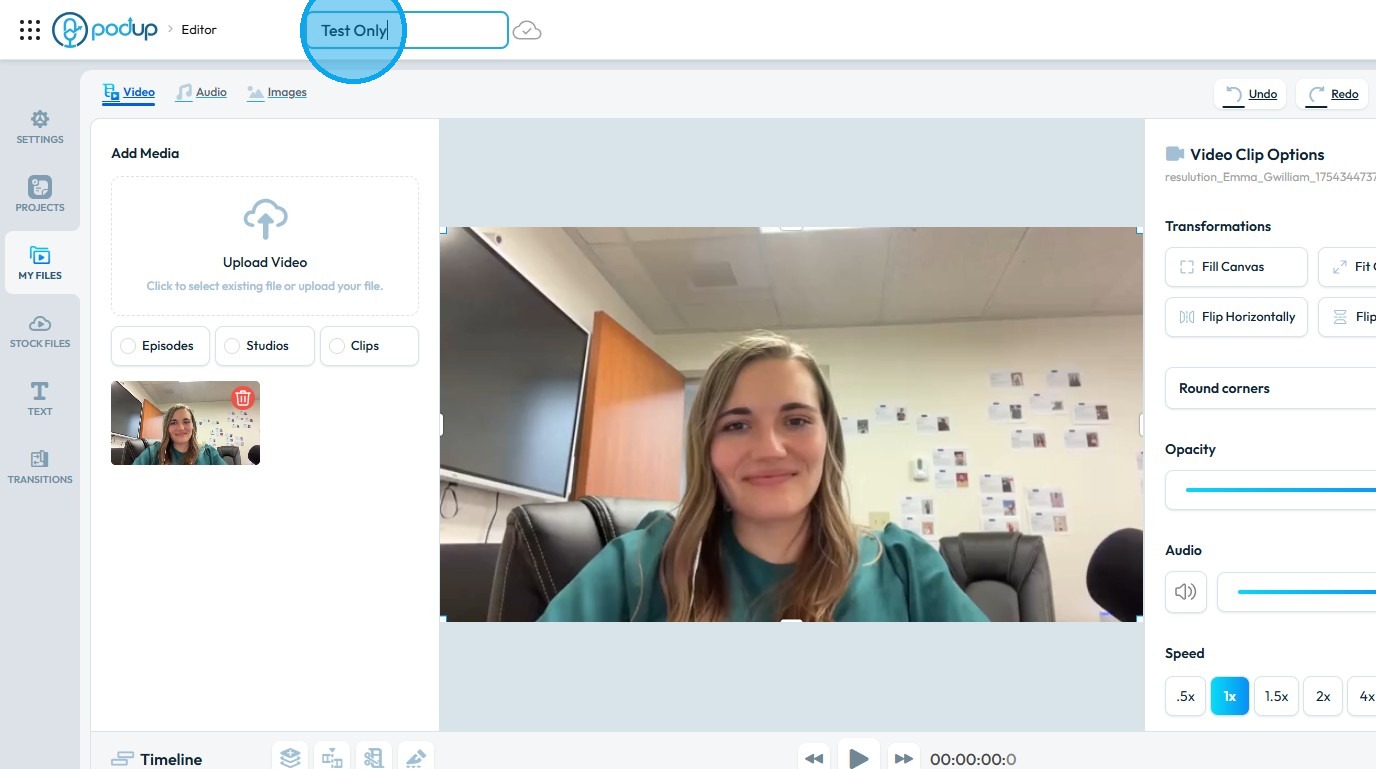
5. Now, whenever you make an edit to the video, it will be saved automatically
6. After completing an action, you will see "Saving" displayed next to the project name
Related Articles
How do I save the video I added to my episode
This guide shows you how to manage your video content without hassle. 1. Navigate to https://editor.podup.com/ and load a video into the Timeline 2. Drag and drop a video onto the Timeline 3. Once the video is loaded onto the Timeline, you can make ...How do I save the graphic I added to my video
Use this guide to add and save graphics in your videos with PodUp’s editor. 1. Navigate to https://editor.podup.com/ 2. Load a video onto the ‘Timeline' 3. To add a "Graphics & Elements" click "Stock Files" 4. Select "Graphics & Elements" 5. Drag and ...How Do I Cut My Video in PodUp Editor?
This guide makes cutting videos in PodUp easy, even for beginners. Follow the clear steps to make precise edits and improve your content quickly. 1. Navigate to https://editor.podup.com/# 2. Click "My Files" 3. Click "Upload Video" 4. Click on the ...How To Navigate Video Clipper (Detailed)
This guide offers a comprehensive walkthrough for creating engaging video clips using Podup Video Clipper, making it invaluable for content creators. It simplifies the process by detailing steps for uploading videos, selecting captions, and ...How To Navigate Video Clipper (Detailed)
This guide offers a comprehensive walkthrough for creating engaging video clips using Podup Video Clipper, making it invaluable for content creators. It simplifies the process by detailing steps for uploading videos, selecting captions, and ...