How to make a Contact Us page for my website
This guide offers a straightforward approach to creating an effective "Contact Us" page for your website, ensuring that visitors can easily reach you. It walks you through the process step by step, from setting up the page to customizing it with one of over 30 templates.
1. Click "My Site"
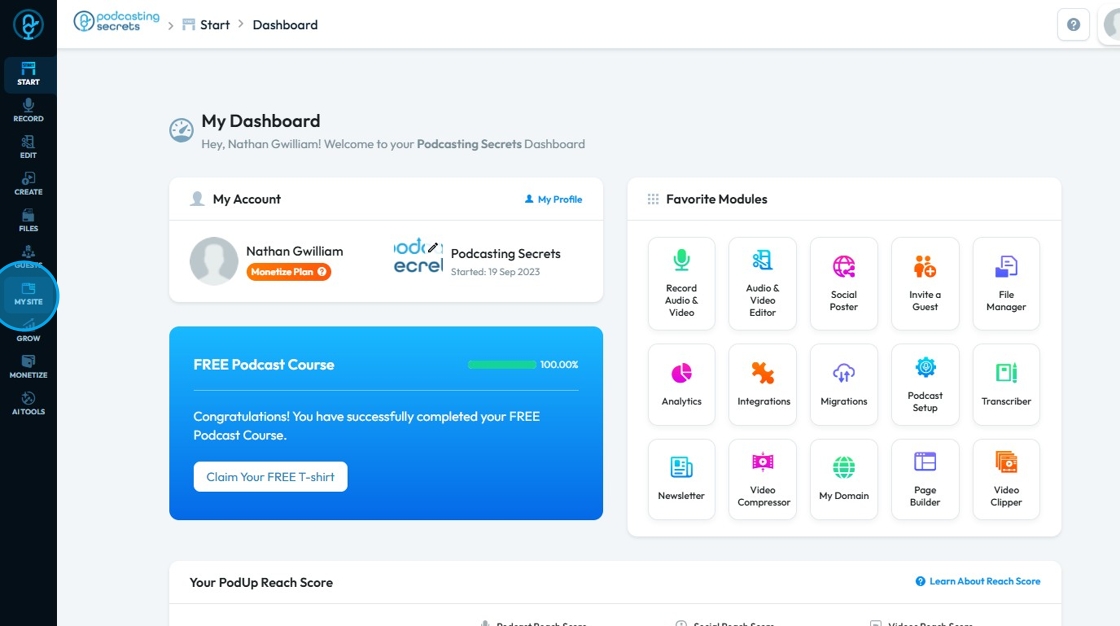
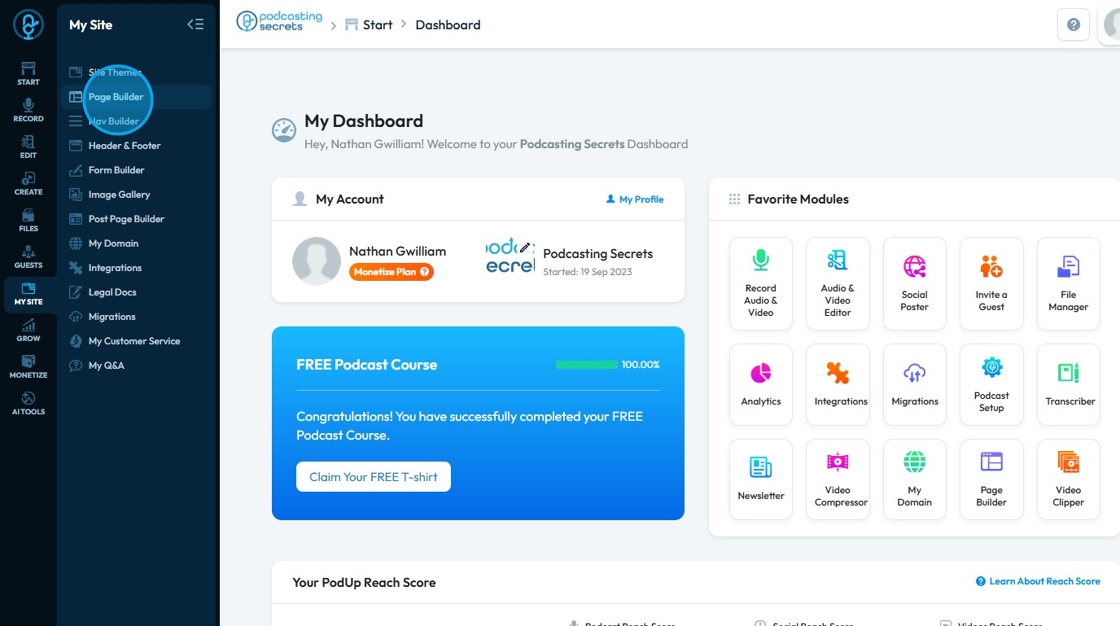
2. Click "Page Builder"
3. Click "Add New Page"
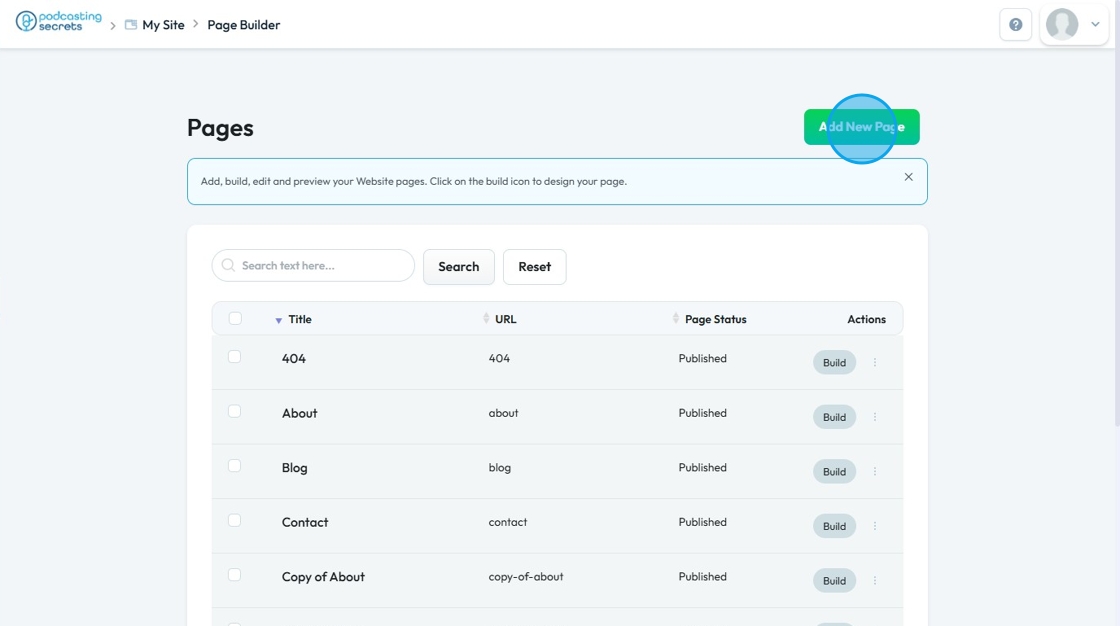
4. The "Add New Page" opens up

5. Enter the details as mentioned in the page
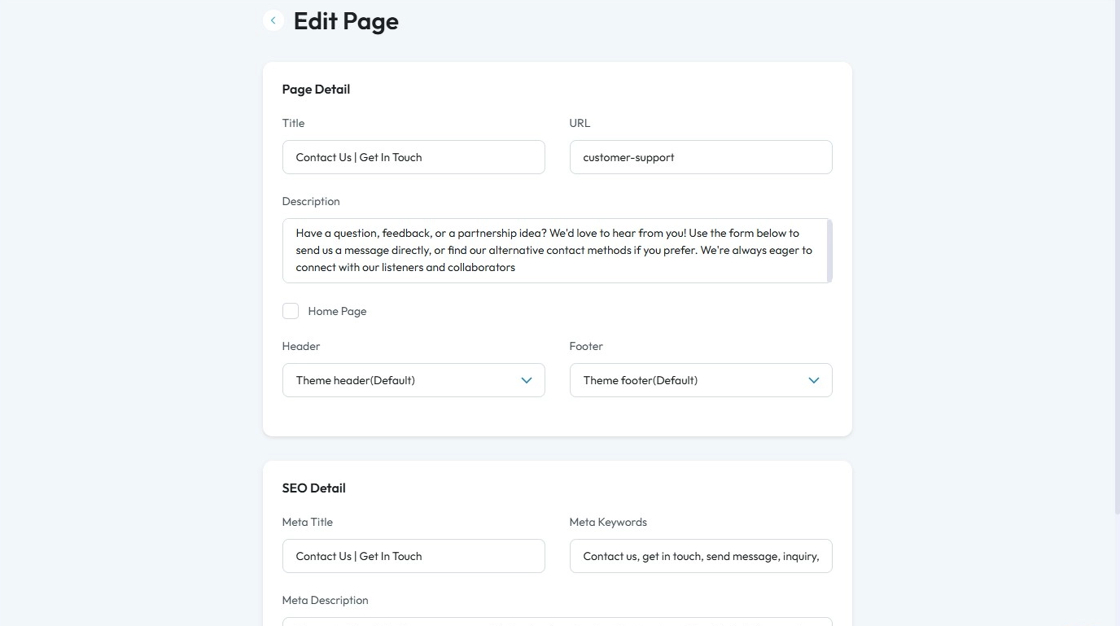

Tip: For more information about what to include on this page see this article
6. Select the "Status" as per your need
- Published: Live and visible to the public.
- Draft: Not live, still being worked on.
- Pending Review: Not live, awaiting approval before going live.
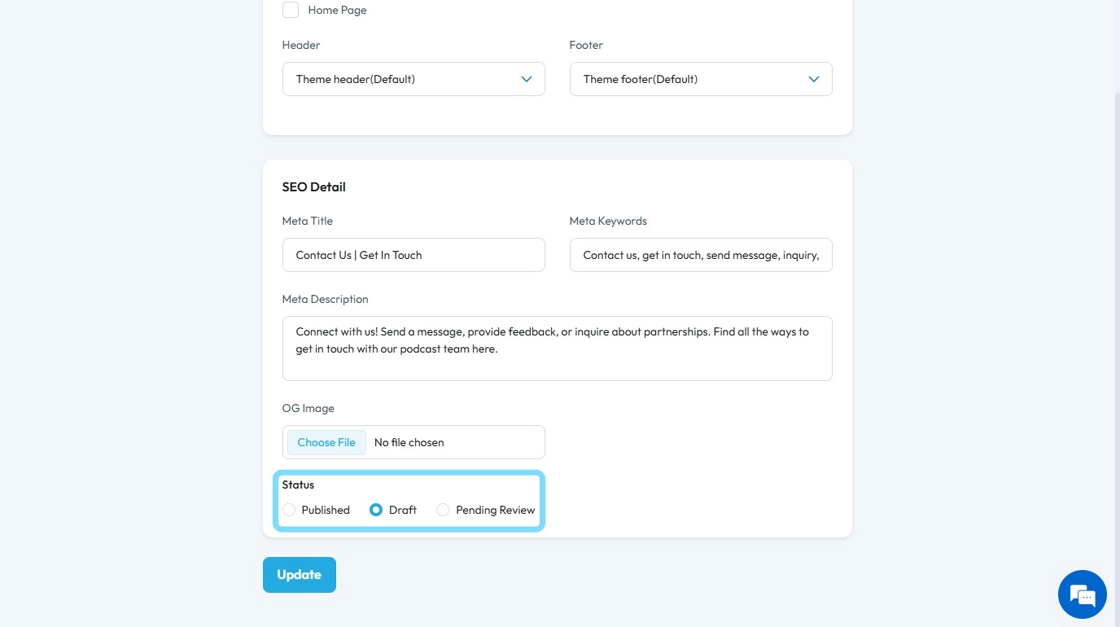
7. Click "Submit" or "Update"

8. The page builder opens up
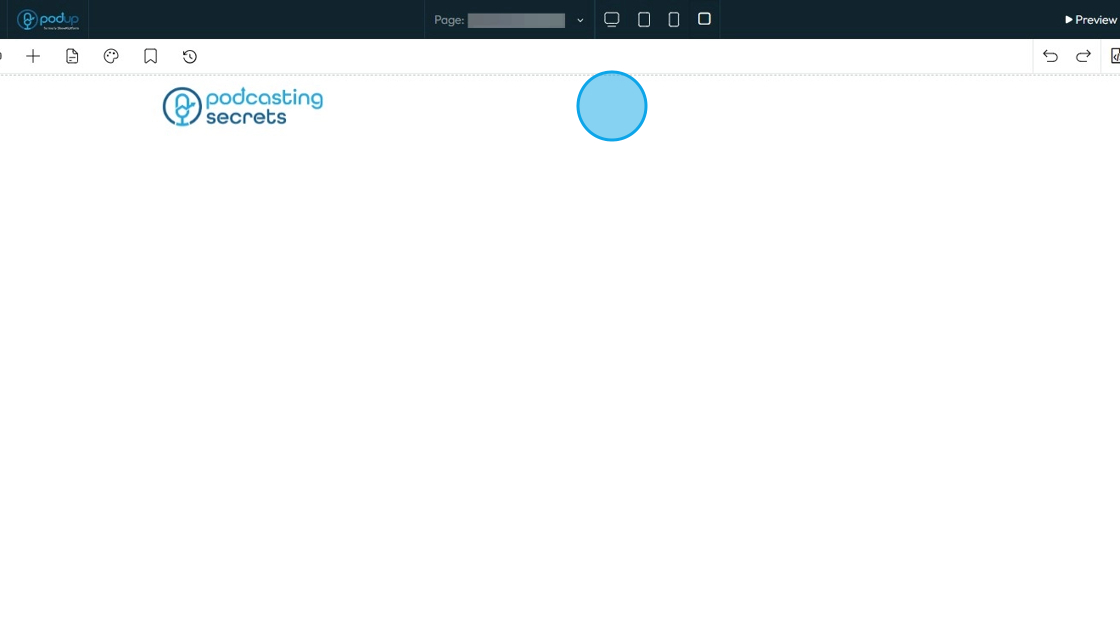
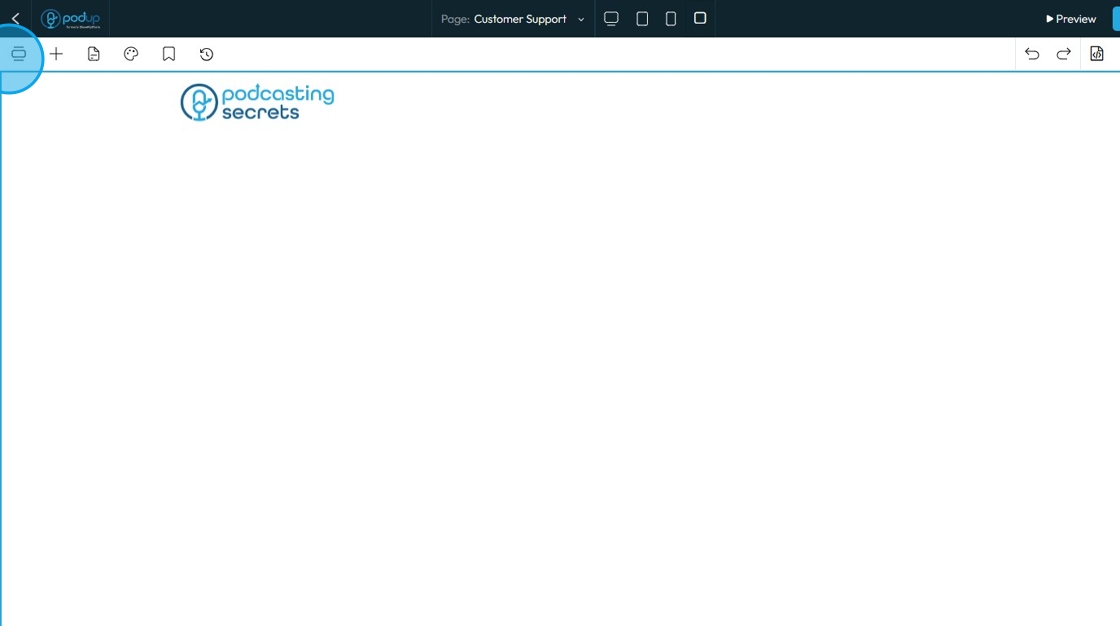
9. Click "Components"
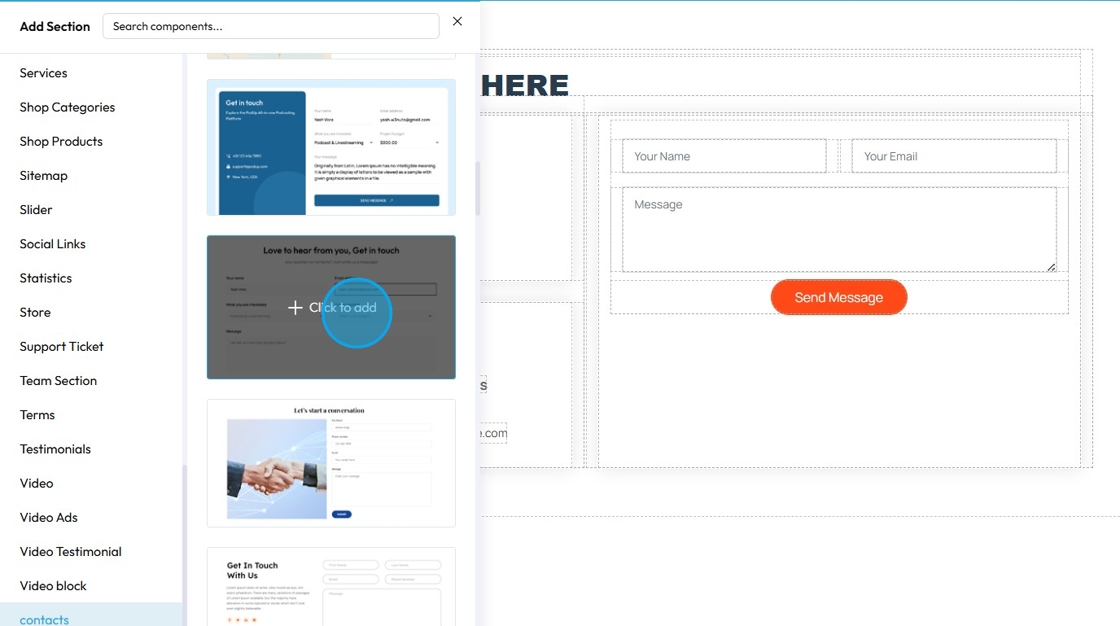
10. Click "contacts" under the Add section

11. Choose from a list of 30+ template for contacts
Click on the template you wish to choose
12. Choose between Default and Global Settings
- Global will allow customize this section to your preset Global settings
Click "Apply Changes"

13. Your preferred template will be applied to the page
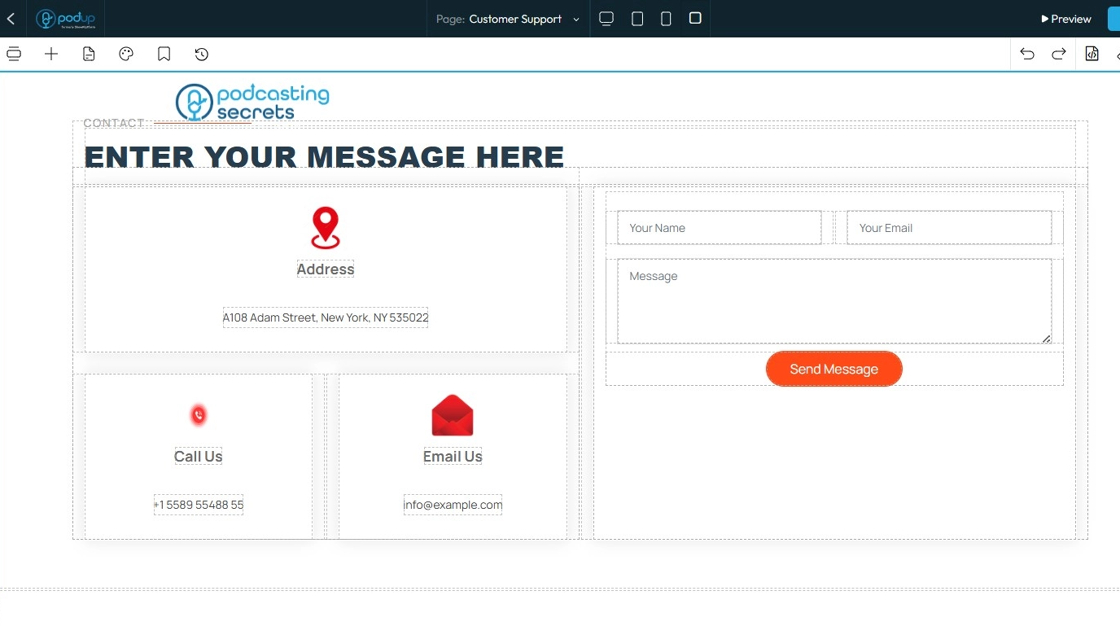
14. Customize the page as per your needs
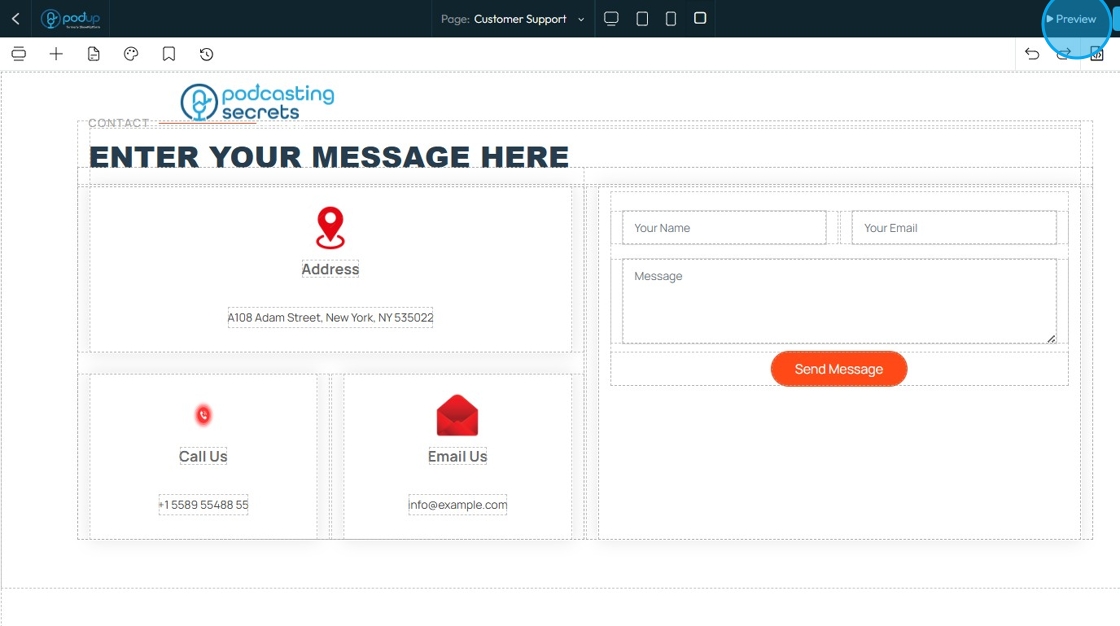
15. Click "Save"
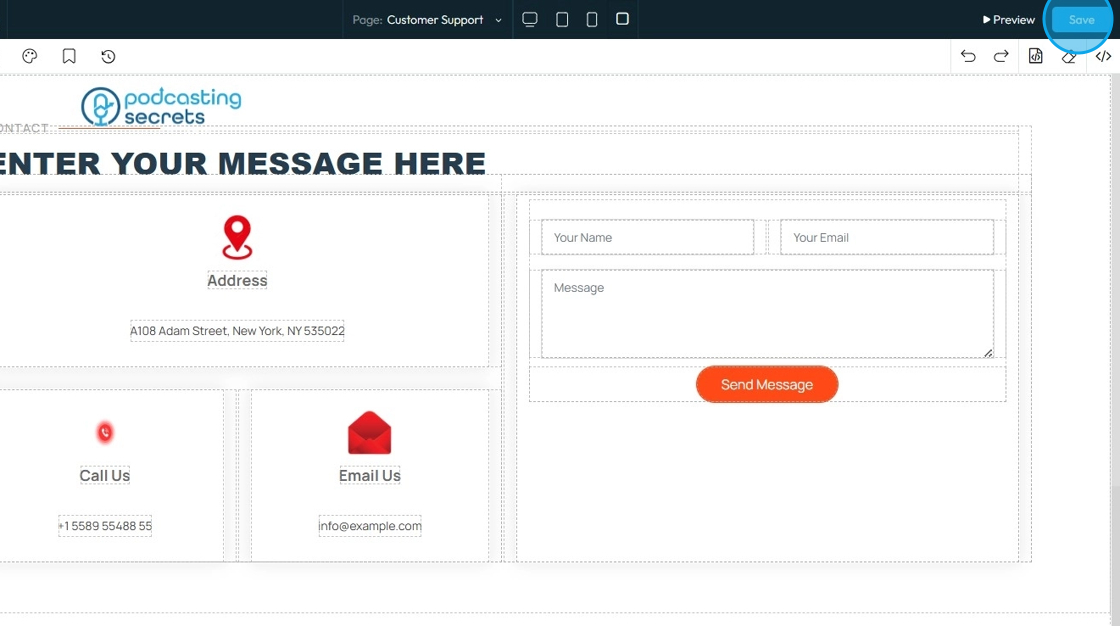
16. Once you publish the "Contact Us" page will look as presented

Related Articles
How to Navigate Page Builder (Detailed)
This guide provides a straightforward method for creating and customizing website pages using PodUp's Page Builder, making it ideal for users of all skill levels. It outlines each step in the process, from accessing the page builder to editing ...How to create a form for my contact us page
This guide provides a straightforward process for creating and integrating a contact form on your website using PodUp. It simplifies the steps, ensuring even those with minimal technical skills can effectively set up a user-friendly contact page. By ...Can I make my website in another language?
Use this guide to create a multilingual website on PodUp and reach a wider audience Tip: Yes! You can make your website in different languages 1. Navigate to https://app.podup.com/home 2. Click "My Site" 3. Select "Page Builder" 4. This section ...How to Make Sure That My Website Page isn't Published
By following this guide, you can keep your website page unpublished to control visibility and refine content before launch. 1. Navigate to https://app.podup.com/home 2. Click "My Site" 3. Select "Page Builder" 4. This section displays all the pages ...Why Aren't My Changes Saving On Website
By following this guide, you can resolve issues preventing your website changes from saving and ensure updates are applied smoothly. 1. Use the Page Builder to make changes to your website 2. After making the changes, make sure to click the "Save" ...