How do I make a customer support page?
This guide provides a straightforward, step-by-step process for creating an effective customer support page using PodUp. It simplifies the setup by detailing each action needed, from navigating the platform to customizing your support section.
1. Navigate to https://app.podup.com/home
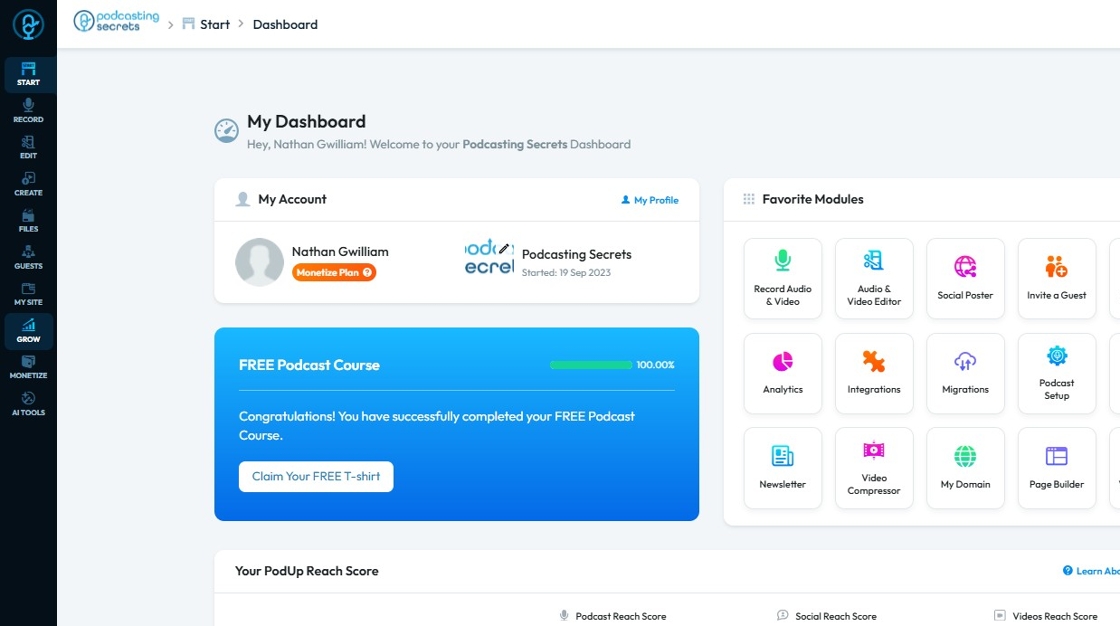
2. Click "My Site"
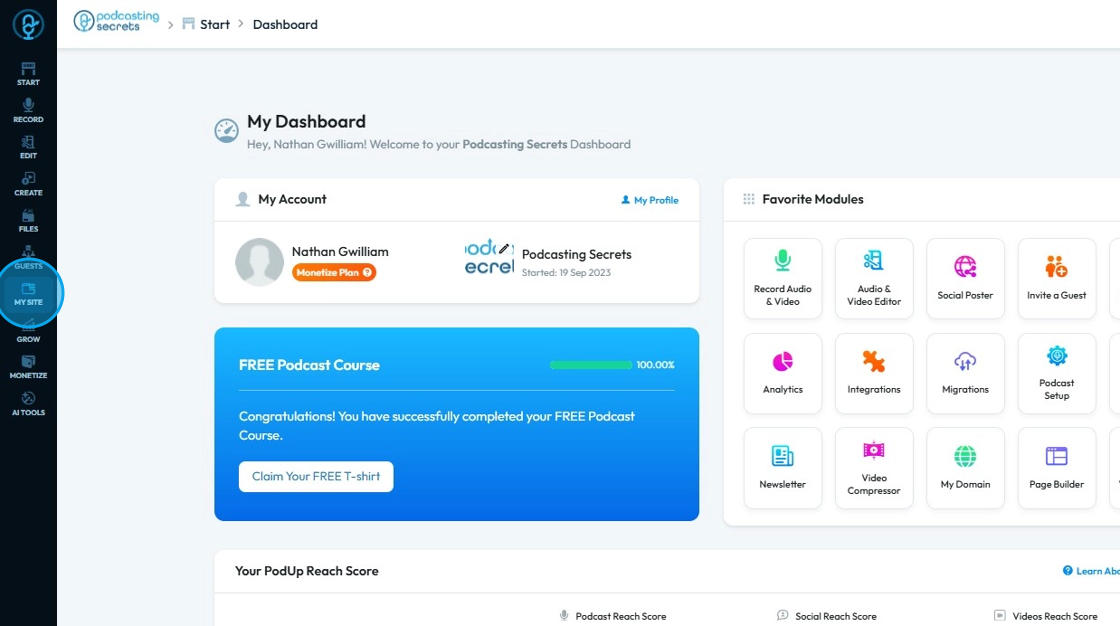
3. Select "Page Builder"
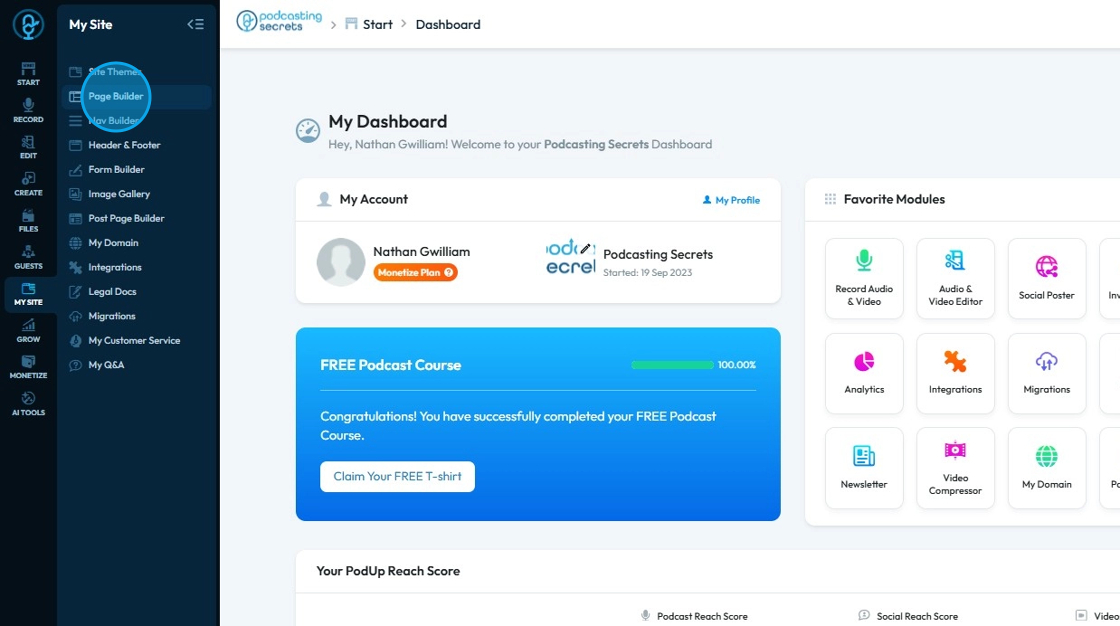
4. Click "Add New Page"
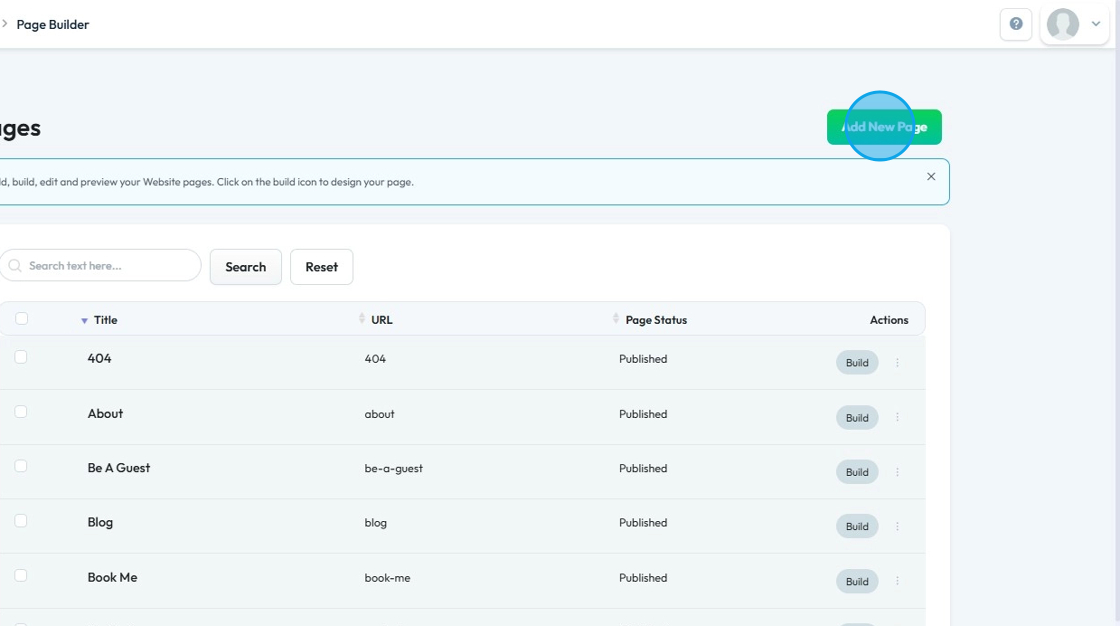
5. This will be your "Add New Page" section.
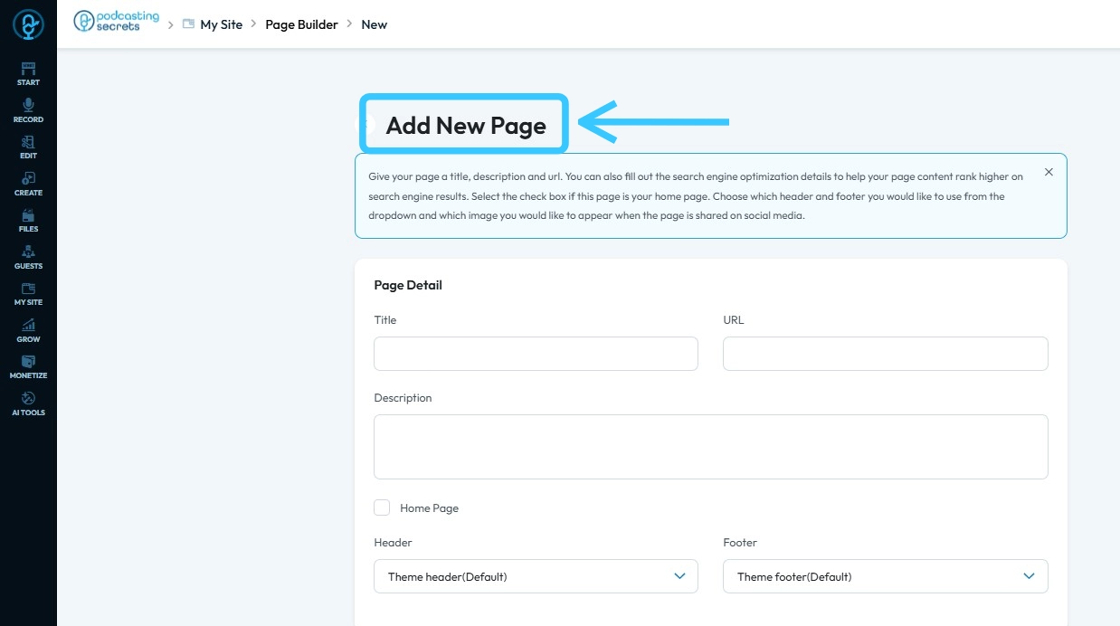
6. Fill in all the information and then click "Submit"
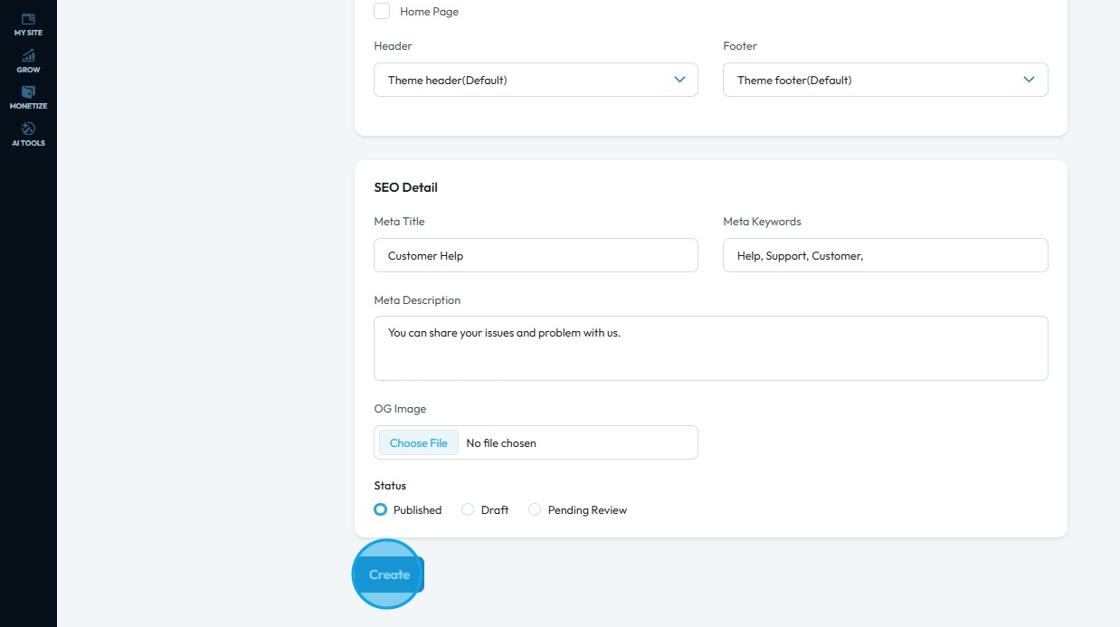

Tip: For help with filling out this page form see this article
7. You will be redirected to PodUp page builder.
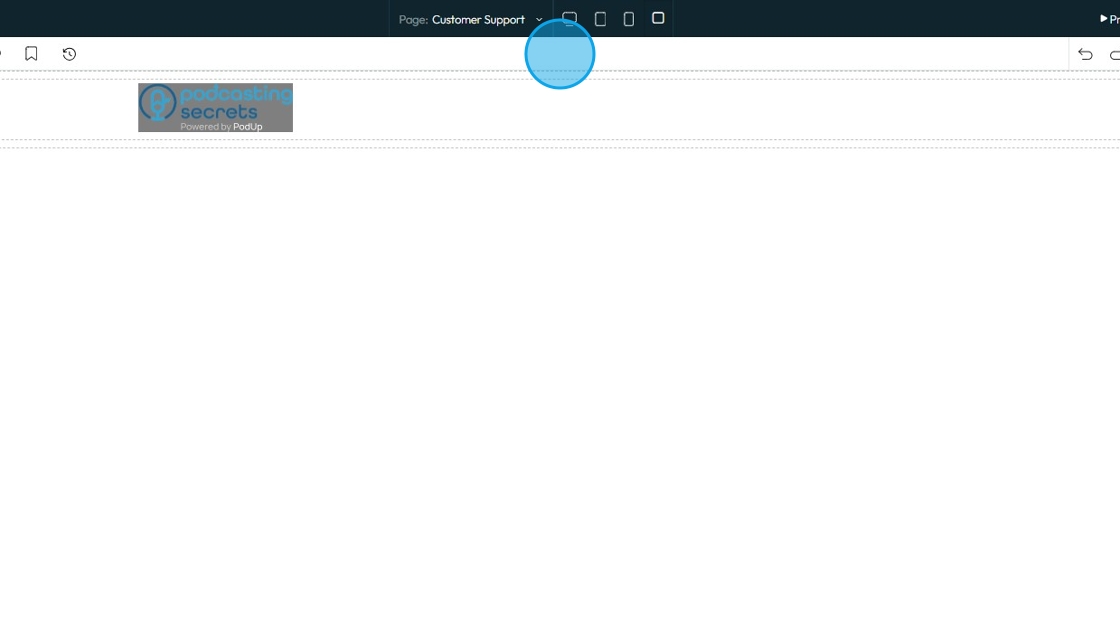
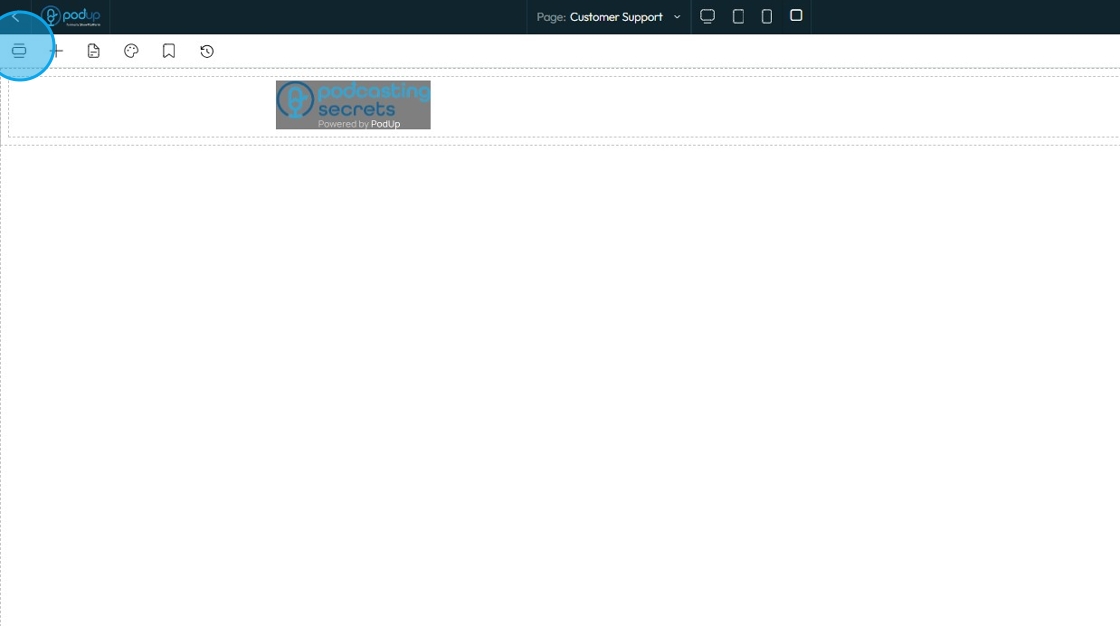
8. Click this "Add Section" icon.
9. Scroll down and choose "Support Ticket"

10. Click to add the section to the page
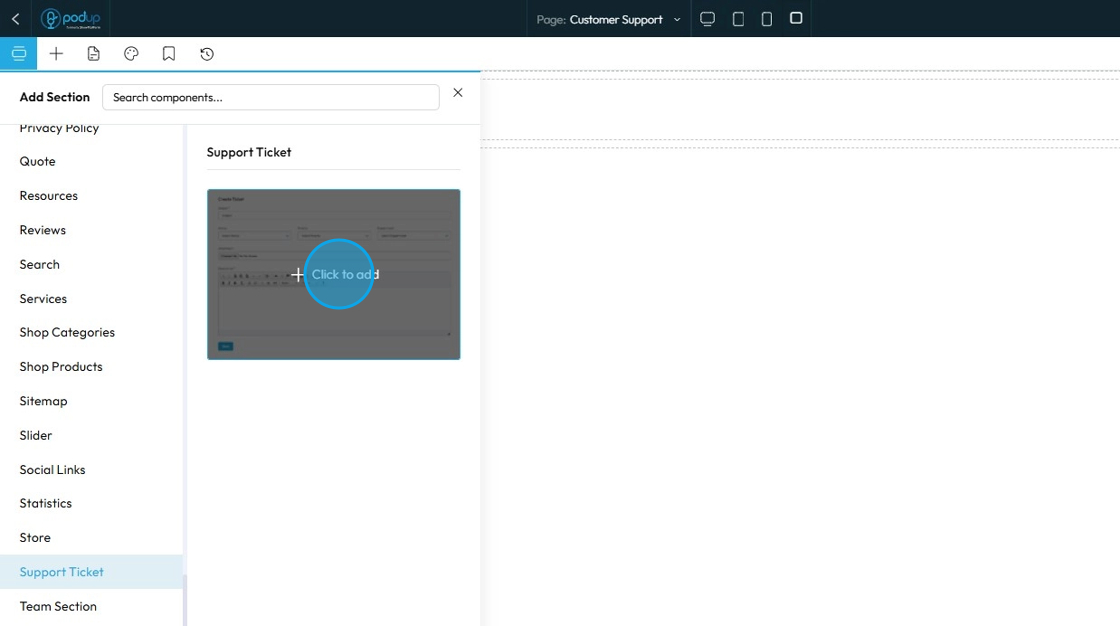
11. Edit the section according to your need and then click "Save".

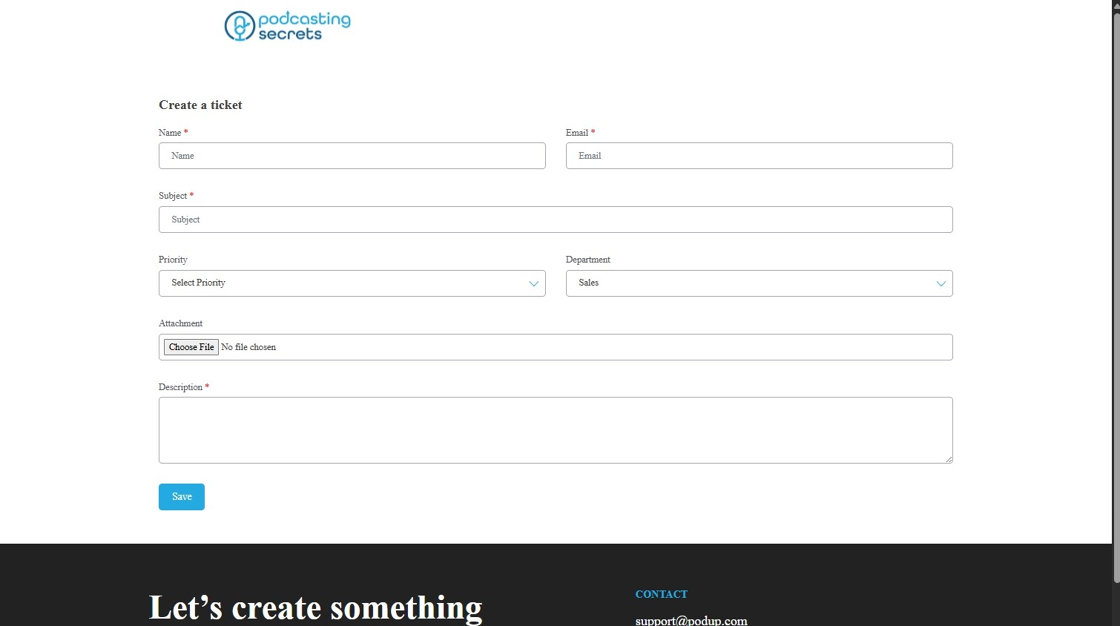
12. This is how your "Customer Support Page" will look like.
Related Articles
How do I get support?
Use this guide to quickly access PodUp support and resolve issues 1. Navigate to https://app.podup.com/home 2. In the bottom-right corner of the “Dashboard,” click the chat bubble to access support 3. The chat box will appear 4. Enter your message ...Why Aren't My Changes Saving On Website
By following this guide, you can resolve issues preventing your website changes from saving and ensure updates are applied smoothly. 1. Use the Page Builder to make changes to your website 2. After making the changes, make sure to click the "Save" ...How to make a Contact Us page for my website
This guide offers a straightforward approach to creating an effective "Contact Us" page for your website, ensuring that visitors can easily reach you. It walks you through the process step by step, from setting up the page to customizing it with one ...How to Make Sure That My Website Page isn't Published
By following this guide, you can keep your website page unpublished to control visibility and refine content before launch. 1. Navigate to https://app.podup.com/home 2. Click "My Site" 3. Select "Page Builder" 4. This section displays all the pages ...Can I make my website in another language?
Use this guide to create a multilingual website on PodUp and reach a wider audience Tip: Yes! You can make your website in different languages 1. Navigate to https://app.podup.com/home 2. Click "My Site" 3. Select "Page Builder" 4. This section ...