How do I edit the captions of my video
By following this guide, you can easily edit video captions on PodUp to improve accessibility and engagement. It helps you customize captions to match your content’s style, ensuring your videos look polished and professional.
1. Navigate to https://app.podup.com/home
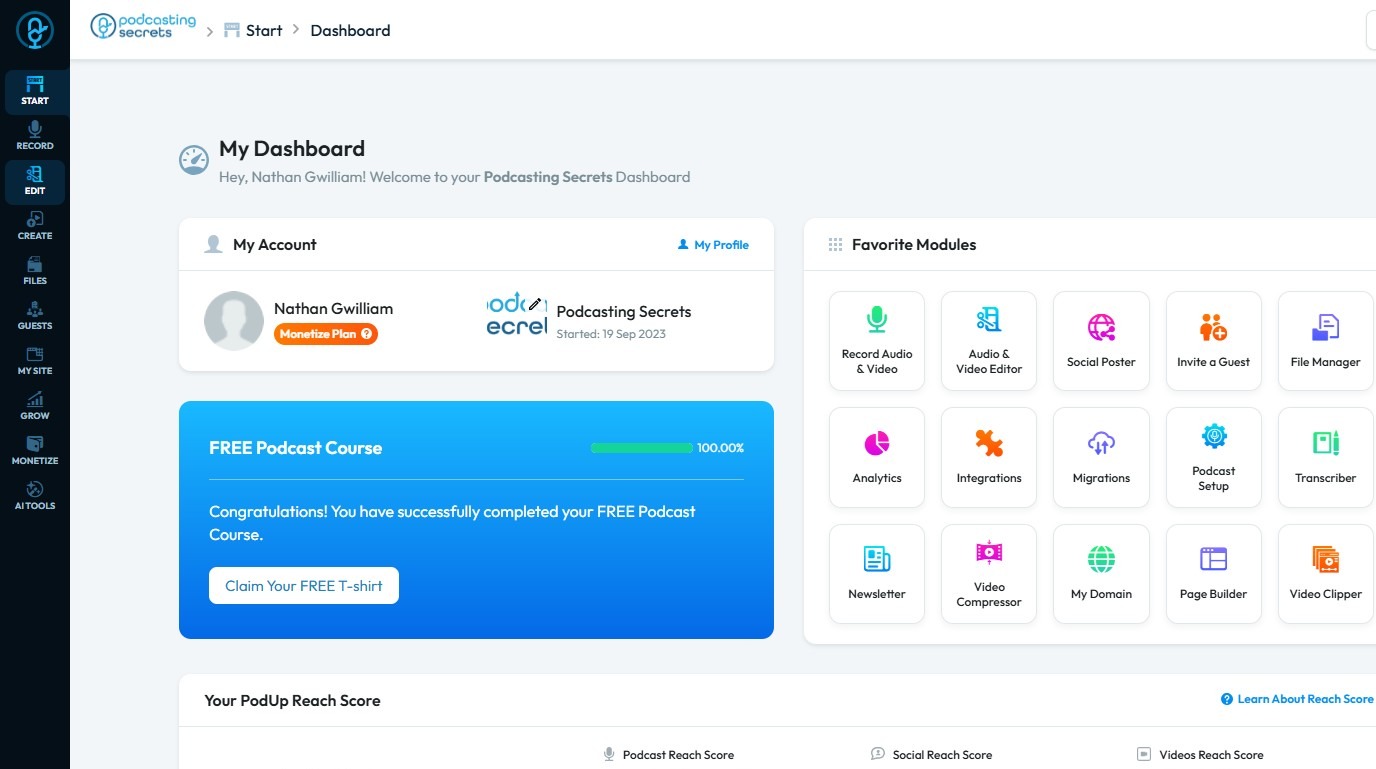
2. Click "Edit"
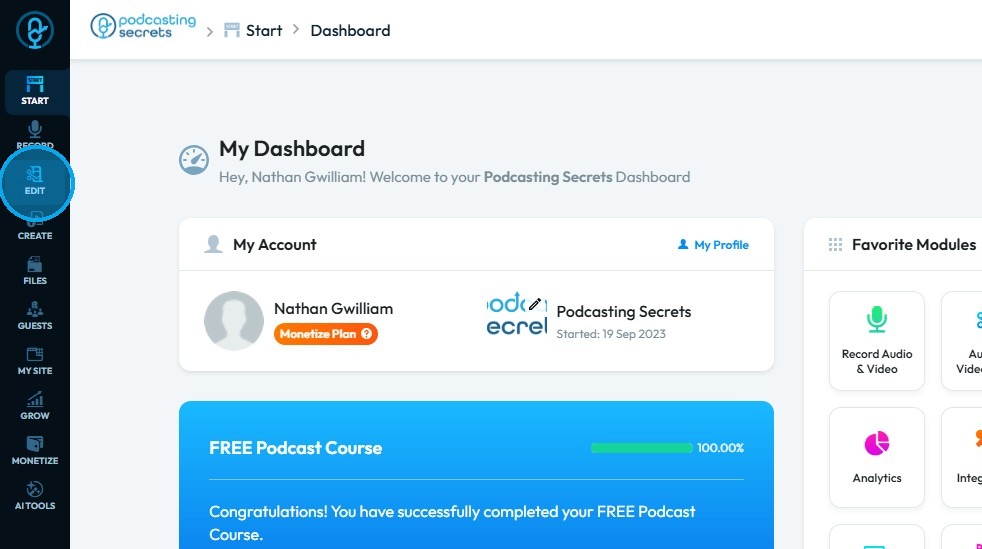
3. Select Editor
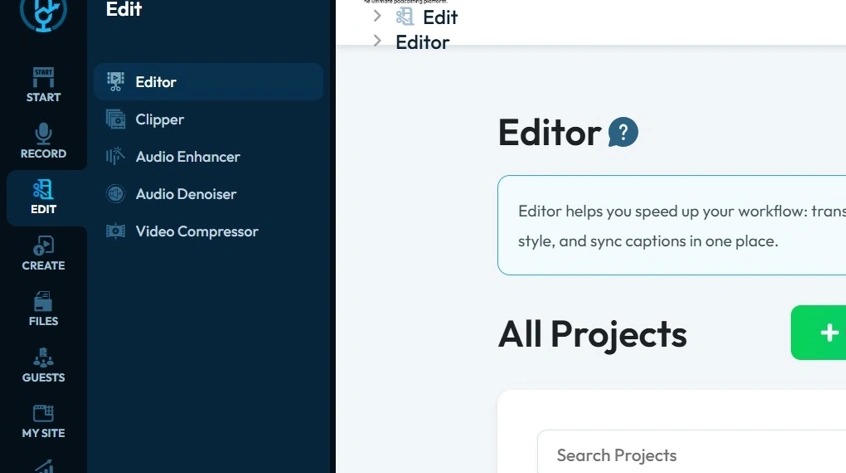
4. Choose the video project from which you wish to edit captions
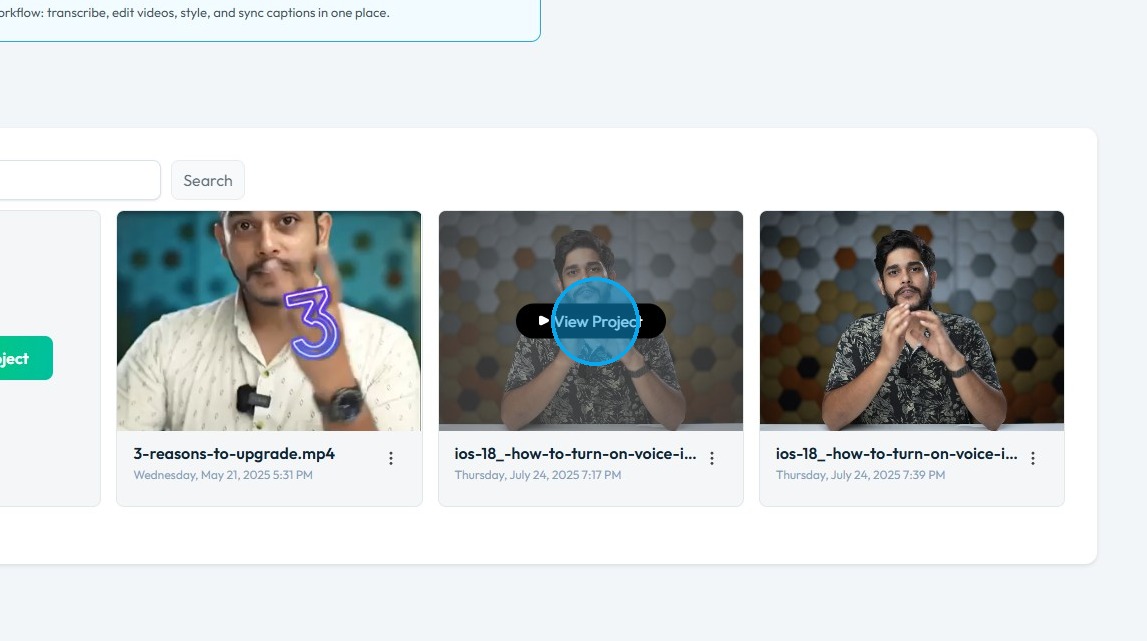
5. Ensure you are on the “Edit” tab
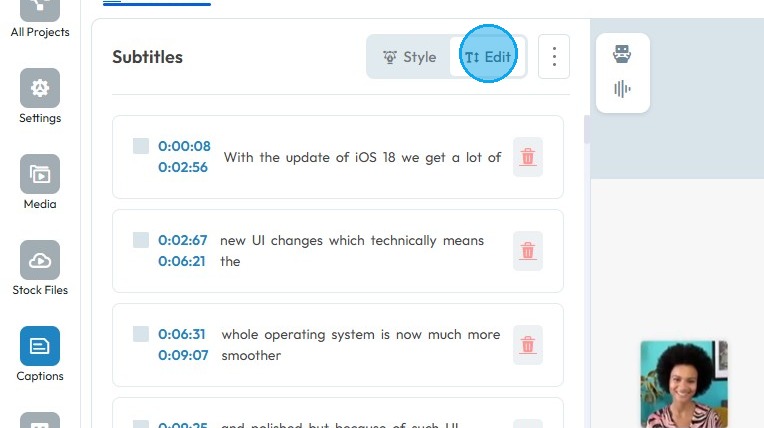
6. Click the caption you wish to edit
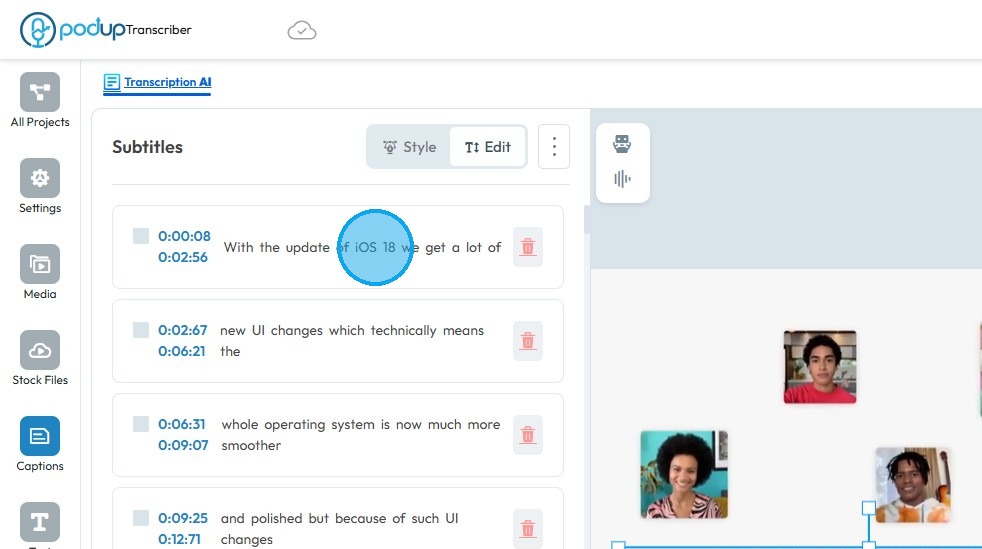
7. Update the “Captions” as needed
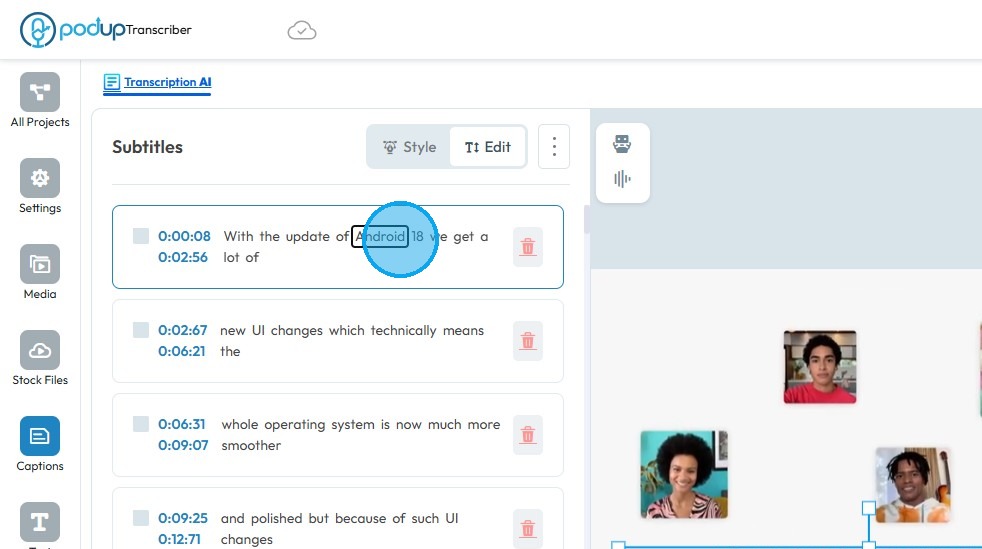
8. Click “Style” to modify the theme
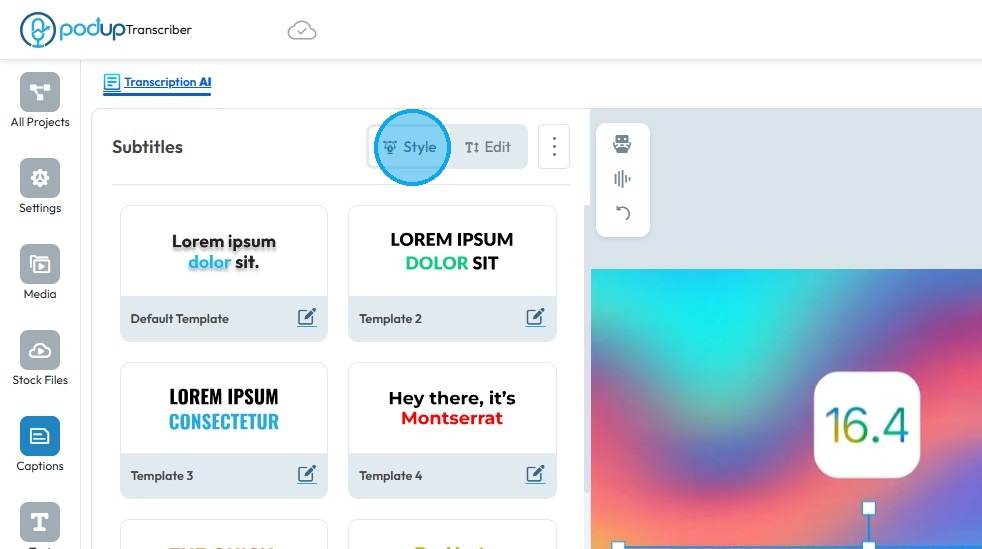
9. Select the template theme you wish to apply to the captions
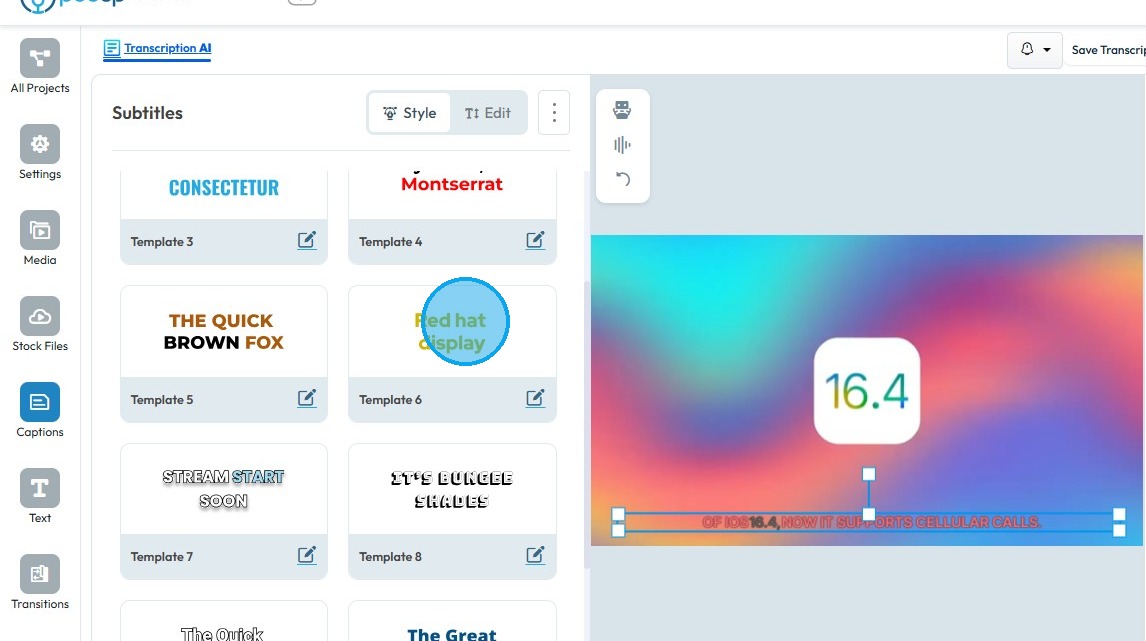
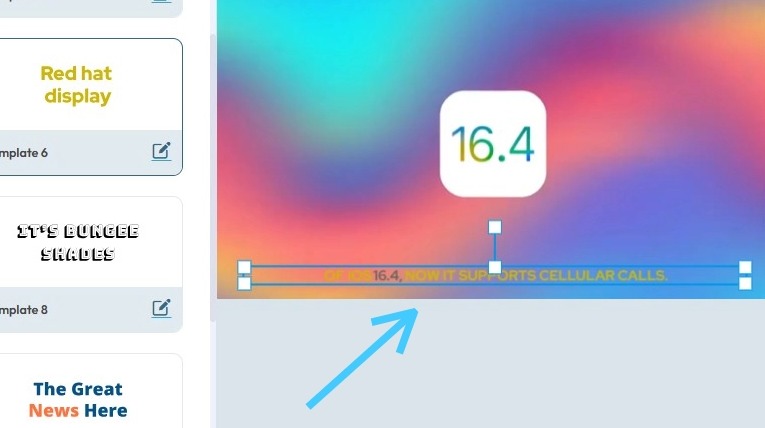
10. The caption theme will be updated
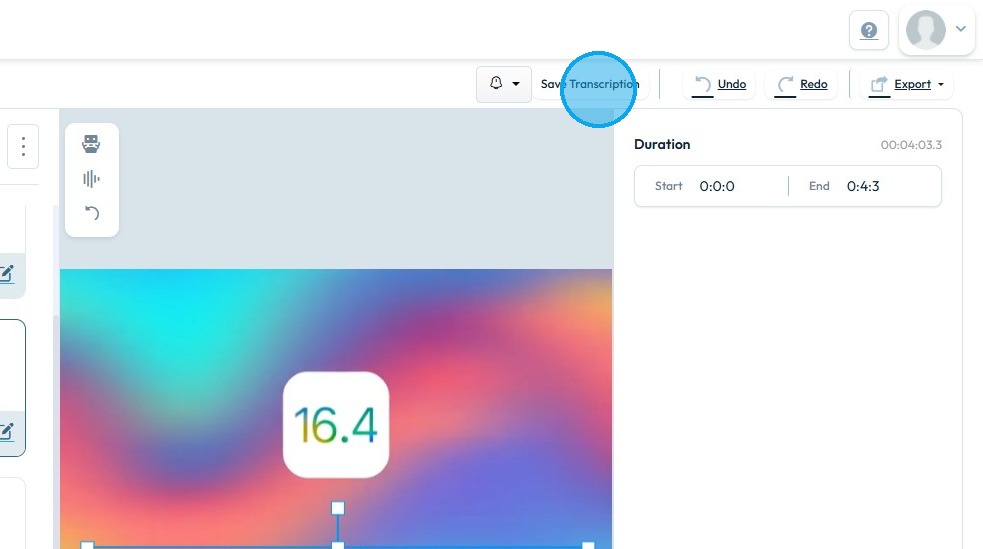
11. Click “Save Transcription” to apply the changes
Related Articles
How to remove captions from my video
By following this guide, you can easily remove captions from your videos on PodUp, streamlining your editing process and creating a cleaner, more focused viewing experience. 1. Navigate to https://app.podup.com/home 2. Click "Edit" 3. Select Editor ...Can't edit / site breaks
can't edit, site is broken, editor not working, page crashes, can't save changes, editor won't load, site down This guide is essential for anyone looking to effectively edit audio and video using Podup's Editor. It provides a comprehensive overview ...How To Navigate Video Clipper (Detailed)
This guide offers a comprehensive walkthrough for creating engaging video clips using Podup Video Clipper, making it invaluable for content creators. It simplifies the process by detailing steps for uploading videos, selecting captions, and ...How To Navigate Video Clipper (Detailed)
This guide offers a comprehensive walkthrough for creating engaging video clips using Podup Video Clipper, making it invaluable for content creators. It simplifies the process by detailing steps for uploading videos, selecting captions, and ...How to Add A Video to My Website using Quick Add (Detailed)
This guide shows you how to quickly add videos to your website using the Quick Add feature. It walks you through choosing a video source and customizing how it looks and works. Follow the steps to make your site more engaging and professional with ...