Will changing my domain delete my website?
By following this guide, you can easily update your PodUp subdomain to enhance your branding and user experience while keeping your website fully accessible.
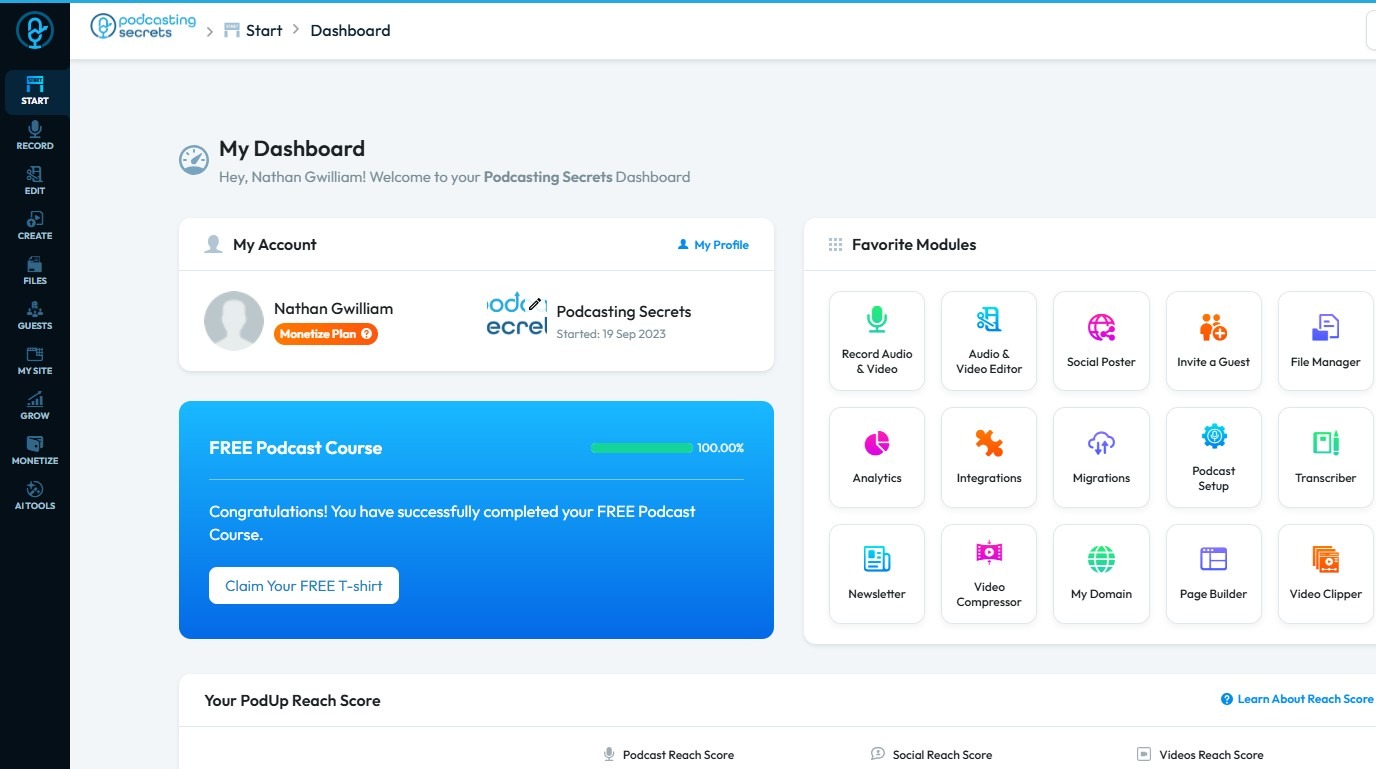
1. Navigate to https://app.podup.com/home
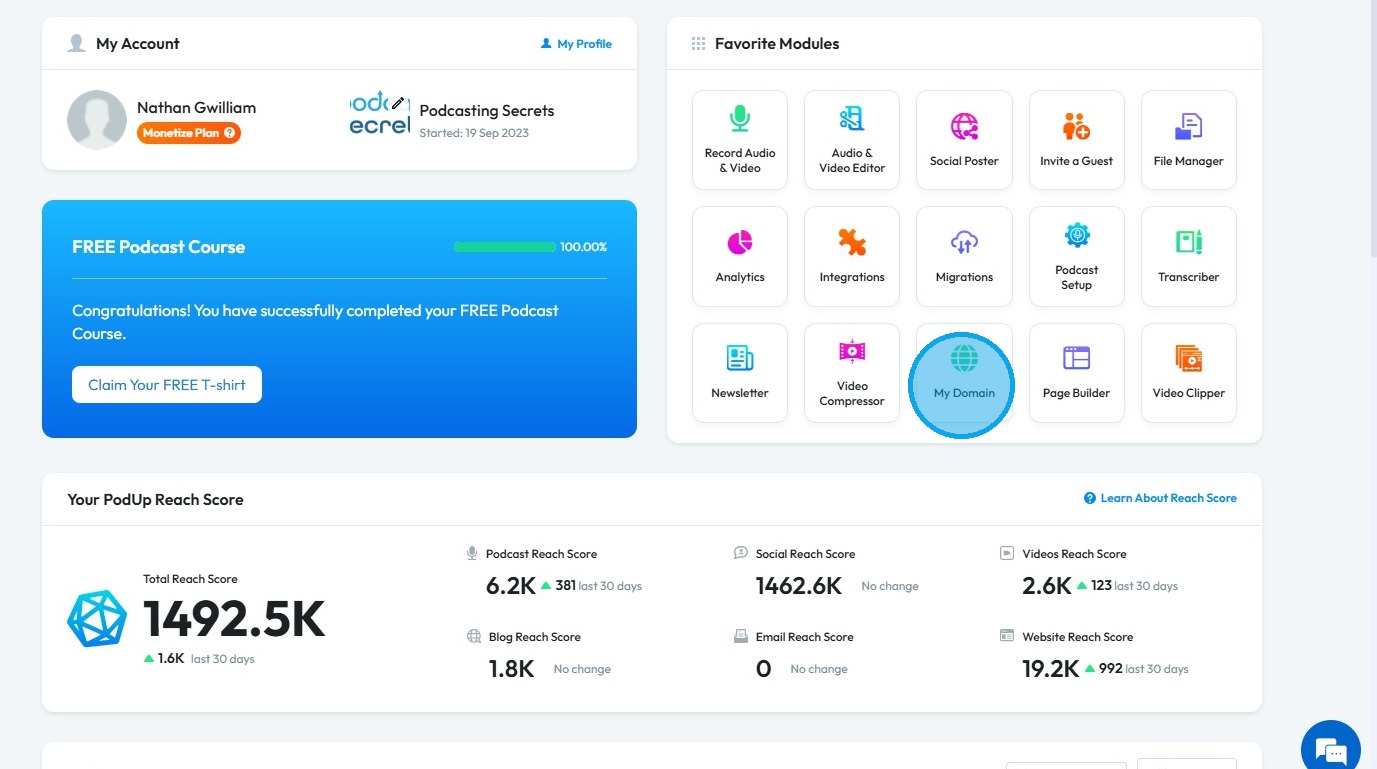
2. Click "My Domain".
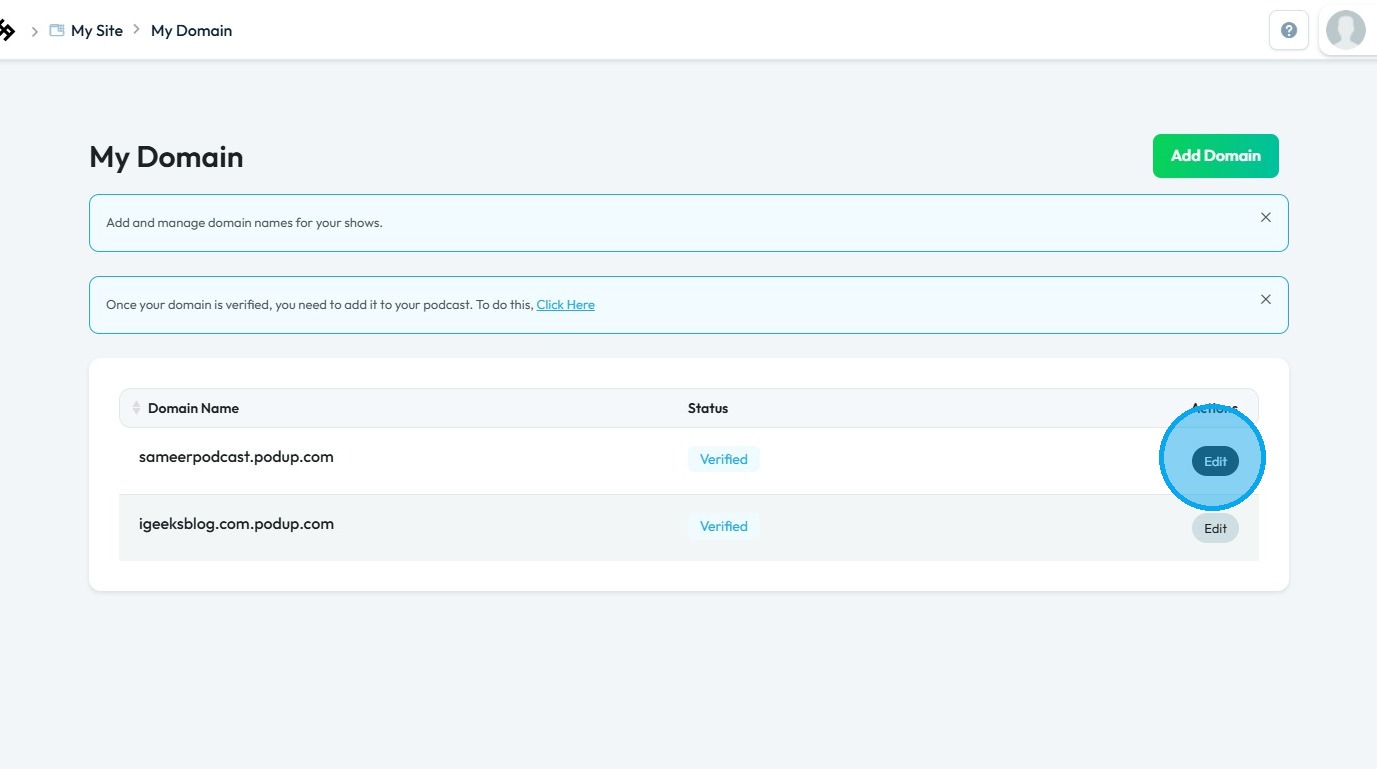
3. Click the “Edit” button for the domain name that needs to be updated
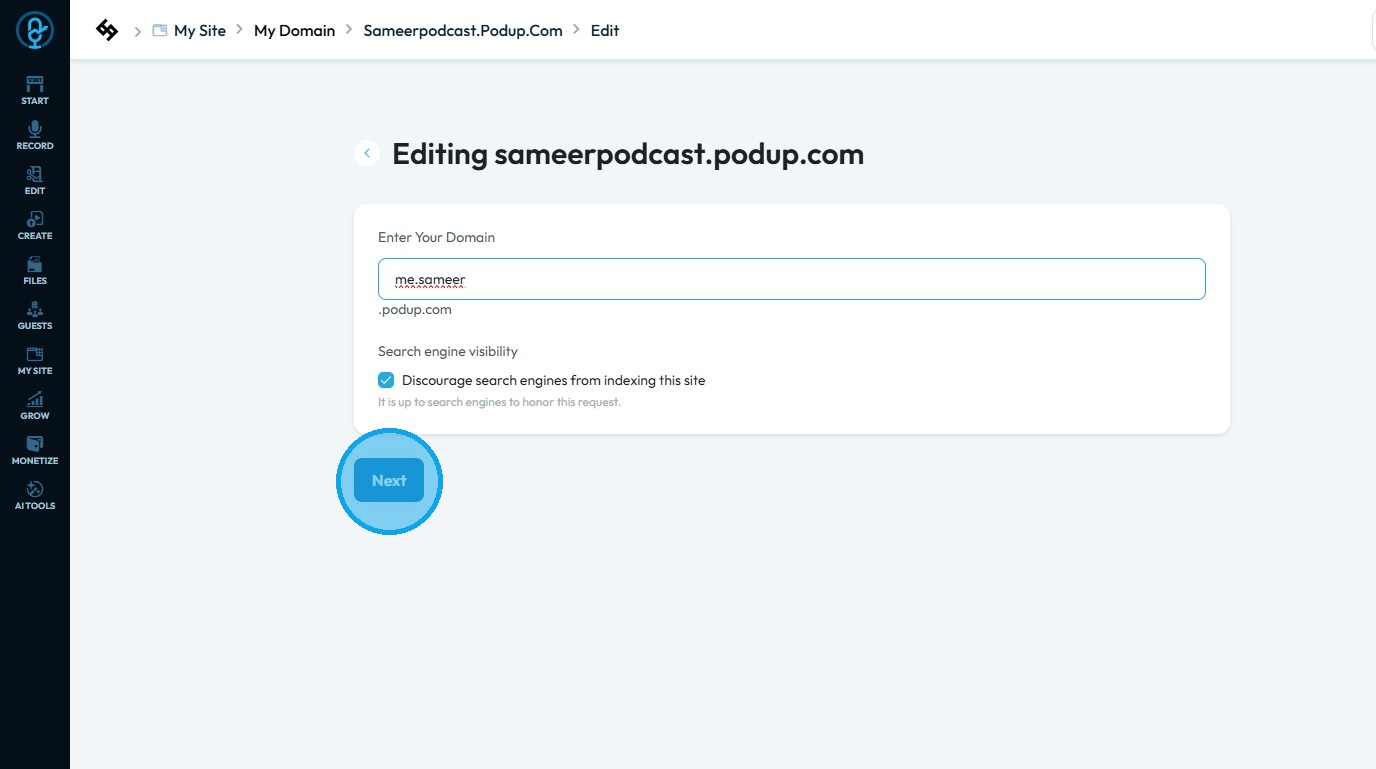
4. Click the "Domain Name" field.
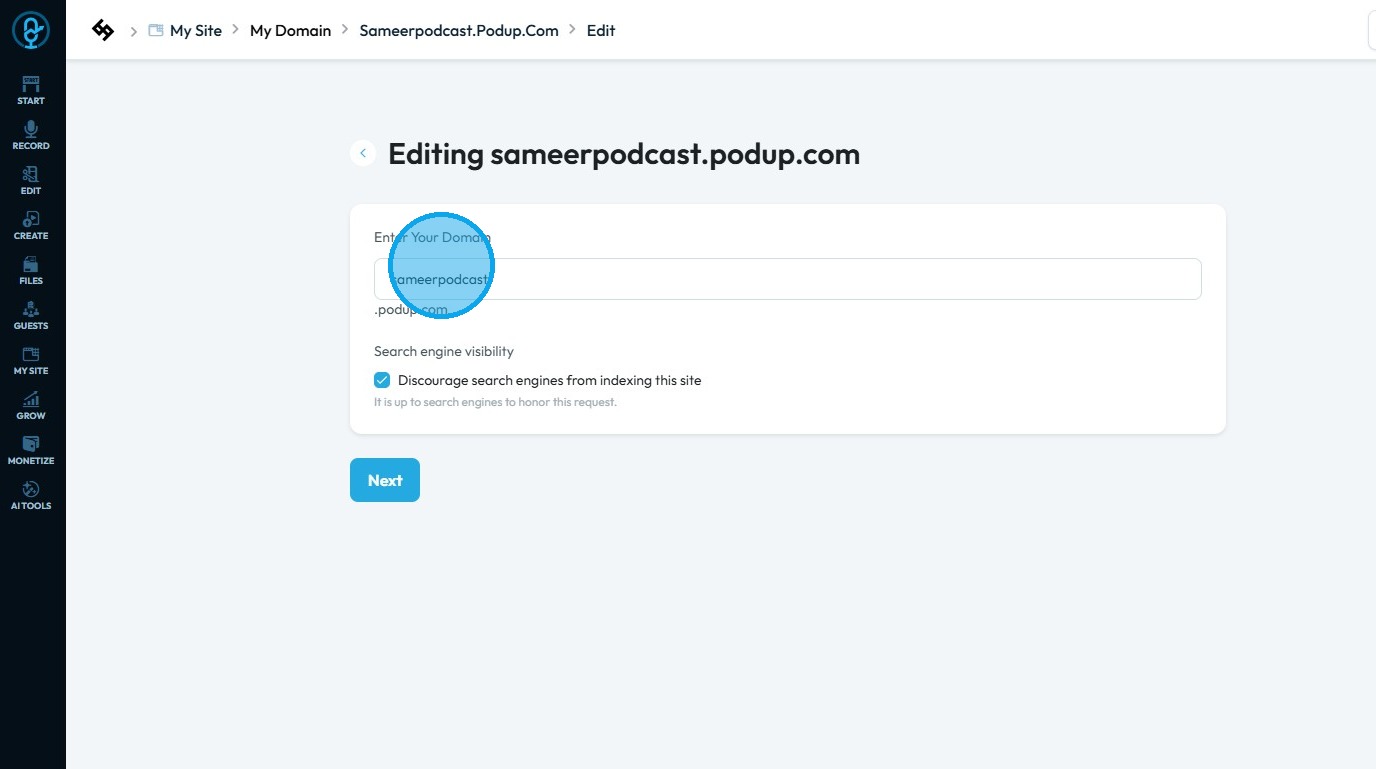
5. Change the Domain name and click "Next"
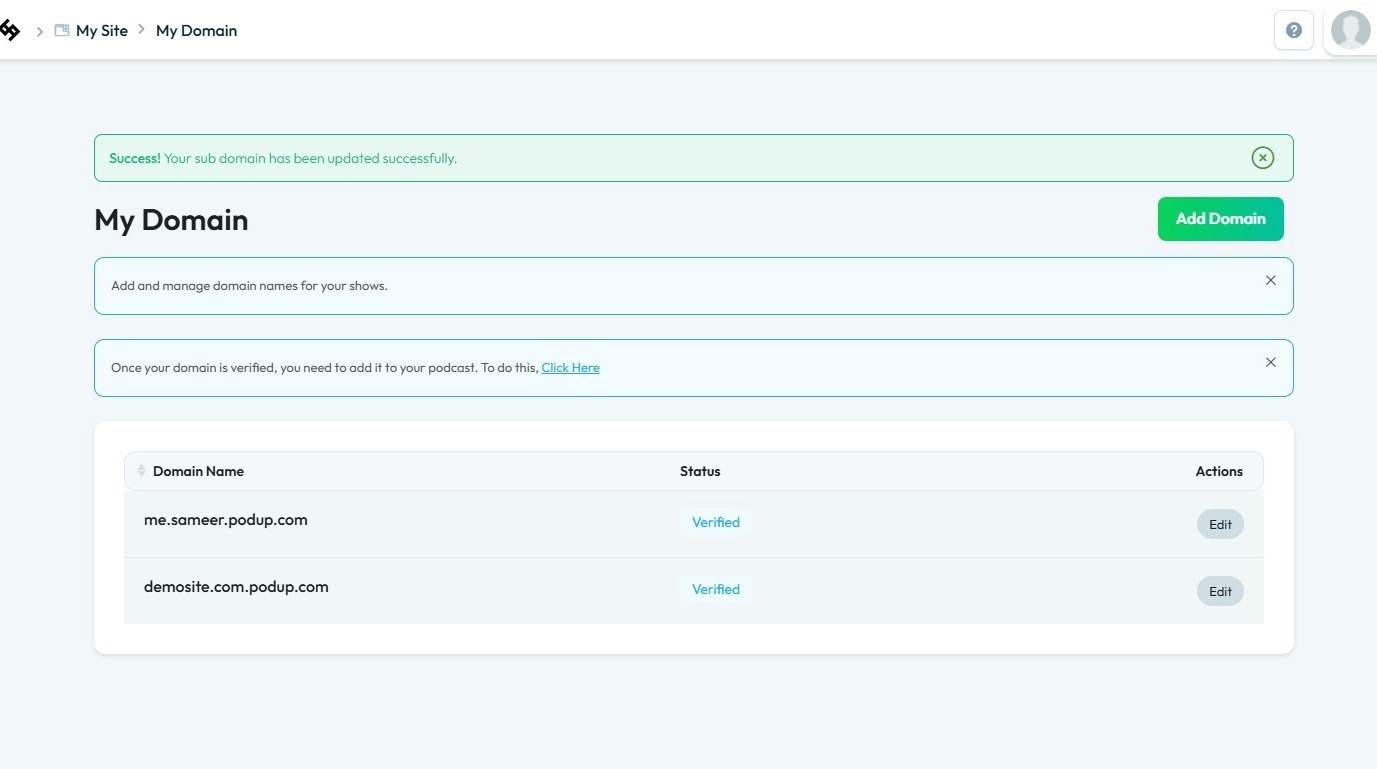
6. Once the domain name has been successfully updated
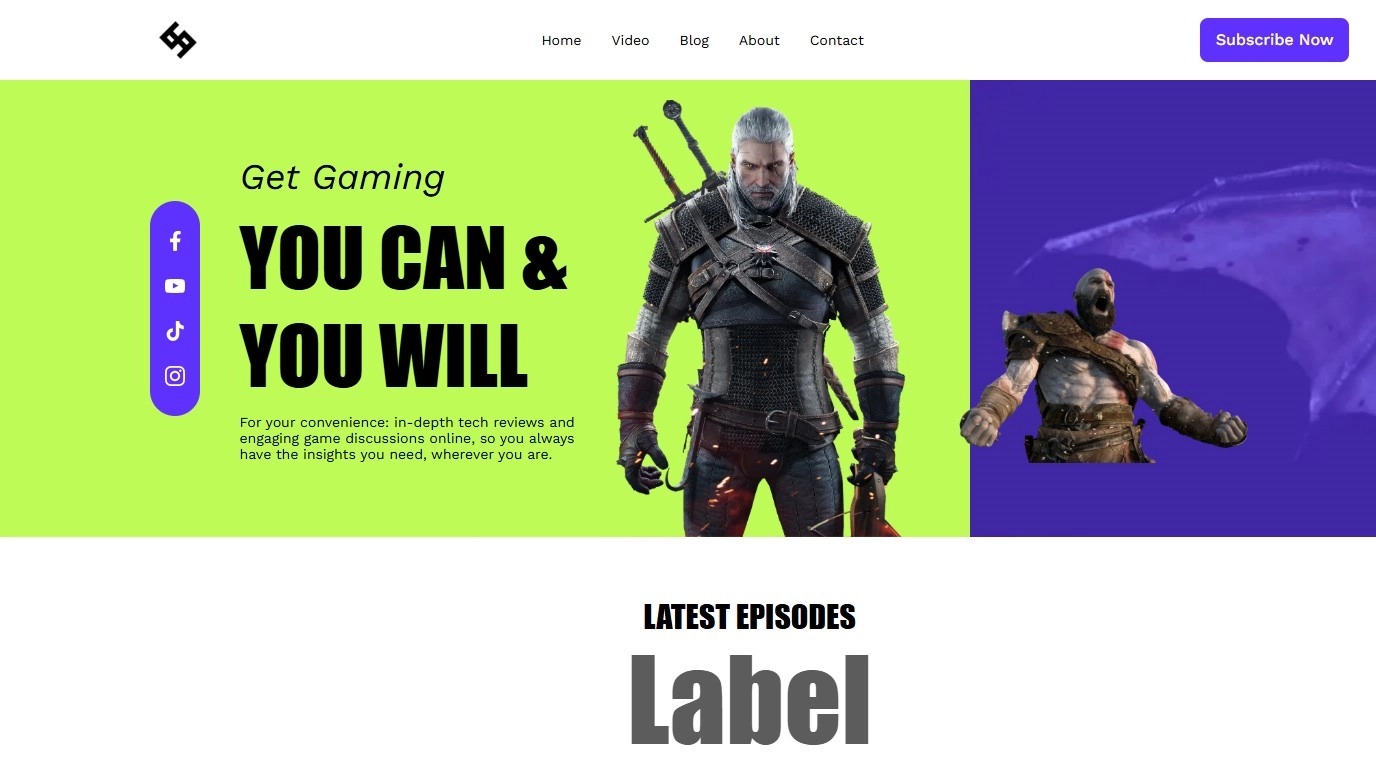
7. The website will continue to load normally, updating the domain will not delete the site.
Related Articles
Domain error
domain error, custom domain not working, domain won't connect, DNS issue, website domain broken This guide offers a step-by-step approach to linking your custom domain on PodUp, making it easy to set up your podcast website. It simplifies the process ...How to Delete a Domain Name in Podup
This guide provides a straightforward process for deleting a domain name in Podup, ensuring users can manage their domains efficiently. It outlines each step clearly, making it easy for anyone, regardless of technical expertise, to follow along. By ...How to Automatically Add My Domain My Website
This guide walks you through adding your domain to your website quickly and easily. It covers privacy settings, DNS tips, and helps you avoid setup hassles so you can focus on building your site. 1. Navigate to https://app.podup.com/home 2. Click ...Will my post automatically be added to my website?
Use this guide to automatically integrate your posts with your website for easy, hands-free content sharing 1. Yes, any content you post will be automatically published on your websiteHow to disconnect your custom domain
This guide shows you how to unlink your custom domain from PodUp 1. Navigate to https://app.podup.com/home 2. Click "My Domain" in the Favorite Tools section. 3. The "My Domain" page will be displayed 4. Click the three-dot menu next to your custom ...