Why is my recording processing?
By following this guide, you will understand the recording “processing” phase in PodUp, helping you manage expectations and ensure a smoother experience with your audio or video files.
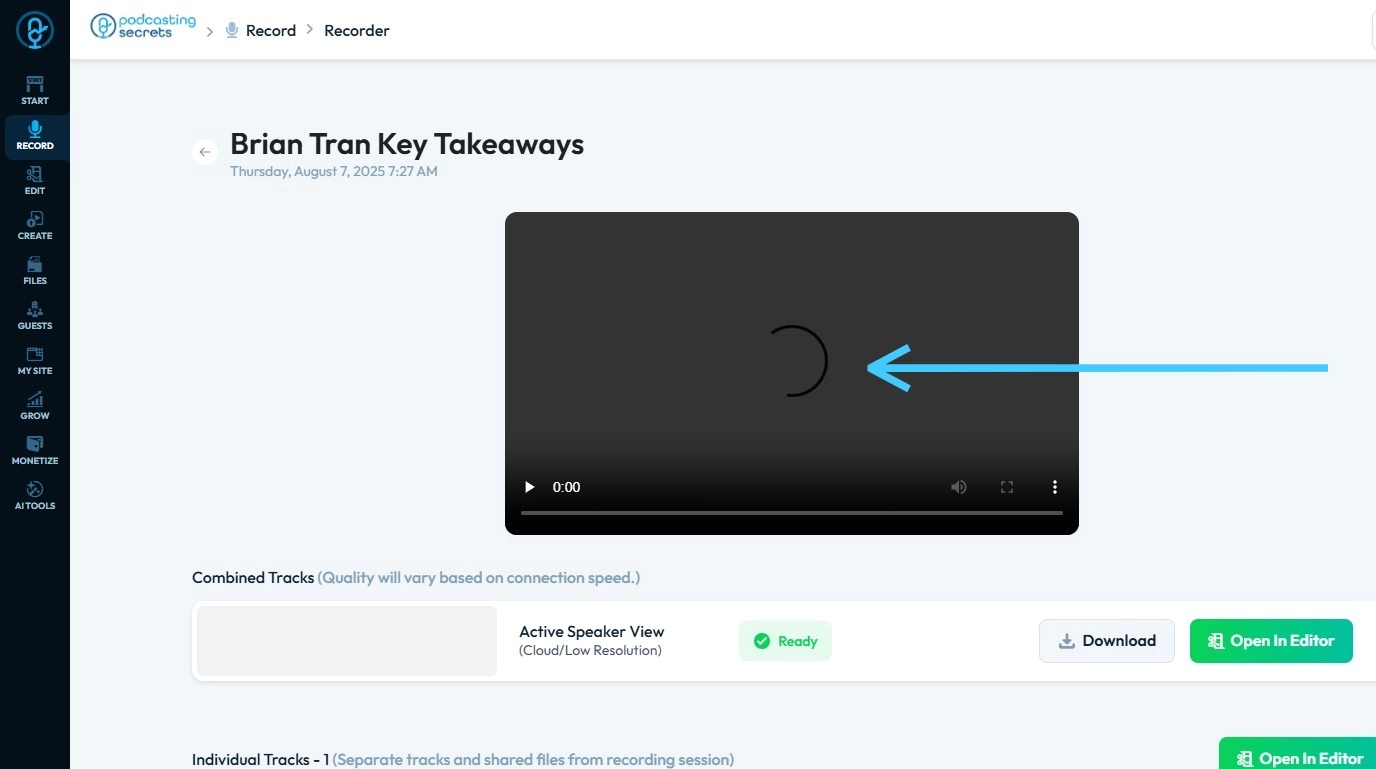
1. When your recording in PodUp is showing as "processing," it generally means that the platform is completing several behind-the-scenes steps to prepare your audio or video file for editing, publishing, or downloading.
The processing phase performs tasks such as noise reduction, AI-powered enhancements, and encoding the file into standard podcast formats. It may also involve syncing multiple tracks, generating automated transcripts or show notes, and optimizing quality for distribution.
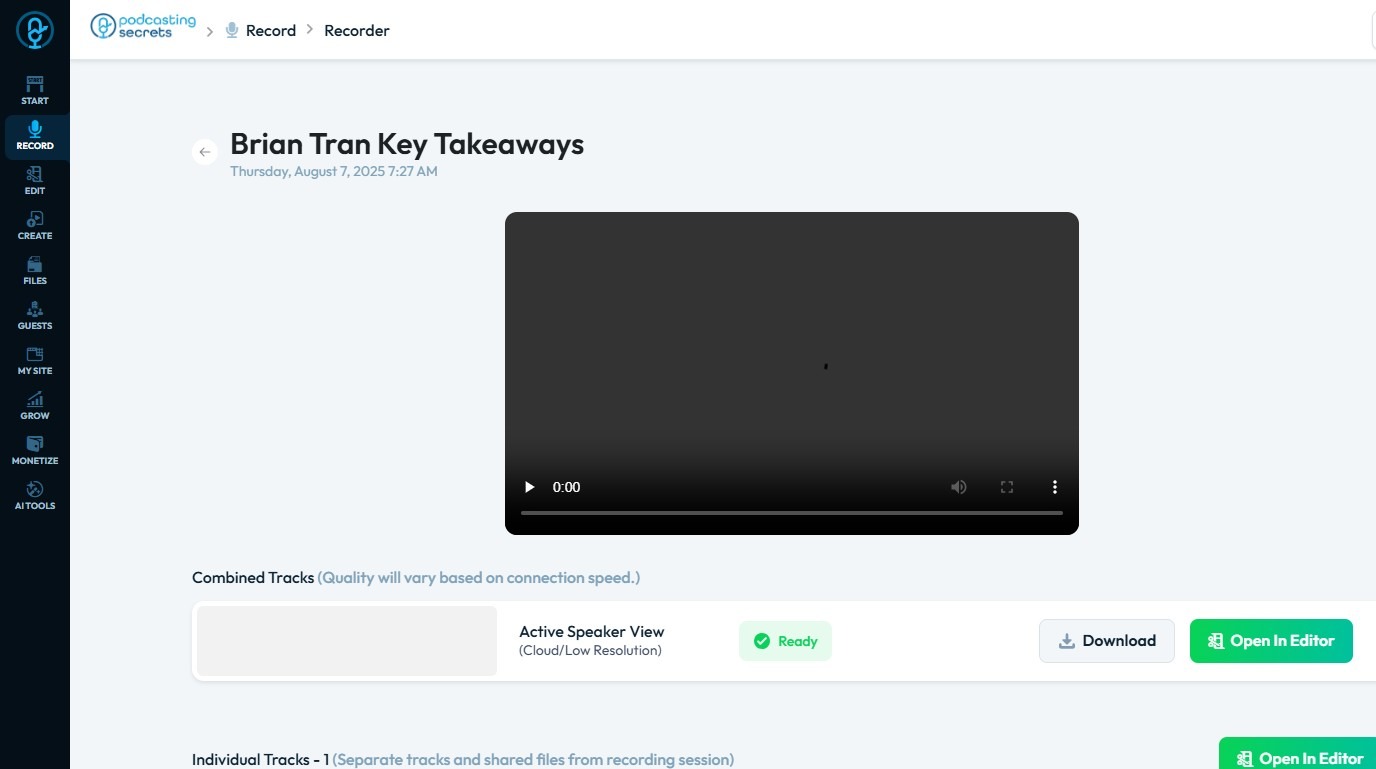
2. This processing can take varying lengths of time depending on:
The length of your recording
The file quality and number of tracks
Current system workload on PodUp's servers
In summary: your recording is processing because PodUp is optimizing it for editing and publication, which ensures high-quality output but can take time, especially for longer or more complex recordings
Related Articles
Upload / processing time
upload taking long, processing stuck, how long does upload take, video stuck processing, slow upload By following this guide, users can troubleshoot recording delays on PodUp and optimize playback by understanding and addressing factors like internet ...Why is my recording loading?
By following this guide, users can troubleshoot recording delays on PodUp and optimize playback by understanding and addressing factors like internet speed. 1. Navigate to https://app.podup.com/home 2. Click "Record Audio & Video" 3. The “List of ...How to Denoise my recording?
Easily remove unwanted noise in PodUp to boost your audio’s clarity and quality 1. Navigate to https://app.podup.com/home 2. Click "Record" 3. Select "All Recordings" 4. The 'All Recordings' page will open 5. Select the 'Studio' for the recording you ...How to Create a Recording Studio
This guide provides a straightforward approach to setting up a recording studio using the Podup platform. It simplifies the process, ensuring users can easily create either audio or video recording options tailored to their needs. By following the ...What can my Guest do During our Recording
This guide is essential for maximizing your recording experience, as it outlines the interactive features available to guests, such as real-time chatting, creating polls, and sharing screens. Additionally, the guide highlights options for adjusting ...