Why is my recording loading?
By following this guide, users can troubleshoot recording delays on PodUp and optimize playback by understanding and addressing factors like internet speed.
1. Navigate to https://app.podup.com/home
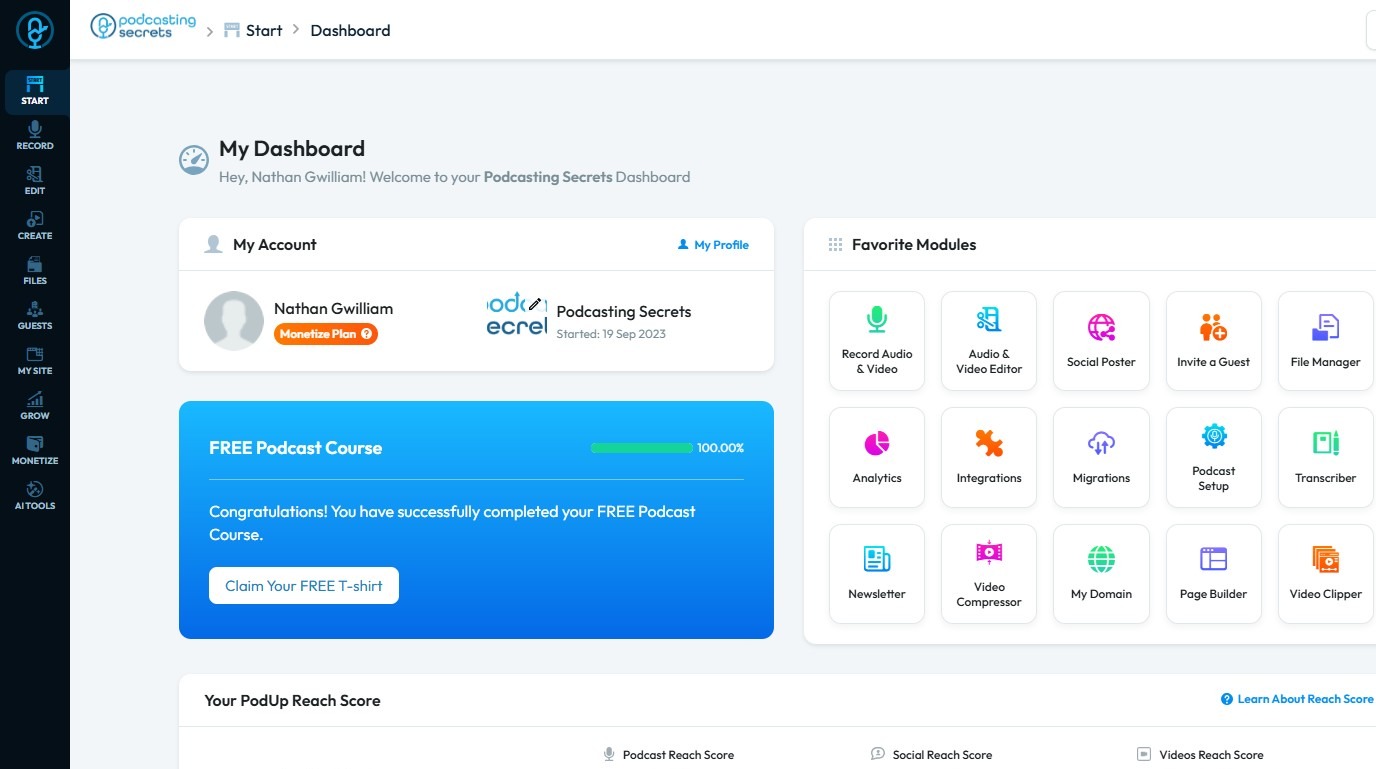
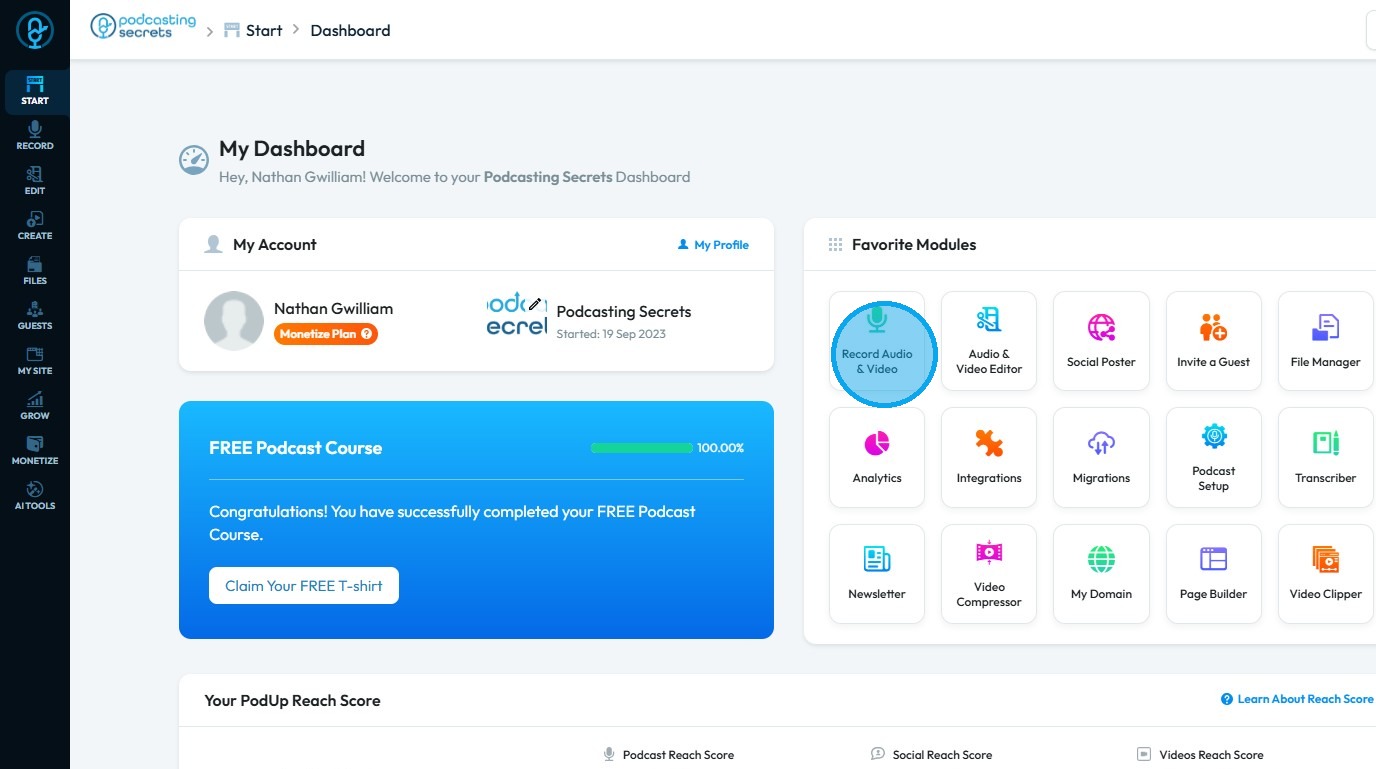
2. Click "Record Audio & Video"
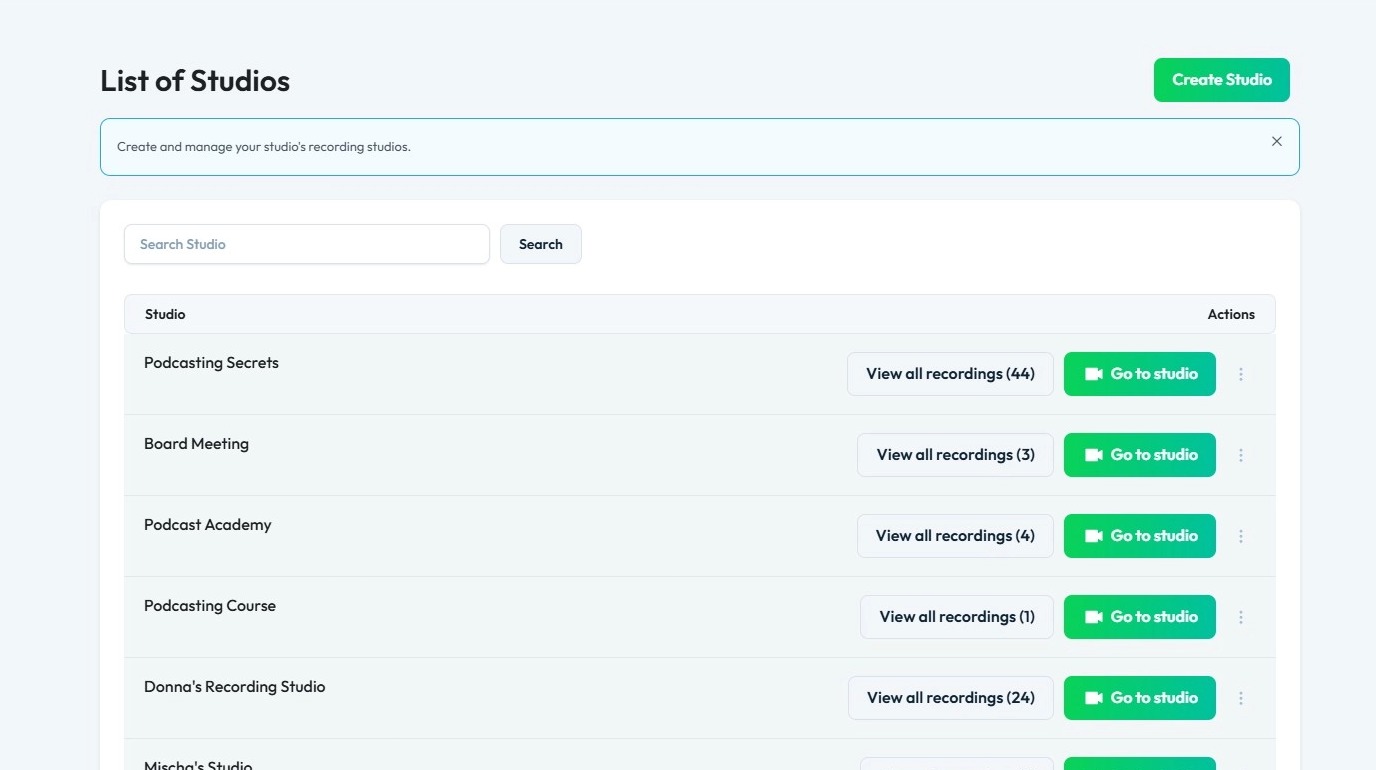
3. The “List of Studios” will display all the studios you have created
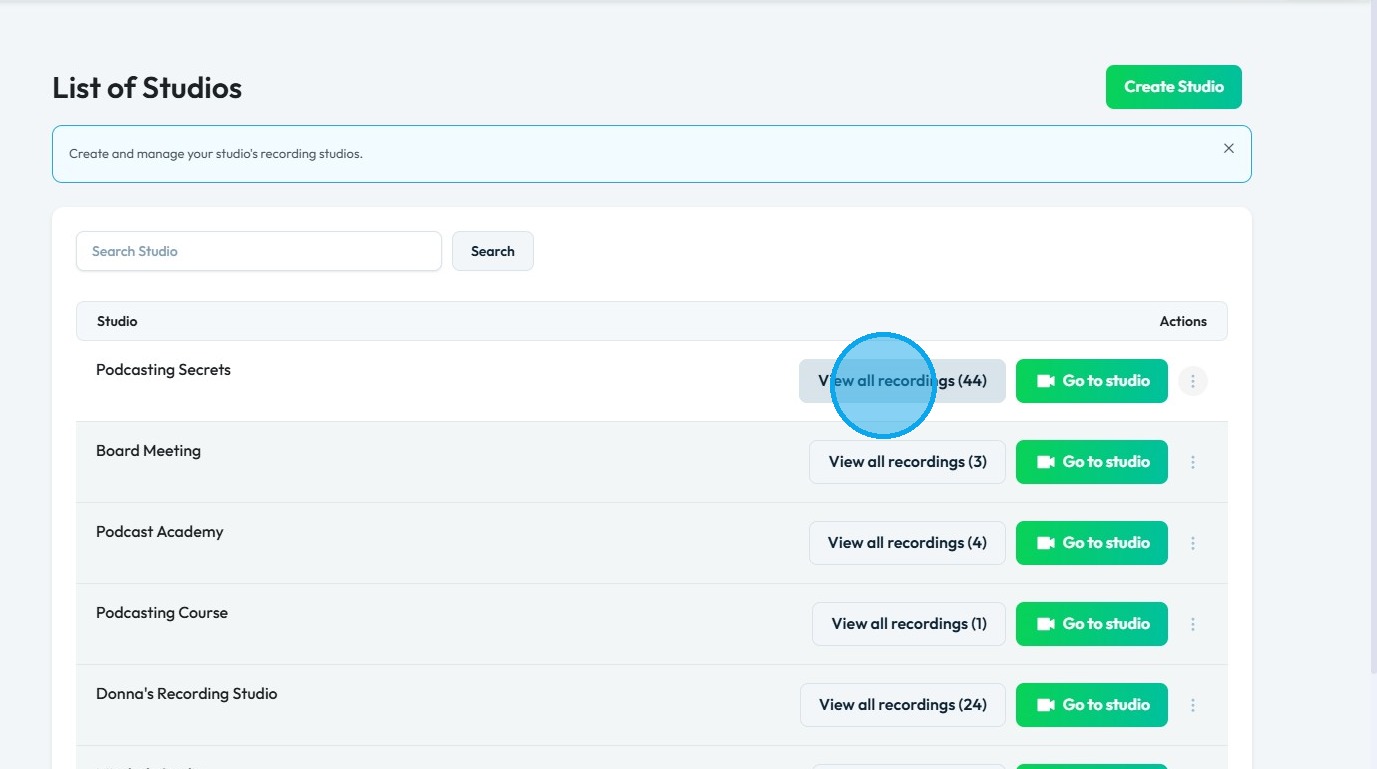
4. Click "View all recordings" of a studio.
5. Click on a recording.
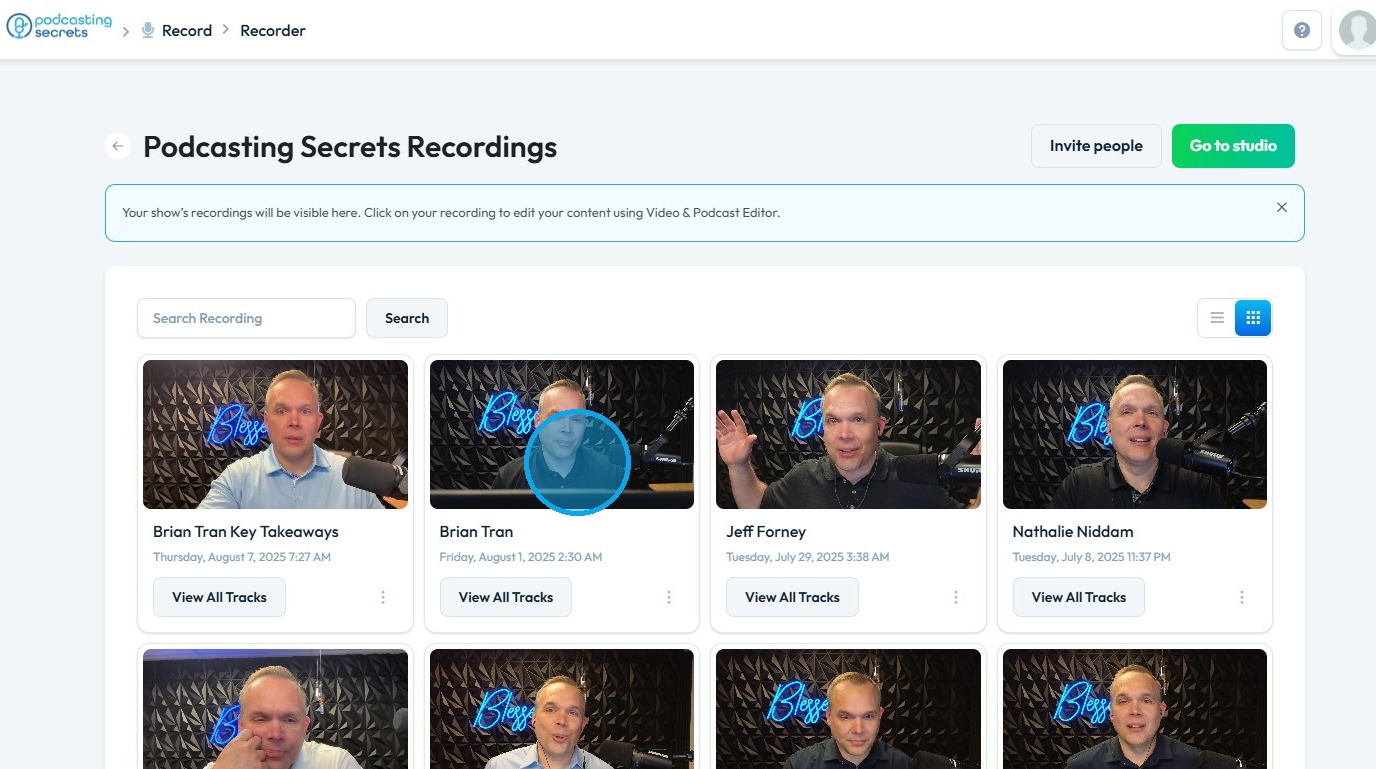
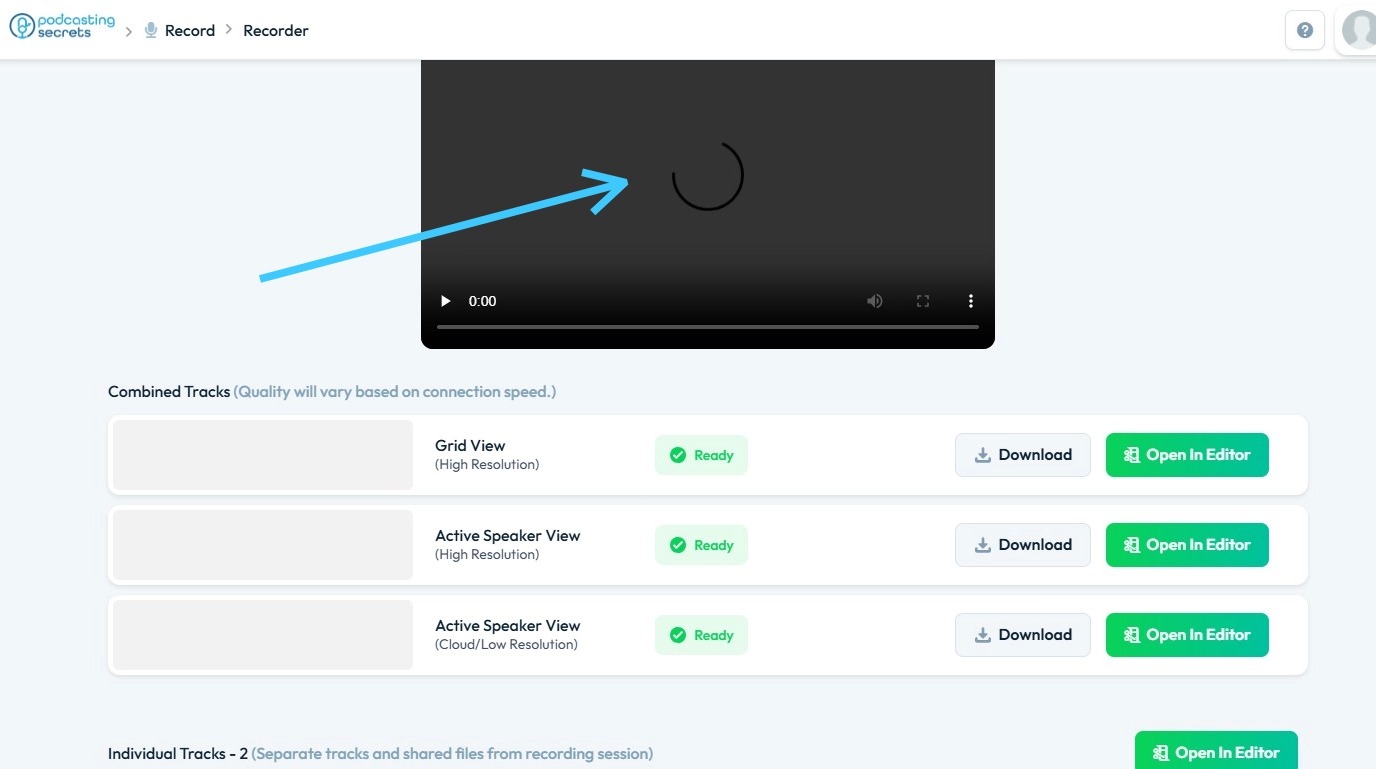
6. You will see the recording begin to load as PodUp fetches the data from its server

7. Once the recording is fetched, PodUp will load the preview, with faster internet speeds resulting in quicker loading times.
Related Articles
Upload / processing time
upload taking long, processing stuck, how long does upload take, video stuck processing, slow upload By following this guide, users can troubleshoot recording delays on PodUp and optimize playback by understanding and addressing factors like internet ...Why is my recording processing?
By following this guide, you will understand the recording “processing” phase in PodUp, helping you manage expectations and ensure a smoother experience with your audio or video files. 1. When your recording in PodUp is showing as "processing," it ...How to Denoise my recording?
Easily remove unwanted noise in PodUp to boost your audio’s clarity and quality 1. Navigate to https://app.podup.com/home 2. Click "Record" 3. Select "All Recordings" 4. The 'All Recordings' page will open 5. Select the 'Studio' for the recording you ...How to Speed Up My Website's Loading Time
By following this guide, you can improve your website’s loading speed through optimization techniques for better UX and SEO. 1. To speed up a website built with PodUp website builder, here are some effective strategies: 2. Optimize images by reducing ...How to Create a Recording Studio
This guide provides a straightforward approach to setting up a recording studio using the Podup platform. It simplifies the process, ensuring users can easily create either audio or video recording options tailored to their needs. By following the ...