Where should I use optimized photos?
Optimized photos make everything work better - both for your visitors and for search engines. They help your site load faster, rank better, and look more polished—without sacrificing quality.
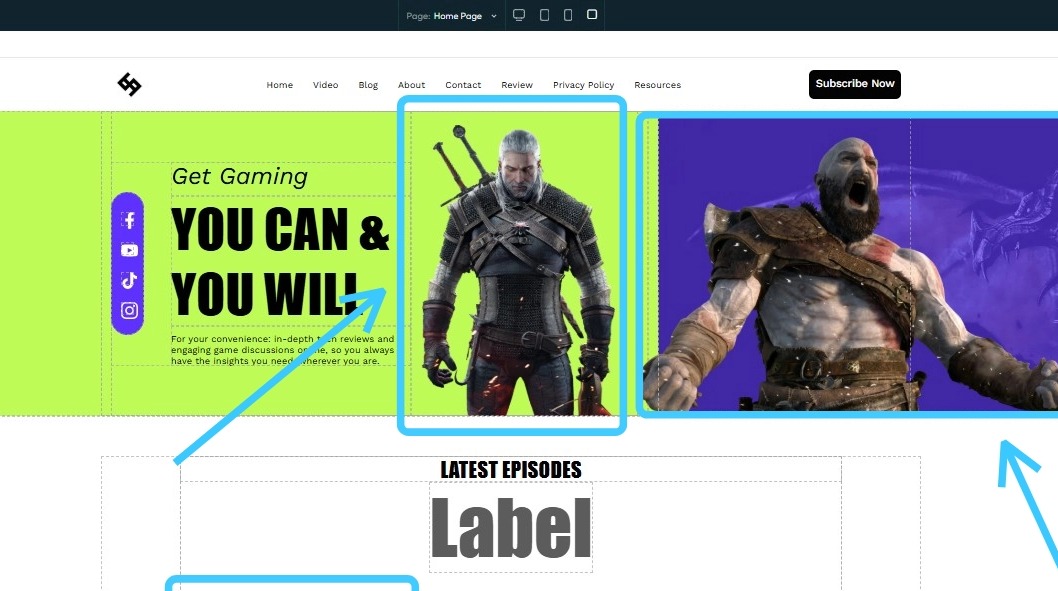
1. Optimized images can be used on your website
1. Optimized images can be used on your website
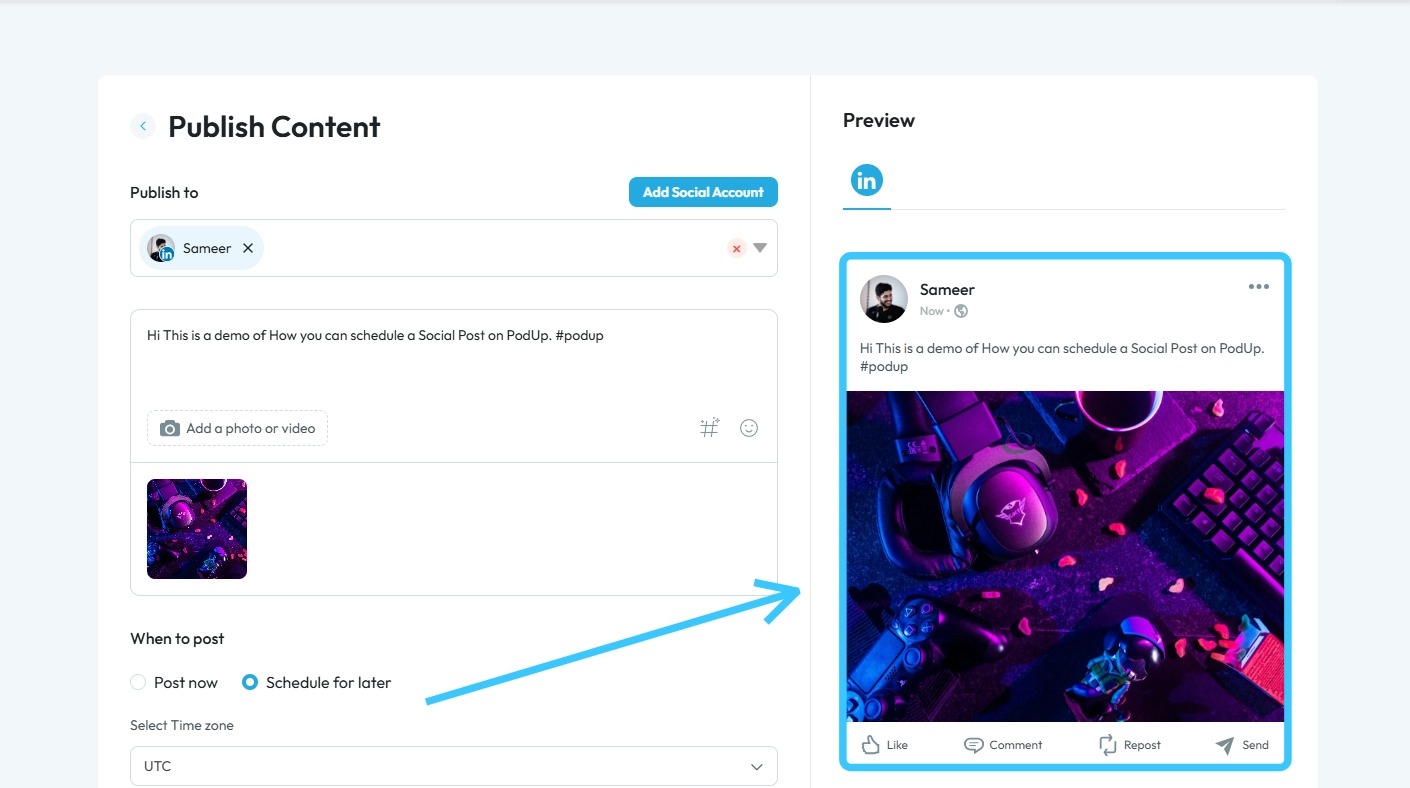
2. Optimized files can also be used as social media posts
Related Articles
Not intuitive / hard to use
hard to use, confusing interface, not user friendly, too complicated, don't understand how to use this This guide gives you clear steps to record and manage a podcast studio. It covers setup, adding guests, recording, and editing. With this ...How To Use Integrations (Detailed)
This guide shows you how to connect your podcast and social media to PodUp to boost your reach. It walks through each step—from adding your podcast info to linking social accounts and analytics—so you can easily manage and promote your show across ...How To Use Integrations (Detailed)
This guide shows you how to connect your podcast and social media to PodUp to boost your reach. It walks through each step—from adding your podcast info to linking social accounts and analytics—so you can easily manage and promote your show across ...How To Use The Repurposer On Podup
This guide offers a straightforward approach to create videos clips using AI on Podup, making it an invaluable resource for content creators looking to enhance their multimedia output. 1. Navigate to https://app.podup.com/home 2. Click "AI TOOLS" 3. ...How to Use AI to Generate A Blog
This guide shows you how to use AI to create blog posts faster. It covers generating titles, optimizing for SEO, and adjusting tone and audience to make your content more effective. 1. Click "Create" 2. Click "Blogs" 3. Click "Generate Blog Using AI" ...