What Should I Include in my Header?
Learn how to build a website header that highlights your logo, guides visitors, and drives action
1. LOGO: Your logo is your brand's visual identity. It should be prominently placed, usually in the top-left corner, and should link back to your homepage.
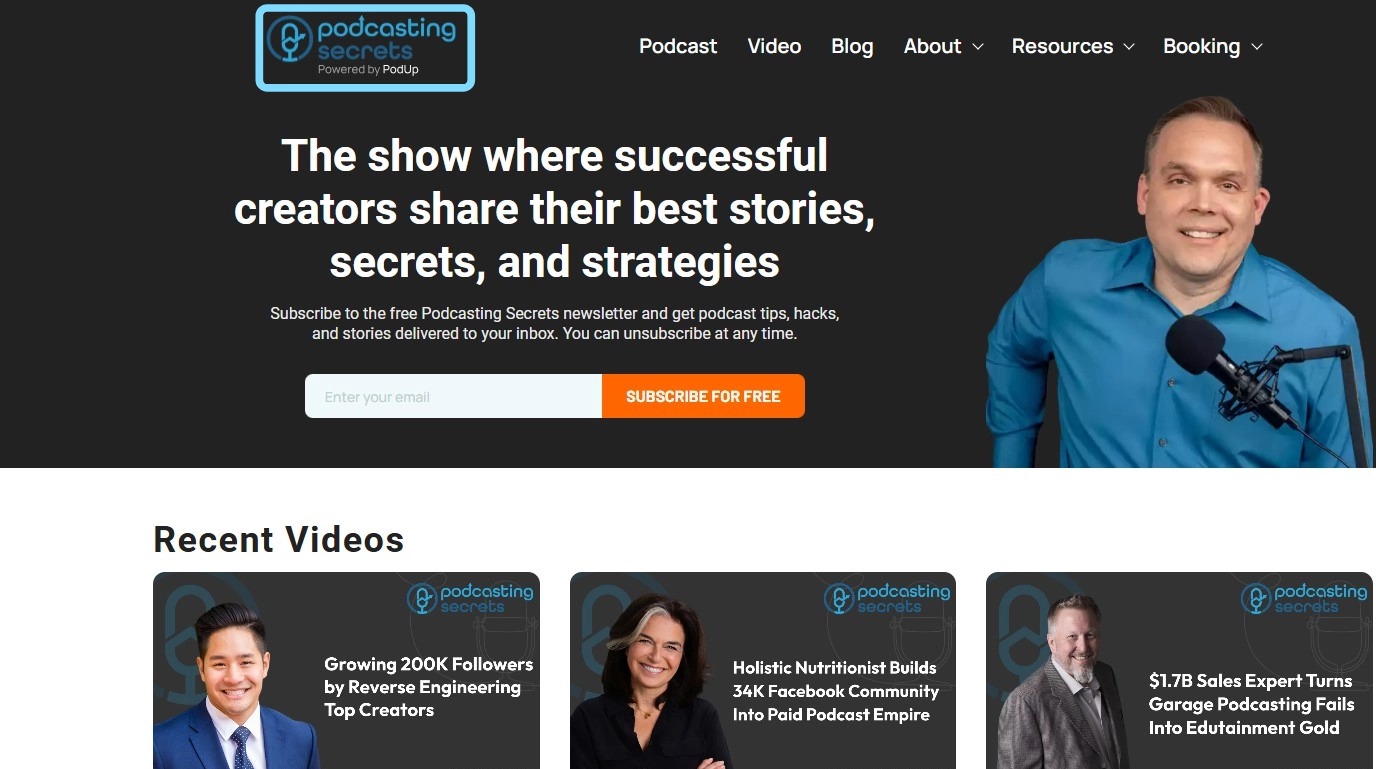
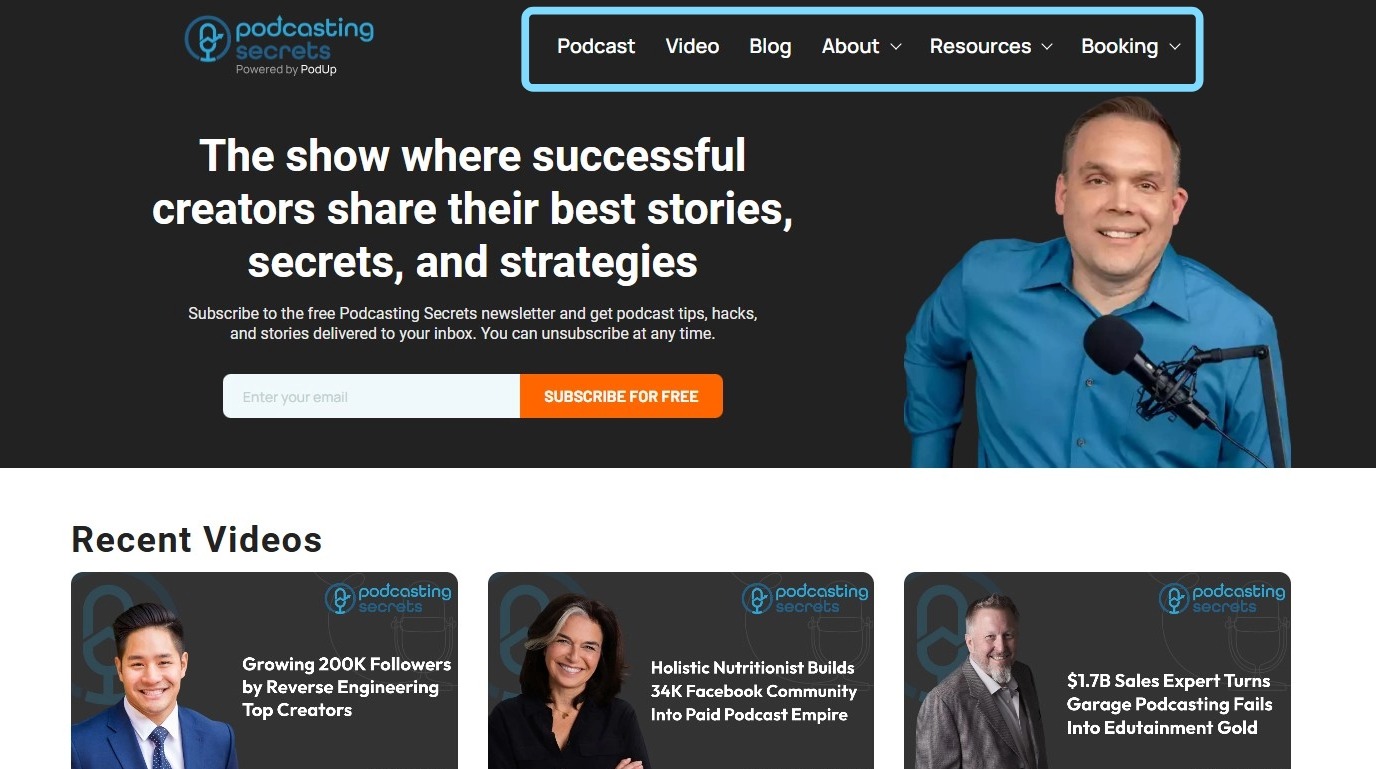
2. Navigation Menu (Menu Builder): This is the user's roadmap. It should clearly and concisely list the main sections of your website. Common menu items include:
Home
About Us / Company
Video
Podcast
Blog
Contact Us
Resources
Booking
3. Call-to-Action (CTA): A CTA is a button or link that prompts the user to take a specific action, such as "Sign Up," "Request a Demo," "Buy Now," or "Get a Free Quote." Your primary CTA should be highly visible and stand out from the rest of the header.
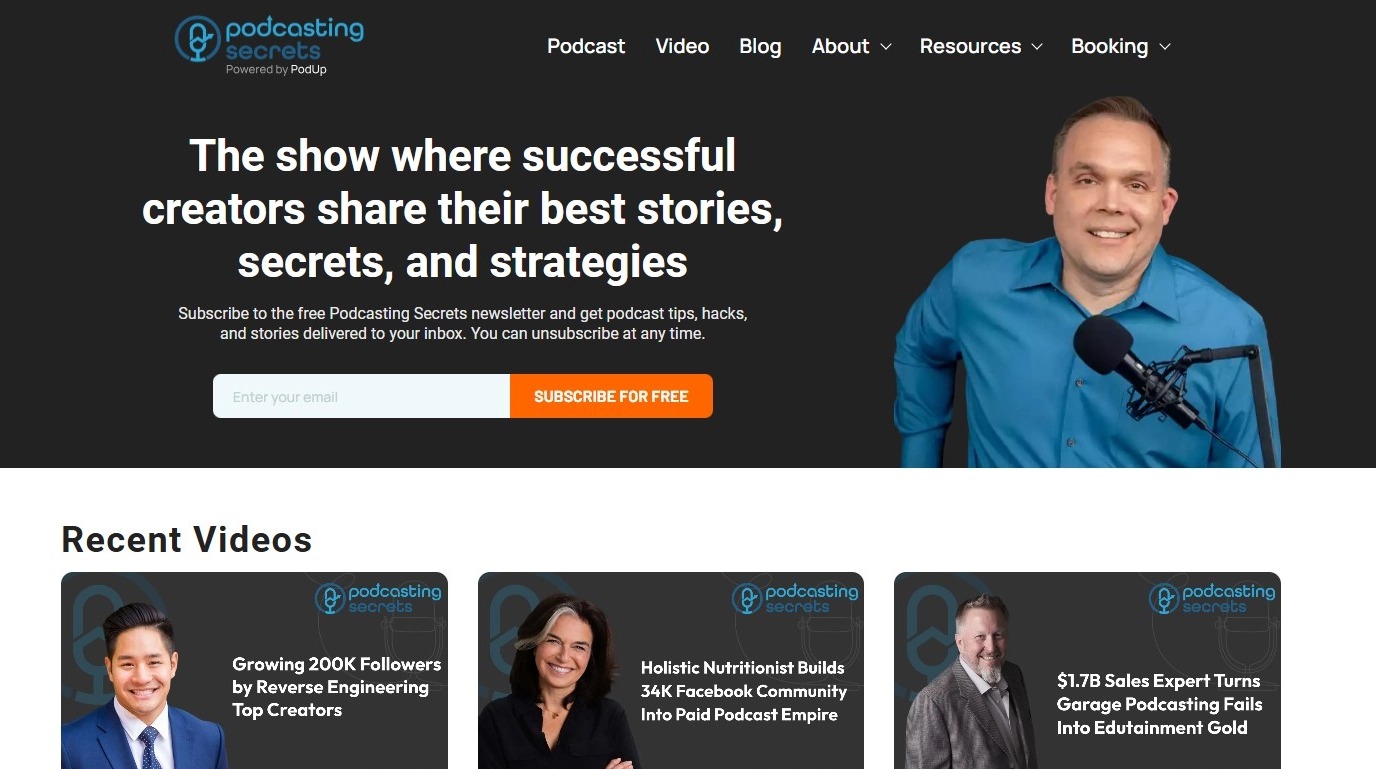
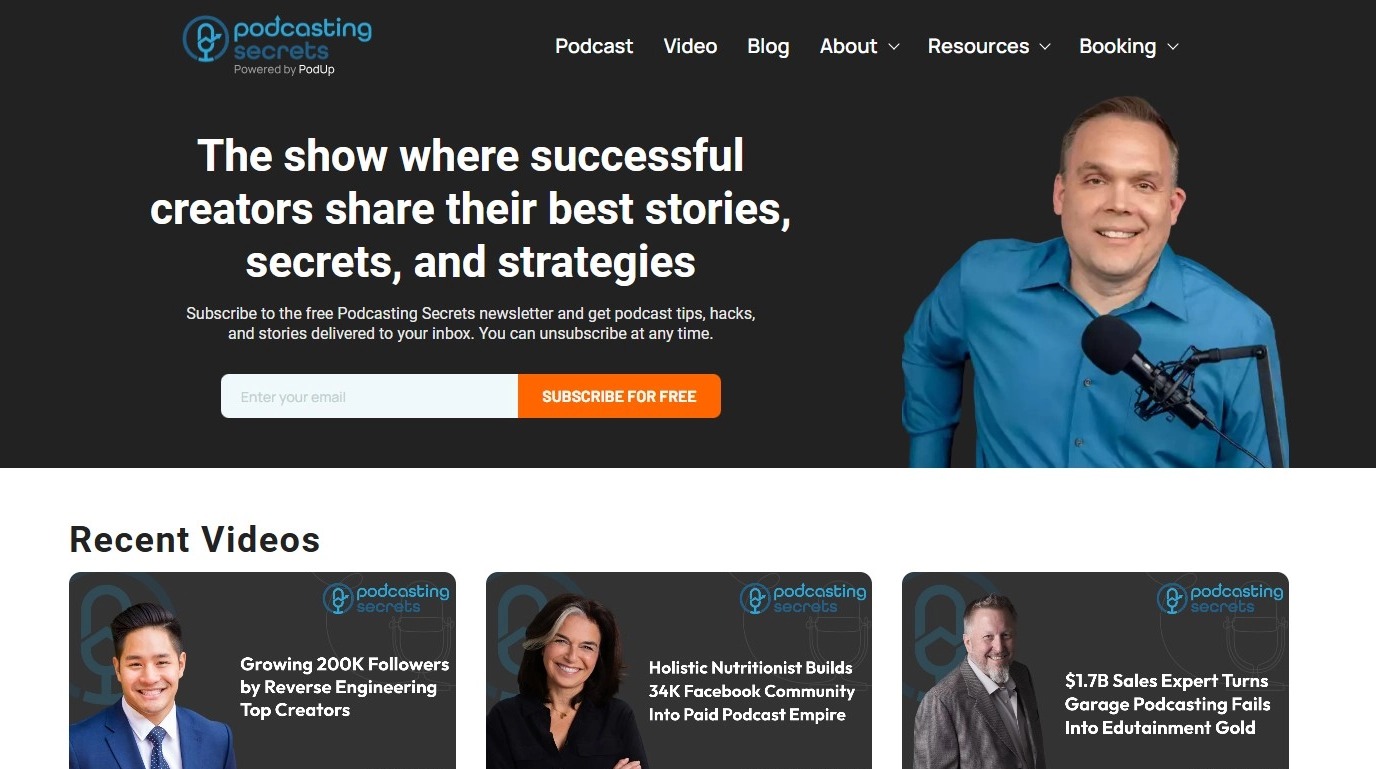
4. Additional Elements:
- Search Bar
- Social Media Links
- Contact Information
- User Account/Login
Related Articles
Difference between Navigation bar and Header
Use this guide to learn the difference between a navigation bar and a header to improve your site’s design. 1. A Menu Builder (navigation bar) is used for navigation, helping users move between pages. It’s often part of the website header 2. A header ...How to Navigate Header & Footer - Header (Detailed)
This guide is an essential resource for anyone looking to enhance their PodUp website by effectively creating and customizing headers and footers. It provides step-by-step instructions on how to utilize key features like global design settings, ...How Do I Create A New Header Option
This guide is essential for anyone looking to customize their website's appearance by creating a new header. It provides step-by-step instructions to easily add a header that can be set as the default for all pages or customized for individual ones. ...What do I include on my Podcast Page?
Create a podcast page that draws and keeps listeners with artwork, audio, and subscription options 1. The podcast page should include Heading: To give an overview of the episode Episode-Specific Artwork Audio Player: To play the podcast episode ...How to Add a Header to my Page
This guide helps you customize your podcast website header with logos, colors, fonts, and 20+ templates. Create a polished, on-brand look that’s easy to set up and improves user experience. Tip: Header: The top section of a website that usually ...