What is The Difference Between Website Templates
By following this guide, you can easily customize your PodUp website by exploring and applying the perfect theme.
Tip: Website templates provide distinct visual styles and page structures for the site. Each template includes different sections and layouts that are fully customizable. Different templates allow you to pick the best layout for you!
1. Navigate to https://app.podup.com/home
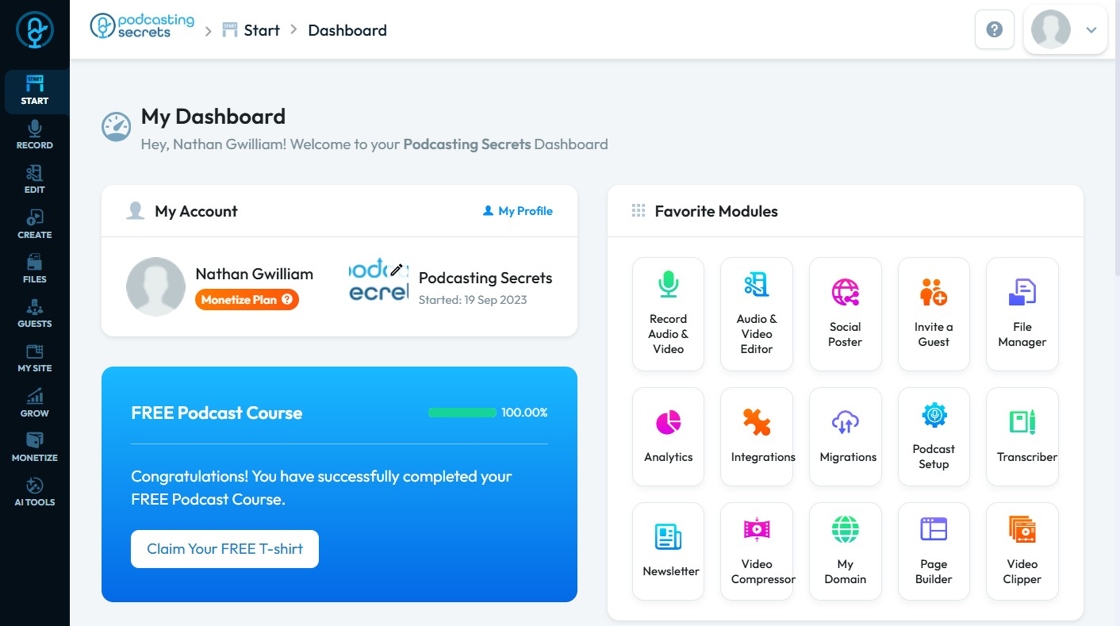
2. Click "My Site"
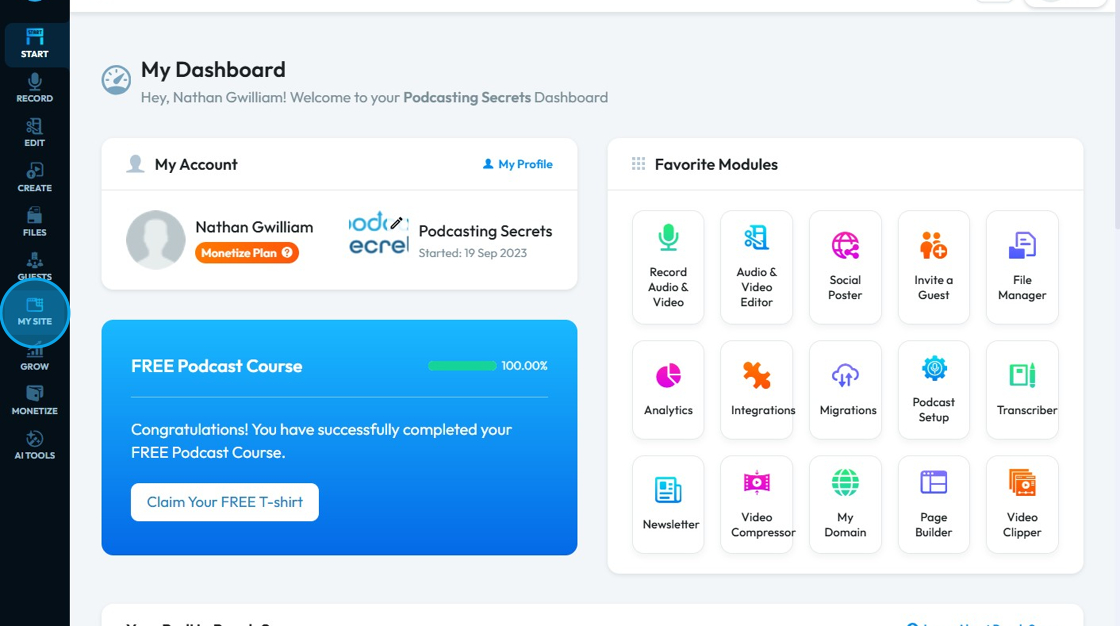
3. Select "Site Themes"

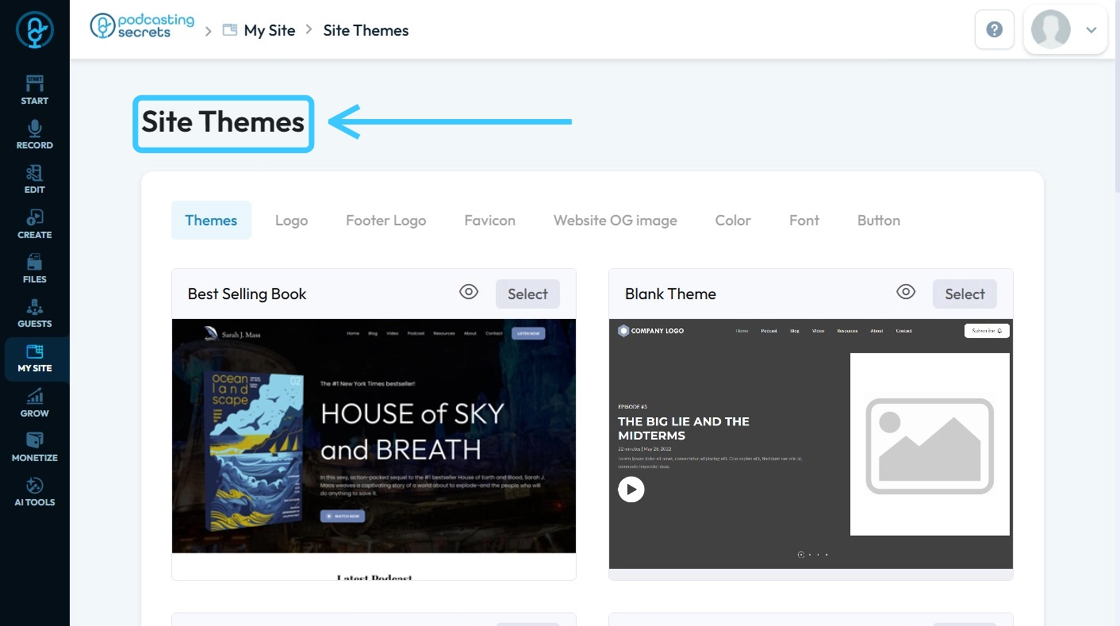
4. The ‘Site Themes’ page will load.
Here, you can browse and apply different themes to customize the appearance of your website.
Related Articles
Difference Between the Website Templates
By following this guide, you can explore industry-specific website templates and choose the best design for your needs. 1. Best-selling book theme: A Best Selling Book theme is a pre-designed, specialized website template built with features and ...Website Templates Overview
By following this guide, you can explore and select the best theme for your genre with ease. Tip: Tip! [[PodUp offers a diverse selection of templates for every type of creator.]] 1. Navigate to https://app.podup.com/home 2. Click "My Site" 3. Select ...Difference between Navigation bar and Header
Use this guide to learn the difference between a navigation bar and a header to improve your site’s design. 1. A Menu Builder (navigation bar) is used for navigation, helping users move between pages. It’s often part of the website header 2. A header ...What is the difference between the packages?
1. PodUp.com Packages: Key Differences PodUp offers a range of tiered packages designed for different podcasting needs, from beginners to professionals and agency clients. 2. ## Key Package Differences Create: Adds advanced analytics, more exports, ...How To Add A Theme to My Website
This guide shows you how to add a nice-looking theme to your website using PodUp. It walks you through picking a template, changing colors and fonts, and making your site match your brand. It also helps you avoid common mistakes, like losing your ...