What is embed player
Use this guide to embed media on your site and boost engagement and accessibility.
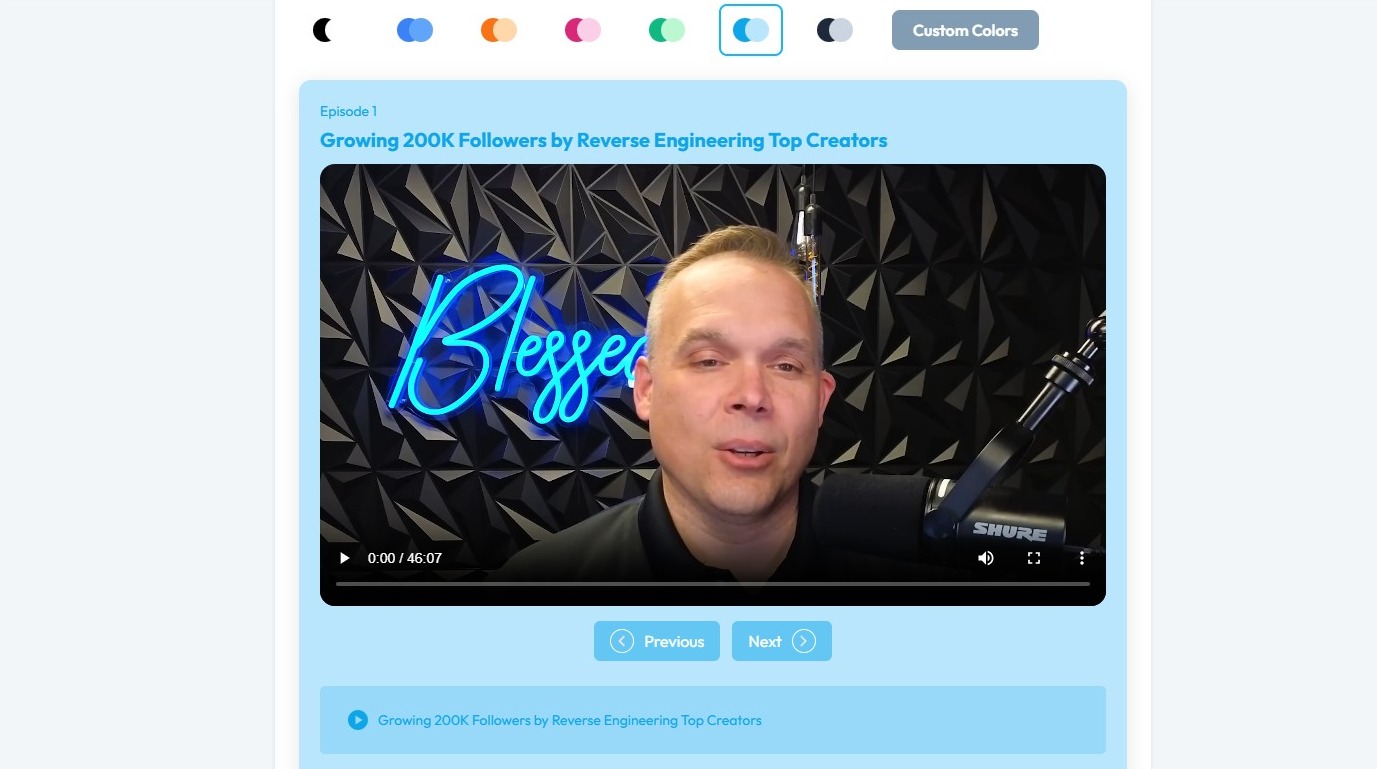
1. An embed player lets you play audio or video directly on a webpage, without sending users to another site.
Related Articles
How to customize embed player
Use this guide to customize your PodUp embed player—choose audio or video, set modes, and personalize its look. 1. Navigate to https://app.podup.com/home 2. Click "Grow" 3. Select "Embed Player" 4. You will be directed to the “My Embed Players” page ...How to Make embed Player
Use this guide to create and customize an embeddable PodUp player for sharing audio or video. 1. Navigate to https://app.podup.com/home 2. Click "Grow" 3. Select "Embedded Player" 4. The “My Embedded Players” page will load 5. Click "Create New" 6. ...Why is my embed player not working?
Follow this guide to resolve PodUp embed player problems and stream smoothly 1. The PodUp embed player might not be working due to several common issues: Incorrect embed code placement or errors in the HTML embed snippet can prevent the player from ...How to add embed player to your site
Use this guide to add an embed player to your site and share audio or video content. 1. Navigate to https://app.podup.com/home 2. Click "Grow" 3. Select "Embed Player" 4. Click "Get Embed Code" for the embed player you wish to add to your webpage 5. ...How to Embed a Video to My Blog
By following this guide, you can easily integrate multimedia elements that attract and retain readers. It is an essential resource for elevating your posts. 1. Navigate to https://app.podup.com/home 2. Click "Create" 3. Select "Blogs" 4. Click ...