What image size is the best for thumbnails, social clips, etc?
By following this guide, you can use optimal image sizes for thumbnails and social media clips to ensure high-quality, visually appealing content across all platforms.
1. The best image size for thumbnails and social media clips depends heavily on the specific platform you are using, as each has its own recommended dimensions and aspect ratios. However, some general sizes and ratios are widely accepted and work well across multiple platforms.
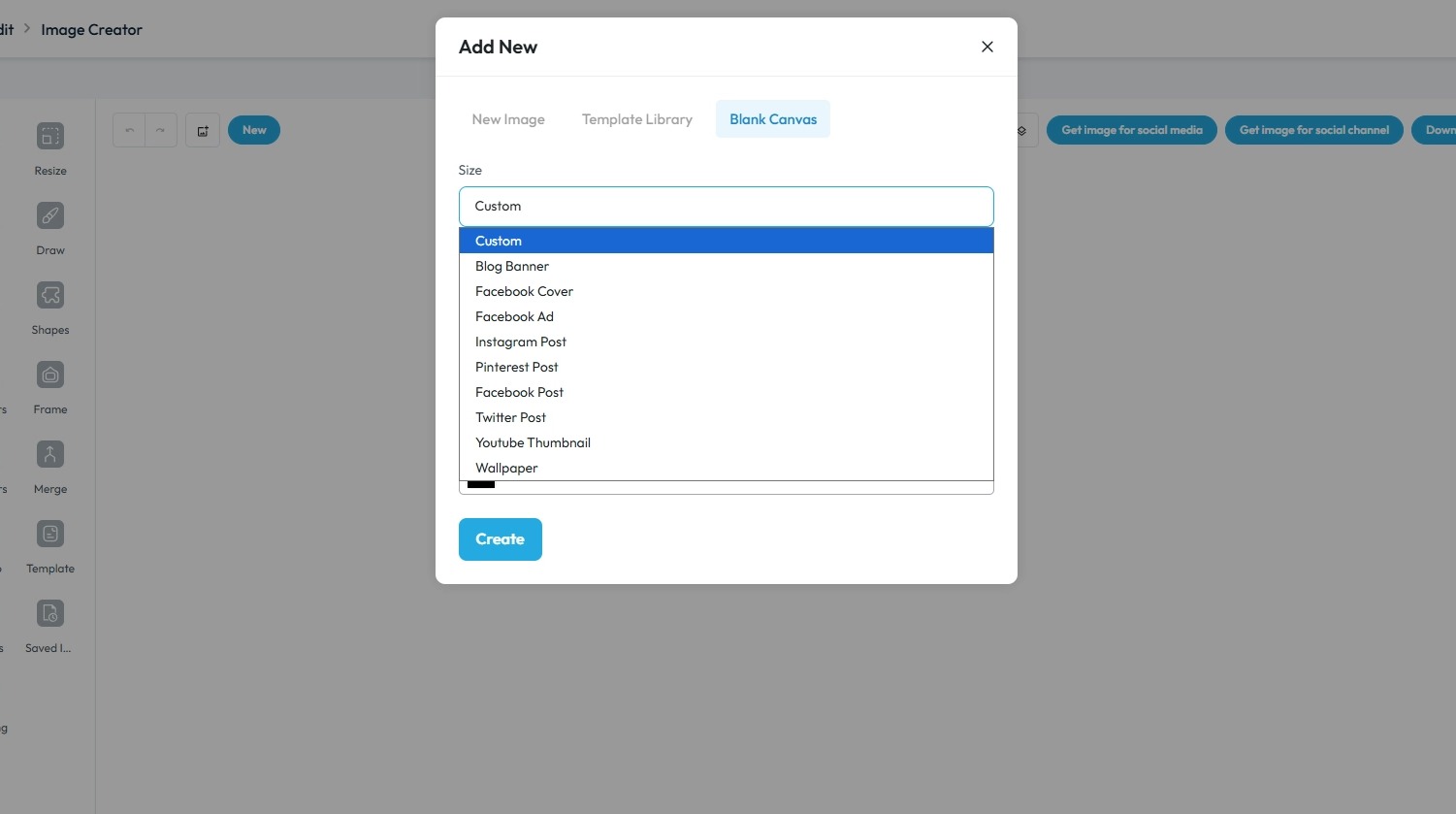
2. ### YouTube Thumbnails
For YouTube, the ideal thumbnail size is:
- Dimensions: 1280 x 720 pixels
- Aspect Ratio: 16:9
- Minimum Width: 640 pixels
- Maximum File Size: 2 MB
- File Formats: JPG, GIF, or PNG
This size ensures that your thumbnail looks high-quality on a variety of devices, from mobile phones to large desktop screens.
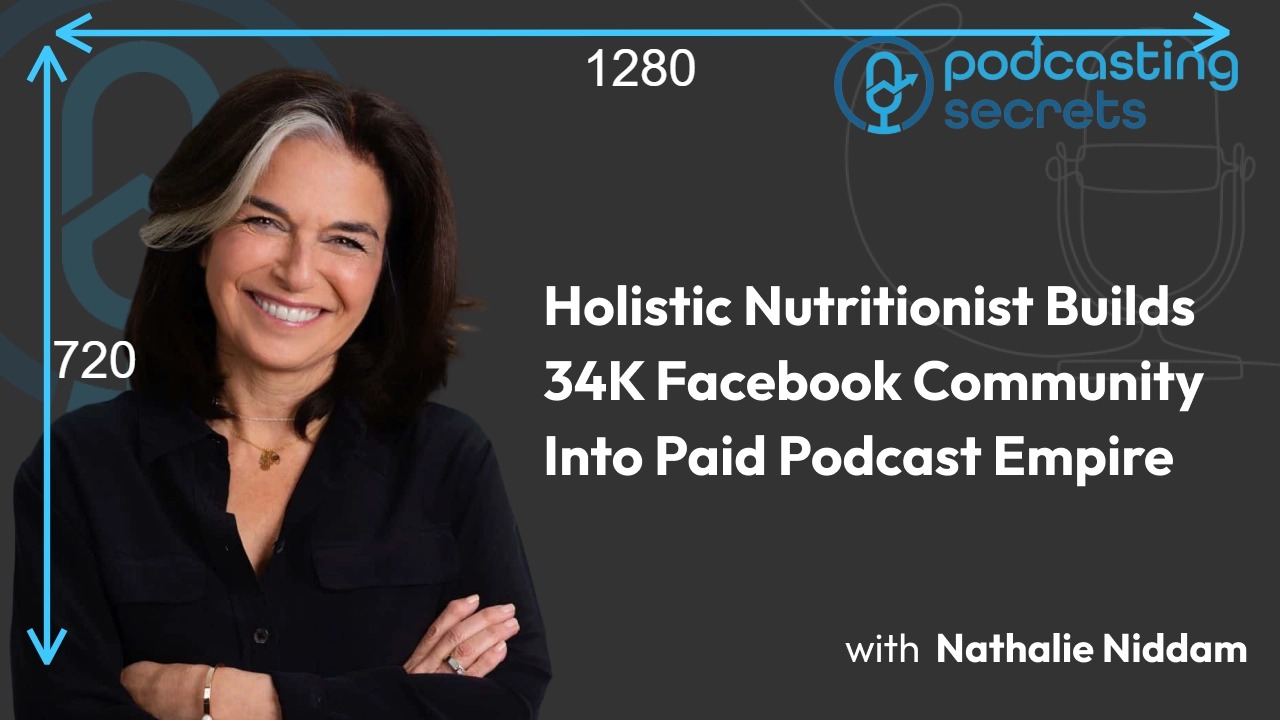
3. Social Media Clips (e.g., Reels, Stories, TikTok)
For vertical video content, which has become the standard for platforms like Instagram Reels, TikTok, and Facebook/Instagram Stories, the recommended size is:
- Dimensions: 1080 x 1920 pixels
- Aspect Ratio: 9:16
This format is optimized for full-screen viewing on mobile devices.
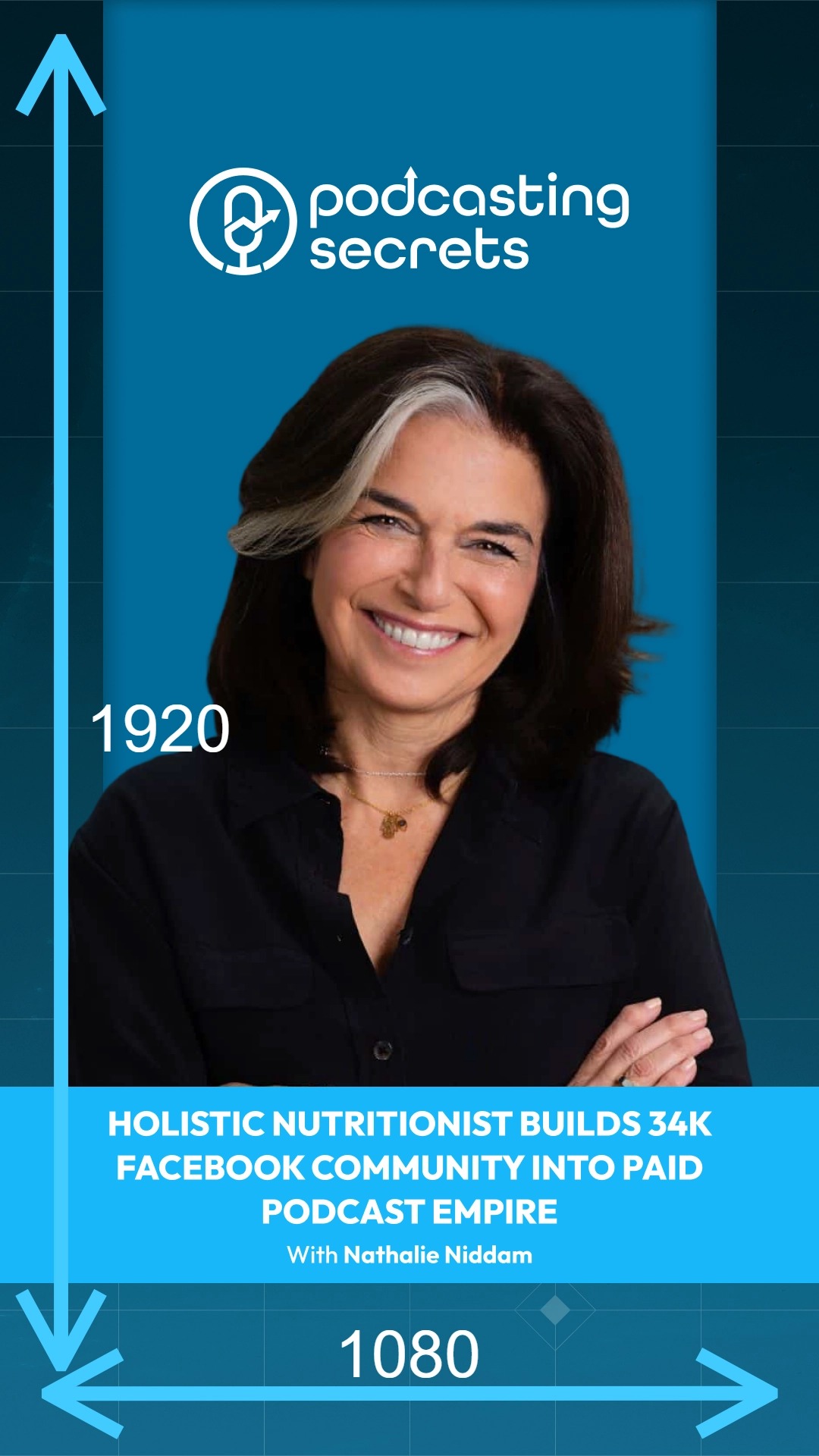
4. Other Common Social Media Image Sizes
While thumbnails and clips have specific requirements, it's helpful to know the standard sizes for other types of social media content:
- Square Posts (Instagram, Facebook): 1080 x 1080 pixels (1:1 aspect ratio)
- Portrait Posts (Instagram, Facebook): 1080 x 1350 pixels (4:5 aspect ratio)
- Landscape Posts (Facebook, Twitter/X): 1200 x 628 pixels or 1600 x 900 pixels (1.91:1 or 16:9 aspect ratio)
Related Articles
How To Navigate Social Media Poster (Detailed)
This guide provides a straightforward method for creating and scheduling social media posts using the Podup platform. It offers step-by-step instructions, ensuring users can easily navigate through the process of adding content, selecting social ...How to Navigate Image Generator (Detailed)
This guide offers a straightforward process for generating AI images tailored for podcast studio setups, making it ideal for podcasters and content creators. By following the step-by-step instructions, users can easily visualize their podcast ...How to Navigate Image Generator (Detailed)
This guide offers a straightforward process for generating AI images tailored for podcast studio setups, making it ideal for podcasters and content creators. By following the step-by-step instructions, users can easily visualize their podcast ...How to Create Reels for Social Media Using My Podcast Episode
This guide shows an easy way to turn podcast episodes into short, eye-catching video clips for social media. With simple steps and helpful AI tools, you can quickly create high-quality, branded videos to share on Instagram, Facebook, and more—perfect ...How Can I Add An Image to My Video?
Learn how to add images to your videos using PodUp's Editor. This quick guide covers two ways to access the Editor and simple steps to upload and place images—helping you create more engaging, polished videos. 1. Navigate to ...