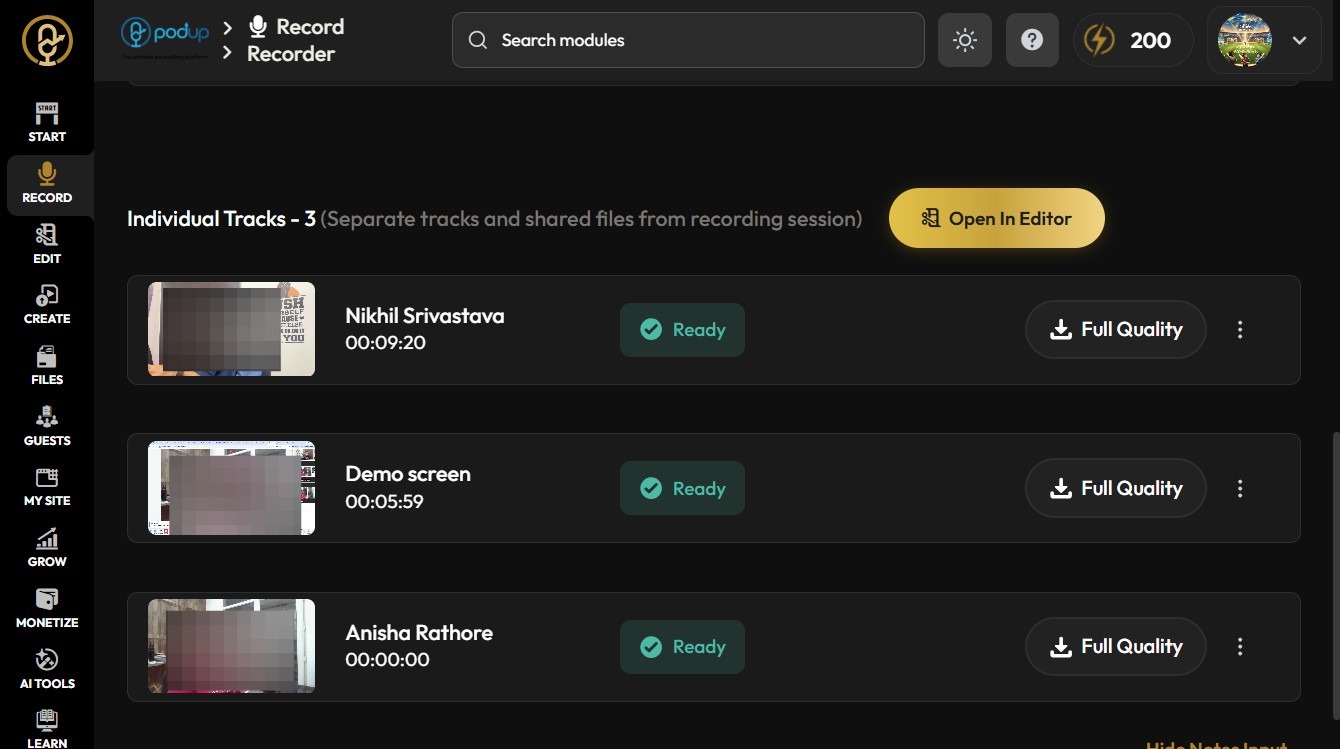
What do the Different Speaker Views Mean?
This guide outlines essential steps to access Active Speaker View in Podup, helping users optimize their recording experience. By using features like high-resolution recording and individual tracks, users can improve podcast quality and focus on key speakers. Whether you prefer grid view for an overview or active speaker view to highlight conversations, this guide simplifies the process and helps you make the most of your recordings. Accessing these features can significantly improve your podcast's production value.
1. Navigate to https://app.podup.com/home
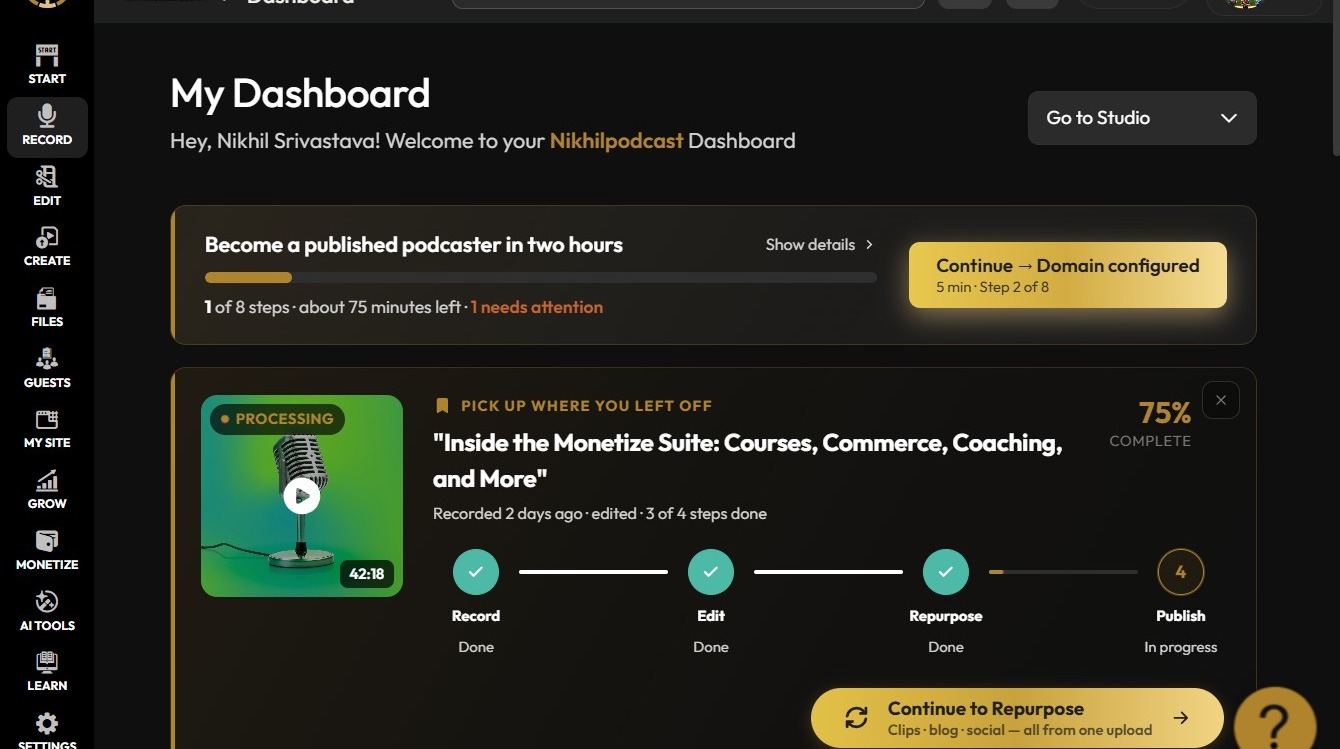
2. Click Record
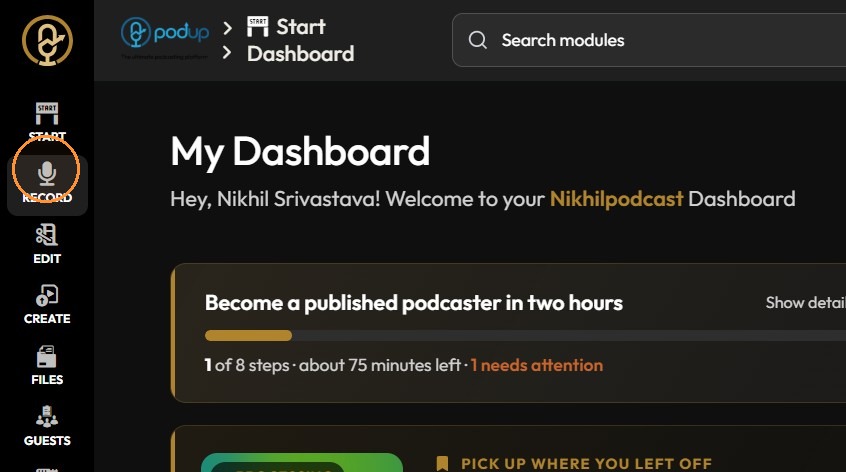
3. Click "All Recordings"
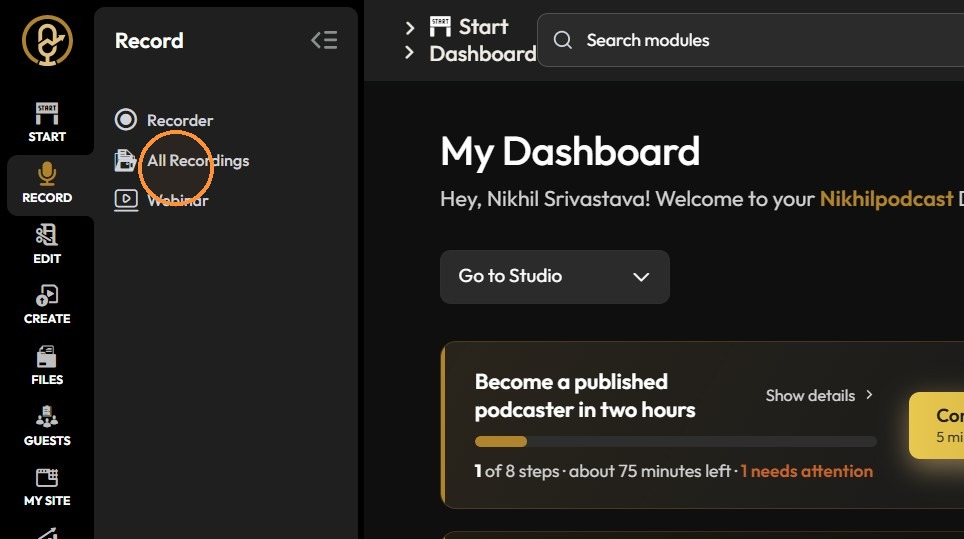
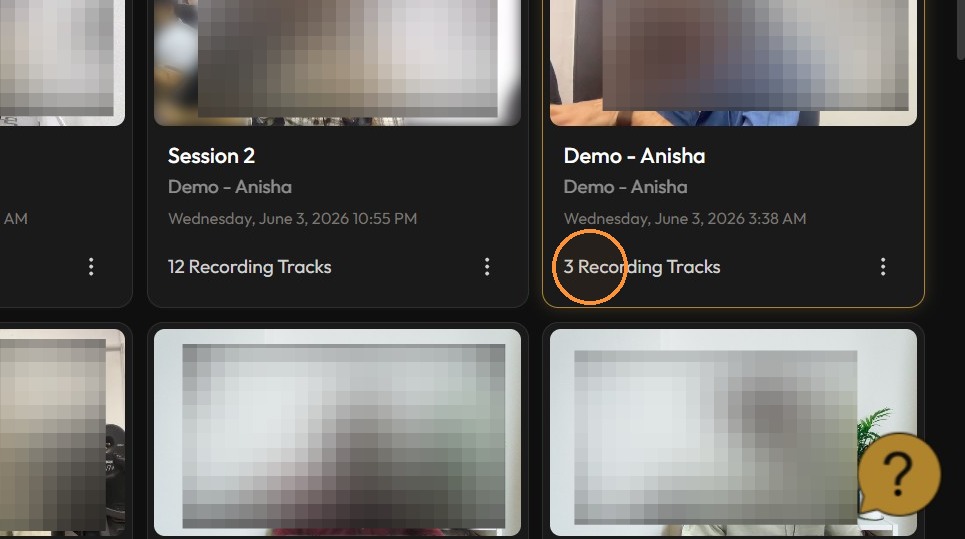
4. Click "Recording Tracks"
5. Click "Combined Tracks (Quality will vary based on connection speed.)"
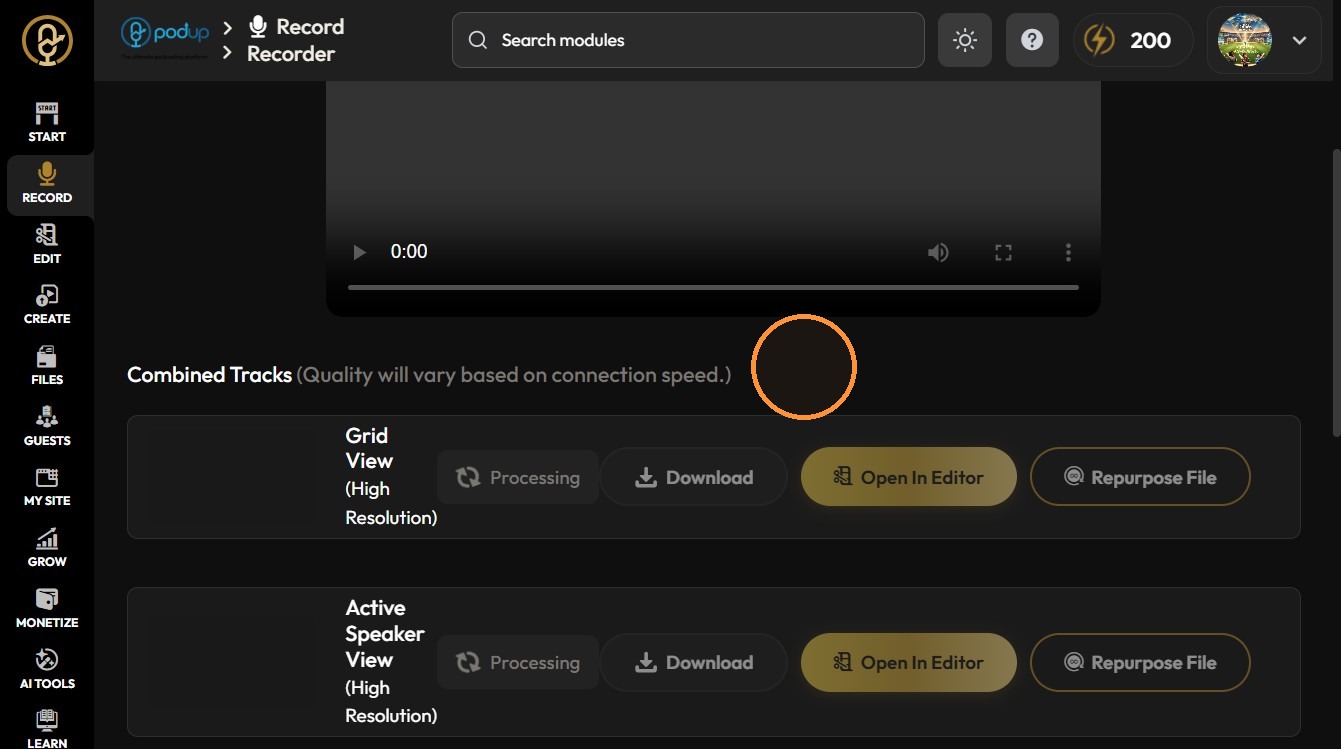
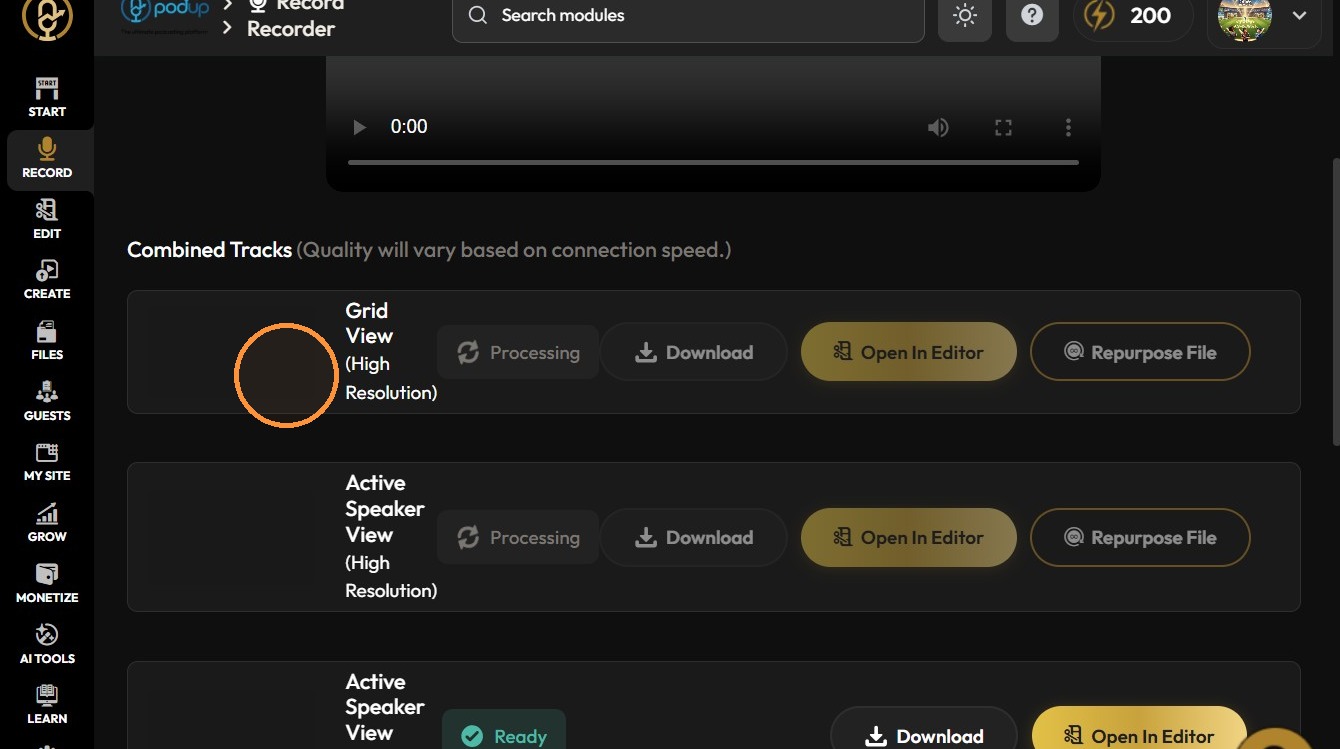
6. [[Grid view (High Resolution): Shows all participants on screen at once in equal-sized boxes, recorded in high quality—ideal for capturing everyone’s reactions.]]
7.
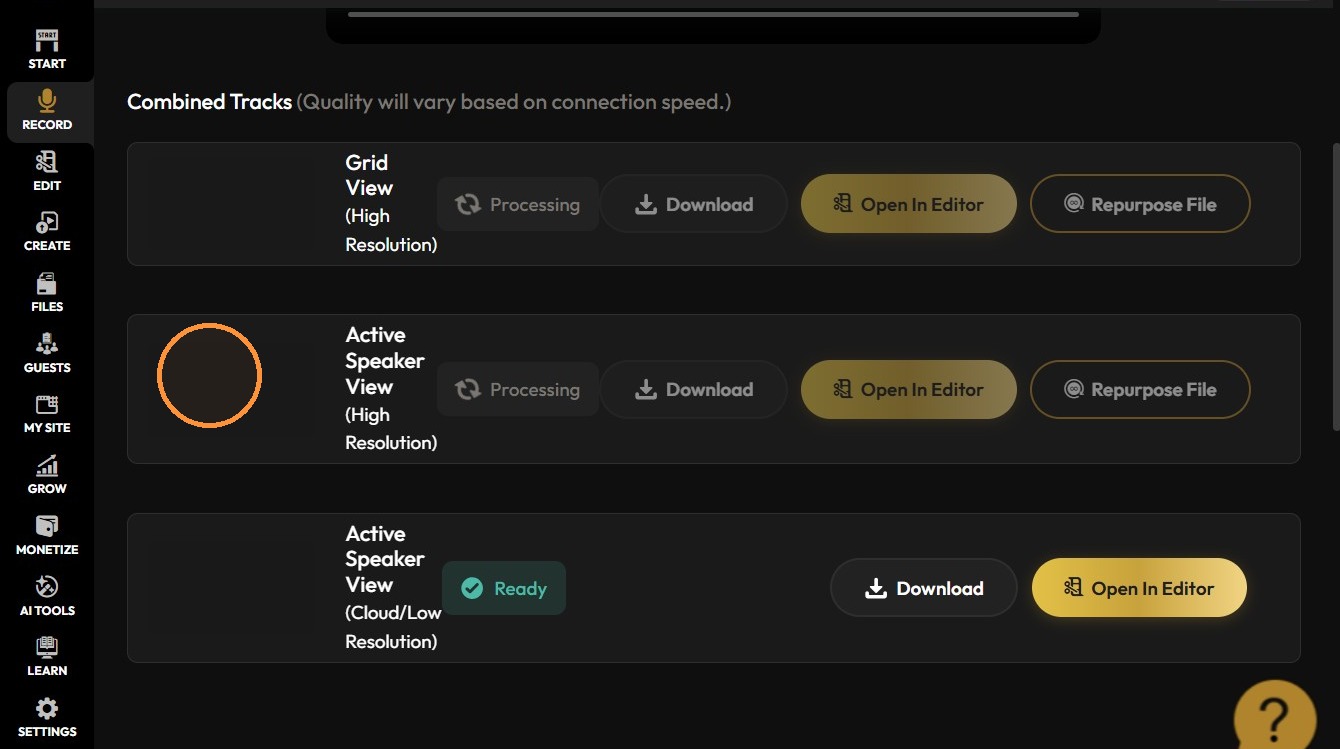
8. [[Active Speaker View (High Resolution): Only the speaker appears on screen, recorded in high quality—keeping the focus on whoever is talking.]]
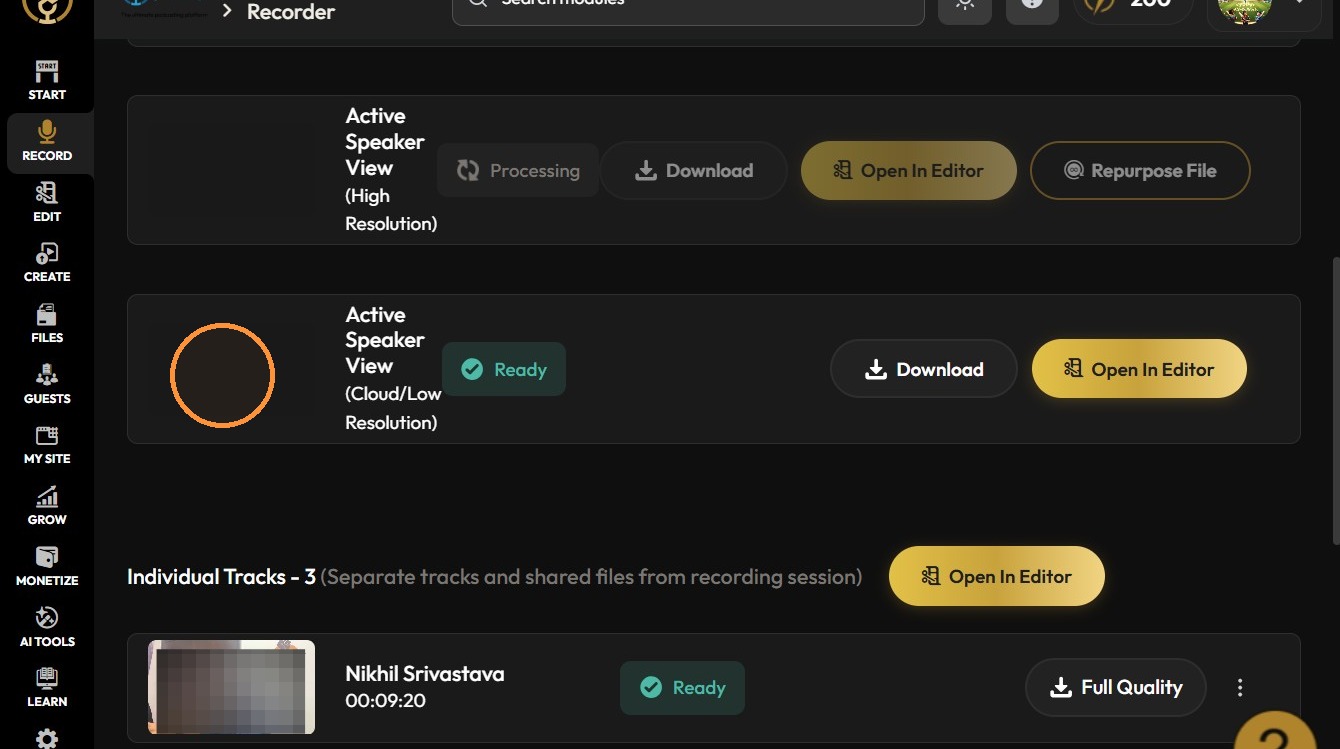
9. [[Individual tracks: Each person’s audio and/or video is recorded separately—gives you more flexibility and control when editing the podcast.]]