What do I include on my Podcast Page?
Create a podcast page that draws and keeps listeners with artwork, audio, and subscription options
1. The podcast page should include
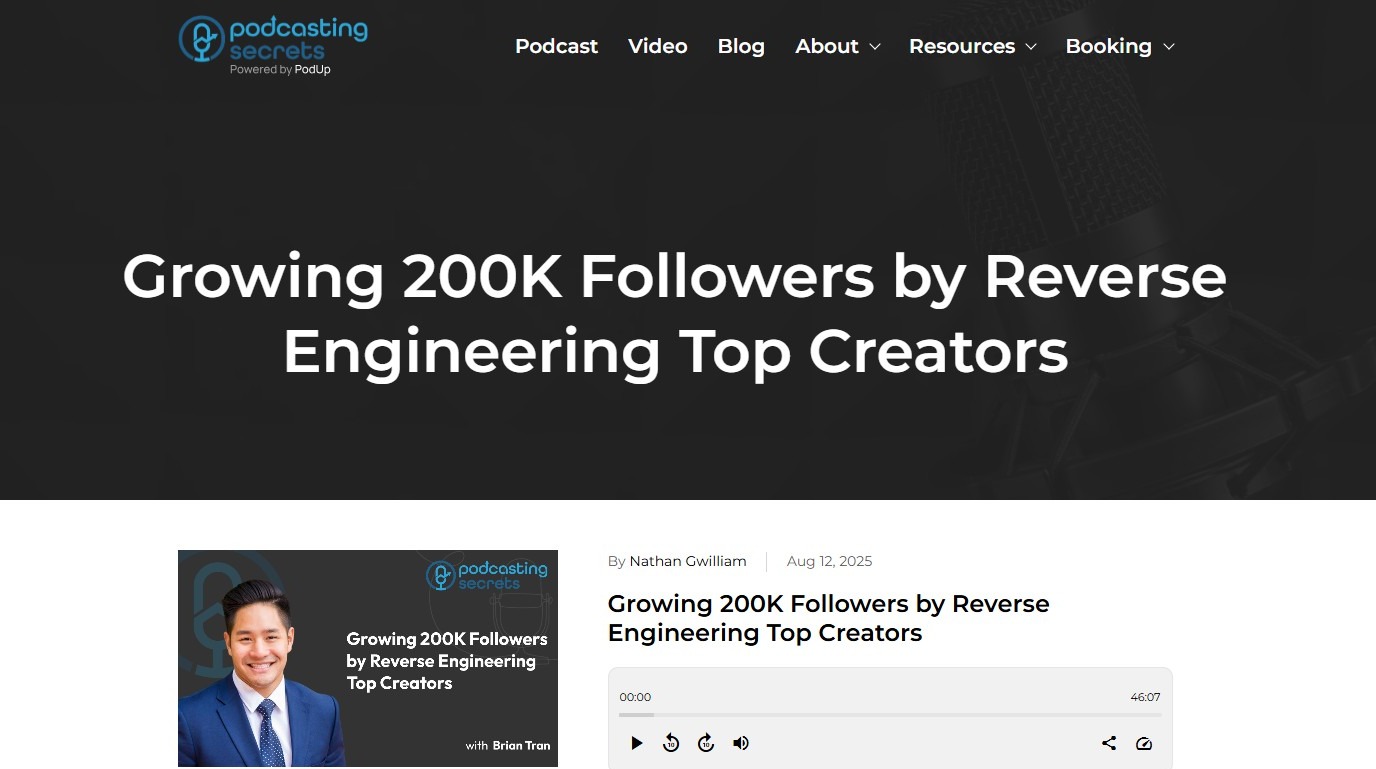
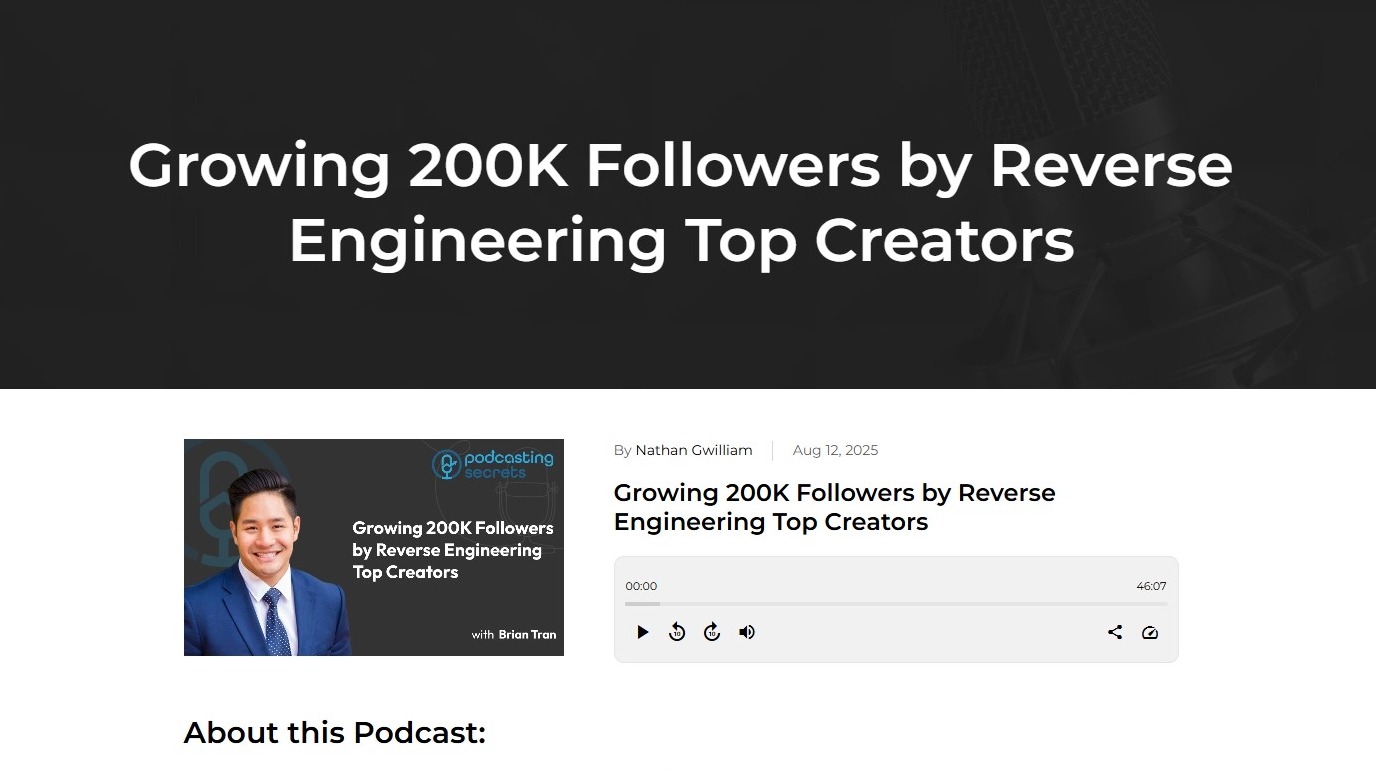
- Heading: To give an overview of the episode
- Episode-Specific Artwork
- Audio Player: To play the podcast episode
- Description: A compelling "About the Show" section that tells new listeners what your podcast is about, who the host(s) are, and why they should listen. This should be a concise and engaging elevator pitch.
2. - Social Media Platforms: Share social media platforms for listeners to explore.
- Subscribe Buttons: Make it as easy as possible for people to subscribe on their preferred platform.
- Comment Box: For listeners to comment and engage.
Related Articles
How to Add a Tag to my Podcast Episode
This guide outlines a clear and simple procedure for adding tags to your podcast episodes, enhancing discoverability and organization. 1. Navigate to https://app.podup.com/home 2. Click "Create" 3. Select "Podcast Episodes" 4. The “Podcast Episodes” ...How to Create Terms and Conditions for Your Podcast Website using PodUp Legal Docs
By following this guide, you can create customized Terms and Conditions for your podcast website to ensure legal compliance and build trust. Alert: Alert! LLC is a show technology company that makes creating, producing and monetizing shows simpler ...Create a Video Page for Your Podcast
This guide provides a straightforward approach to creating a video page for your podcast, making it easier to engage your audience visually. 1. Navigate to https://app.podup.com/home 2. Click "My Site". 3. Click "Page Builder" 4. Click "Add New Page" ...Creating a Podcast Page For Your Website with Podup
By following this guide, you can easily create a customized podcast page for your website on PodUp for each episode 1. Navigate to https://app.podup.com/home 2. Click "My Site" 3. Select "Page Builder" 4. Click "Add New Page" 5. The "Add New Page" ...What Should I Include in my Header?
Learn how to build a website header that highlights your logo, guides visitors, and drives action 1. LOGO: Your logo is your brand's visual identity. It should be prominently placed, usually in the top-left corner, and should link back to your ...