Upload / processing time

Upload / processing time

upload taking long, processing stuck, how long does upload take, video stuck processing, slow upload

By following this guide, users can troubleshoot recording delays on PodUp and optimize playback by understanding and addressing factors like internet speed.


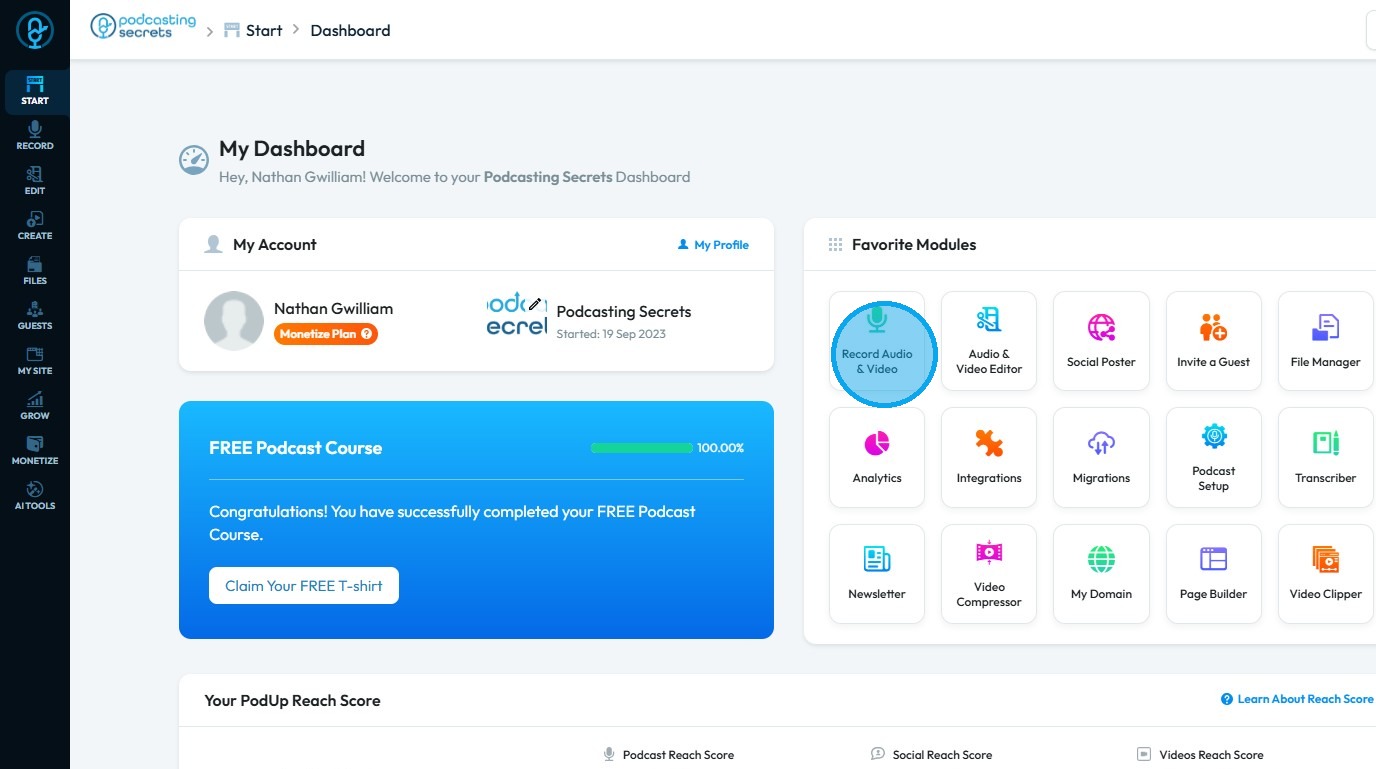
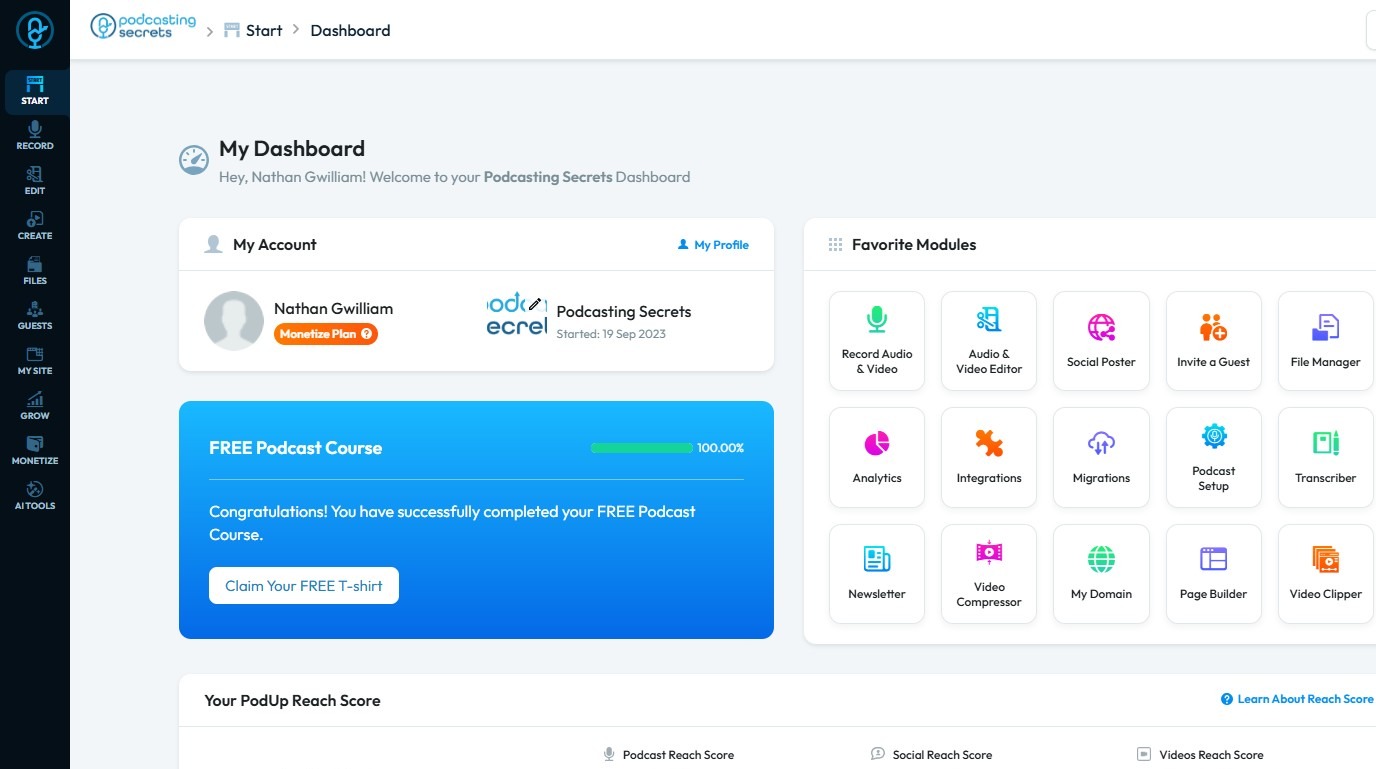
2. Click "Record Audio & Video"

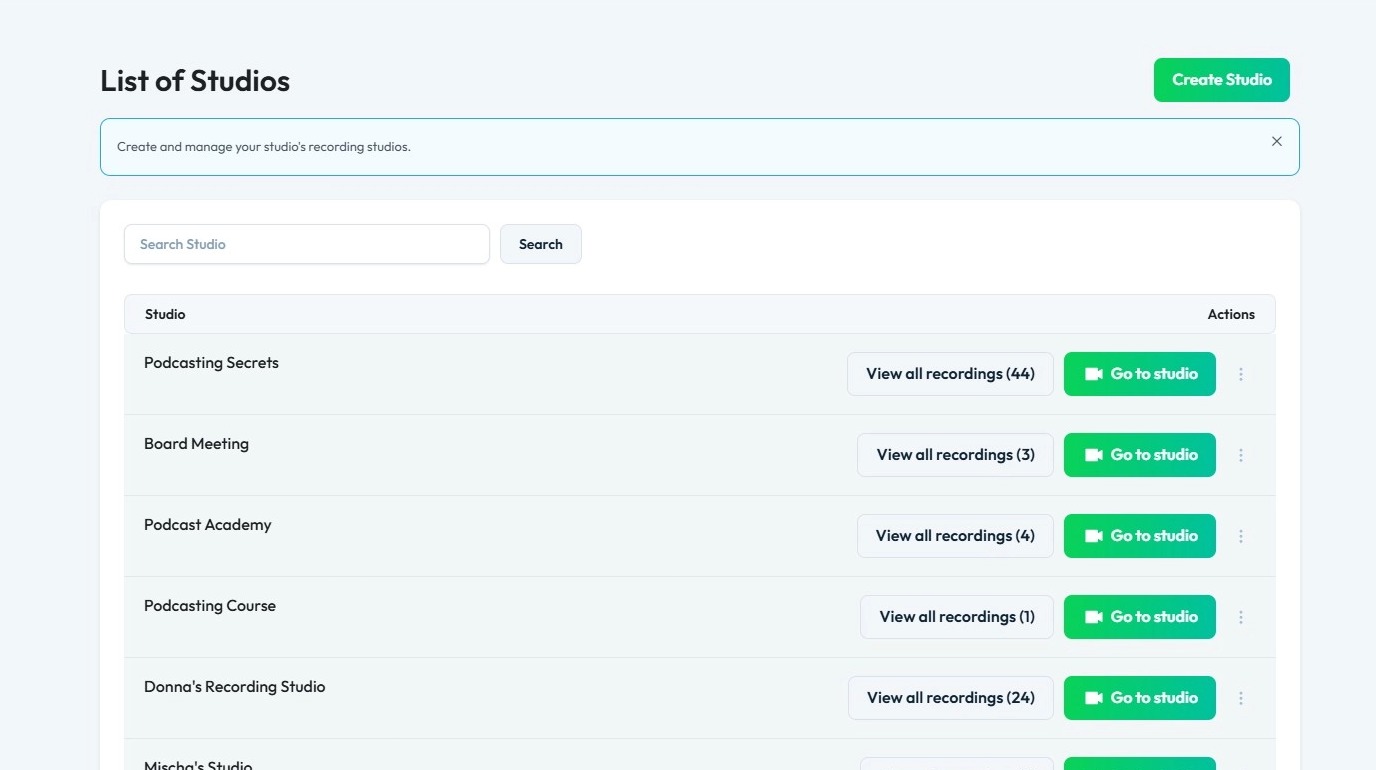
3. The “List of Studios” will display all the studios you have created

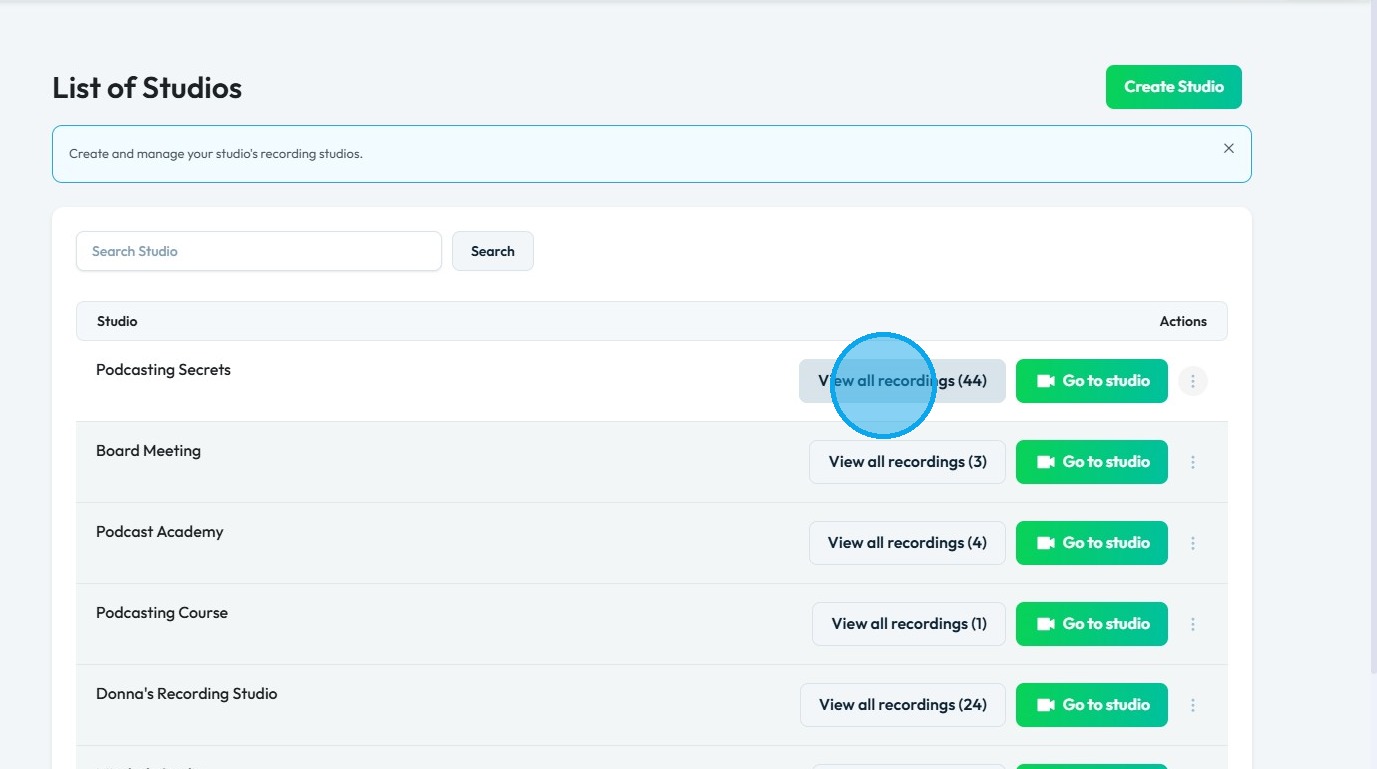
4. Click "View all recordings" of a studio.

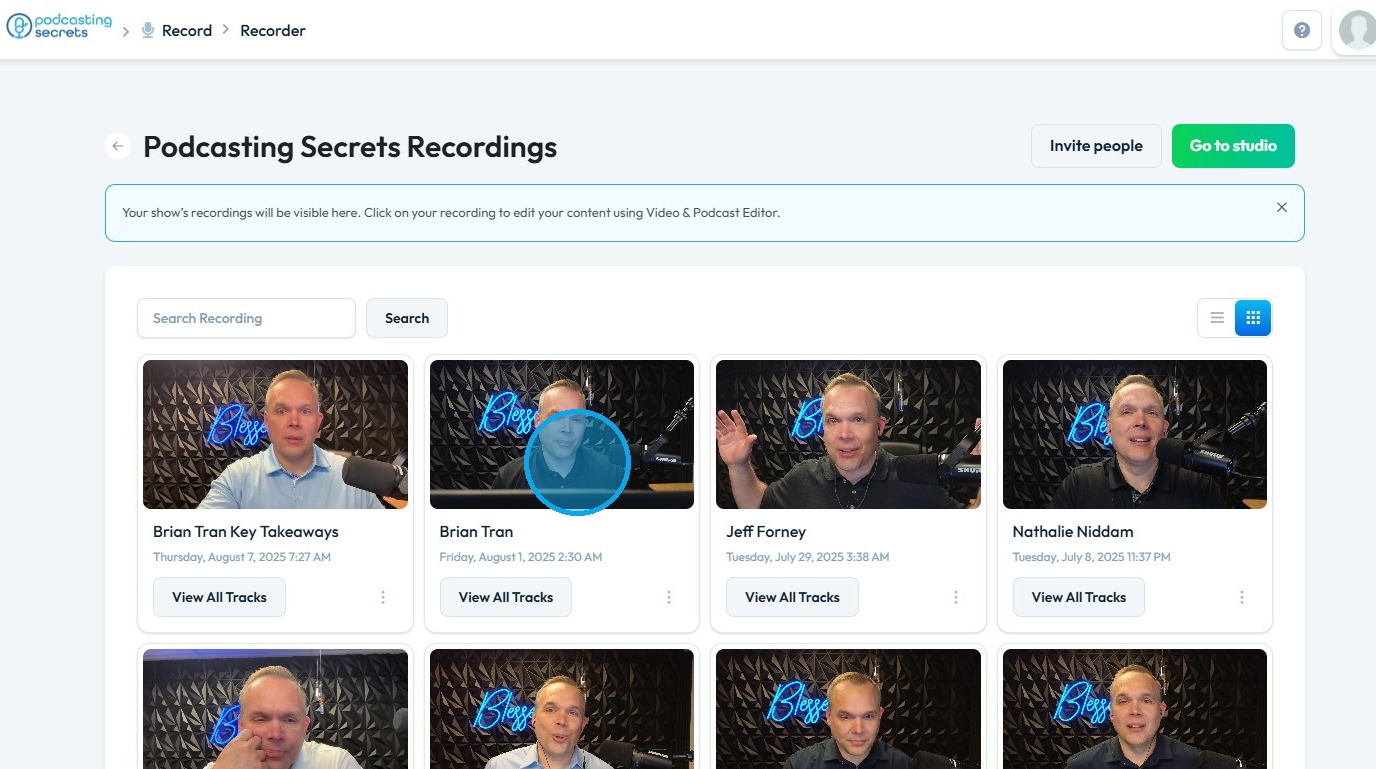
5. Click on a recording.

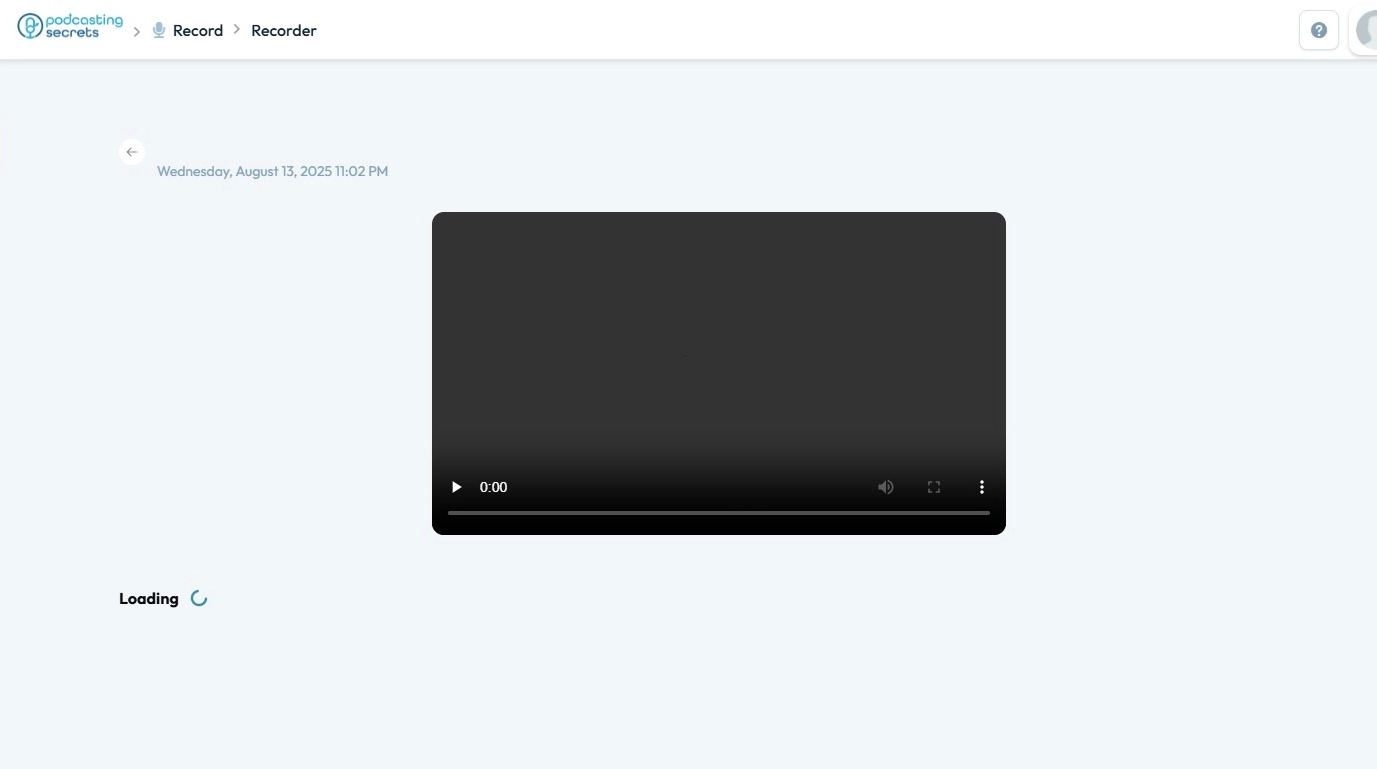
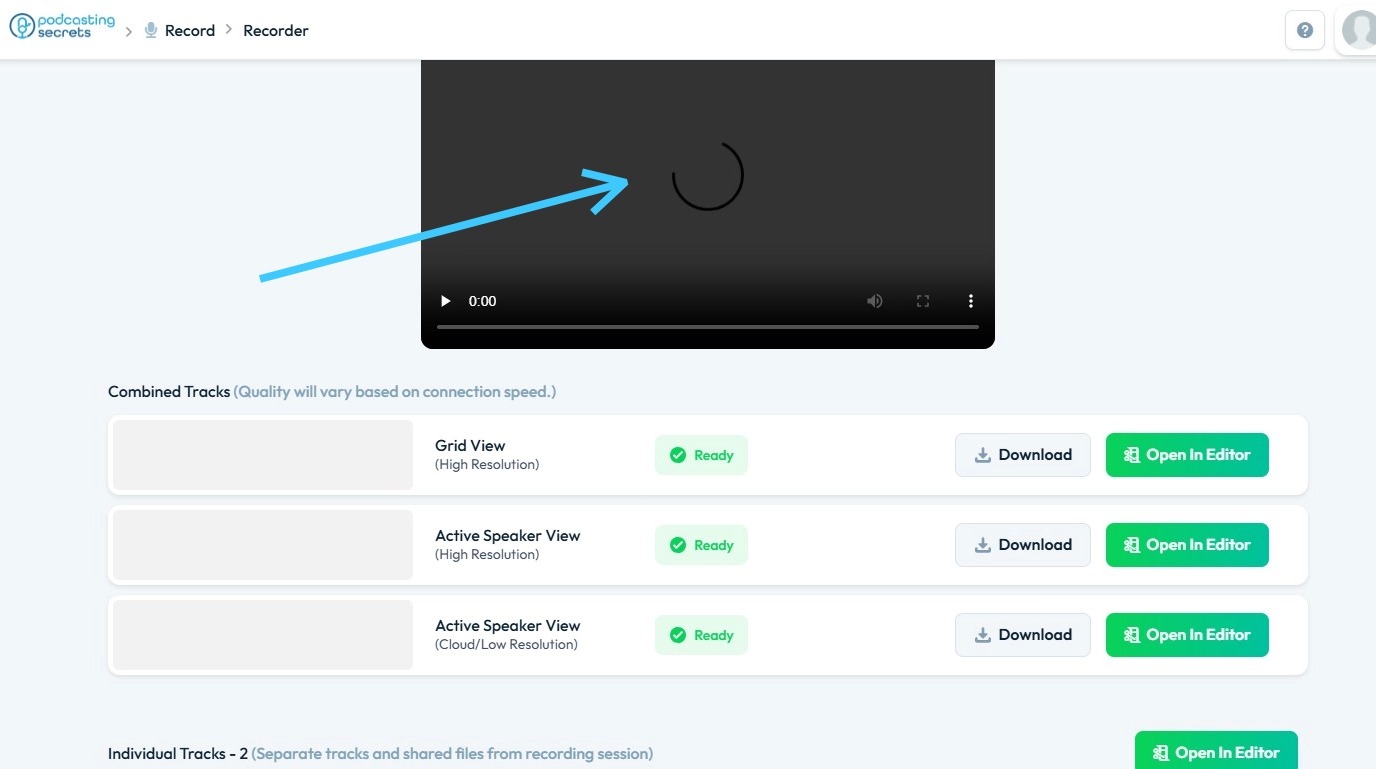
6. You will see the recording begin to load as PodUp fetches the data from its server

7. Once the recording is fetched, PodUp will load the preview, with faster internet speeds resulting in quicker loading times.


    • Related Articles

    • Why is my recording processing?

      By following this guide, you will understand the recording “processing” phase in PodUp, helping you manage expectations and ensure a smoother experience with your audio or video files. 1. When your recording in PodUp is showing as "processing," it ...
    • How To Upload Files in File Manager

      By following this guide, you can efficiently upload files using the PodUp File Manager. 1. Navigate to https://app.podup.com/home 2. Click "File Manager" 3. Select "Upload" 4. Select the file you wish to upload and click "Open" 5. The file will be ...
    • How do I Upload Audio Files?

      Follow this guide to easily navigate the software and upload your audio files. 1. Navigate to https://app.podup.com/home 2. Click "Files" 3. Select "Audios" 4. The Audio File Manager will open 5. Click "Upload" 6. Select the audio file you wish to ...
    • How to Upload Audio to Podup

      This guide provides a straightforward process for uploading audio to Podup, making it easy for users to enhance their video projects with sound. With step-by-step instructions and clear navigation tips, even beginners can successfully integrate audio ...
    • How do I upload my videos to my website

      This guide shows you how to easily upload and manage video episodes on your website to boost your online presence 1. Navigate to https://app.podup.com/home 2. Click "Create" 3. Select "Videos" 4. Click "Create Video" 5. The "Create Video" page will ...