Timeline lag / slow
editor is slow, timeline lagging, video editor laggy, editing is sluggish, playback stutters
By following this guide, you can easily create a new project in PodUp Editor and begin your video editing workflow smoothly and efficiently.
1. Navigate to https://editor.podup.com/
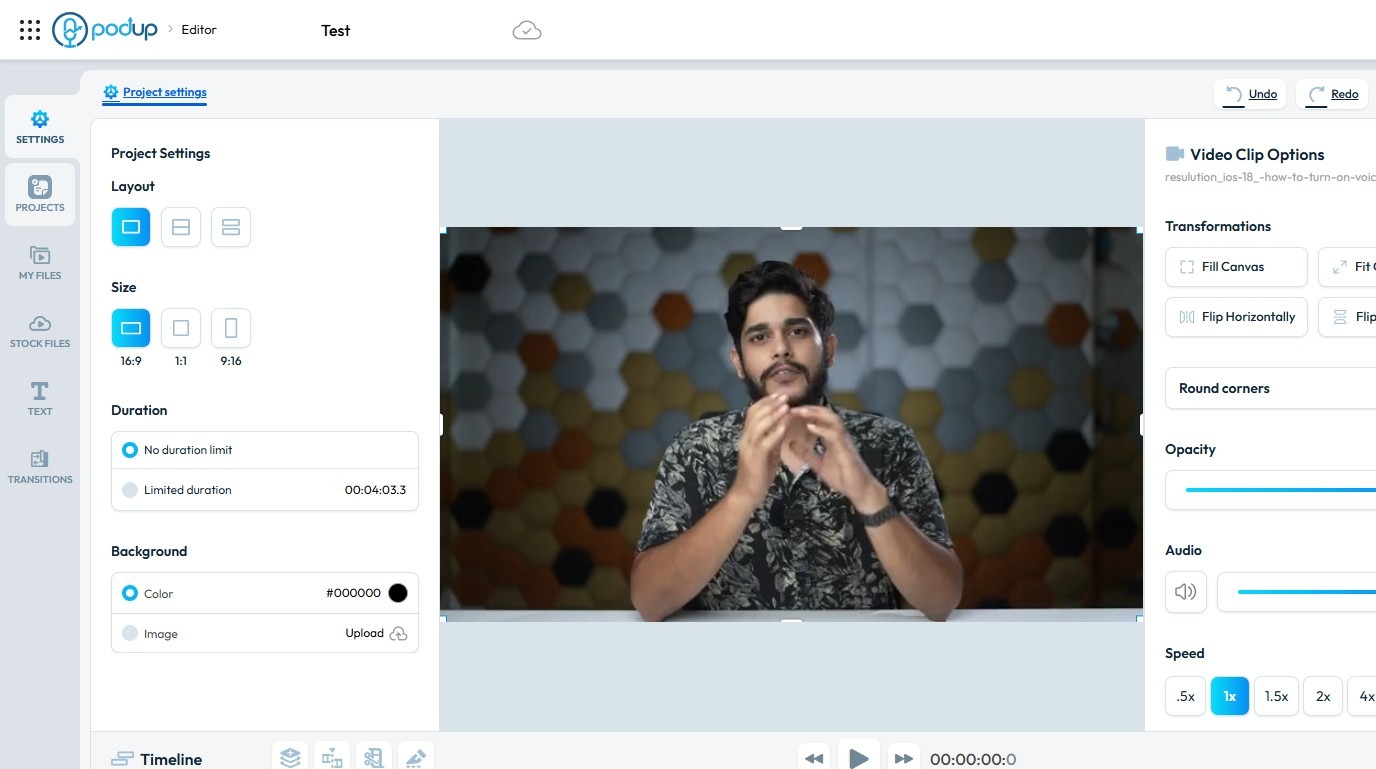
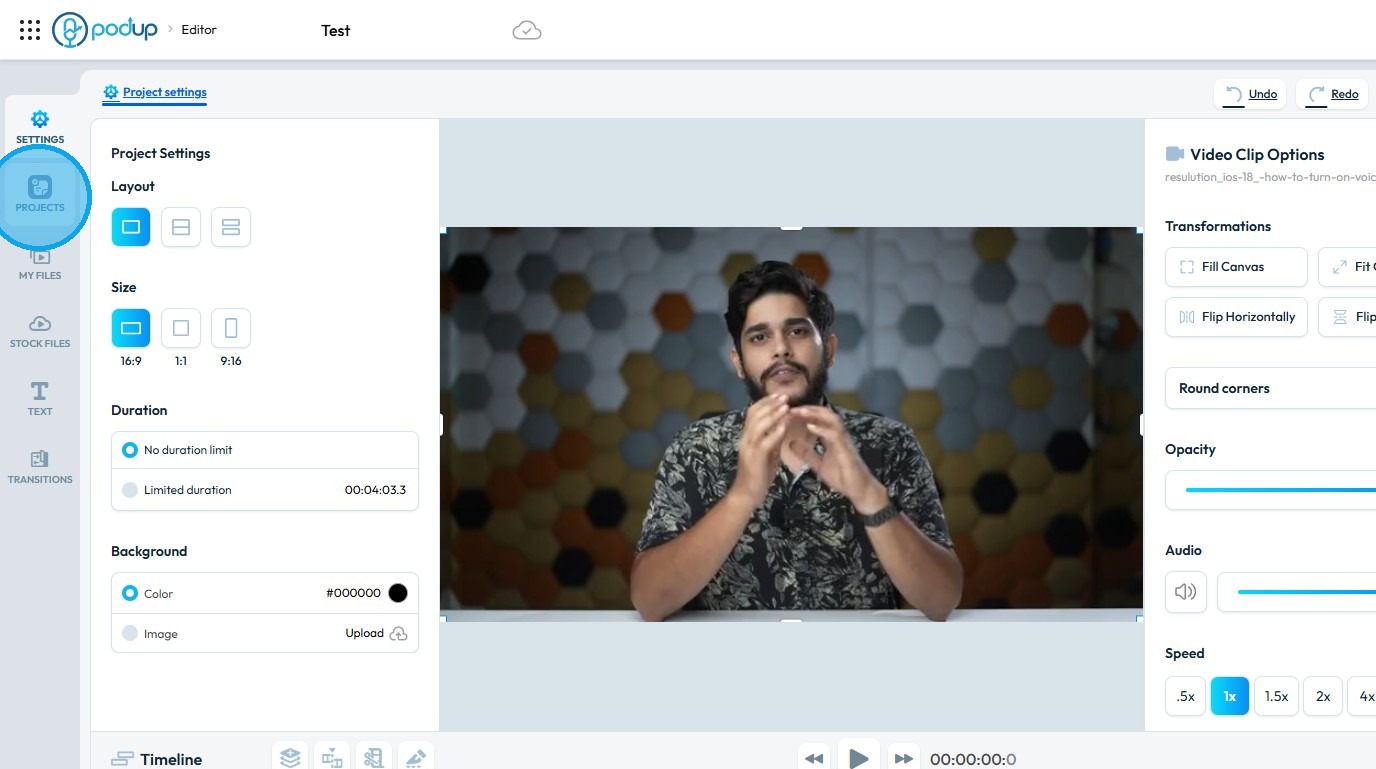
2. Click "Projects".
3. Select "New project"
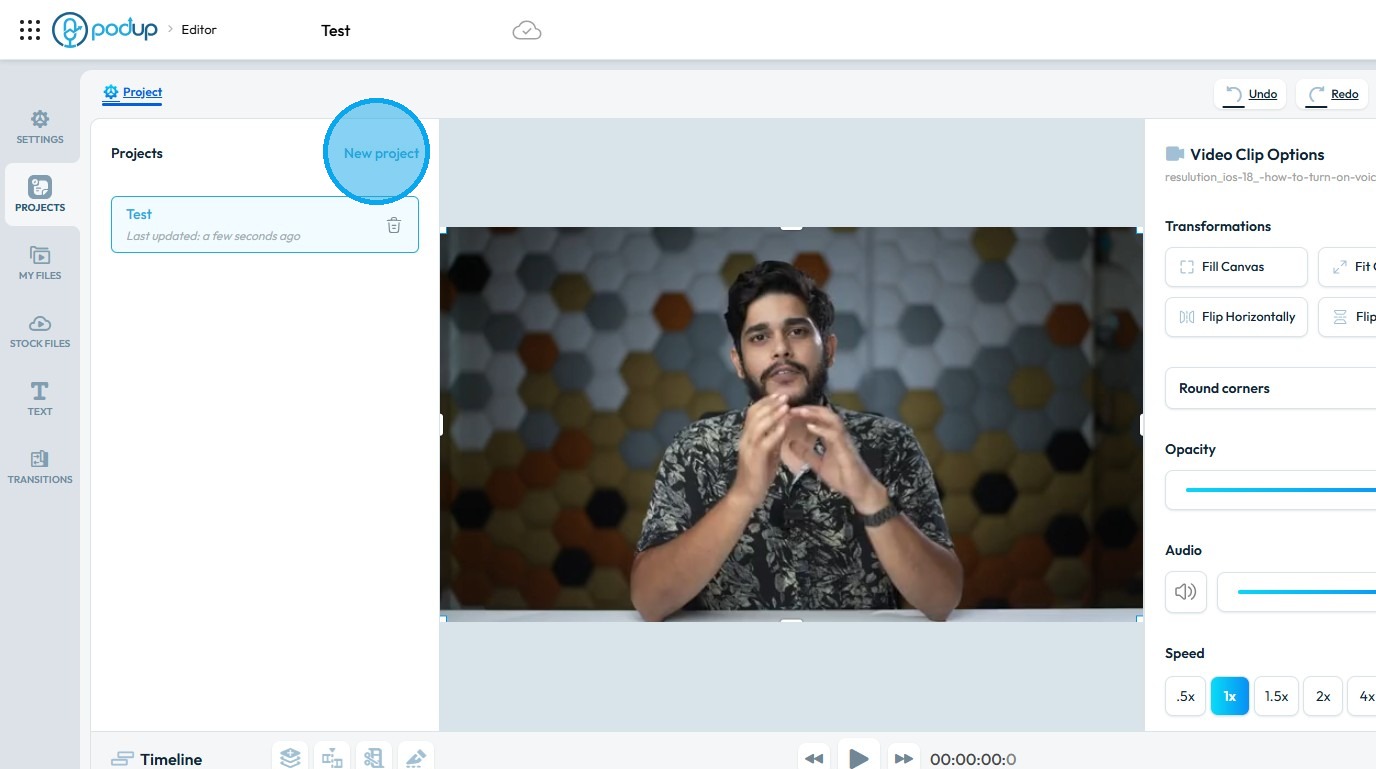
4. A new project will be created and loaded, closing the previous one
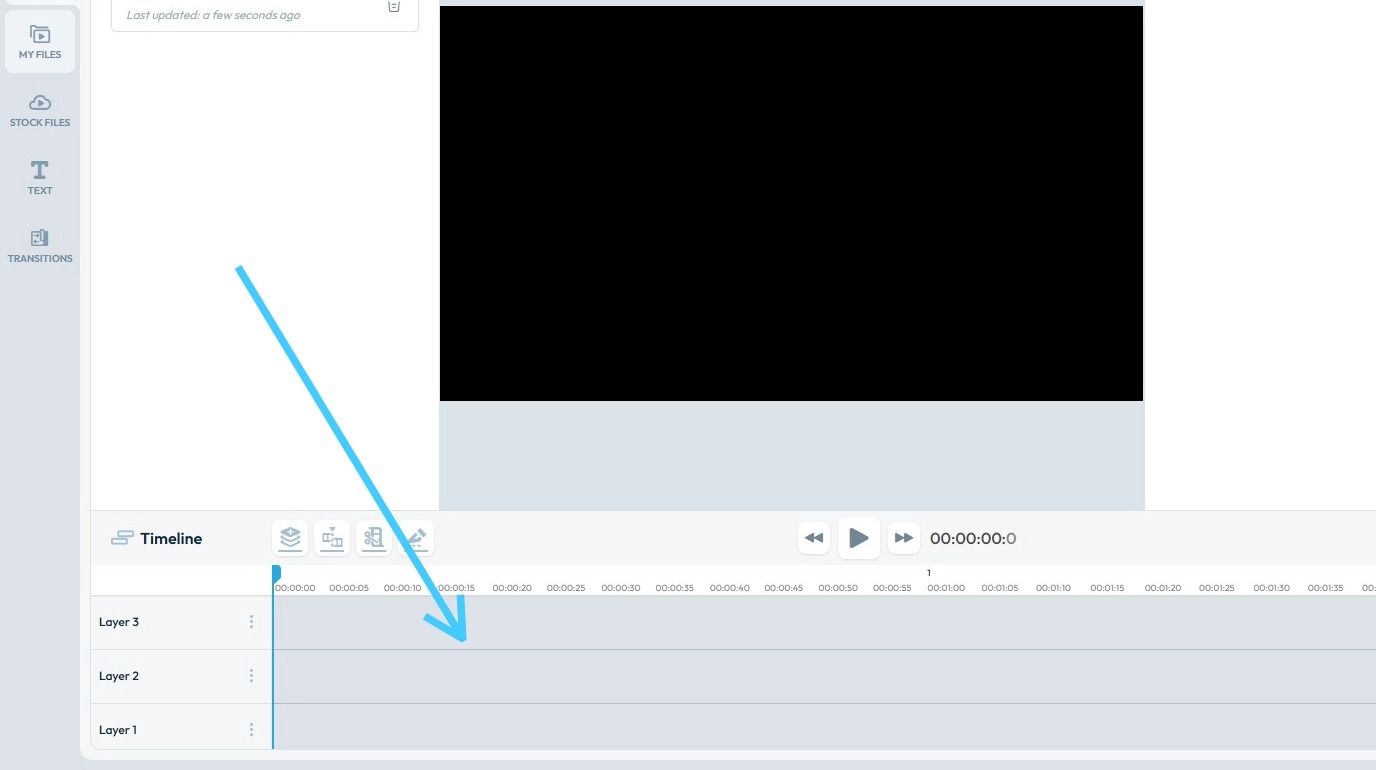
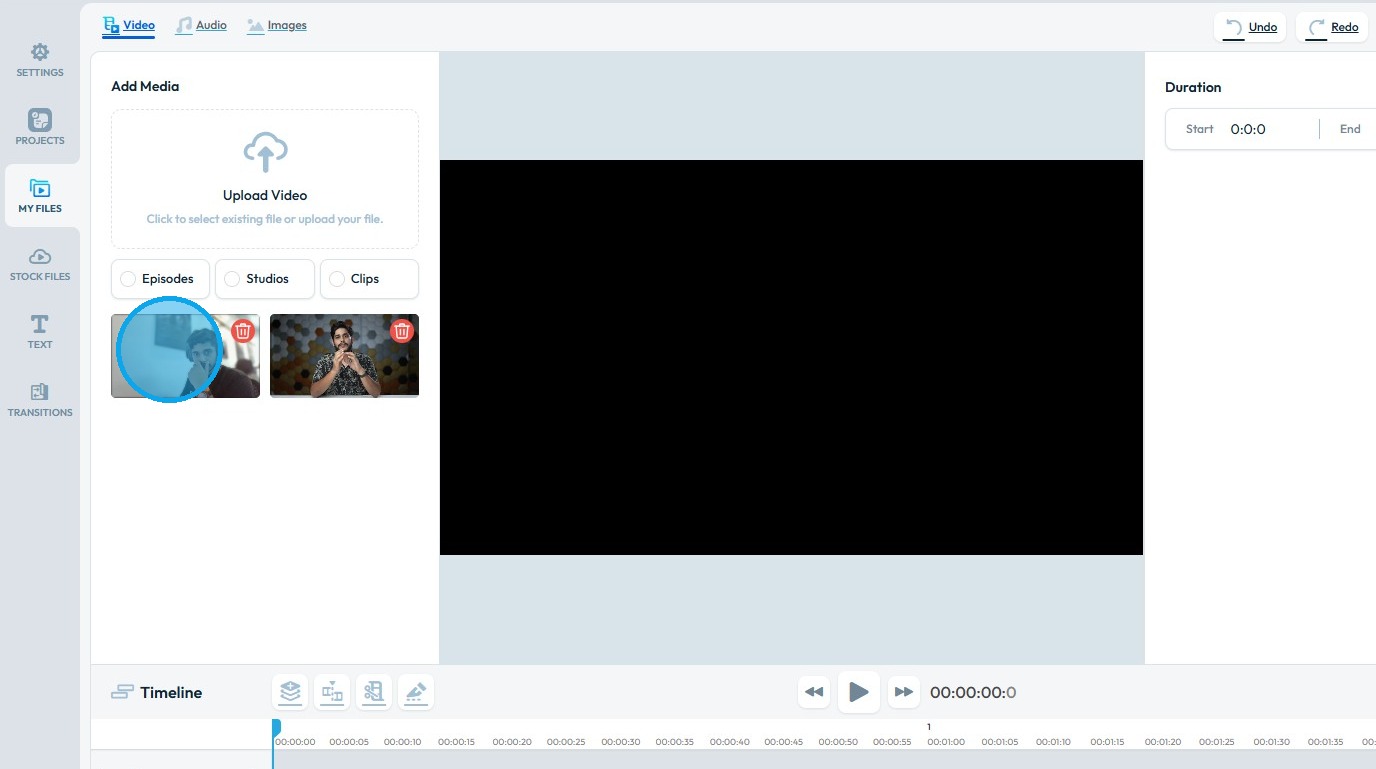
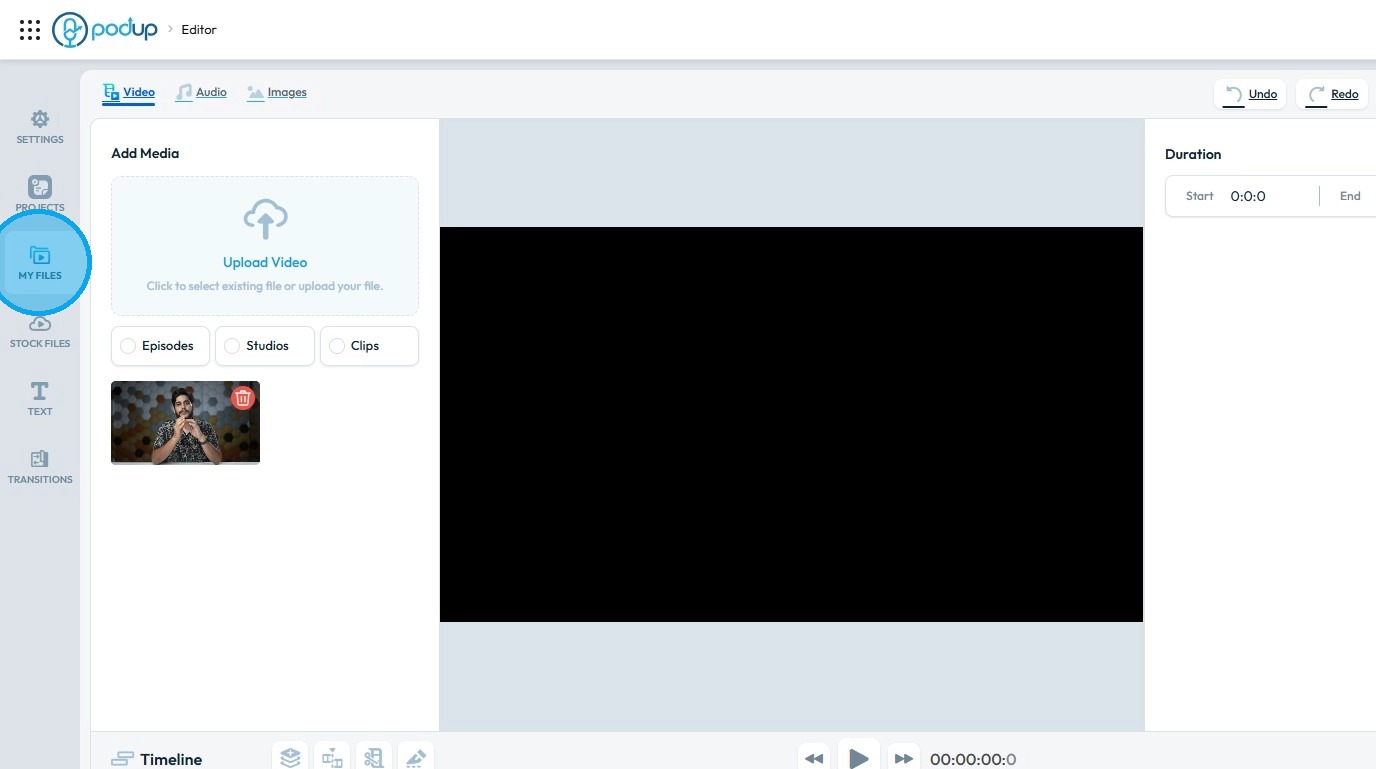
5. Click "My Files"
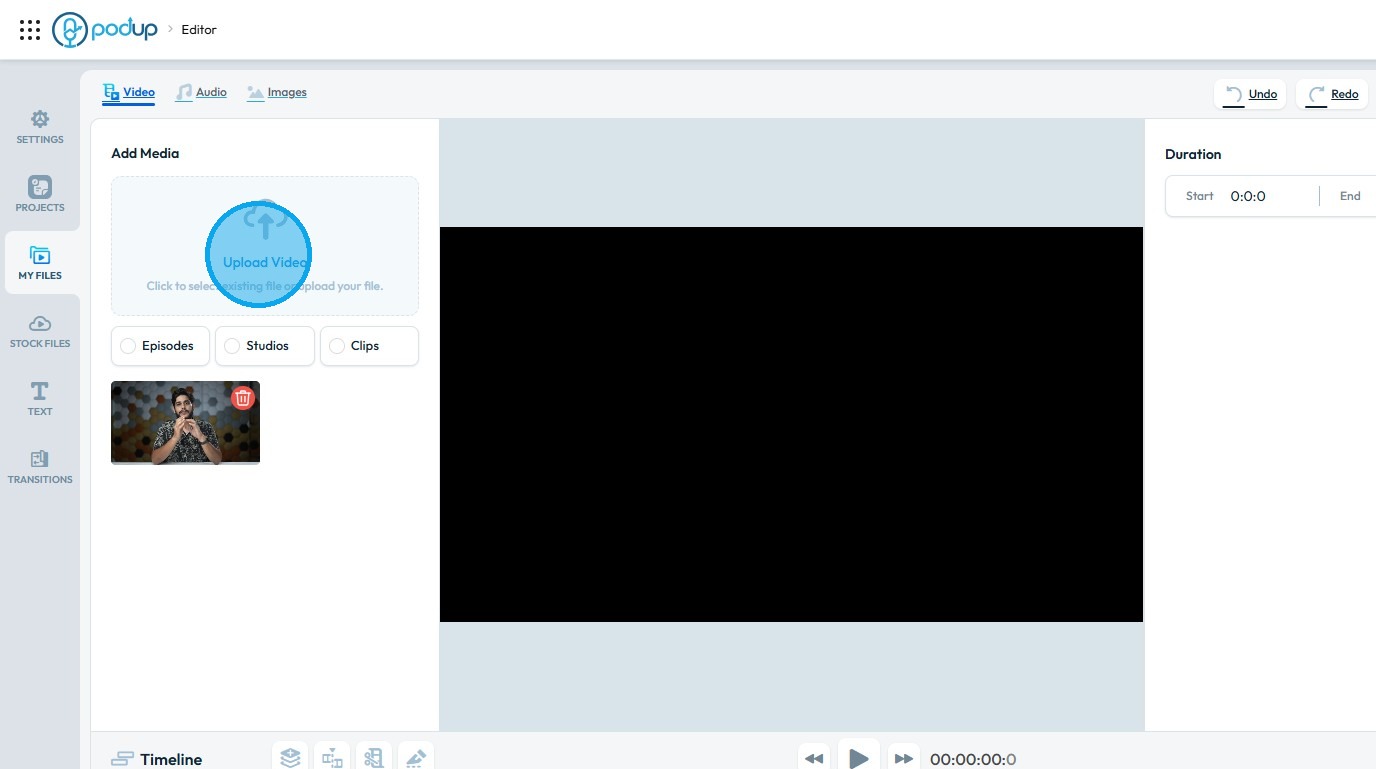
6. Click "Upload Video"
7. Click on the video you wish to import into the Editor
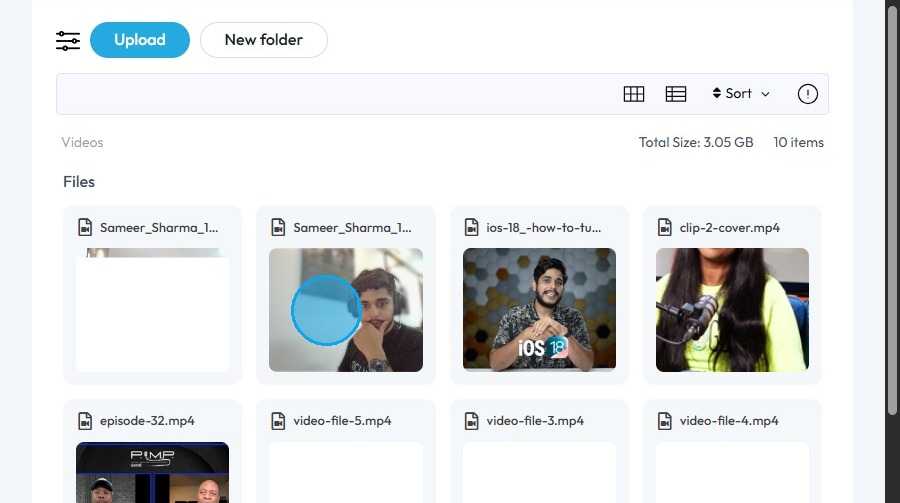
8. Click "Select"
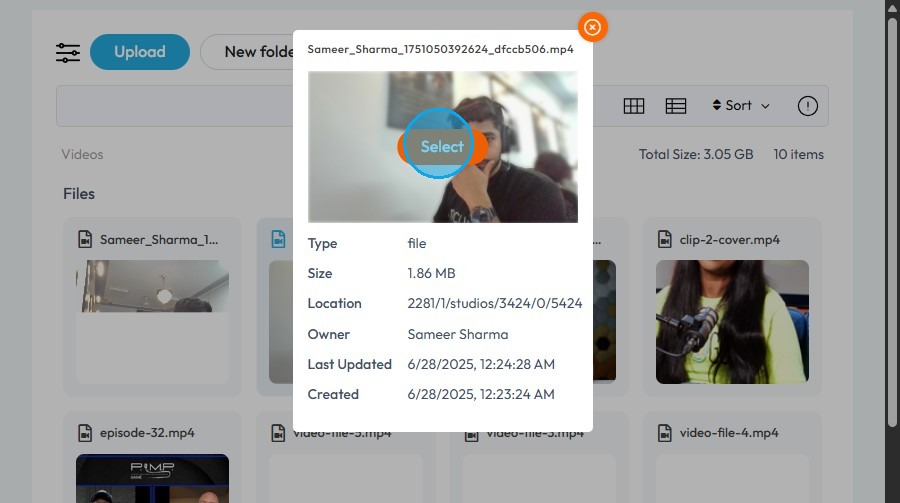
9. The video file will be loaded into the New Project