I am new. Where do I start?
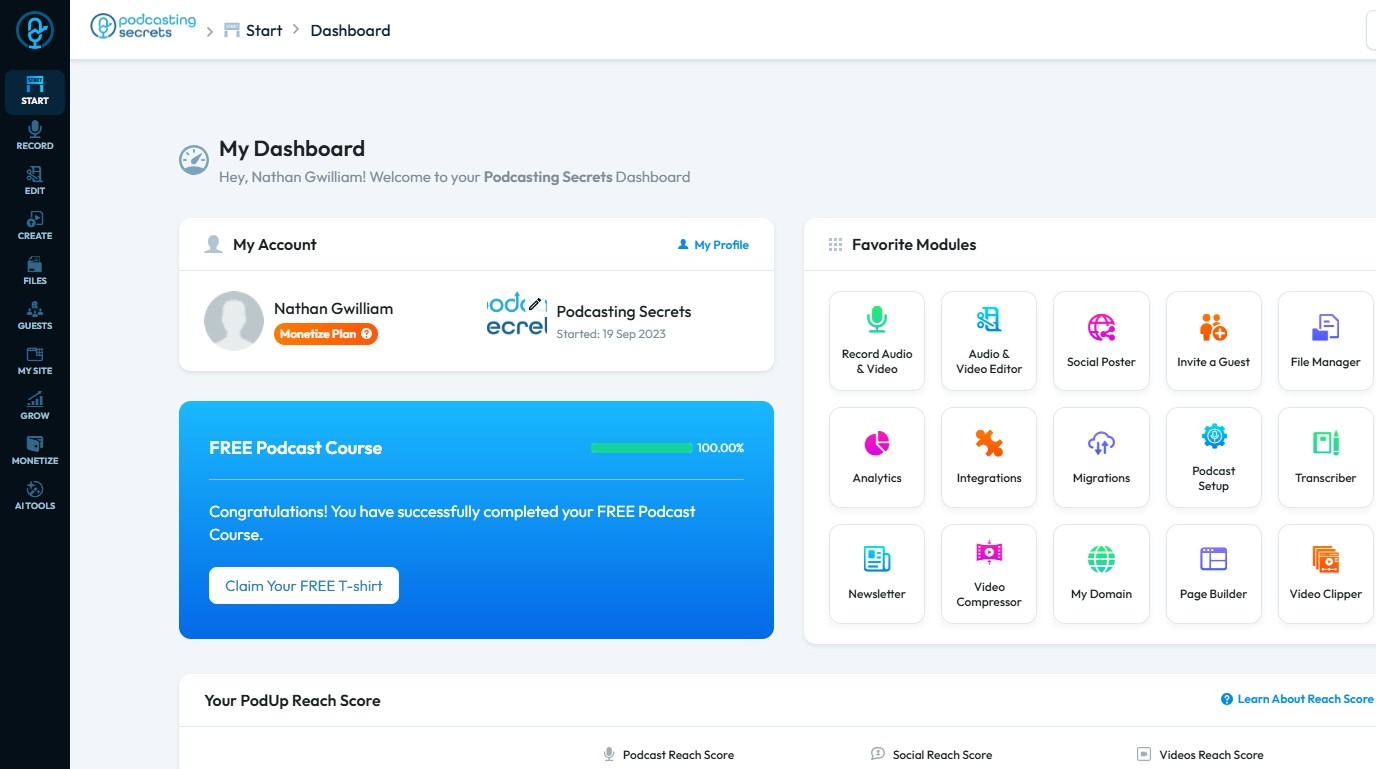
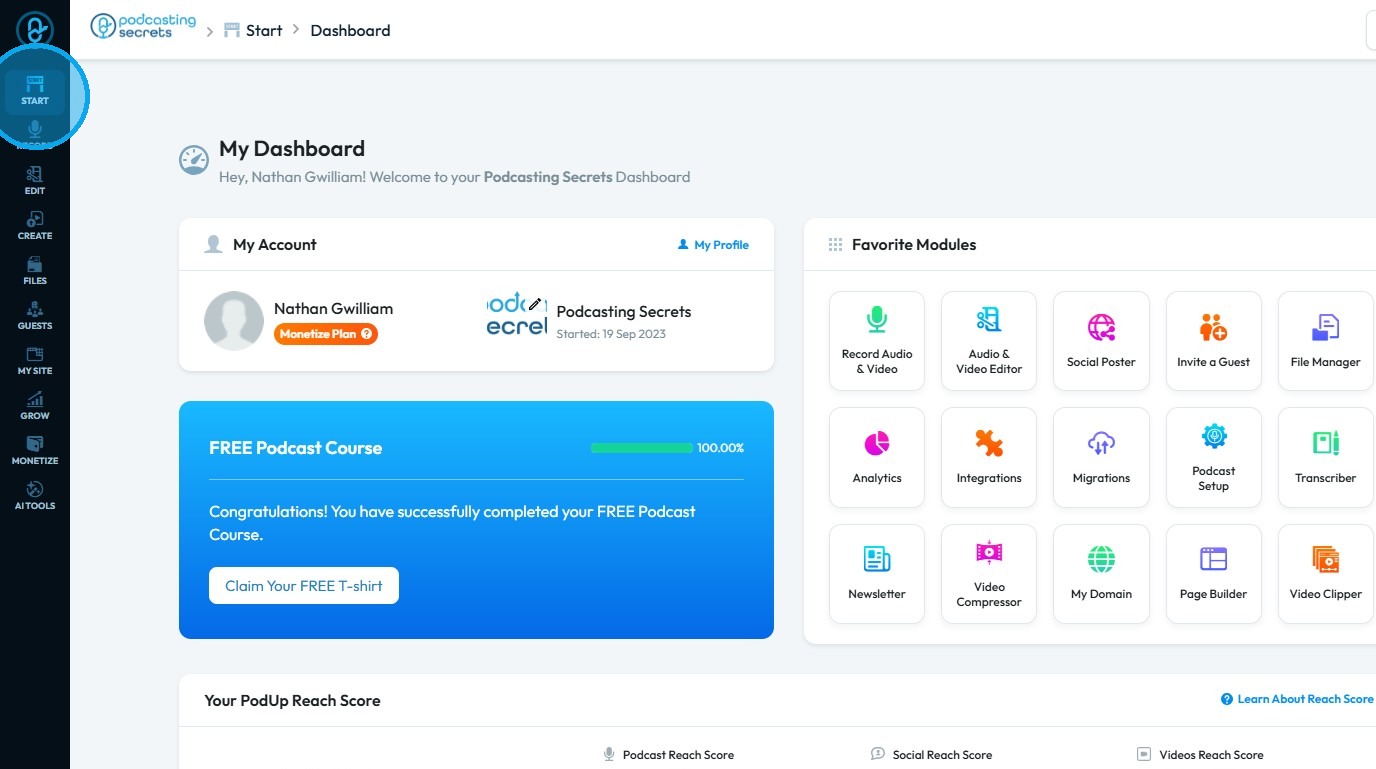
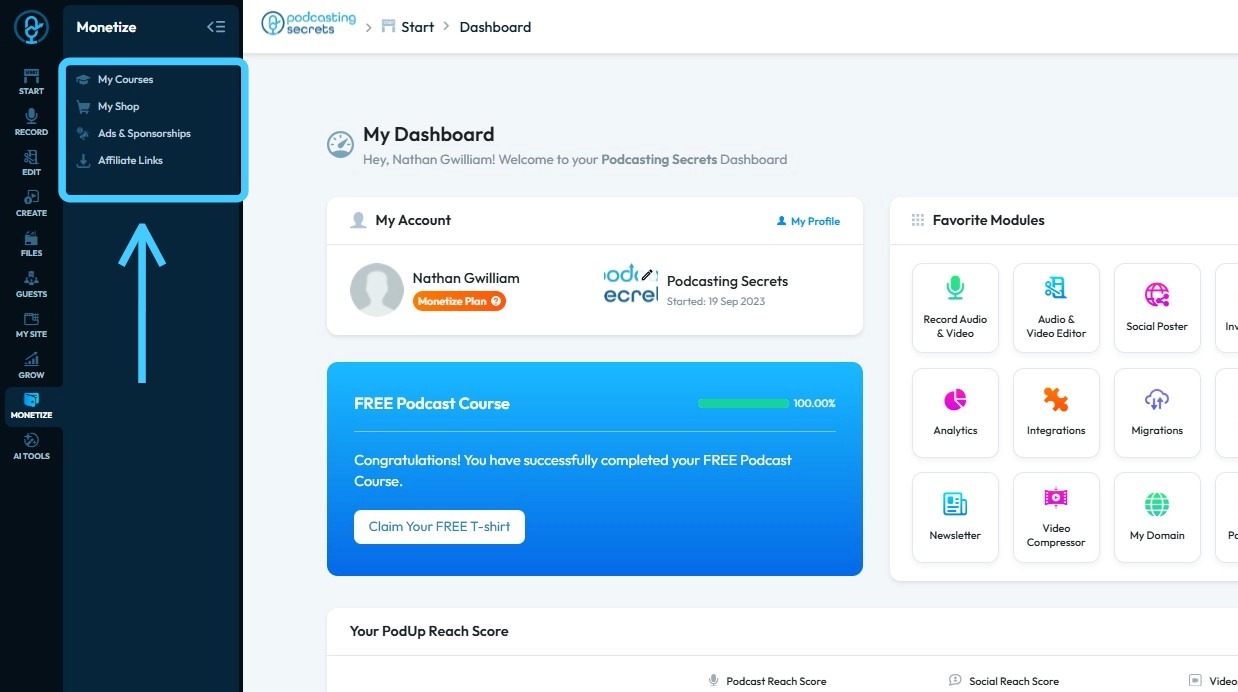
2. Click "Start"
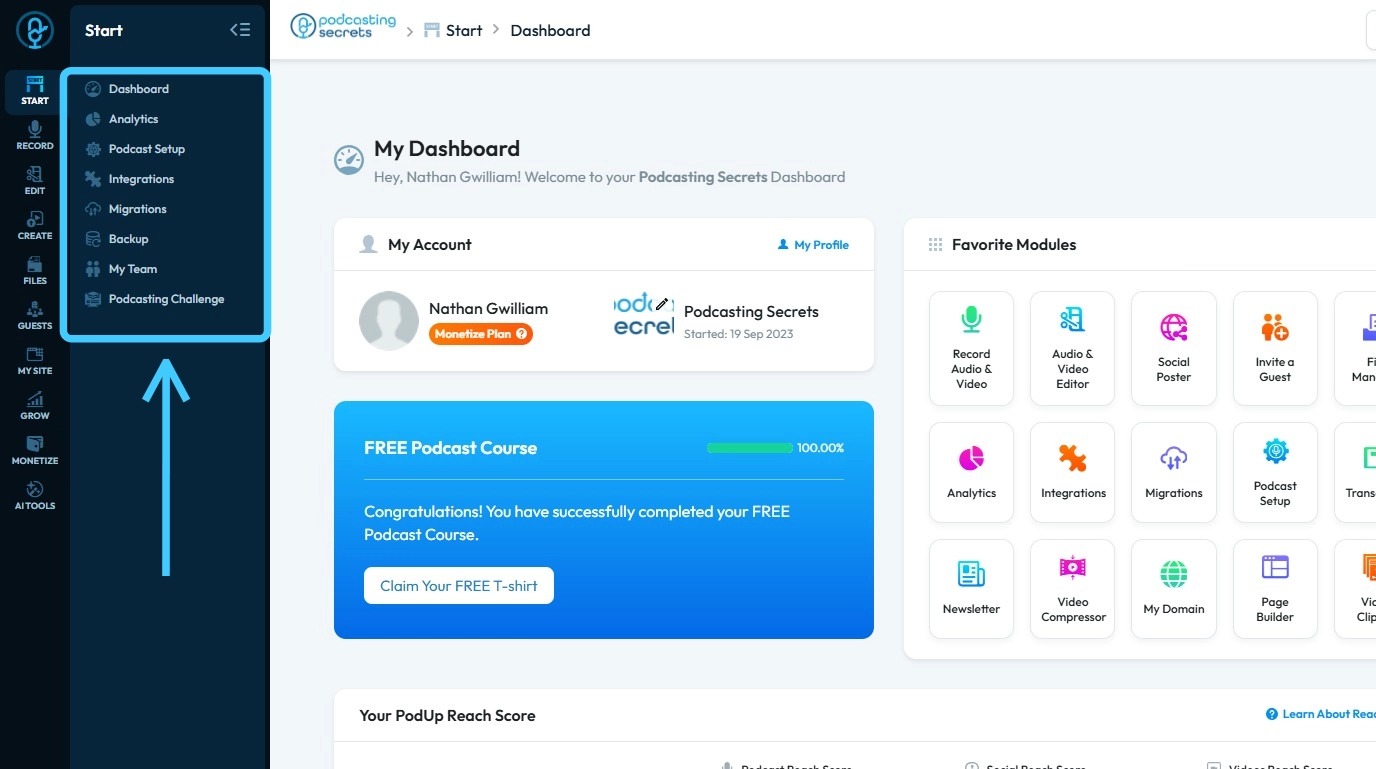
3. Podcast Setup: PodUp’s Setup tools walk you through everything you need to do before launching your podcast — like integrating podcast platforms, adding your domain, and inviting team members with the right permissions
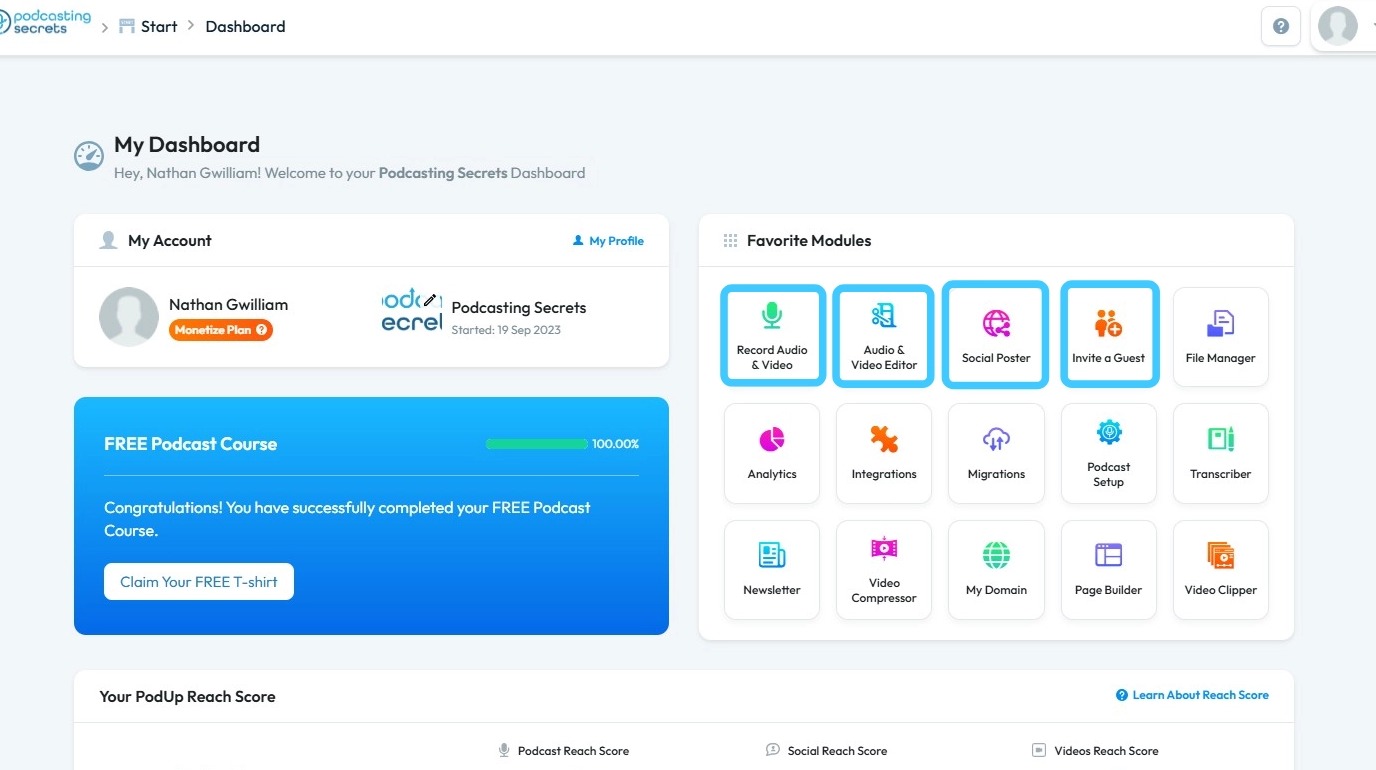
4. Create Your Podcast: Use built-in tools like the Recorder to capture great audio and video, the Editor to cut and polish your content, and the Guest Manager to organize and communicate with your interview guests
5. Publish and Distribute: Publish your podcast episodes, videos, livestreams, blogs, and transcripts all from one platform. Use the Syndicator tool to distribute content widely.
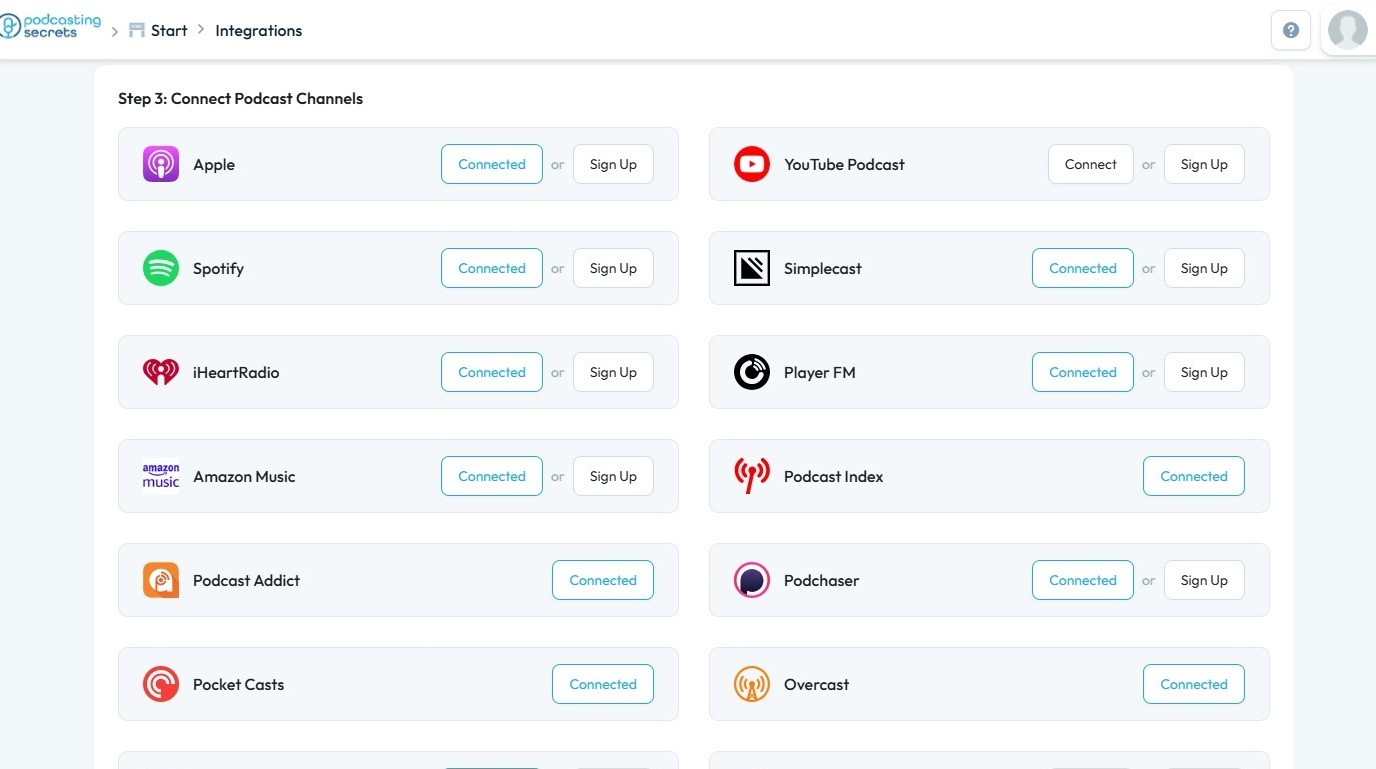
6. Grow Your Audience: Leverage PodUp’s features to expand newsletters and email lists, gather reviews, and improve SEO. Your podcast can unlock new revenue streams through courses, e-commerce, coaching, memberships, sponsorships, events, and other offerings, while effectively engaging your audience.
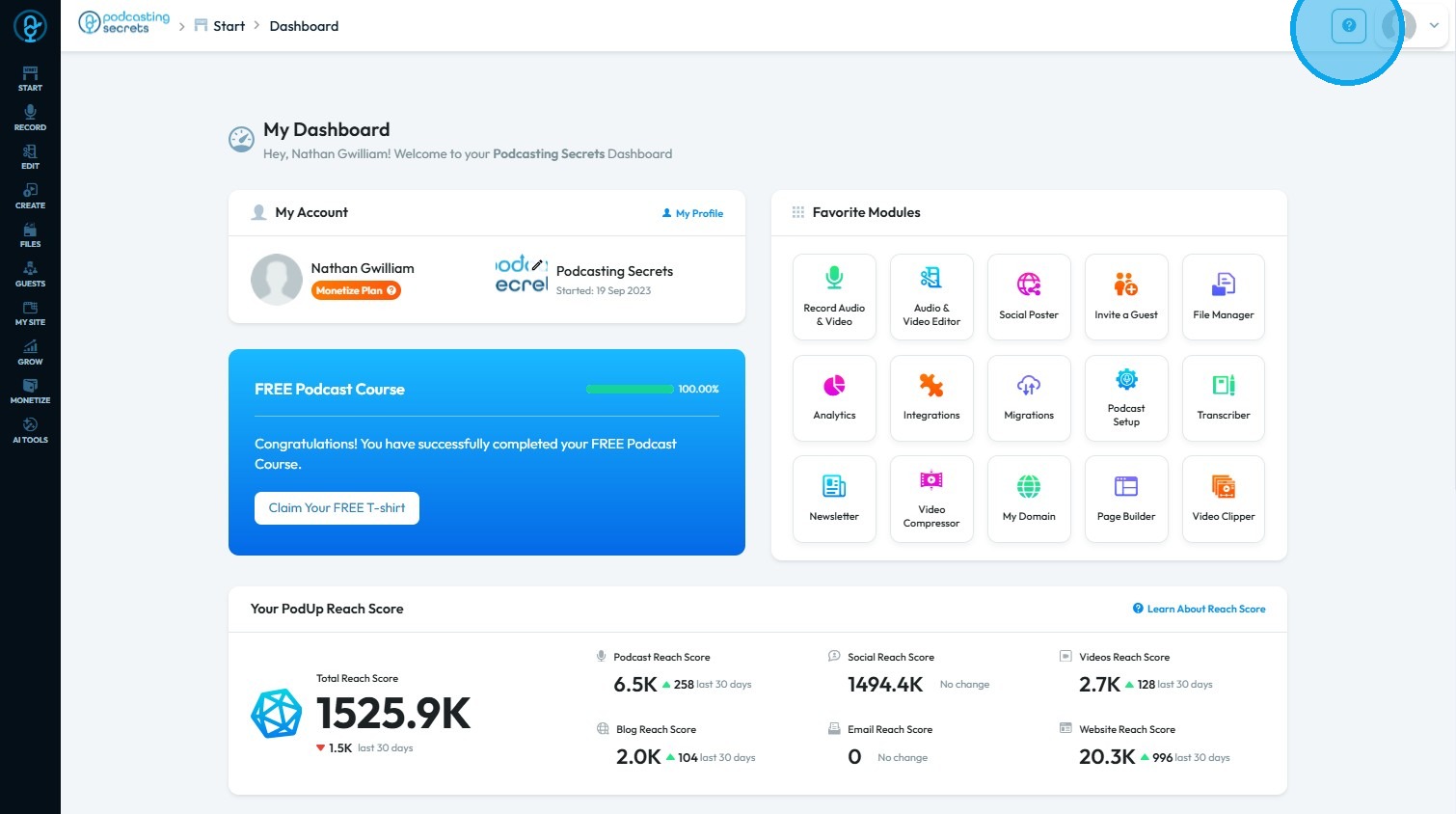
7. Need More Help? Click the “Help Center” icon, represented by the question mark in the top-right corner
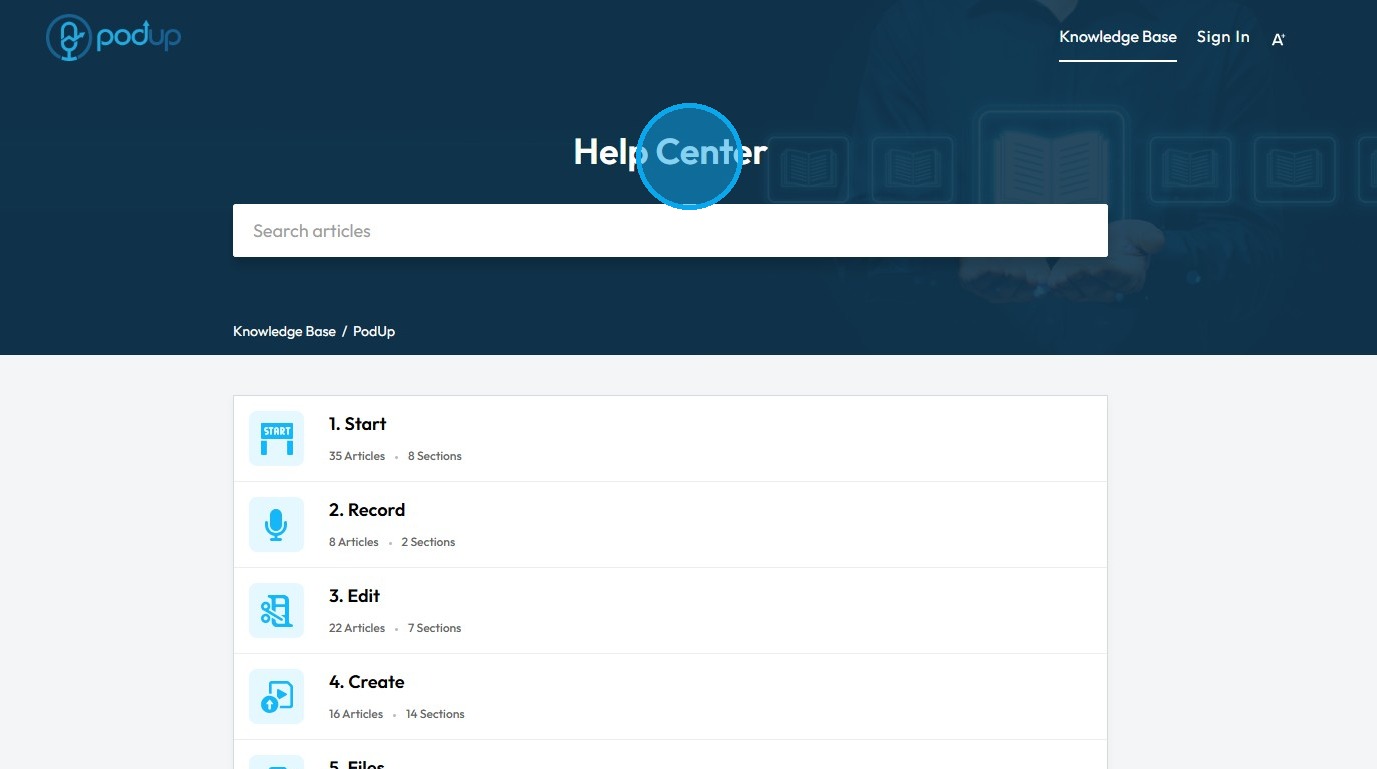
8. Learn with Tutorials: PodUp also offers guides that will help you to learn about the software.
Related Articles
What happens if I cancel my account, then create a new account 3 months later?
This guide is essential for anyone considering canceling their PodUp account, as it outlines the risks of permanent content loss and the lack of data recovery options upon rejoining. It emphasizes the importance of exporting data before cancellation ...How to Create a New Project in Podup Editor
By following this guide, you can easily create a new project in PodUp Editor and begin your video editing workflow smoothly and efficiently. 1. Navigate to https://editor.podup.com/ 2. Click "Projects". 3. Select "New project" 4. A new project will ...How to Add a New Shipping Zone in Podup
This guide helps you to add a new shipping zone in Podup, crucial for managing shipping costs and delivery times effectively. It's an essential resource for anyone looking to optimize their shop’s shipping options and improve customer satisfaction. ...How to add a New Child Category in Podup Shop?
This guide provides a straightforward process for adding a new child category in Podup, making it essential for users looking to enhance their product organization. 1. Navigate to https://app.podup.com/home 2. Click here. 3. Click "Shop" 4. Click ...How to create a New Subcategory in Podup Shop?
This guide provides a straightforward process for creating a new subcategory in Podup, making it easy for users to enhance their product organization. By following the clear steps outlined, users can efficiently manage their inventory and improve the ...