How to view all the replies?
Use this guide to access and manage comment replies on your PodUp site to boost engagement
1. Navigate to https://app.podup.com/home
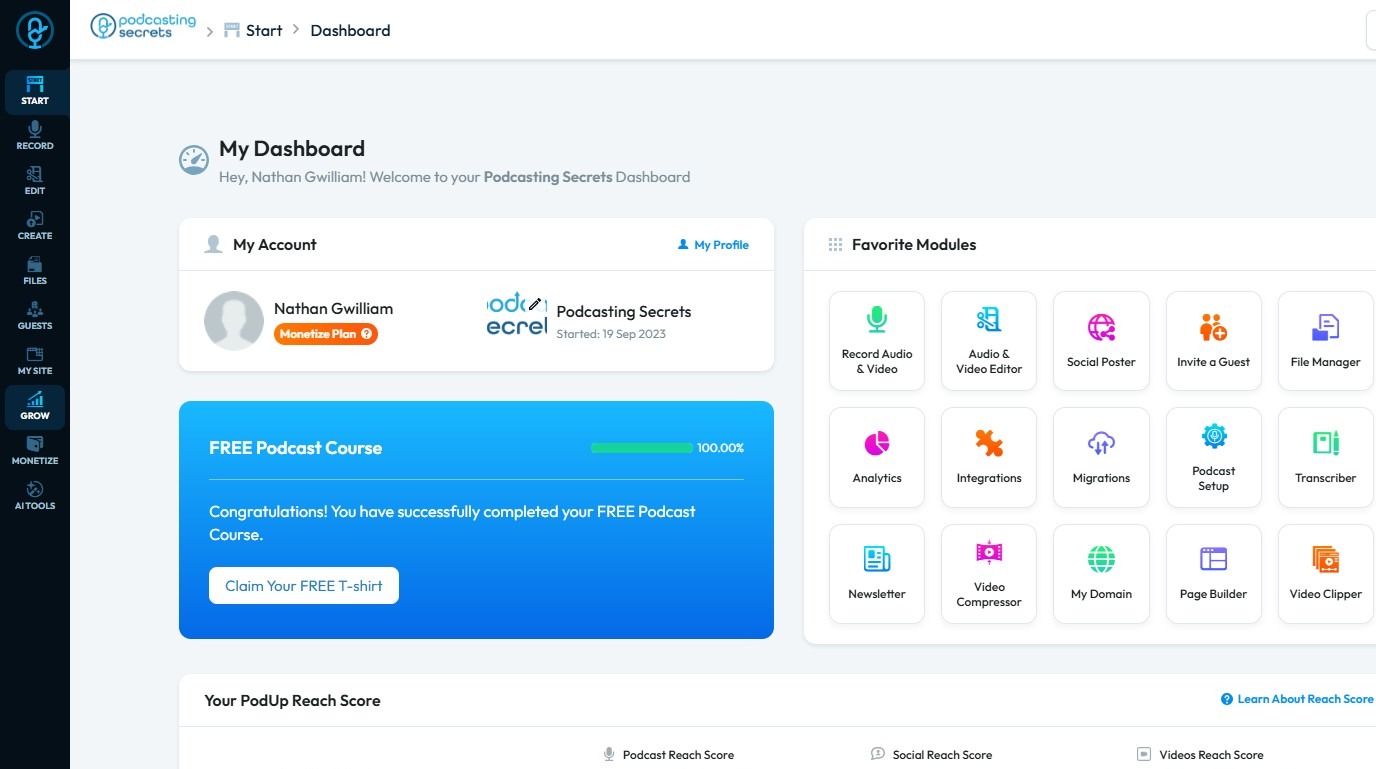
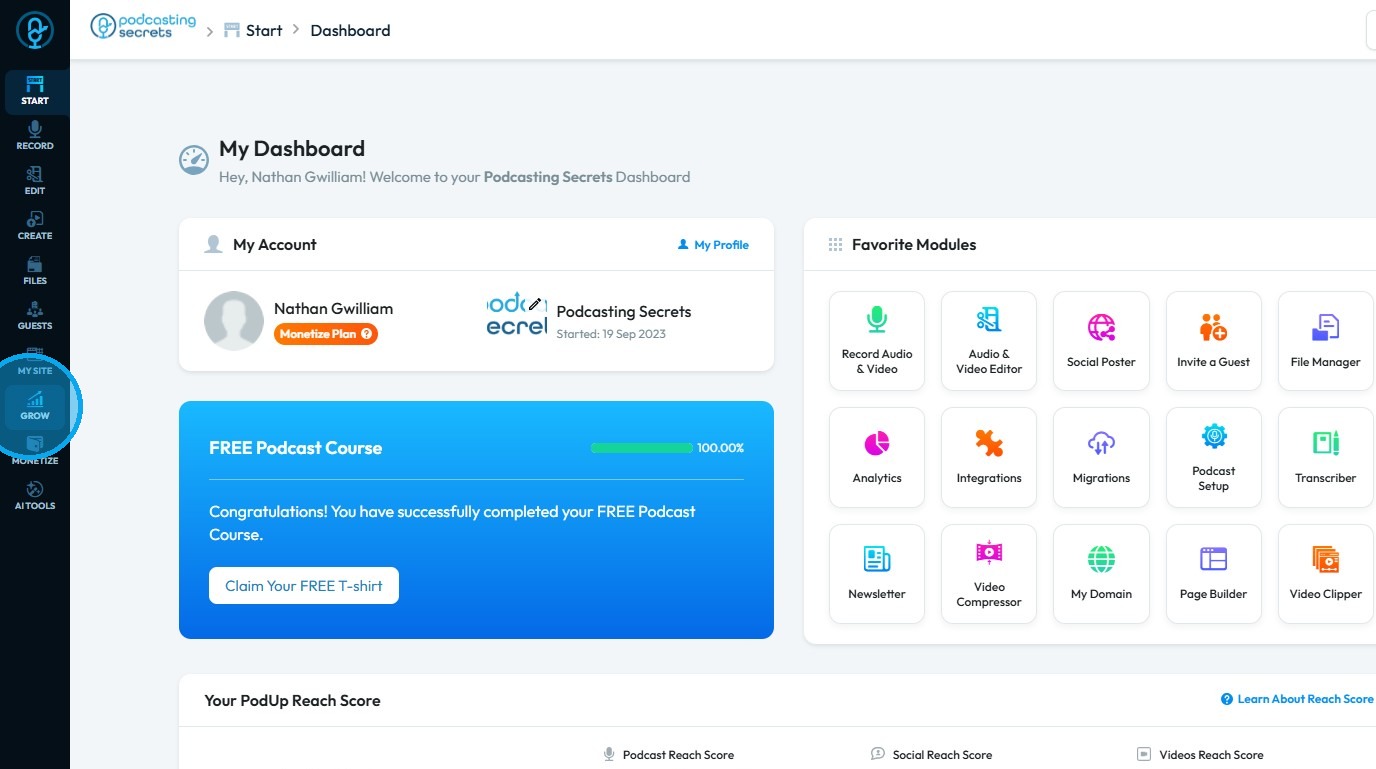
2. Click "Grow"
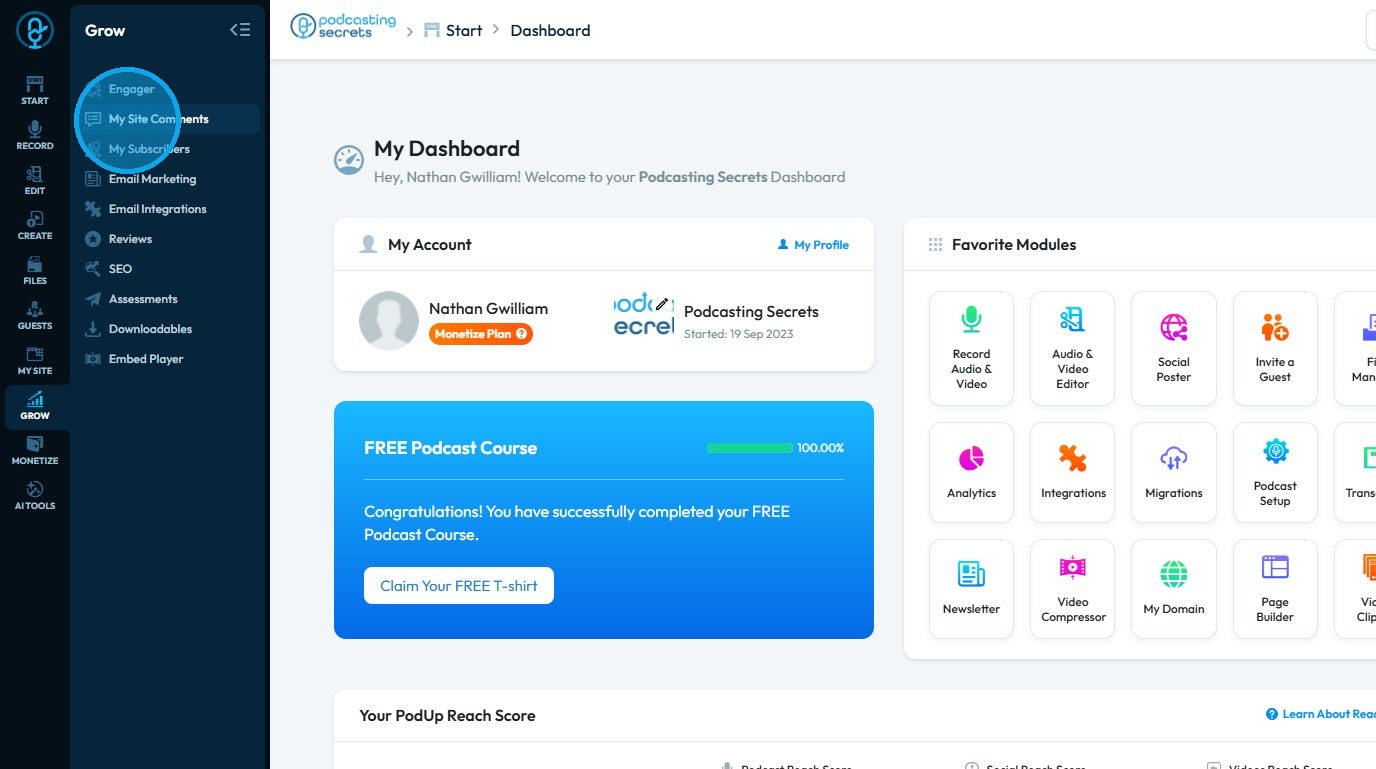
3. Select "Comments"
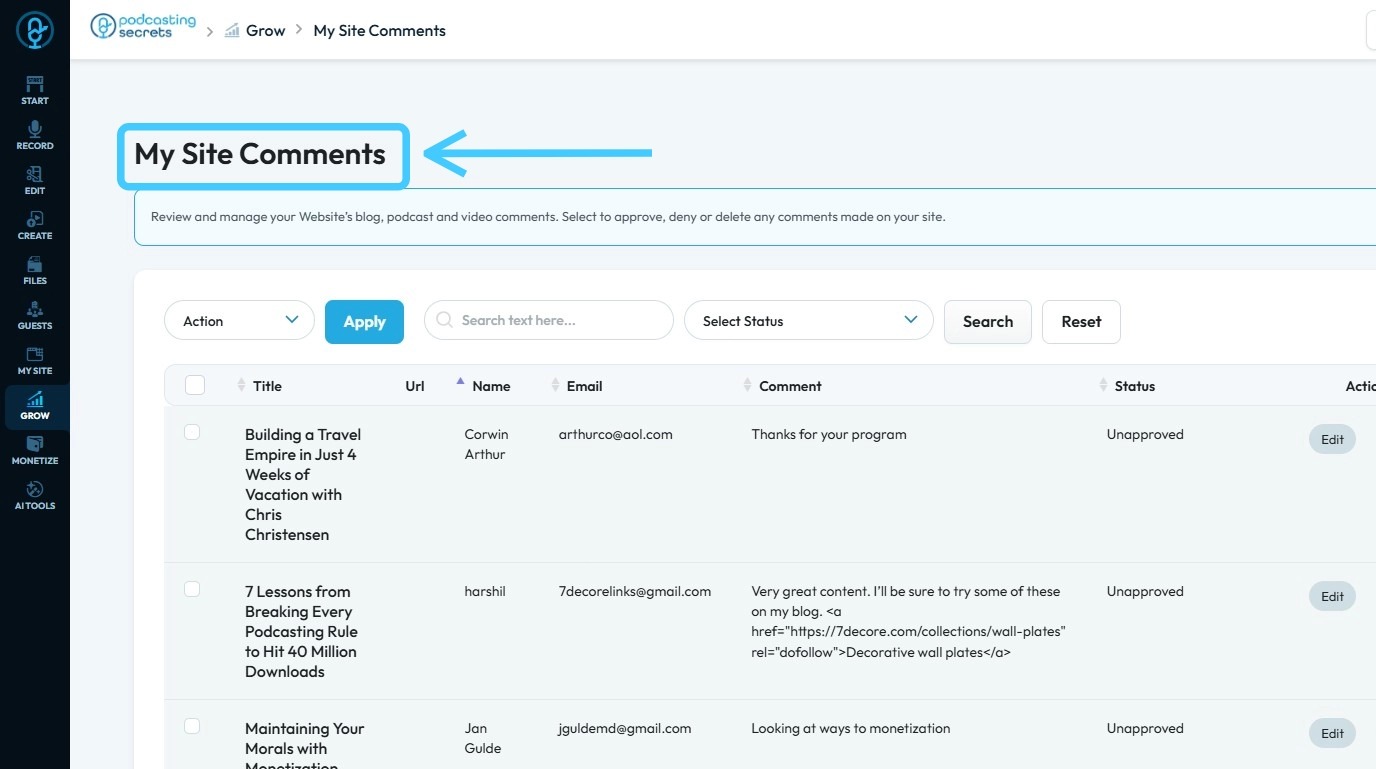
4. The “Commenter” page displays all comments on your website
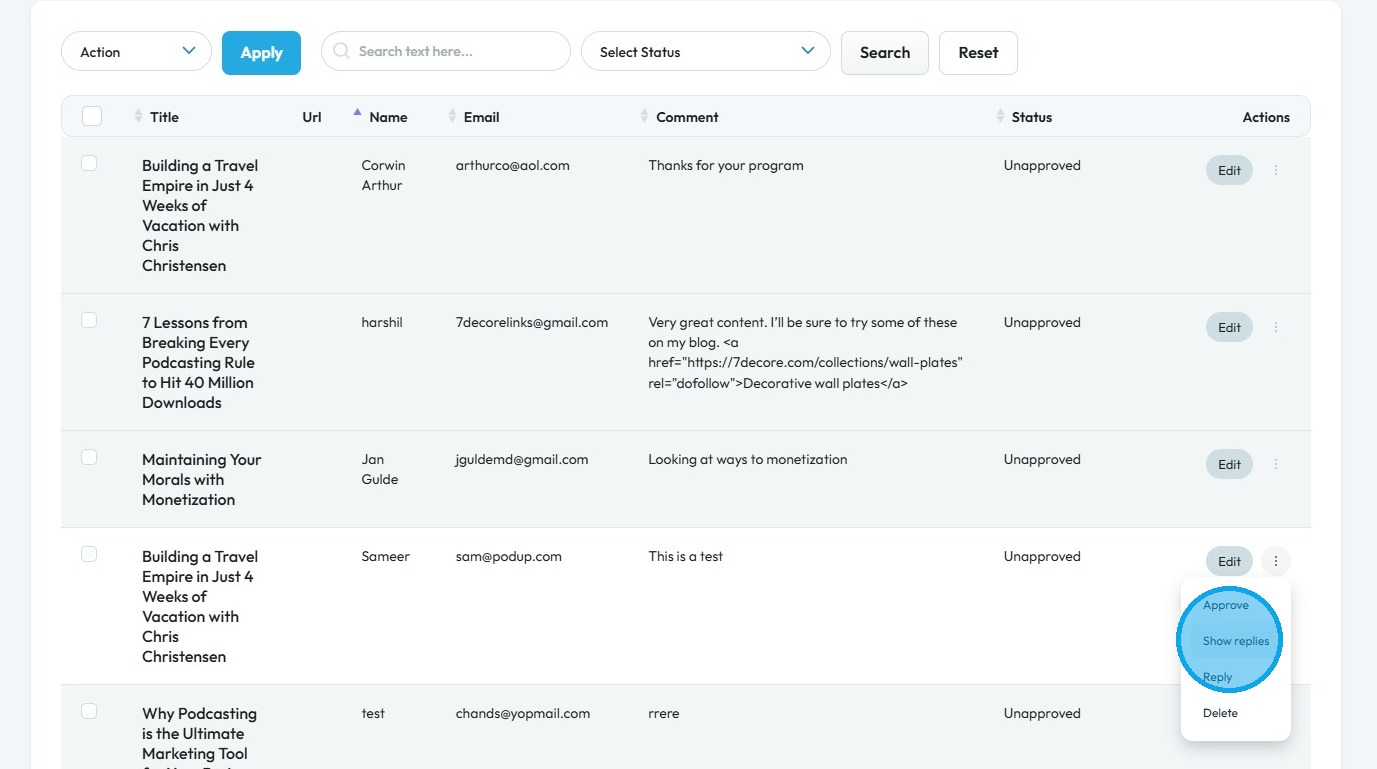
5. Click the three dots next to the comment whose replies you want to view
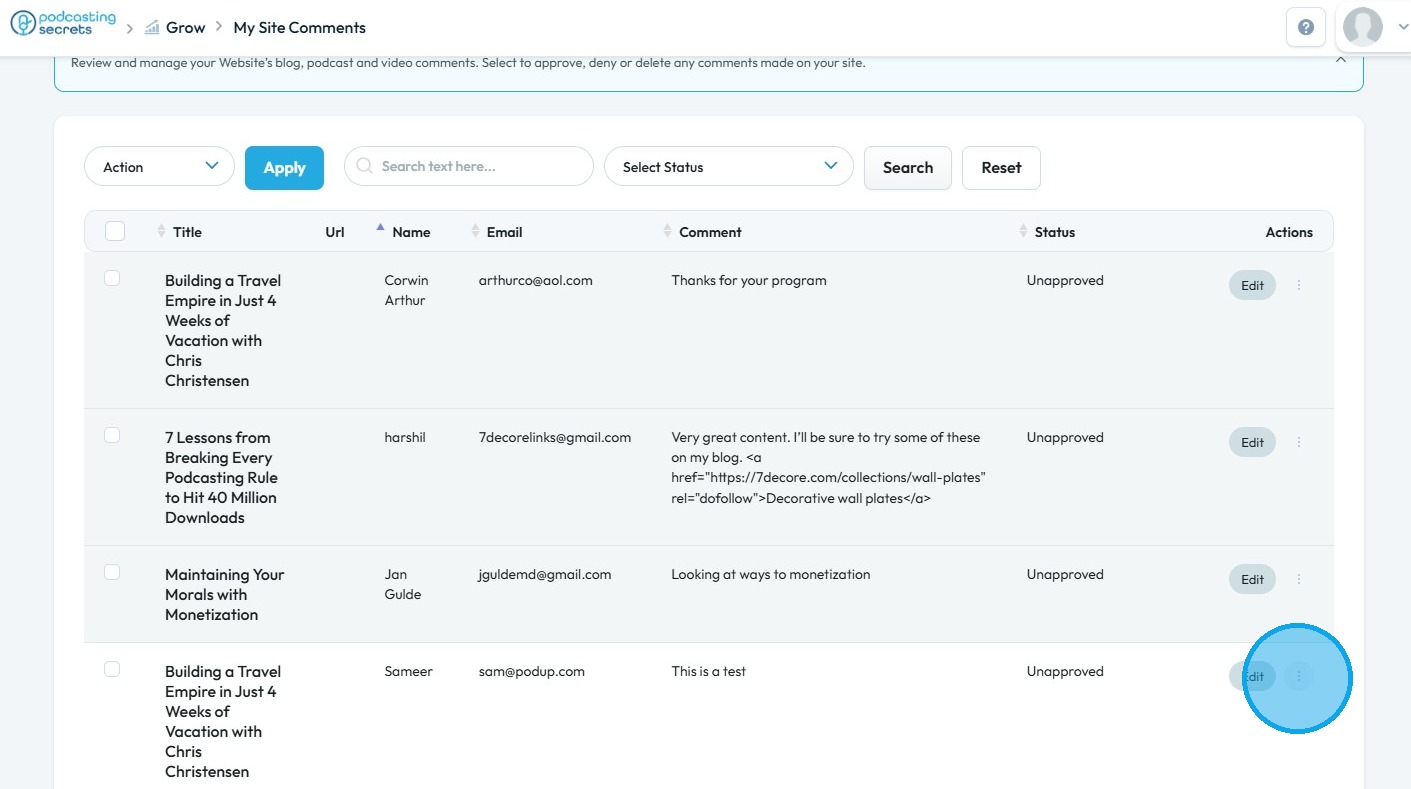
6. Select "Show replies"
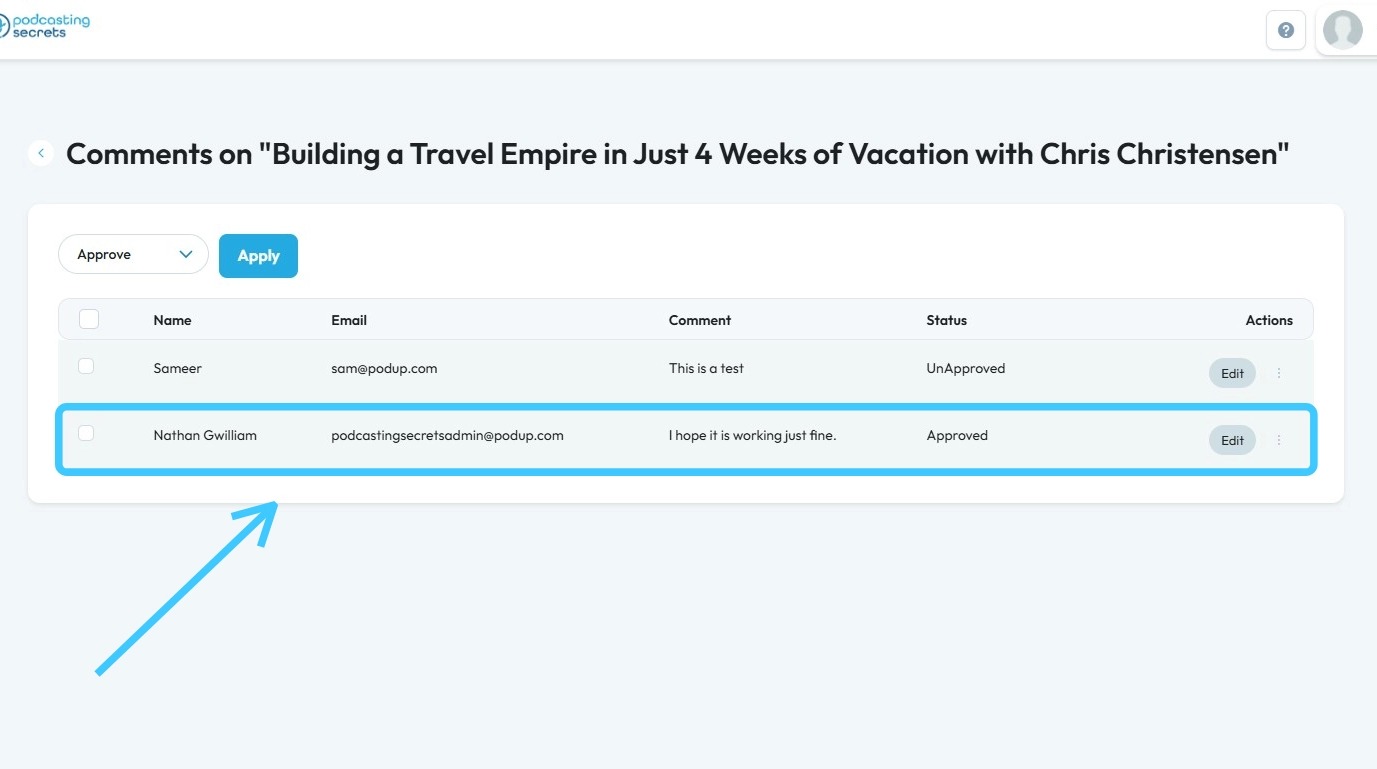
7. All replies to the comment will be displayed here
Related Articles
Hide your self-view in recorder
By following this guide, you can join a PodUp recording and manage self-view settings to focus on content without distractions. 1. Navigate to app.podup.com/home 2. Click on Record, Select Recorder 3. Select Studio 4. Navigate to ...What do the Different Speaker Views Mean?
This guide provides essential steps to access Active Speaker View in Podup, allowing users to optimize their recording experience. By utilizing features like high-resolution recording and individual tracks, users can enhance their podcast quality and ...Where do My Recordings Go?
This guide provides a straightforward way to locate your recordings on the PodUp platform. By following the outlined steps, users can easily access and manage their audio and video files. 1. Navigate to https://app.podup.com/home 2. Click "Record ...Where do My Recordings Go?
This guide provides a straightforward way to locate your recordings on the PodUp platform. By following the outlined steps, users can easily access and manage their audio and video files. 1. Navigate to https://app.podup.com/home 2. Click "Record ...Ads & Sponsorships
● PodUp offers to set up and run ads between posts, podcasts, and videos. ● Create zone records by signing up to get started. ● Insert Ads by selecting the zone and position to place them between your posts. ● Click on “Ad Management” to view ...