How to Upload Audio to Podup
This guide provides a straightforward process for uploading audio to Podup, making it easy for users to enhance their video projects with sound. With step-by-step instructions and clear navigation tips, even beginners can successfully integrate audio into their timelines. By following this guide, users can utilize a variety of stock audio options, enriching their content and improving overall production quality.
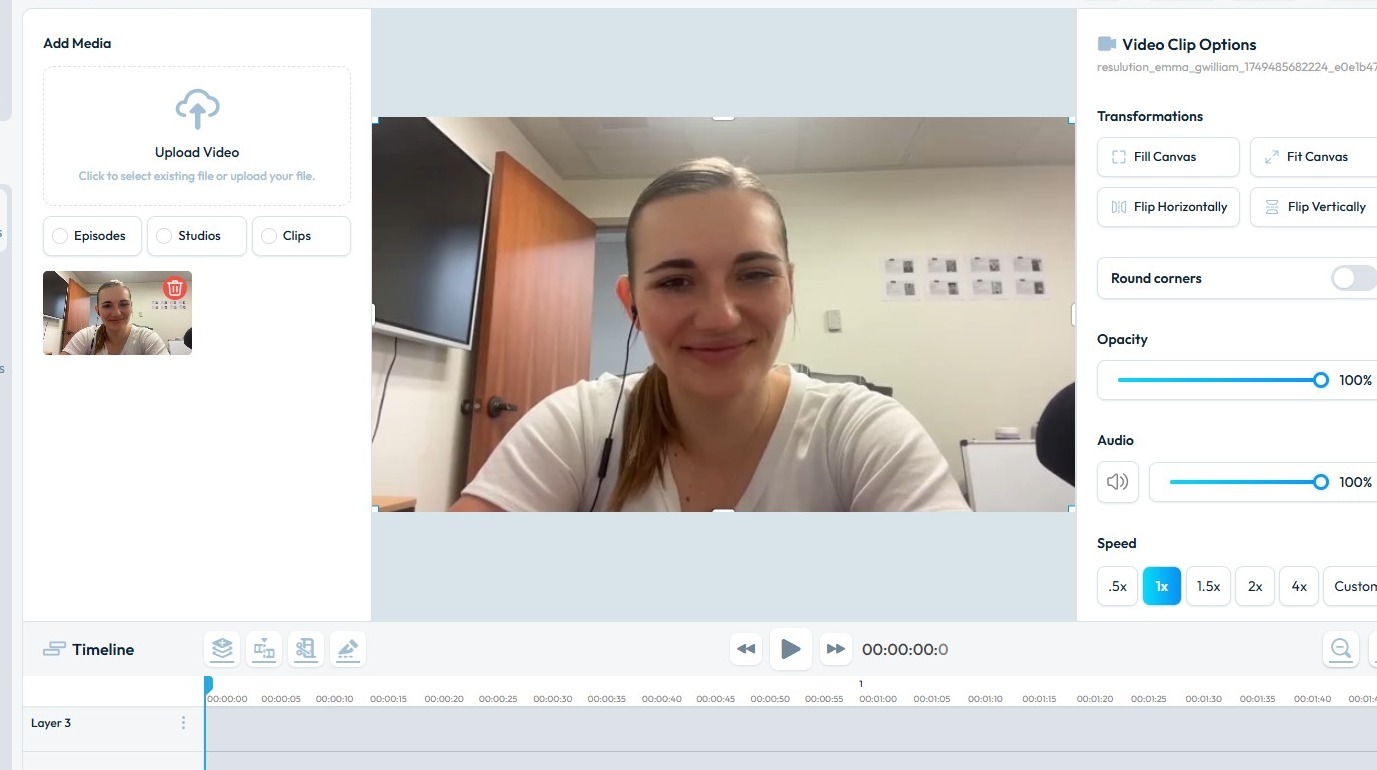
1. Navigate to https://editor.podup.com/ with the main video file loaded in the timeline.
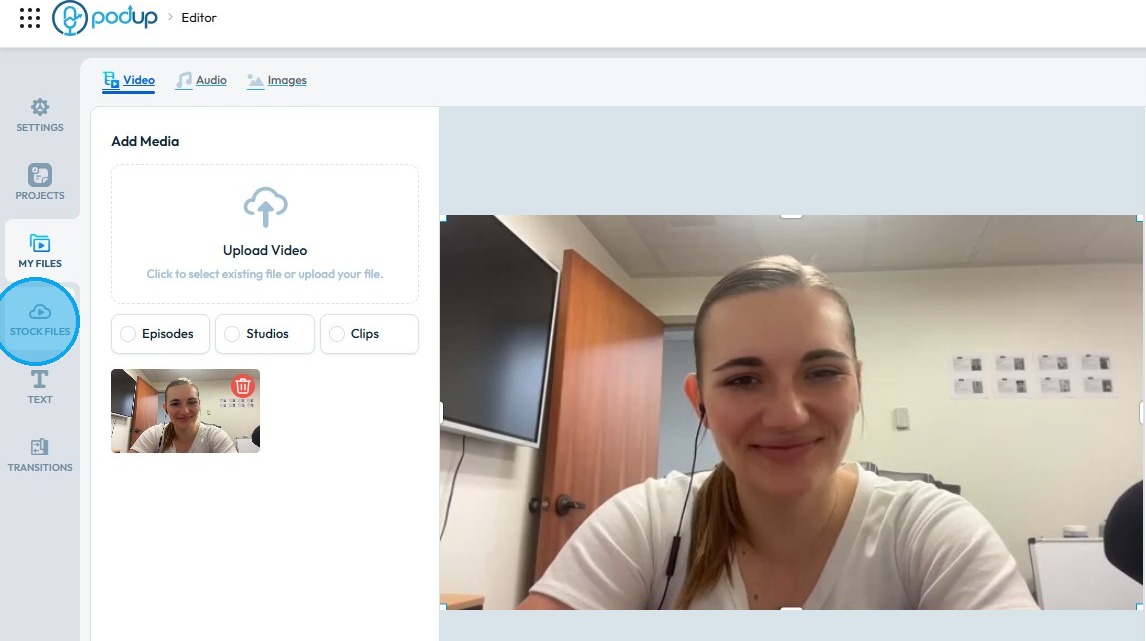
2. Click "Stock Files".
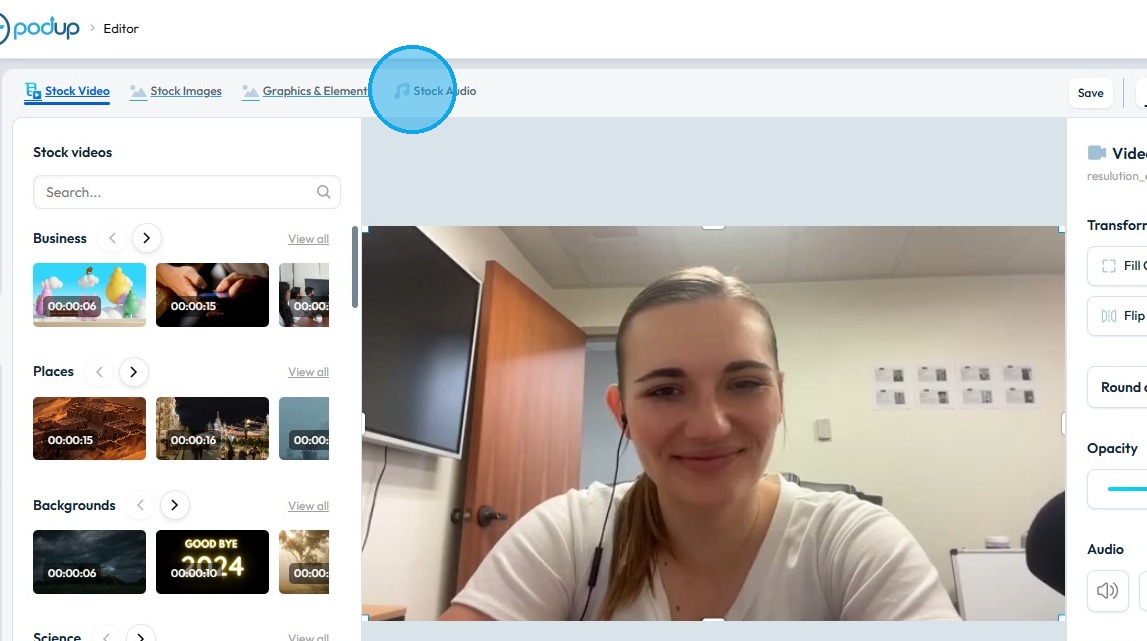
3. Select "Stock Audio"
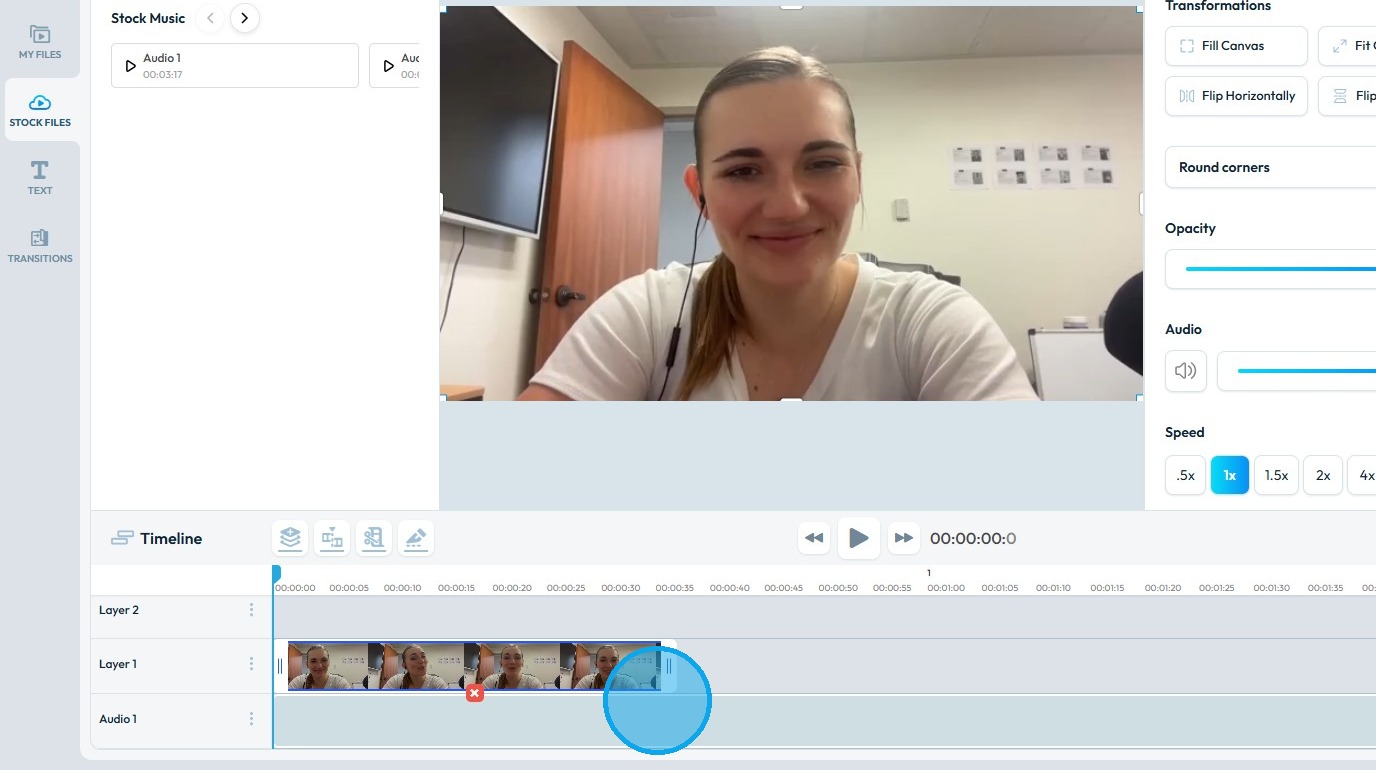
4. You will have a lot of options to choose from. Click and drag the audio in Timeline.
Just make sure you place the audio in "Audio Layer".

5. The audio file will be added in the timeline.
Related Articles
How do I Upload Audio Files?
Follow this guide to easily navigate the software and upload your audio files. 1. Navigate to https://app.podup.com/home 2. Click "Files" 3. Select "Audios" 4. The Audio File Manager will open 5. Click "Upload" 6. Select the audio file you wish to ...Upload / processing time
upload taking long, processing stuck, how long does upload take, video stuck processing, slow upload By following this guide, users can troubleshoot recording delays on PodUp and optimize playback by understanding and addressing factors like internet ...Audio-video sync
audio video out of sync, lip sync issue, audio delay, video lag behind audio, sync problem Learn how to add music to your videos with PodUp’s Editor. This easy guide walks you through importing and adjusting audio to create more dynamic, polished ...How does my audio podcast get uploaded to my website
This guide makes it easy to upload and share your audio podcast on your website so your audience can enjoy it. 1. Navigate to https://app.podup.com/home 2. Click "Create" to proceed 3. Select "Podcasts" 4. Click "Create Podcast" 5. This will open ...How to Manage Files in File Manager in PodUp
This guide shows you how to manage files in PodUp’s File Manager. Learn how to view, sort, filter, and organize content like videos and documents, star important files, and recover deleted ones. 1. Click "Files" 2. Click "All Files" 3. File Manager ...