How To Update Your Profile and Timezone Settings
This guide provides essential instructions for updating your profile and timezone settings on the PodUp platform, ensuring your information is accurate and current. By following these steps, you can easily customize your profile, manage your password, and select the correct timezone, enhancing your overall user experience. Accessing and updating these settings is straightforward, making it a valuable resource for optimizing your account. Don't miss the chance to keep your profile in sync with your preferences!
1. Navigate to https://app.podup.com/home
From here there are 2 different ways to access "My Profile"

2. 1) Click the icon in the top right corner

3. Click "Edit My Profile"
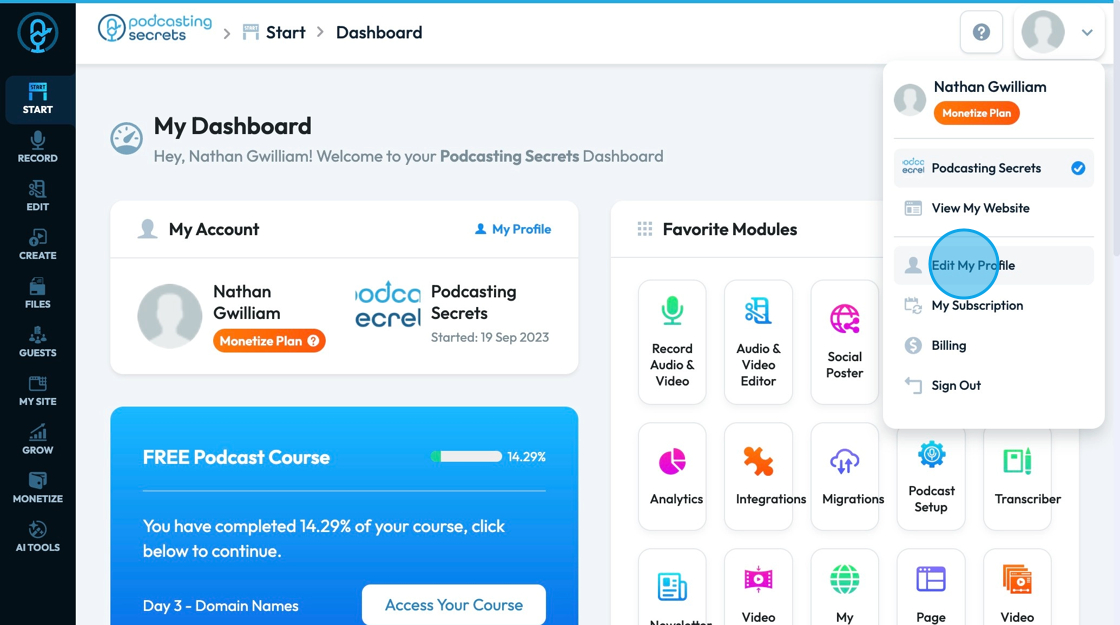
4. 2) Click "My Profile"

5. Once you are in your profile settings you can edit your photo, first name, last name, email, and company name
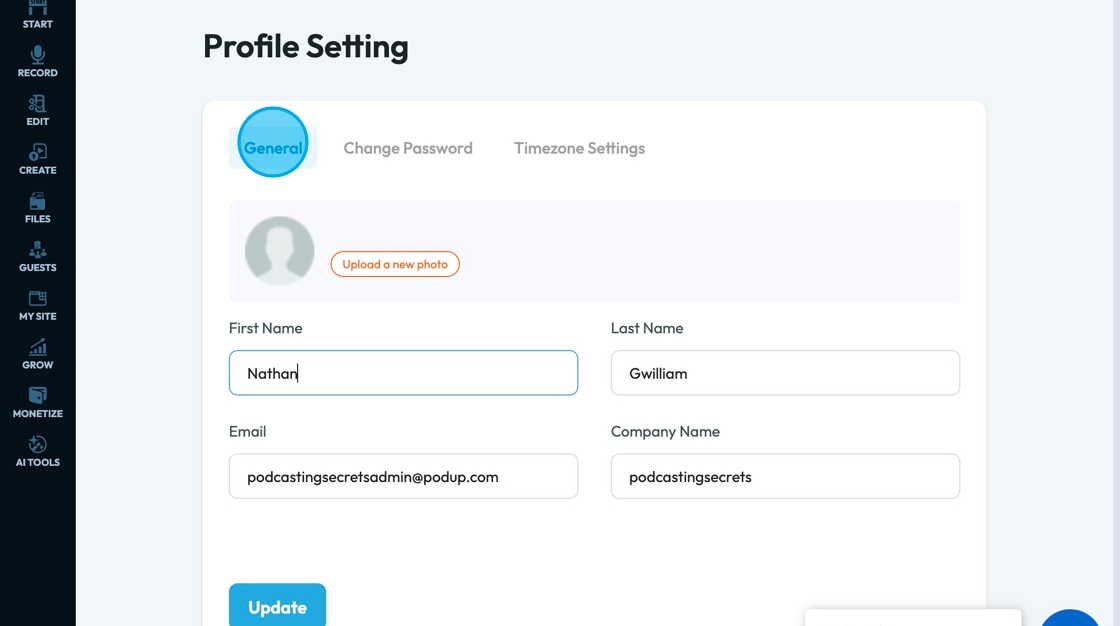
6. Save any changes by clicking "Update"
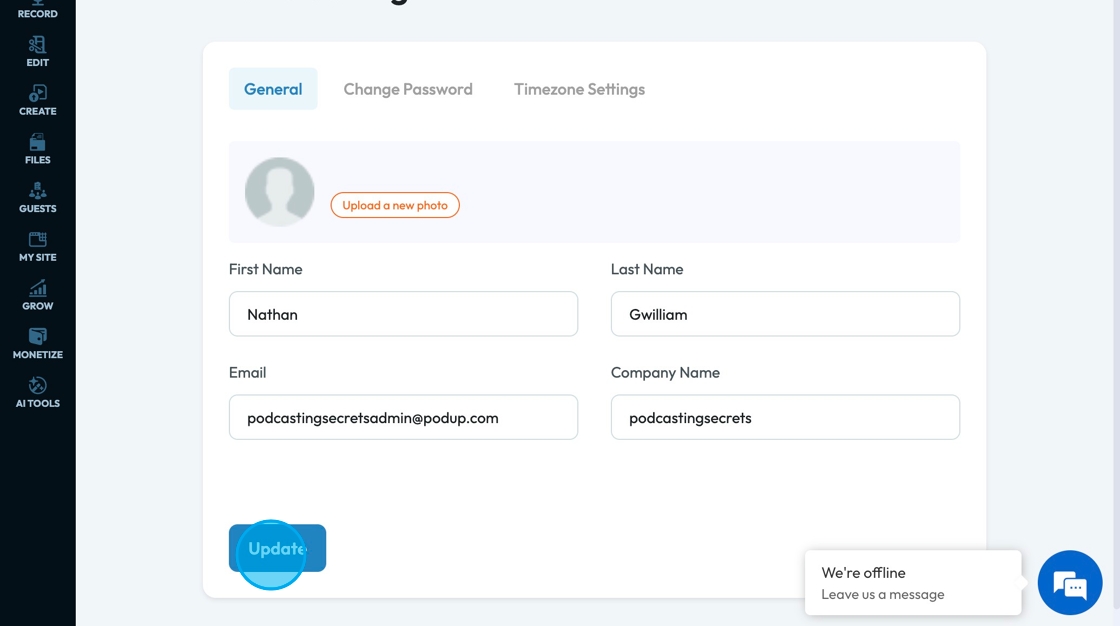
7. To change your password, select "Change Password". Type in your current password then your new password. Confirm the new password then click update to save the changes

8. Change the timezone by clicking "Timezone Settings". Select the right timezone for your current area and save by clicking "Update"

Made with Scribe
Related Articles
How to change account settings?
This guide shows you how to update your PodUp account settings so your profile stays current and reflects your personal information. 1. Navigate to https://app.podup.com/home 2. Click your "Profile" icon in the top-right corner 3. Select "Edit My ...How To Update Your Podcast Guest Profile
This guide is essential for podcasters looking to streamline the process of updating their guest profiles. It offers a step-by-step walkthrough on how to customize guest information, manage links to their social profiles, format a media release, and ...How To Navigate Guest Settings (Detailed)
This guide is essential for anyone looking to create a customized guest intake form using PodUp's Guest Settings. It offers detailed instructions on how to navigate the platform, edit profile components, and tailor questions to fit specific needs. By ...How to update podcast art and description?
Use this guide to update your podcast’s art and description to attract more listeners 1. Navigate to https://app.podup.com/home 2. Click "Create" 3. Select "Podcasts" 4. Click “Edit” next to the podcast for which you want to update the podcast art ...How Do I Configure Share Settings For My Blog Episode?
By following this guide, you can easily customize how your blog is shared, enhancing visibility and engagement. It simplifies the setup, making it accessible and efficient. 1. Navigate to https://app.podup.com/home 2. Click "Create". 3. Select ...