How to update podcast art and description?
Use this guide to update your podcast’s art and description to attract more listeners
1. Navigate to https://app.podup.com/home
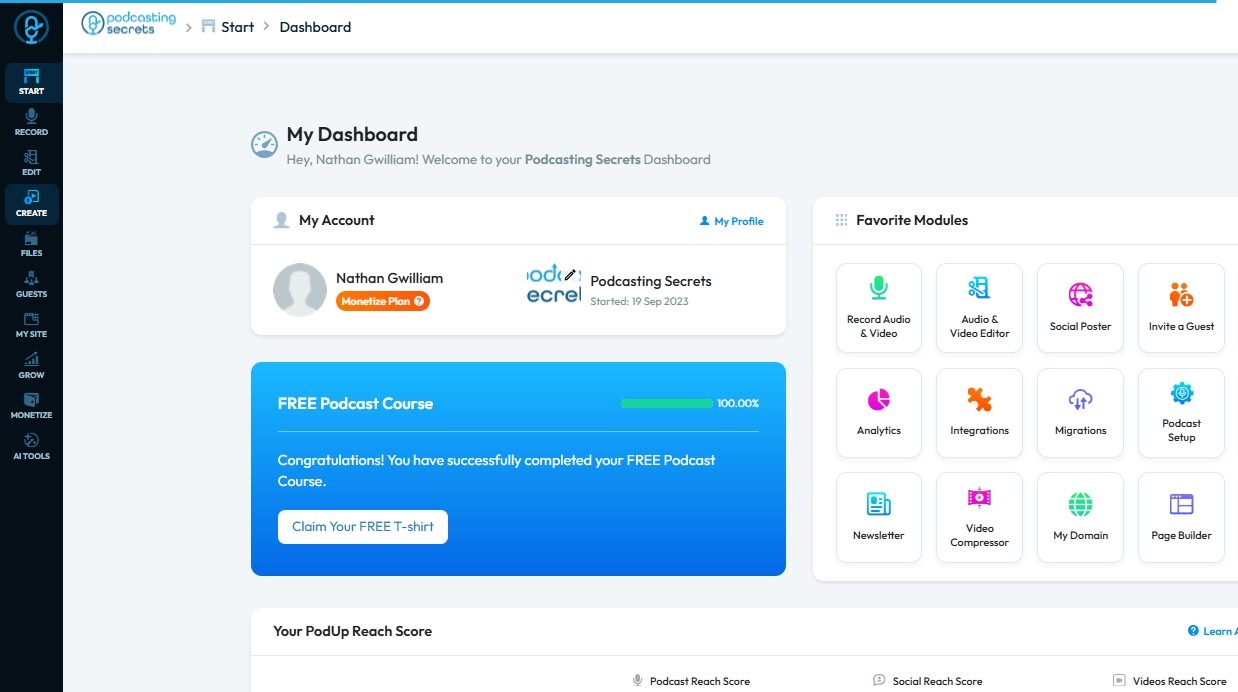
2. Click "Create"
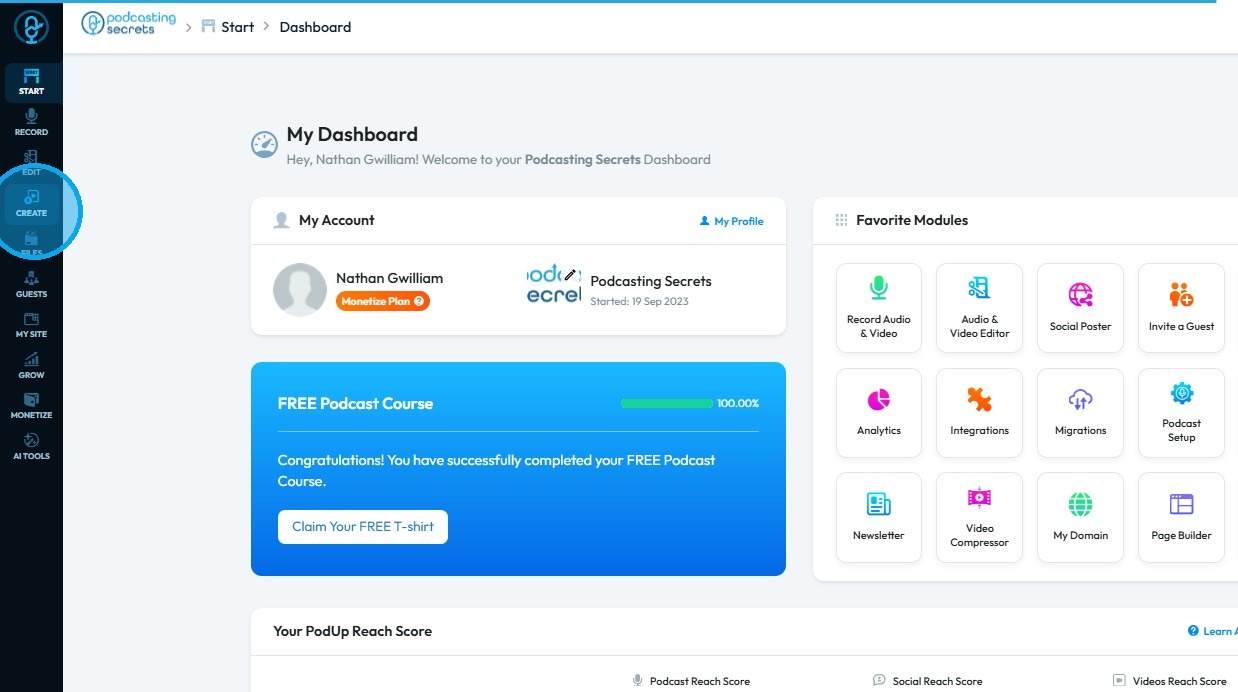
3. Select "Podcasts"
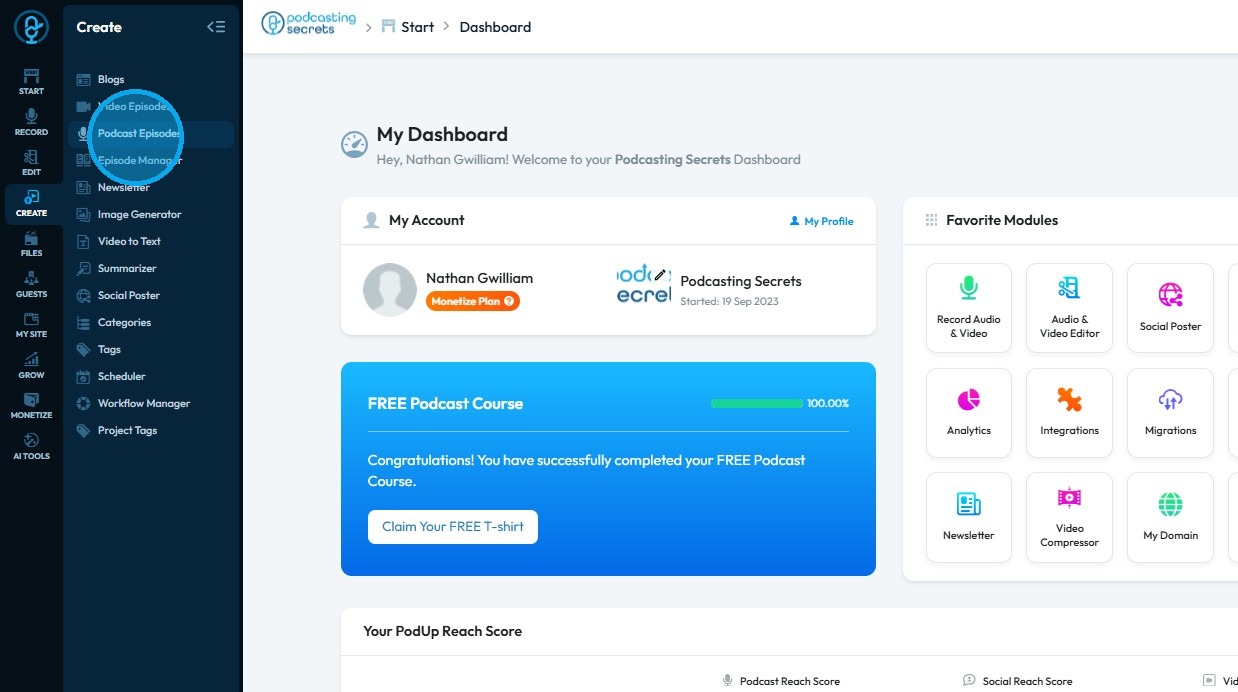
4. Click “Edit” next to the podcast for which you want to update the podcast art and description
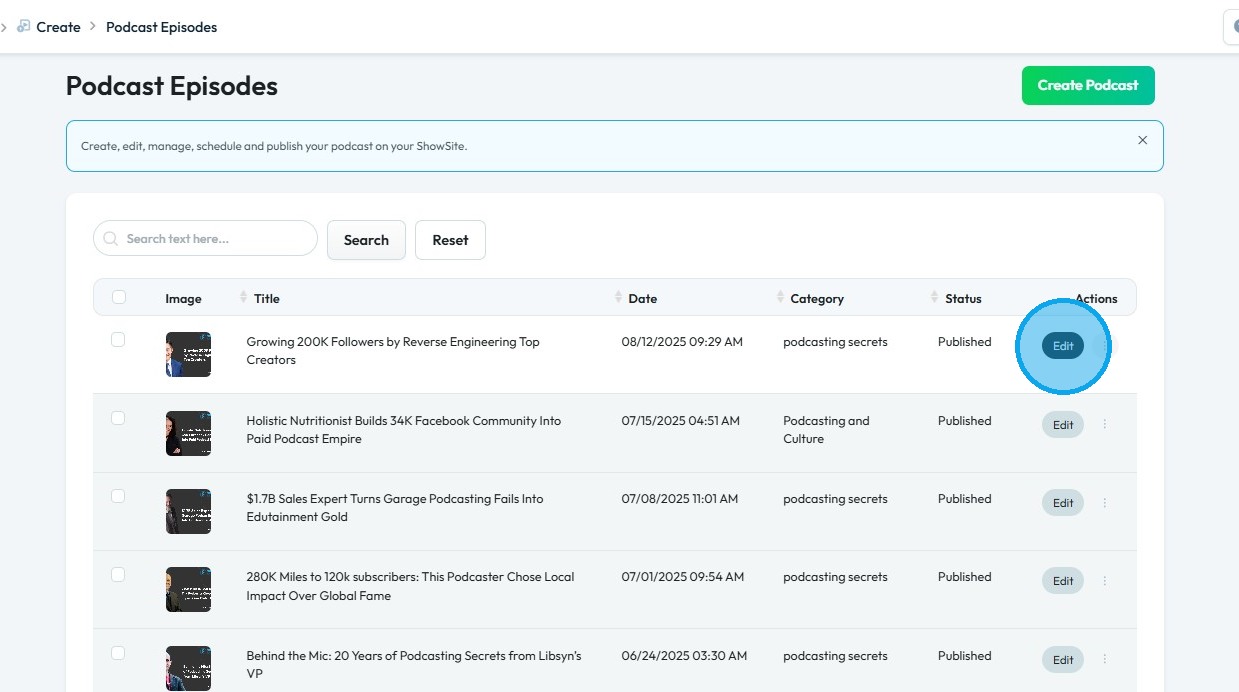
5. The “Edit Podcast” page will open
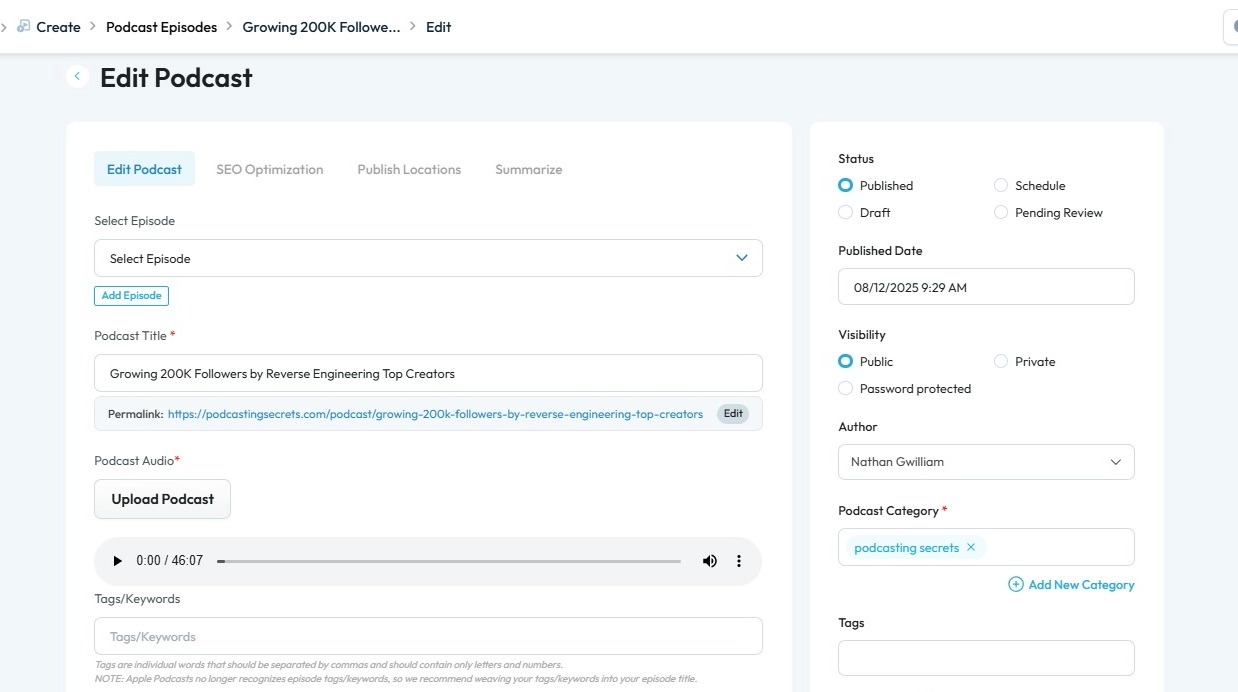
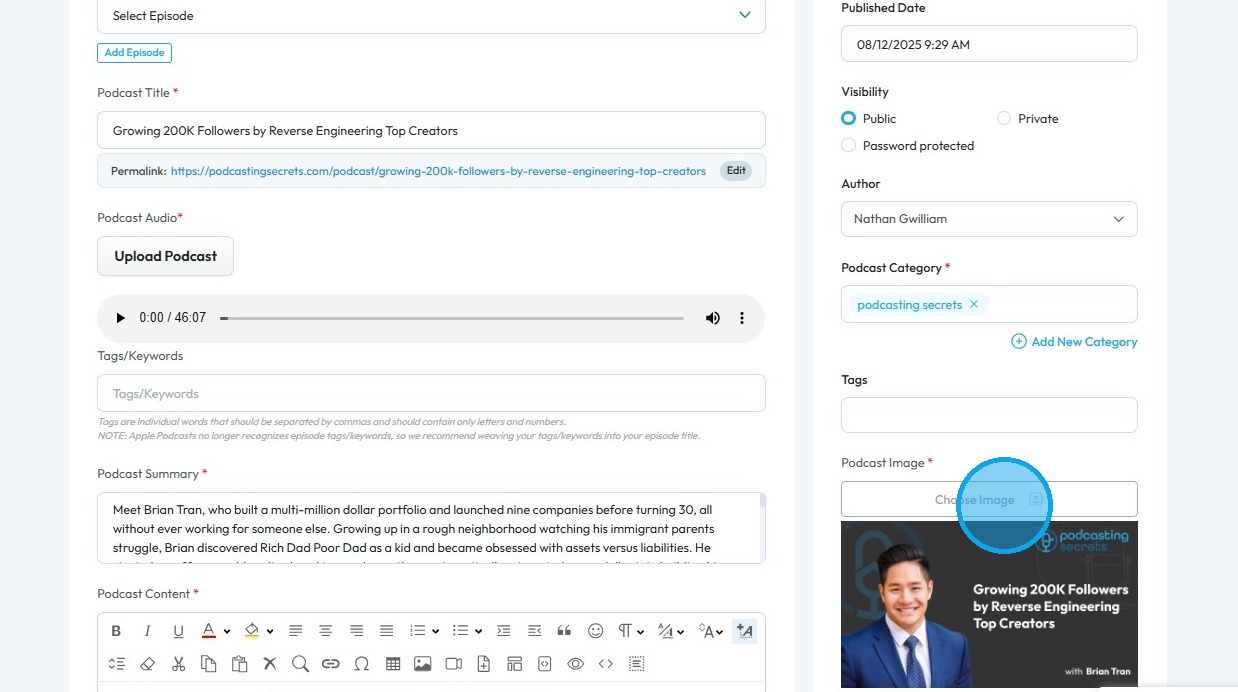
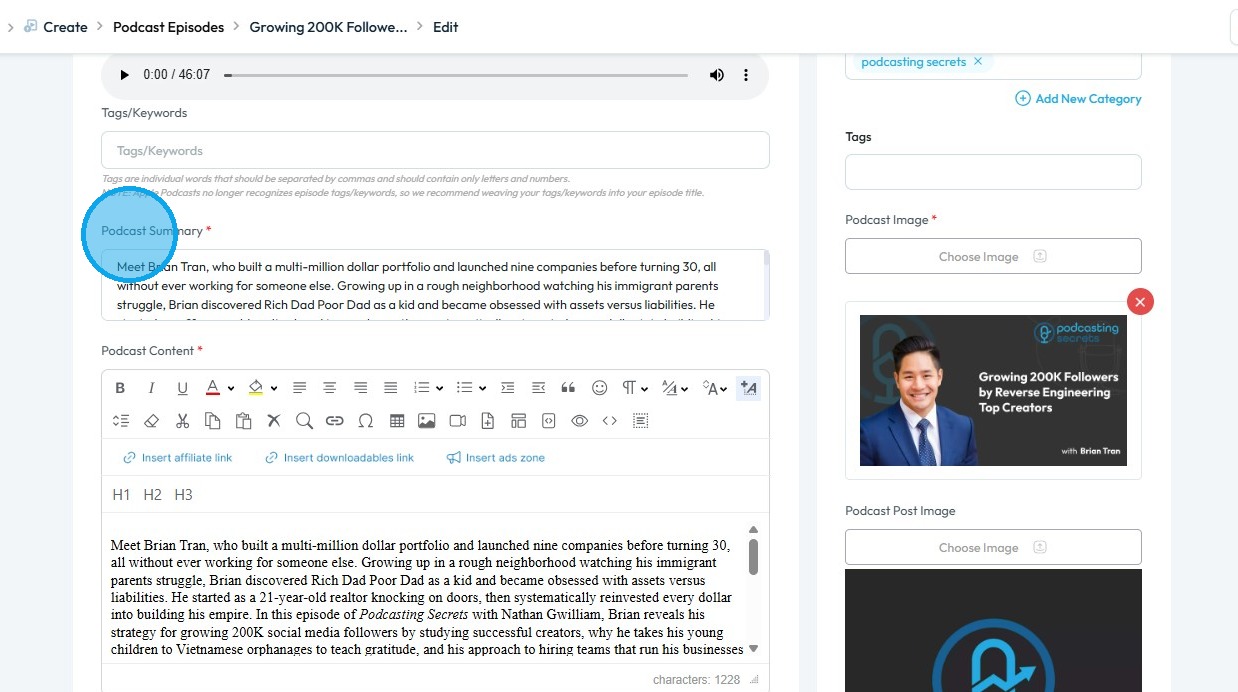
6. Click "Choose Image" to change the podcast image
7. The File Manager will open
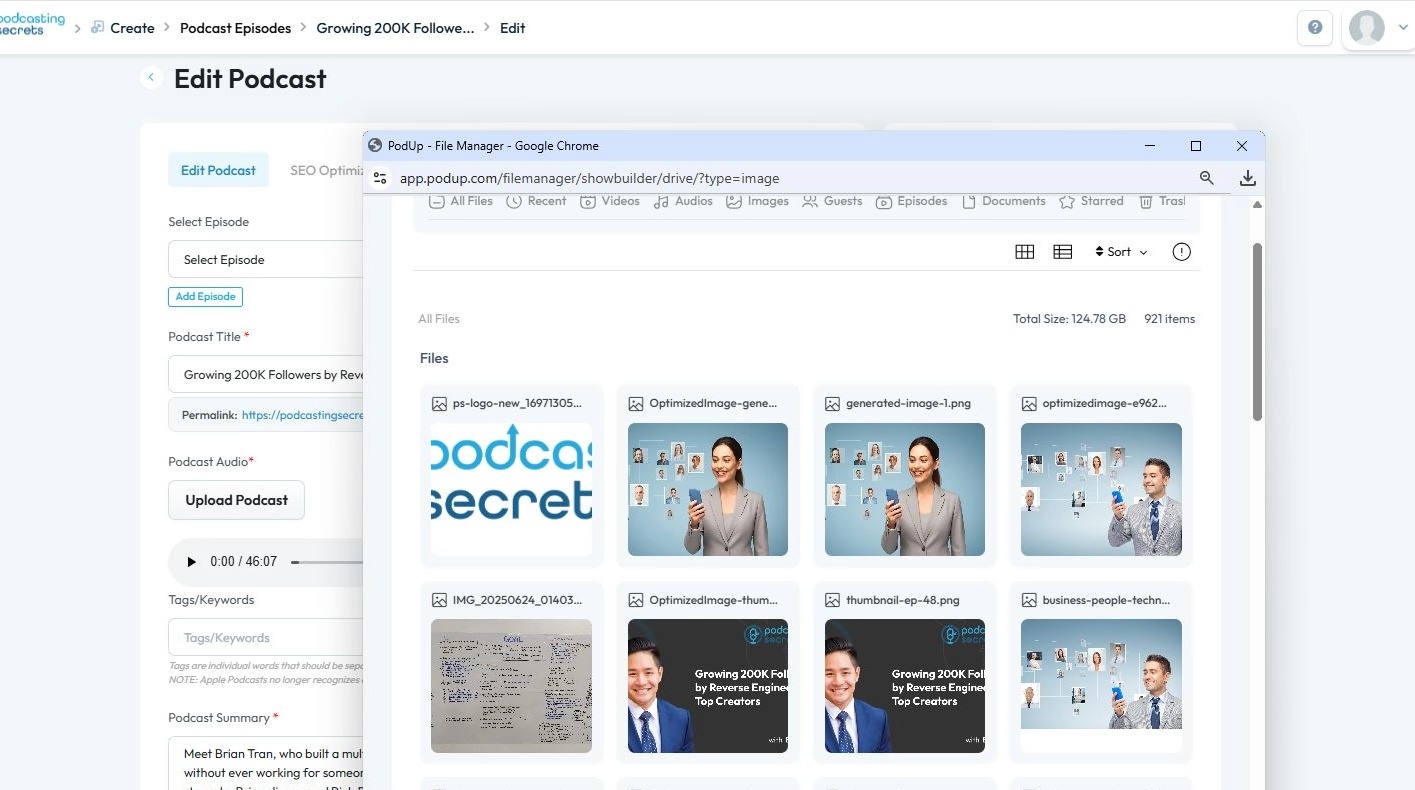
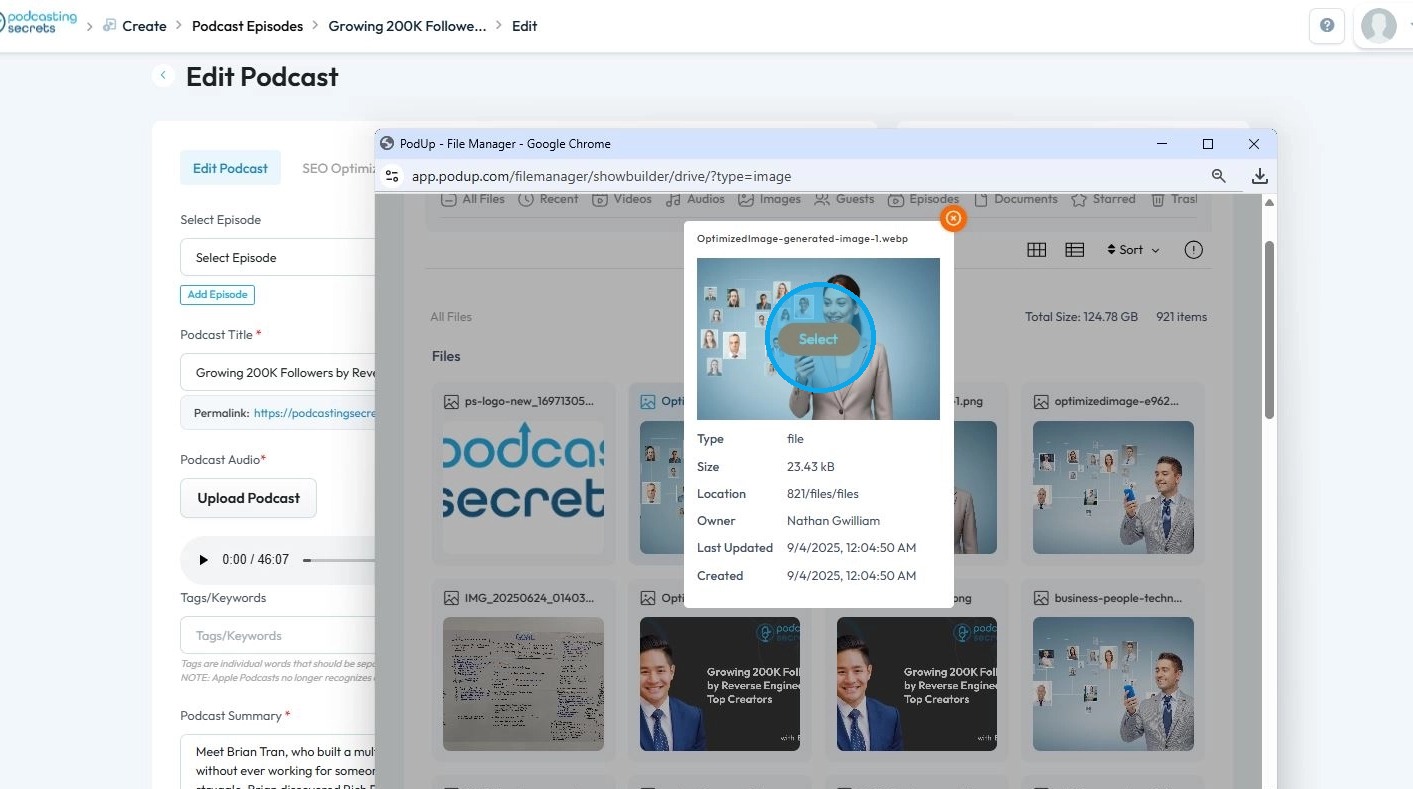
8. Select the image you wish to update
9. Click the “Podcast Summary” field and update the summary as needed
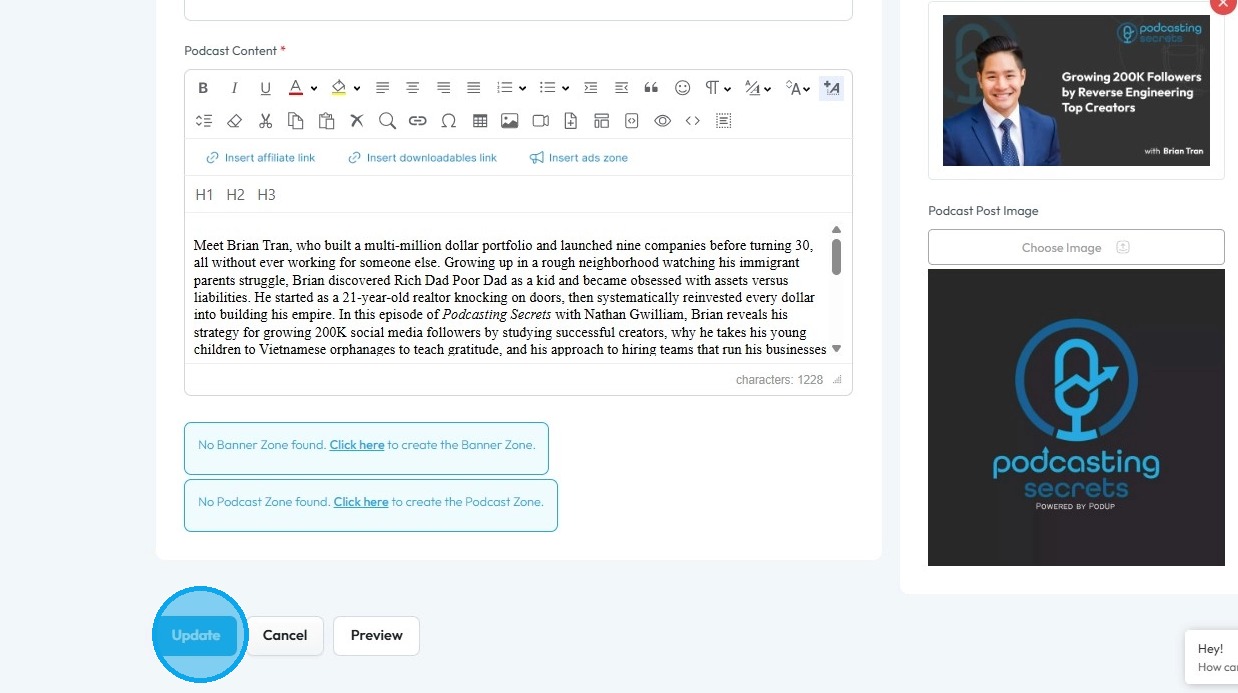
10. Scroll down and click “Update”
Related Articles
Cover art not showing
cover art not showing, podcast image missing, artwork not displaying, thumbnail not updating Easily publish your blog with clear steps and tips for a smooth experience 1. Navigate to https://app.podup.com/home 2. Click "Create" 3. Select "Blogs" 4. ...How To Update Your Podcast Guest Profile
This guide is essential for podcasters looking to streamline the process of updating their guest profiles. It offers a step-by-step walkthrough on how to customize guest information, manage links to their social profiles, format a media release, and ...Why isn't my podcast showing up on Apple?
By following this guide, you can troubleshoot and resolve issues preventing your podcast from being listed on Apple Podcasts. 1. A podcast may not show up in Apple Podcasts due to several common issues, including problems with the RSS feed, approval ...Why isn't my podcast showing up in Spotify?
This guide helps you troubleshoot why your podcast isn’t showing on Spotify 1. A PodUp podcast might not show on Spotify due to common issues with distribution settings or RSS feed metadata. Here are the most likely reasons: 2. Distribution Not ...How To Set Up Podcast Details Using PodUp Integrations
This guide is essential for anyone looking to set up their podcast on Podup efficiently. It provides a step-by-step breakdown of the integration process, ensuring that users can easily enter their podcast details, select appropriate categories, and ...