How to turn a section into an "About" area
Turn a website section into a polished "About" area with PodUp’s page builder to tell your brand’s story
1. Navigate to https://app.podup.com/home
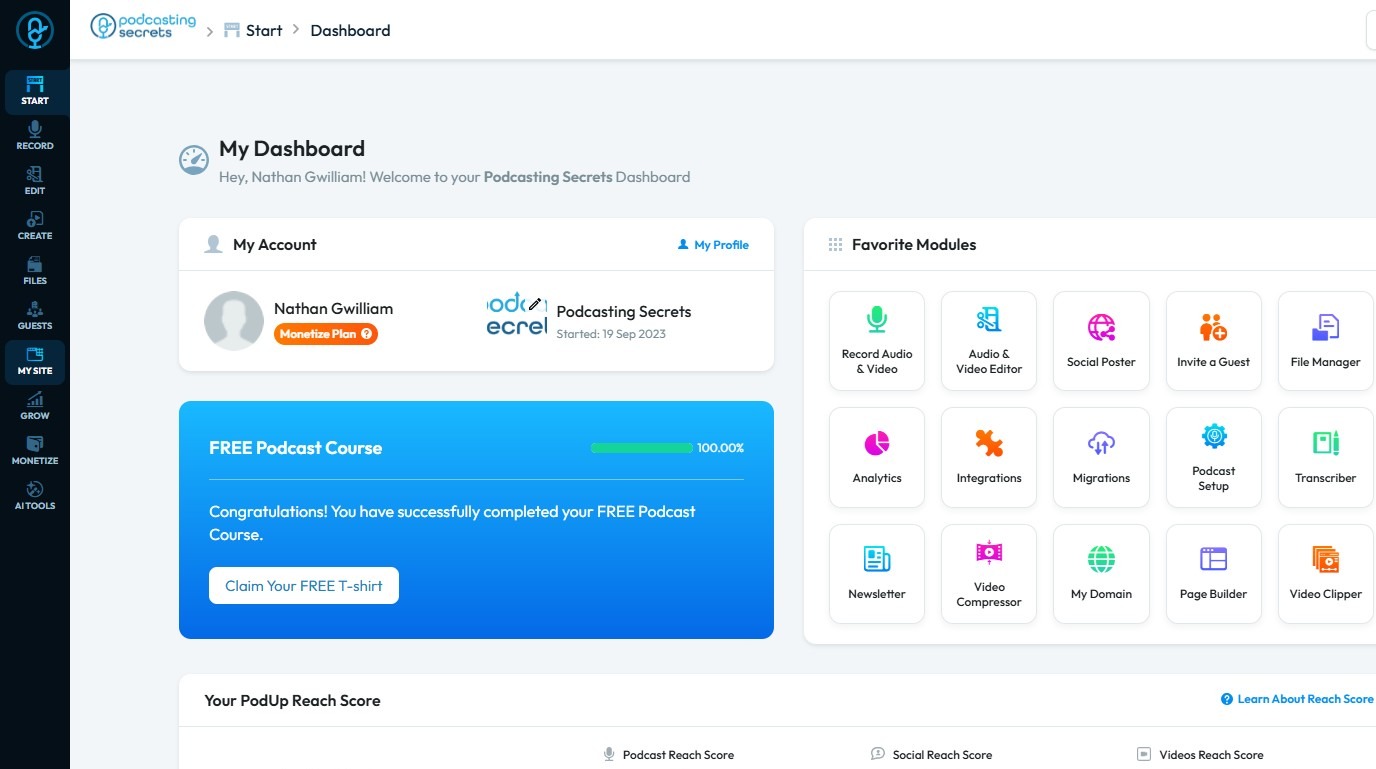
2. Click "My Site."
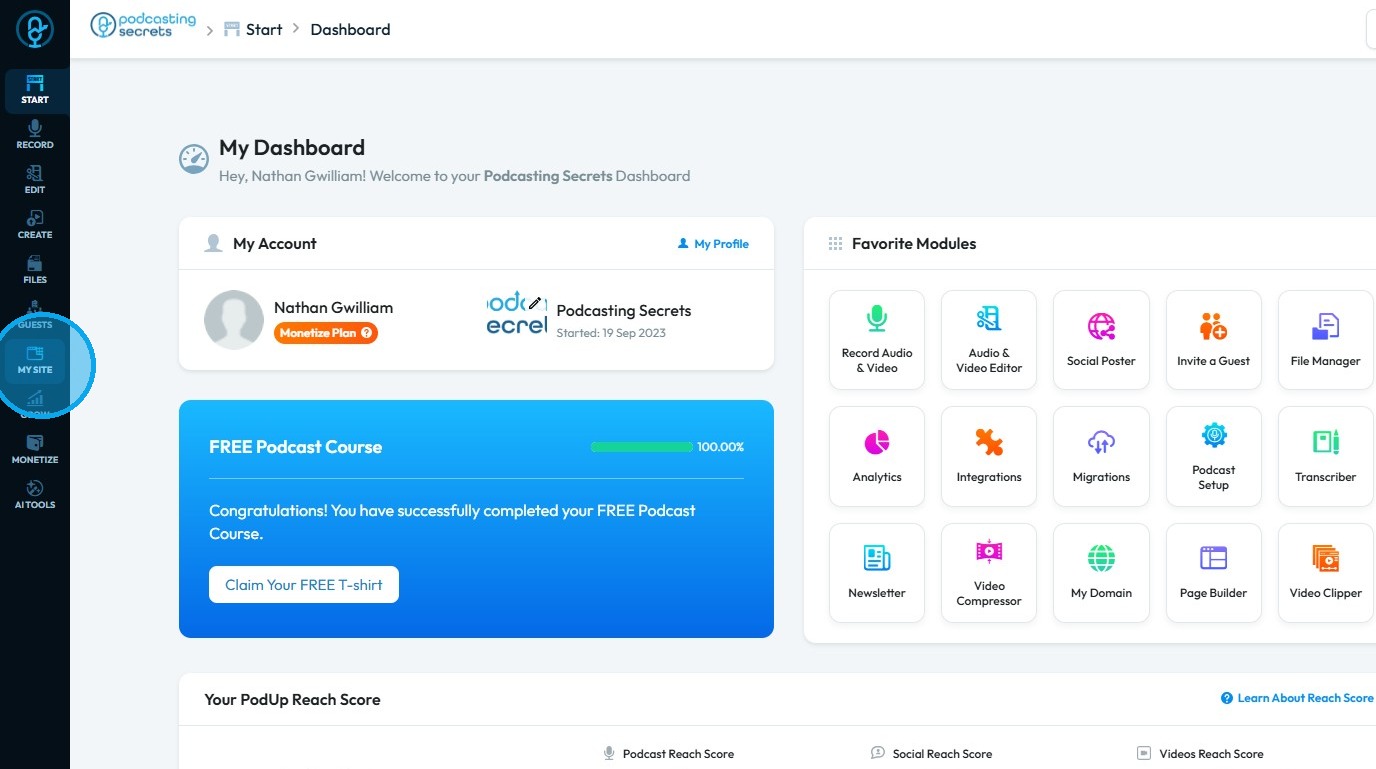
3. Select "Page Builder"
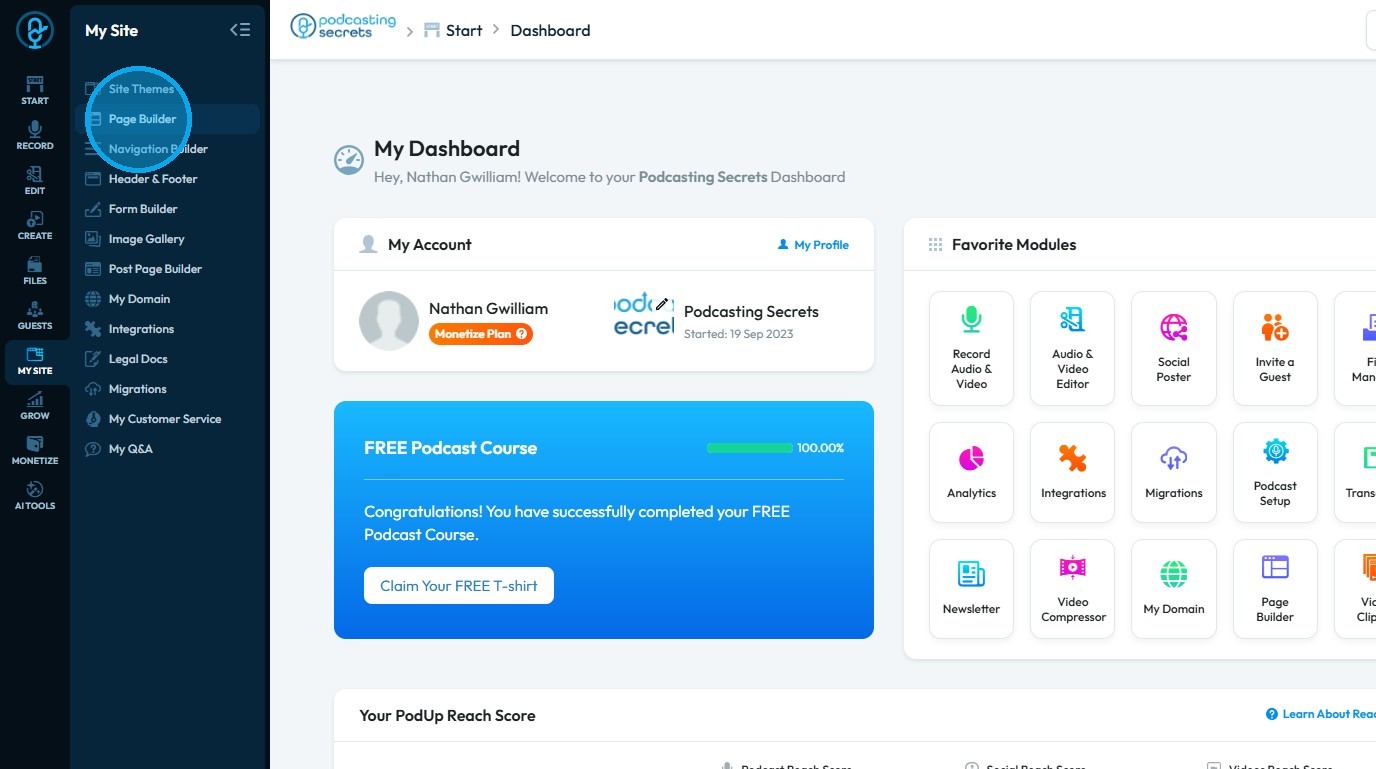
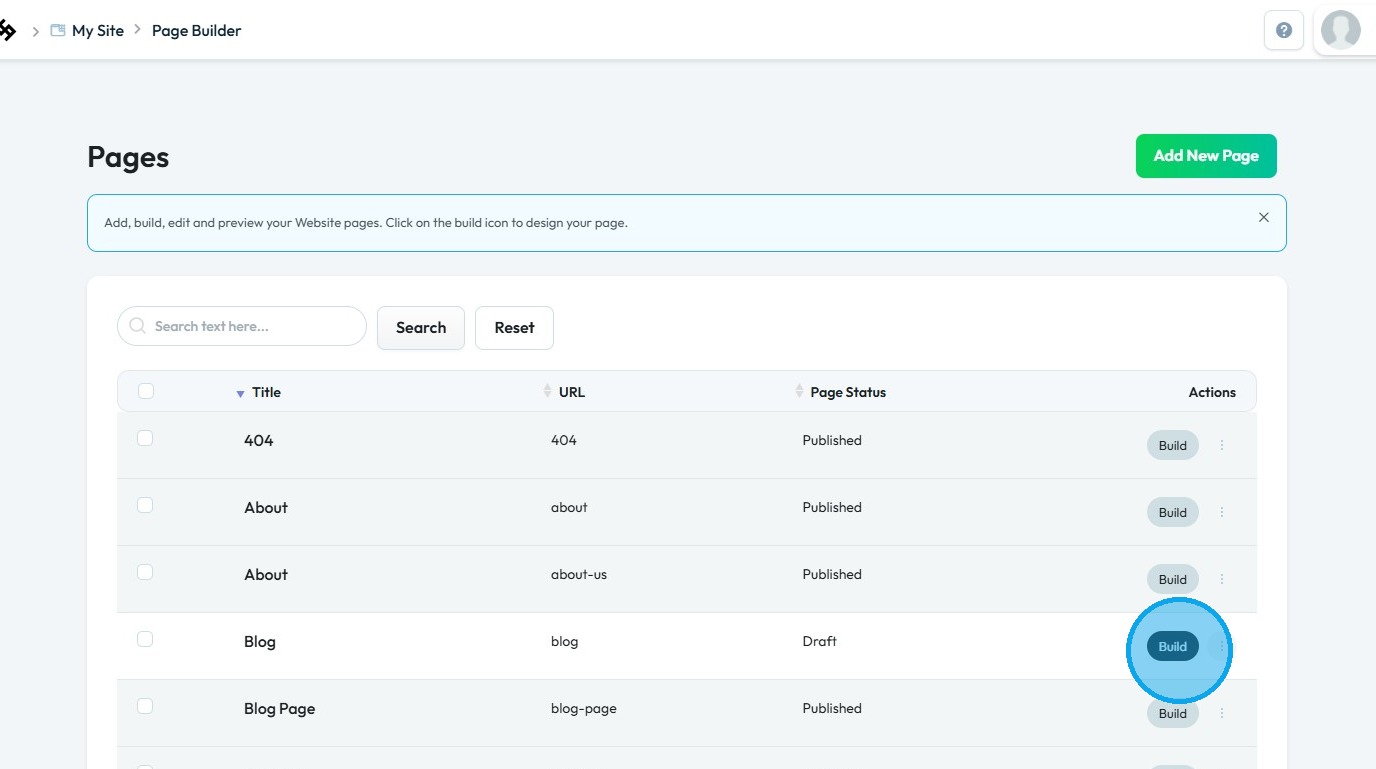
4. The "Pages" section will open, displaying all the webpages on your site
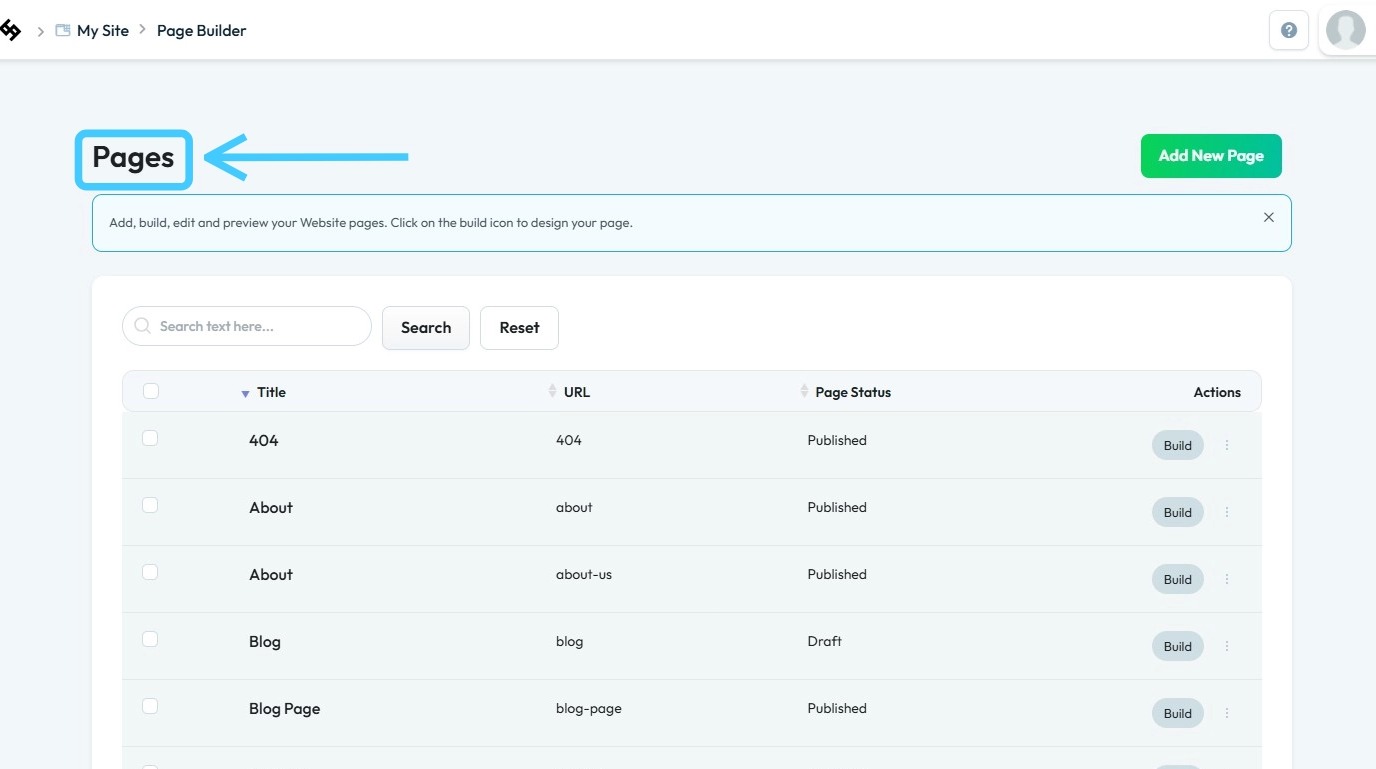
5. Click "Build" on the page you wish to customize
6. The PodUp Page Builder will load
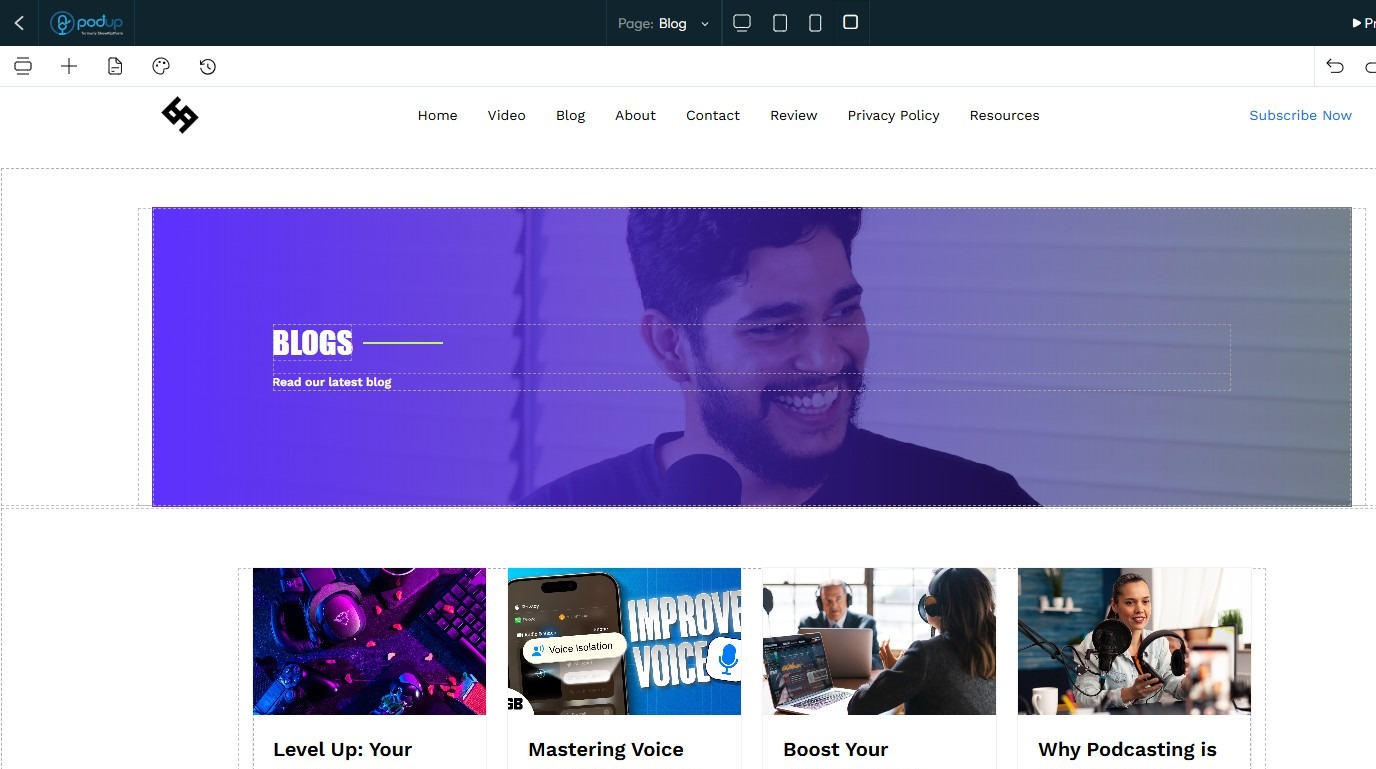
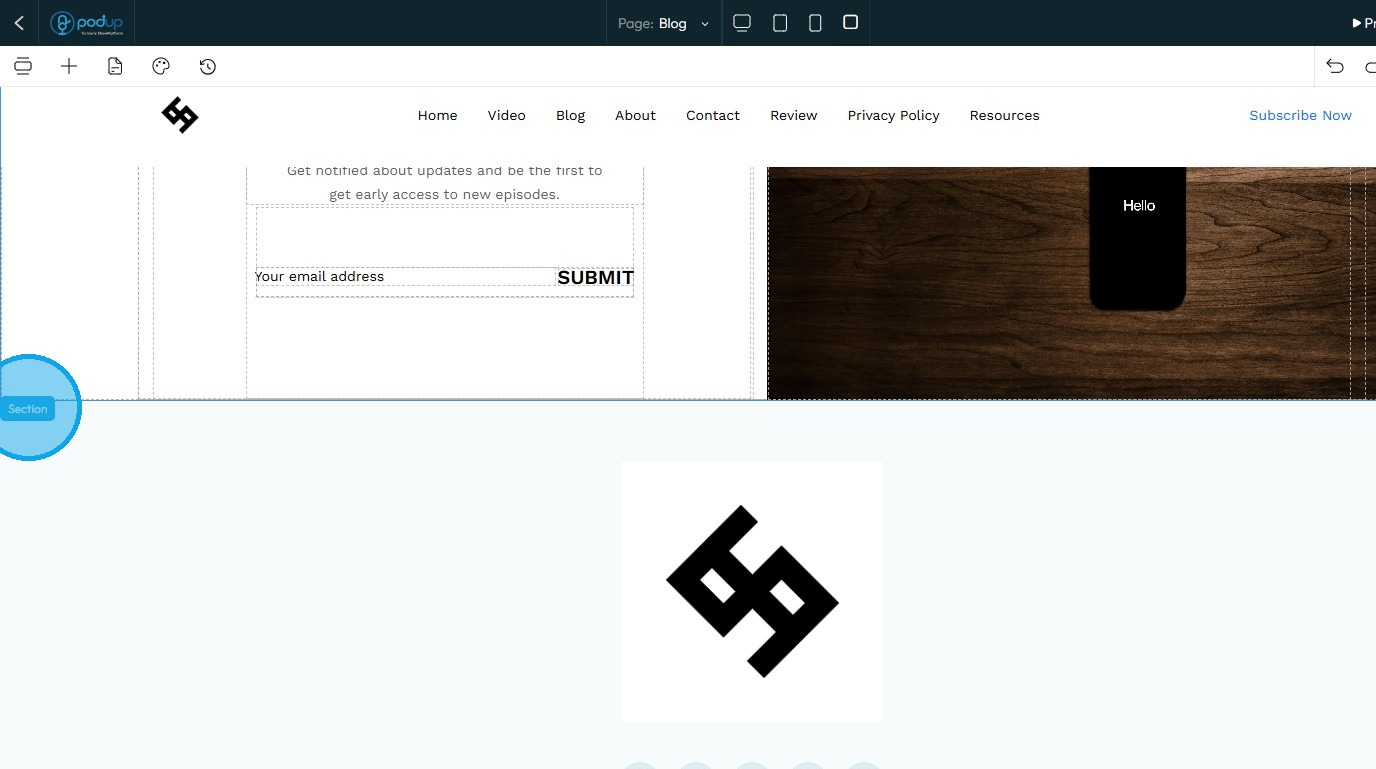
7. To add a new section, click on an existing section
8. Click "Add Section"
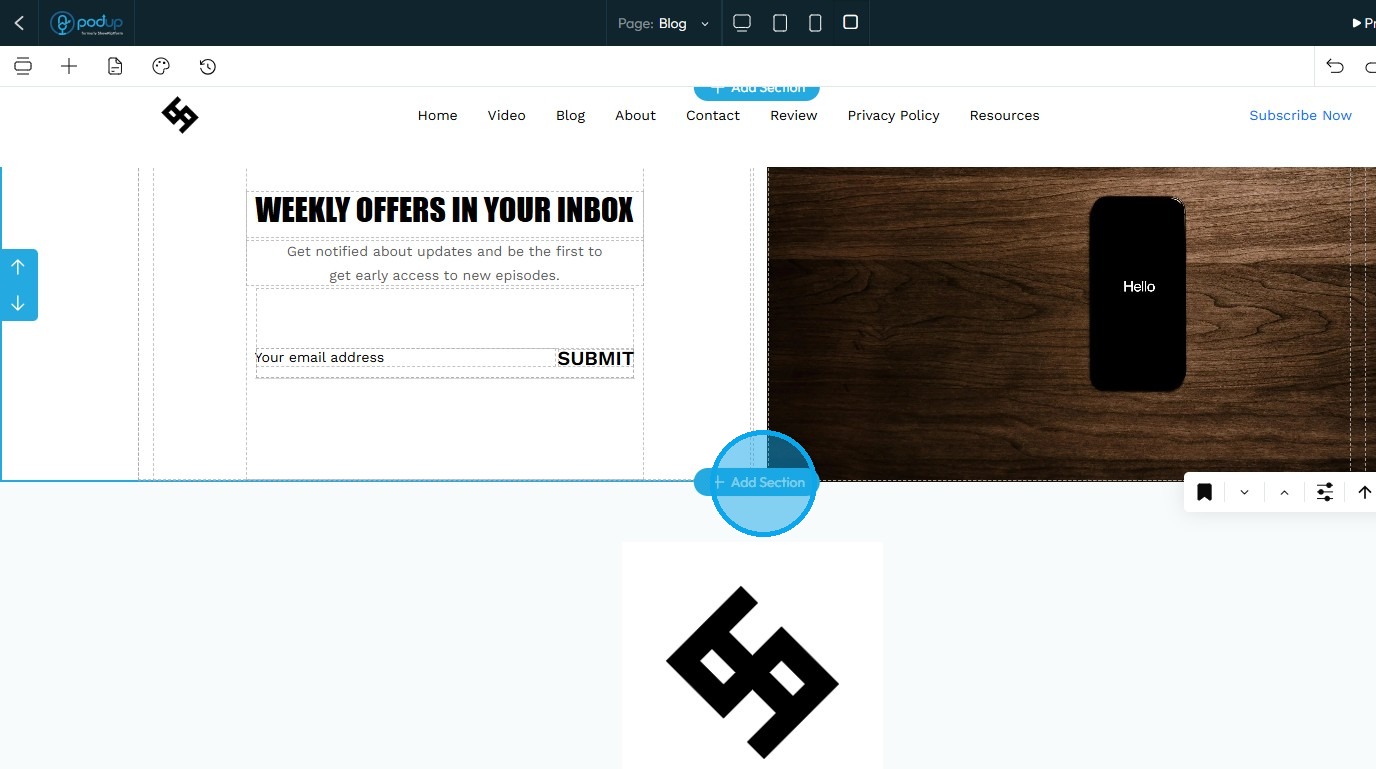
9. A new section will be created
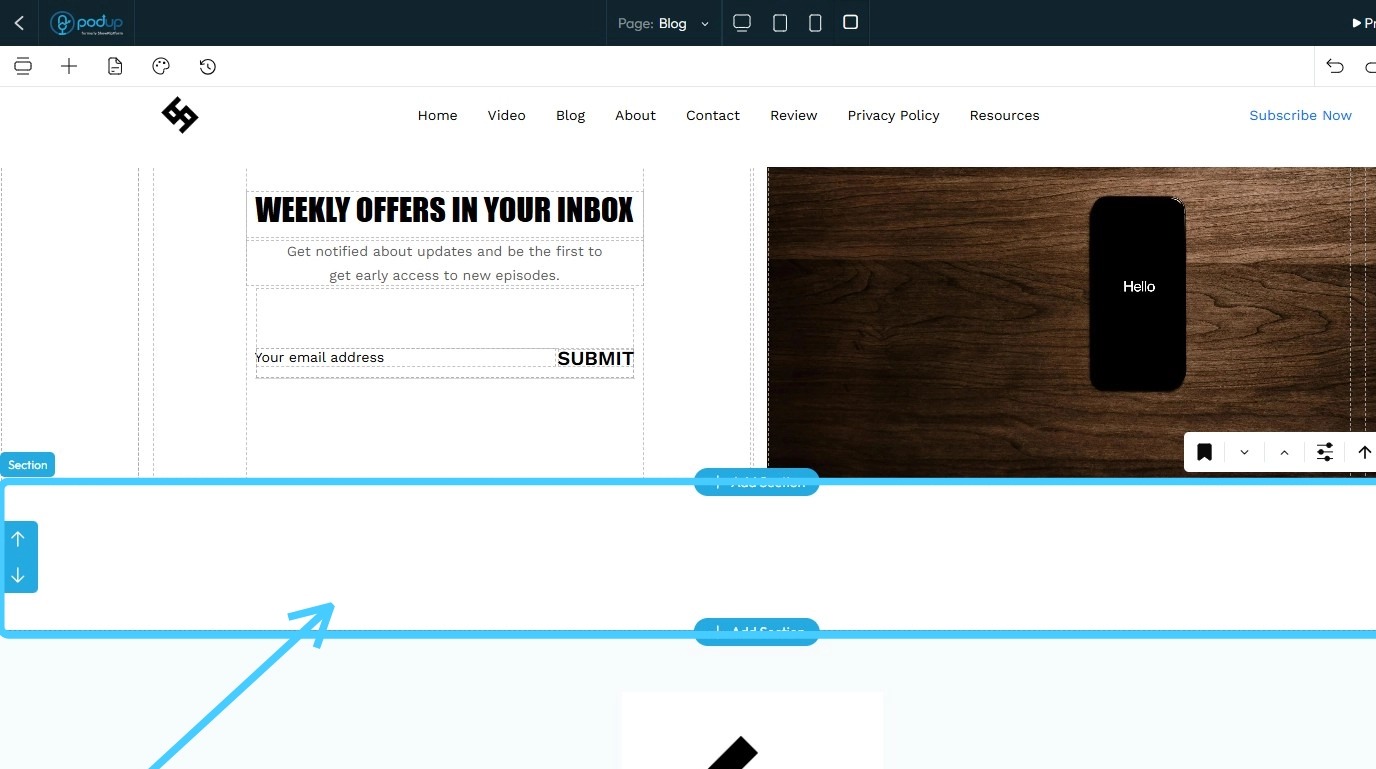
10. To add an "About" section, click on the "Component" icon
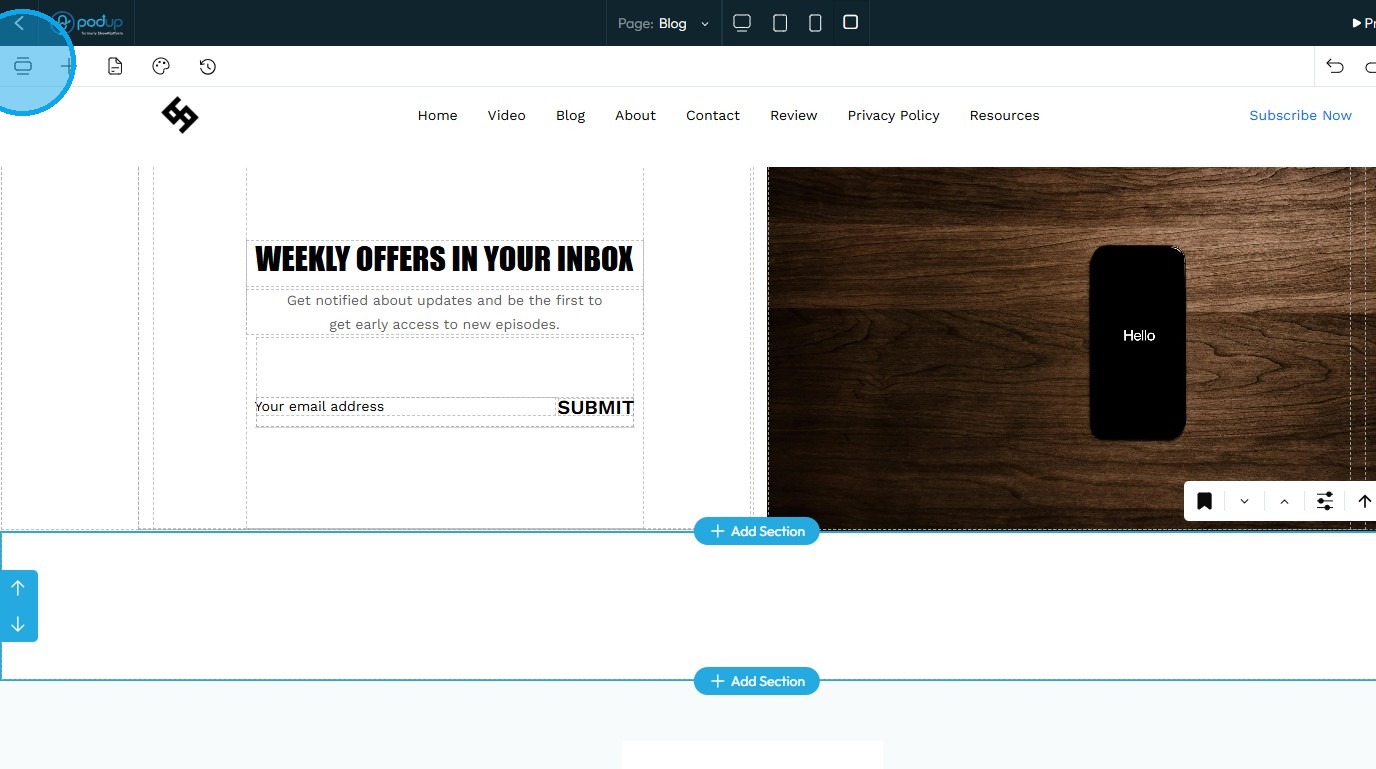
11. Select "About"
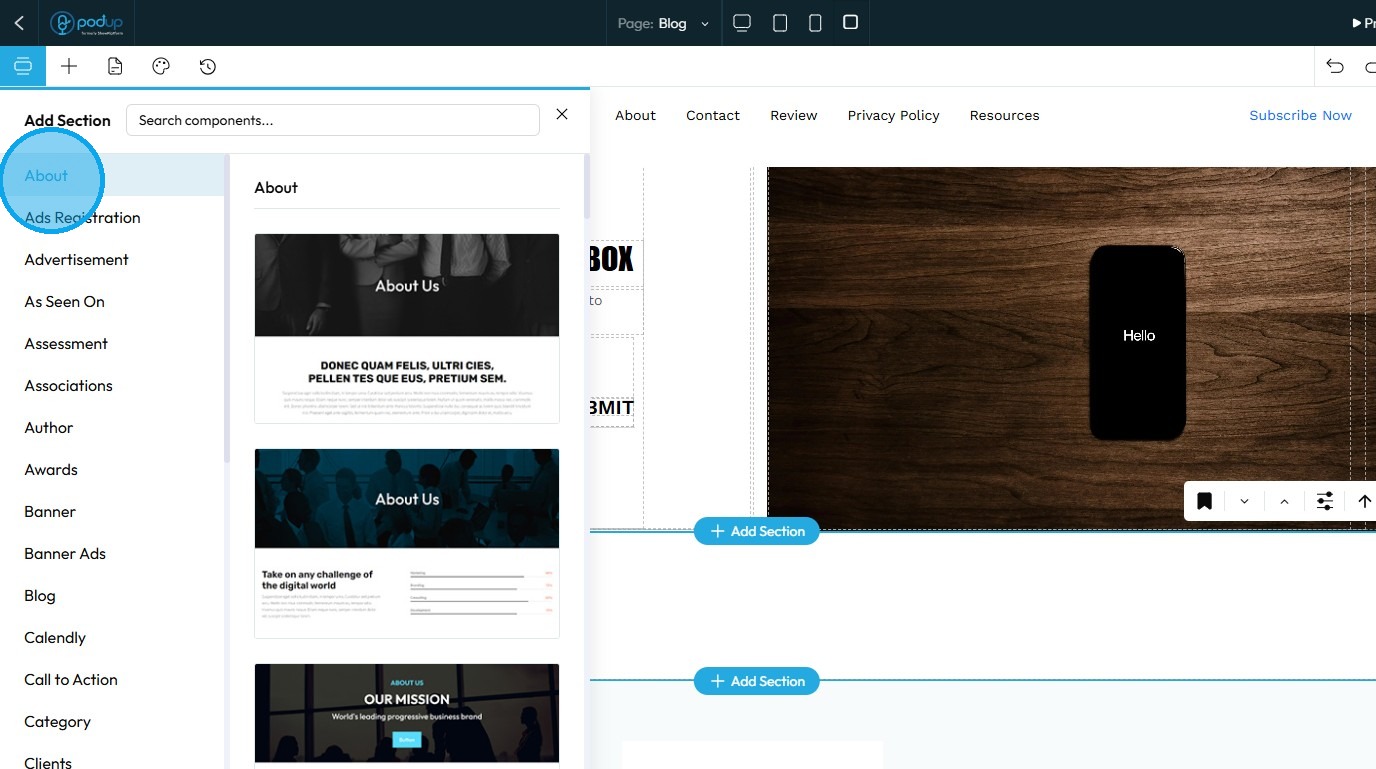
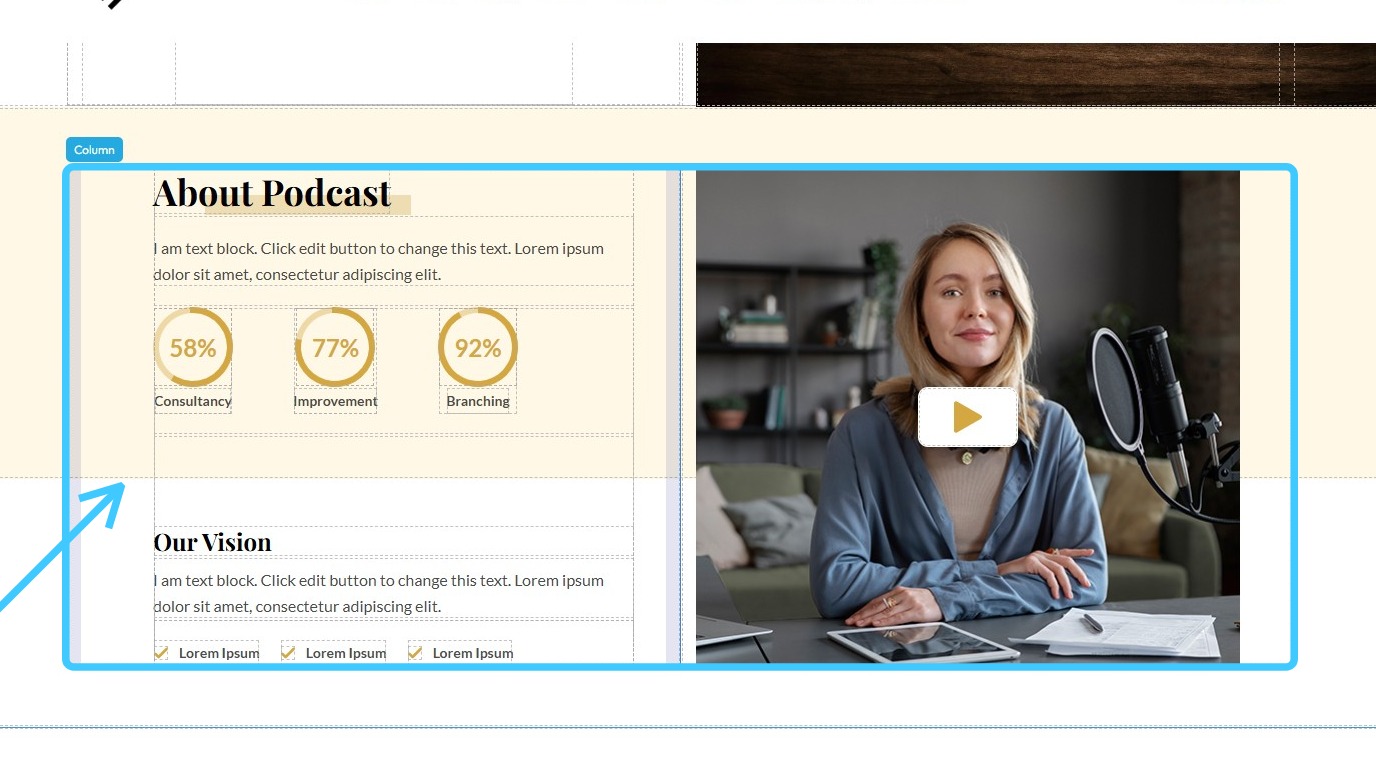
12. Drag and drop the desired template to use as the "About" section
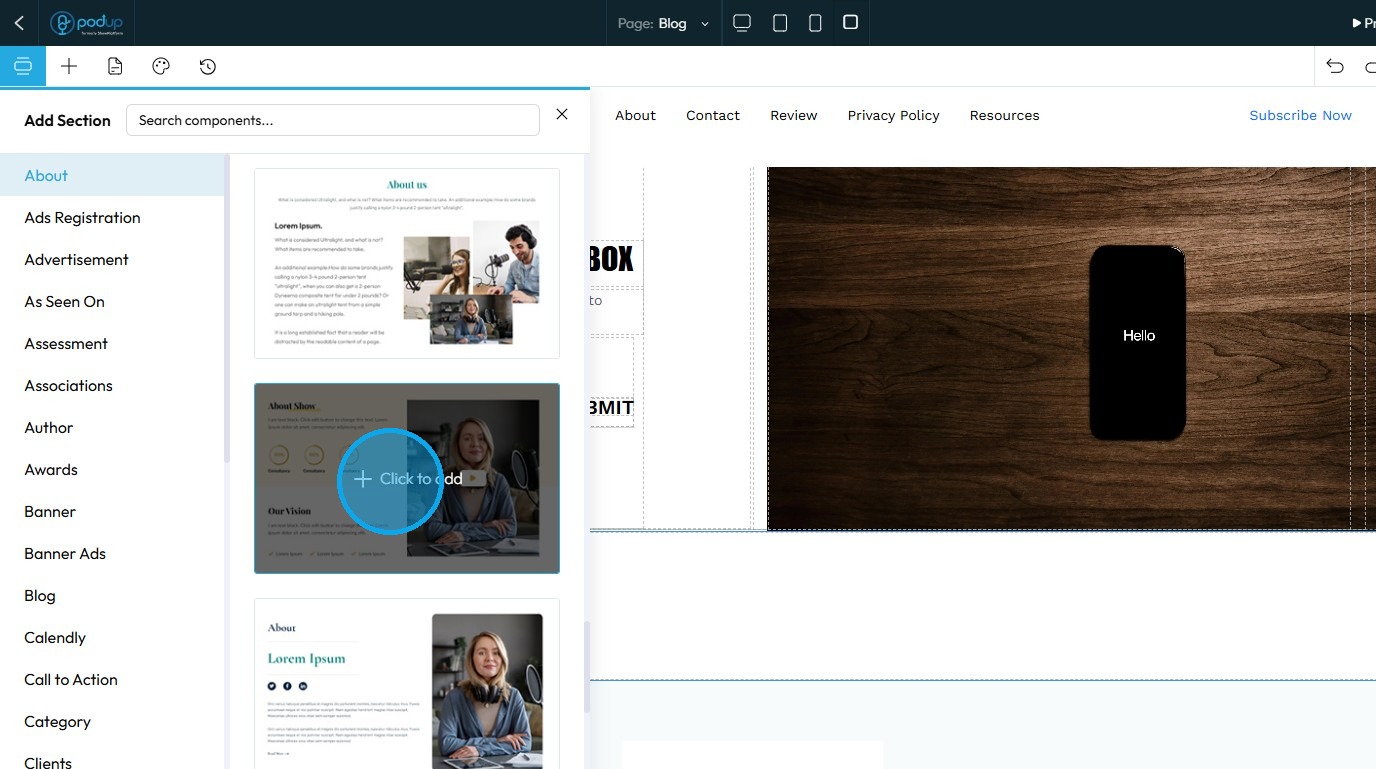
13. Customize the "About" section to align with your preferences and requirements
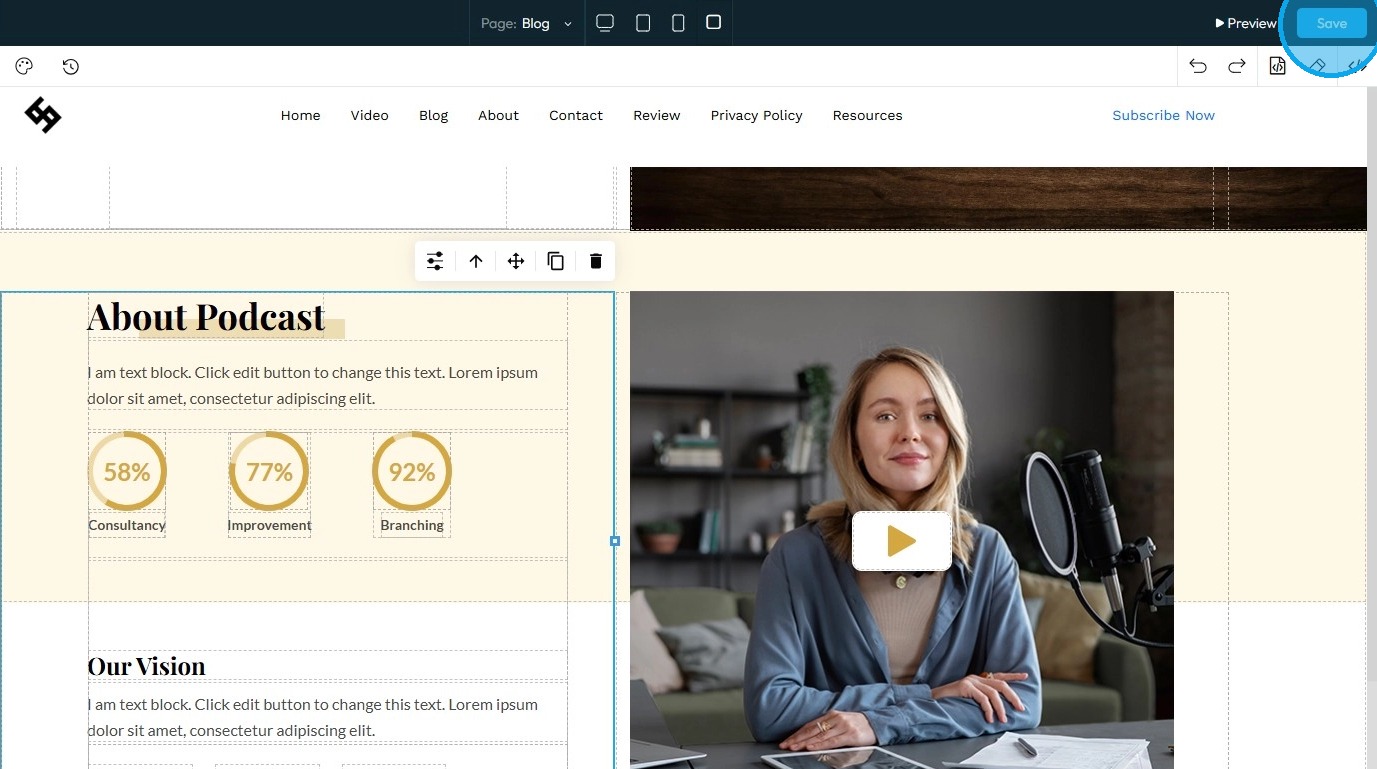
14. To save your changes, click “Save” in the top-right corner
Related Articles
How to turn a section into a banner?
Turn any website section into a banner to highlight key content or announcements 1. Navigate to https://app.podup.com/home 2. Click "My Site" 3. Select "Page Builder." 4. The "Pages" section will open, displaying all the webpages on your site 5. ...How to customize a section?
Customize your website with PodUp’s page builder to improve design, functionality, and visitor experience 1. Navigate to https://app.podup.com/home 2. Click "My Site" 3. Select "Page Builder" 4. The “Pages” section will open, displaying a list of all ...How to Add a Section to my Page
This guide provides a straightforward approach to enhancing your webpage by adding new sections using Podup's Page Builder. It simplifies the process into easy-to-follow steps, making effective customization accessible for users of all skill levels. ...How to add a comments section to my blog?
This guide walks you step by step through adding a comments section to your blog to encourage reader interaction. 1. Navigate to https://app.podup.com/home 2. Click on the "My Site" 3. Choose "Post Page Builder" 4. Click "Build" button of your "Blog" ...How to Add a Call to Action Section to My Blog
By following this guide, you can add a customizable CTA section to your blog and boost user engagement. 1. Navigate to https://app.podup.com/home 2. Click "My Site" 3. Click "Post Page Builder" 4. "Post Page Builder" opens up 5. Click "Build" next to ...