How to turn a section into a banner?
1. Navigate to https://app.podup.com/home
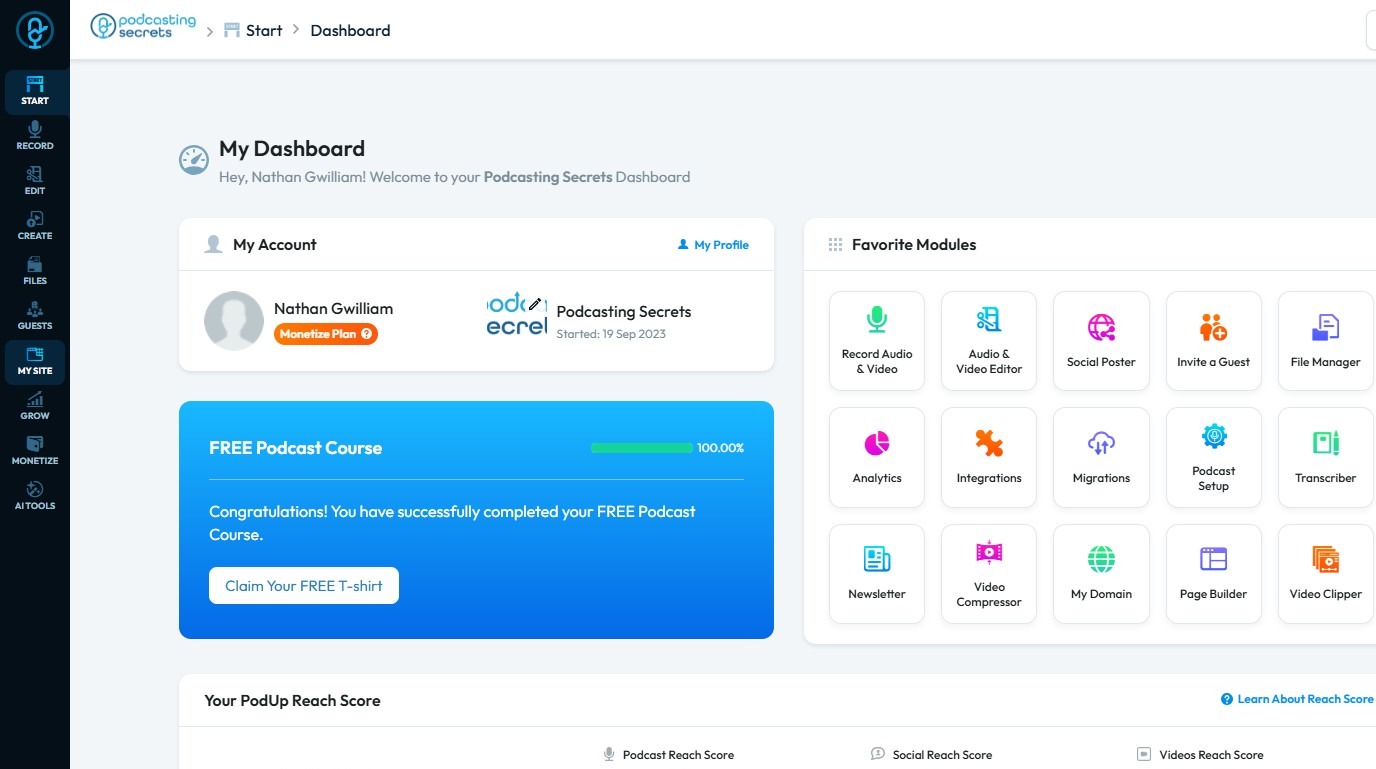
2. Click "My Site"
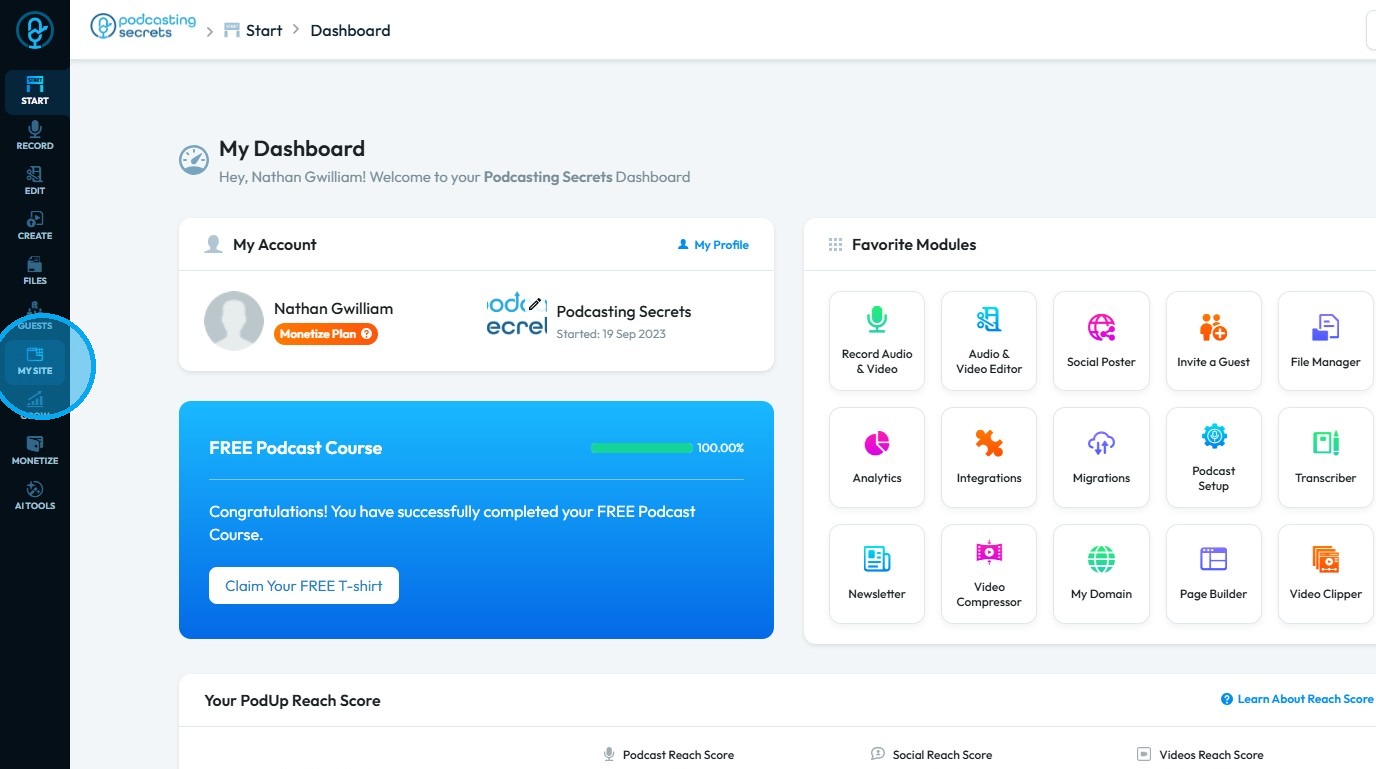
3. Select "Page Builder."
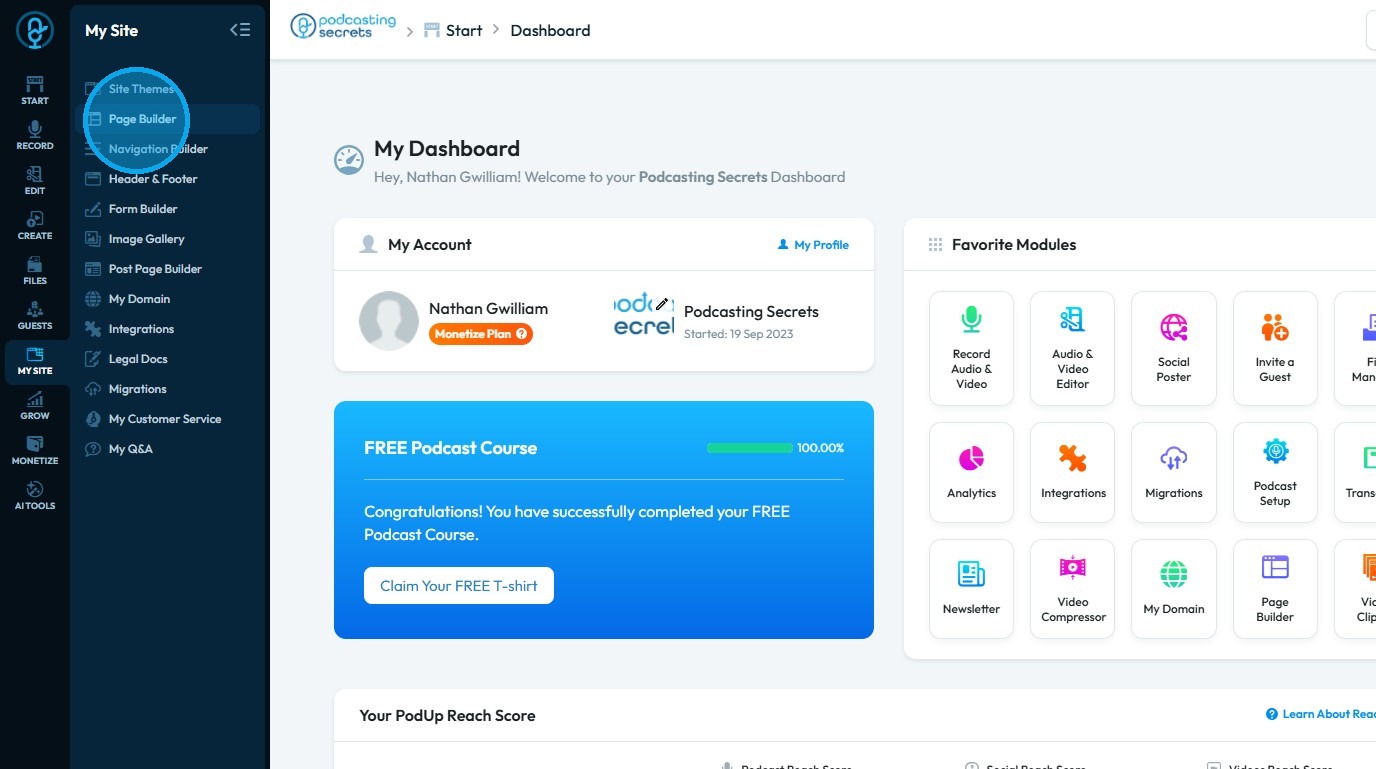
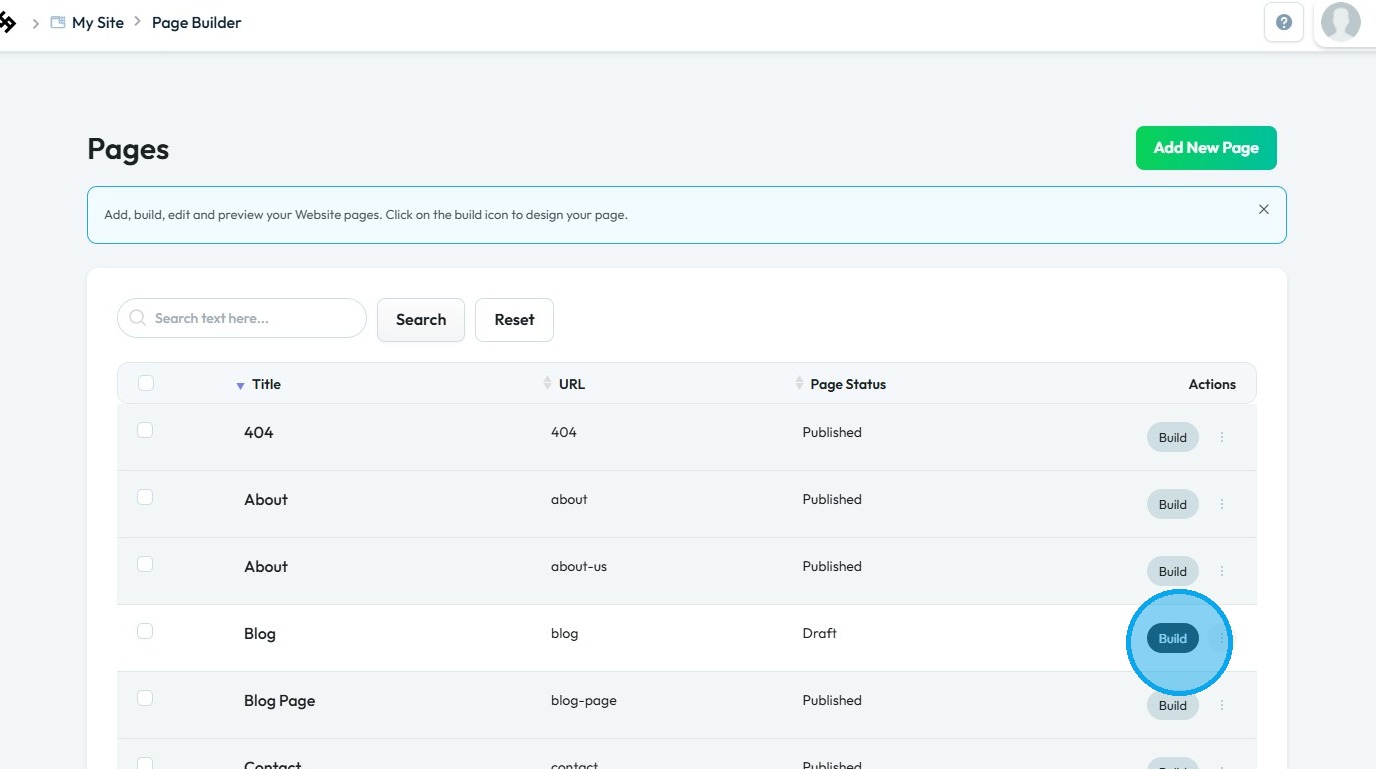
4. The "Pages" section will open, displaying all the webpages on your site
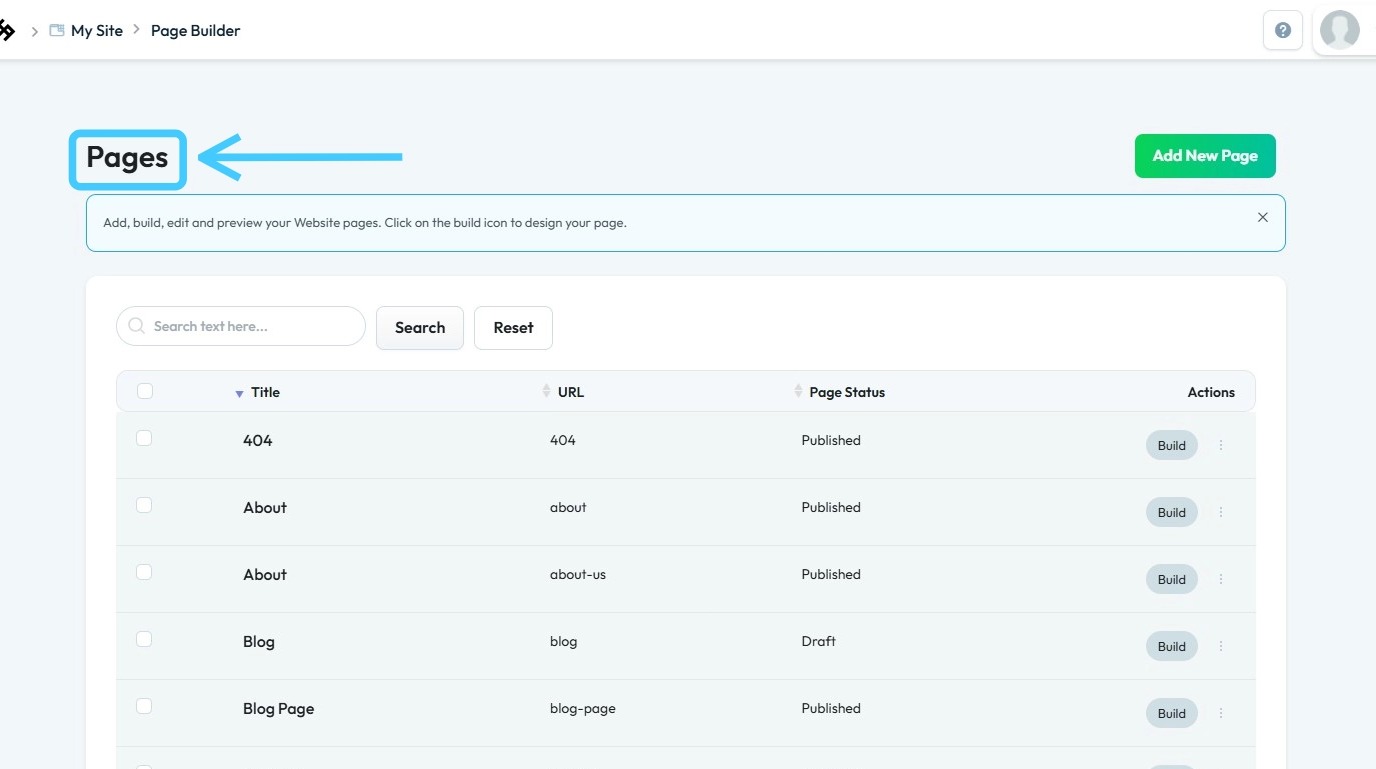
5. Click “Build” on the page you wish to customize
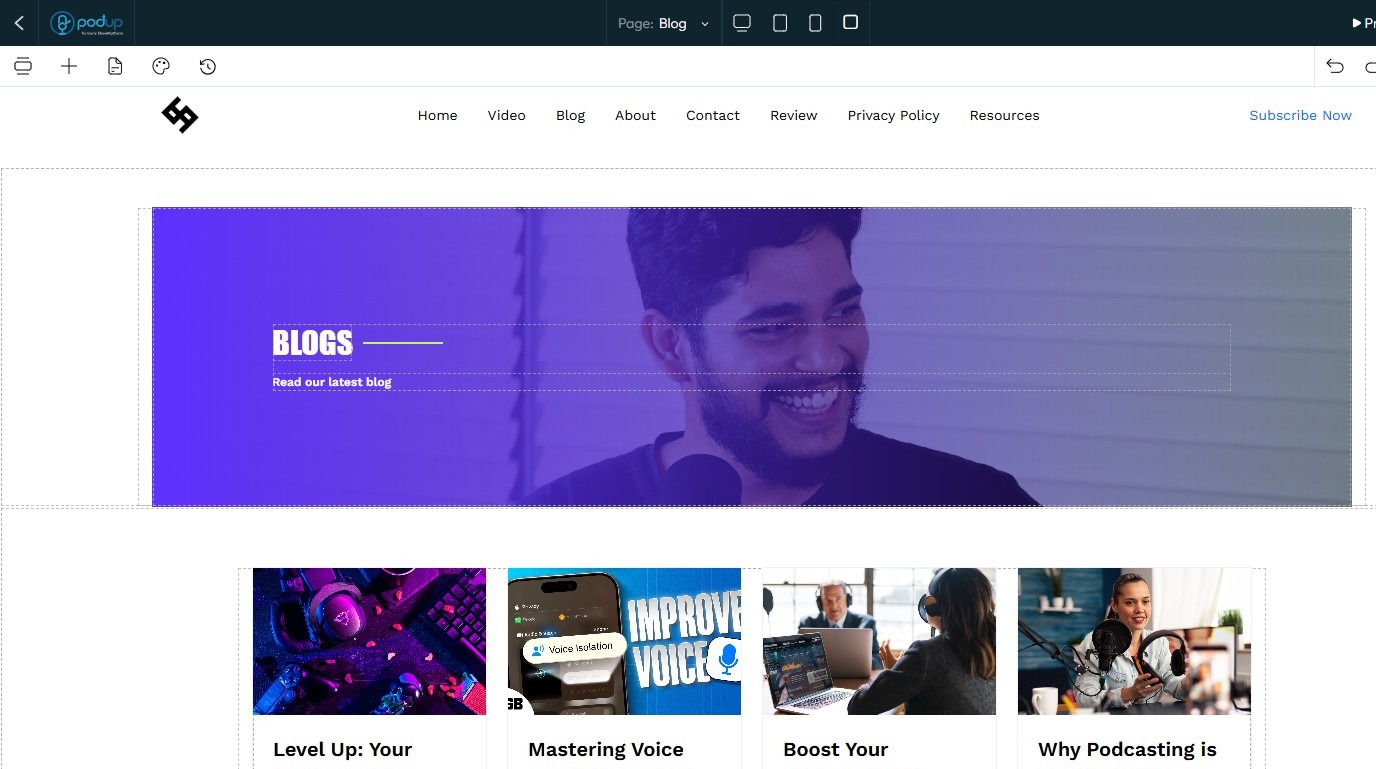
6. The PodUp Page Builder will load
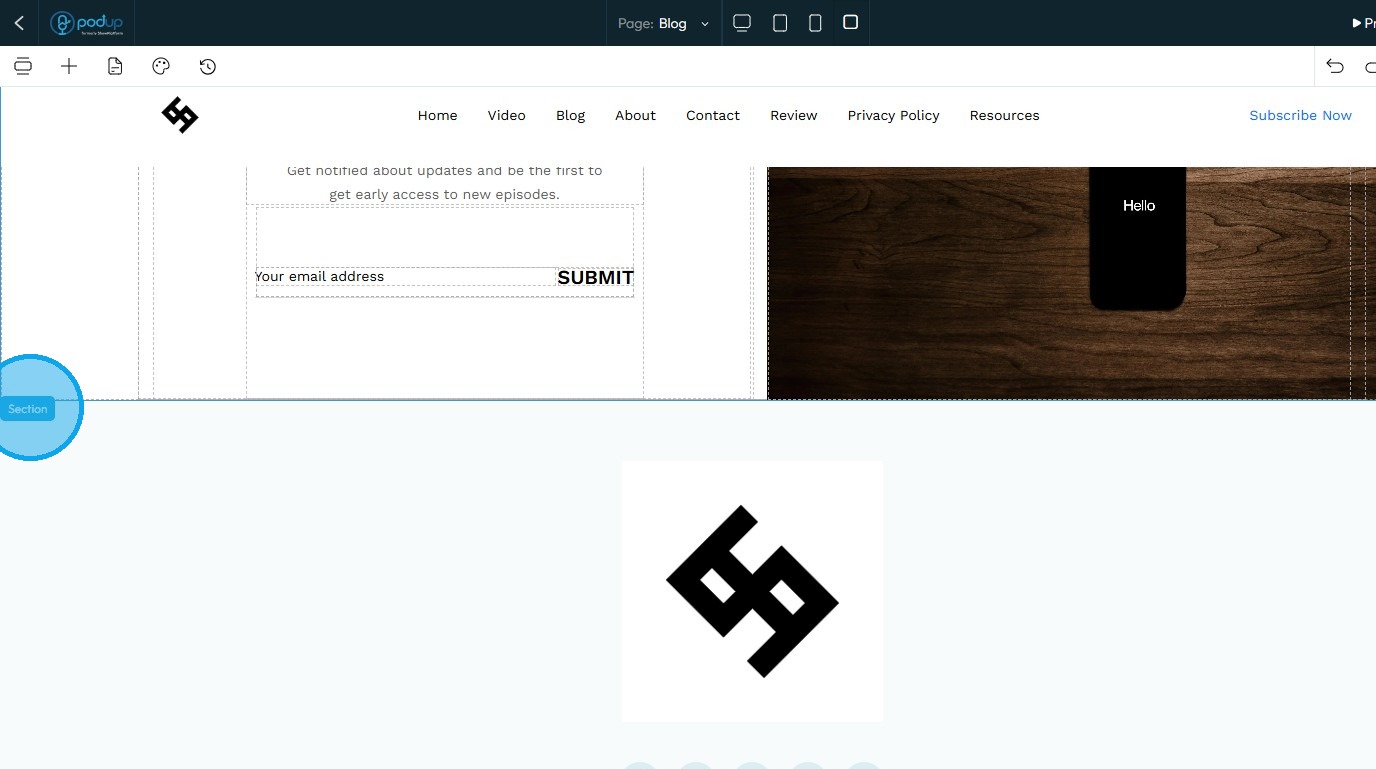
7. To add a new section, click on an existing section
8. Click "Add Section."
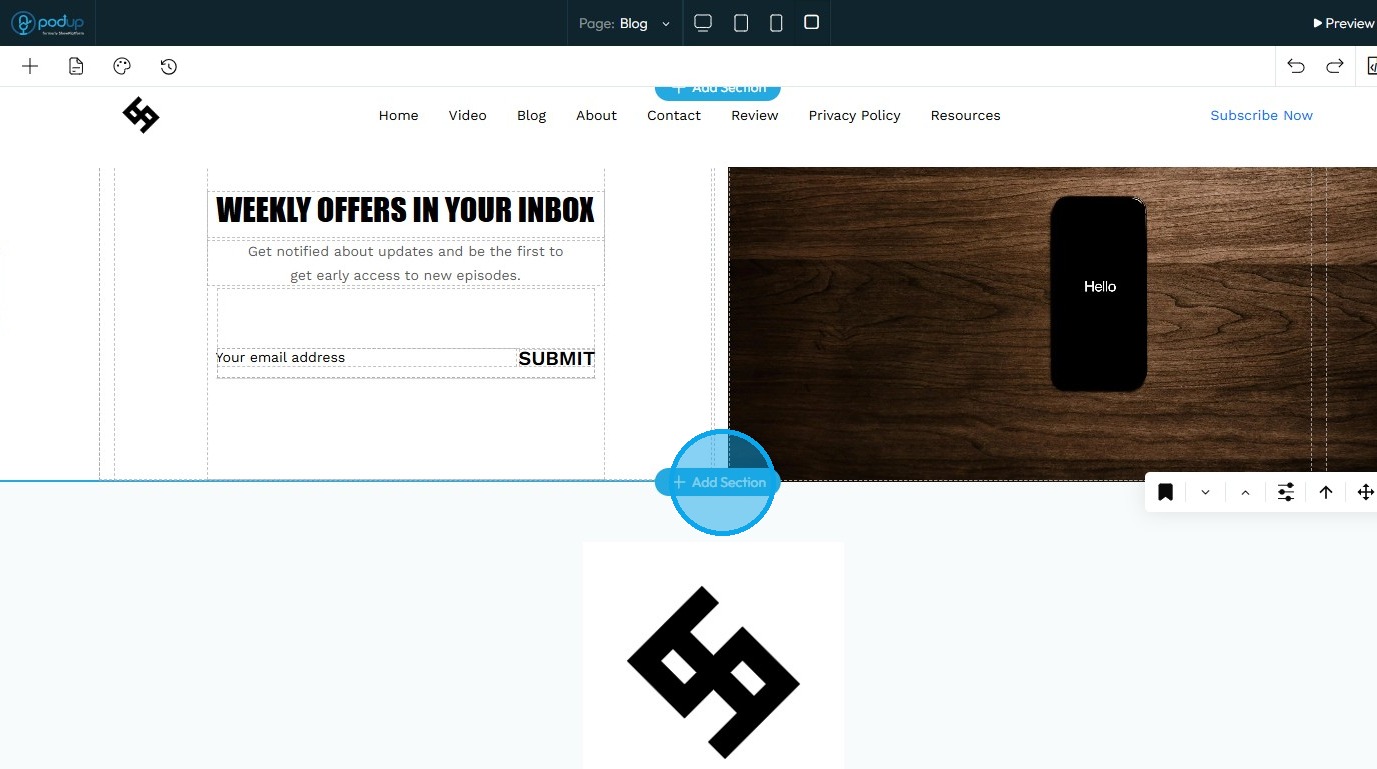
9. A new section will be created
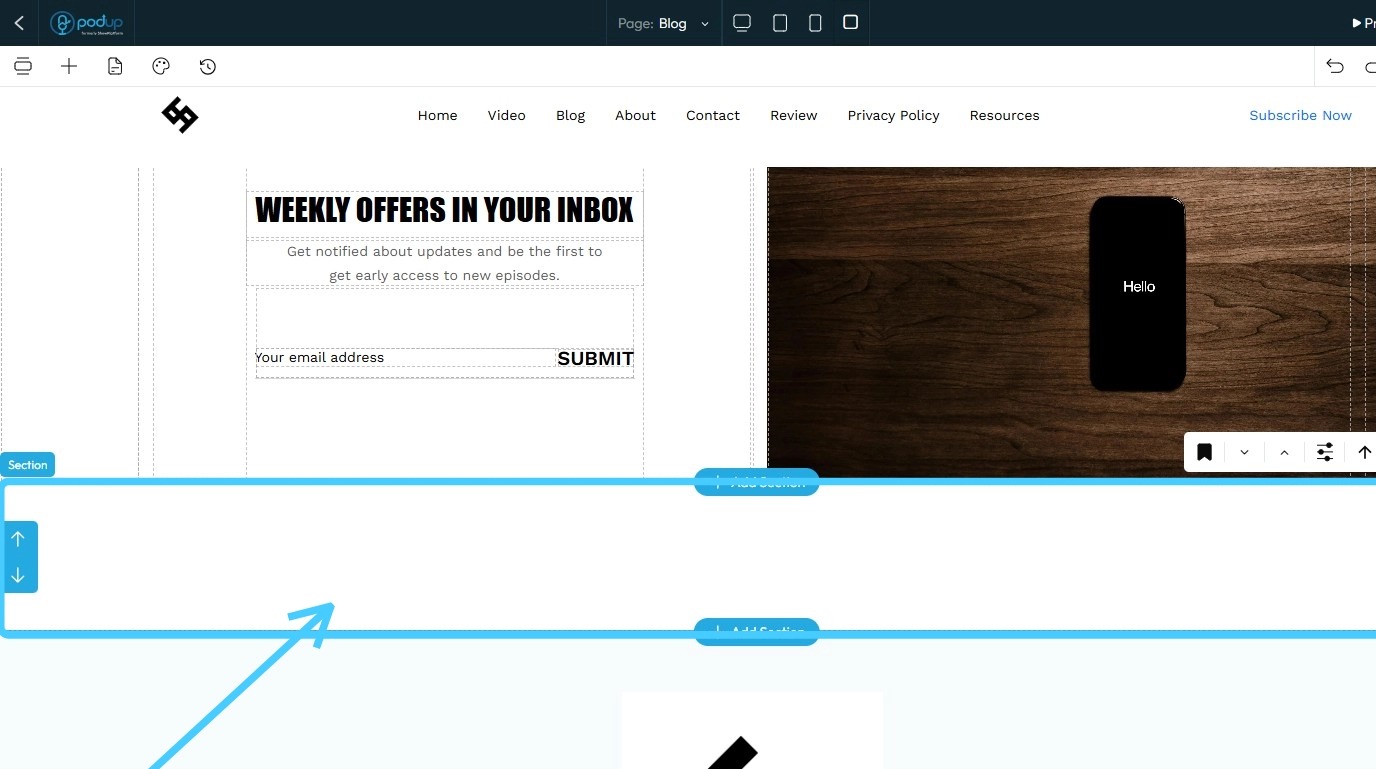
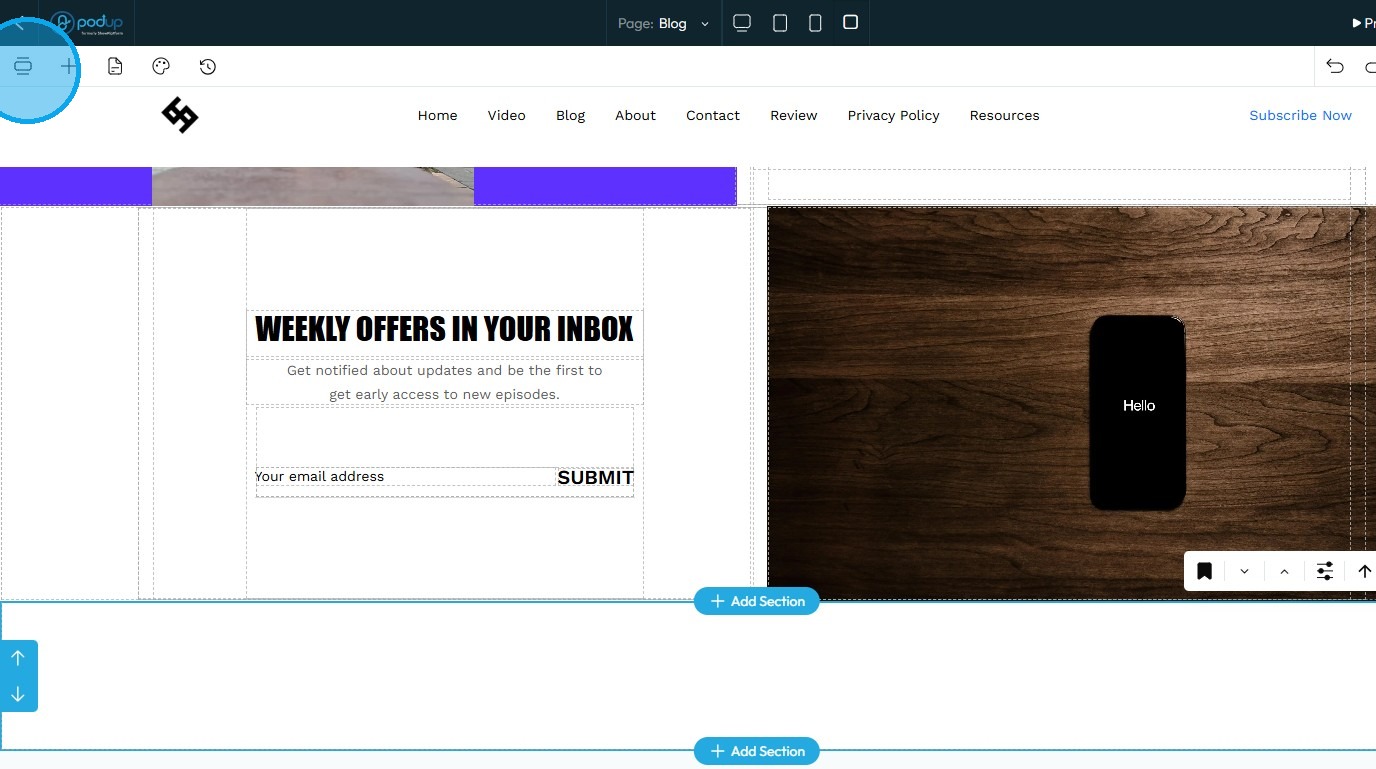
10. To add a banner, click the “Component” button
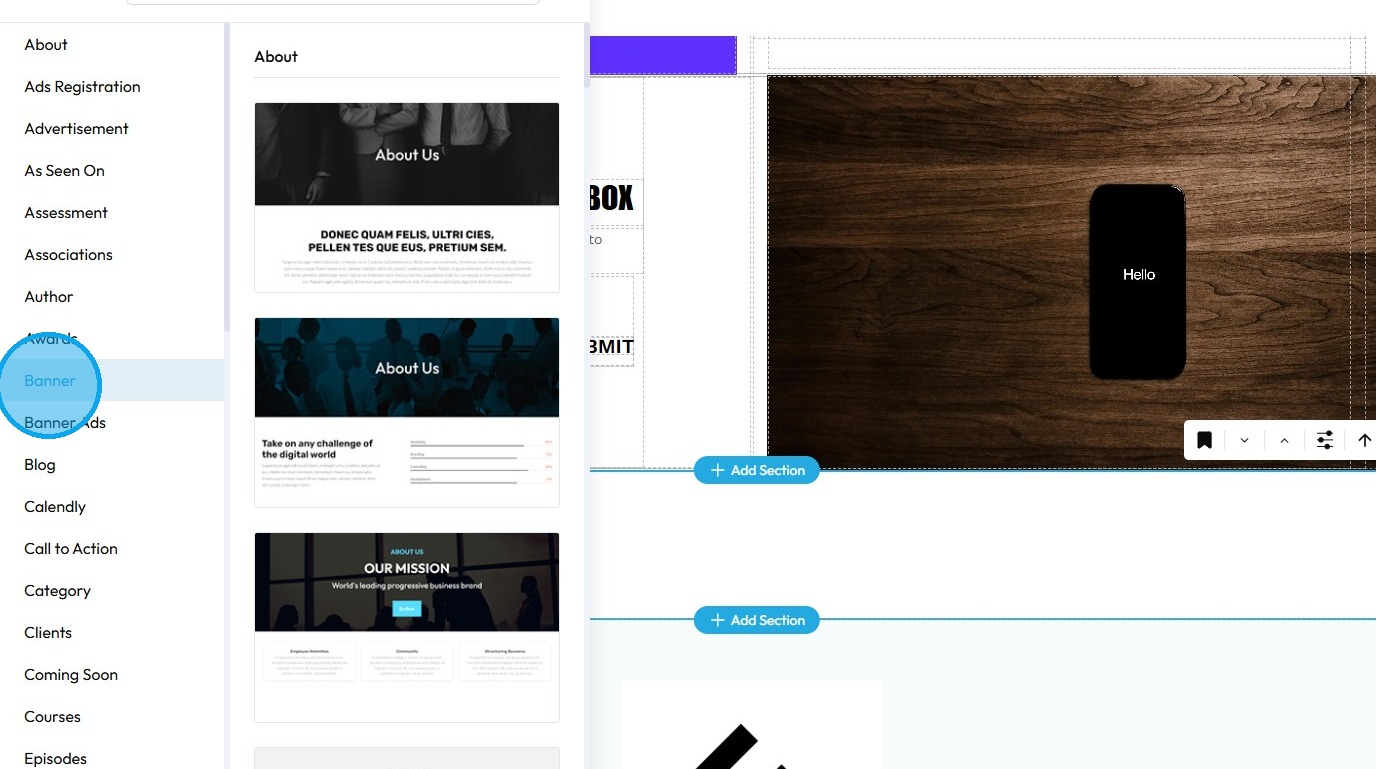
11. Select "Banner"
12. Drag and drop the banner into the new section
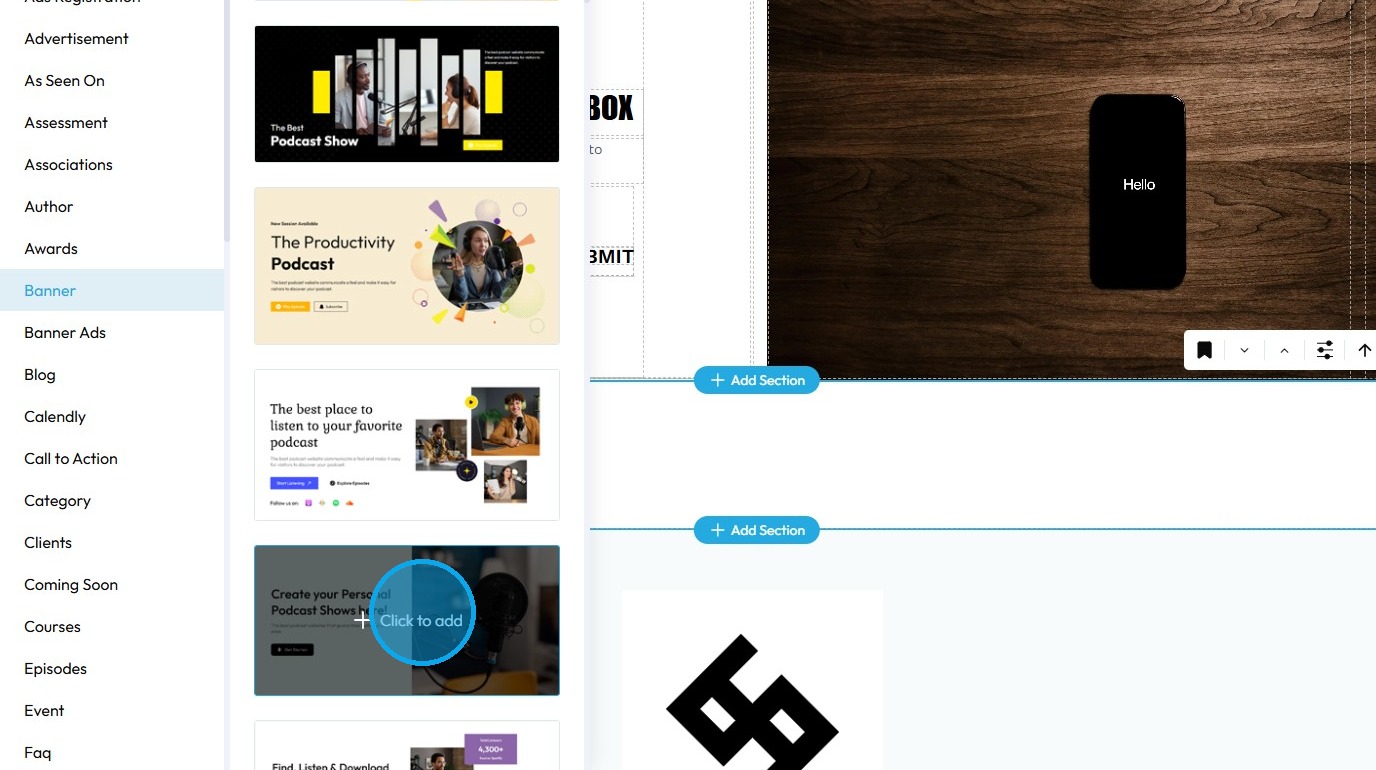
13. The selected "Banner" will be added in the section
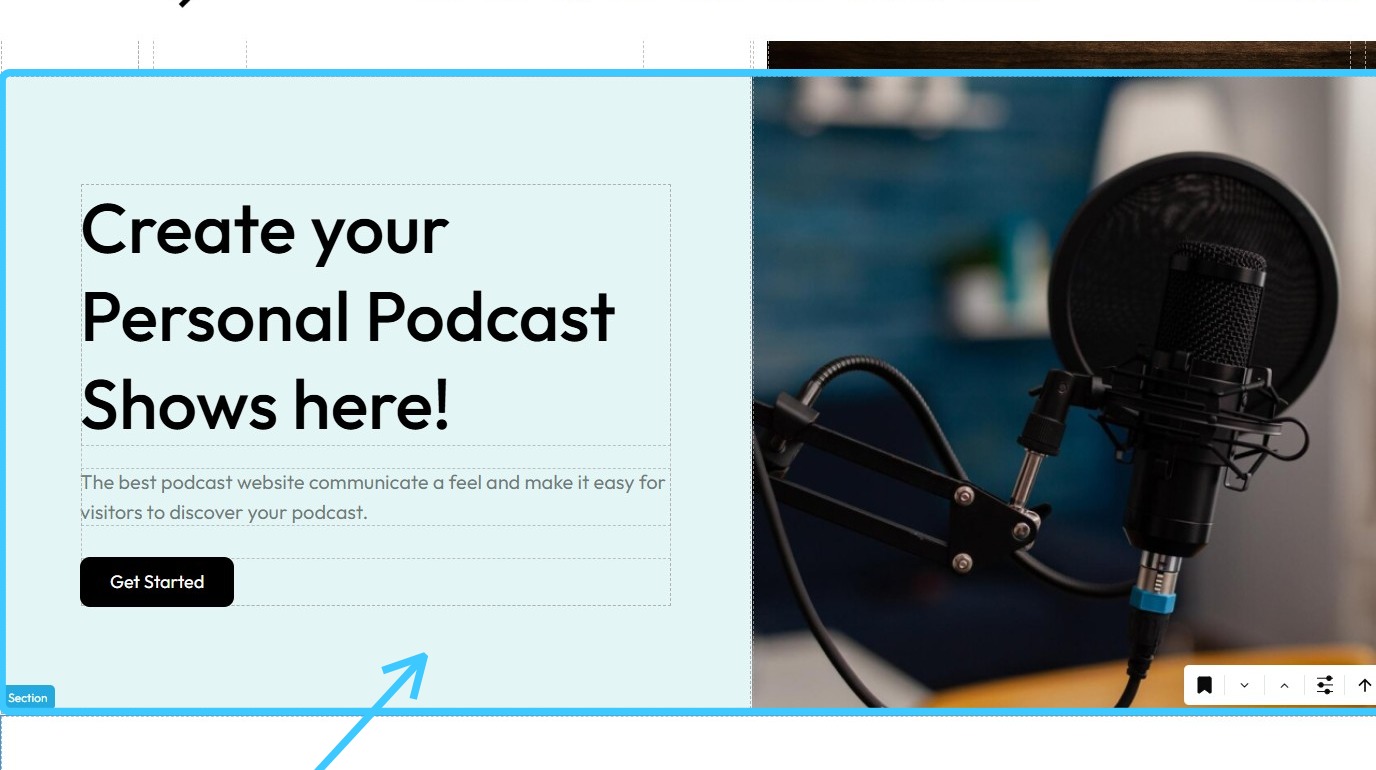
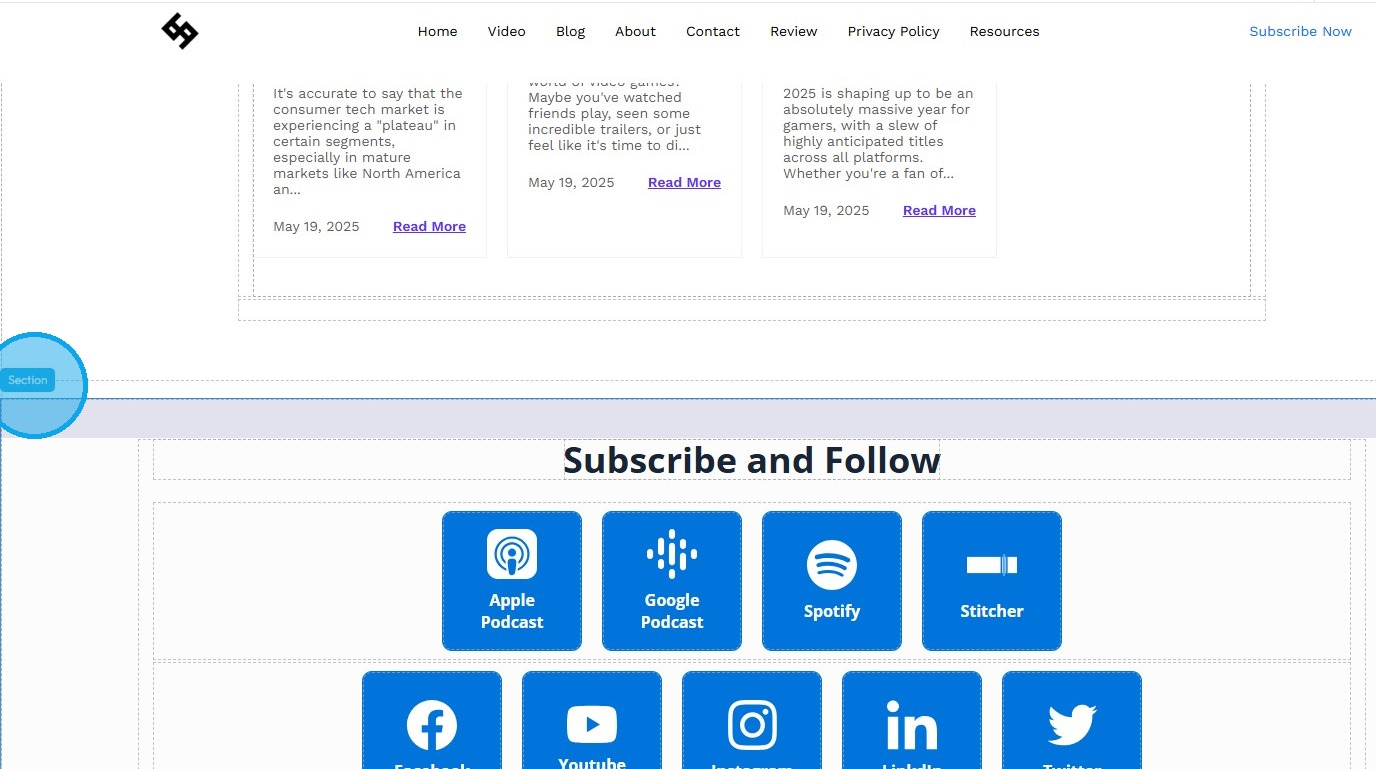
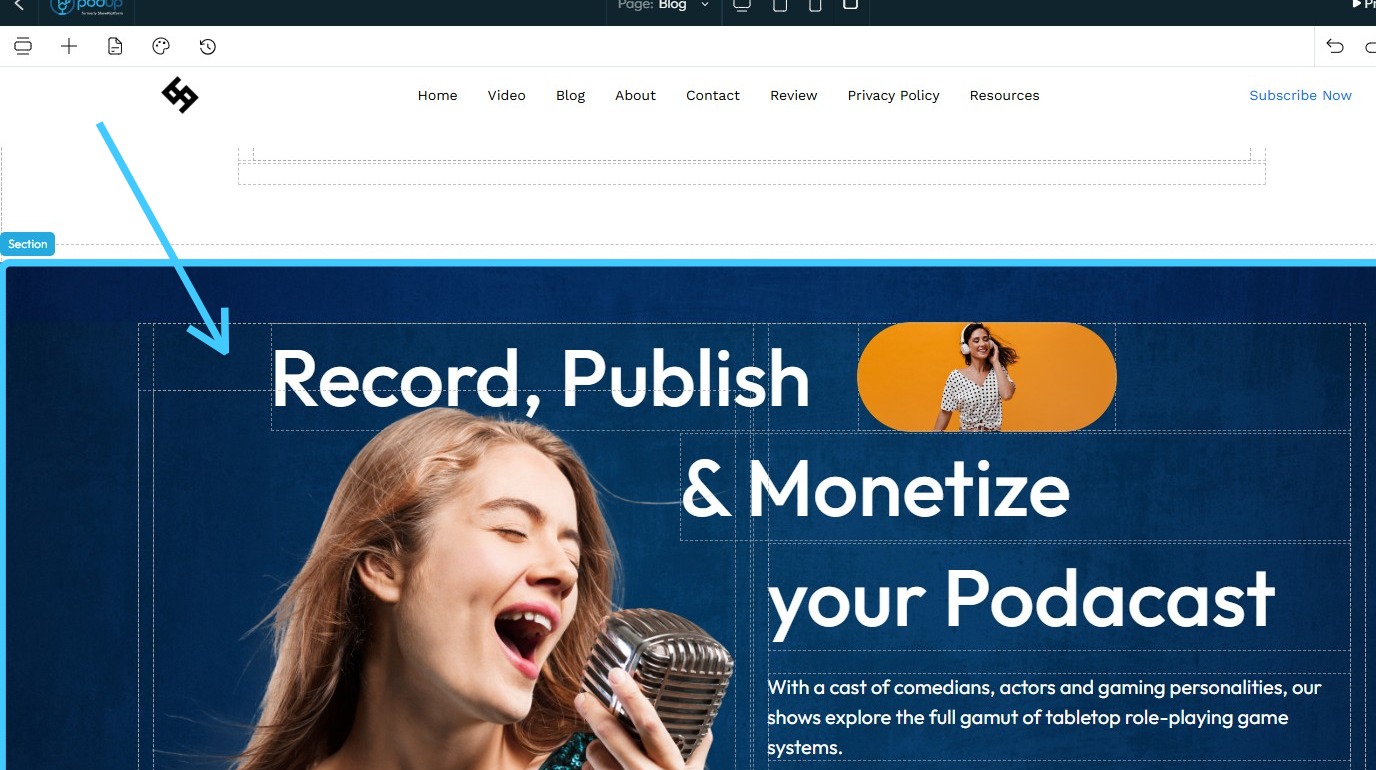
14. To convert an existing section into a banner, click on the desired section
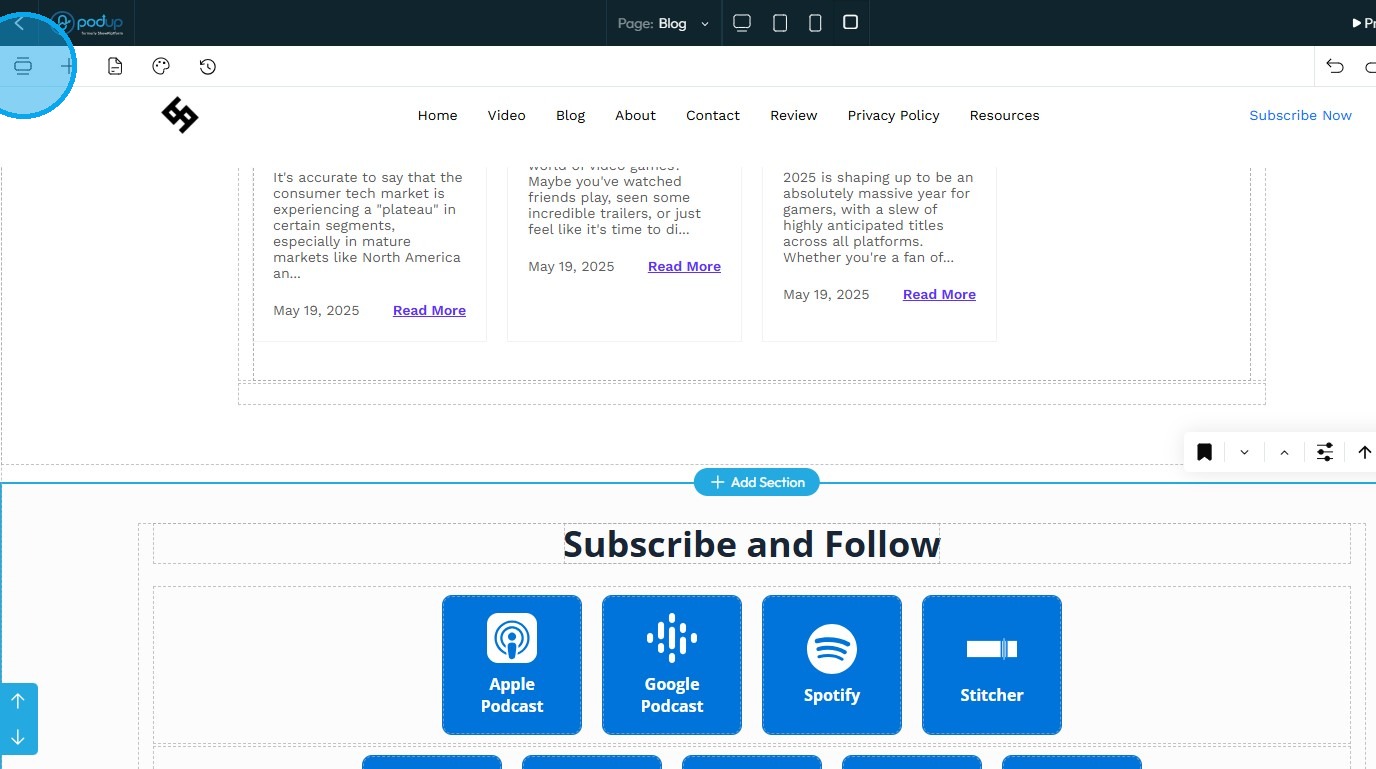
15. Click the “Component” icon
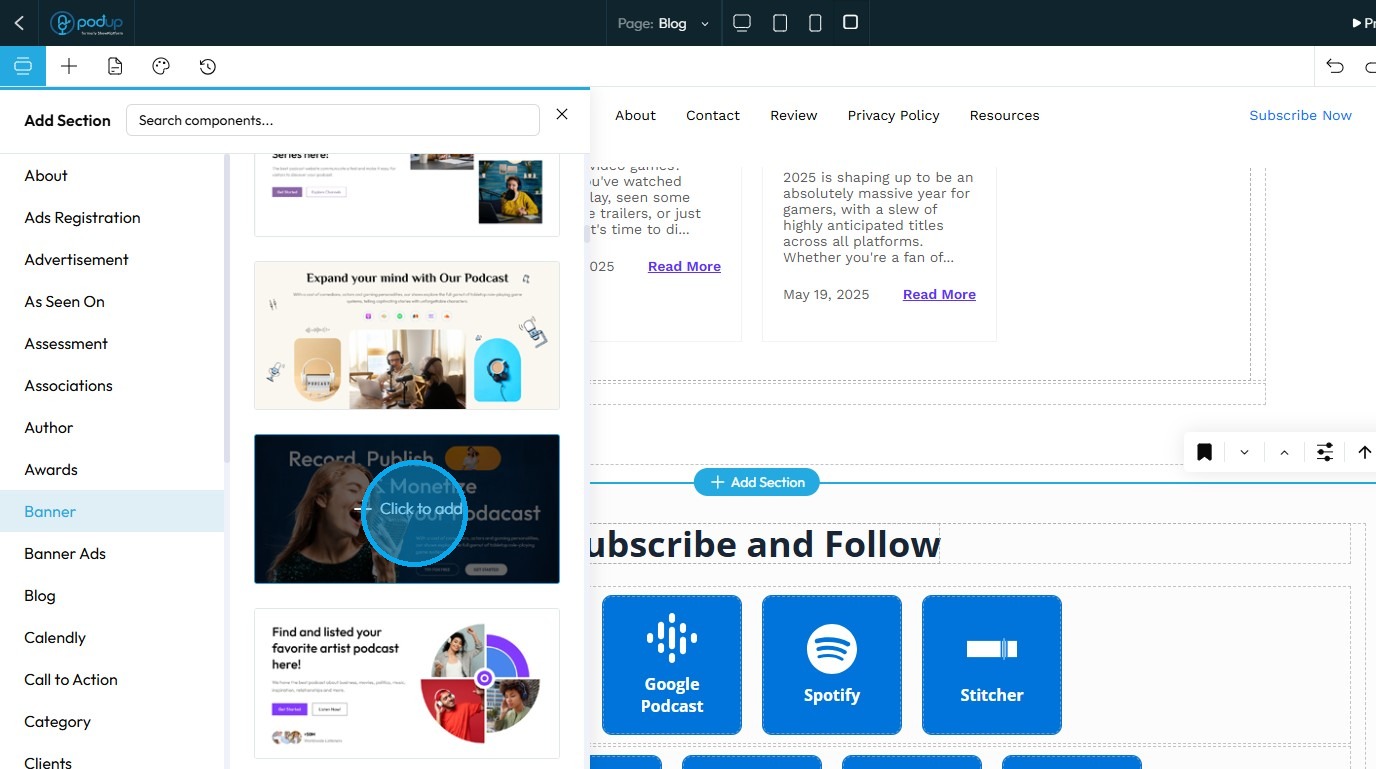
16. Drag and drop a banner of your choice into the selected section
17. The banner will be successfully applied to the section
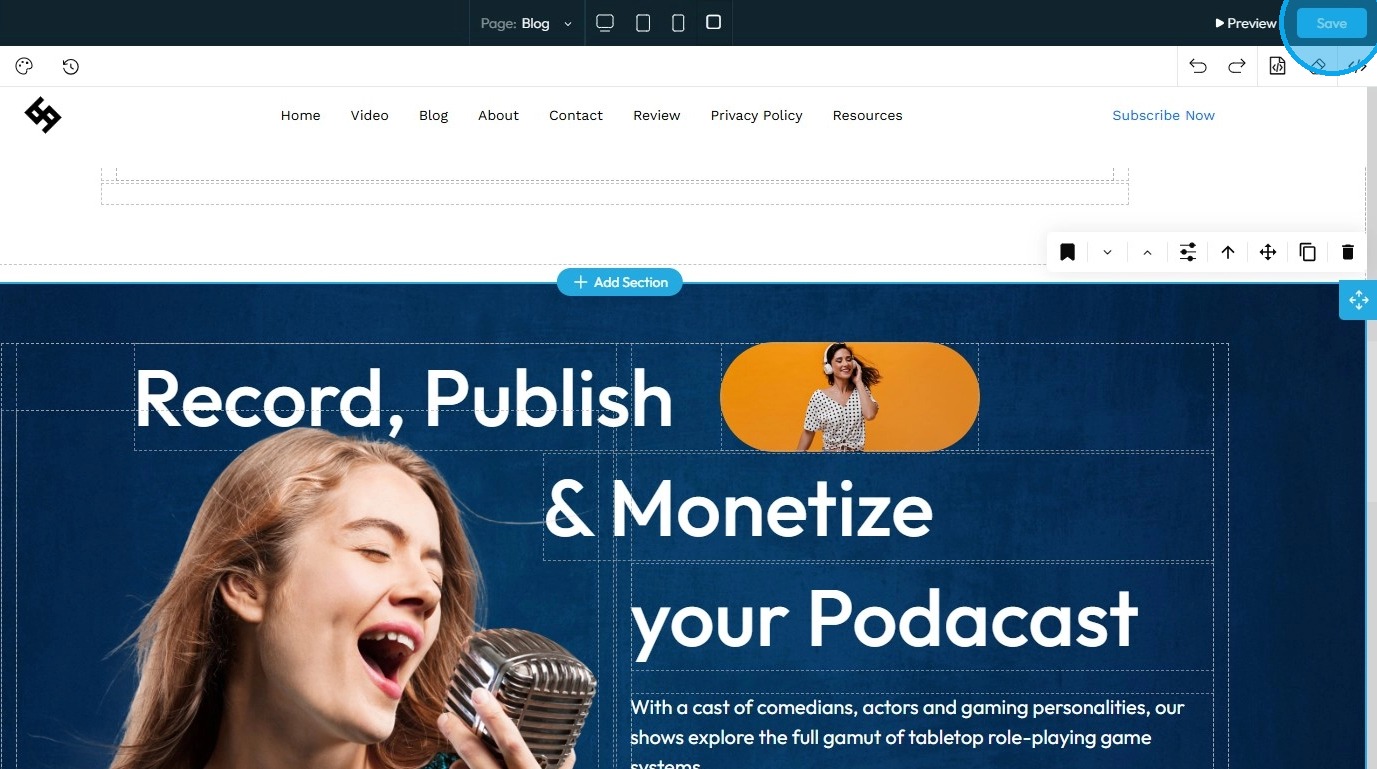
18. Click "Save" in the top-right corner to apply and retain your changes
Related Articles
How to turn a section into an "About" area
Turn a website section into a polished "About" area with PodUp’s page builder to tell your brand’s story 1. Navigate to https://app.podup.com/home 2. Click "My Site." 3. Select "Page Builder" 4. The "Pages" section will open, displaying all the ...How to Change the Image of a Banner
This guide provides a straightforward process for adding a customizable banner to your page, enhancing your website's visual appeal. With over 100 templates to choose from, it caters to a variety of design preferences, ensuring you can find the ...How to Add a Banner to my Page
This guide provides a straightforward process for adding a customizable banner to your page, enhancing your website's visual appeal. With over 100 templates to choose from, it caters to a variety of design preferences, ensuring you can find the ...How To Create a Banner to My Website
This guide shows you how to quickly create a custom banner on PodUp to boost your site's look and branding—easy for beginners and pros alike. 1. Navigate to https://app.podup.com/home 2. Click here. 3. Click "Build" on the page you want to build 4. ...How To Change The Background Image for My Banner
This guide shows you how to easily change your banner’s background image. Follow simple steps to update your design and match your branding quickly. Make your banner stand out with minimal effort. 1. Open your page with your banner 2. Click the ...