How to Speed Up My Website's Loading Time
By following this guide, you can improve your website’s loading speed through optimization techniques for better UX and SEO.
1. To speed up a website built with PodUp website builder, here are some effective strategies:

2. Optimize images by reducing their sizes and using next-gen formats like WebP to reduce page weight without losing quality.
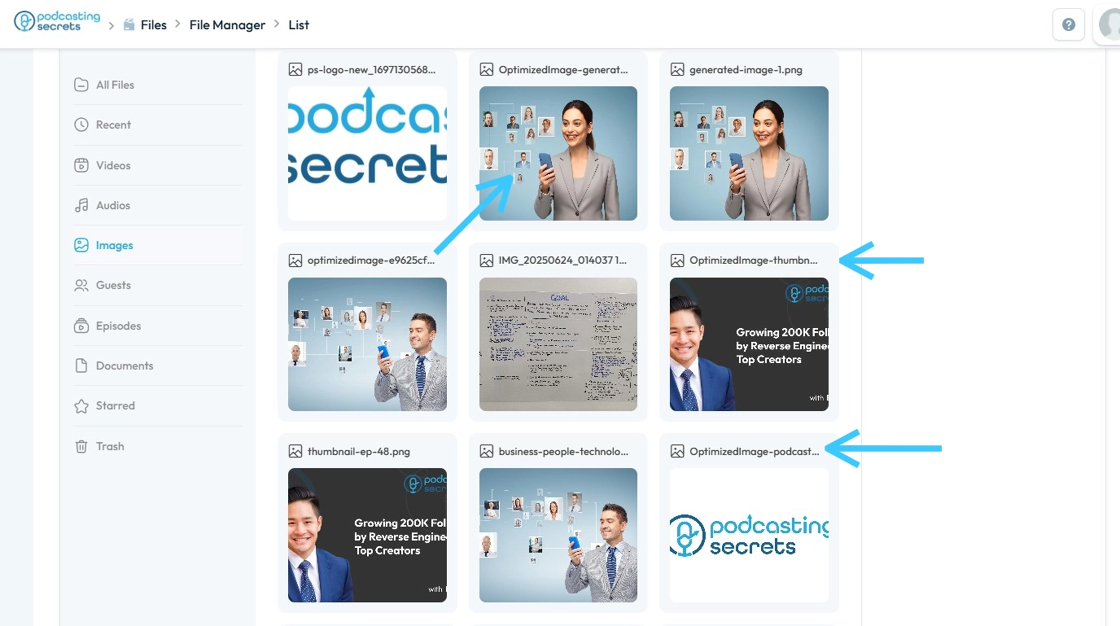
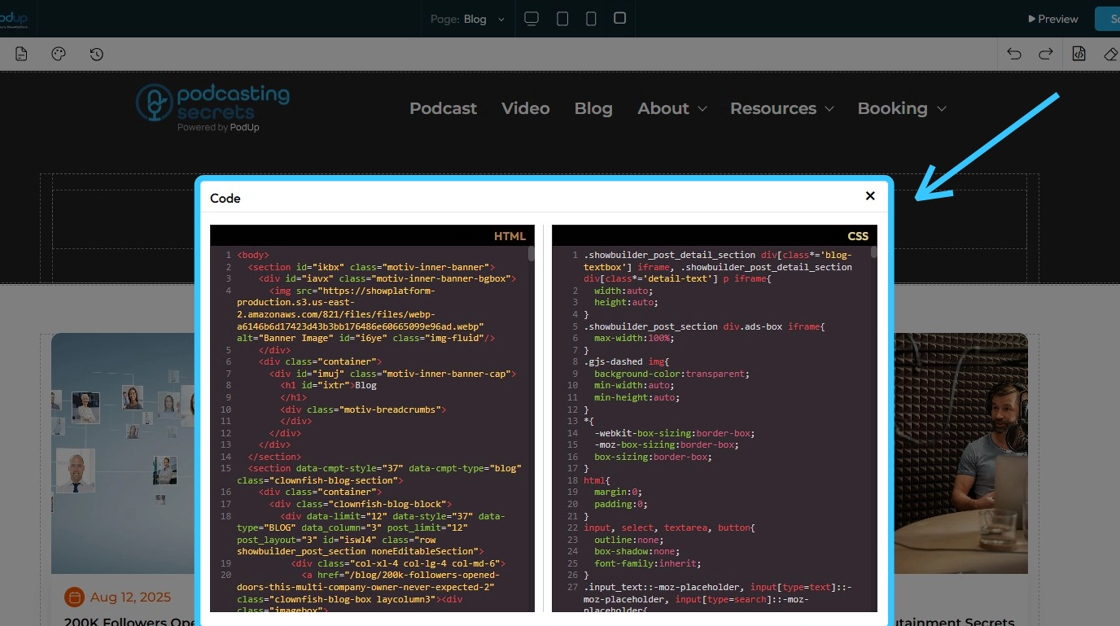
3. Minify and clean up JavaScript and CSS files to reduce load times and the browser's work.
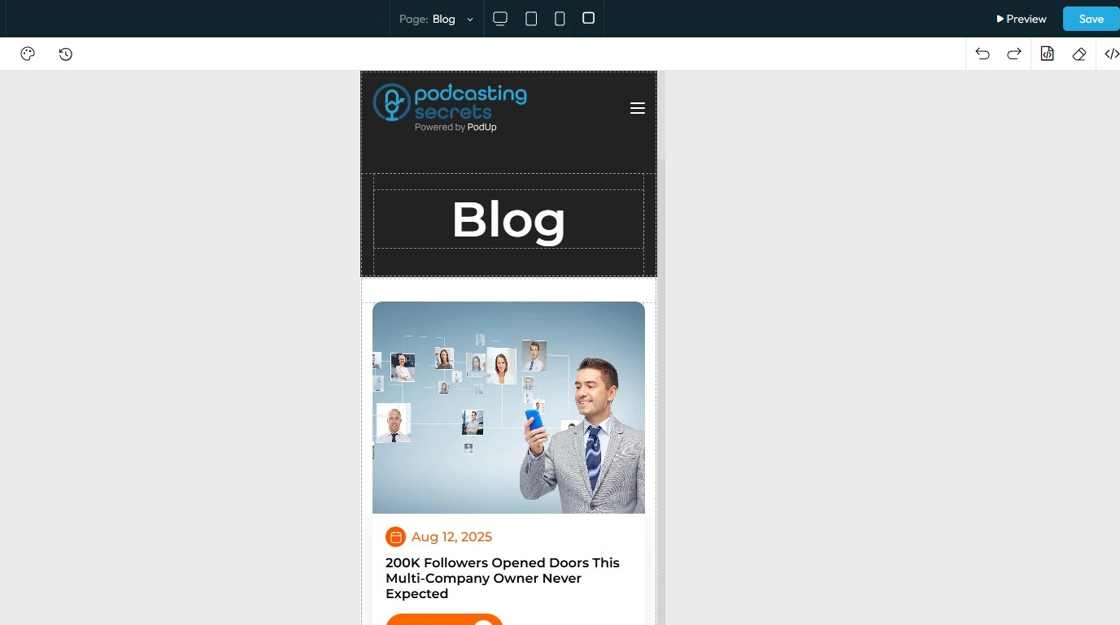
4. Prioritize mobile optimization as mobile users are highly sensitive to slow load times
Tip: Tip!
- Avoid overusing plugins or heavy animations that could slow down page rendering.
- Reduce unnecessary code and combine files where possible to reduce server requests.
Related Articles
Why is my recording loading?
By following this guide, users can troubleshoot recording delays on PodUp and optimize playback by understanding and addressing factors like internet speed. 1. Navigate to https://app.podup.com/home 2. Click "Record Audio & Video" 3. The “List of ...Upload / processing time
upload taking long, processing stuck, how long does upload take, video stuck processing, slow upload By following this guide, users can troubleshoot recording delays on PodUp and optimize playback by understanding and addressing factors like internet ...How do I leave an announcement on my website
This guide shows you how to add announcements to your website using PodUp’s Page Builder, from setup to customization, so you can easily keep visitors informed 1. Navigate to https://app.podup.com/home 2. Click "My Site" 3. Select "Page Builder" 4. ...How to Create Terms and Conditions for Your Podcast Website using PodUp Legal Docs
By following this guide, you can create customized Terms and Conditions for your podcast website to ensure legal compliance and build trust. Alert: Alert! LLC is a show technology company that makes creating, producing and monetizing shows simpler ...How to Add Code to My Website
This guide offers a straightforward process for adding custom code to your website using Podup's Page Builder. It breaks down the steps clearly, making it accessible even for those with minimal technical knowledge. By following this guide, you can ...