How to Share my Screen While Recording in Podcasting Studio on PodUp
This guide provides a straightforward process for sharing your screen while recording in the PodUp podcasting studio, making it easier to collaborate and enhance your content. By following these simple steps, you can seamlessly integrate visuals into your podcast, engage your audience more effectively, and ensure a professional presentation. Whether you're a seasoned podcaster or just starting, this guide is a valuable resource for improving your recording sessions.
1. Click "Record"

2. Click "Recorder"

3. Click "Go to studio"
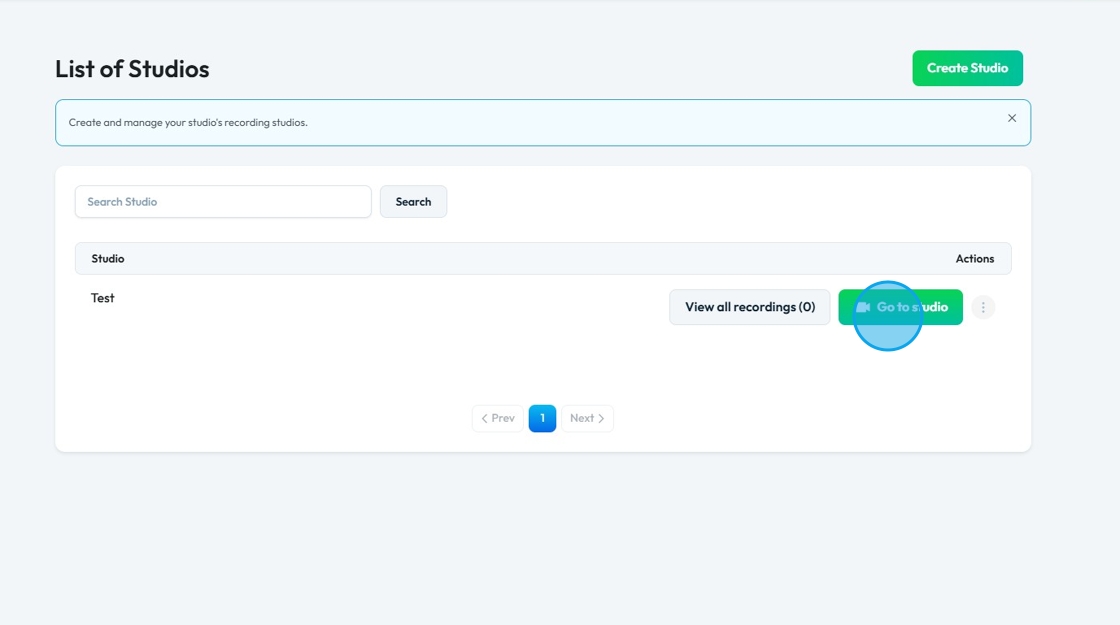
4. Click "Enter Studio"
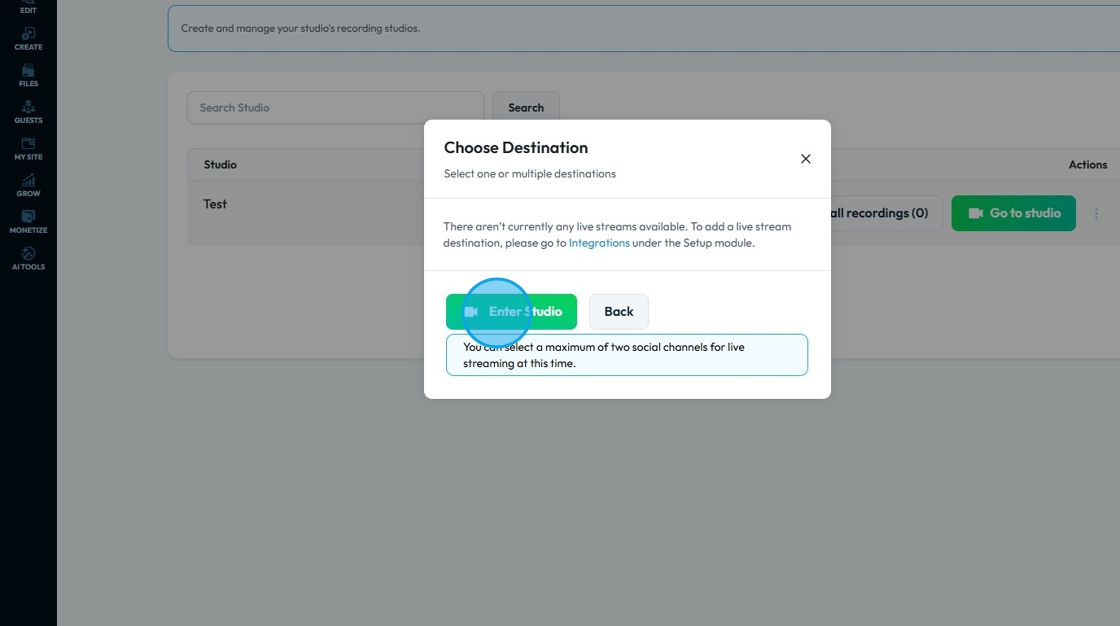
5. Click "Join Now"
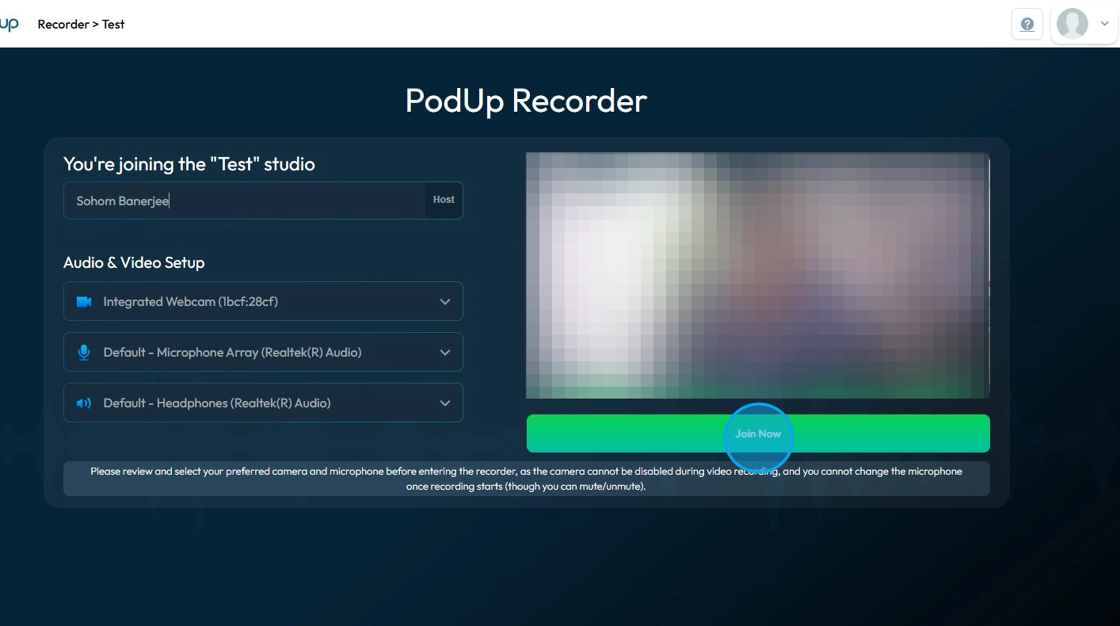
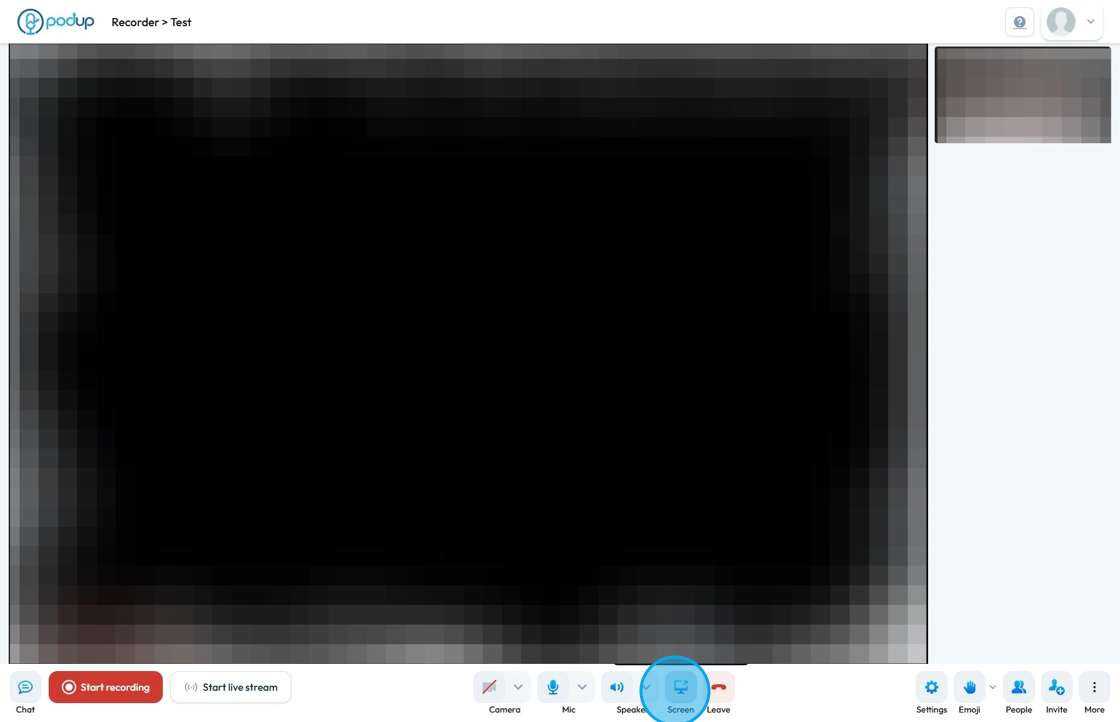
6. Click "Share"
7. A pop-up window appears with the list of all open tabs
Click the tab/window you want to share
A preview of the tab will appear in the box on the right hand side
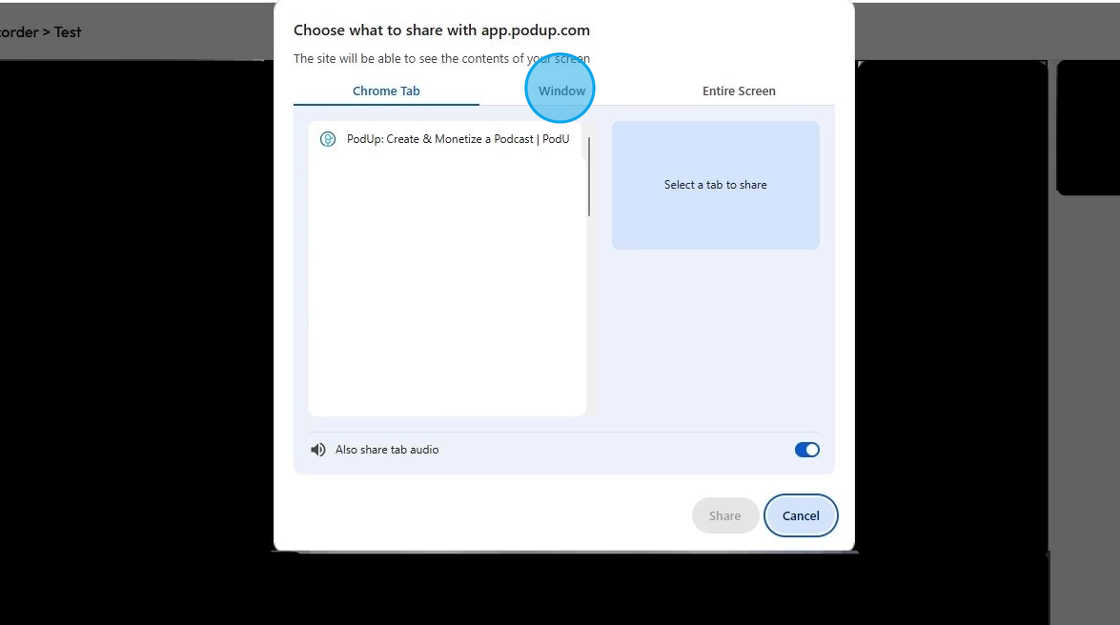
8. Click "Share" to confirm that is the screen you want to share
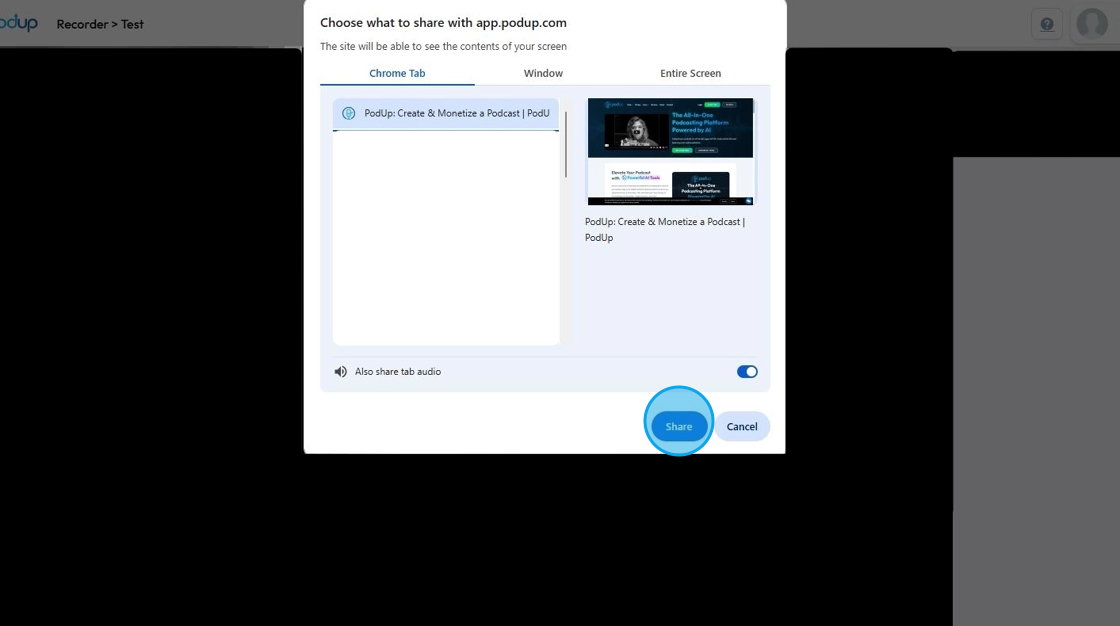
9. You have successfully shared your tab
An notification will appear at the top left corner of the tab stating that the tab is being shared

10. You can easily stop sharing by clicking "Stop sharing"

Related Articles
How to Create a Recording Studio
This guide provides a straightforward approach to setting up a recording studio using the Podup platform. It simplifies the process, ensuring users can easily create either audio or video recording options tailored to their needs. By following the ...How To Delete A Studio In Podup
This guide provides a straightforward, step-by-step process for deleting a studio in Podup, making it easy to manage your recordings. It simplifies the task with clear instructions, ensuring users can navigate the platform efficiently. By following ...Why is my recording loading?
By following this guide, users can troubleshoot recording delays on PodUp and optimize playback by understanding and addressing factors like internet speed. 1. Navigate to https://app.podup.com/home 2. Click "Record Audio & Video" 3. The “List of ...How to Denoise my recording?
Easily remove unwanted noise in PodUp to boost your audio’s clarity and quality 1. Navigate to https://app.podup.com/home 2. Click "Record" 3. Select "All Recordings" 4. The 'All Recordings' page will open 5. Select the 'Studio' for the recording you ...How to Invite Guest to Join My Studio
This guide provides a straightforward process for inviting guests to your studio on Podup, making collaboration seamless. With clear steps, users can easily share studio access either through a direct link or an automated email invitation. It's an ...