How To Set Up My Podcast Setup
This guide makes it easy to start a podcast on PodUp. It walks you through each step—from opening the site to saving your show—so even beginners can get set up quickly and focus on creating content.
1. Navigate to https://app.podup.com/home
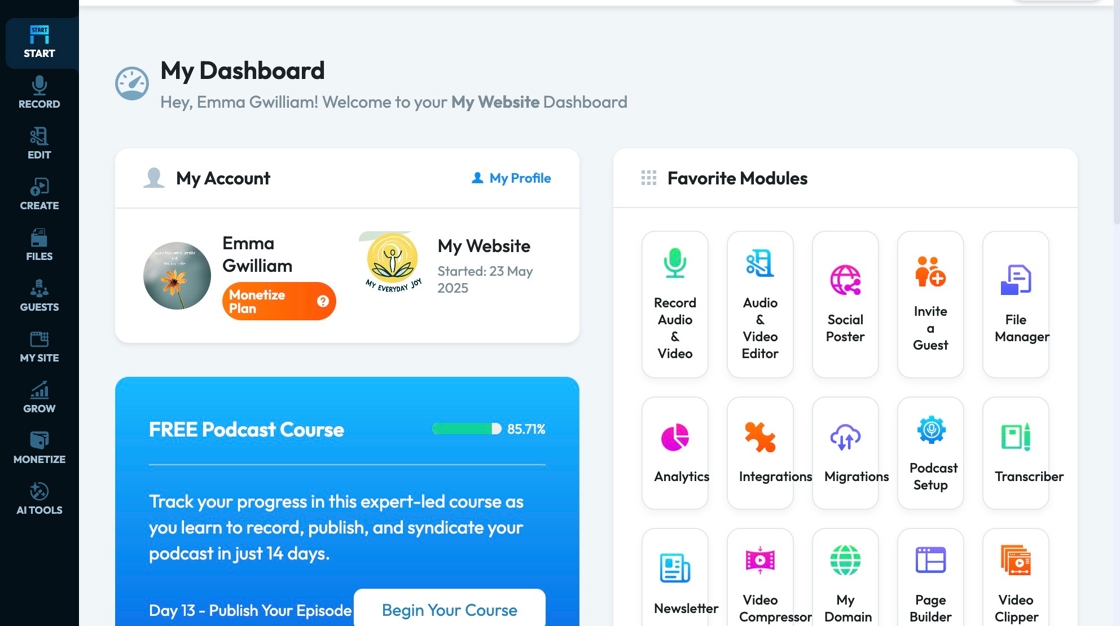
2. Click "Start"

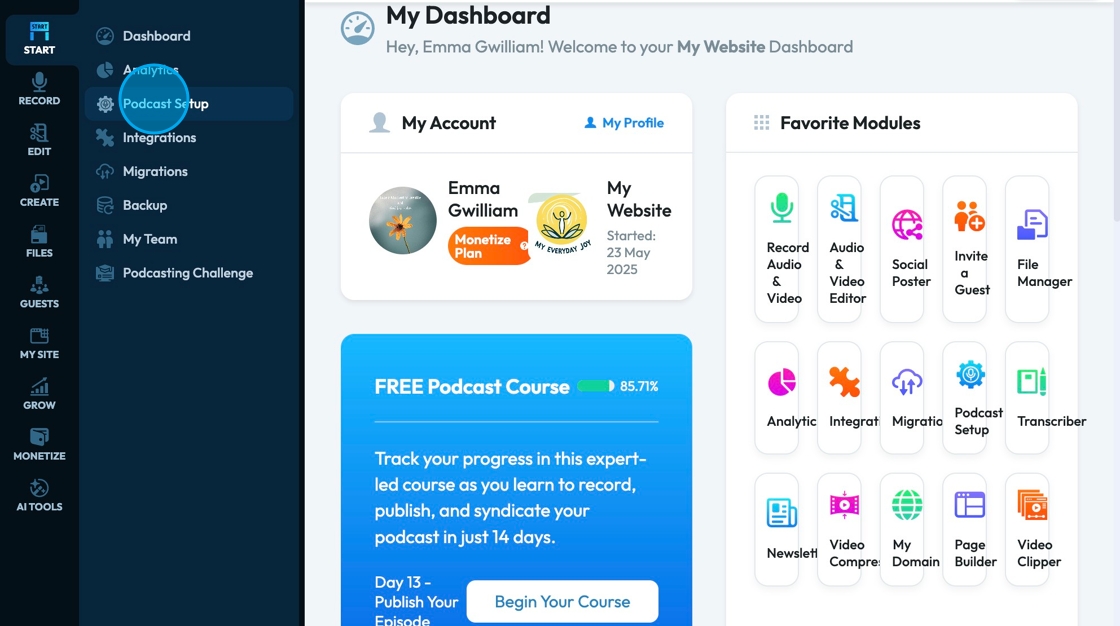
3. Click "Podcast Setup"
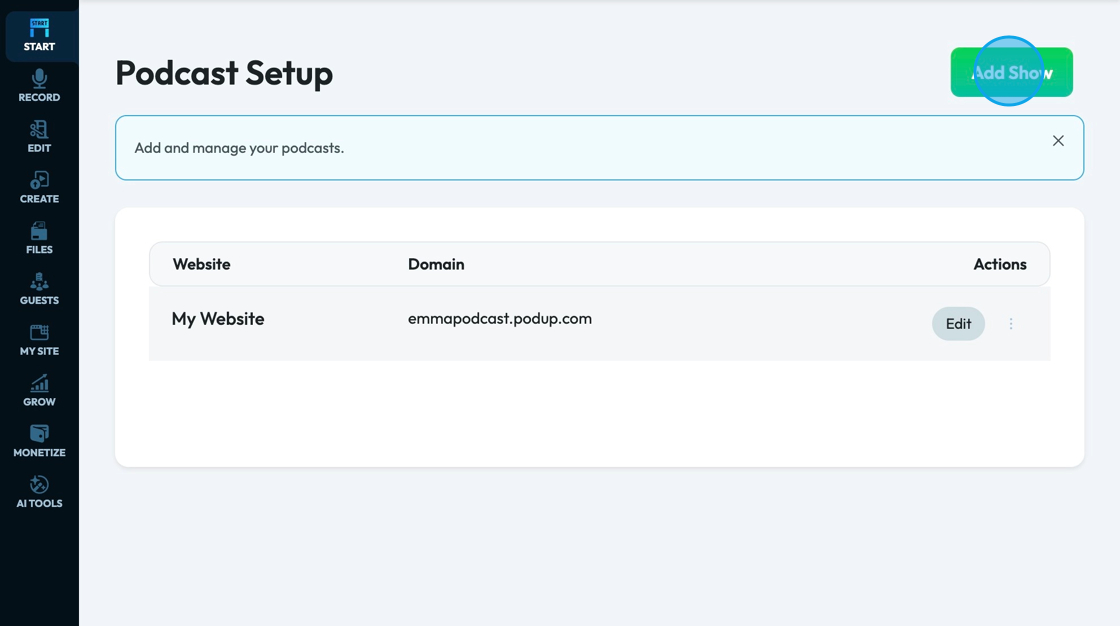
4. Click "Add Show"
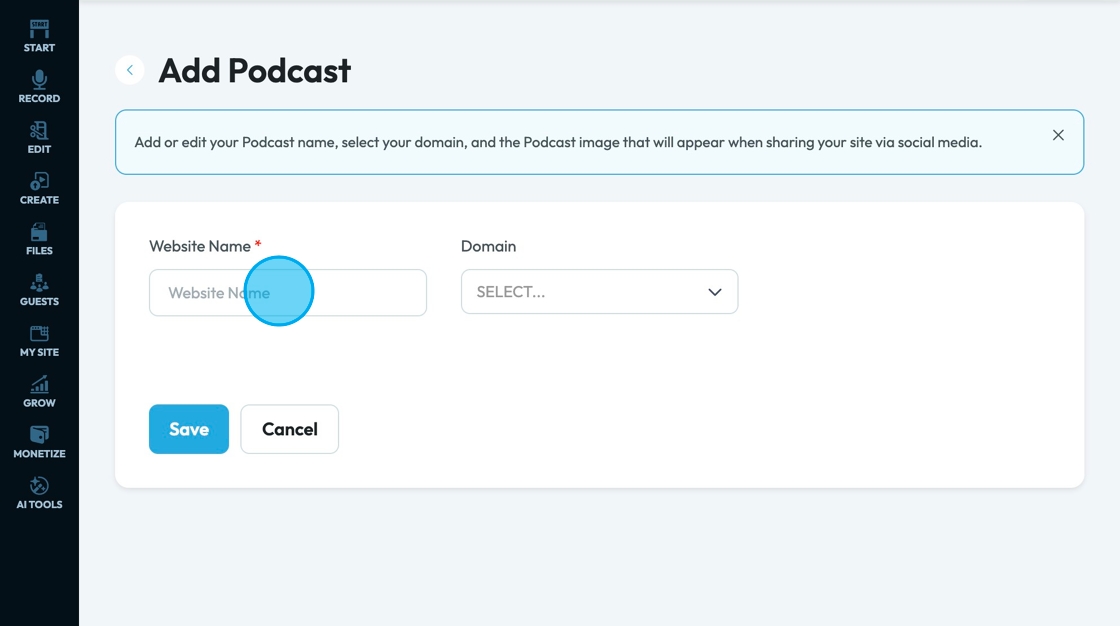
5. Click the "Website Name" field and insert your website name
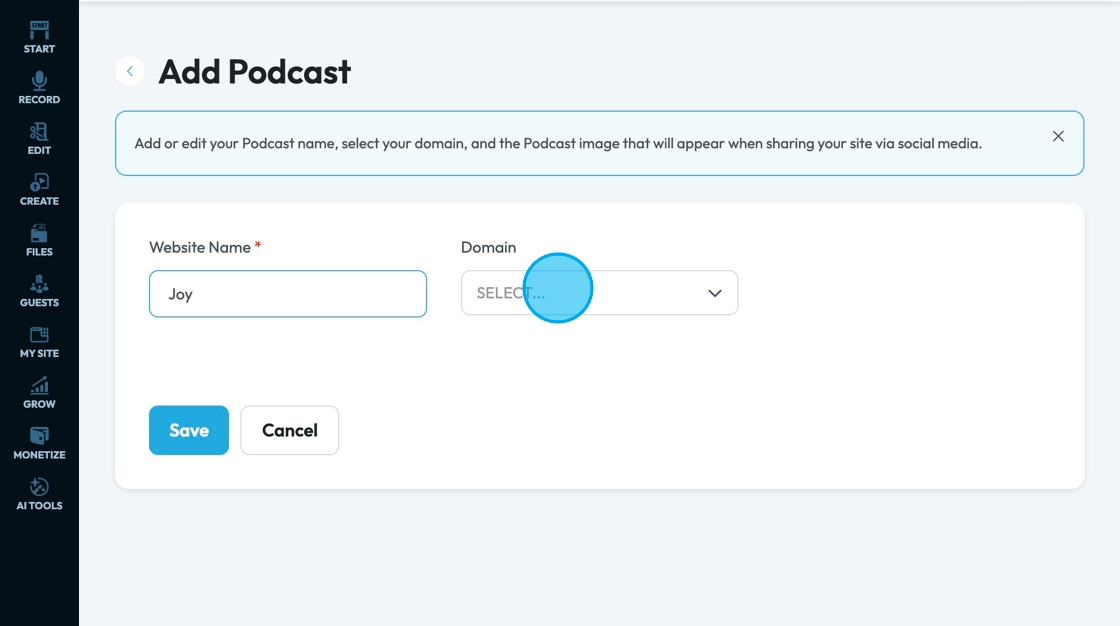
6. Click "SELECT..."
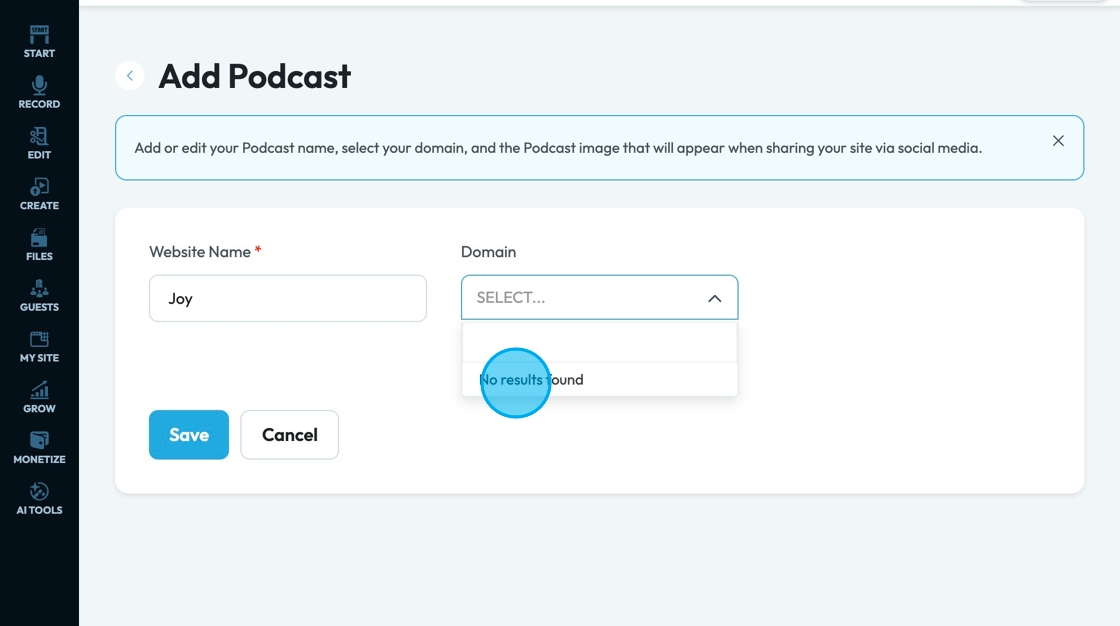
7. Select your domain
*See Domain section for how to add a domain
8. Click "Save"
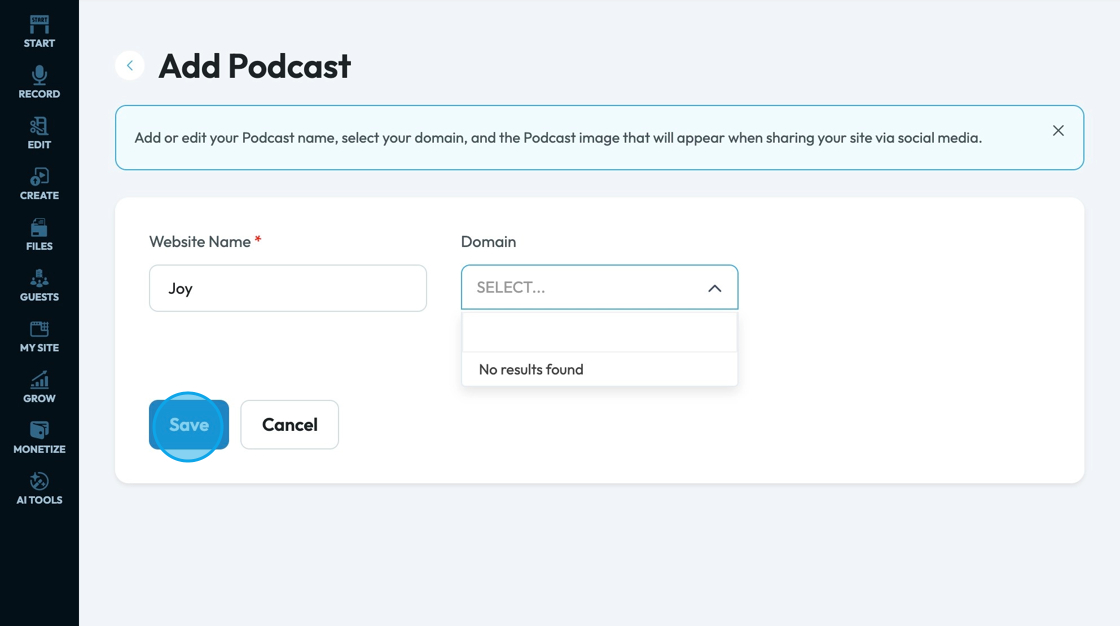
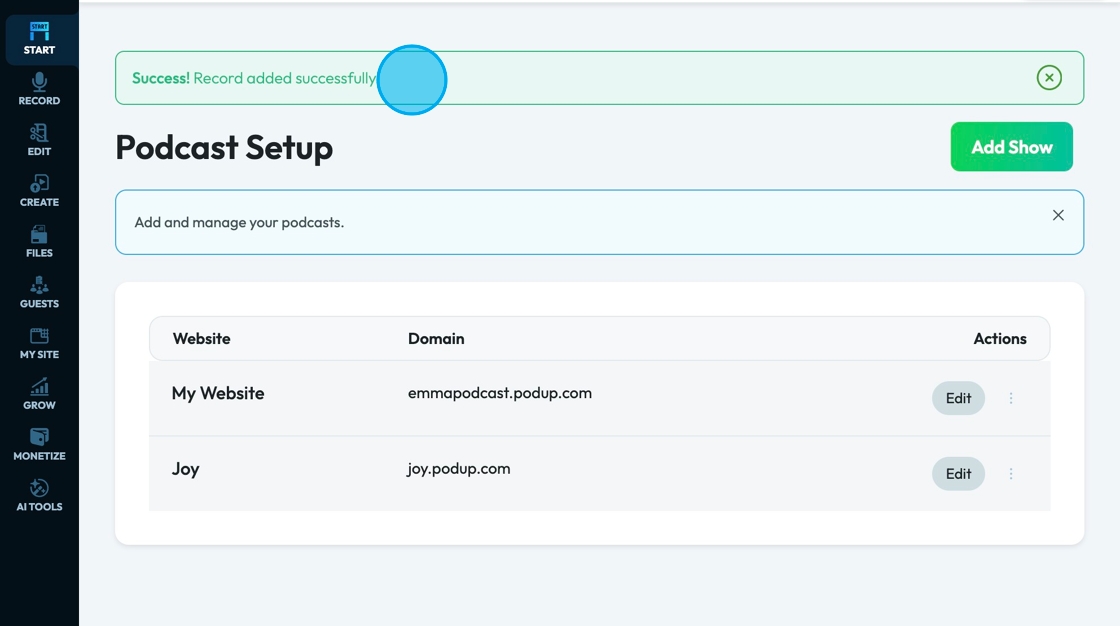
9. A green message box will show you that you have successfully added your podcast