How to Schedule a Podcast Episode on Podup
This guide shows you how to schedule podcast episodes on PodUp to post at the best times and engage more listeners.
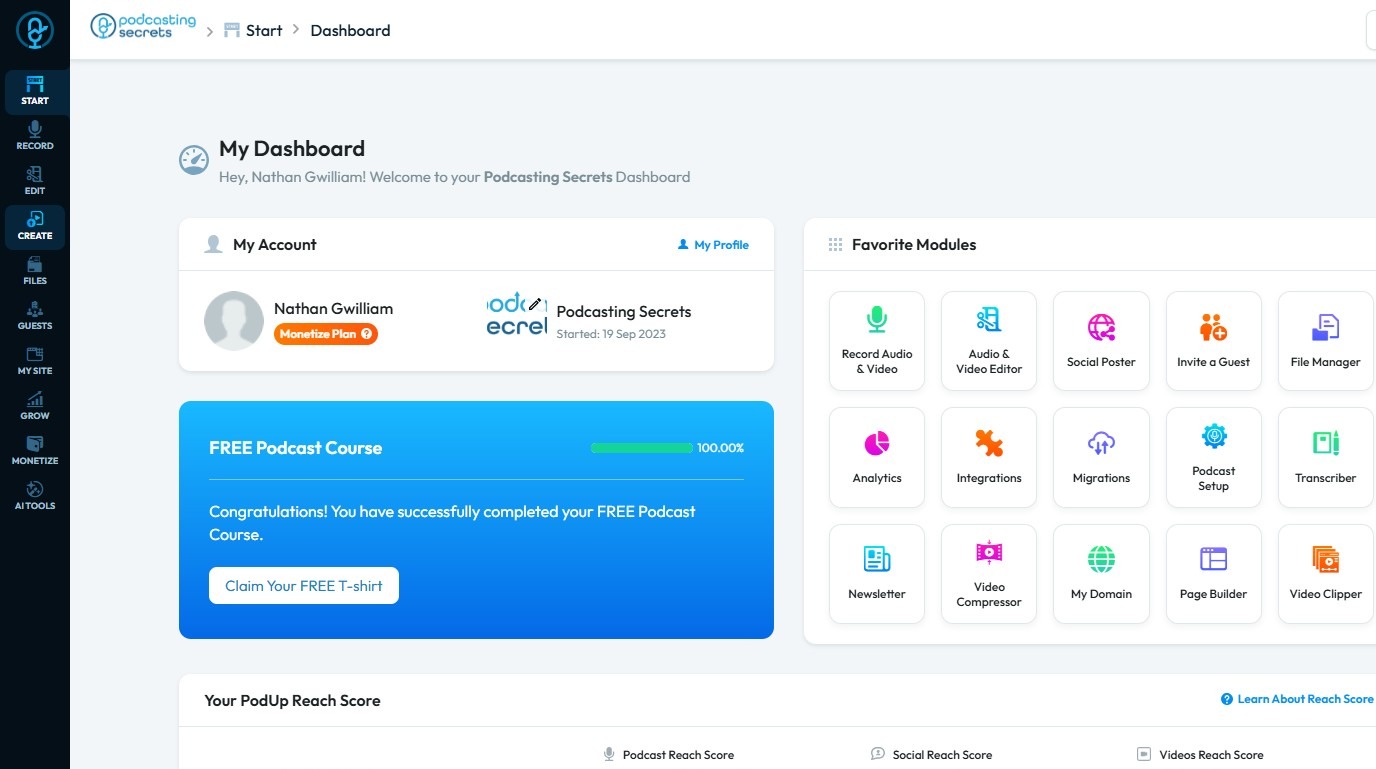
1. Navigate to https://app.podup.com/home
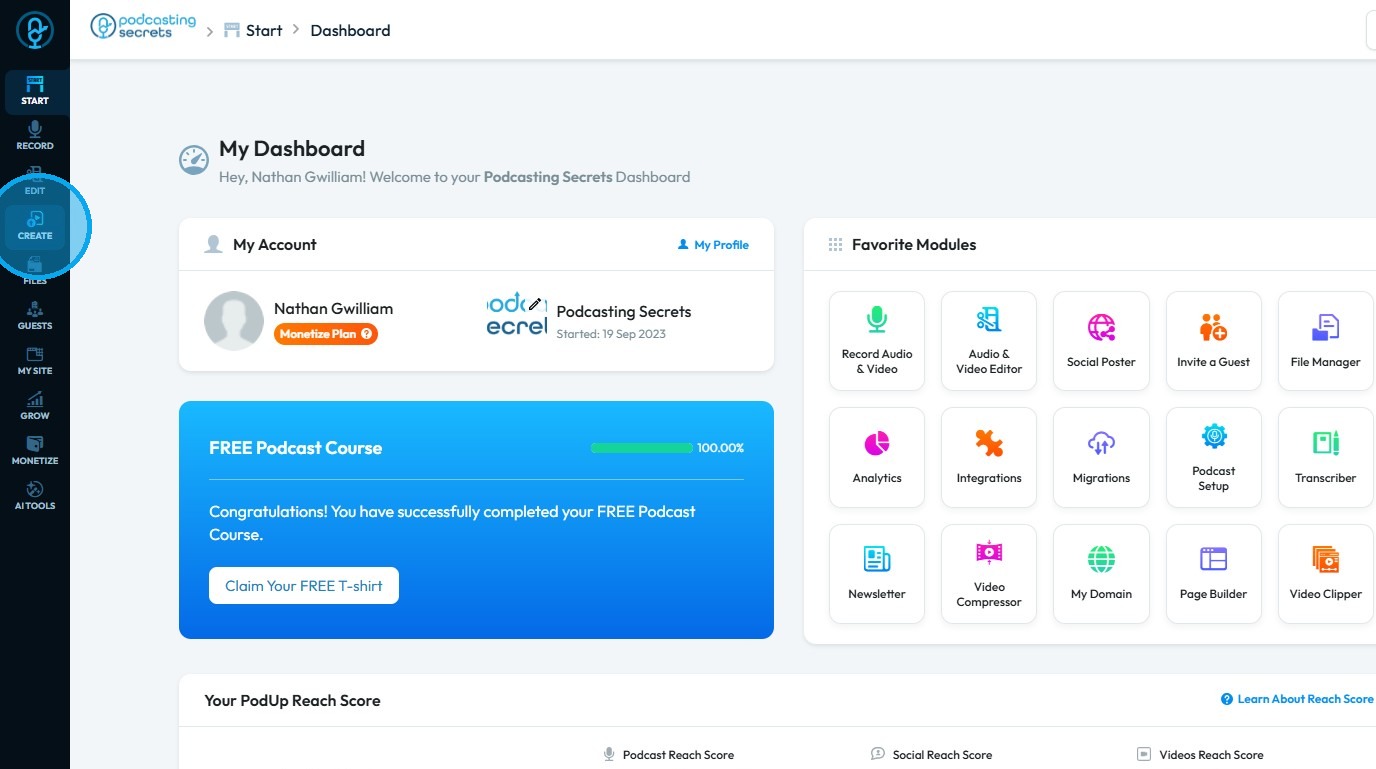
2. Click "Create"
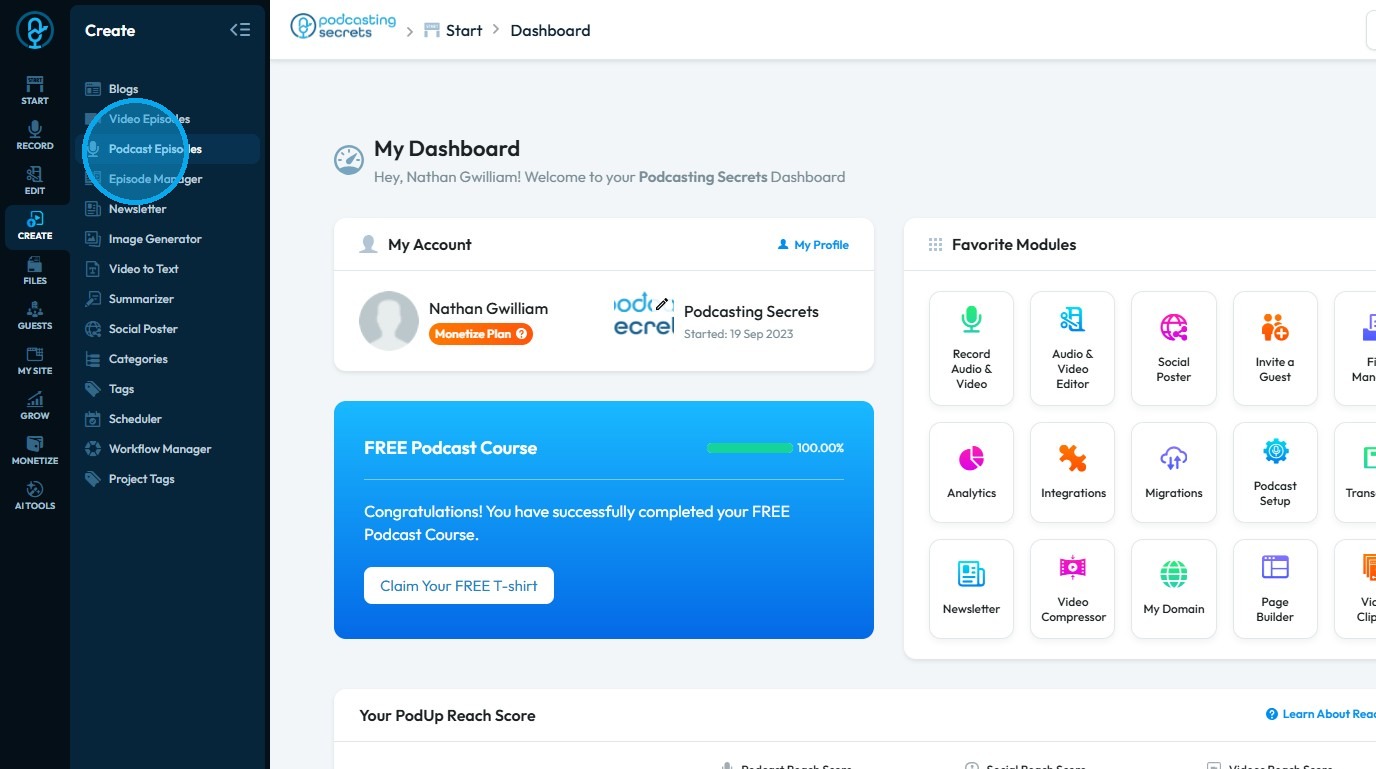
3. Select "Podcasts"
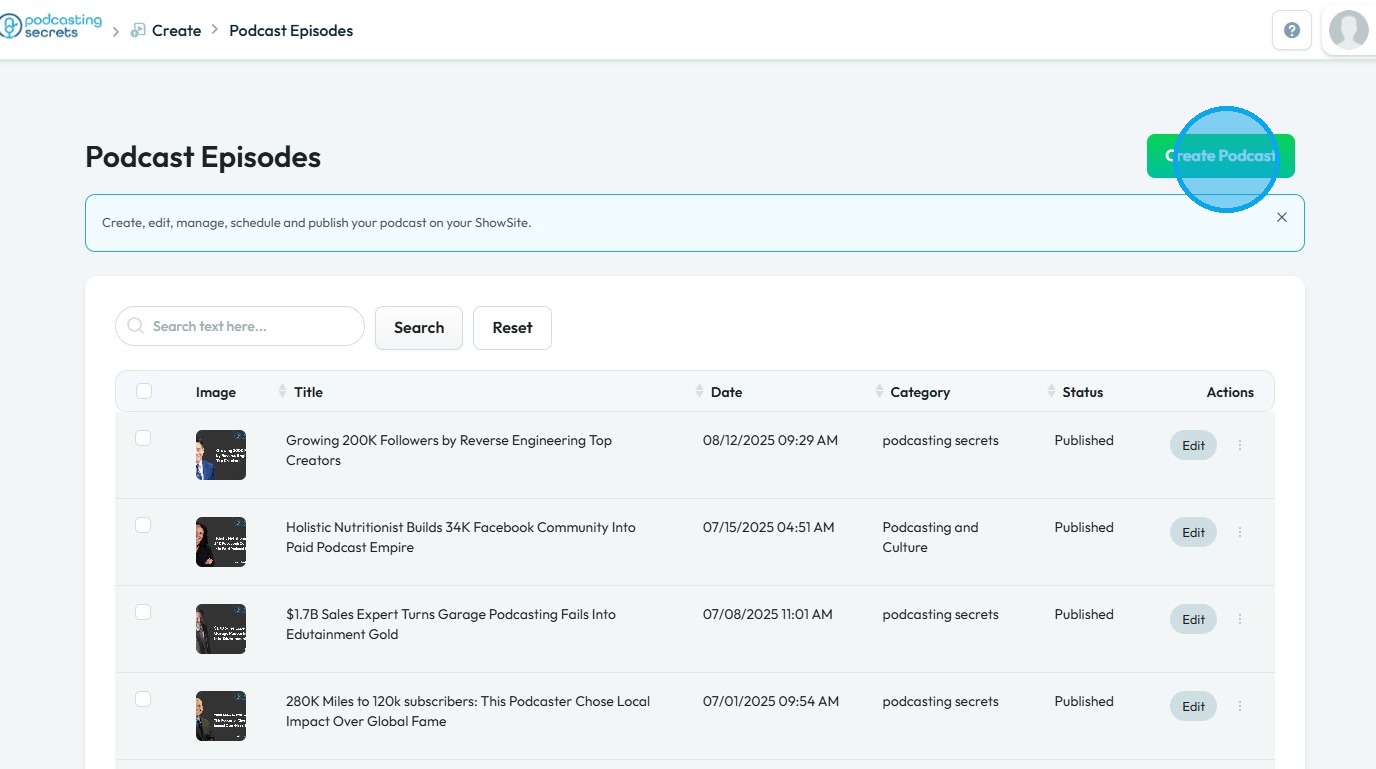
4. Click "Create Podcast"
5. You will be directed to the “Create Podcast” page
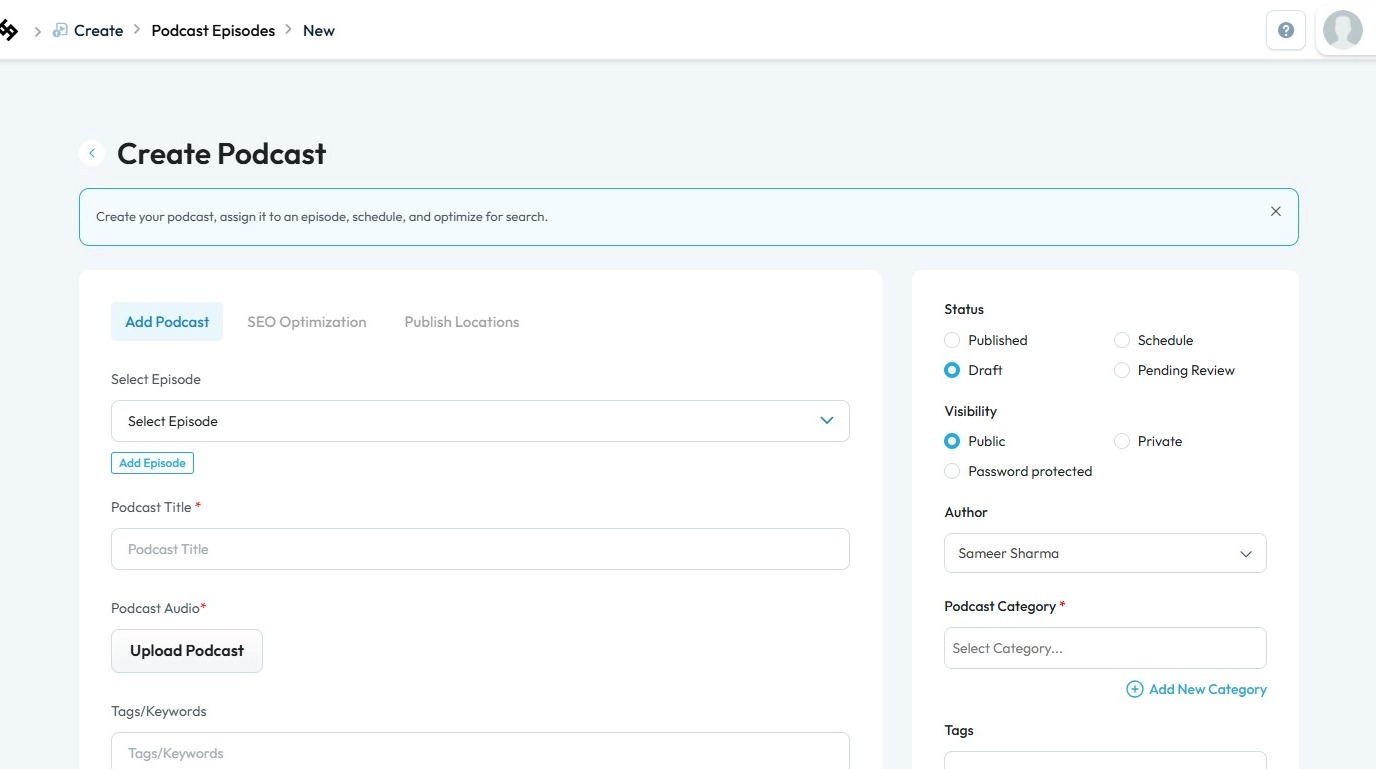
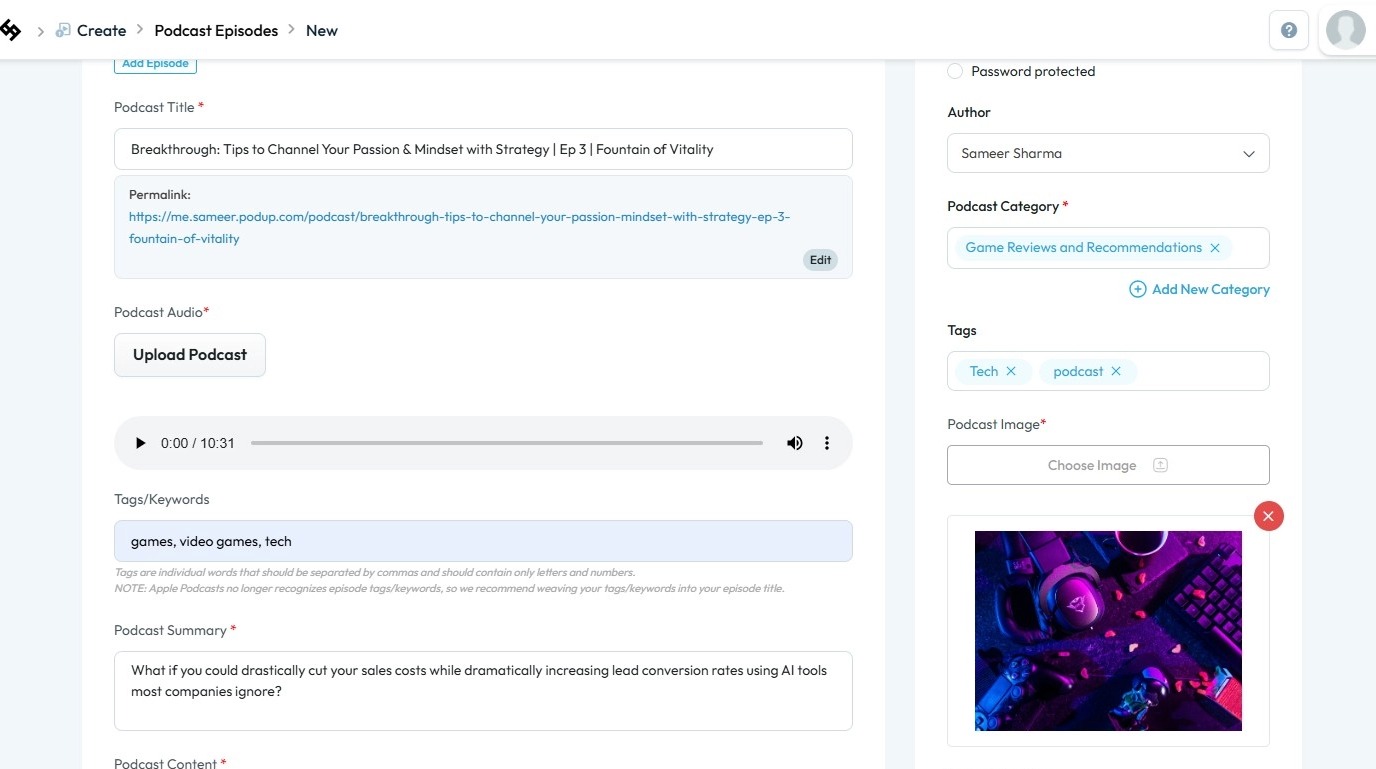
6. Enter all the required details, including your podcast recording and image
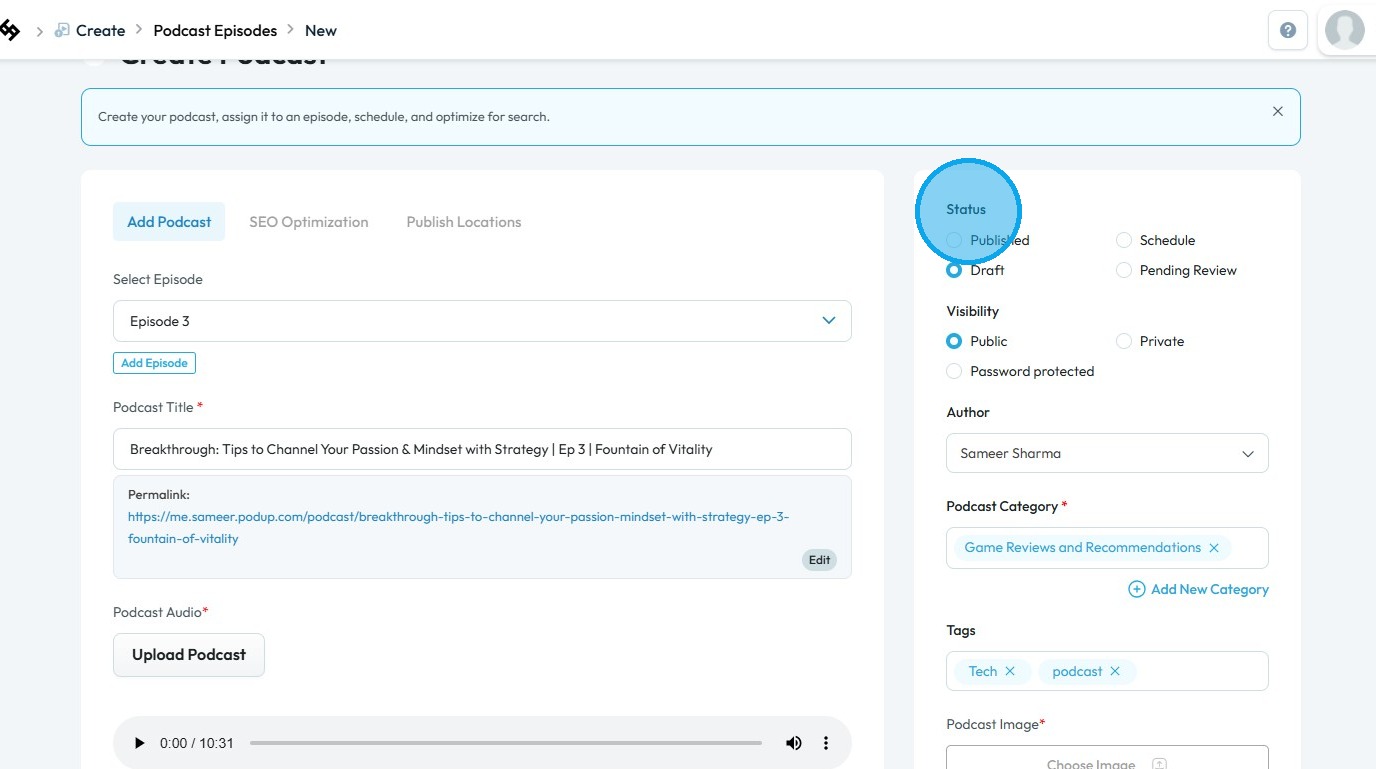
7. Under "Status" section
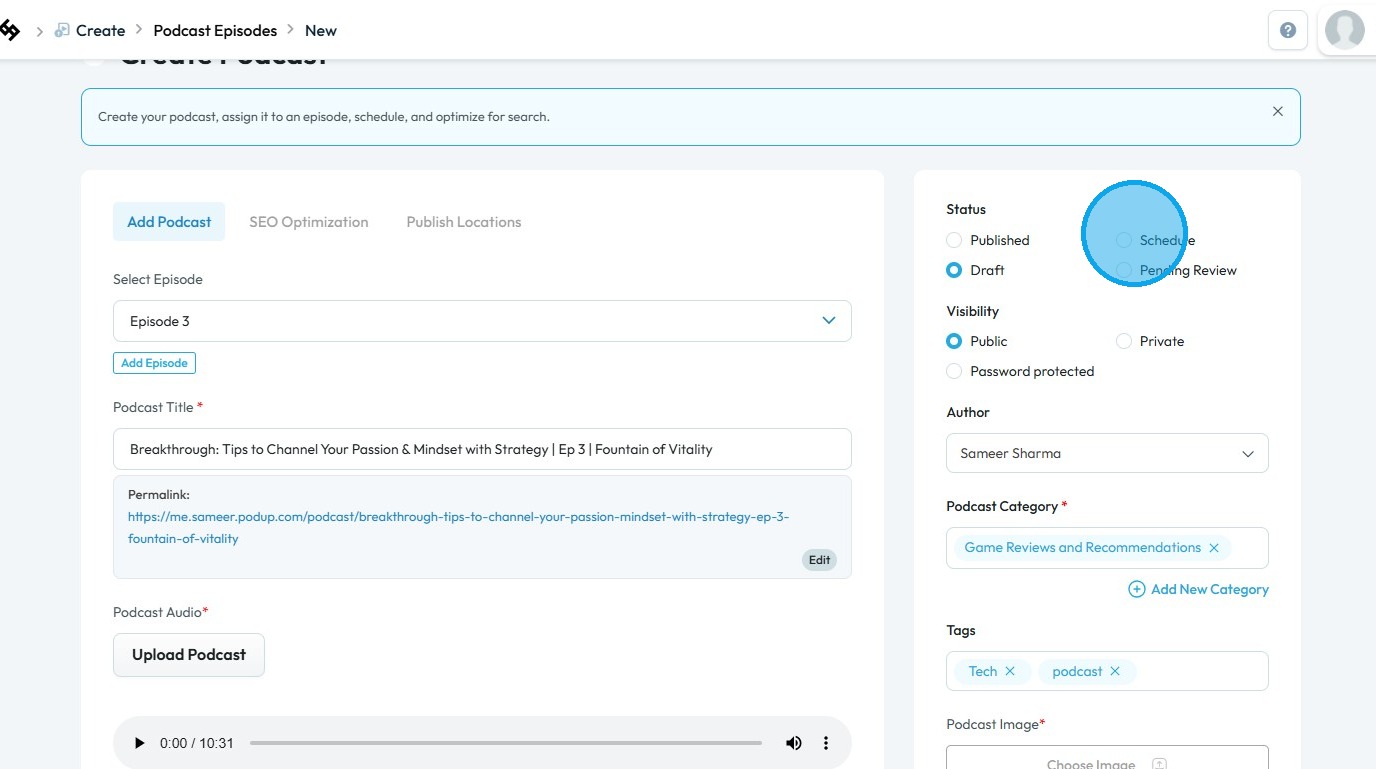
8. Select "Schedule"
9. Click on the “Schedule Date” field
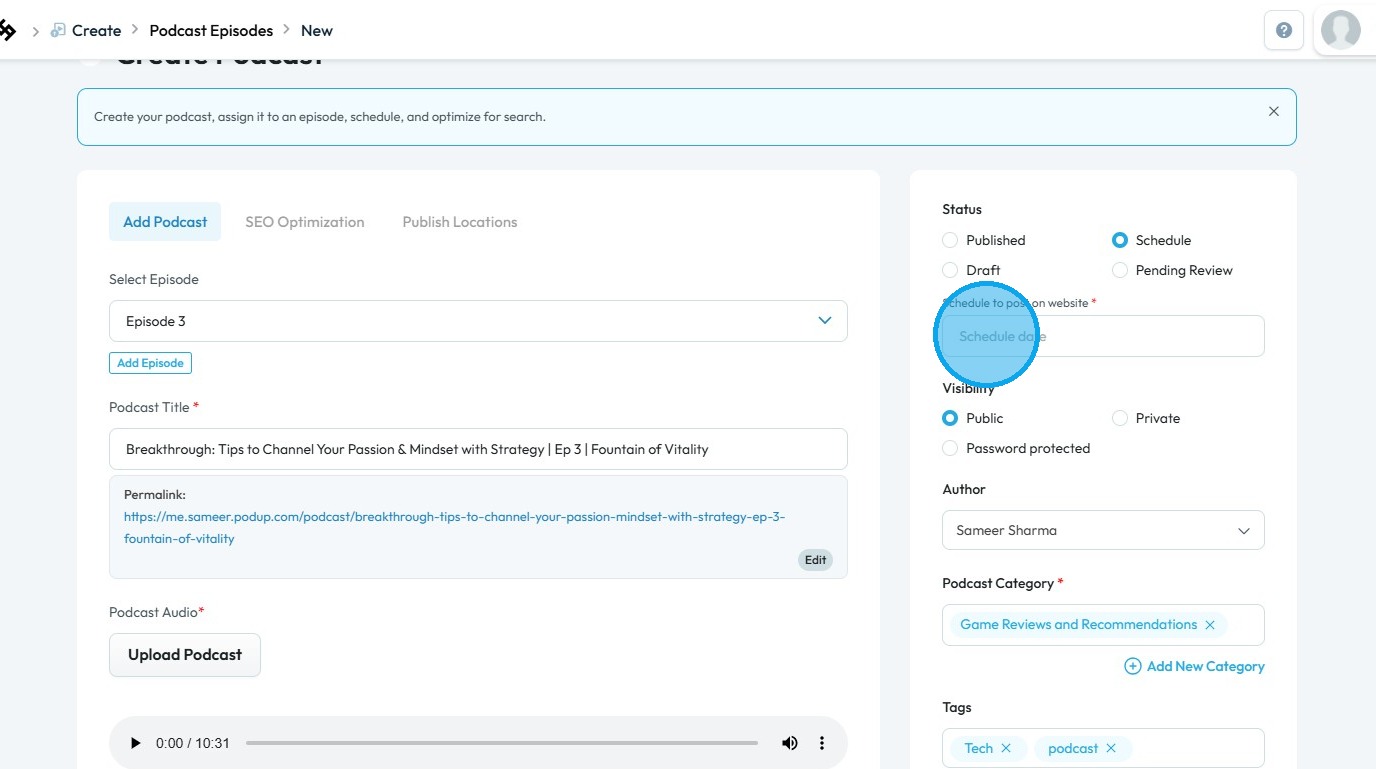
10. Select a date and time to schedule your content
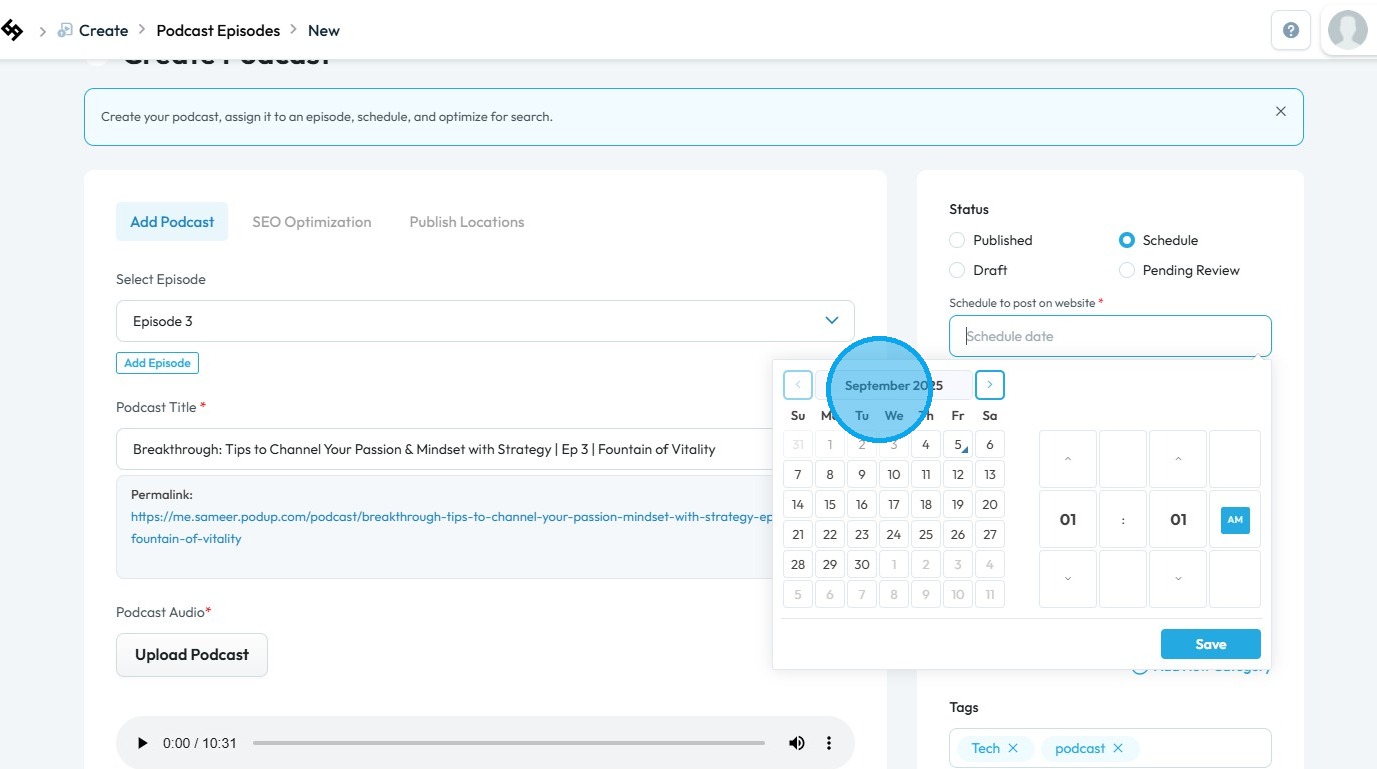
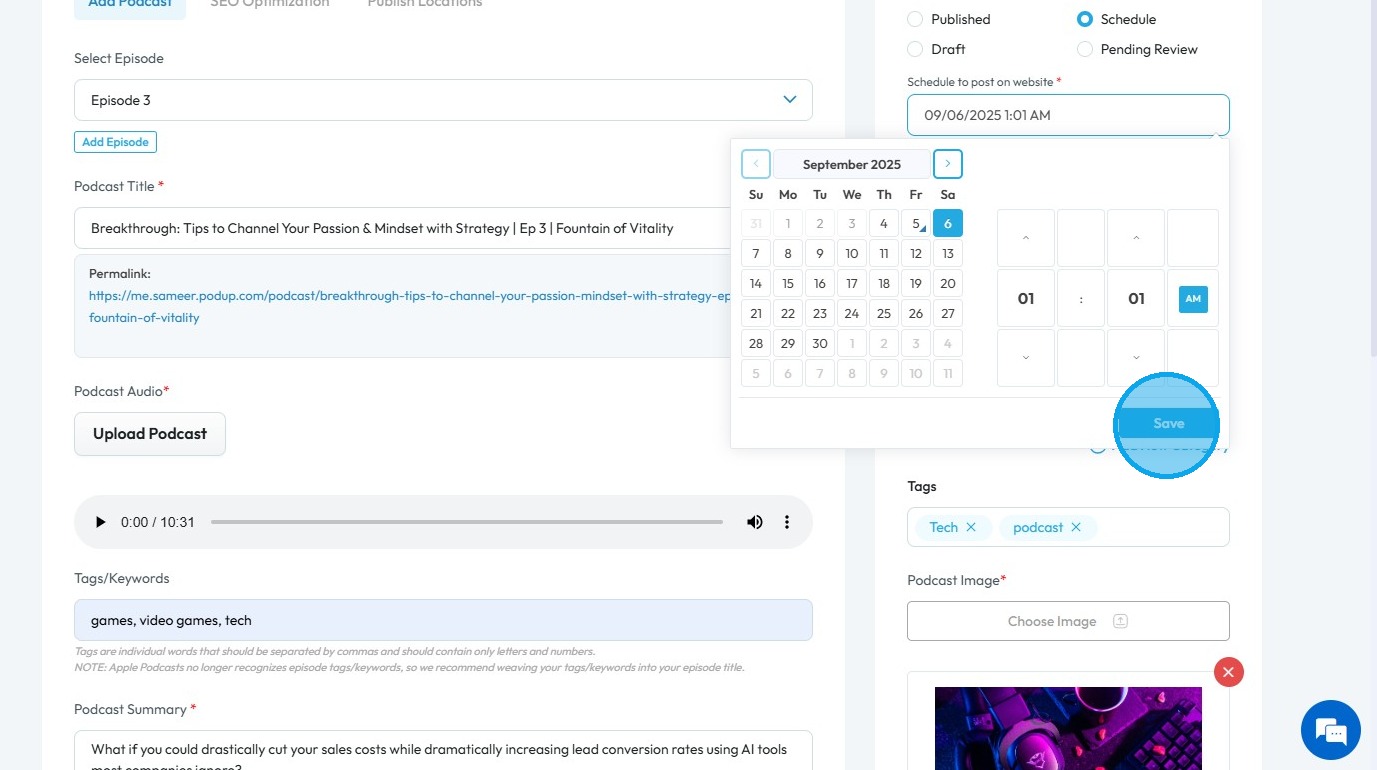
11. Click “Save” to confirm the scheduled time
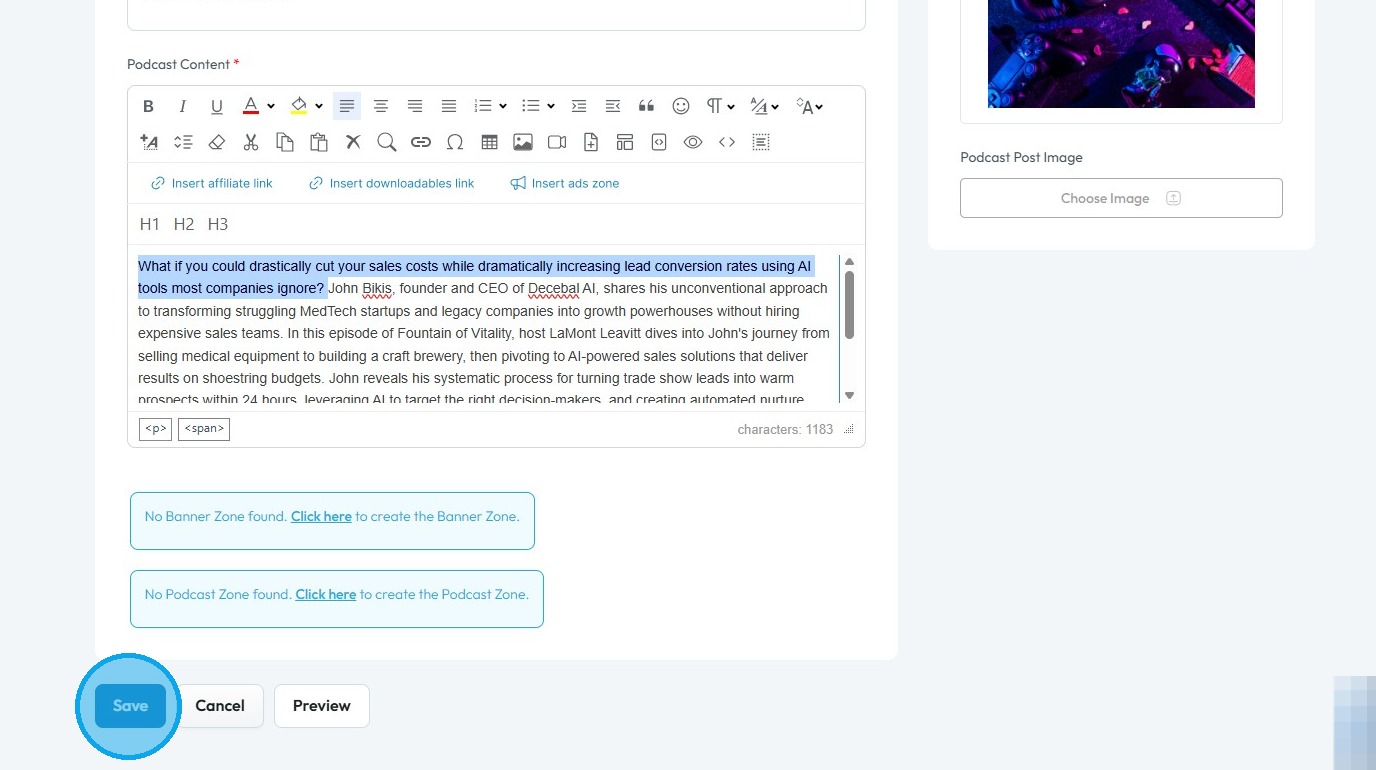
12. Click “Save” at the bottom of the page. The content will automatically be published on the selected date
Related Articles
How To Navigate Podcast Episode (Detailed)
This guide offers a step-by-step approach to creating and publishing a podcast episode on Podup, making it accessible even for beginners. It emphasizes the importance of SEO and categorization to enhance discoverability and engagement. By following ...How To Navigate Episode Manager (Detailed)
This guide provides a step-by-step process for adding an episode in PodUp, making it an invaluable resource for podcasters looking to streamline their workflow. It covers everything from entering episode details to uploading images and sharing links, ...How do I configure share settings for my podcast?
By following this guide, you can easily publish your episodes on various social media channels, enhancing your podcast's visibility and engagement. 1. Navigate to https://app.podup.com/home 2. Click "Create" 3. Click "Podcast Episodes" 4. Click ...How to Delete a Podcast Episode on Podup
This guide simplifies deleting podcast episodes on PodUp, helping users manage their content more efficiently. 1. Navigate to https://app.podup.com/home 2. Click "Create" 3. Click "Podcast Episodes" 4. The “Podcast Episodes” page opens. 5. Click the ...How to categorize my podcast episode?
This guide provides a straightforward process for categorizing your podcast episodes, ensuring they will be easily discoverable for you and your listeners! 1. Navigate to https://app.podup.com/home 2. Click "Create" 3. Click "Podcast Episodes" 4. ...