How to purchase a domain name?
1. Navigate to https://www.godaddy.com/en-in
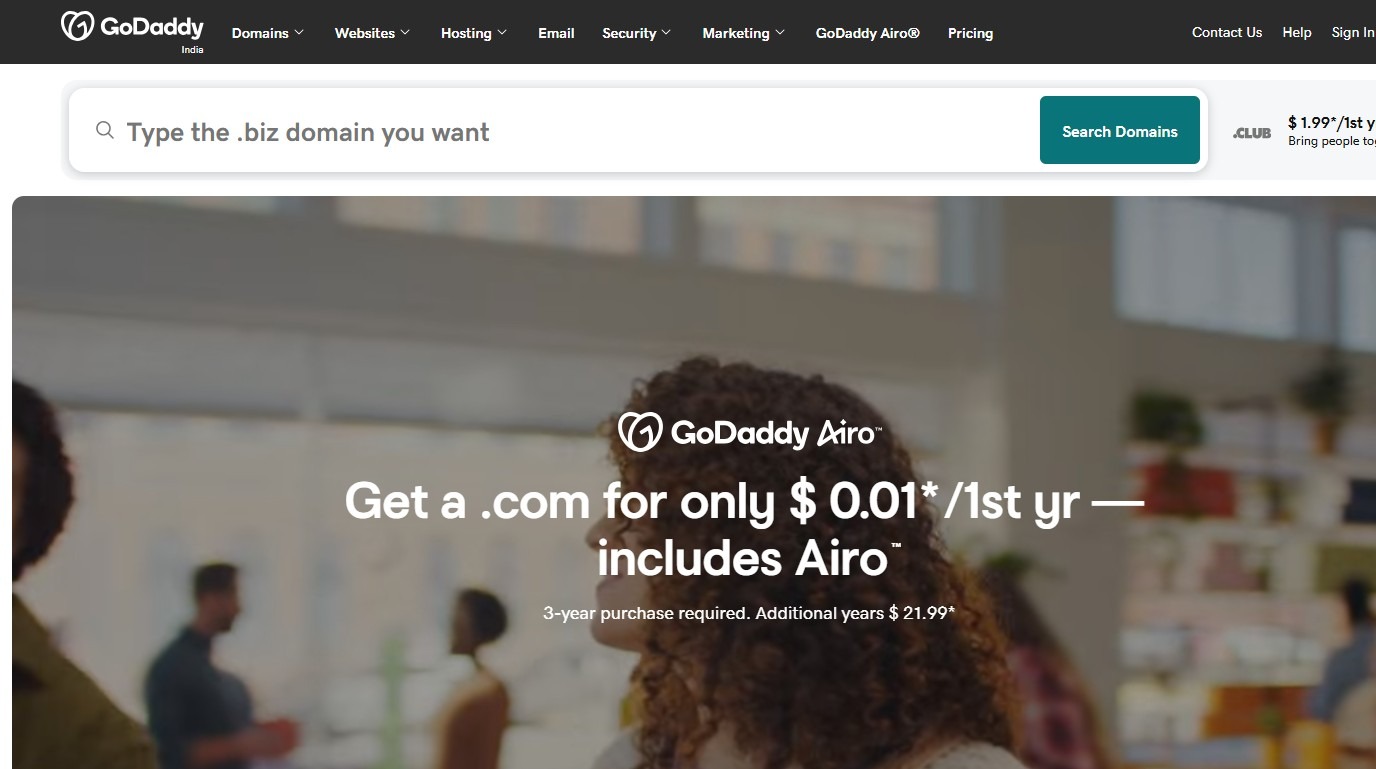
2. Use the registrar’s domain search bar to enter your desired domain name and check it's availability
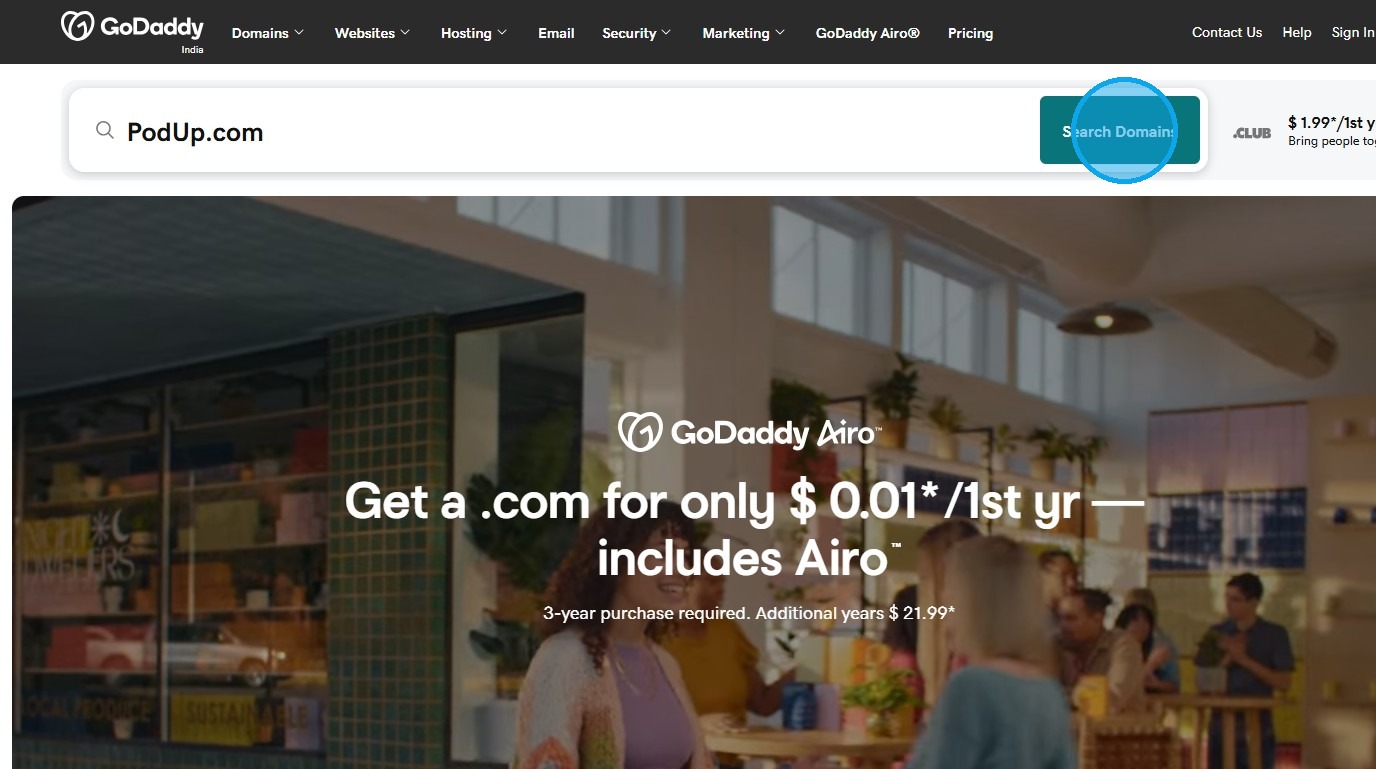
3. Choose a domain name extension (e.g., .com, .net, .org, .ai) that aligns with your brand. The .com extension is the most common and widely recognized for business websites.
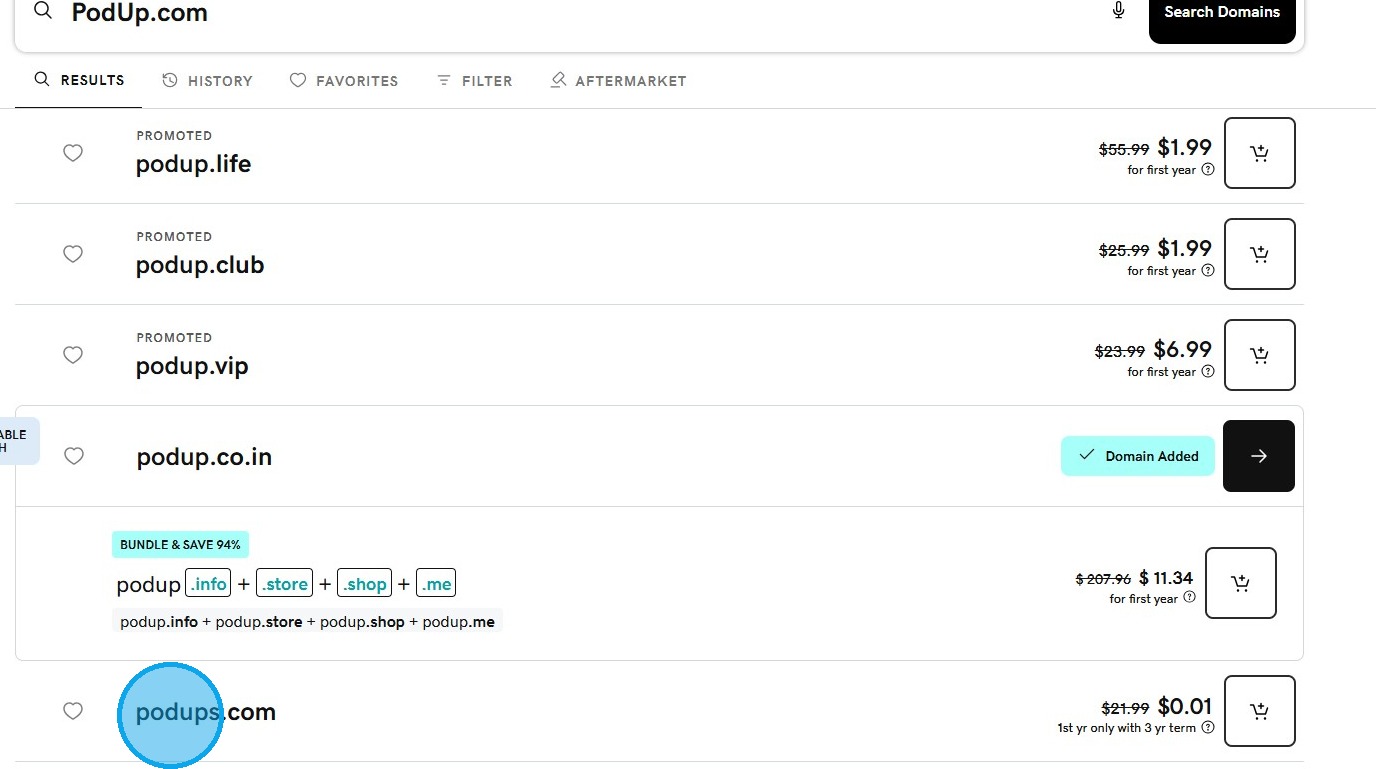
4. If the desired domain is taken, consider alternative extensions or slightly modified names.
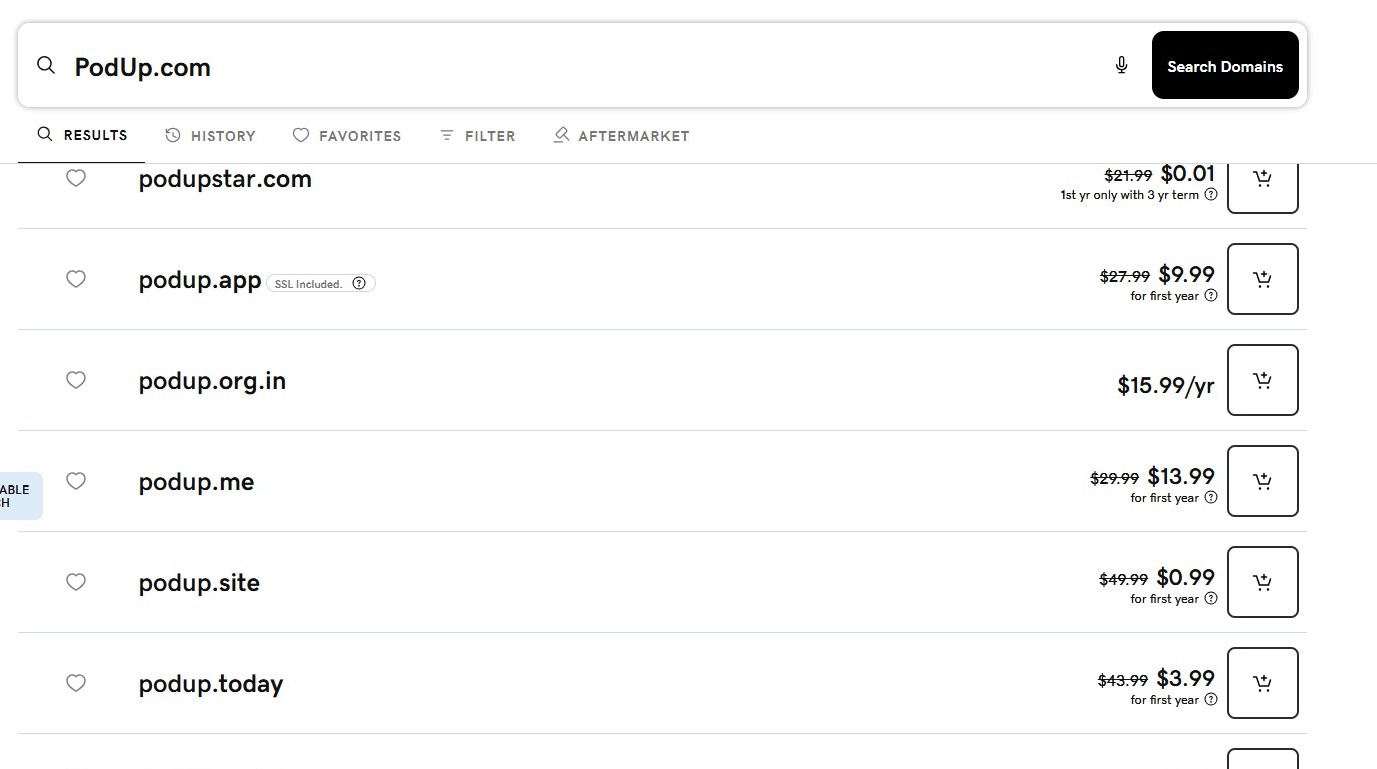
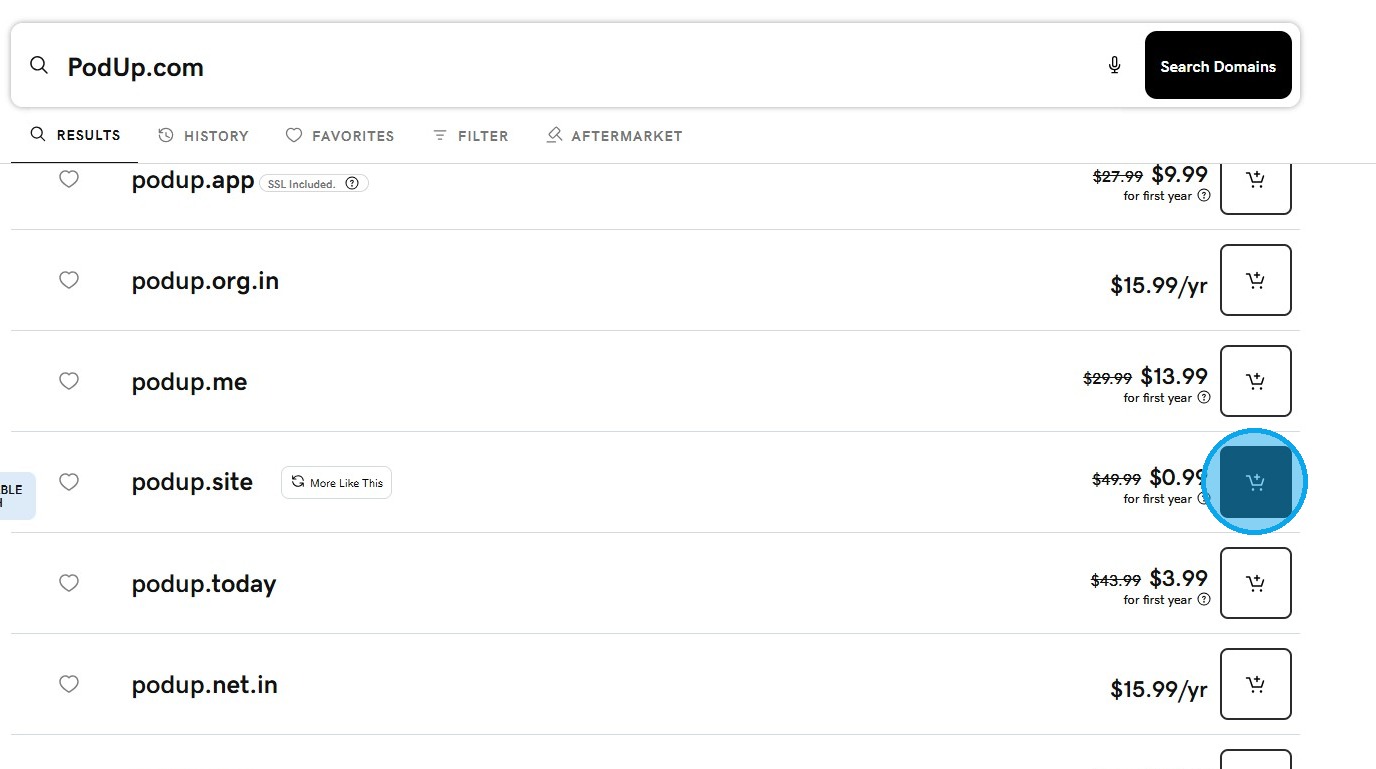
5. Add the chosen domain to your cart
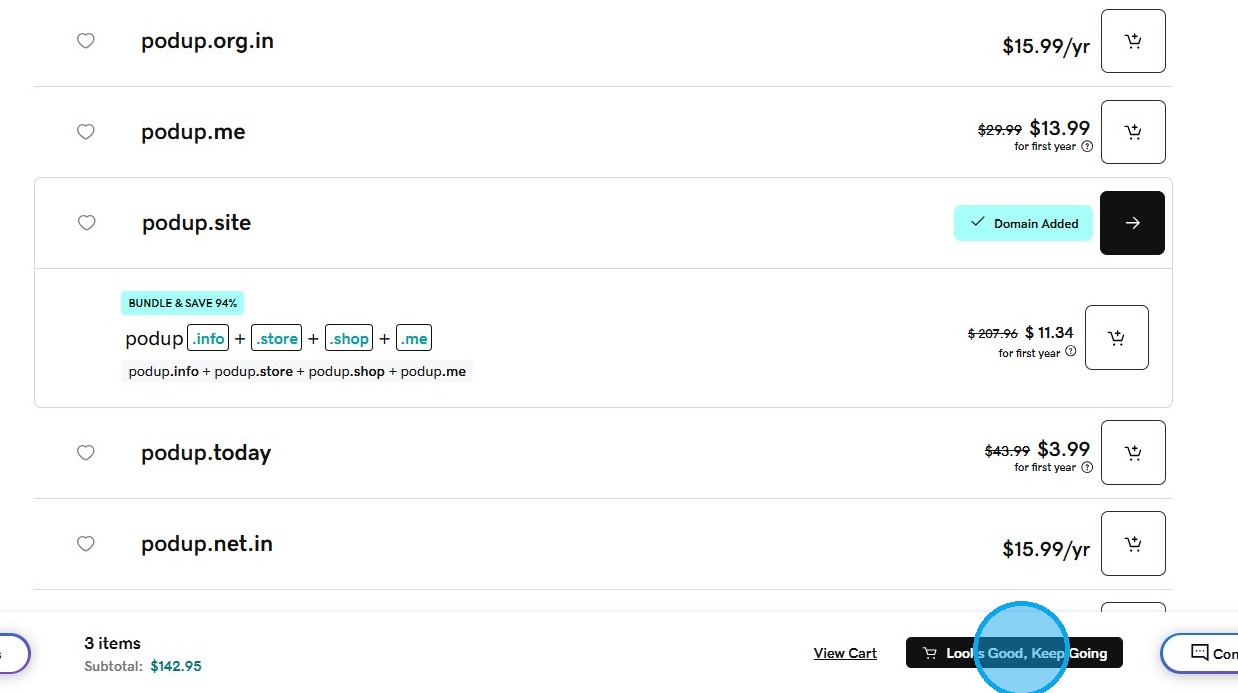
6. Select "Looks Good, Keep Going"
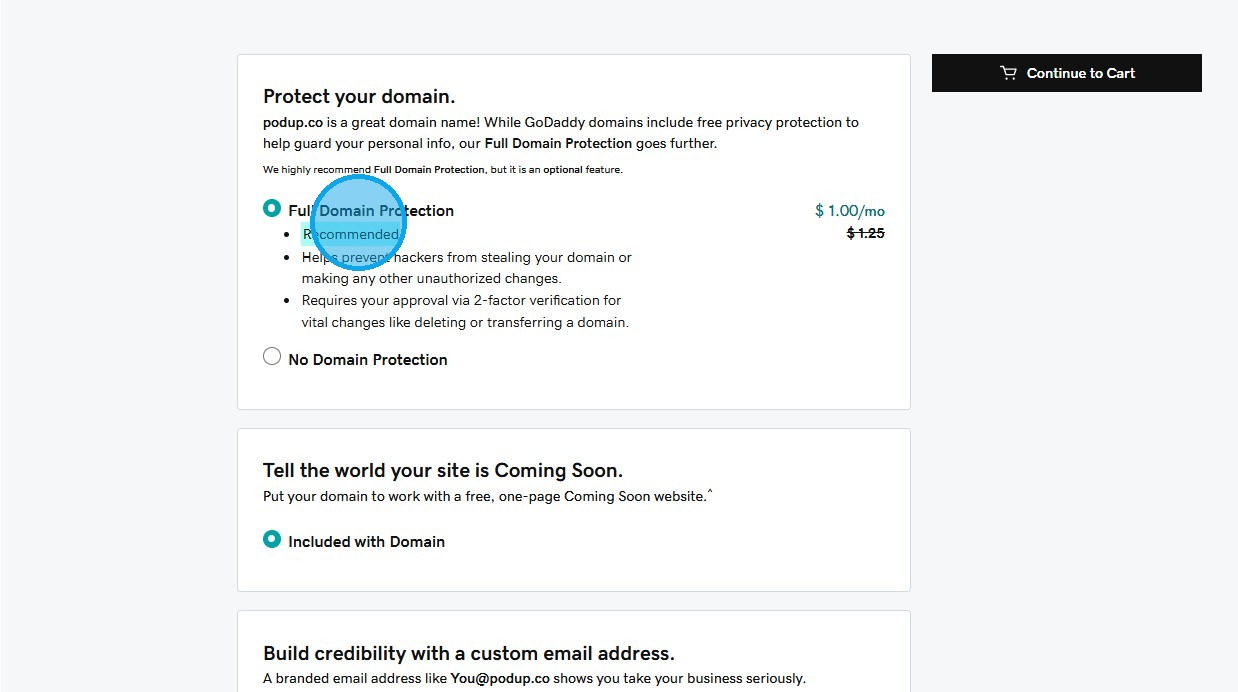
7. Optionally, enable domain privacy protection and configure auto-renewal to ensure your domain remains secure and active.
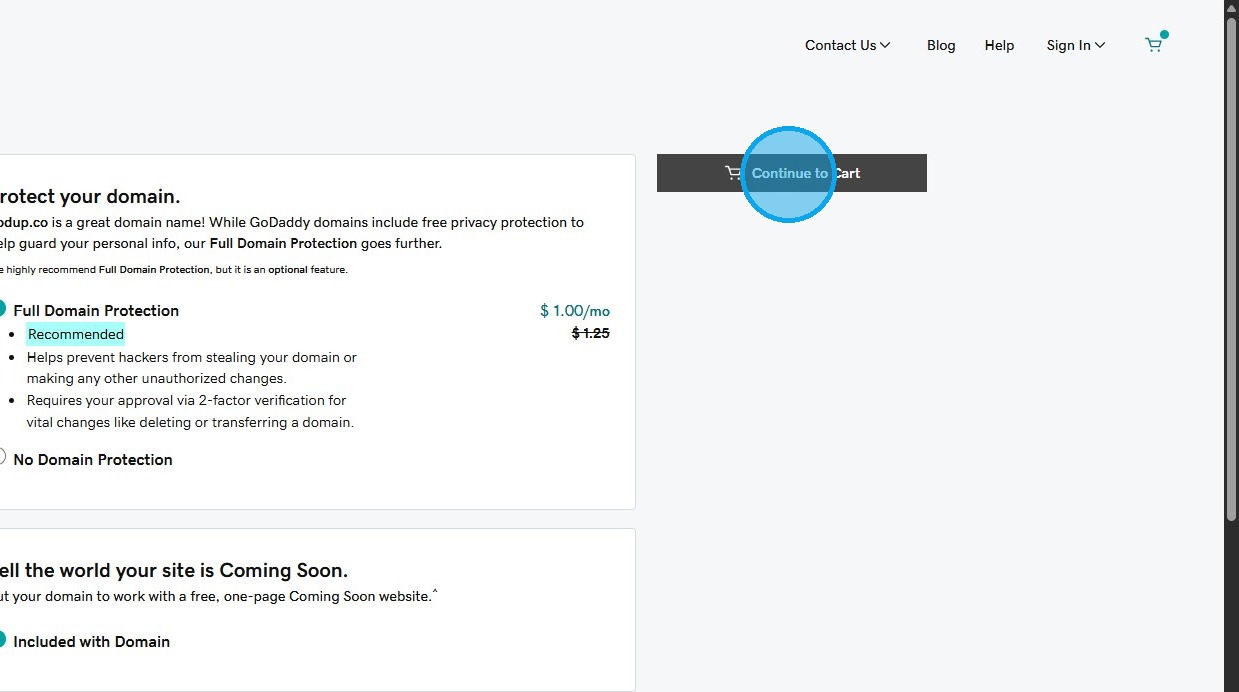
8. Click "Continue to Cart"
9. Complete the purchase by entering your contact information and payment details
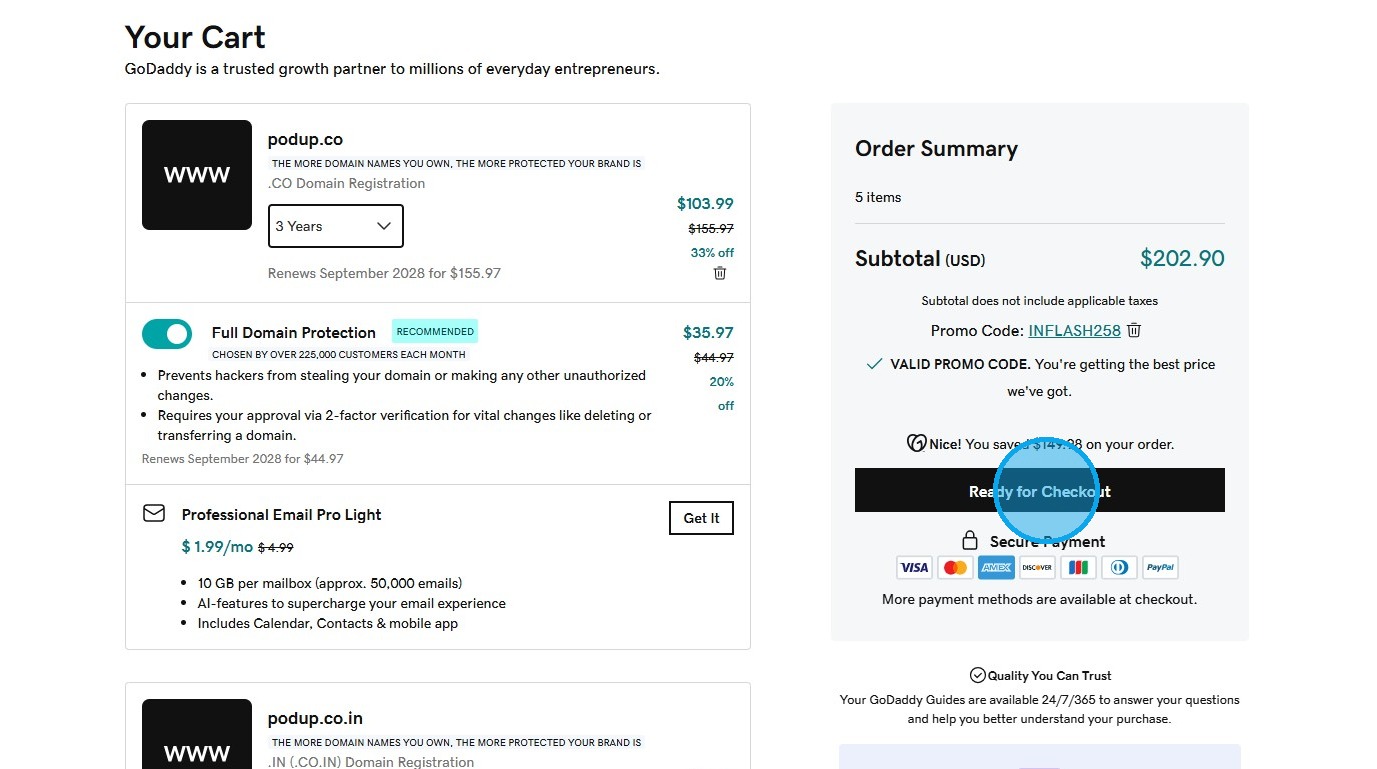
10. Once the purchase is complete, you will receive a confirmation and can begin connecting the domain to your PodUp platform or building your website.
Related Articles
How to Verify My Domain Name
This guide helps you verify your domain with PodUp. It includes clear steps, a timeline, tools, and tips to fix common issues—so you can get your site up and running smoothly. Tip! If you have already created your domain name and integrated it with ...How to Delete a Domain Name in Podup
This guide provides a straightforward process for deleting a domain name in Podup, ensuring users can manage their domains efficiently. It outlines each step clearly, making it easy for anyone, regardless of technical expertise, to follow along. By ...How to Manually Add My Domain Name to My Name Using DNS
This guide shows you how to manually add your domain to your podcast site. It includes step-by-step help with DNS settings and keeping your site private while you build. Follow these steps to set up a professional site and make it easier for ...Domain error
domain error, custom domain not working, domain won't connect, DNS issue, website domain broken This guide offers a step-by-step approach to linking your custom domain on PodUp, making it easy to set up your podcast website. It simplifies the process ...Will changing my domain delete my website?
By following this guide, you can easily update your PodUp subdomain to enhance your branding and user experience while keeping your website fully accessible. 1. Navigate to https://app.podup.com/home 2. Click "My Domain". 3. Click the “Edit” button ...