How to Publish a Video Podcast
Easily publish your video podcast with this guide—covering creation, SEO, and social media distribution
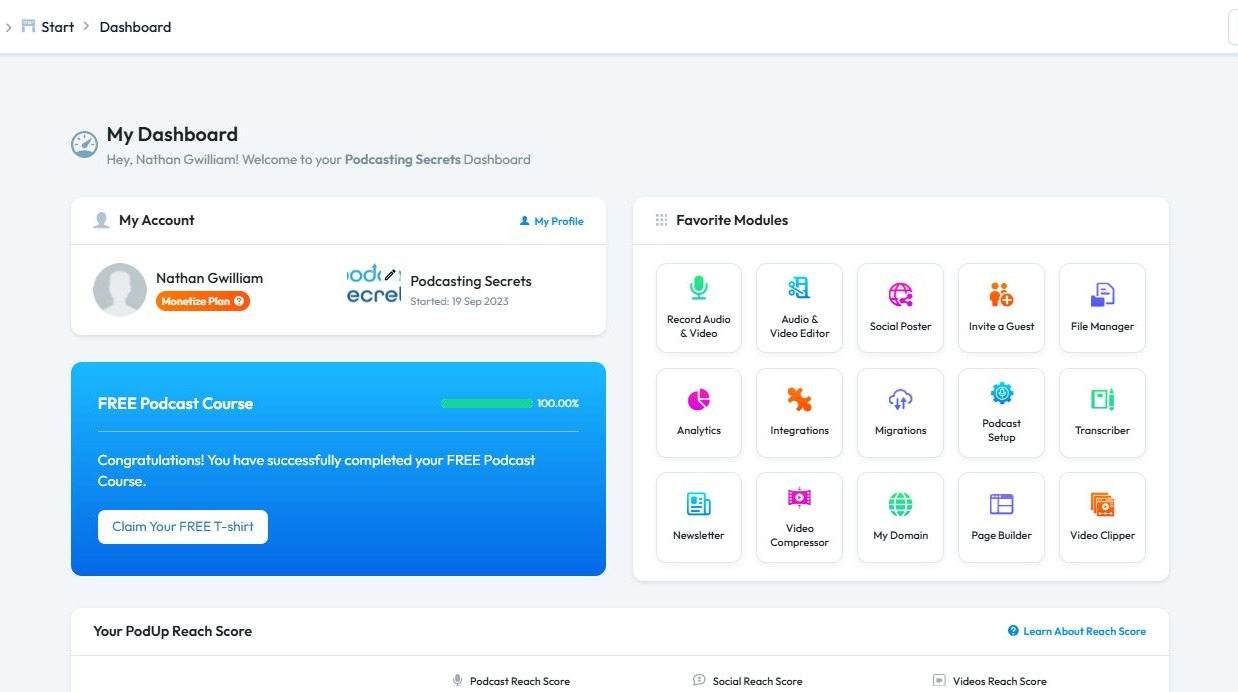
1. Navigate to https://app.podup.com/home
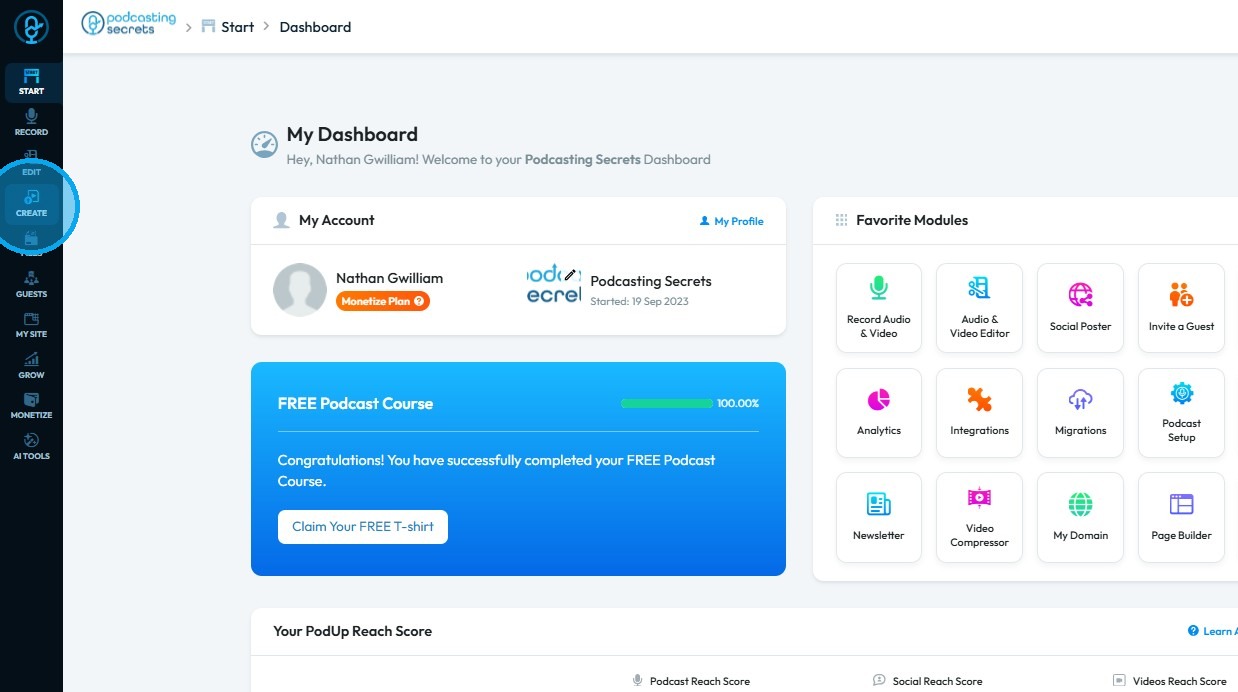
2. Click "Create"
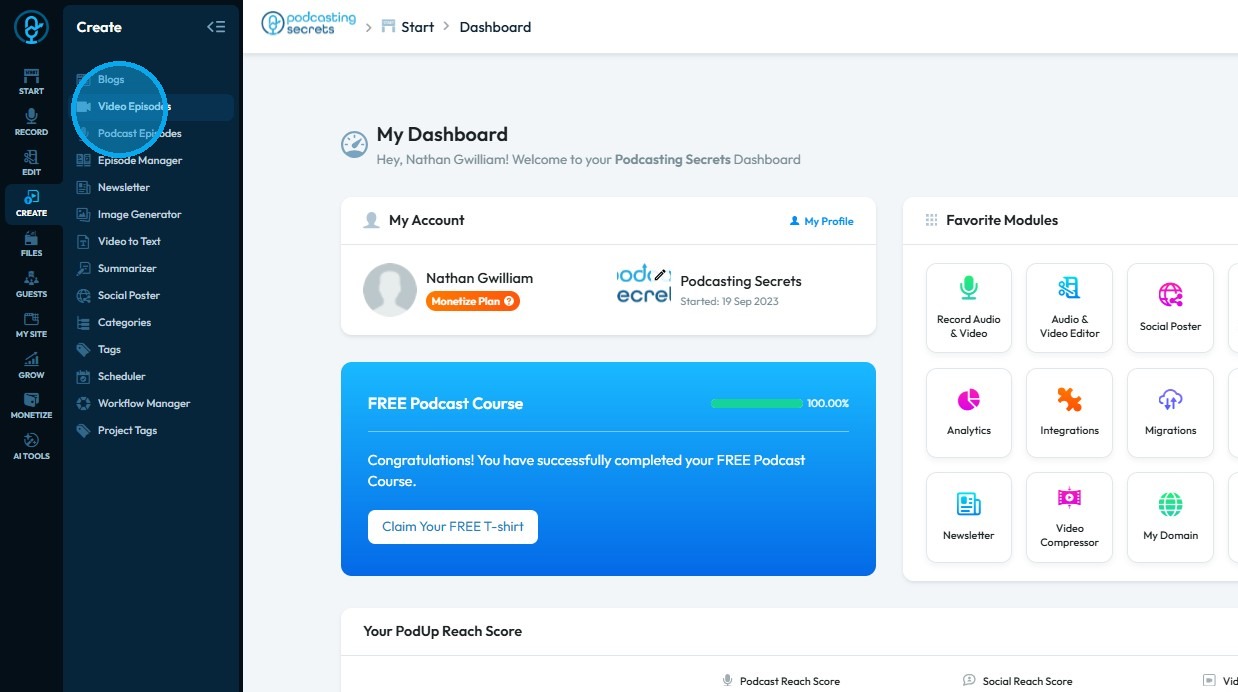
3. Select "Video Episodes"
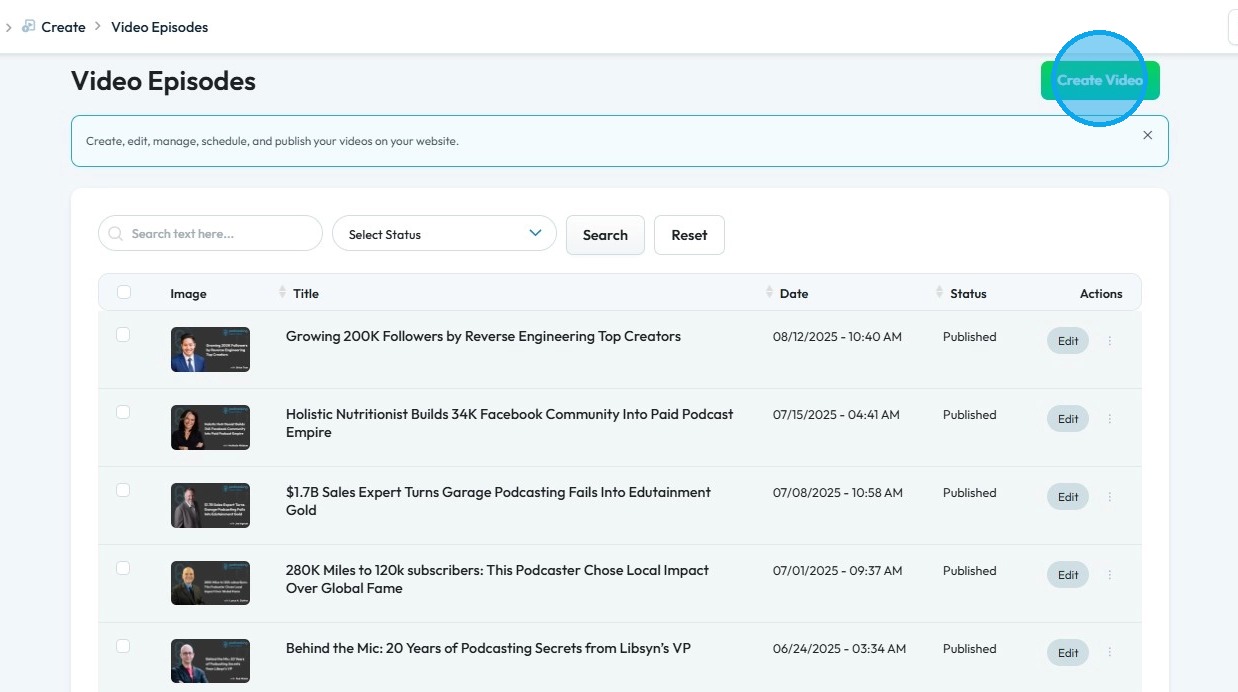
4. The "Video Episodes" page will open
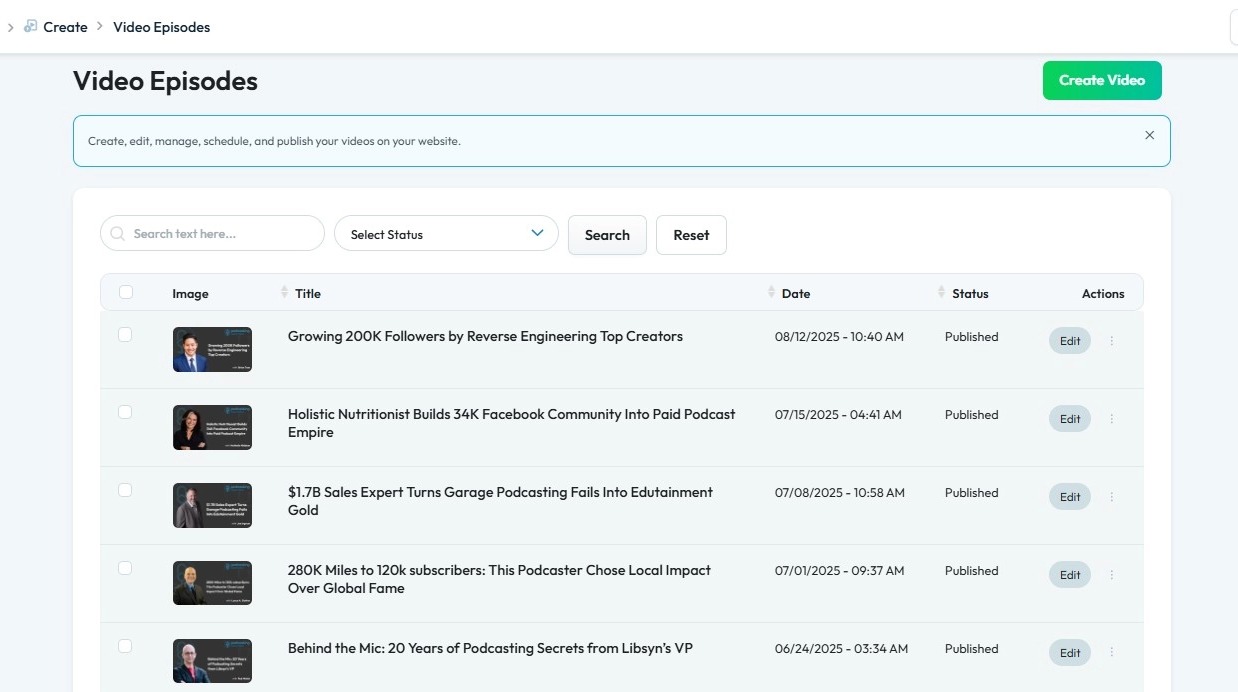
5. Click "Create Video"
6. The "Create Video" page will open
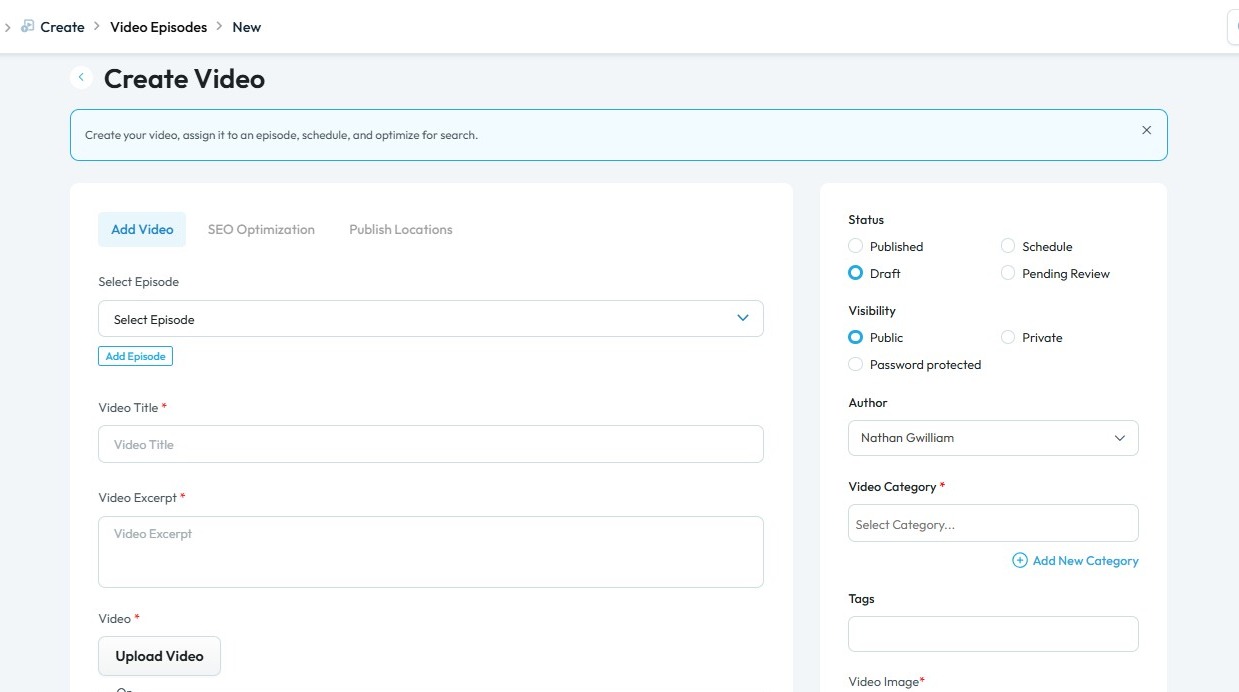
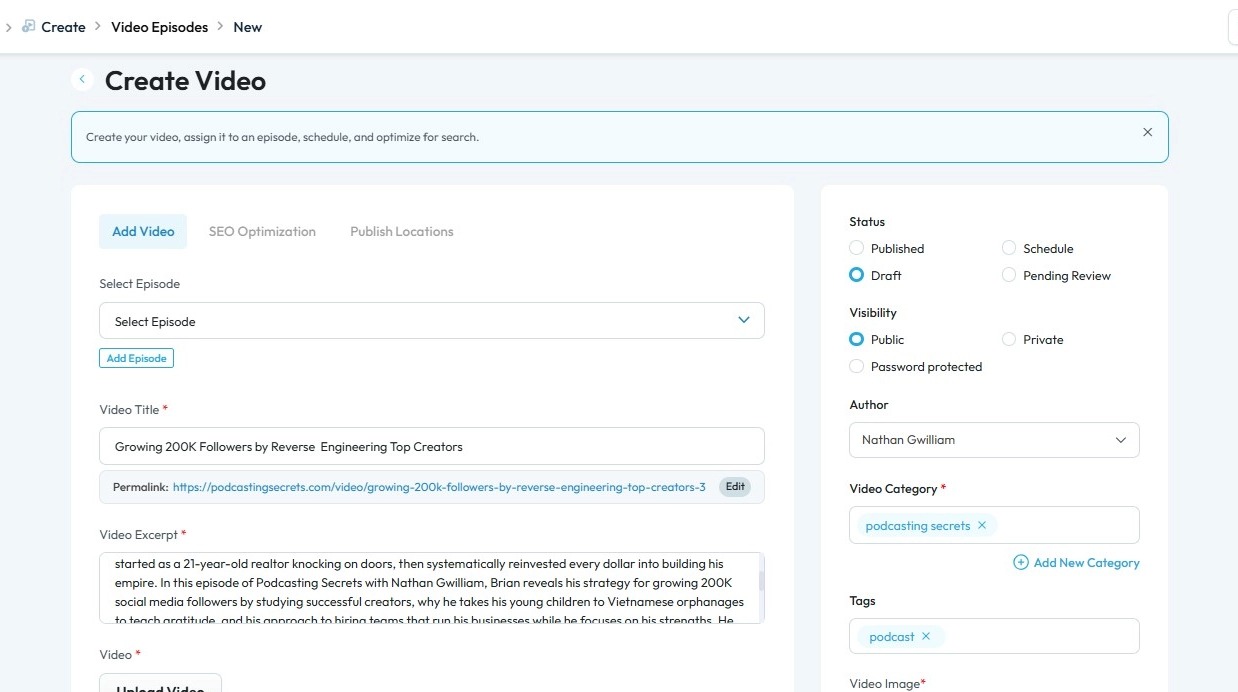
7. Enter the required details based on your video episode
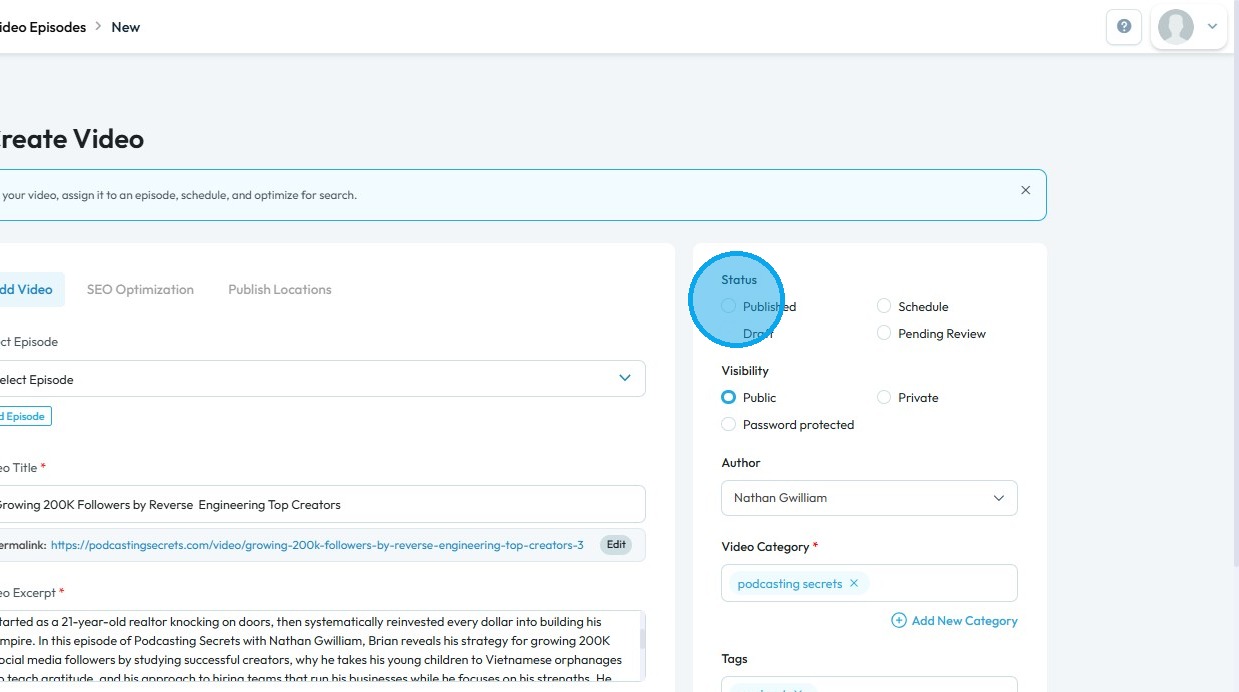
8. Click "Published"
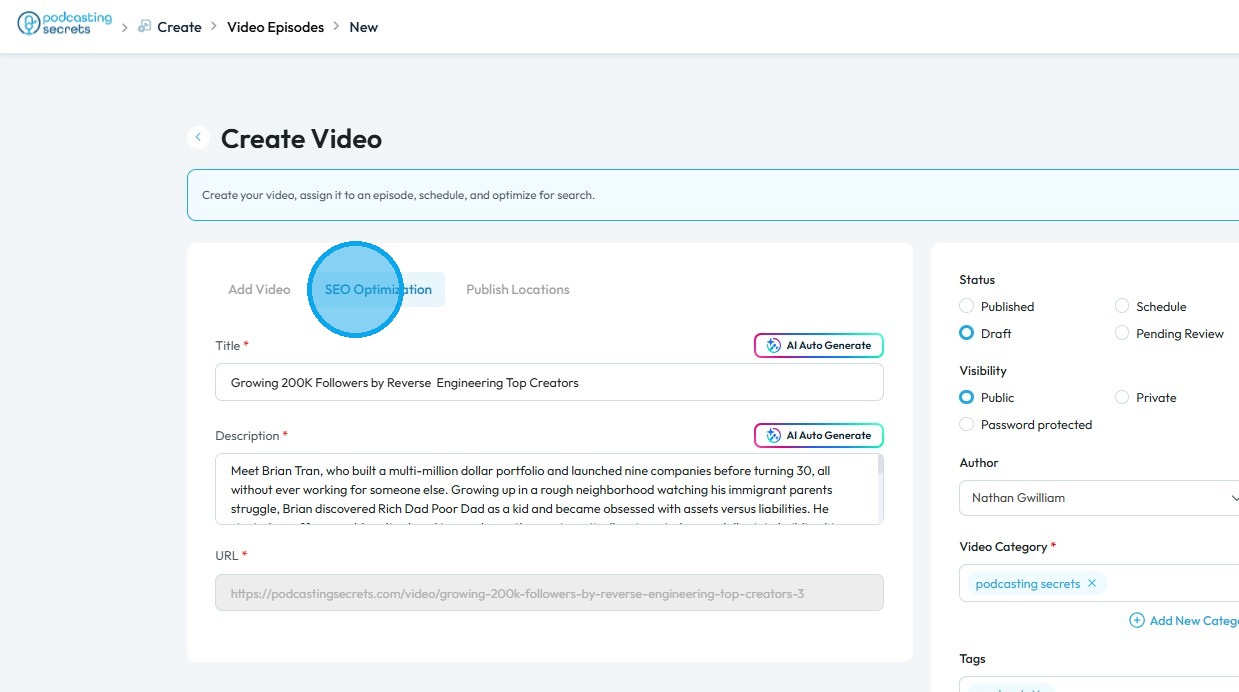
9. Click "SEO Optimization" and use the AI tool to generate an optimized Title and Description for your video episode
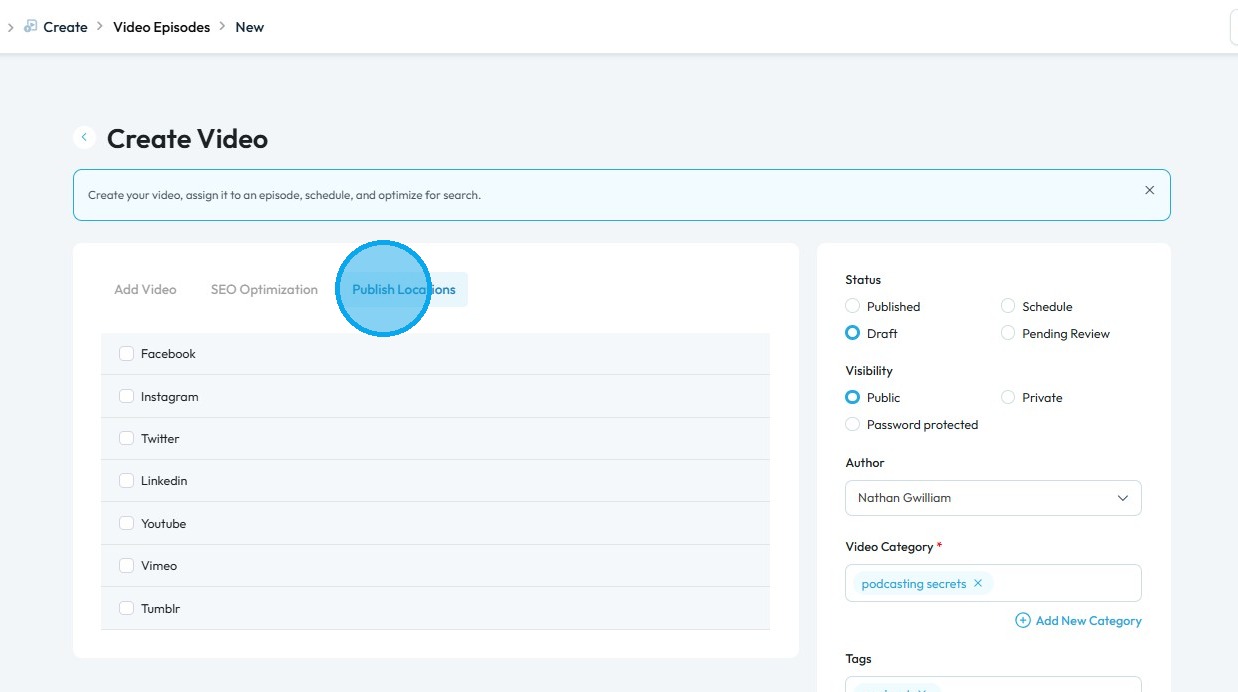
10. Click "Publish Locations" and select the social media platforms where you want to publish your video episode
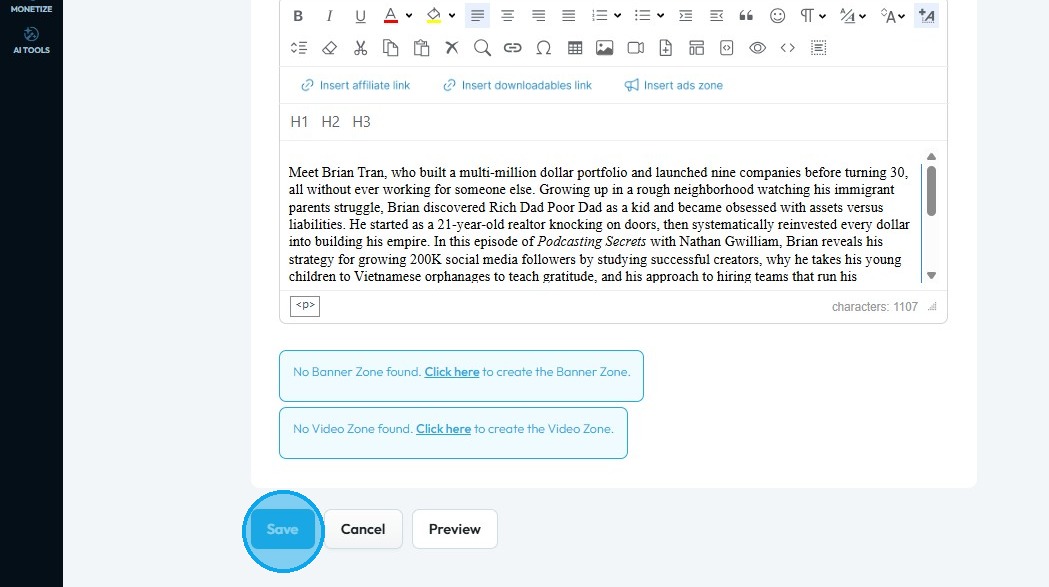
11. Scroll down and click "Save" to apply your changes
Related Articles
How To Navigate Podcast Episode (Detailed)
This guide offers a step-by-step approach to creating and publishing a podcast episode on Podup, making it accessible even for beginners. It emphasizes the importance of SEO and categorization to enhance discoverability and engagement. By following ...How To Navigate Video Clipper (Detailed)
This guide offers a comprehensive walkthrough for creating engaging video clips using Podup Video Clipper, making it invaluable for content creators. It simplifies the process by detailing steps for uploading videos, selecting captions, and ...How To Navigate Video Clipper (Detailed)
This guide offers a comprehensive walkthrough for creating engaging video clips using Podup Video Clipper, making it invaluable for content creators. It simplifies the process by detailing steps for uploading videos, selecting captions, and ...How to Publish an Audio Podcast
Easily publish your audio podcast—covering episode creation, SEO, and social media distribution. 1. Navigate to https://app.podup.com/home 2. Click "Create" 3. Select "Podcast Episodes" 4. The "Podcast Episodes" page will open 5. Click "Create ...How do I publish a video clip
Easily publish video clips to social media with PodUp to boost engagement and grow your presence 1. Navigate to https://app.podup.com/home 2. Click "Create" 3. Select "Social Poster" 4. Click "Create new post" 5. You will be directed to the "Publish ...