How to Navigate Migrations (Detailed)
This guide shows how to easily import your YouTube, blog, or podcast into PodUp using RSS feeds. It simplifies the migration process and helps you move content smoothly, keep ownership, and grow your digital presence without starting over.

1. Navigate to https://app.podup.com/home
There are 2 ways to access "Migrations"
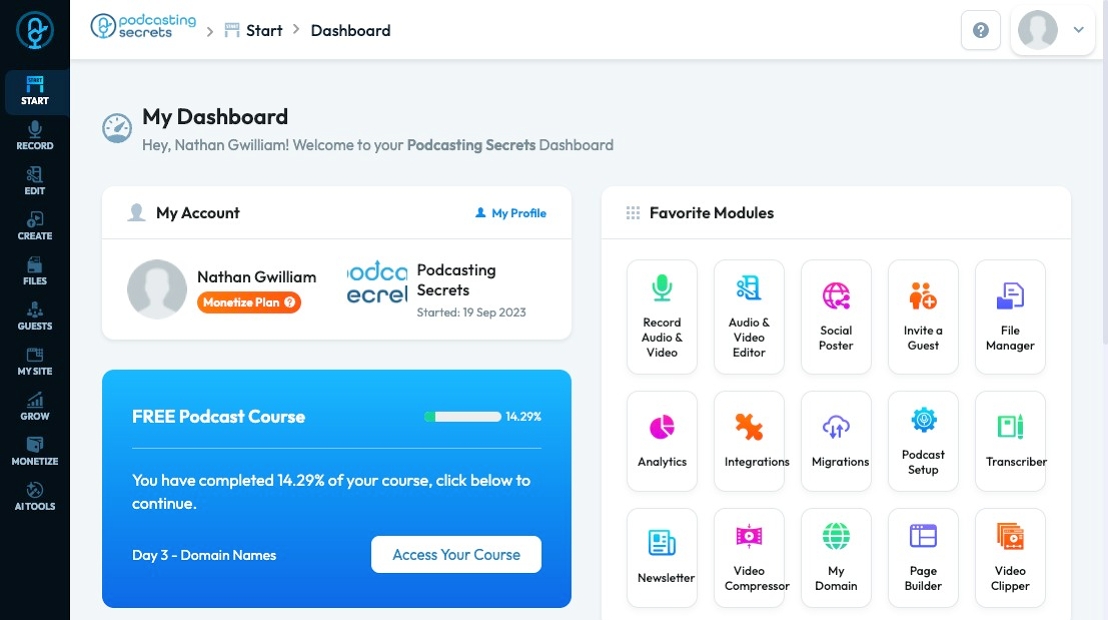
2. 1. Click "Migrations" in "Favorite Modules" on the Dashboard
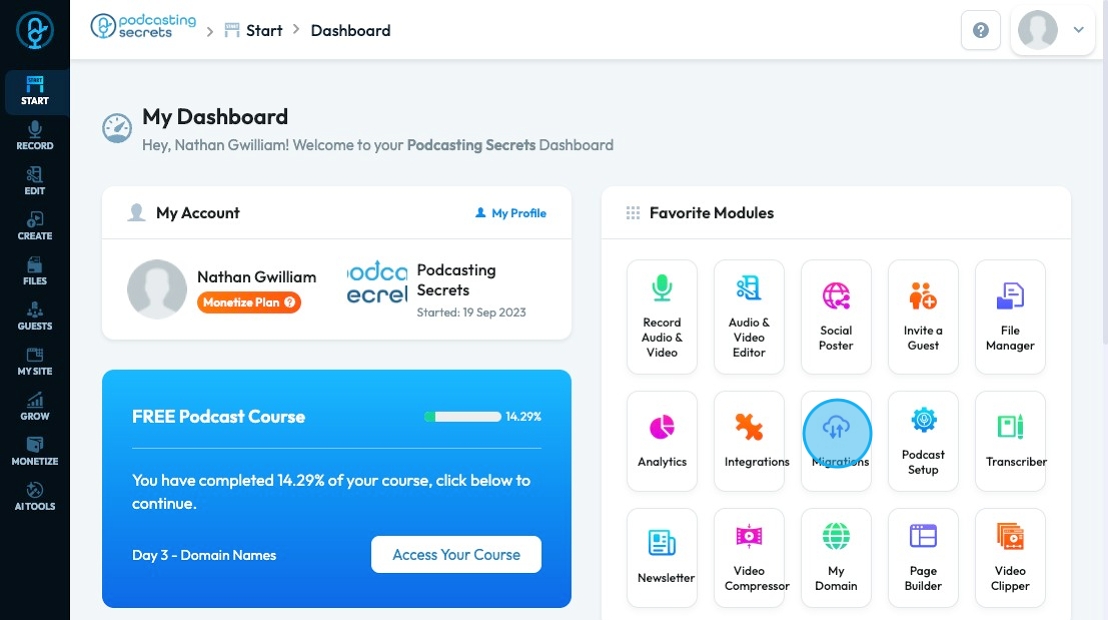
3. 2. Click "Start"
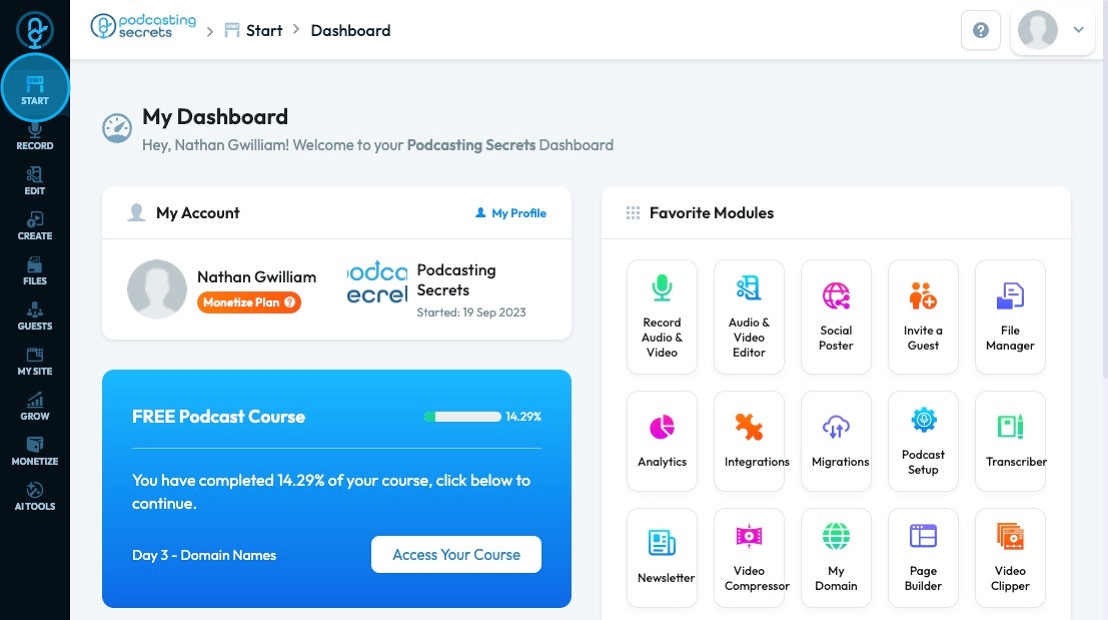
4. Click "Migrations"

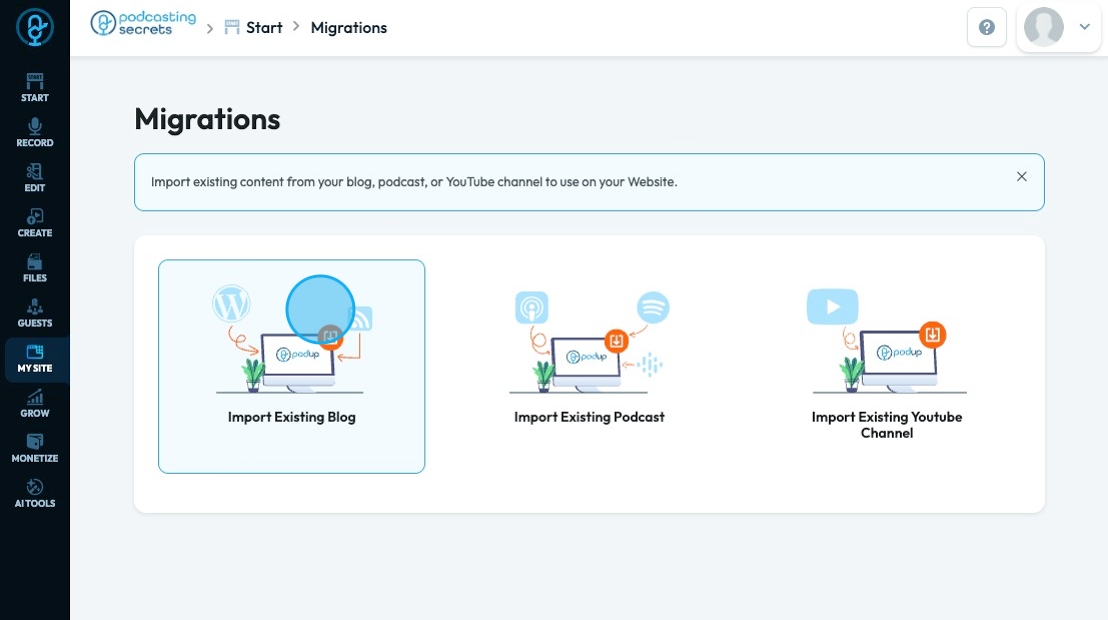
5. To import your existing blog, click "Import Existing Blog"
6. If you want to import your existing blog by Wordpress Post Import, you need
- WordPress Website URL
- Import Type - how much information you want imported from your current blog
- To agree that you own all the content
Proceed by clicking "Next"

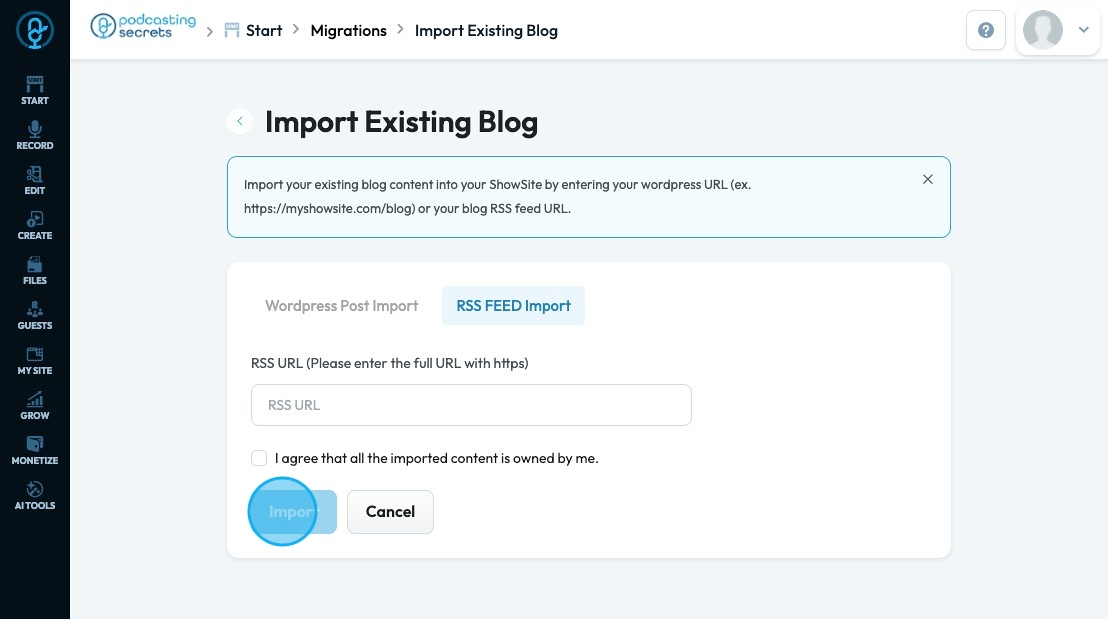
7. If you want to import your blog by RSS URL, enter the RSS URL, agree that the imported content is yours, and select "Import"
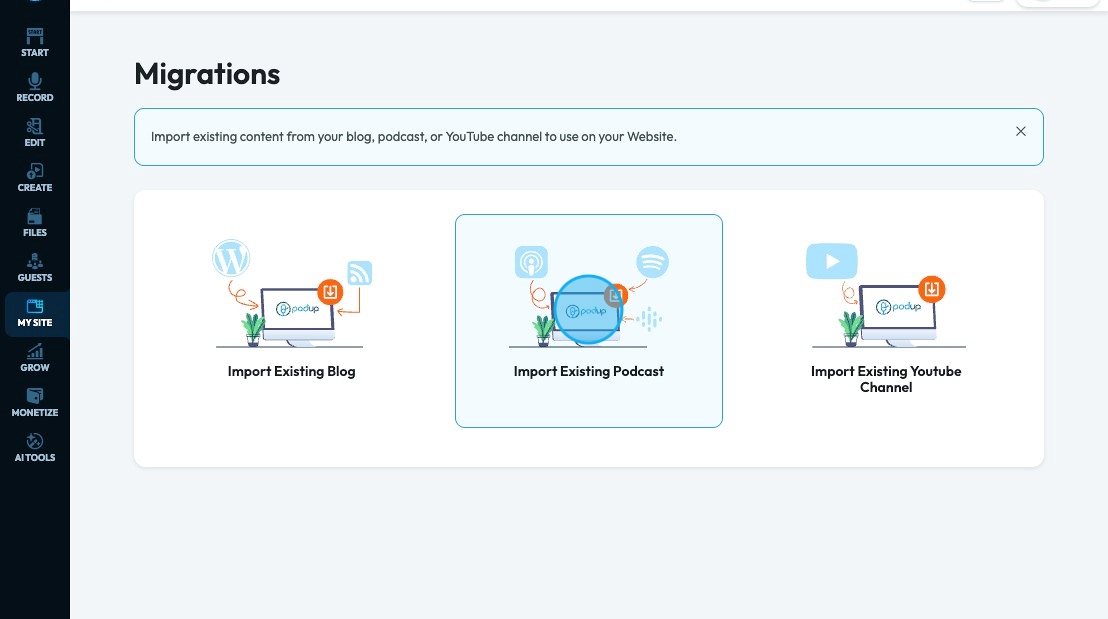
8. To import your existing podcast, click "Import Existing Podcast"
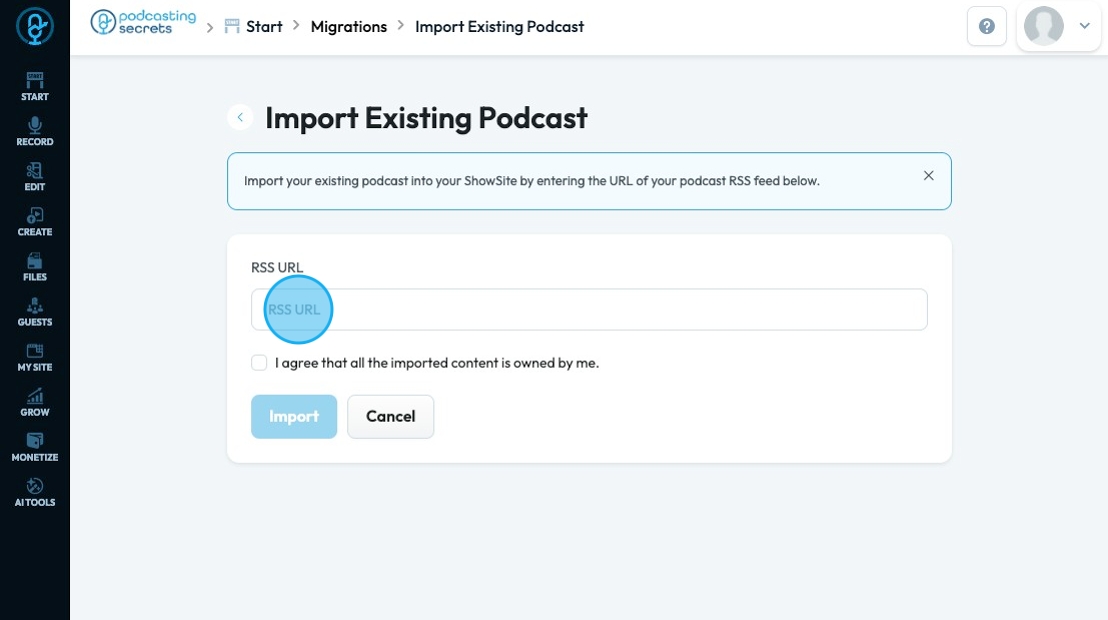
9. If you want to import your podcast by RSS URL, enter the RSS URL, agree that the imported content is yours, and select "Import"
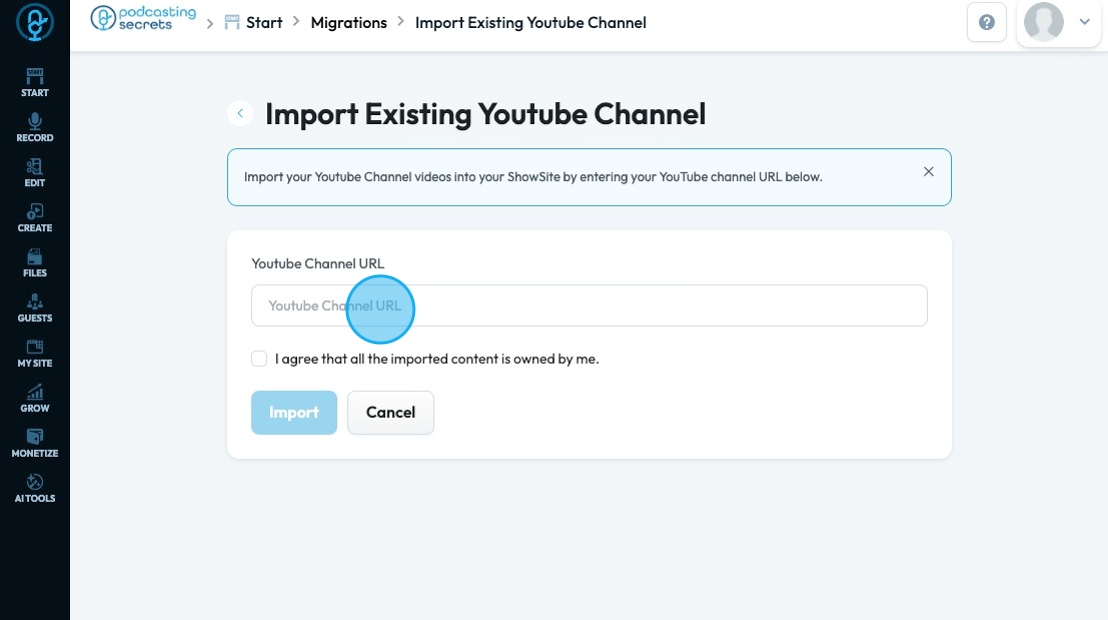
10. To import your existing YouTube channel, click "Import Existing Youtube Channel"
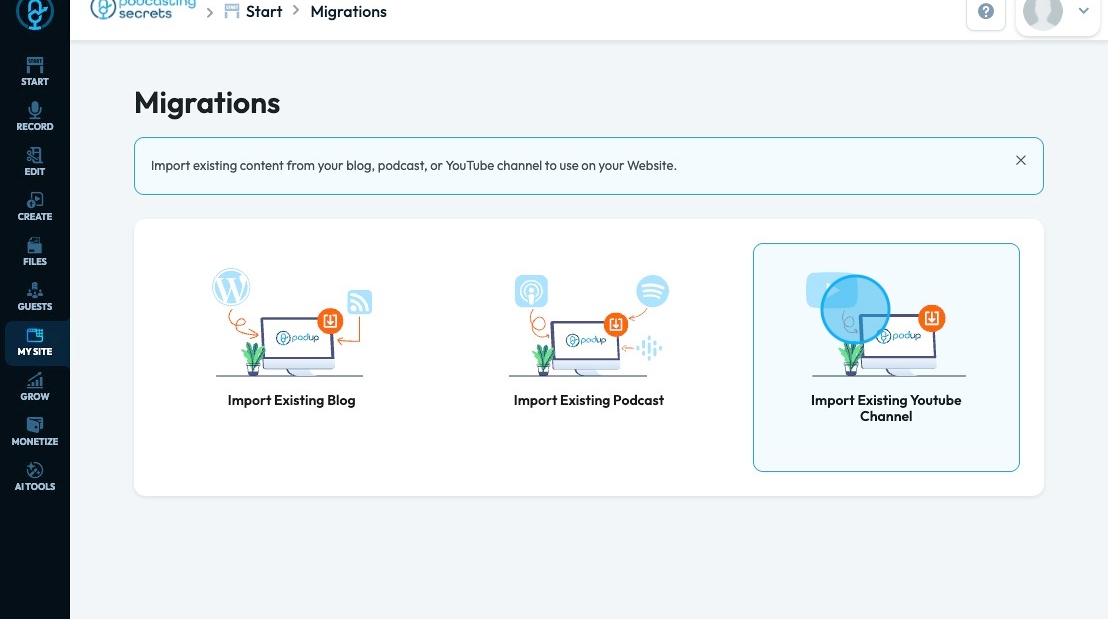
11. Insert "Youtube Channel URL" into the selected field, agree that the imported content is yours, and select import
Related Articles
How to Navigate Image Generator (Detailed)
This guide offers a straightforward process for generating AI images tailored for podcast studio setups, making it ideal for podcasters and content creators. By following the step-by-step instructions, users can easily visualize their podcast ...How to Navigate Image Generator (Detailed)
This guide offers a straightforward process for generating AI images tailored for podcast studio setups, making it ideal for podcasters and content creators. By following the step-by-step instructions, users can easily visualize their podcast ...How To Navigate Guest Settings (Detailed)
This guide is essential for anyone looking to create a customized guest intake form using PodUp's Guest Settings. It offers detailed instructions on how to navigate the platform, edit profile components, and tailor questions to fit specific needs. By ...How to Navigate Tags (Detailed)
This guide offers a straightforward approach to adding and managing tags in Podup, enhancing your content organization and discoverability. By following the step-by-step instructions, users can efficiently create, edit, and delete tags, ensuring ...How To Navigate Categories (Detailed)
This guide offers a straightforward approach to adding and updating categories on your Podup website, making it essential for users looking to enhance their site’s organization and appearance. It provides step-by-step instructions that are easy to ...